Quick roundup of major El Capitan features

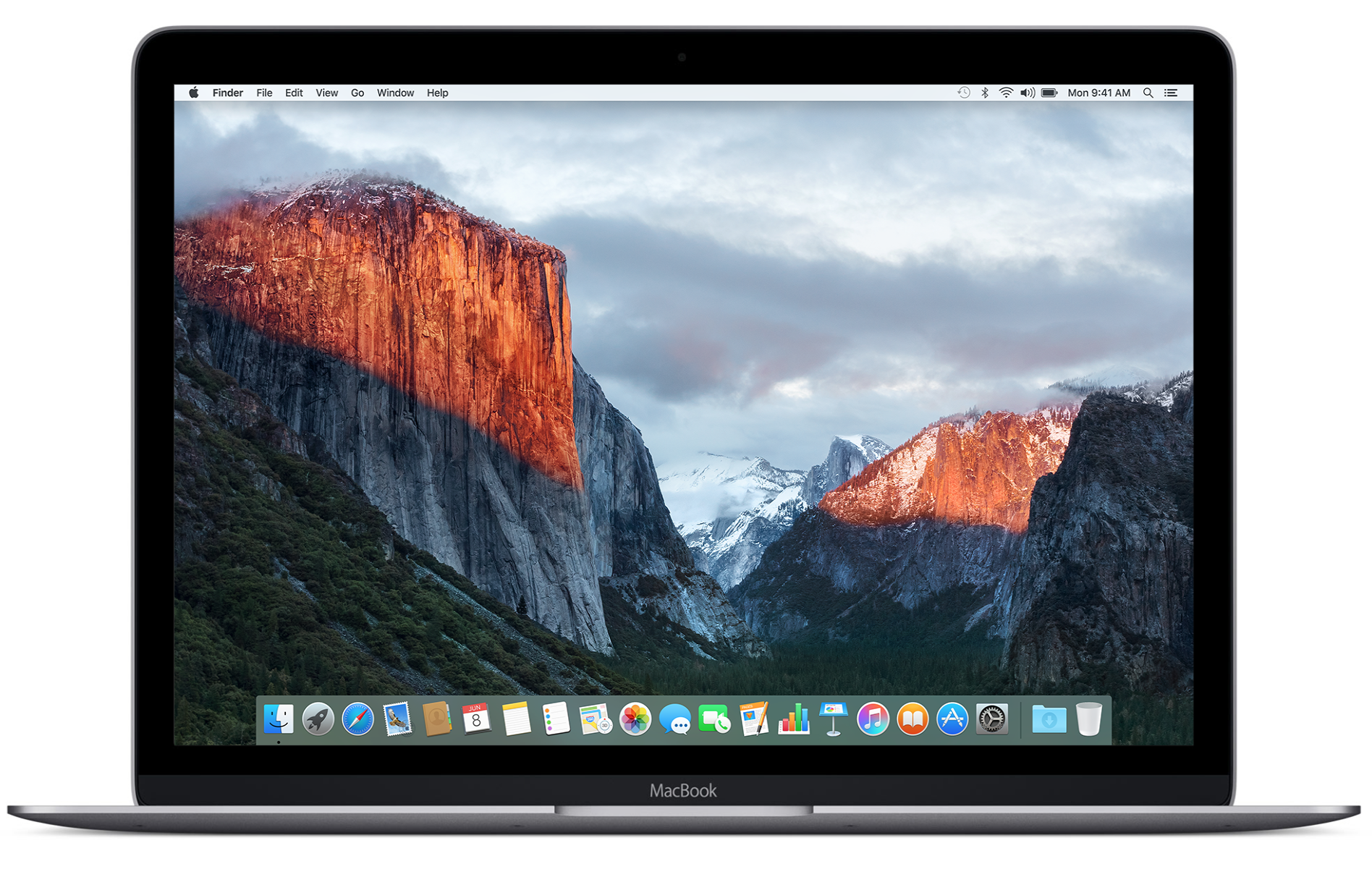
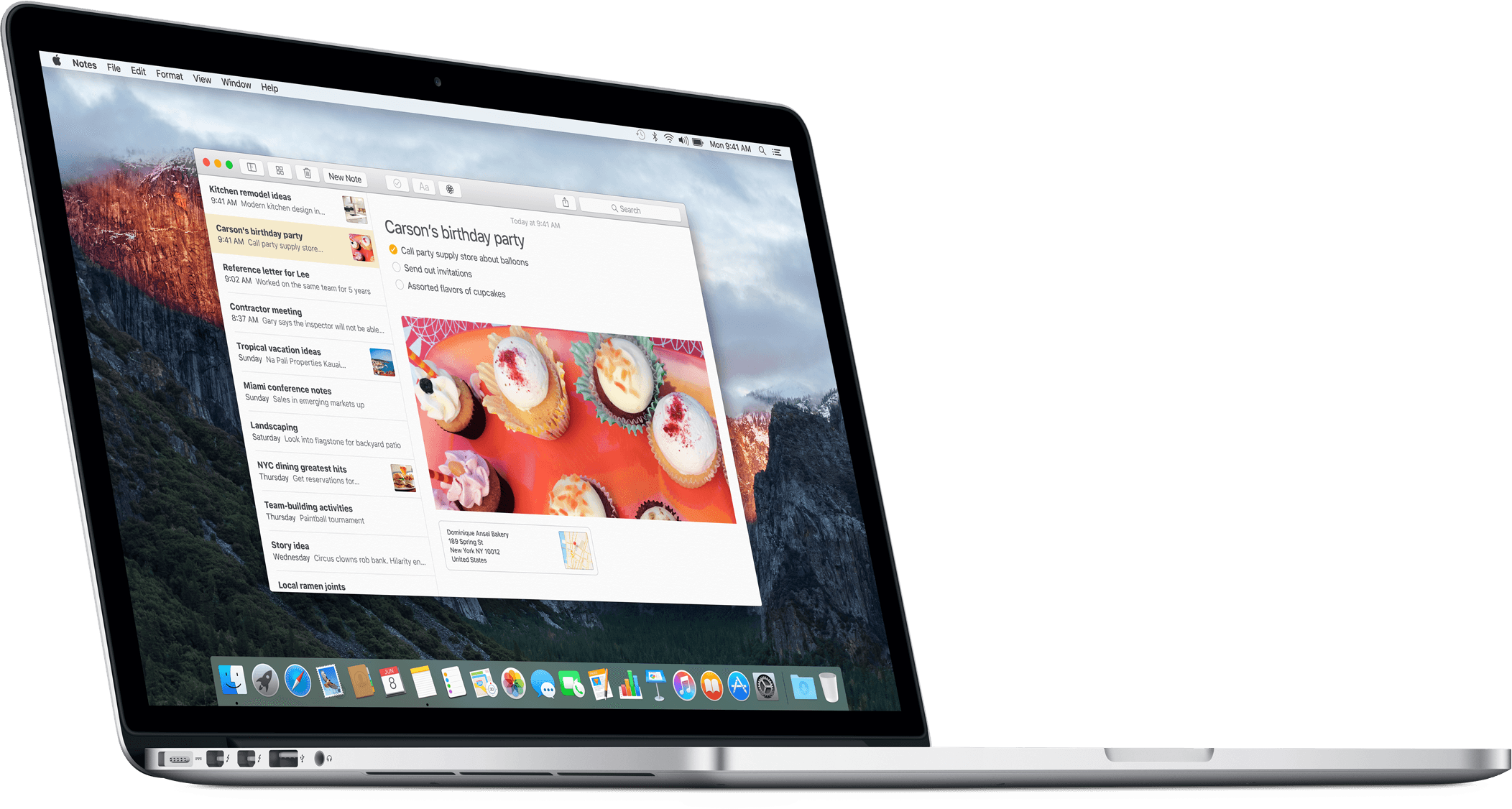
El Capitan is here and with it arrive tons of under-the-hood improvements that will make your Mac run faster and your daily computing smoother than before. Even though El Capitan is a Snow Leopard-style release focused on speed and core OS improvements, it nonetheless packs a pretty punch when it comes to user-facing features.

From a more streamlined Mission Control and a smarter Spotlight Search to more efficient multitasking in Split View mode and an all-new Notes to perfected stock apps and iOS-style gestures in Mail, El Capitan is about refinements to the already great Mac user experience and little things that are worth getting excited about.

Here's a short overview of major new features in El Capitan.
Apple brings some El Capitan features to Yosemite and Mavericks users with Safari 9.0 update

In addition to releasing the major OS X 10.11 El Capitan software update for the Mac, Apple has also posted a Safari update for Yosemite and Mavericks users. In addition to improving your privacy, compatibility and security, the Safari 9.0 update for Yosemite and Mavericks systems includes some controls found in the El Capitan edition of Apple's web browser.

These mainly include the ability to mute audio in tabs and additional viewing options in Safari Reader, but not the new Pinned Sites feature.

How to upgrade to OS X El Capitan

Now that OS X El Capitan is officially out, it's time to update. First, though, make sure you read our post on how to prepare for OS X El Capitan. It covers basic information, such as using Time Machine to backup your data.

Once you do that, it's time to download OS X El Capitan. You can do that from the Mac App Store, and like past OS X updates, it's totally free. Fire up the Mac App Store, and get to downloading!

OS X 10.11 El Capitan software update is now available for your Mac, get downloading

Keeping true to its promise, Apple today launched the OS X 10.11 El Capitan software update for the Mac. El Capitan has the same system requirements as Yosemite, meaning it should run on any Mac introduced in 2009 and later, and some models introduced in 2007 and 2008.

The software update offers several new headline features while packing in a bunch of under-the-hood refinements designed to make your Mac run faster and more efficiently than before.

If you don't see the update in the Mac App Store's Updates tab yet, give it a while as these things take time to propagate through the Interwebs. By the way, you can manually run a search for 'El Capitan' in the Mac App Store and install it from there.

OneDrive for iOS gains new command gestures and cool ways to work with PDF files

Microsoft today updated OneDrive for the iPhone and iPad, its cloud-storage client app, with several new features such as a simpler way to share things with an all-new radial contextual menu and cool new ways to work with and annotate PDF files.

For starters, you can now draw smiley faces or whatever your like on PDF files, sign documents and more. And thanks to OneDrive's newly gained Outlook integration, you can share OneDrive files as email attachments through Outlook, if it's installed.

OneDrive's Document Picker extension on devices with iOS 8 or later permits you to open your cloud files in third-party apps like Keynote and Pages. Oh, and you can now see folders shared with you, alongside your own OneDrive folders, and sync them on your computer.

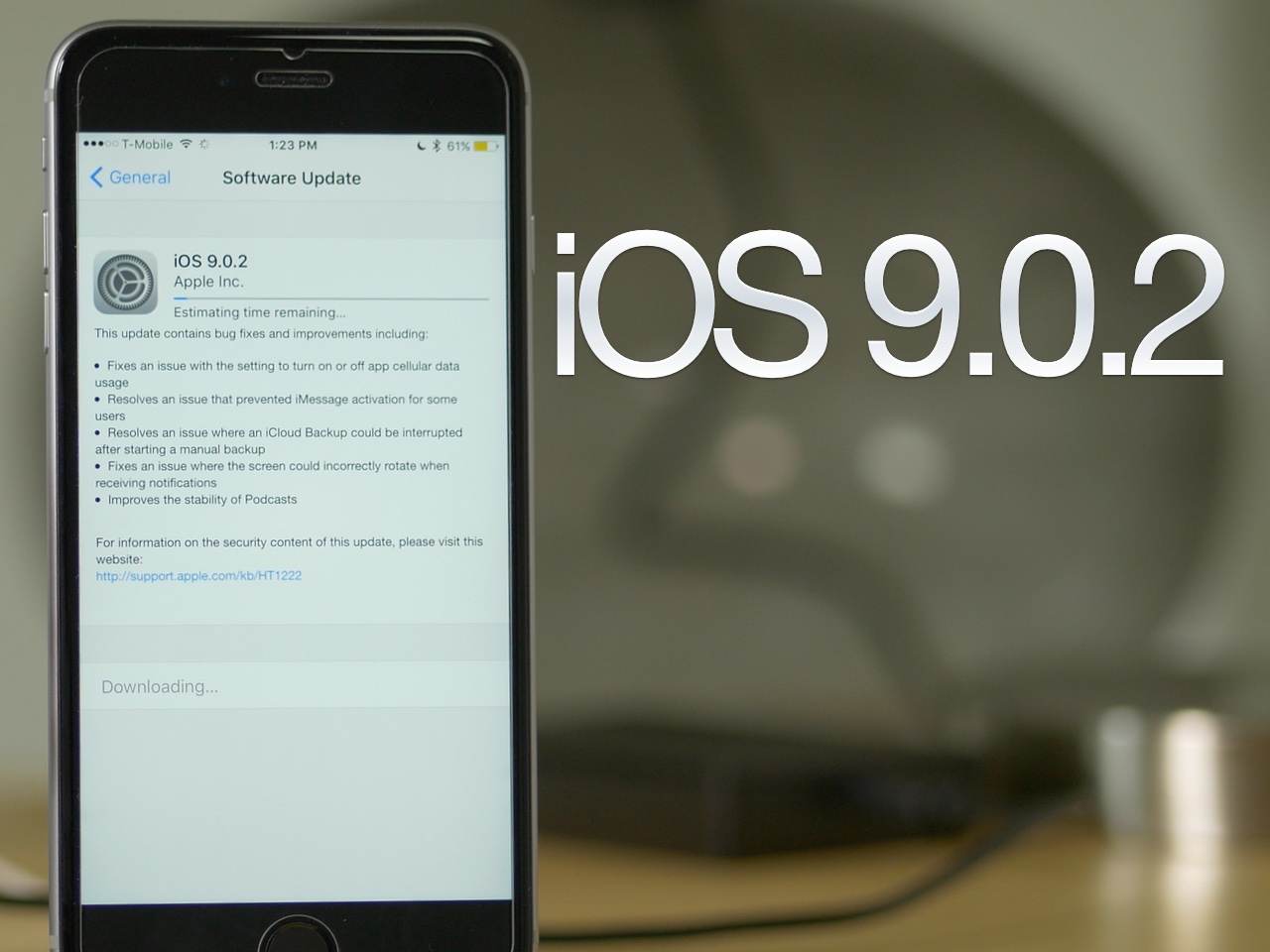
Apple seeds iOS 9.1 beta 3 to developers

Apple on Wednesday seeded the third beta version of iOS 9.1 to developers. The software is available to registered developers either over-the-air, for those running the latest iOS 9.1 beta, or via Apple’s developer website.

Today's release comes one week after beta 2 was made available to developers, and 3 weeks after iOS 9.1 was first introduced to the public during Apple's iPhone 6s event at the Bill Graham Civic Auditorium in San Francisco.

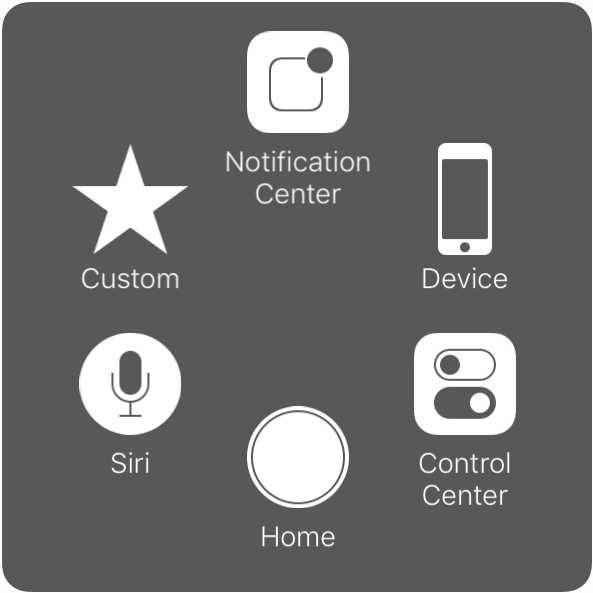
AssistiveTouch gets new customization options in iOS 9

Introduced with iOS 5, AssistiveTouch is an accessibility feature that allows people with physical disabilities to perform various tasks using alternative on-screen buttons and gestures to simplify usage of the device.

Building up on an already robust set of accessibility features for its products, Apple has introduced new customization options for AssistiveTouch in iOS 9.

Reeder 3 now available in the Mac App Store

Reeder, Silvio Rizzi's well-regarded RSS feed reading app, just received a major update for Mac, and is now available for purchase on the Mac App Store.

Reeder, which first made waves on iOS, has been a Mac App Store staple for quite some time now. The latest version, Reeder 3, is priced at $9.99, but it's a free update for Reeder 2 users.

I've been testing out Reeder 3 in beta for a few months, and I can assure you that it lives up to the hype. If you're still into RSS feeds in 2015, then there is perhaps no better app for the task than Reeder 3.

iPhone 6s Plus teardown reveals a 165 mAh battery downgrade versus last year’s iPhone 6 Plus

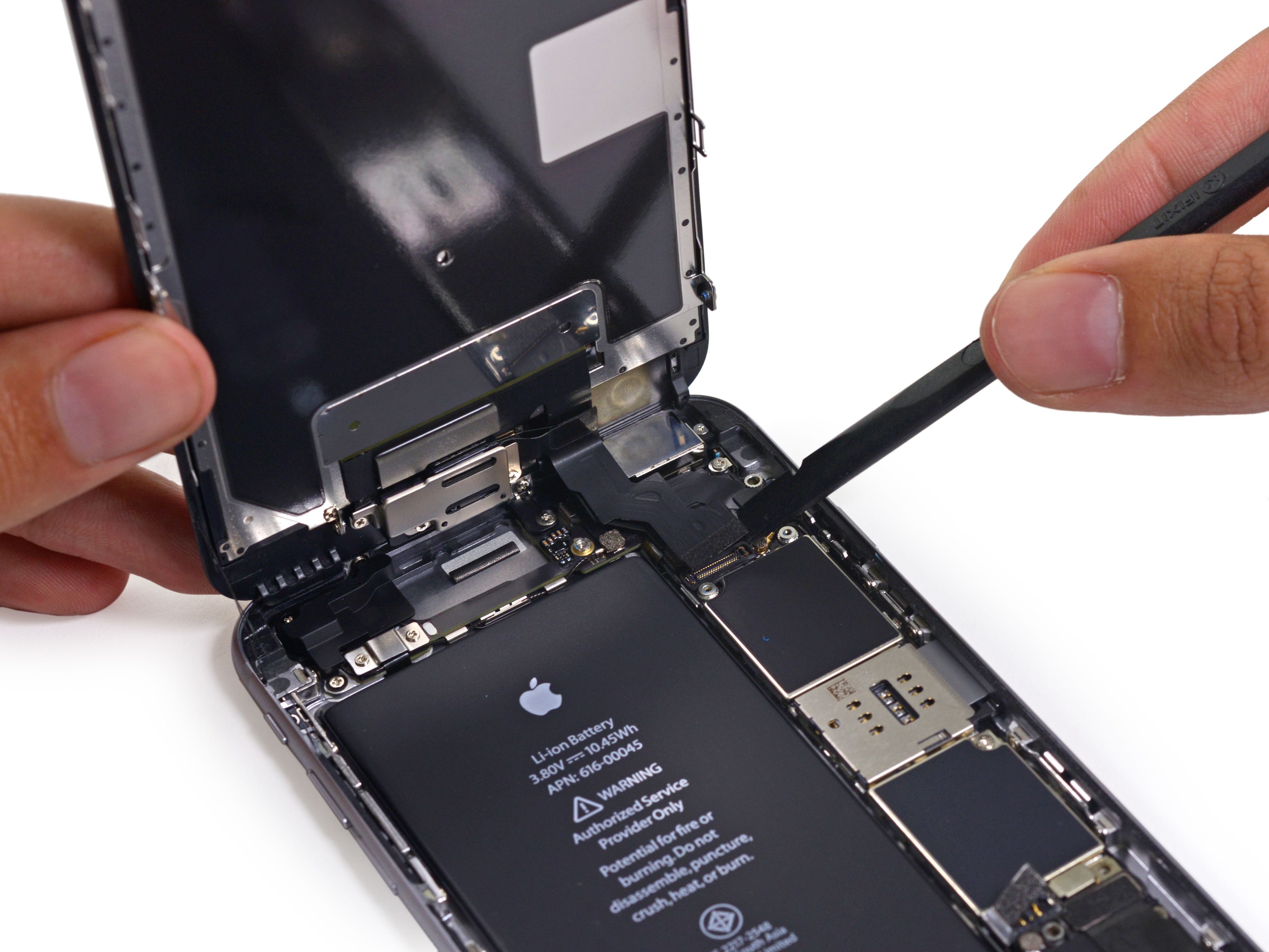
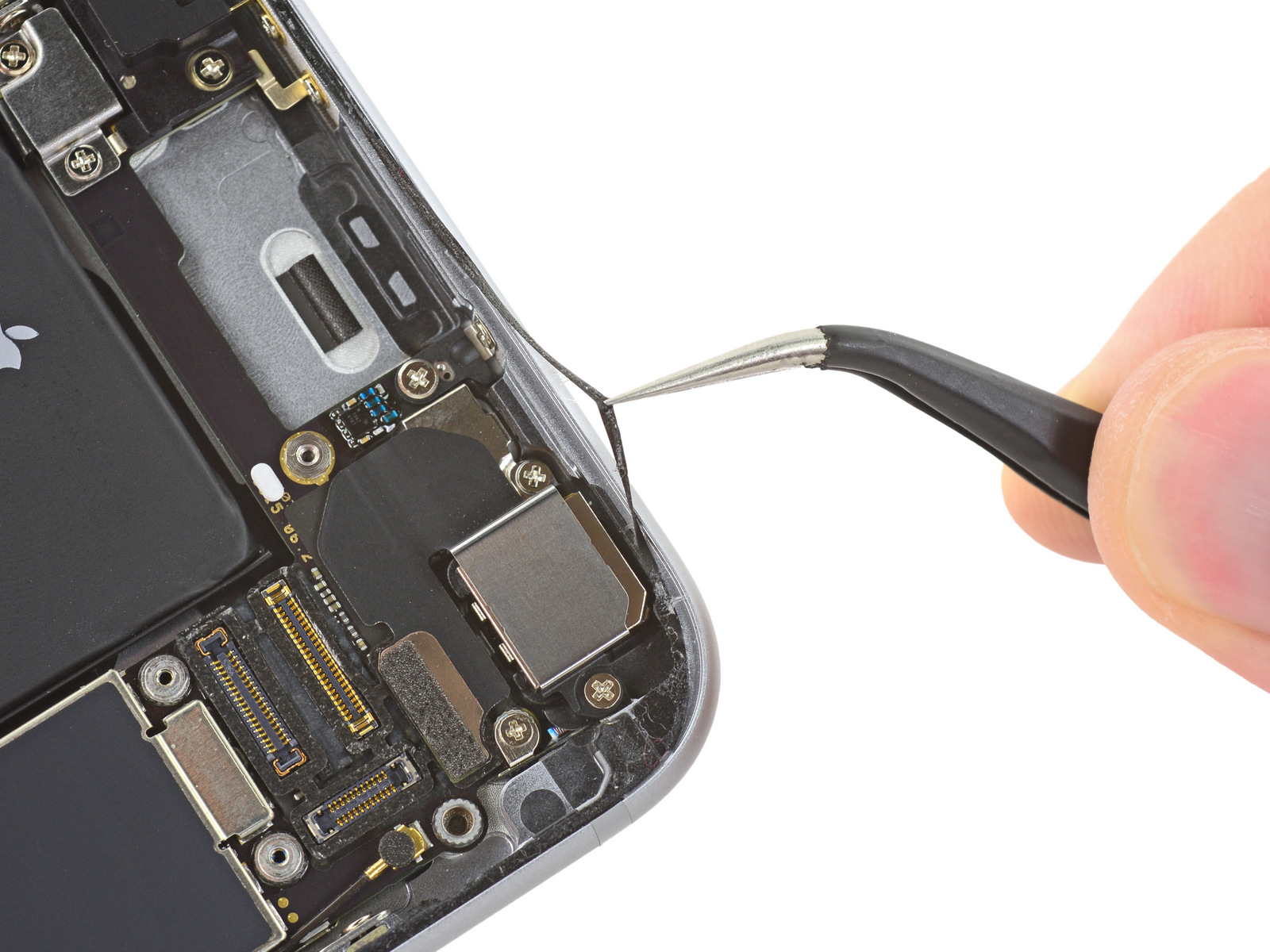
After taking apart the 4.7-inch iPhone 6s, repair wizards over at iFixit have now disassembled its bigger brethren, the 5.5-inch iPhone 6s Plus (model A1687/A1634) After popping the handset open, the iFixit team immediately discovered a largely unchanged layout from the iPhone 6 and a slightly smaller battery versus last year's iPhone 6 Plus.

In line with the rumors, the battery inside the iPhone 6s Plus is of a 2,750 mAh variety, representing a modest 165 mAh downgrade versus the iPhone 6 Plus battery rated at 3.82 V and 11.1 Wh of energy, for a total of 2915 mAh.

Viber for iPhone and iPad gains group likes, 7,000-character messages and more

Viber's free mobile application for the iPhone, iPod touch and iPad was updated earlier today in the App Store with four new features. Bumping the version number to 5.6, the new Viber for iOS lets you express yourself in a more detailed manner than before with support for 7,000 characters long text messages.

In addition, you can now like messages in group chats, forward the contents of public chats and take advantage of better video messaging features that improve your experience.

Is iPhone 6s waterproof? iFixit has the answer

So, is the new iPhone 6s waterproof or not? A lot of ink has been spilt following a video that showed an iPhone 6s surviving being submerged in bowls of water for over an hour. People have been wondering whether the poster had used Liquipel to protect their device from water damage or if Apple has in fact done something to improve water resistance of the new iPhones.

iFixit was wondering the same so they set out to put this debate to rest once and for all. So then, is the new iPhone waterproof or not? Read on to find out.