New television commercials highlight iPhone 6s camera upgrades and hands-free Siri

Less than two weeks following its iPhone 6s commercial that focused on 3D Touch, Apple's begun rolling some new ads for the handset.

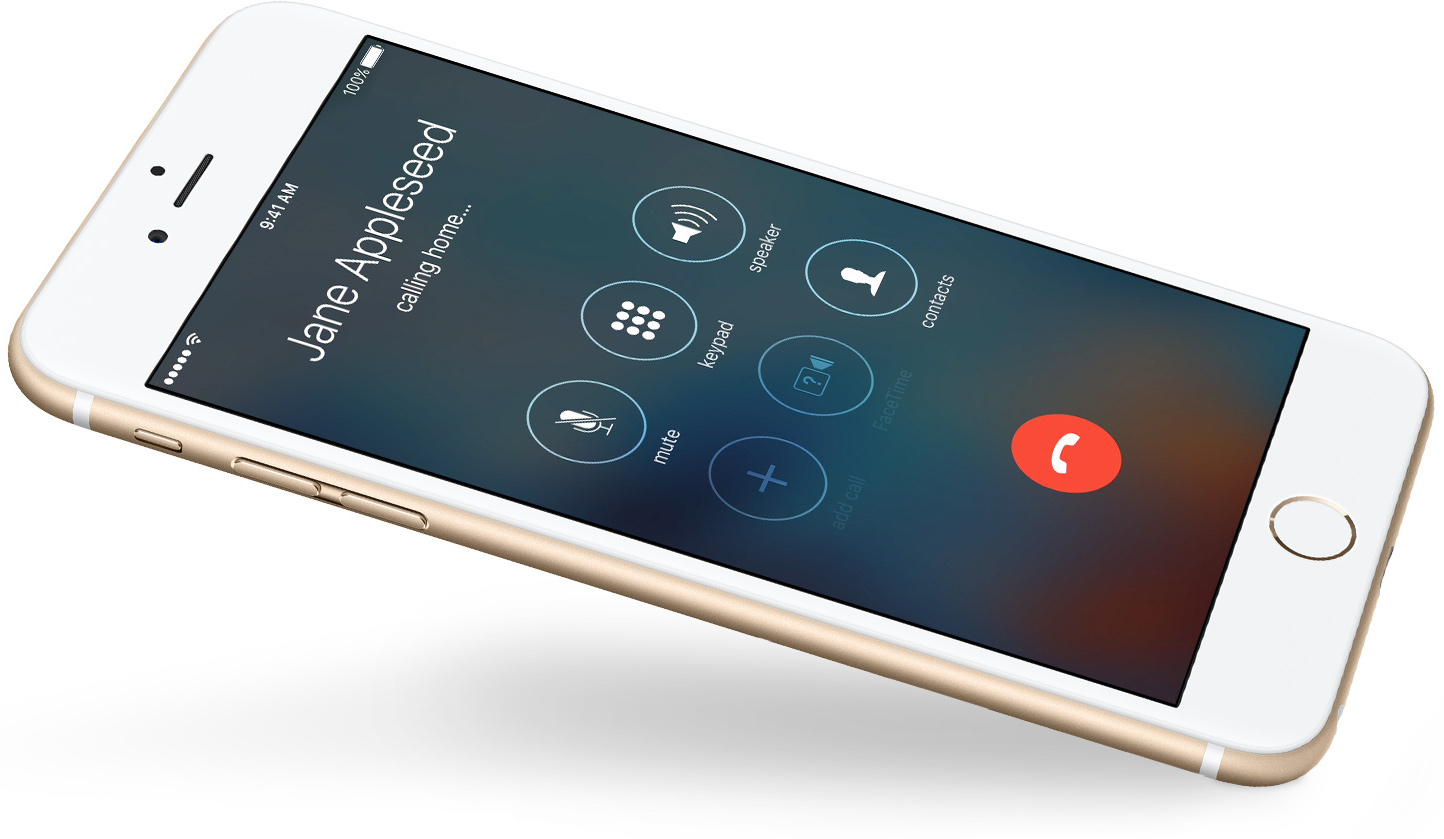
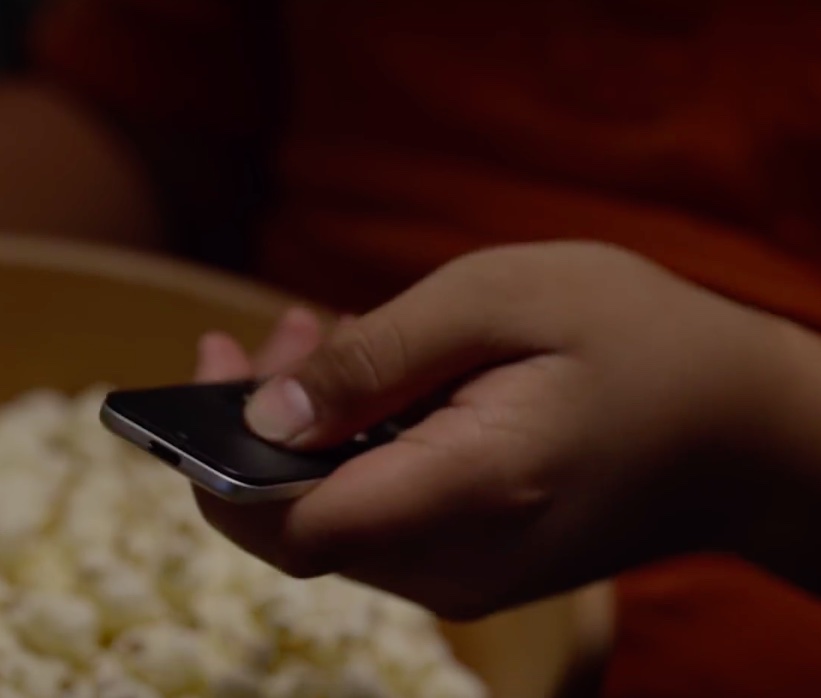
Adopting the dynamic and to-the-point format inaugurated by the previous ad, a trio of new commercials—titled “Crush,” “The Camera” and “Flip a Coin” and all starring actor and singer Jamie Foxx—showcase other iPhone 6s capabilities, like hands-free 'Hey Siri' and a variety of camera features.

Review: track how well you sleep at night with Sleep++ for Apple Watch

I was having high hopes ahead of the Apple Watch unveiling that detailed sleep analytics would be part of the headline feature set, based in no small part on the company's hiring efforts in that field.

As a blogger, my sleep is basically in disarray so I was keeping my fingers crossed that Apple's wearable would benefit my rest. Much to my surprise, the device arrived without specialized sleep-tracking functions.

But thanks to developer David Smith's nifty little app called Sleep++, I can now measure the duration and quality of my sleep thanks to the power of software.

Wallpapers inspired by the new Apple Watch TV ads

One of the more popular wallpaper categories, are those images inspired by actual Apple events, banners, website designs, and advertisements. Last week, Apple released seven new Apple Watch TV ads, promoting their popular wearable device. The ads appear to harken back to the original iPod advertising days, with great color schemes and simplistic messages.

Inside, find wallpaper inspired by 12 of the Apple Watch October campaign TV spots, by crowd favorite, Jason Zigrino. An image is ready for each of your devices.

28 new jailbreak tweaks to check out

With the release of iOS 9.1 this week, Apple officially put an end to the short life of the Pangu jailbreak for iOS 9. It doesn't mean we won't see another jailbreak from the team of hackers, but for the time being, we don't have many options: either stay on iOS 9.0.2 and keep your jailbreak, or update to iOS 9.1 and lose your jailbreak.

Despite that, developers have been hard at work pushing updates to their tweaks or releasing new tweaks in Cydia. Like every Sunday, we bring you all these new tweaks in one condensed post for you to peruse.

This week’s top stories: iOS 9.1 and jailbreak casualties

Like every Sunday, we get to take a look at some of the most popular posts that were published on iDB during the week that just ended. Whether it is a news item, a new jailbreak tweak, a tutorial, or an app review, we sum it all up in one convenient place for you.

As always, if you like what you're reading, please feel free to spread the love by sharing our posts on your favorite social network.

We're usually hanging out a lot on Twitter and Facebook, more rarely on Google+.

Don't forget to listen to the latest episode of our new podcast, Let's Talk iOS:

Subscribe on iTunes

And of course, make sure to catch up with the new episode of Let's Talk Jailbreak:

Want to support iDB? Download our iOS 8 Interactive User Guide or Yosemite Interactive Starter Guide in the iBooks Store.

How to add iOS 9.1 emoji to a jailbroken device running iOS 9.0, iOS 9.0.1, or iOS 9.0.2

The headline feature of iOS 9.1 was without a doubt the 150 new emoji characters available to emoji keyboard users. These new characters are all the rage, and rightfully so, as they bring a whole new range of emotions to the table.

But what about those of us stuck on iOS 9.0, iOS 9.0.1, or iOS 9.0.2? As you all know, Apple killed the Pangu jailbreak with iOS 9.1, so upgrading to iOS 9.1 isn't an option for those of us wanting to maintain our jailbreak.

Well, I have good news and bad news. The good news is that you can enable the emoji keyboard and send new emojis to devices capable of displaying them. The bad news is that the tweak is still a work in progress, and as such, the new emoji don't display properly in all apps.

Some apps will work fine, such as Mail, but other apps, like Messages, won't properly display the new emoji. Developer PoomSmart says that he is working on a fix for the issue, so eventually, we may have a 100% fully working iOS 9 emoji package for iOS 9.1.

In the meantime, however, this tutorial is the next best thing. Watch our video to see how it works.

Using the iPhone 6s 3D Touch display to weigh items [Video]

A new app called allows iPhone 6s users to use the device's 3D Touch input for providing relative weight comparisons between objects. Don't throw out your digital scales, because this app doesn't provide precise weights for the objects placed on the iPhone 6s' screen, but it can be handy for comparing two or more objects at once to see which one weighs the most.

Aptly titled Plum-O-Meter, which is named after the fruit that is weighed during a demonstration video, the open source app uses the iPhone 6s's 3D touch to display the weights of plums relative to the the phone's maximum possible force. Of course, you don't have to use plums, you can use apples, oranges, fingers, or any other object weighing enough that's capable of being picked up by the capacitive touch screen.

How to use 3D Touch to clear all notifications [jailbreak]

Although there aren't any stock 3D Touch actions in iOS 9's Notification Center, many feel that more could be done with Apple's new deep press recognition in this area, and perhaps we'll see some additions in future iOS updates, but for now these features are only enabled via jailbreak tweaks.

3D Touch to Clear Notifications is a new tweak that, as its name implies, allows users to firmly press in Notification Center to remove all notifications, much like the current implementation in Apple Watch's notification shade.

Apple poaches Nvidia’s director of deep learning

Apple has hired Nvidia's director of deep learning, Jonathan Cohen, Re/code reported today. As is its wont, Apple declined to comment but news of Cohen's hiring has since been officially confirmed via his LinkedIn profile, in which he states that he's been with Apple since earlier this month.

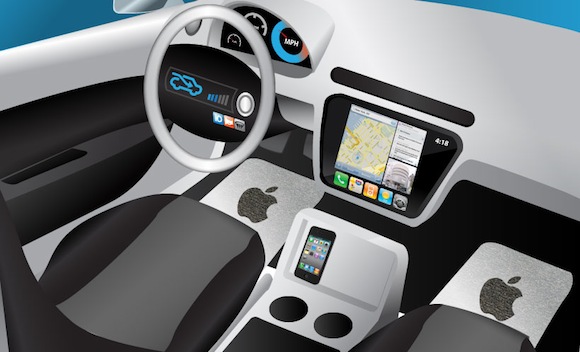
The publication speculates that Cohen might be joining Apple's autonomous car project in unknown capacity. As you know, Apple is rumored to be developing an electric or autonomous car, dubbed Project Titan.

Apps of the week: Lively, Pic Scanner, Chored, and more

This week, Apple rolled out updates across the board for Mac, iOS, Apple Watch and iTunes. Unfortunately for jailbreakers, iOS 9.1 is off limits for now. With the new updates, you'll want to see how well content performs on your various devices. If you are looking for new apps and games to push your device to its limits, check out our weekend app list below.

AmazonBasics Retractable USB cable saves space, avoids tangles

This past weekend, as I packed for a road trip, I crammed my overnight bag full of clothes, toiletries, gadgets, and cables for all of my various devices. My side pocket looked like a robot spider had spun a USB web. It was a mess.

AmazonBasics' Retractable USB Cable would have saved me a lot of hassle. It stretches to two feet in length, but when closed up, fits neatly into small compartments so you don't have a tangled mess to deal with when you unpack.

Want to jailbreak? Upgrade to iOS 9.0.2 before it’s too late

If you're at all interested in jailbreaking your iPhone, iPad, or iPod touch, then time is running out to do so. As we reported earlier in the week, iOS 9.1 kills the Pangu jailbreak, and as such, it's only a matter of time before Apple closes the door on the iOS 9.0.2 signing window.

What does this all mean? It means that once the signing window is closed, you will no longer be able to upgrade or downgrade to iOS 9.0.2, the last available firmware that happens to be susceptible to the Pangu jailbreak for iOS 9.

Apple generally closes a signing window for a previous version of iOS not long after a new version is released—we're talking about a week. With this in mind, it's imperative that all who wish to jailbreak get on iOS 9.0.2 as soon as possible. Don't lollygag and don't procrastinate, lest you feel regret.