Beam is a media-focused Reddit client that’s worth checking out

I'm not what I would consider a typical Reddit user. I don't belong to any Subreddits, I don't think I've ever posted anything, and I've only voted on a handful of articles. I really just use the site's FrontPage as a source of news, cute puppy pictures and the occasional funny video.

As you can imagine, most iOS Reddit clients—like Alien Blue—are overkill for my needs, so a few months ago I set out to find an app with a specific focus on media and browsing. I believe I found that app in "Beam for reddit," so I figured I'd take a few moments to share it with you.

Inside Apple: Charlie Rose interviews Tim Cook, Jony Ive, Angela Ahrendts, Phil Schiller, and more

CBS has posted video of its Inside Apple interview conducted by 60 Minutes' Charlie Rose. The interview encompasses a wide range of subjects such as Apple's design studio activity, following Steve Jobs, the success of the Apple Watch, China, and much more.

True, most of the content consists of softball questions, and there's really nothing new to be gleaned here that we didn't already know. Still, it's a highly-calculated, yet nevertheless interesting, look inside Ive's design studio, Apple management meetings, and other behind-the-scenes clips. In other words, if you're a fan of Apple, it's basically must-see TV.

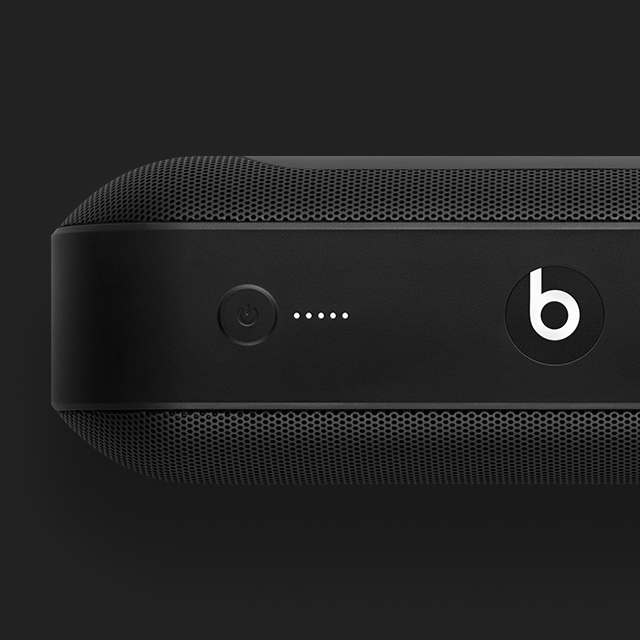
Apple’s recently released Beats Pill+ Wireless Speaker on sale at Best Buy for nearly $100 off

When it comes to deals, Best Buy is far and away the spot that you want to be this winter. I'm never one to get caught up in so-called deals, and generally find them to be a bit underwhelming, but there's no denying that you can rack up some significant savings by shopping for Apple Products at Best Buy this year.

One of the latest examples of the insane savings that can be had at Best Buy is with Apple's recently released Beats Pill+ speakers. These speakers retail for $229.95, but you can score one today for $92 off at only $137.99. That's a huge savings, especially for an Apple product that was just released.

An iOS 9.2 jailbreak is in the works, according to TaiG partner

Not only is an iOS 9.2 jailbreak in the works, but it could be here sooner than you think. That all, according to 3K Assistant, a long-time TaiG jailbreak partner. 3K Assistant is the same name of the utility that we always recommend unchecking on TaiG jailbreaks, because it usually has links to pirated content and just seems shady overall.

According to a report by Stephen Chan, who's reported on jailbreaking accurately in the past, 3K Assistant has announced that a jailbreak for iOS 9.2 is coming soon via the Chinese microblogging site Weibo.

How to easily share GIF animations on Mac with GIF Keyboard

The name "GIF Keyboard" is a bit of a misnomer for the Mac version of the popular GIF sharing utility. While the iPhone version of the app truly does work as a third-party keyboard on iOS, there is no such implementation on Mac, despite it retaining the same name.

Unlike the iOS version, GIF Keyboard runs in the menu bar on OS X, but the end result—the ability to quickly and efficiently share GIF animations with friends—is largely the same.

Released back in late October, GIF Keyboard was selected by Apple as one of the best new Mac apps for 2015. Even better is the fact that it's available for free on the Mac App Store.

How to add Panorama and Time-Lapse 3D Touch shortcuts to the Camera app

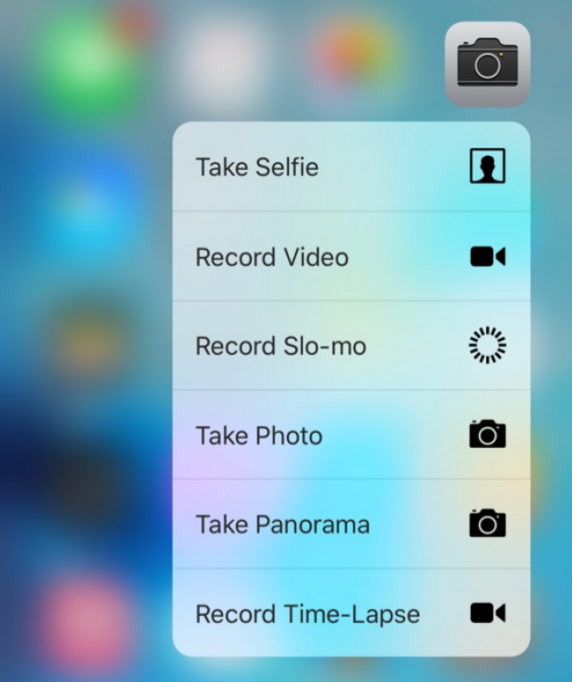
By default, the stock Camera app features four 3D Touch quick action shortcuts: Take Selfie, Record Video, Record Slo-mo, and Take Photo. One of the reasons that only four shortcuts are displayed, is because 3D Touch quick actions are limited to up to four items.

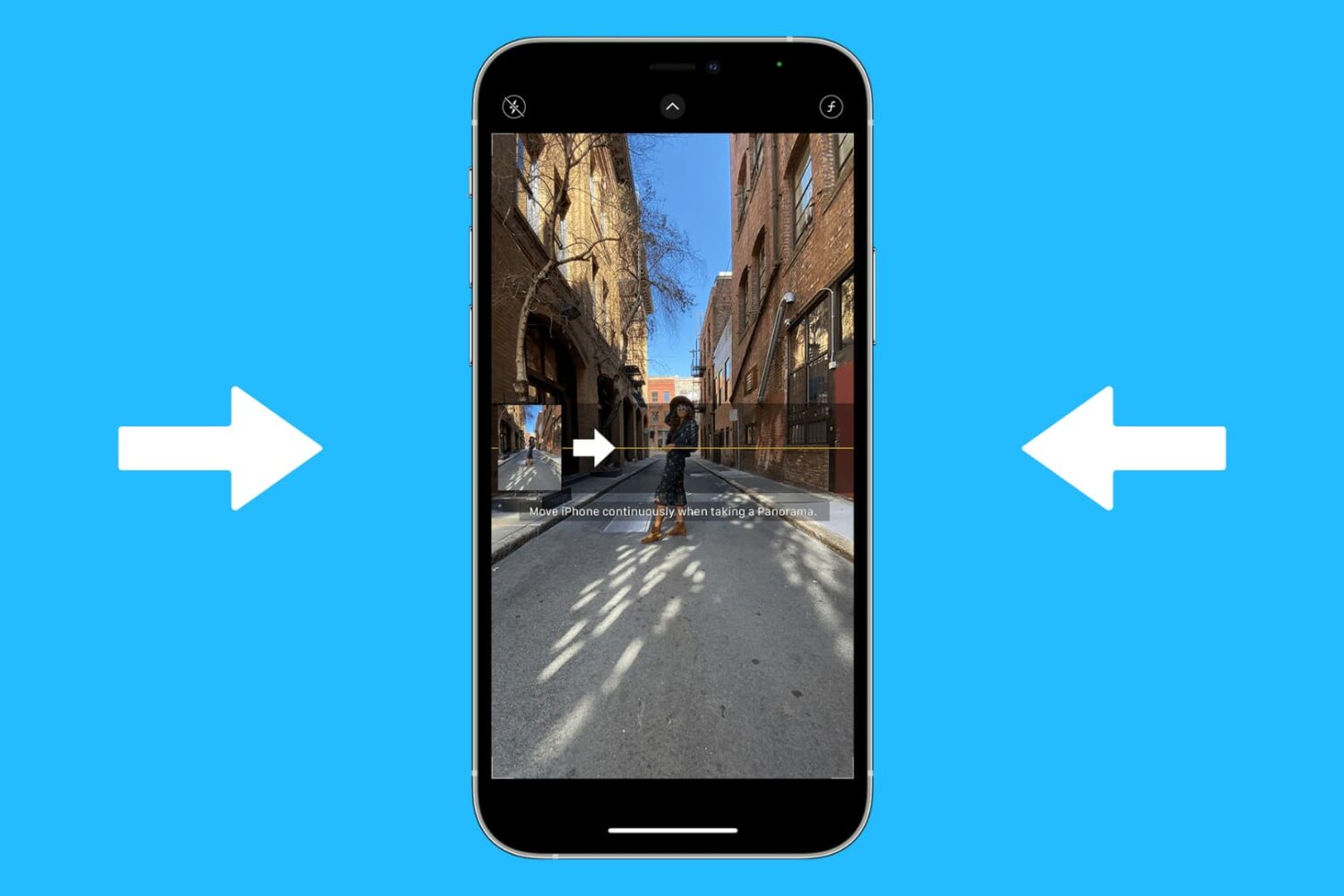
A couple of new tweaks from developer PoomSmart help to increase this threshold and add two new shortcuts to the stock Camera app. UnlimShortcut is a jailbreak tweak that expands the amount of quick action shortcuts available for use with any app, effectively removing the four shortcut limit. A second tweak, CamTouch, is the tweak that actually adds the two additional shortcuts to the stock Camera app specifically.

Winterized wallpapers for iPhone and Apple Watch

As we roll into the final parts of the year, the weather is beginning to cool down, at least for the northern hemisphere. With the cold weather comes Christmas and snow. Winter is my favorite season and, not coincidentally, my favorite weather related wallpaper.

Inside we have a set of new wallpapers by crowd favorite, @AR72014. Additionally, there is a curated list of previous year's wallpaper posts, featuring winterized selections. Step below the fold for your latest Wallpapers of the Week downloads. 

Skitch for iOS, Clearly and Evernote for Pebble to be discontinued on January 22

Evernote earlier in the week announced discontinuing Skitch for iOS, Windows, Windows Touch and Android. Skitch is a free app for annotating and marking up photos and documents. On OS X, Evernote will continue to offer and support Skitch, a free download in the Mac App Store.

In addition, the company also plans on winding down Clearly, a browser extension for simplifying online articles to make them more readable, as well as Evernote for Pebble.

Skitch, Evernote for Pebble and Clearly will be provided in the App Store by January 22, 2016, after which they will no longer be available for download.

How to frame and shoot photos directly from the Home screen using 3D Touch [jailbreak]

One of the perks of having a jailbroken iPhone 6s is that you can combine 3D Touch with many of the newest jailbreak tweaks to come up with unique new features. One such feature, the ability to frame and take photos directly from the iOS Home screen, is made possible using a jailbroken iPhone 6s and a recently released tweak.

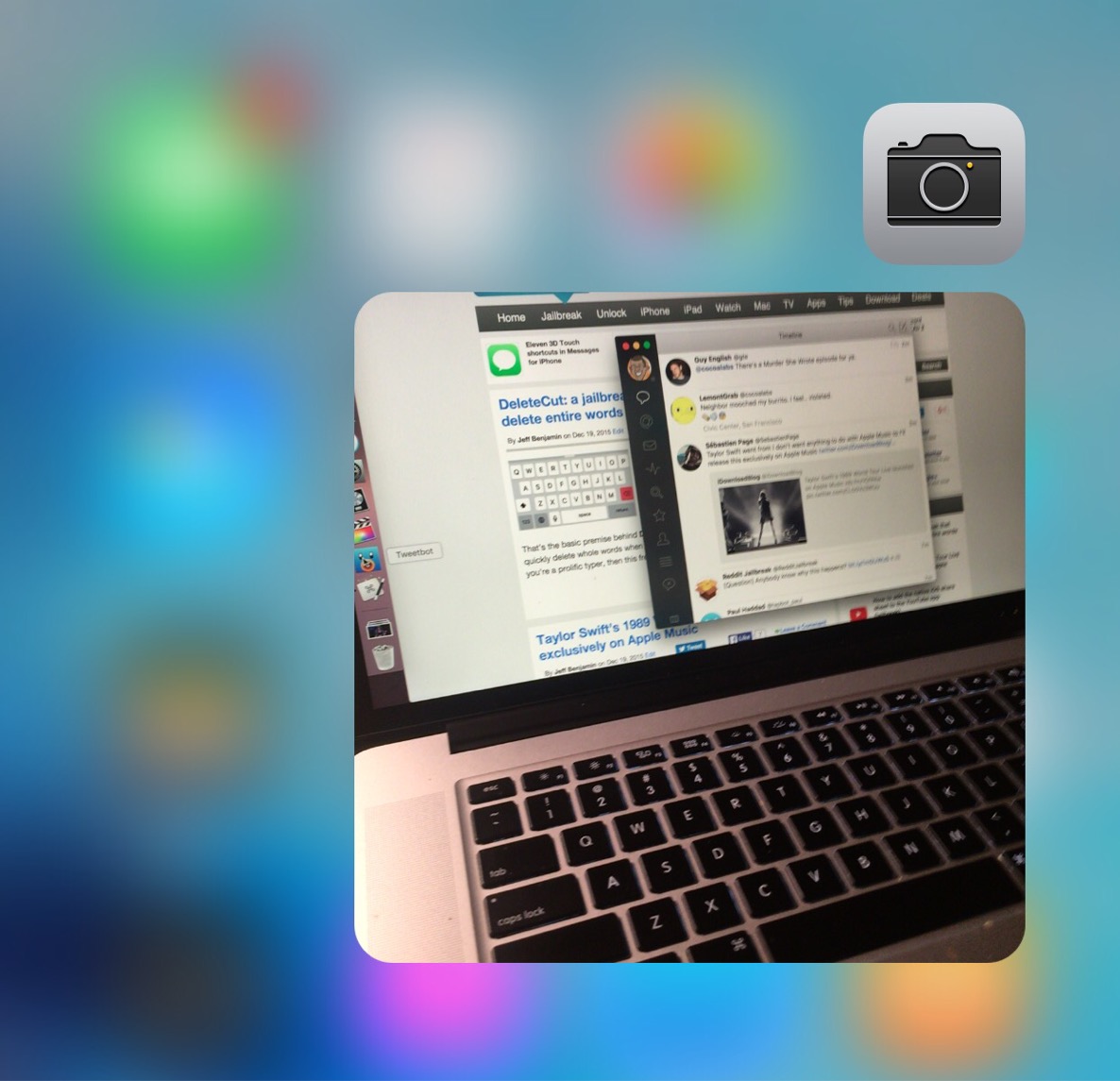
The tweak is entitled Point-And-Shoot, and it is capable of enhancing the stock 3D Touch shortcuts for the Camera app with a live camera viewfinder placed right on the Home screen. You can then use the Home screen viewfinder to frame your shots and snap photos on the fly.