Brydge launches backlit keyboard cases for iPad Pro and iPad mini 4

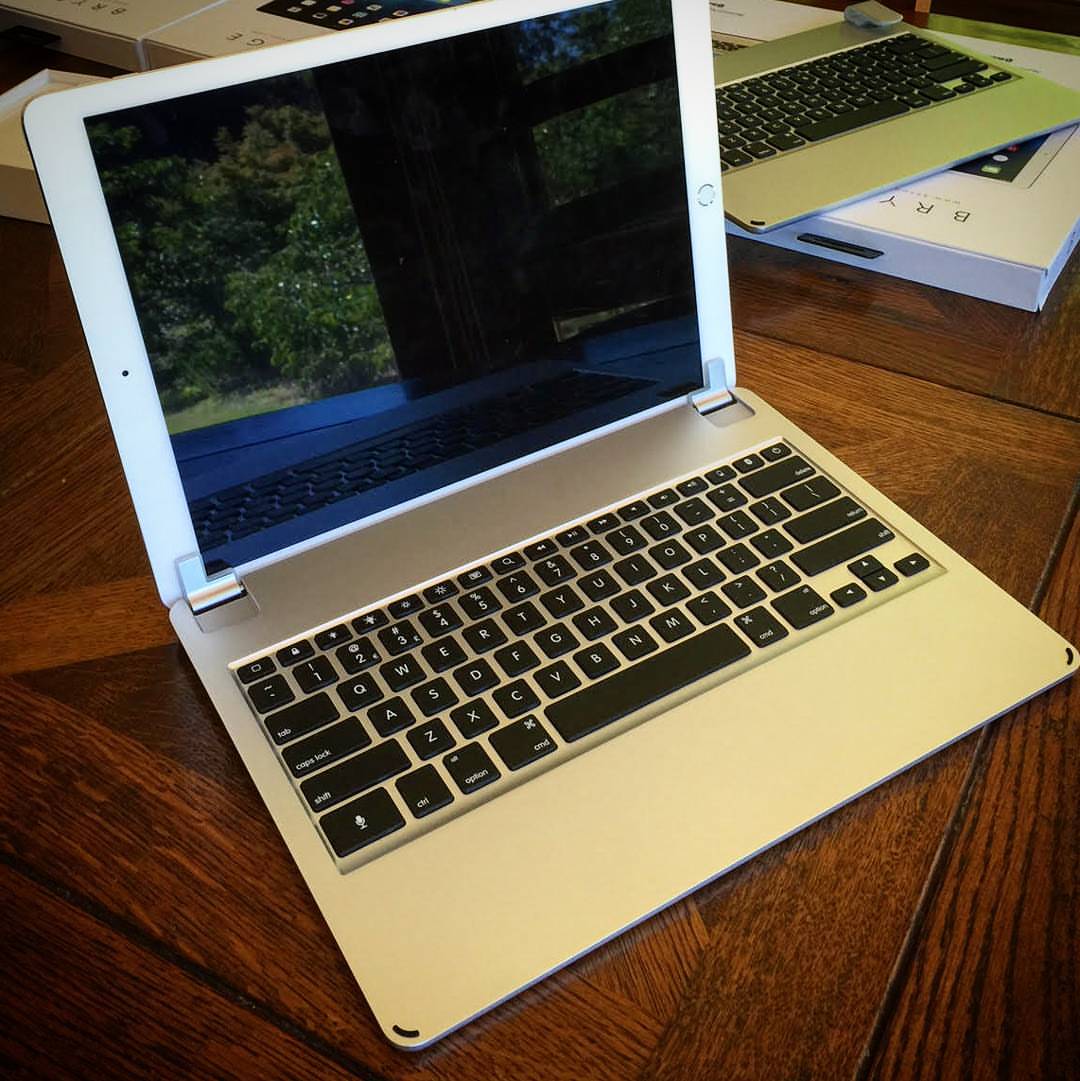
Accessory vendor Brydge launched at CES 2016 in Las Vegas a pair of brand new clamshell backlit keyboard cases for Apple's super-sized iPad Pro and the fourth-generation iPad mini.

Both the aluminum-clad $189 BrydgePro for iPad Pro and the $99 BrydgeMini for iPad mini 4 have rechargeable three-month batteries, sport backlit keys akin to those on MacBooks, offer Bluetooth connectivity and have a multi-angle hinge mechanism for folding them into a clamshell-like appearance.
Apple seeds iOS 9.2.1 beta 2 to developers

Less than three weeks after releasing the first beta of iOS 9.2.1, Apple on Monday seeded iOS 9.2.1 beta 2 to its registered developers. The software is also available to public beta testers who are signed on Apple's Beta Software Program,

The new pre-release software has a build number of 13D14 and can be applied over-the-air on iPhones, iPads and iPods running a prior beta via Software Update.

A standalone firmware download is available to members of the Apple Developer Program through the company's official portal for developers.

New MacBook-friendly USB Type-C monitors announced

It looks like USB Type-C will be one of the big stories of CES 2016. The USB Type-C connector found on the 12" MacBook makes it possible to transfer data and display content on a monitor, and at the same time provide power to the MacBook as well.

Having a USB Type-C equipped monitor basically allows said monitor to function as an all-encompassing docking station for the 12" MacBook. With a single cable, you can provide data transfer, monitor connectivity, and power.

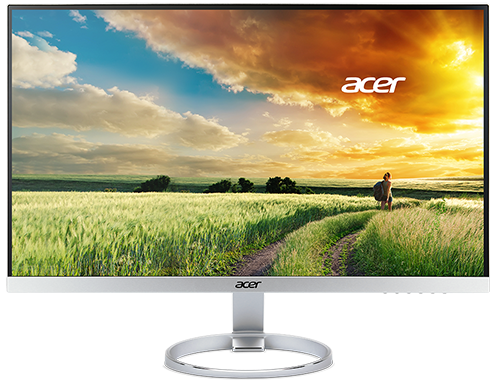
Today, Acer has announced a new line of monitors sporting the H7 series moniker. These monitors are among the first displays to sport USB Type-C connectivity, and when you think about the implications, it's a very big deal for MacBook owners.

Griffin’s new USB-C power cable brings MagSafe charging to 12-inch MacBook

Apple's twelve-inch MacBook is one hell of a laptop in terms of portability, build quality and features, but some people are fretting over its limited expandability. With just one USB-C port, folks who wish to connect more than one accessory to the notebook must buy pricey USB-C adapters.

Sadly, the adoption of USB-C on the one-port MacBook has also meant nixing Apple's tremendously popular MagSafe adapter.

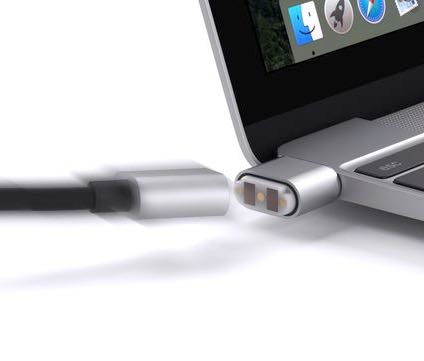
If you're concerned about sending your notebook flying by accidentally tripping over its USB-C charging cable, Griffin has a solution for you in the form of a newly announced charging cable that brings MagSafe-like technology to the new MacBook.

How to temporarily hide iOS 9’s stock app icons, no jailbreak required

Aside from disabling the iTunes Store, iBooks Store and Podcasts apps on your iPhone, iPod touch or iPad using iOS's Restrictions feature, Apple doesn't yet provide an officially sanctioned way of removing stock apps from your Home screen.

This can be particularly annoying for people who rely on third-party alternatives to Apple's default apps like Reminders, Maps or Calendar.

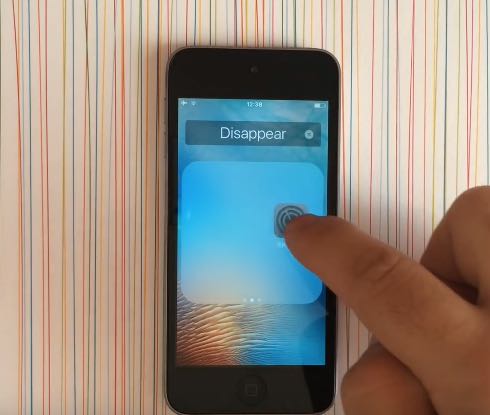
My preferred way of working around this limitation involves tucking away any unwanted stock app inside a “Junk” folder. Thankfully, YouTubber Jose Rodriguez has found a better way to temporarily hide icons of Apple's stock apps on iOS versions from iOS 9 onward using a simple trick that doesn't require a jailbreak.

App Store acting up and not showing updates correctly? Try this workaround…

Have you experienced an annoying hiccup in the App Store where it shows that one or more apps need updating but you can't actually apply the updates? Or perhaps the App Store's icon on your iPhone, iPod touch or iPad's Home screen is showing a badge even though you've just successfully downloaded all app updates?

I first noticed this odd behavior back in the summer and thought it was a temporary problem that would get fixed soon, but it persisted. As it turns out, this is a caching issue that can be easily circumvented with a simple, cool trick.

Grab Colorburn camera app, Apple’s latest Free App of the Week

Following iTunes holiday freeze, Apple has now discounted Colorburn camera app to $0 as part of its regular Free App of the Week promotion in the App Store. With more than a thousand filters to choose from, an easy to use interface and advanced features like split photography, this app lets you experiment with different looks for your photos to your heart's desire. Colorburn for iPhone, iPod touch and iPad is available free until next Thursday.

Ford announces CarPlay availability for all Sync 3-equipped 2017 vehicles

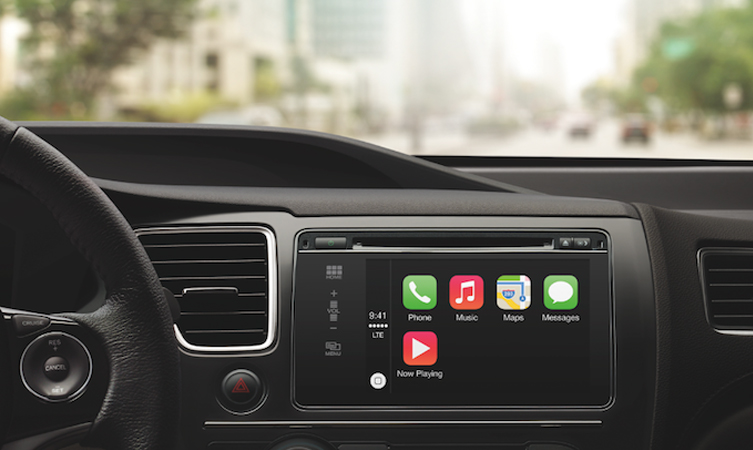
CarPlay has slowly gained momentum over the last few years, but 2016 might be the year when it really breaks into the mainstream. That's because Ford has announced that all of the Sync 3-equipped cars in its 2017 North American lineup will feature CarPlay as an option.

Ford is offering CarPlay as a part of its Sync 3 infotainment package. Sync 3, at least in the current 2016 lineup, is an available add-on, but every new 2017 Sync 3-capable Ford will at least have the option of being equipped with CarPlay.

How to add a progress bar to the respring screen on jailbroken devices

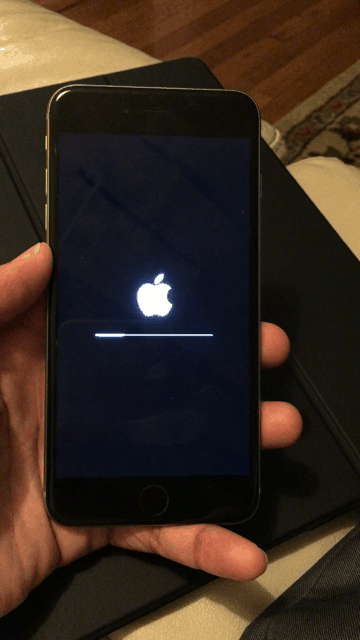
RespringProgress is a new jailbreak tweak from Ethan Arbuckle that places a progress bar on the respring screen. This is the same black screen where the white Apple logo resides after performing a respring post jailbreak tweak install, or after invoking respring-oriented jailbreak tweaks. Have a look at our GIF animation to see how it looks in action.

Vote for iDB in the 2015 Jailbreak Awards

This is kind of cool. Jailbreak community members have teamed up to create the Jailbreak Awards of 2015. The awards are selected by you, the community, in categories such as best legacy jailbreak tweak, best theme, best website, etc.

The end/beginning of the year is always a great opportunity to reflect on the prior year's accomplishments. In fact, we presented our own 2015 tweak of the year list just last week.

Be sure to vote for iDB in this year's jailbreak awards. It's a great opportunity to show your appreciation for all of the jailbreak coverage here at iDB.

The best reader-submitted wallpapers

iDownloadBlog's Wallpapers of the Week section is, surprise, a weekly posting of fresh wallpapers for your favorite iOS devices, most notably the iPhone. The curated section draws a large amount of visitors on Sunday afternoons and many of you enjoy sharing your own walls!

The best way to have your image considered for a post, is to connect with me via @jim_gresham. However, many readers simply use the comment section below each post to share their favorite wallpapers. With another year down, I combed through the 2015 comments and pulled out the best user-posted wallpapers that were photo quality for your updated devices. Take a step inside to see if your post made the list!

Apple TV expands universal search integration to PBS and PBS Kids

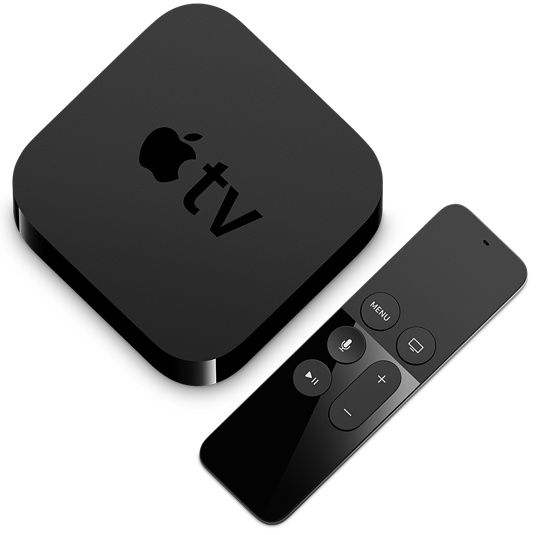
Apple's begun allowing developers to implement tvOS's universal search features in their Apple TV apps, beginning with PBS. As first noted by AppleInsider, Siri content queries now produce deep links from both the PBS and PBS Kids apps.

For instance, a Siri query for a PBS show called “Curious George” brings up the regular search results page with a brand new PBS Kids app option alongside the usual iTunes and Netflix choices.