WidgeficationX lets you tinker with the transparency of your banners and widgets

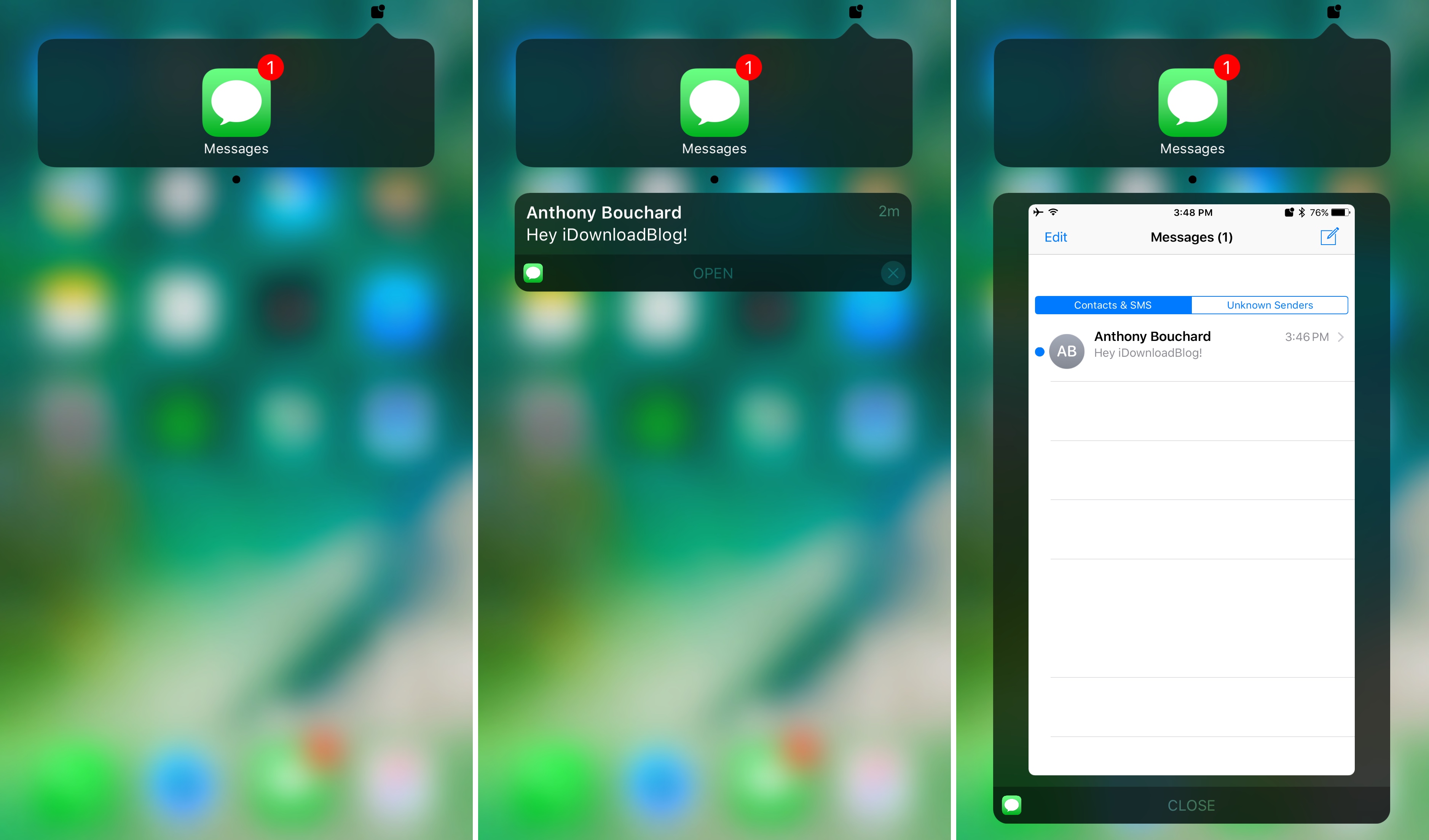
WidgeficationX is a new free jailbreak tweak by Justin Petkovic that lets you customize the look of your widgets and notification banners by modifying their transparency values.

The tweak has a system-wide effect on your device, so you’ll see the changes throughout your many iPhone or iPad interfaces, whether you’re on the Lock screen, Home screen, or viewing Notification Center.

Wallpapers of the week: cars in abstract

An unsung category in the Wallpapers of the Week, cars are everyday items that can exhibit much beauty. While we frequently post galaxy or minimalist wallpapers, I often get asked about a posting for car wallpapers.

Today, find a small selection of five vehicle-related wallpapers for iPhone. Given the vast expanse of a car category, the included images are those abstractly related to vehicles. Step inside for your download.

Jailbreak tweaks of the week: Safe Alarm 3, Delay Read Receipts, QuickPowerMode, & more…

As the Yalu jailbreak for iOS 10 continues to fuel the release of more new incredible new jailbreak tweaks, we also continue to show you the most notable throughout the work week.

Of course, since it's that time of the week again, we go out with a bang with an all-inclusive roundup. In this piece, we'll show you our favorite releases of the week, along with all the rest afterwards.

Safe Alarm 3 adds powerful features to your iPhone alarm

So many people rely on alarms from their smartphone to wake up in the morning that when a major new jailbreak tweak comes out that improves the stock alarm system on the iPhone, it’s a big deal.

Safe Alarm 3 by Douglas Soares is a noteworthy release in Cydia that expands upon the alarm system in iOS by giving you a trough of new options to configure, including new ways to be woken up.

Defluxit applies a fade effect to your Lock screen notifications

One thing the jailbreak community does best is change the way iOS looks through the channels of jailbreak tweaks and themes, and one of the latest releases to do so is Defluxit, by c0ldra1n.

This tweak is intended to give your Lock screen’s incoming notifications a visually-appealing fade away effect that puts emphasis on your most recent notifications, as shown above.

Colorize your iPhone’s cursor and text selection tools with Moose

The last several weeks have seen the release of many jailbreak tweaks aimed at colorizing different elements of iOS, and it doesn’t seem like the trend will be dying down any time soon.

Yet another tweak to join the growing array of color customization tweaks is Moose by iOS developer Tom Effects. This tweak lets you tint the cursor and text highlighting tools you typically see when editing text in iOS.

Twitter for iOS gains Tweets & Replies tab on profile pages

Twitter's mobile app for iPhone and iPad has gained updated profile design on mobile with a new Tweets & Replies tab now gradually rolling out to users. As first noted by 9to5Mac, the profile section shown upon tapping Me at the bottom of the app now resembles Twitter's web interface, which also separates replies into a dedicated tab. Previously, Twitter for iOS consolidated both your own tweets and replies under a single Tweets tab.

This tweaked profile design on mobile is a staggered rollout so check back in a few days if it's currently unavailable to you.

How to show the expanded Save dialog by default on Mac

By default, the behaviour of macOS upon saving a file is to open a simple dialog window, with only a single drop-down menu showing possible save locations. These locations can vary based on the program settings, your most-used save location, or your last-used save location.

Although this is fine for quickly saving documents to common folders such as Documents or Downloads, it is cumbersome to use the drop-down menu when saving regularly to multiple hard drives and previously unused nested folders. Luckily, there is a way to always show a full file browser in the save dialog for more granular control.

The best smart scales

Whether you're looking to track your progress on the way to a weight goal, or you just simply want to be a little healthier, smart scales are useful tools. They're accurate, provide valuable data, and sync up with your smartphone so you can easily log and share your results.

There's a lot to consider when shopping for a smart scale including price, features, app compatibility, and customer ratings. To help you make the right decision, we've decided to put together a roundup of what we think are the best smart scales on the market right now.

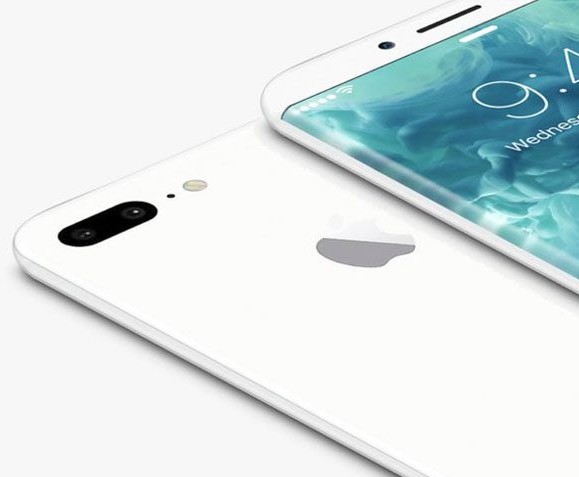
This minimalist case turns your iPhone jet black (or jet white)

Besides a redesigned camera bump, one of the main differentiator between the iPhone 7 and its predecessor was the new jet black colorway. It’s beautiful and sexy, but as Apple was quick to point out, it’s also incredibly prone to micro abrasions.

The solution offered is to put it in a case, which clearly defeats the purpose of having a jet black iPhone to begin with. And that's where the folks at Totallee come in with the Scarf, their incredibly light and thin case, now available in jet black and jet white.