Learn how to turn off bookmark sync in Safari, Google Chrome, and Firefox on your iPhone and iPad if you’d like a different set of bookmarks on each device.
How to stop bookmark syncing in Safari, Chrome, and Firefox on iOS
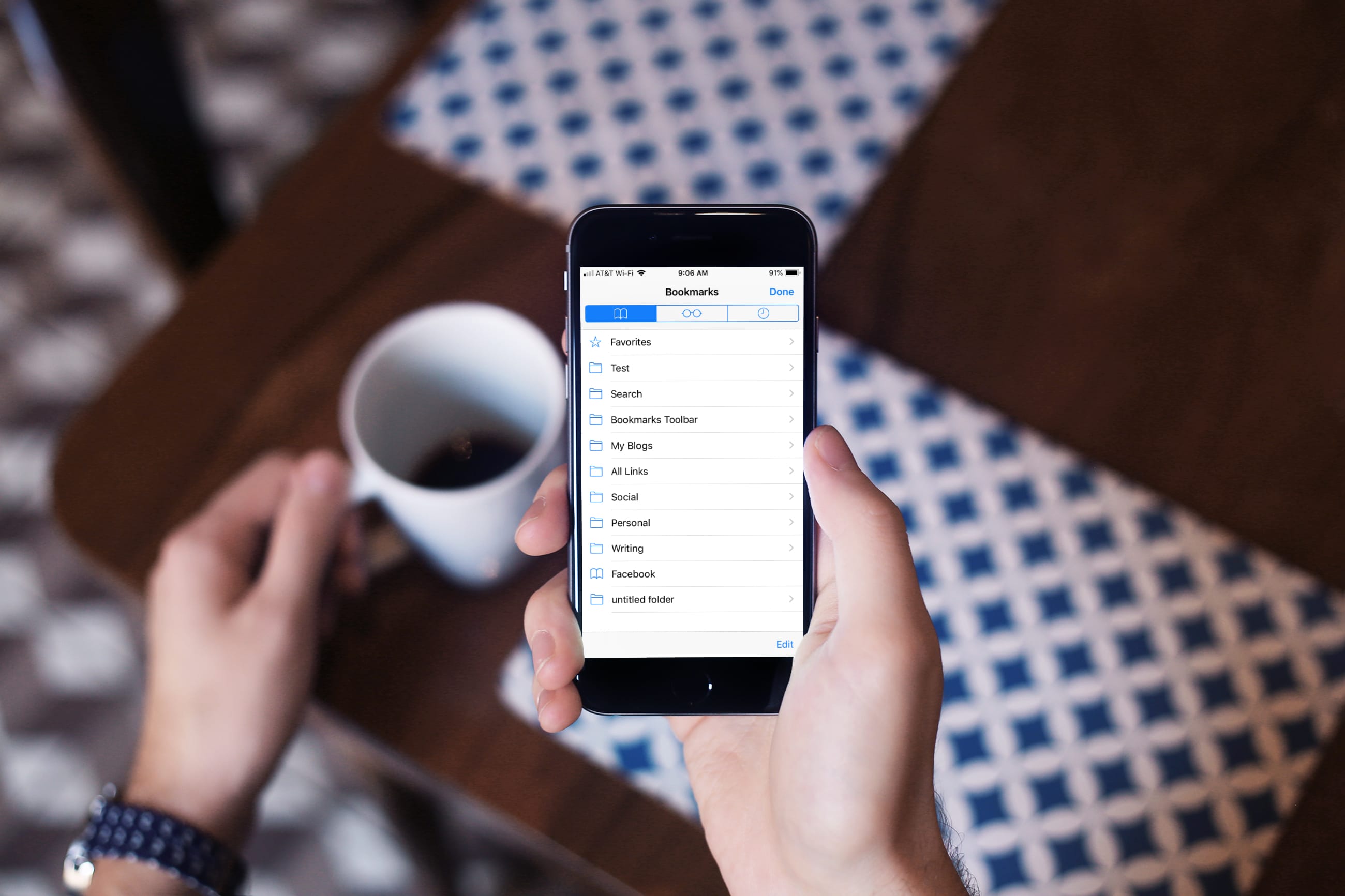
Learn how to turn off bookmark sync in Safari, Google Chrome, and Firefox on your iPhone and iPad if you’d like a different set of bookmarks on each device.

Apple has been underscoring, repeatedly and for more than a year now, that it wants to help customers cure their smartphone addiction which it has played a major part creating in the first place. But Apple shot itself in the foot with its latest iPhone XR commercial by unintentionally promoting smartphone addiction as a way of life of today's generation.
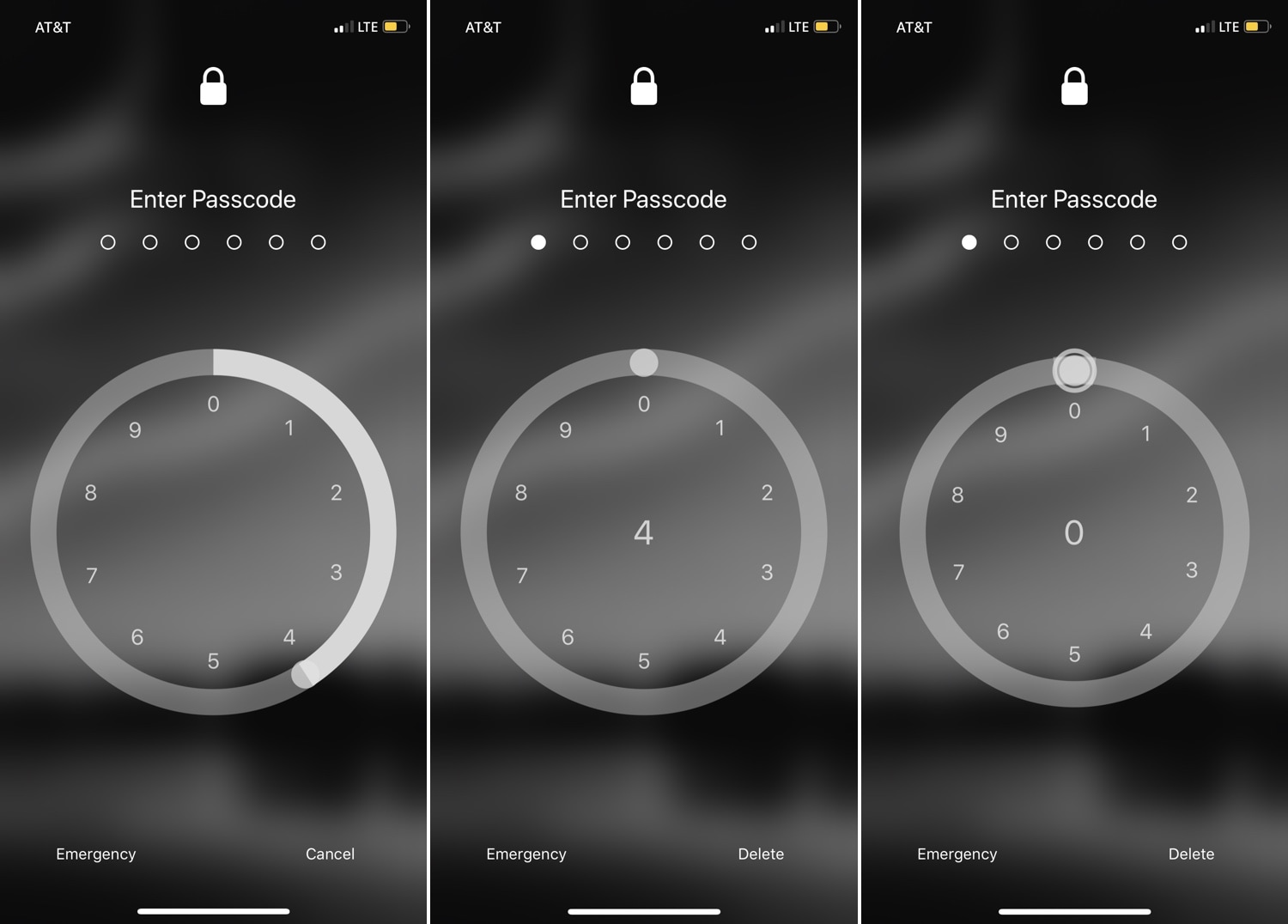
For years, the iPhone’s passcode interface has appeared as a traditional number pad. But if you’re looking for something a bit more exotic that will help your handset stand out from the crowd, then you just might come to appreciate a newly-released jailbreak tweak called RotaryPass by Geometric Software.
As you can discern for yourself in the screenshot examples above, RotaryPass brings an entirely new passcode entry interface to your iPhone – more specifically, one that’s based on those antiquated rotary-style telephones that were commonplace before the 21stcentury.
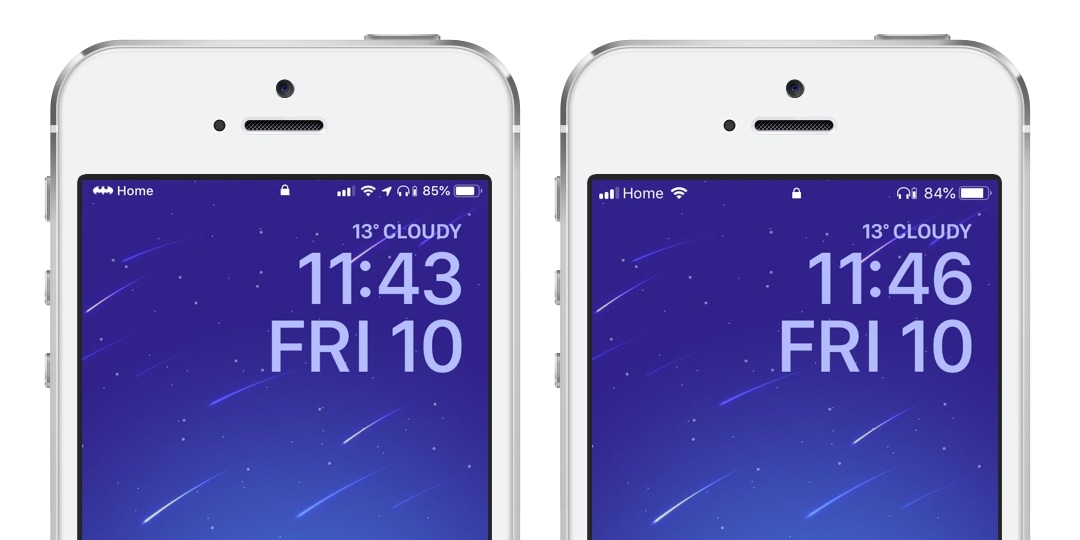
Some folks have so many Bluetooth peripherals in their possession that keeping track of their battery levels becomes a daunting task. Apple made things a little bit easier by implementing the Battery widget in the Today view, but if you’re anything like me, then you might find it to be more convenient to see that information directly in the Status Bar.
A number of Bluetooth headsets that I’ve used for phone calls in the past already supported Status Bar-centric battery level displays, but not all. A newly-released free jailbreak tweak called BTPower by iOS developer Karimo299 ensures that all your Bluetooth headsets exhibit this behavior for simplified battery level tracking.
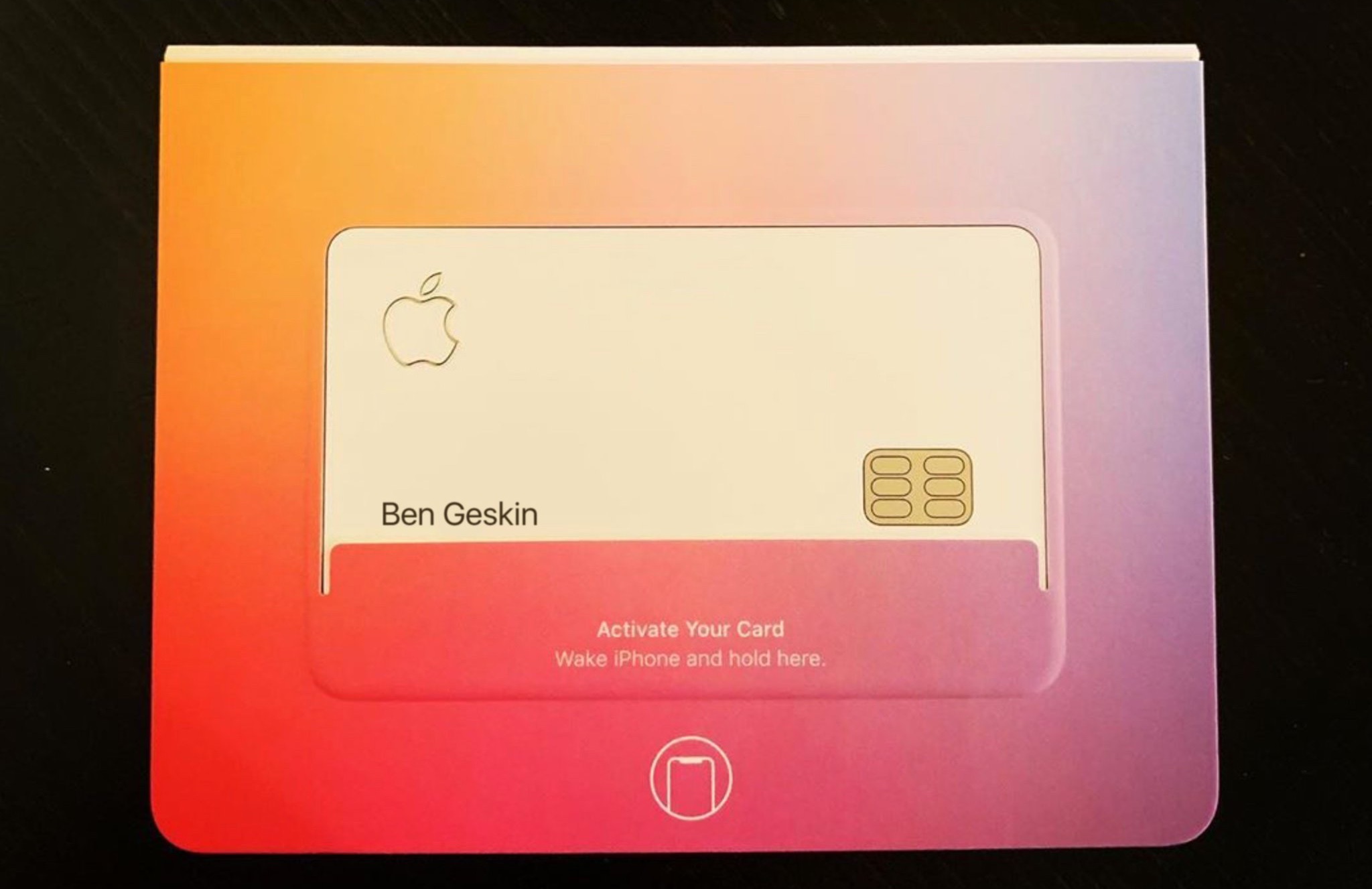
Some Apple employees have now begun receiving their Apple Card ahead of the product's commercial availability later this year. Apple Card was announced in March.
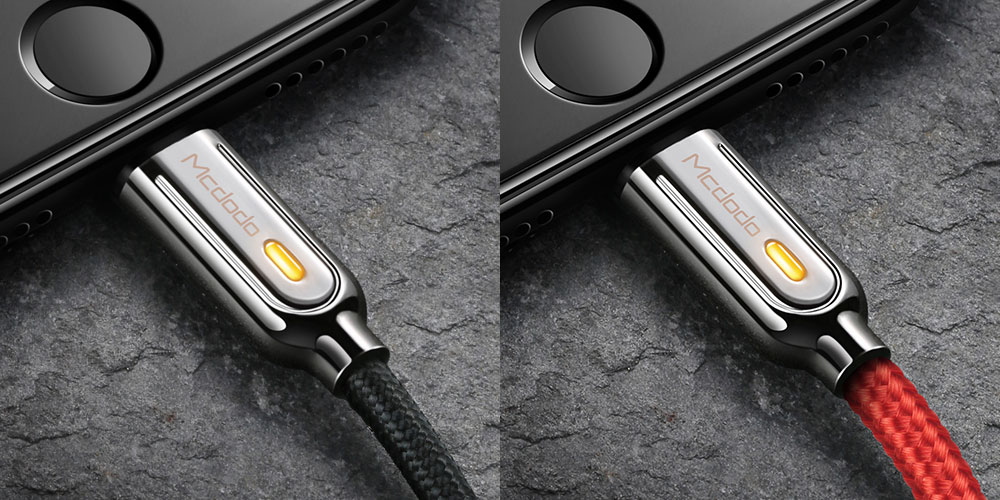
Lightning cables have become almost as important as the countless devices they charge when it comes to making it through the day, but even the most popular Lightning cables on the market seem to break far too frequently.
If you’re tired of having to constantly replace your frayed and broken Lightning cables, you may want to consider upgrading to the Mcdodo Lightning Bolt 3.0 Lightning Cable, which is currently available for over 35% off at just $19.
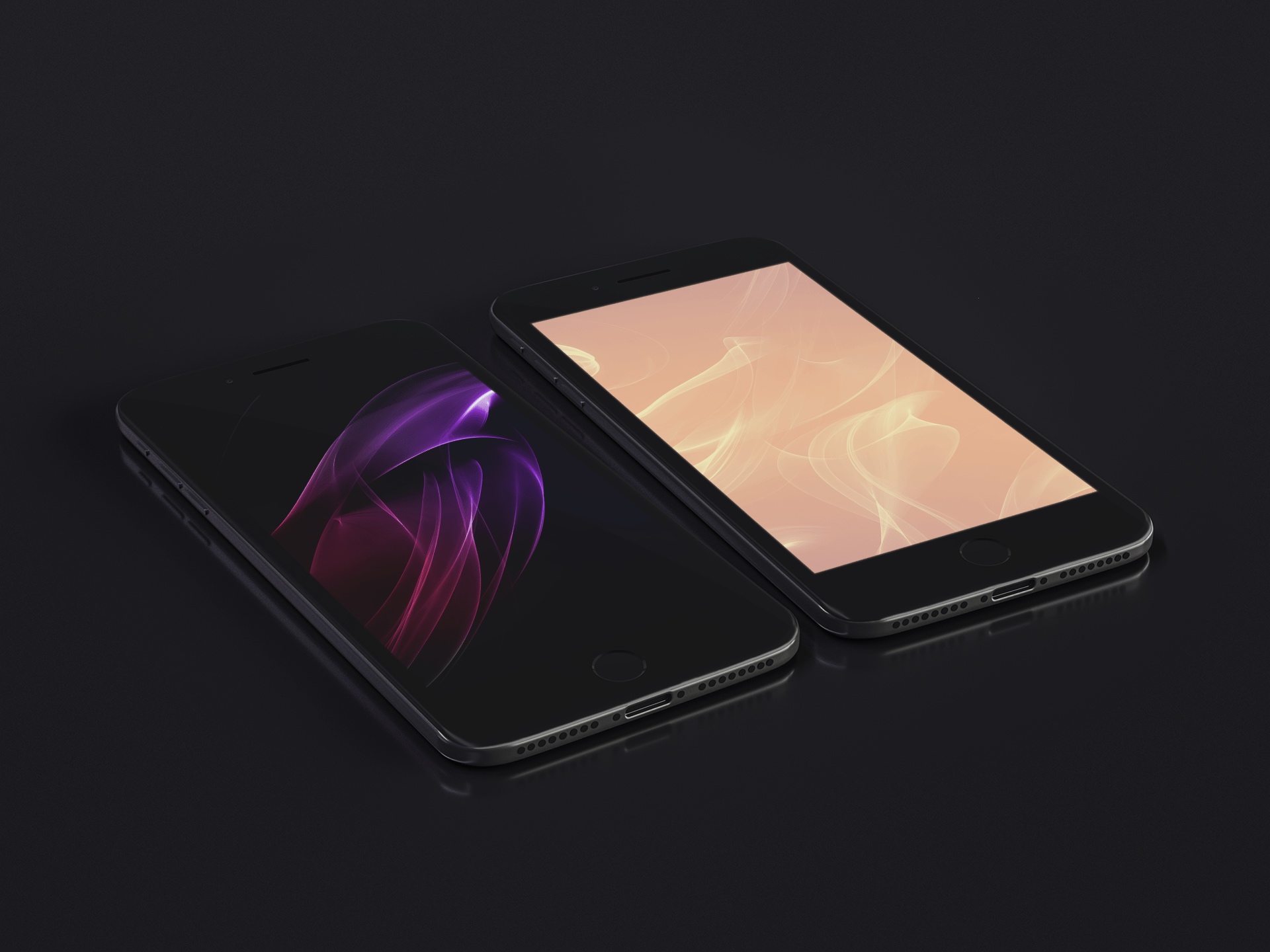
Abstract geometric shapes have long been a staple favorite within our Wallpapers of the Week collection. Today's addition includes swirling shapes and lines in both full color and true black editions. For those of you sporting an iPhone X or iPhone XS device, the OLED screen will take full advantage of these pure black wallpapers and made the subsequent color really flash.

Whether you're using the tried and true unc0ver jailbreak by Pwn20wnd or utilizing the newly-released Chimera jailbreak by the Electra Team, surely you're hungry for some new jailbreak tweaks that might make your pwned handset even cooler?
In this roundup, we’ll summarize each of this week’s new releases from Monday, May 6th to Sunday, May 12th. As usual, we’ll kick things off by discussing our favorites and then outline the rest afterward.
Were too busy to keep up with all the Apple news this week? We’ve got you covered with this roundup summing up everything you should know about.
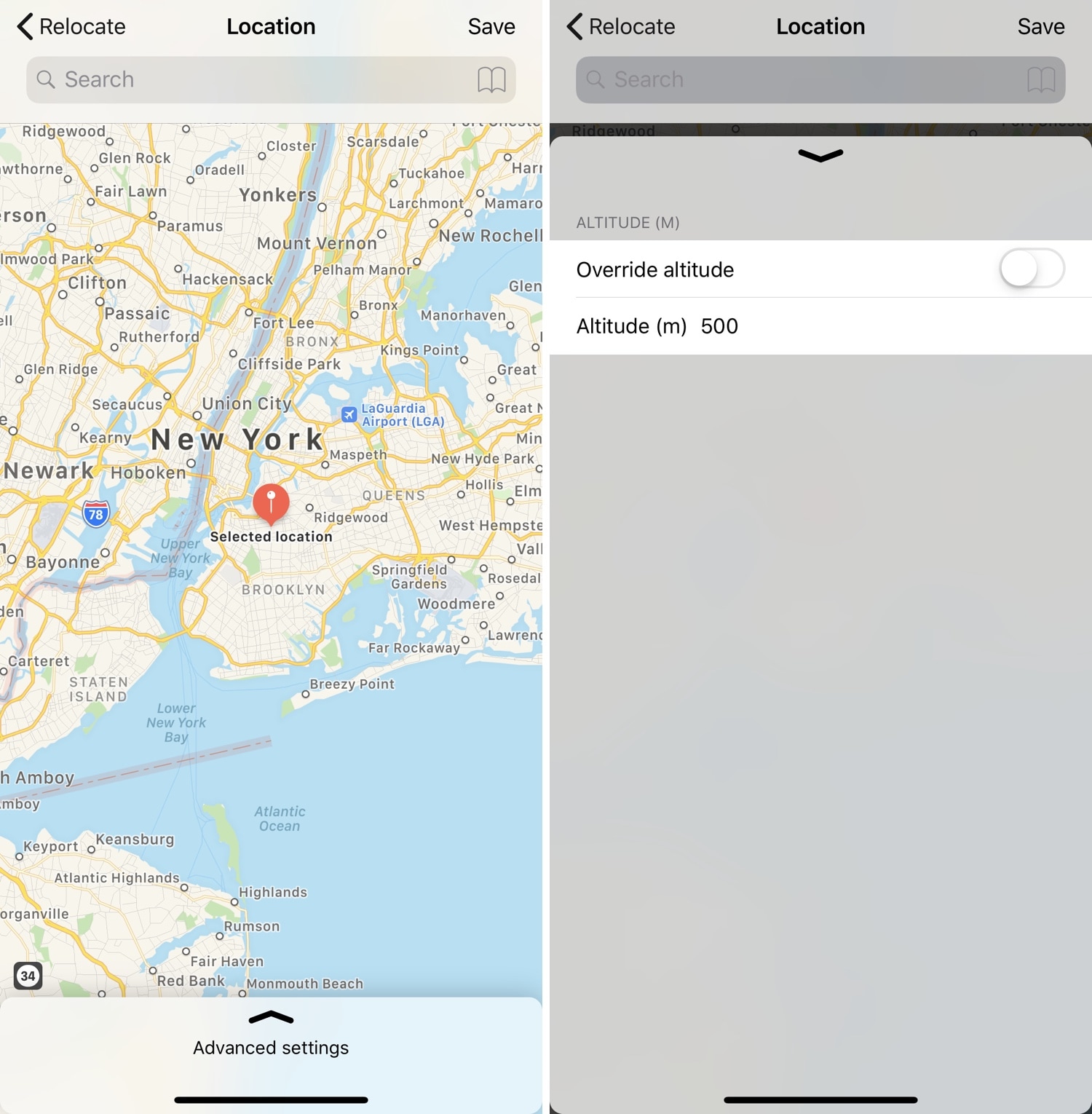
Location spoofing is perhaps one of the most highly sought-after reasons to jailbreak an iPhone, especially since it can’t be done on a non-jailbroken handset. Sadly, the list of available location-spoofing tweaks that actually work how they should appears to be particularly short.
If you’re in the market for a no-BS location spoofing solution for iOS, then you just might come to appreciate a newly-released jailbreak tweak called Relocate by iOS developer Nepeta. As you might come to expect, this tweak allows its users to say they’re somewhere that they really aren’t.

If you occasionally stumble upon a text written in another language that you don’t understand, then you might be quick to use a third-party translation service such as Google Translate to get a better idea about what’s being said. But what if you never needed to leave the app you were in?
With the help of a newly-released jailbreak tweak dubbed Translomatic by iOS developer FoxfortMobile, you can now enjoy this type of integrated experience on your jailbroken handset in almost any app you use.

This week's edition of our Apps of the Week roundup includes an app for finding campsites, a minimalist task manager and a fun AR money-maker. And as always, we've selected two great new games for you to check out.