Carabiner gives your iPhone’s Home screen a more unified user experience

Apart from a few refreshed application icons and a nice new wallpaper here and there, Apple hasn’t done much to improve the Home screen experience since the original iPhone. With that in mind, it should come as no surprise to anyone that it’s a point of interest when it comes to customization on jailbroken handsets.

One such example is a brand-new jailbreak tweak release dubbed Carabiner by iOS developer LaughingQuoll. As shown in the screenshot example above, Carabiner crams several interfaces into the Home screen, providing a gorgeous all-in-one experience that provides more information at a glance.
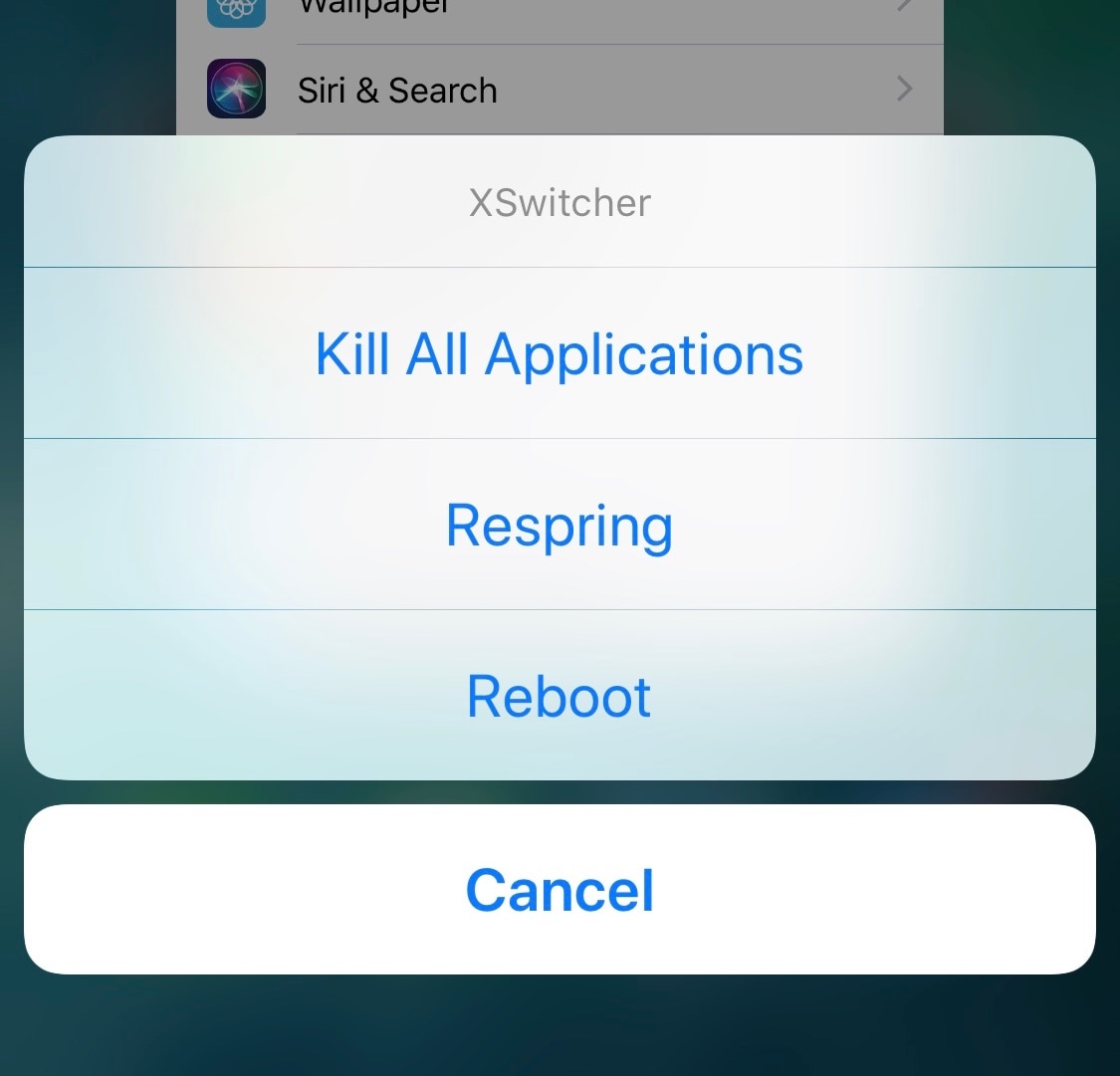

Add new features to your App Switcher with XSwitcher

If you’re in search of a way to make your jailbroken iPhone’s App Switcher more useful, then you may want to turn your attention to the likes of a new and free jailbreak tweak dubbed XSwitcher by iOS developer CUNSTUCK.

As shown in the screenshot example above, XSwitcher lets you access various useful shortcuts in the App Switcher by just swiping down on any of your available application preview cards in the App Switcher interface.

5 skills you can learn on the cheap this weekend

There's never a better time to learn a new skill. But, your options aren't just limited to signing up for an expensive class or teaching yourself from a dull textbook. There are tons of great online courses designed by experts that are both in-depth and hands-on, so you can learn at home from the best. Better yet, all of these courses are available for an additional 15% off when you use the code SAVE15TODAY. Read on for details:

What’s on my iPad: Harris’s favorite apps

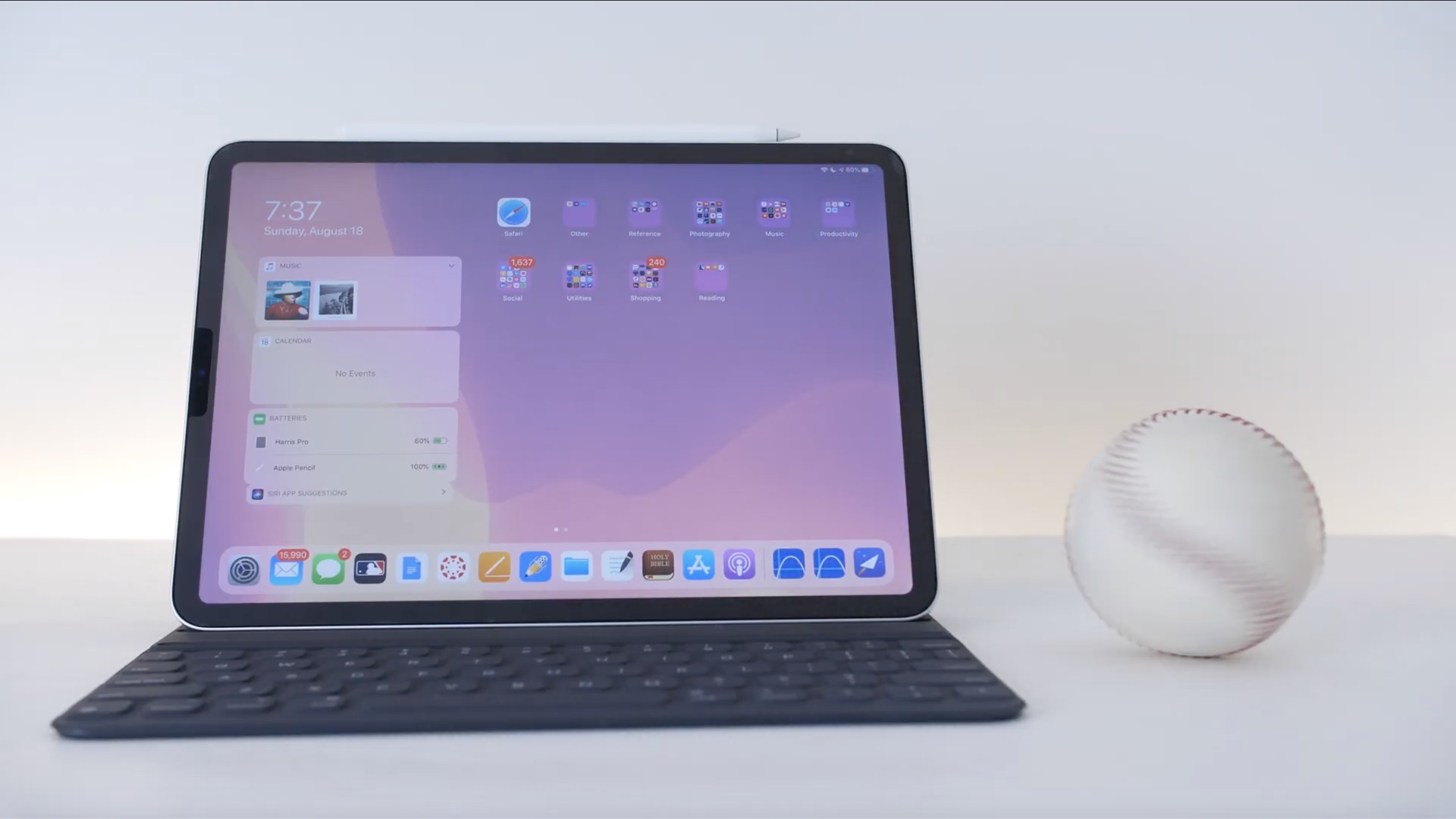
If you've enjoyed watching our hands-on walkthroughs, reviews, tutorials and other useful videos that are available on our YouTube channel, you're probably familiar with our video guy Harris Craycraft who has been extensively using his eleven-inch iPad Pro, Apple Smart Keyboard Folio and Apple Pencil combo for college, work, fun and everything in between.

2dock doubles the real estate of your jailbroken iPhone’s Dock

The Dock on any stock iPhone’s Home screen is limited to just four application icons, but with a newly released jailbreak tweak dubbed 2dock by iOS developer Nepeta, you can effortlessly double the app real estate for any iPhone’s Dock.

As you might’ve noticed from the screenshot example above, 2dock doesn’t make the Dock scrollable, nor does it push all the app icons together and cause crowding. Instead, it transforms the Dock we all know and love by turning it into a dual-row interface.

This tweak gives your Home screen folders a 2×2 grid layout

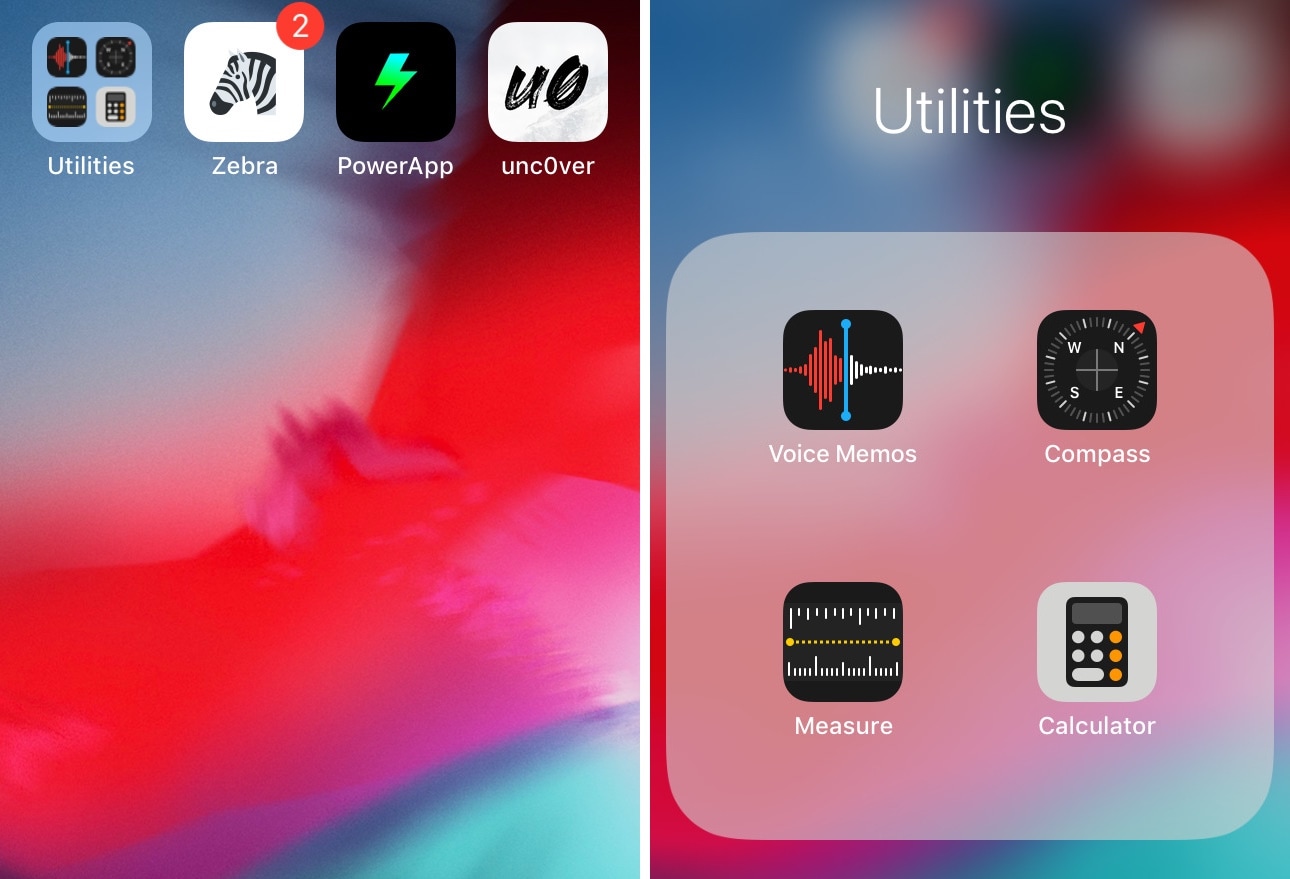
Home screen folders on an iPhone can hold up to nine apps per page at a time, but in certain cases involving extreme Home screen-centric UI customization often necessitate delicate icon balance, and the native look and feel can sometimes appear unsightly or asymmetrical.

If you’d appreciate a nicer-looking folder icon on your Home screen, then chances are that you might take an interest in a newly released and free jailbreak tweak called 2x2 by iOS developer Nepeta.

Amazon flash sale: save up to 50% on PCs and accessories


Heads up savvy shoppers: Amazon is hosting a big sale right now on PC devices and accessories. As part of its Deal of the Day promotion, the retailer is taking up to 50% off everything from storage products like microSD cards and external hard drives, gaming mice and headphones, even computers and tablets. But you better hurry, these deals end at the end of the day.