This tweak enables Apple Watch Complications on your iPhone’s Lock screen

The Apple Watch incorporates a plethora of useful wrist widgets that Apple likes to call Complications, and they permit your smartwatch to display useful information from your favorite apps directly on the watch face of your choosing. Complications are both compact and concise, and for those who’d like their iPhone to display similar data on the Lock screen, there’s a jailbreak tweak for that.

Watermelon by iOS developer LaughingQuoll was the first tweak to bring this functionality to the iOS platform just over a week ago, but with a good idea comes competition, and that’s where a new release dubbed Complications by iOS developer Ben Giannis comes into play.

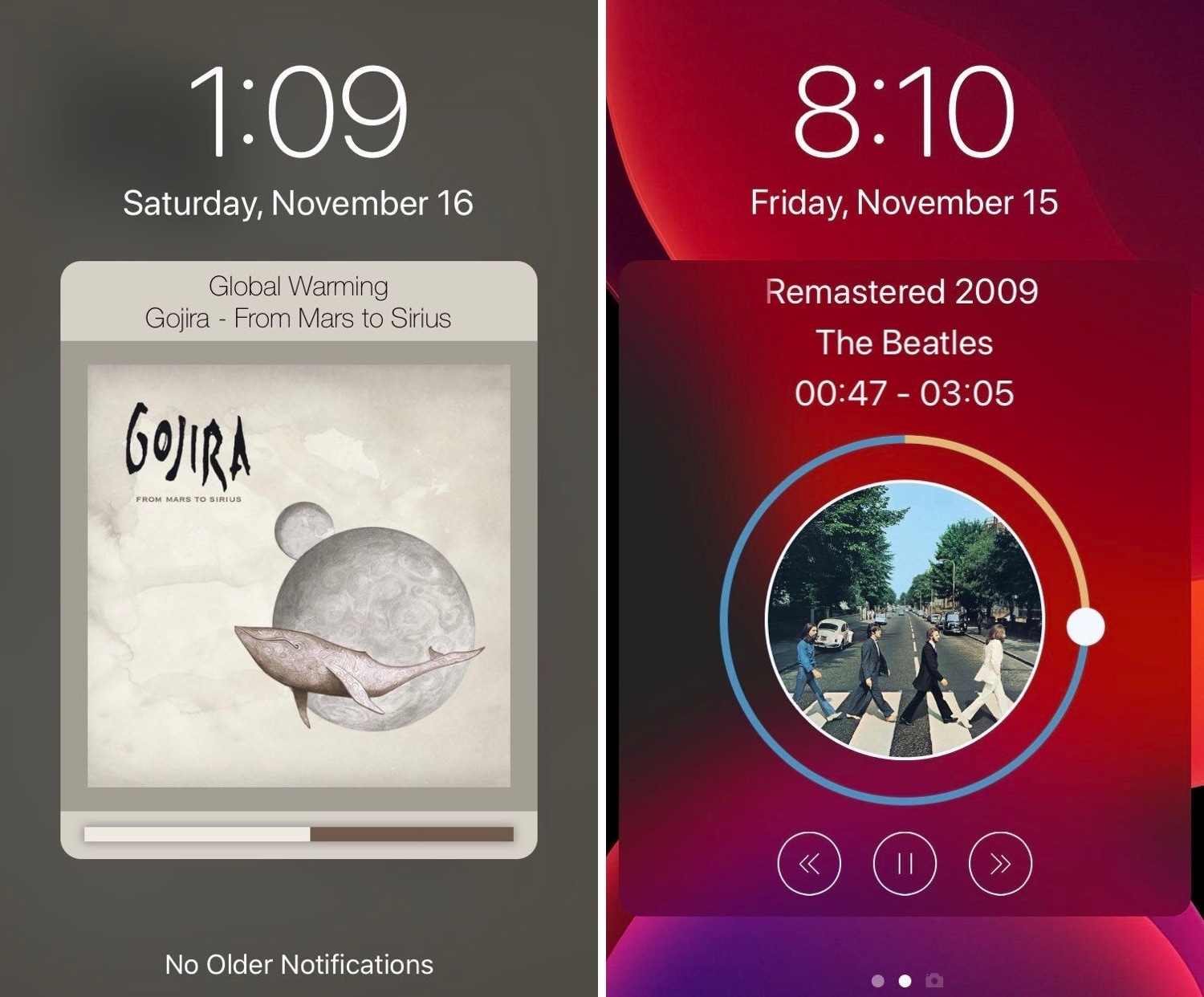
Tune provides a sexier Now Playing interface for pwned iPhones

Those who listen to a lot of music on their iPhones are probably accustomed to looking at what seems like the same Now Playing interface Apple has provided for years. But if you’re like me and you’re looking for something a bit more eccentric, then you might enjoy using a newly released jailbreak tweak called Tune by iOS developer s1ris.

As depicted in the screenshot examples above, Tune can replace the traditional Now Playing interface with something a lot more aesthetically pleasing. At this time, the tweak supports two different styles, including Helius (left) and Spin (right).

The Apple Card 6% Daily Cash back made me do it

Apple Card

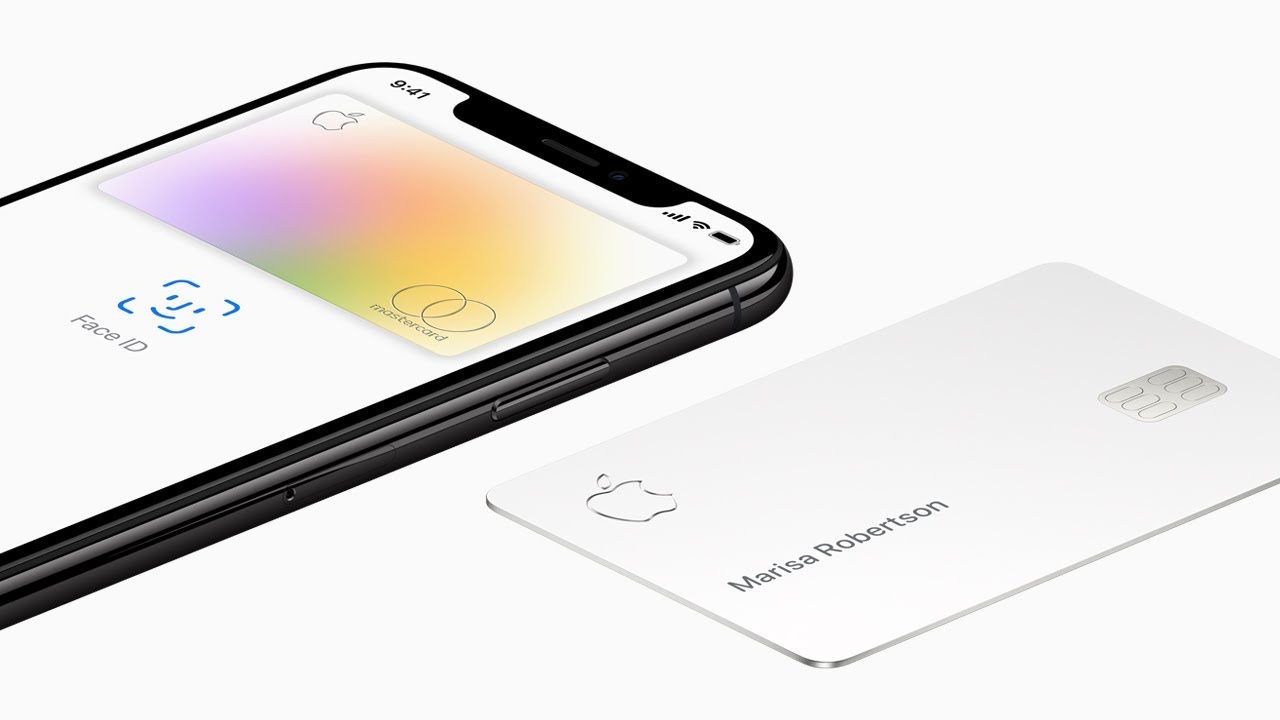
The Apple Card provides you with some terrific tools to help you manage your debt, such as an interest calculator that lets you figure out the payments you can afford. But the temporary doubling of cash back rewards is a good reminder that the goal here is still to get you to spend.

Stop scrolljacking: How to remove scroll hijacking from Apple.com and other websites

Websites that control how you scroll are a usability nightmare. Instead of scrolling as you normally would, those offenders take advantage of scrolljacking to alter the way your favorite web browser interprets scrolling commands just to run some fancy animation instead of scrolling down a page, which can be both disjointing and frustrating. On a brighter note, this unwanted behavior can easily be stopped. Follow along with iDownloadBlog's step-by-step tutorial to learn how to remove scrolljacking from Apple.com and other websites you frequent.