Fourteen features iOS 14 and iPadOS 14 ‘borrowed’ from the jailbreak community

Apple’s WWDC presentation for 2020 brought with it the unveiling of iOS and iPadOS 14, the premier operating systems for the company’s iPhone, iPod touch, and iPad platforms. While these updates will unquestionably incorporate countless new improvements by way of new features and user-friendly interfaces, it’s worth noting that the jailbreak community provided access to many of those features before Apple.

In this piece, we’ll discuss at least fourteen new features from Apple’s upcoming iOS and iPadOS 14 software updates that jailbreakers have enjoyed access to for what feels like forever thanks to the boundless possibilities presented by jailbreak tweaks.

Apple shares WWDC 2020 Day 1 recap video and keynote replay on YouTube

Following yesterday's pre-recorded WWDC 2020 keynote speech, Apple pushed to its official YouTube channel a replay video of the even for those who prefer to relive the keynote on their own time. In addition, the iPhone maker published one of its nicely done event recap videos which compresses highlights of the most important announcements in less than two minutes.

Colorize the page dots on your jailbroken handset with Dots color

Jailbreakers can customize virtually anything they want about their iPhone or iPad’s user experience and behavior, but if you consider yourself a bit of a minimalist and prefer subtler changes over the more extravagant ones, then we think you might want to try a new and free jailbreak tweak release called Dots color by iOS developer 8a1wkar.

Just as the tweak’s name implies, Dots color lets users apply a custom color to the paging dots that typically appear on the Home Screen and Lock Screen. As you’ll see in the screenshot examples above, the selected page dot remains white, whereas the deselected page dots appear red instead of grayed out.

Download the macOS Big Sur wallpapers for desktop, iPhone, iPad

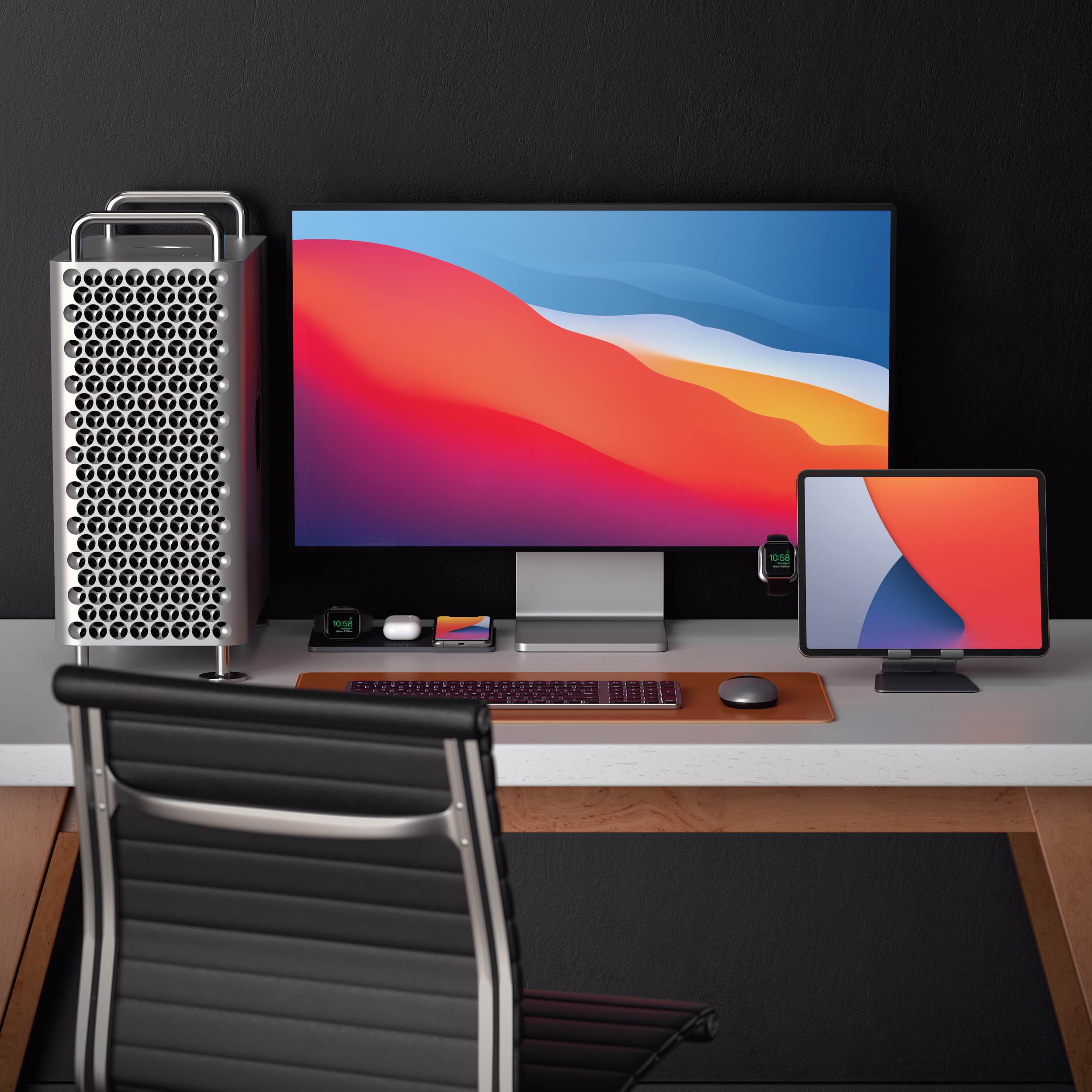
Today at WWDC 2020, all new upgrades were announced for macOS, including the ability to download and install iOS and iPadOS apps on upcoming machines featuring ARM SoC architecture. Other macOS improvements include a new translucent based UI element and features that bring iPadOS and macOS even closer together. With each new upgrade we see incredible, new wallpapers.

The following macOS Big Sur wallpapers are sized not only for desktop, but also iPad and iPhone. Find ten new wallpapers ready for your devices, big and small.

Download the iOS 14 wallpapers for iPhone & iPad

iOS 14 iPhone wallpaper idownloadblog mockup

On stage at WWDC 2020, Apple senior Vice President of Software Engineering Craig Federighi announced updates to iOS 14. The new software will bring advancements to the handheld device, including Home screen widgets for the very first time. As with all new versions, iOS 14 wallpapers for iPhone and iPad are included in the release. We have the six different versions ready for download today, without needing to install the developer beta to your device.