If you are experiencing some issues with services like Apple Music, Apple TV+, and even the App Store, just know you aren't alone.
App Store, Apple Music, Apple TV+, other services experiencing intermittent issues [Update: fixed]

If you are experiencing some issues with services like Apple Music, Apple TV+, and even the App Store, just know you aren't alone.
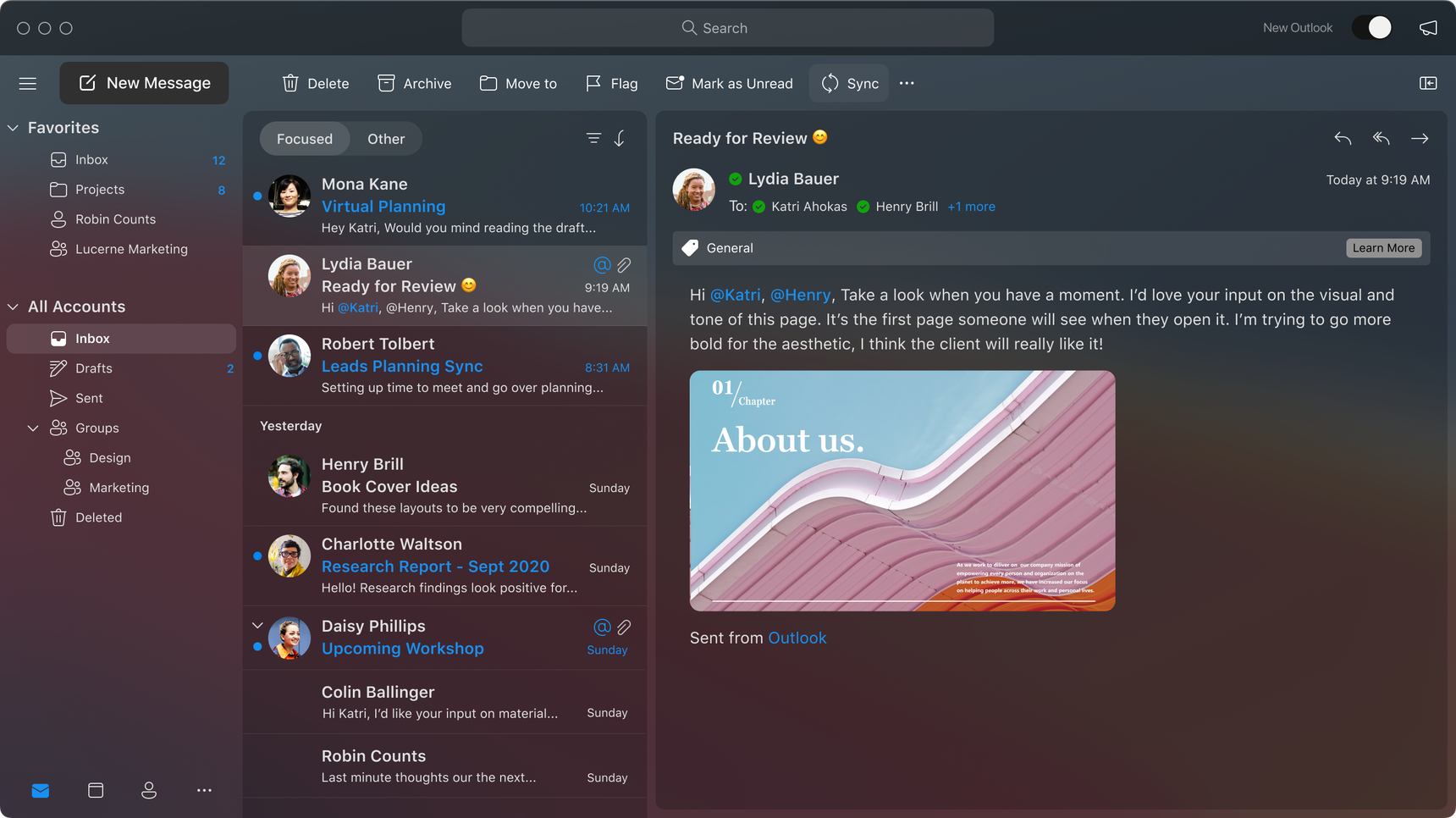
Microsoft has confirmed that its all-new Outlook for Mac app will launch soon, and with a major redesign along with it.
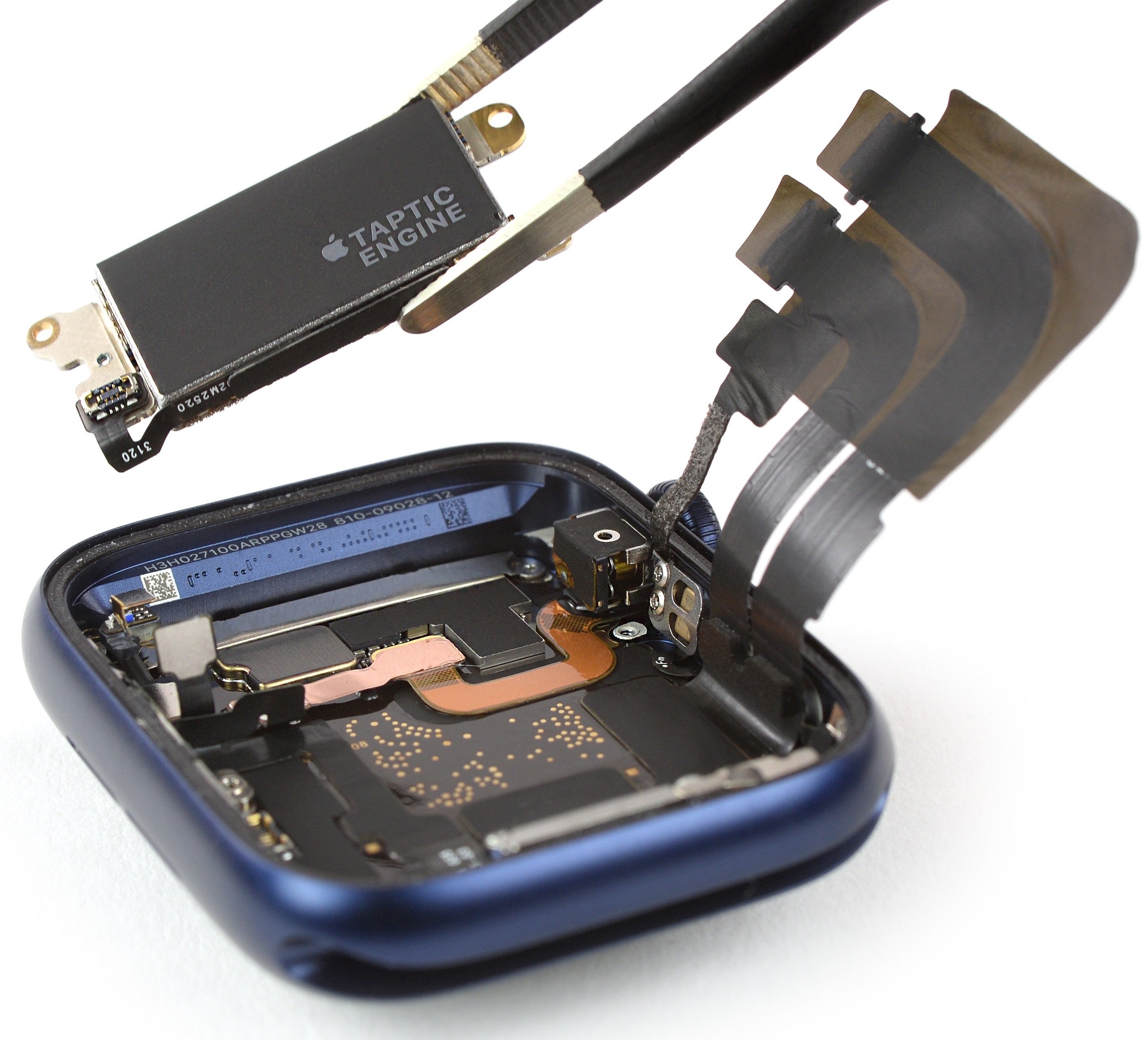
Repair experts over at iFixit have torn apart their Apple Watch Series 6 unit to peek what's under the hood. Their teardown analysis confirms that the new wearable device from Apple is equipped with a beefier battery and sports a bigger Taptic Engine, too, among other findings.
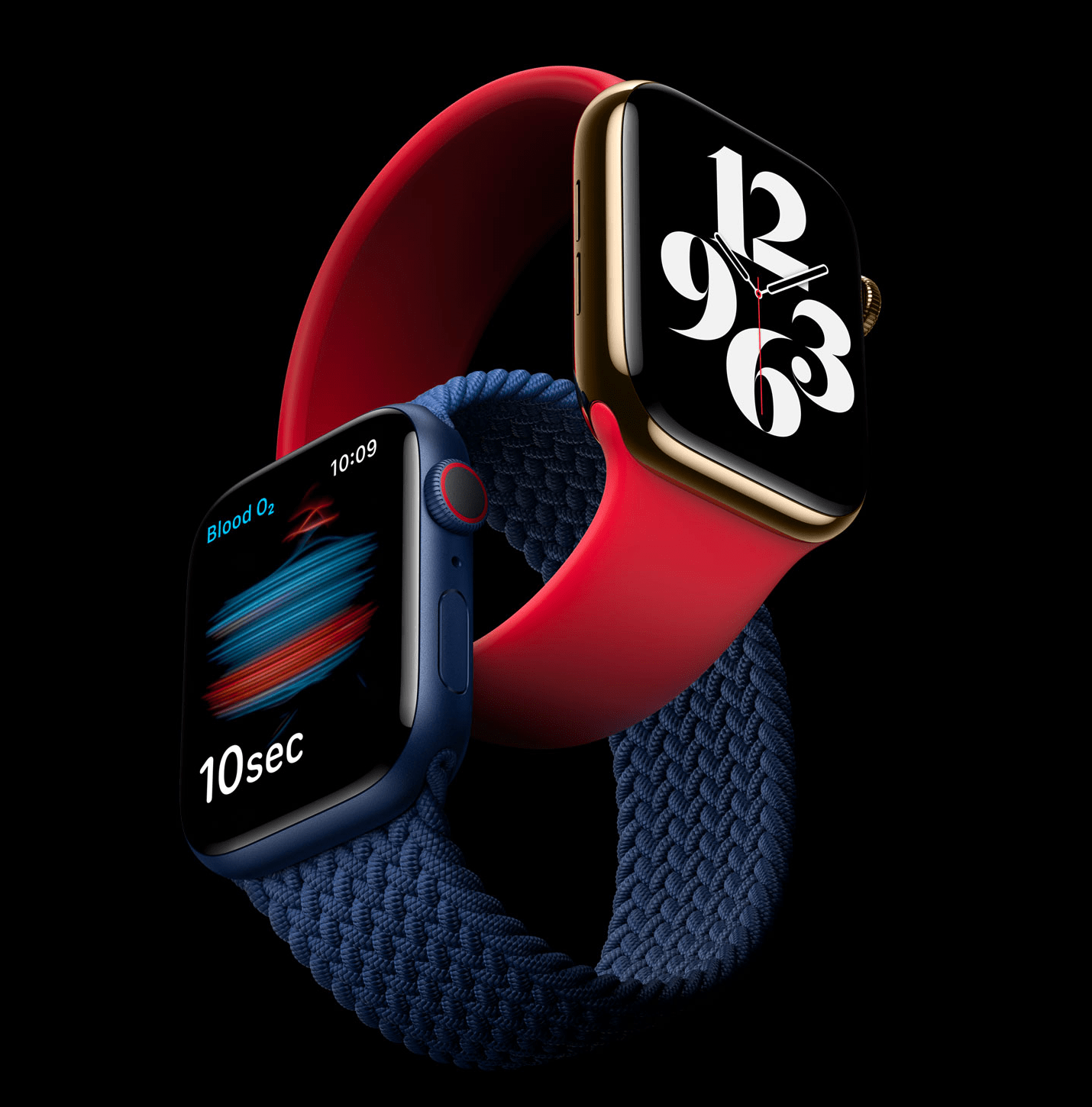
Apple last Thursday seeded the first beta of the upcoming watchOS 7.1 software update to its registered developers, but the company's new Blood Oxygen app along with the new watch faces from watchOS 7.0 appear to be missing from the release. Here's what's going on...
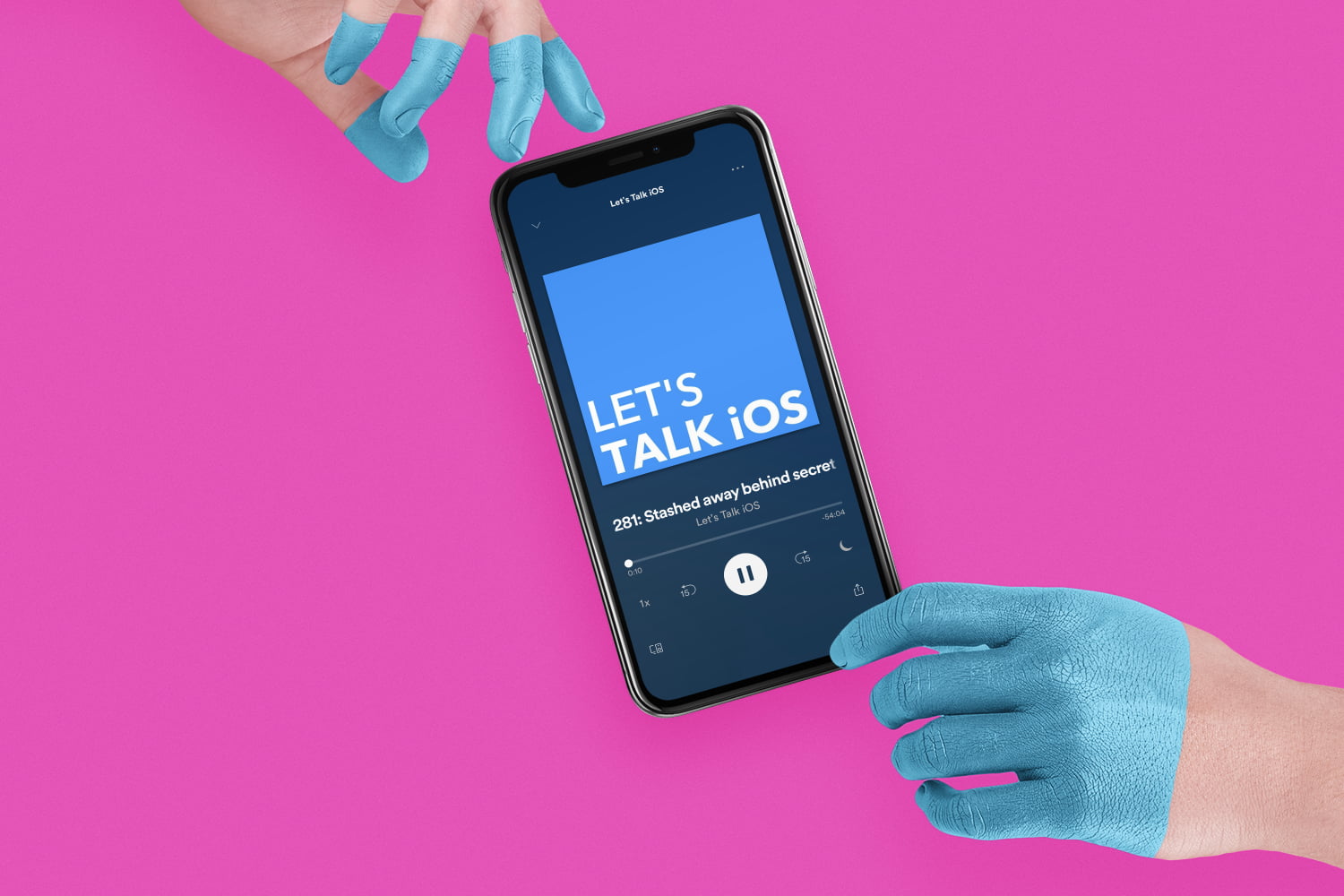
Sebastien and Cody go over their fantasy draft picks from last week’s Apple Watch event, and discuss the major announcements. The pair also talk new Apple Watch features, new iPad models and Apple’s various new service offerings.
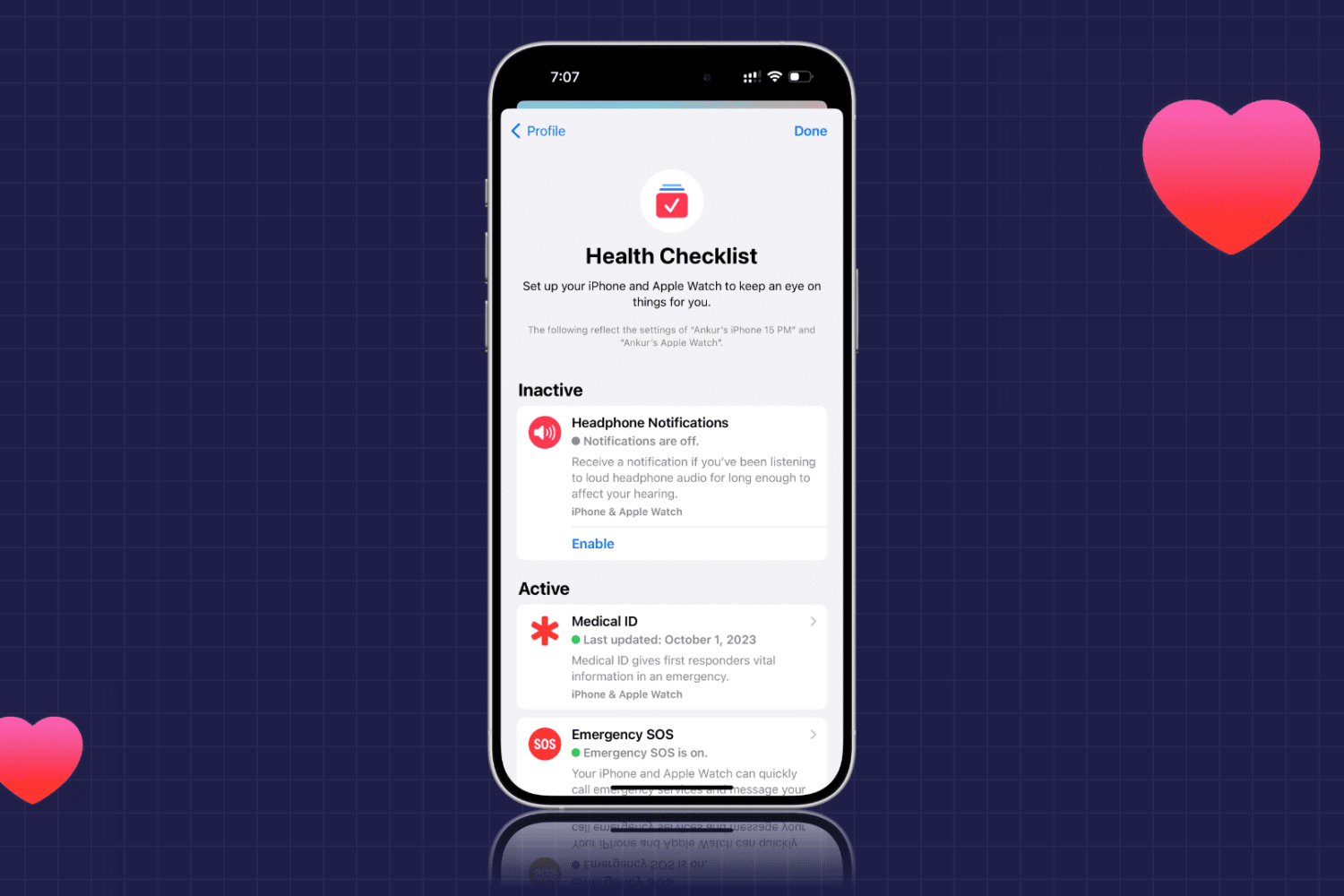
Learn how to use the Health Checklist option for iPhone and Apple Watch to make sure that you’re using the health features you really need.
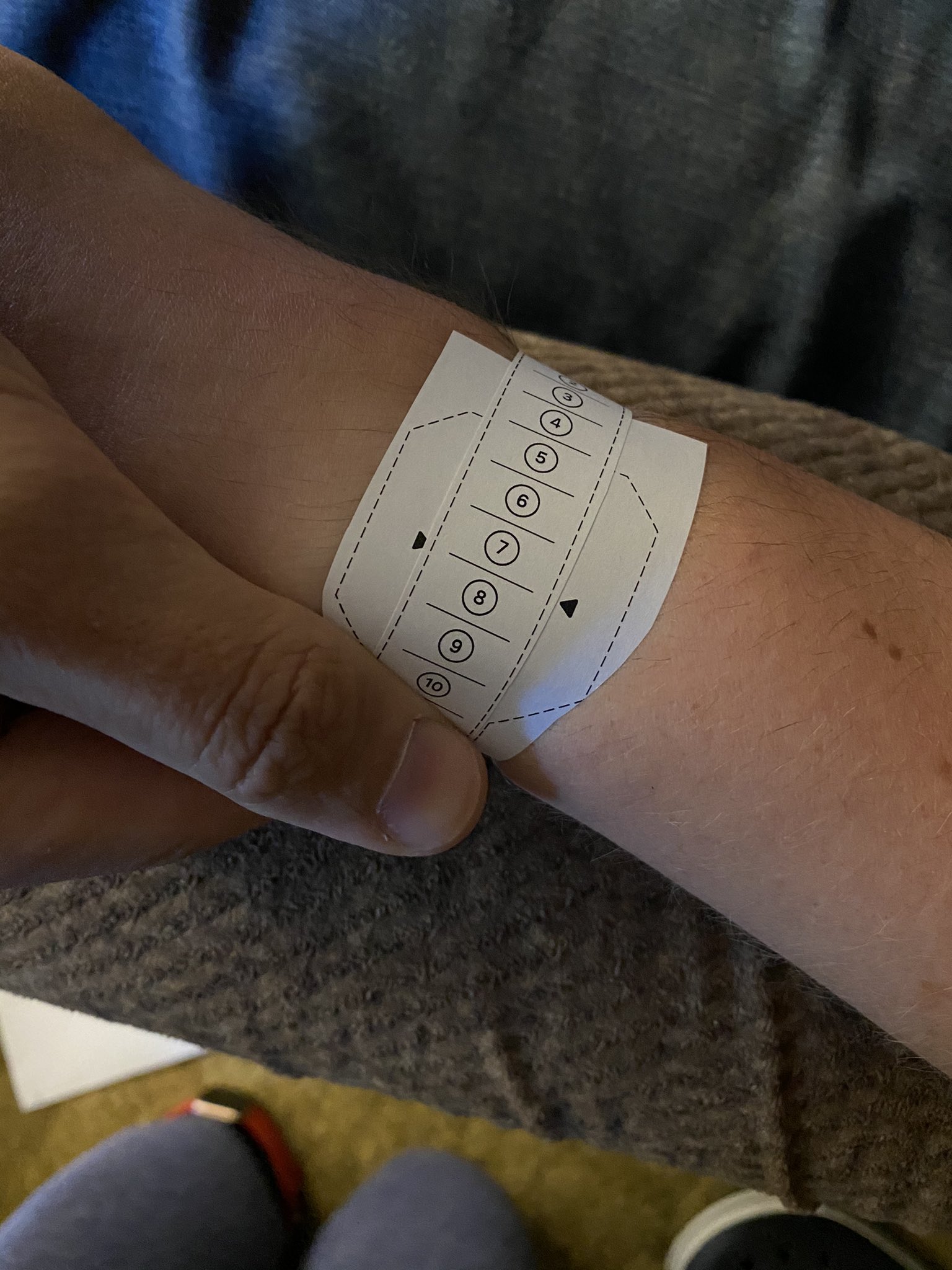
If Apple's new Solo Loop or Braided Solo Loop band for the Apple Watch Series 6 feels loosey on your wrist or too tight to get on and off the wrist, and you'd like to have it replaced, know that you'll need to return the entire watch to Apple in order to get a different-sized band.

If you somehow manage to overlook the plethora of notification banners that stack up on top of one another on the Lock Screen, then you’ll be met later on with a myriad of red notification badges from the moment you authenticate and arrive at the Home Screen. But whoever said iOS’ notification experience needed to be so bland? Ah yes… Apple did.
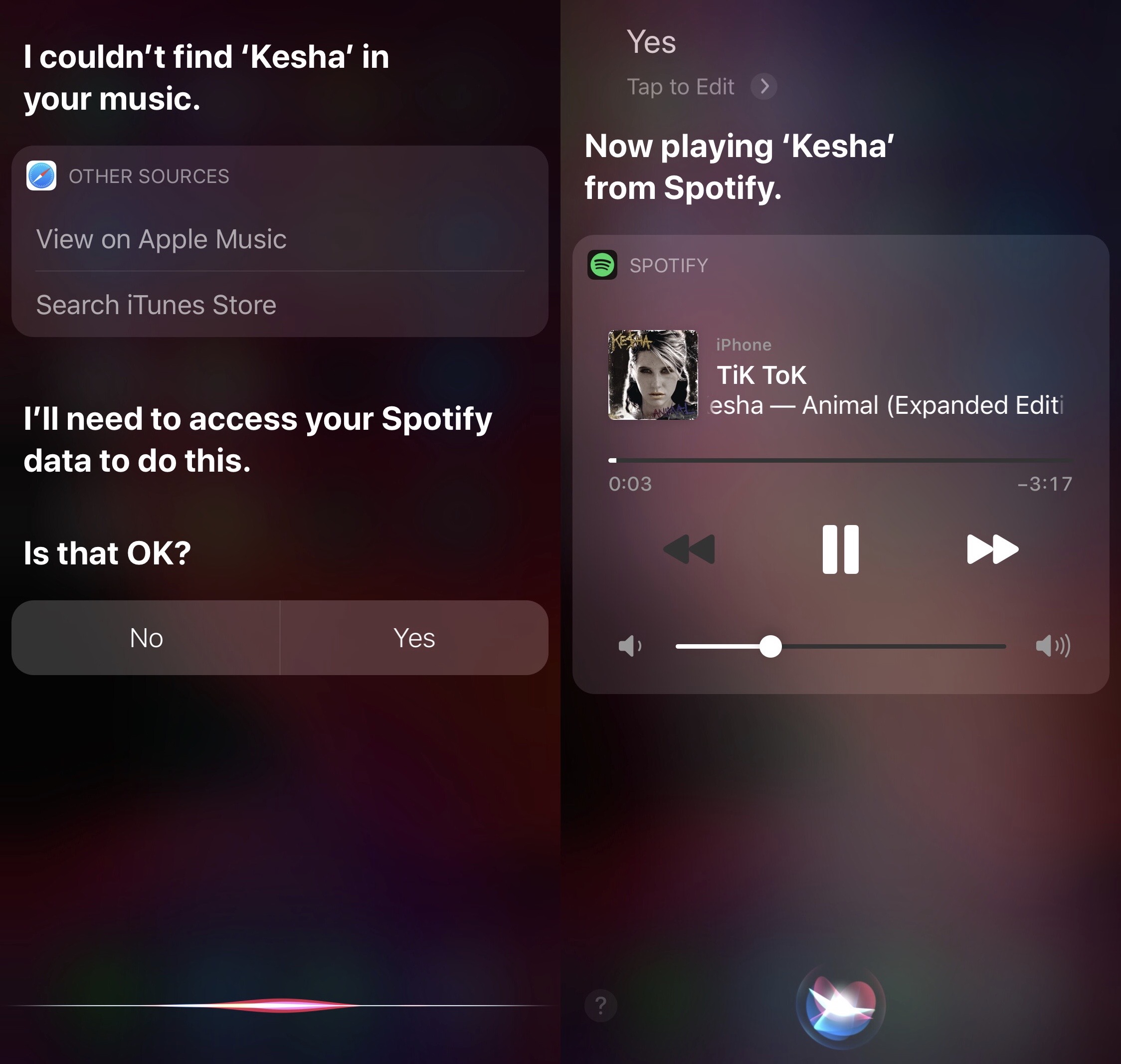
If you’re jailbroken on iOS 13 and use Spotify as your primary music streaming app, then chances are you might find yourself wishing that Siri worked as smoothly with Spotify as it did with Apple Music. Fortunately, a free jailbreak tweak called Spori by iOS developer udevs can make that happen.
Siri can already play tracks via the Spotify Music app if you specifically articulate that you’d like to play that song in Spotify, but who wants to waste their time adding those extra words to each and every Siri command? I, for one, certainly don't.
Not even one week after Apple officially released iOS and iPadOS 14 to the general public, the checkra1n team has released checkra1n version 0.11.0 with support for Apple’s latest and greatest mobile operating system (albeit with a catch).
The checkra1n Twitter page shared the announcement late Monday night, followed closely by commentary from Todesco himself:

Spotify is one of the most popular music streaming services available for the iOS & iPadOS platforms apart from Apple's own Apple Music streaming service. But if anything’s painfully obvious, it’s the fact that Apple nerfs the functionality of third-party apps and services that compete with its own by limiting what they can do on their platform; this effectively makes Apple’s own services look better by comparison, and intentionally so.
If you’re an avid Spotify user and you also have a jailbroken iPhone or iPad at your disposal, then you could probably benefit from the likes of a newly released jailbreak tweak dubbed Zefy by iOS developer udevs. This tweak implements a few handy workarounds for iOS to make Spotify feel more like a native music player than just a third-party alternative to Apple’s.
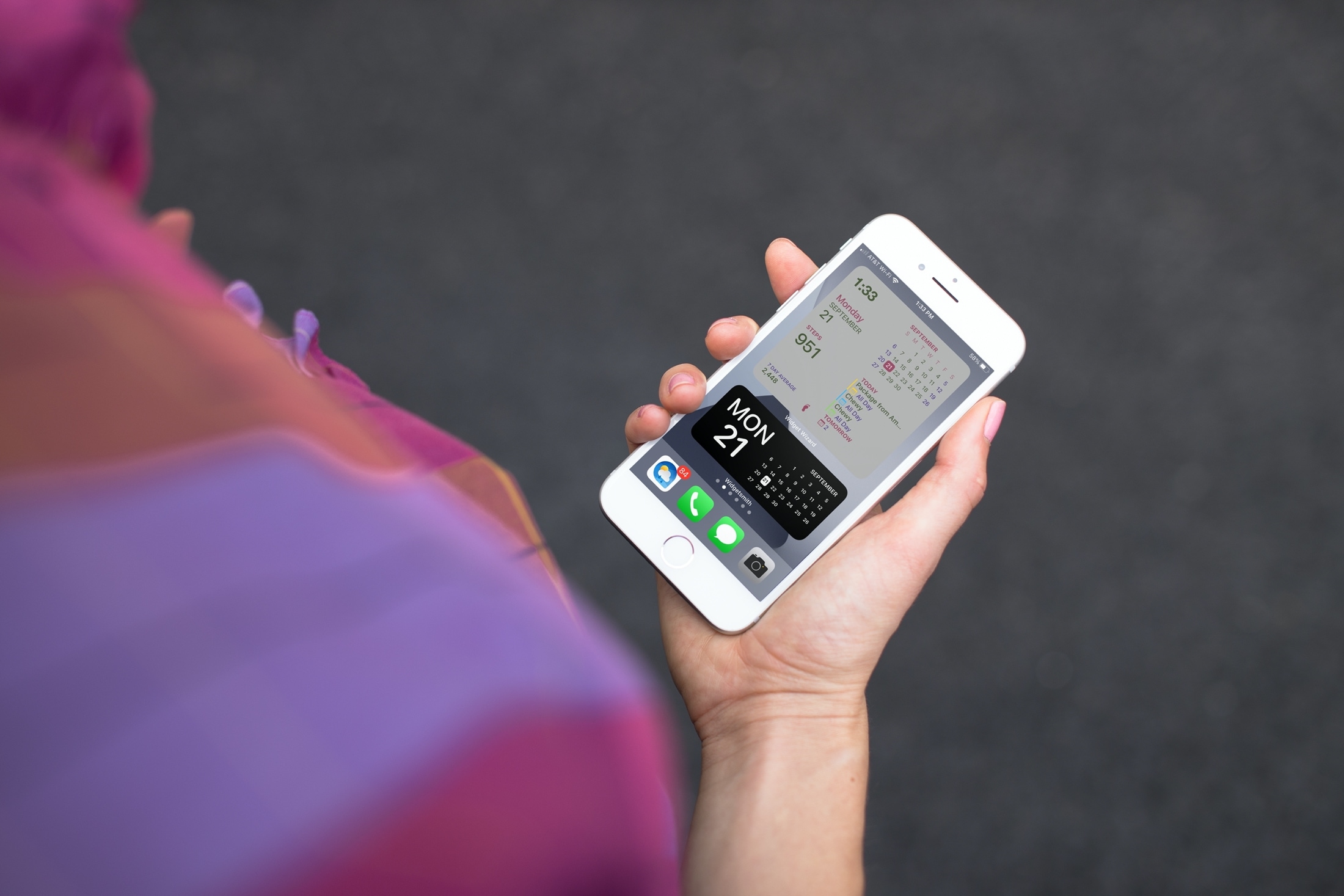
If you’ve been enjoying the iOS 14 and iPadOS 14 feature for adding widgets to your Home Screen, then maybe you want to take that a step further. Among apps with Home Screen widgets are apps that let you customize your own widgets!
You can create your own Home Screen widgets and have them look exactly as you like. This gives you even more flexibility than you probably expected for personalizing your device. Here’s how to create custom Home Screen widgets on iPhone and iPad and tools you can use.