News

Jailbreak tweaks of the week: BetterAlarm, Titan, XPad, and more…

Regardless of the fact that Apple just unveiled iOS and iPadOS 14 this past week, many iPhone and iPad users are jailbroken on iOS 12 or 13 and looking for the best and latest jailbreak tweaks.

In this roundup, we’ll show you all the latest jailbreak tweaks released from Monday, June 22nd to Sunday, June 28th. As usual, we’ll kick things off by discussing our favorite releases first and then wrap things up with an outline of the rest afterward.

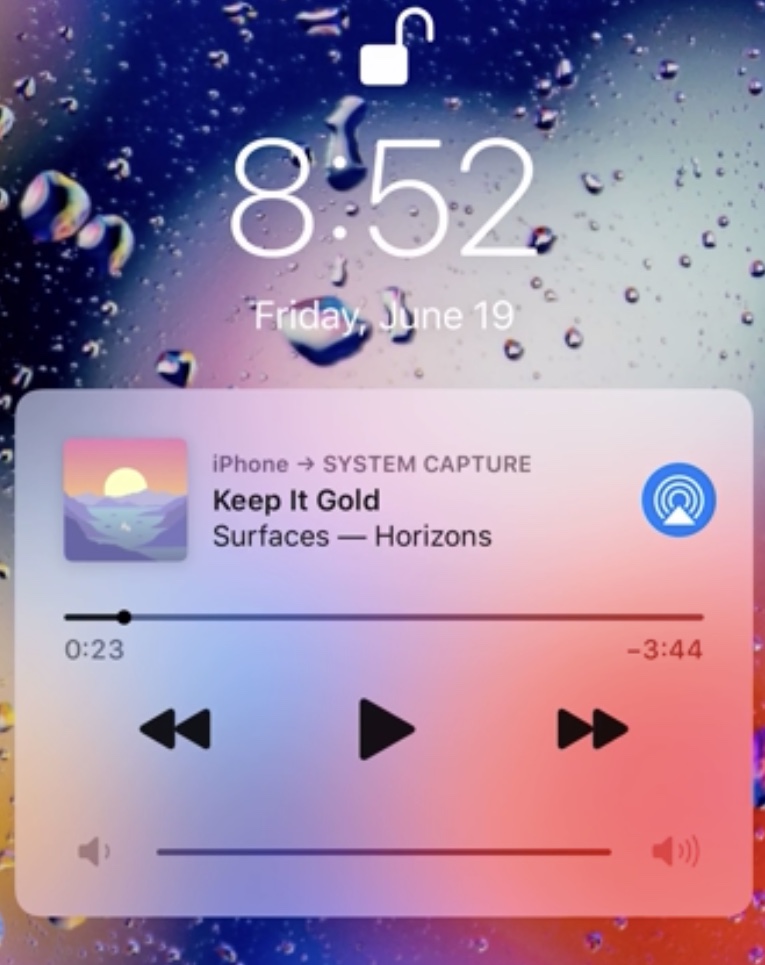
Finical lets iPhone users dismiss a lingering or unwanted Now Playing widget

iOS’ Now Playing widget manifests itself on the Lock Screen any time there’s music playing when your iPhone is locked. The Now Playing widget can be useful at times, but as a number of users have pointed out over the years, it has a tendency to linger even after you’ve stopped listening to music.

While most would write this off as some sort of quirk and go about their busy lives, some tend to be a bit more disturbed by this apparent flaw. Fortunately, a newly released jailbreak tweak called Finical by iOS developer FivePixels offers a simple solution: merely swipe the Now Playing widget out of the way whenever you don’t feel like looking at it.

How to create and edit Smart Folders in Spark on iPhone, iPad and Mac

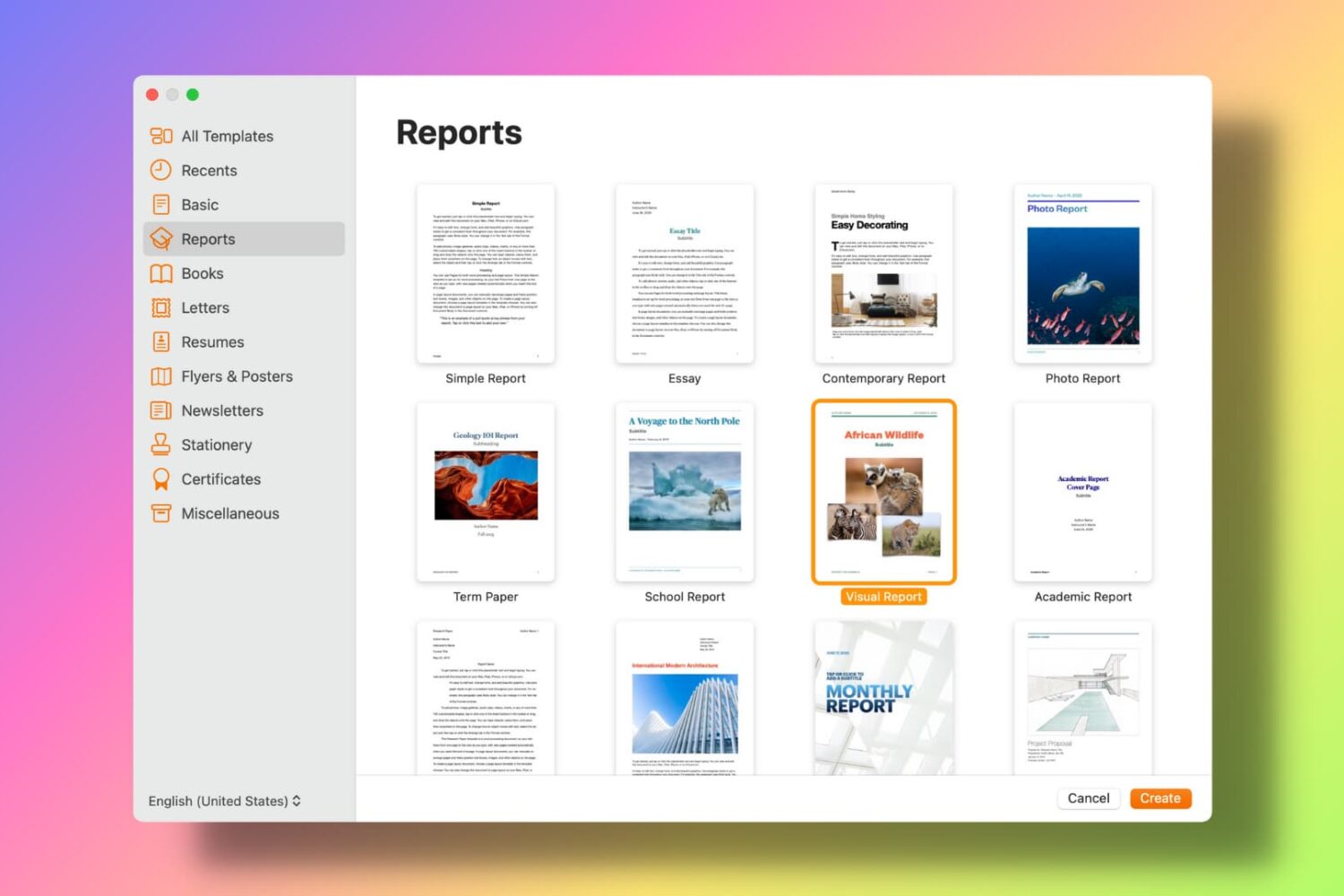
Use Spark Smart Folder Mac

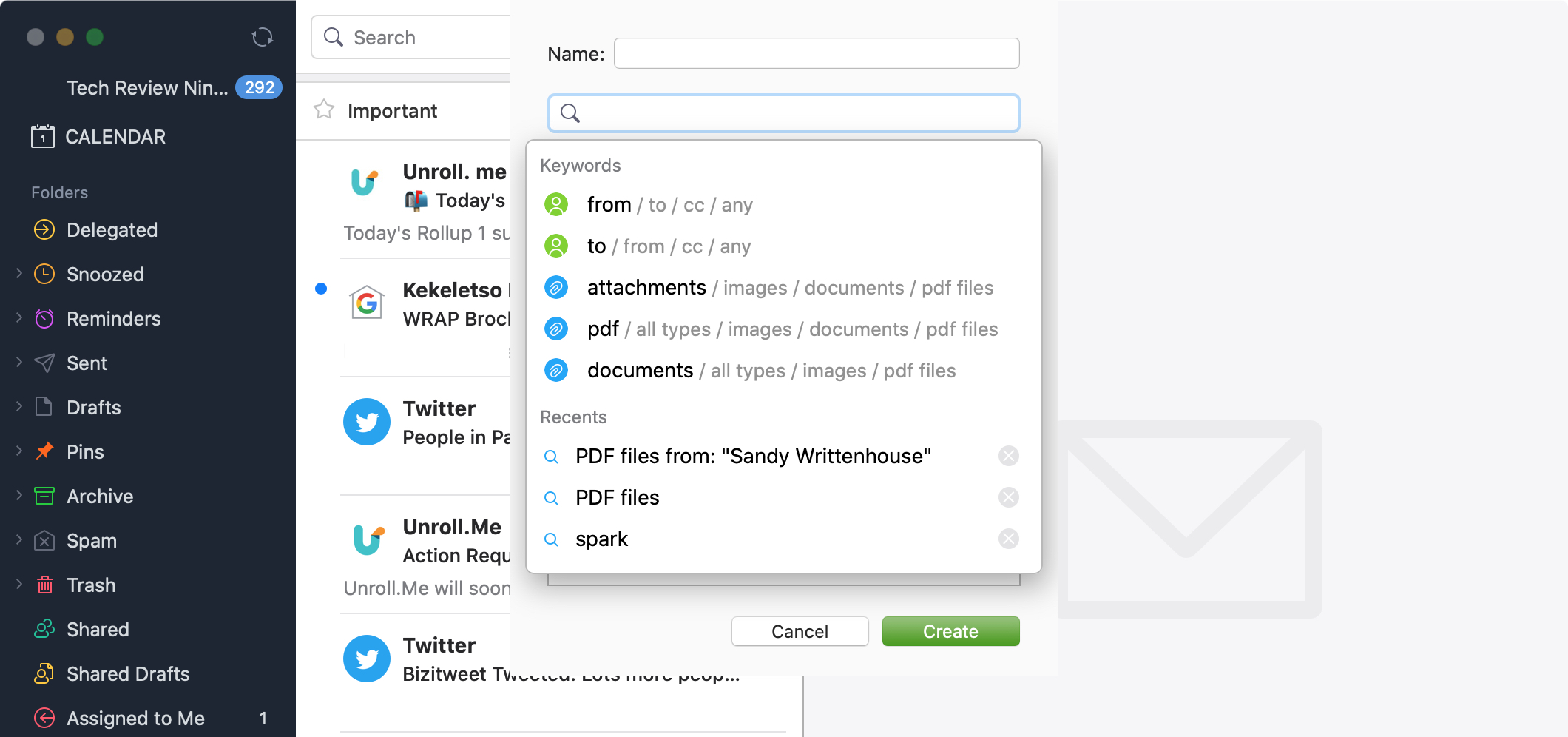
Just like smart mailboxes in the Mail app, you can set up smart folders in the Spark email app. This makes organizing your inbox easier, plus gives you a specific spot to go to for those particular emails you need.

You can use smart folders in Spark for travel arrangements, purchase receipts, or work-related emails. Or, you can set them up for emails you received in certain time frame, with a particular type of attachment, or from a specific sender.

Whatever you might find smart folders useful for in Spark, here’s how to create and edit them on iPhone, iPad, and Mac.