Learn how to use Apple’s built-in translation tool to translate web pages in Safari on iPhone, iPad, and Mac if you come across a website that’s in a language you can’t read or understand.
How to translate a webpage in Safari without extra apps
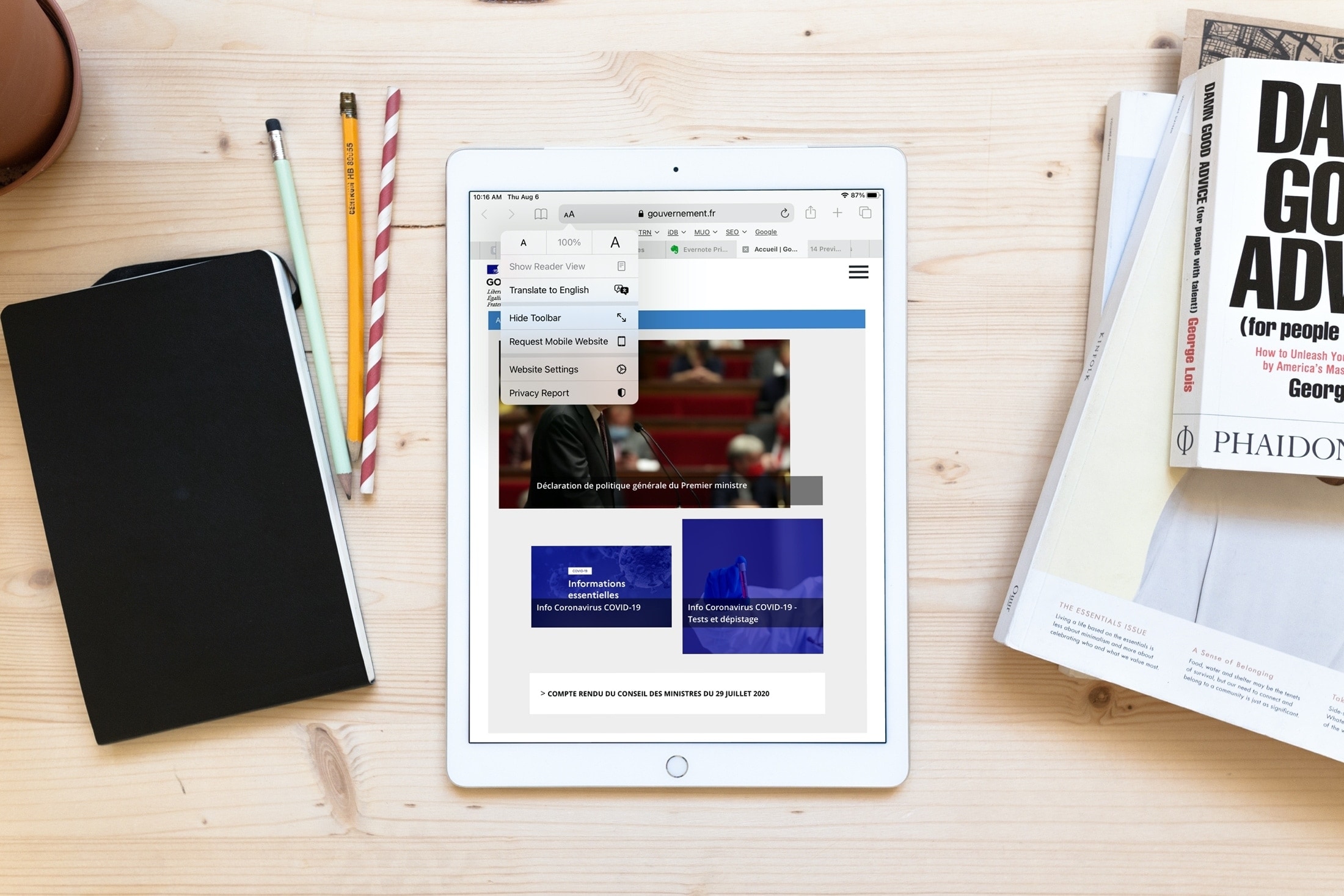
Learn how to use Apple’s built-in translation tool to translate web pages in Safari on iPhone, iPad, and Mac if you come across a website that’s in a language you can’t read or understand.
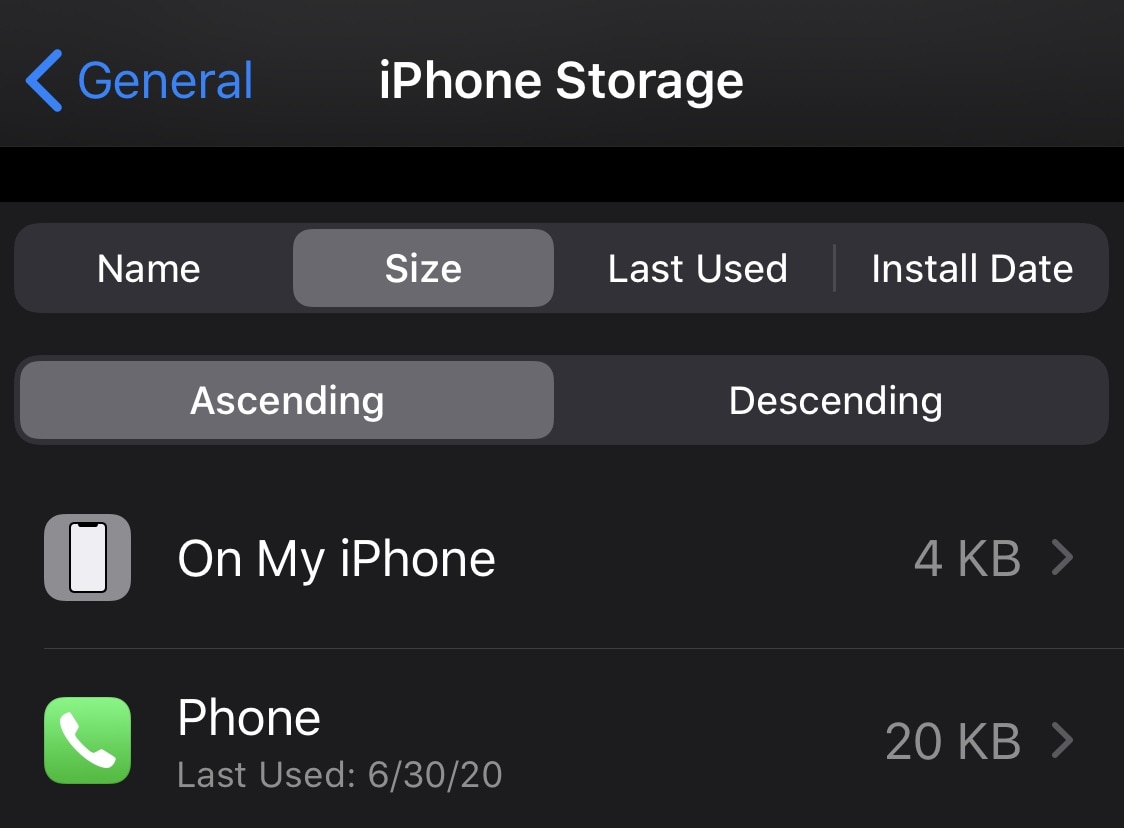
With apps becoming more advanced and powerful with each passing day, an unfortunate side effect is that those same apps grow in size. Consequently, the apps we use every day have a tendency to eat up significant portions of our handsets’ valuable non-upgradeable storage space.
iPhone and iPad users can discern which apps are using the most substantial helpings of your storage by visiting the Settings → General → iPhone/iPad Storage preference pane, but it sure would be nice if Apple provided more sorting options. That’s where a newly released and free jailbreak tweak dubbed StorageByName by iOS developer udevs comes into play.
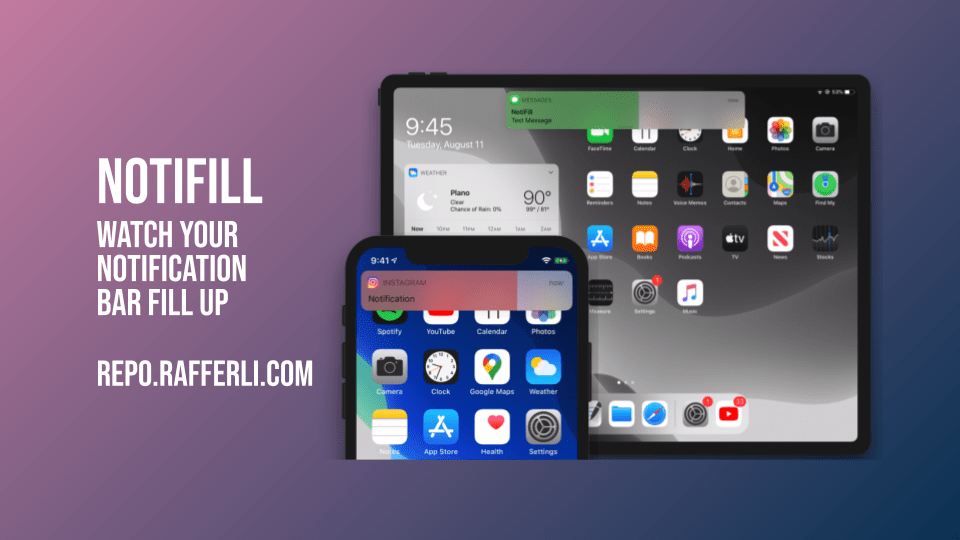
As you use your iPhone or iPad throughout the day, you’re likely to receive a number of banner notifications from various apps, whether they’re comprised of text messages coming from Apple’s Messages app, status updates coming from Facebook, or activity alerts coming from Twitter. One thing all these banner notifications have in common, despite coming from different apps, is that they’re particularly boring.
NotiFill & NotiFill Pro are a newly released set of and free and paid jailbreak tweak by iOS developer rafferli that aims to make banner notifications of all types more exciting to look at. It achieves this feat by giving banner notifications animated color fills that may look somewhat reminiscent of loading bars.

Today has been quite the day, but now we've got Spotify weighing in on the dispute between Apple and Epic Games. You won't be surprised which side of the argument Spotify is on.

If you are a fan of Showtime and CBS All Access, but don't necessarily want to pay the full subscription price for both, then Apple may have a fix for you.

In what can only be described as a shocking, and yet probably still inevitable move, Apple has decided to remove the mega-popular battle royale game Fortnite from the App Store.
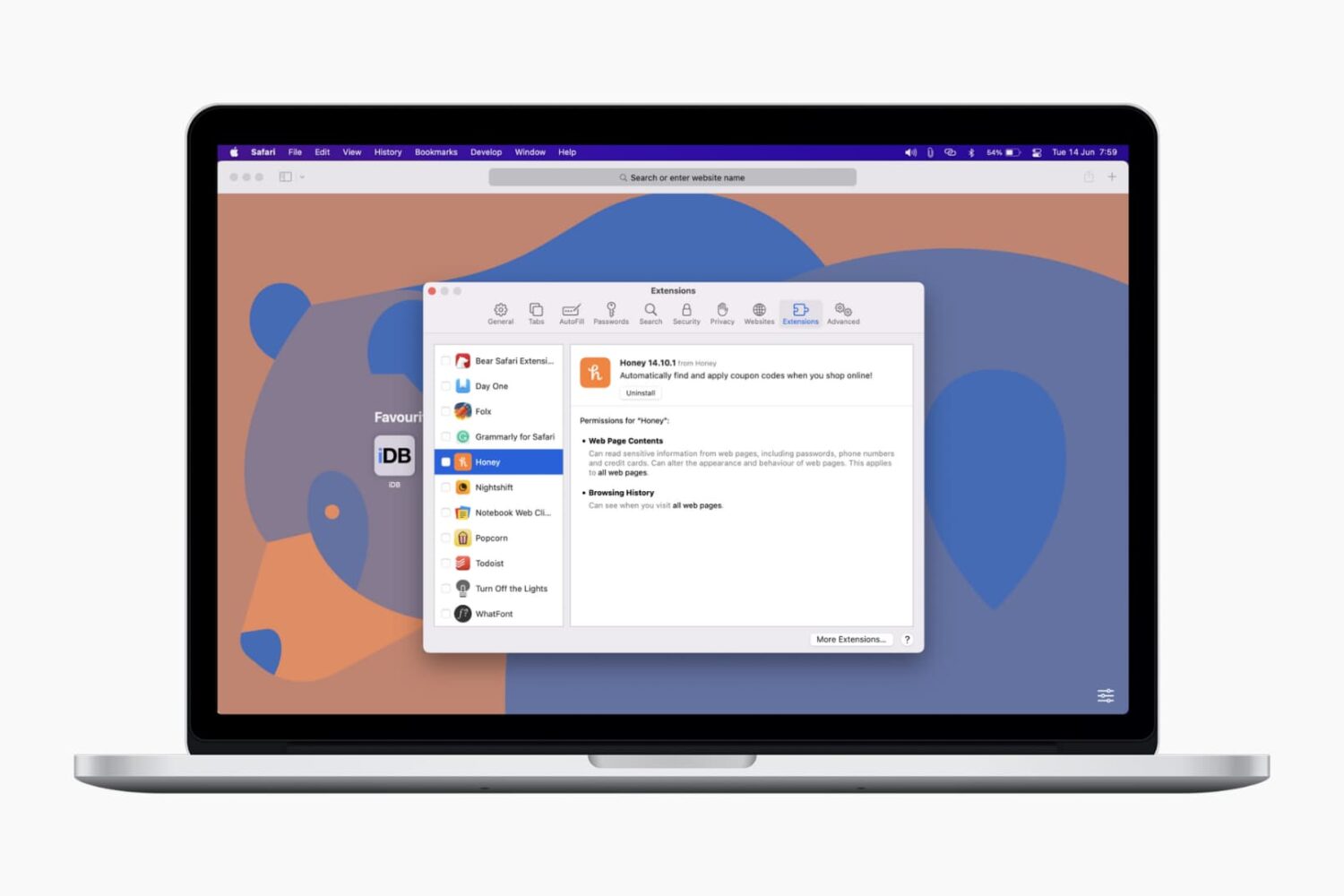
In this tutorial, we’ll show you how to install, view, run, and manage Safari extensions on your Mac to add extra features to your web browser.

iOS 14, iPadOS 14 and macOS Big Sur intercept traffic from websites, with Safari opening Apple News+ links in the News app. As a result, Apple News+ subscribers avoid paywalls on the web. Thankfully, you can change that behavior at will. This tutorial will show you how to have the links to stories included in your Apple News+ subscription open on the web instead of in News.

In the United States, the president is threatening a large scale ban on apps available on the iPhone that originate from China, with the primary focus being on TikTok but also including apps like WeChat. And blocking the latter may have a huge impact on Apple's business.

Apple wants more people to use Apple News+, and, at the same time, it wants to make sure that customers who are already paying for the subscription service actually get to use it on a regular basis without having to open the app directly.
In an effort to get around Apple's and Google's fees levied in their respective app stores, Epic Games today announced that a new direct payment option is available in Fortnite for iOS and Android, despite Apple's stringent review guidelines for App Store submissions.

In this tutorial, we'll show you how to quickly find and insert emojis when you're using a hardware keyboard with your iPad.