Jailbreak

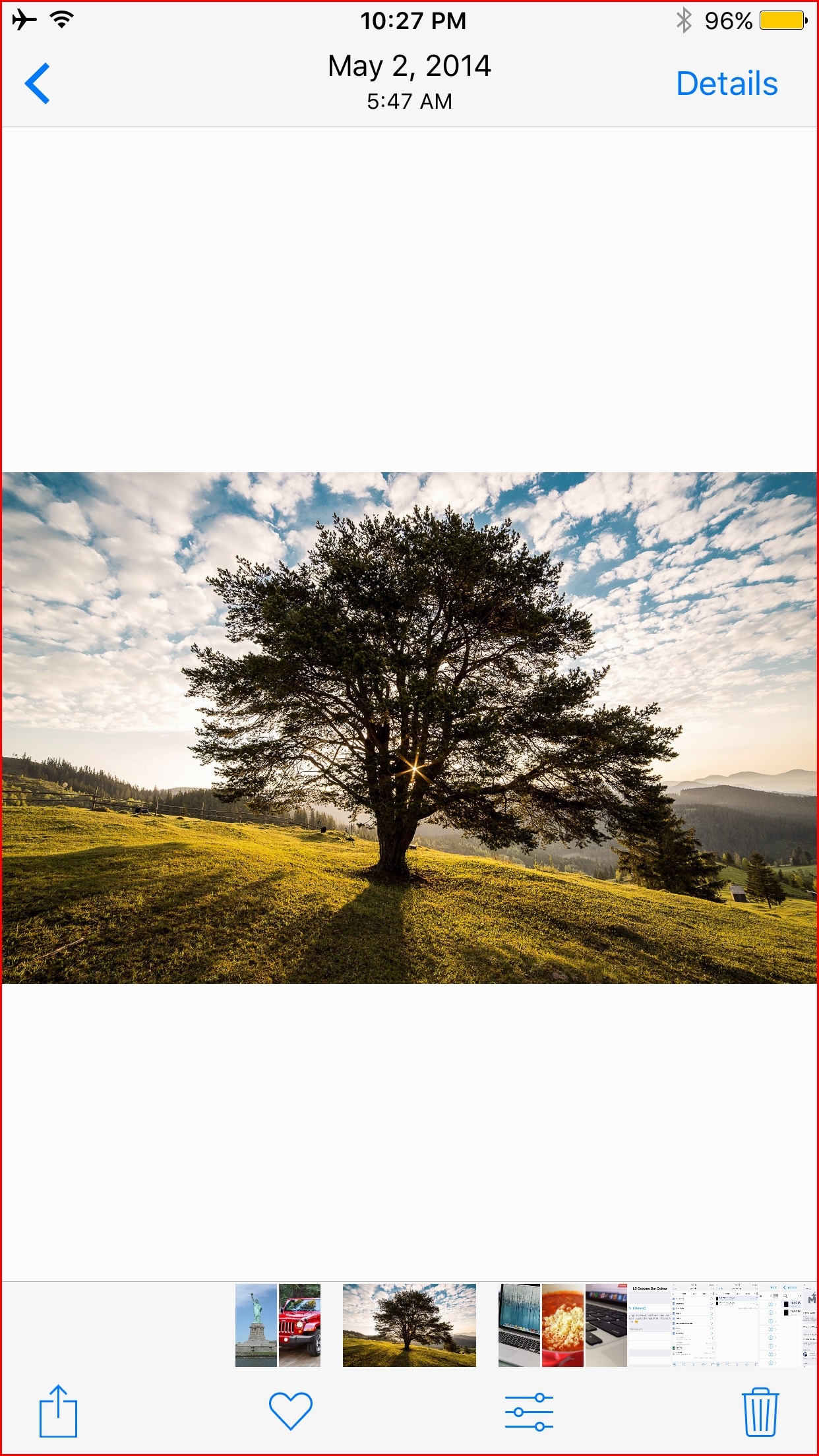
This tweak eliminates the two-step process to force-close apps on the iPhone X

Although I love using my iPhone X, I have a gripe with how the App Switcher works on this particular device. More specifically, you need to tap and hold on App Switcher cards before you can swipe up to force-close their respective apps.

Given that this two-step process isn’t required on any other Apple handset, it took me a while to get used to, and I still don’t like it. On the other hand, anyone on the same page can now take advantage of a new free jailbreak tweak called SwipeUptoKillX by iOS developer CydiaGeek.
SilentAir makes the AirDrop receiving pop-up less intrusive

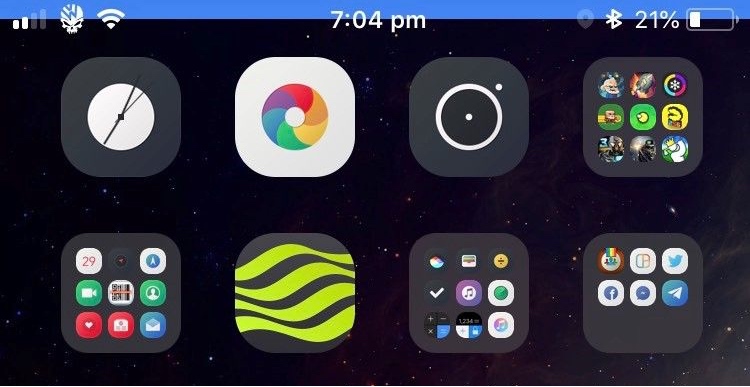
AirDrop comes in handy when you want to wirelessly send files from one device to another, but the user interface leaves a lot to be desired, especially when receiving large files.

The single most significant complaint is that the intrusive AirDrop receiving pop-up appears on the screen for too long, blocking you from doing anything else until the pop-up vanishes. But a new free jailbreak tweak called SilentAir by iOS developer Muirey03 aims to change that.

No Thumbnail keeps Camera Roll thumbnails from appearing in the Camera app

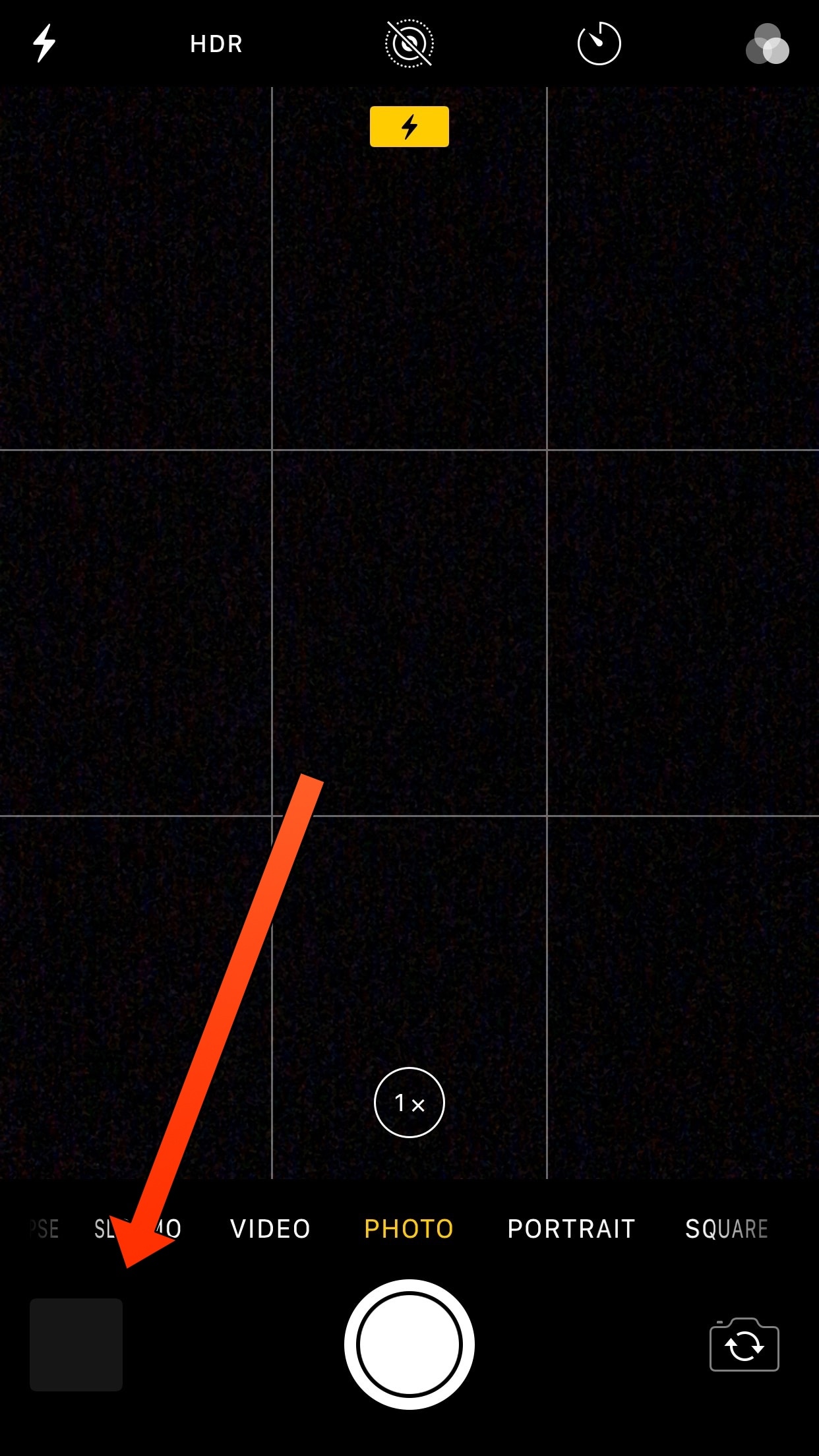
Whenever you use your iPhone’s Camera app to snap photos or shoot video, a thumbnail preview displaying your most recent capture appears at the bottom-left of the interface. This small thumbnail means that anyone can glance over your shoulder and see the last thing you recorded.

If you’d rather keep your most recent photography endeavors to yourself, then you might be interested in a new free jailbreak tweak dubbed No Thumbnail by iOS developer Jbrownllama.

ApolloOpener, DontSwipe, LatchKey, and more jailbreak tweaks to try this weekend

Jailbreak Tweaks to check out

It feels like a ton of jailbreak tweak developers are back in action following the release of Electra1131, and that means that the jailbreak community can expect to see several new ways of customizing their handsets.

In this roundup, we’ll talk about all the jailbreak tweaks released in Cydia from July 23rd to July 29th. As always, we’ll begin by showcasing our favorites, and then we’ll outline the rest afterward.

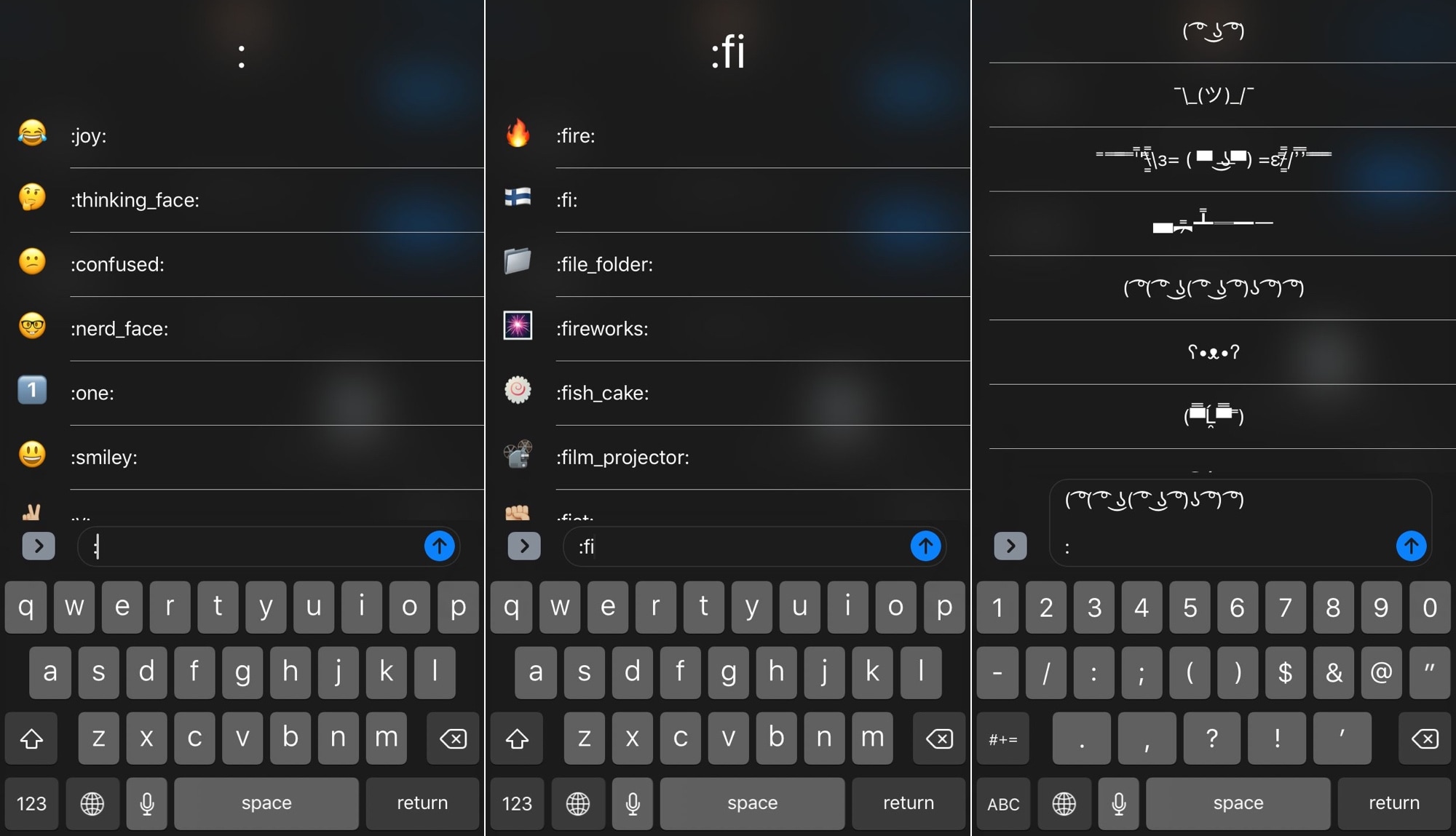
TextEmojis lets you type Emojis and more with text shortcuts

A variety of popular third-party messaging apps, including Discord and Slack, let you enter Emojis by typing a colon followed by a specific shortcode. Apple doesn’t provide users with a comparable feature throughout the rest of iOS, but wouldn’t it be nice if they did?

If you answered “yes” to the question above, then you might be happy to learn about a new jailbreak tweak dubbed TextEmojis by iOS developer Andreas Henriksson. Once installed, you’ll be able to input Emojis and other quirky text faces by typing pre-configured text shortcuts.

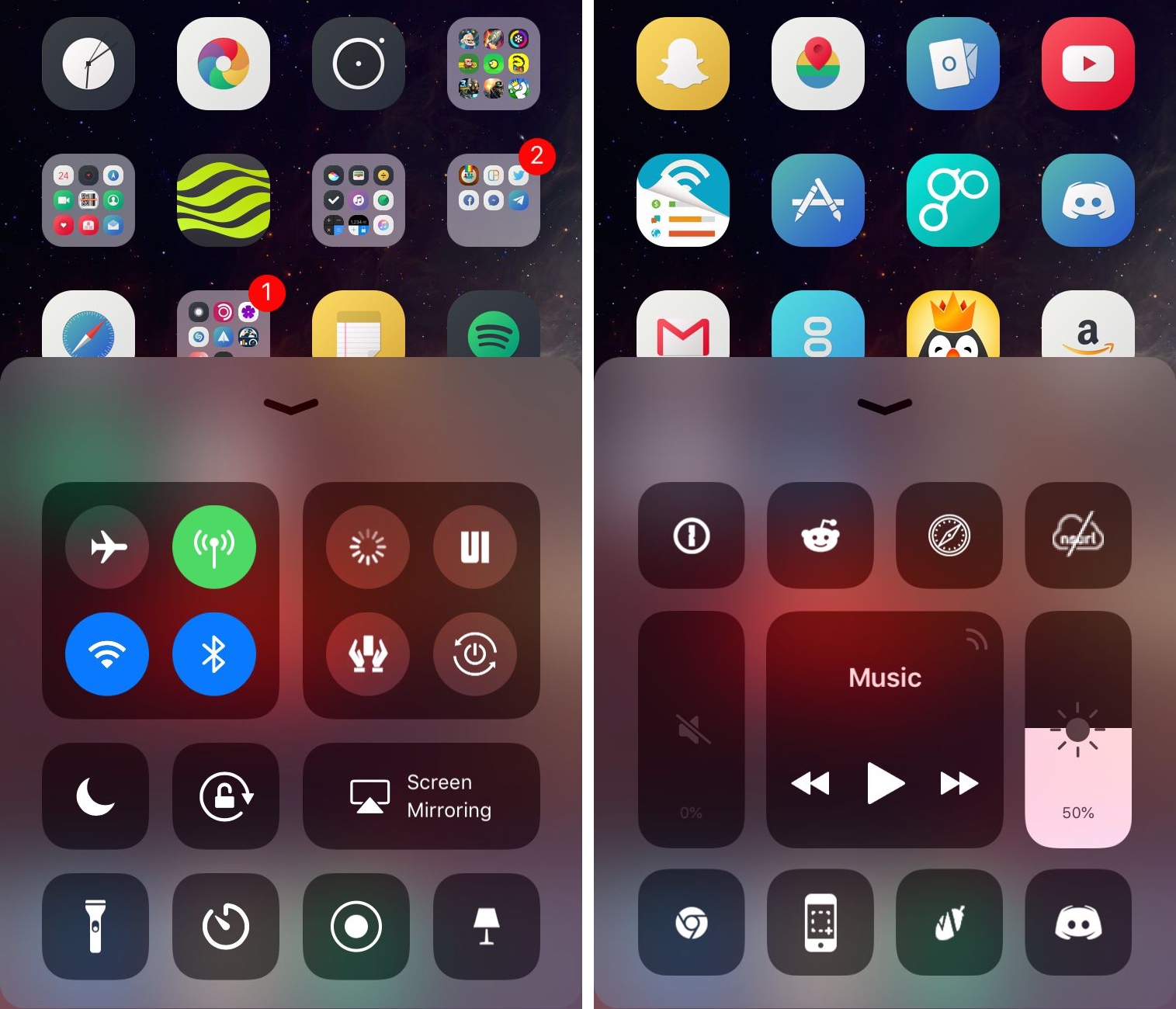
Duo adds a second page to Control Center in iOS 11

The modular Control Center interface in iOS 11 is great because you can customize the toggles and shortcuts that appear there. Unfortunately, Apple limits the how many you can have, and that’s where a new jailbreak tweak called Duo by iOS developer Muirey03 comes into play.

As the name “Duo” infers, this tweak gives you a secondary page in Control Center that provides additional space for more toggles and shortcuts.

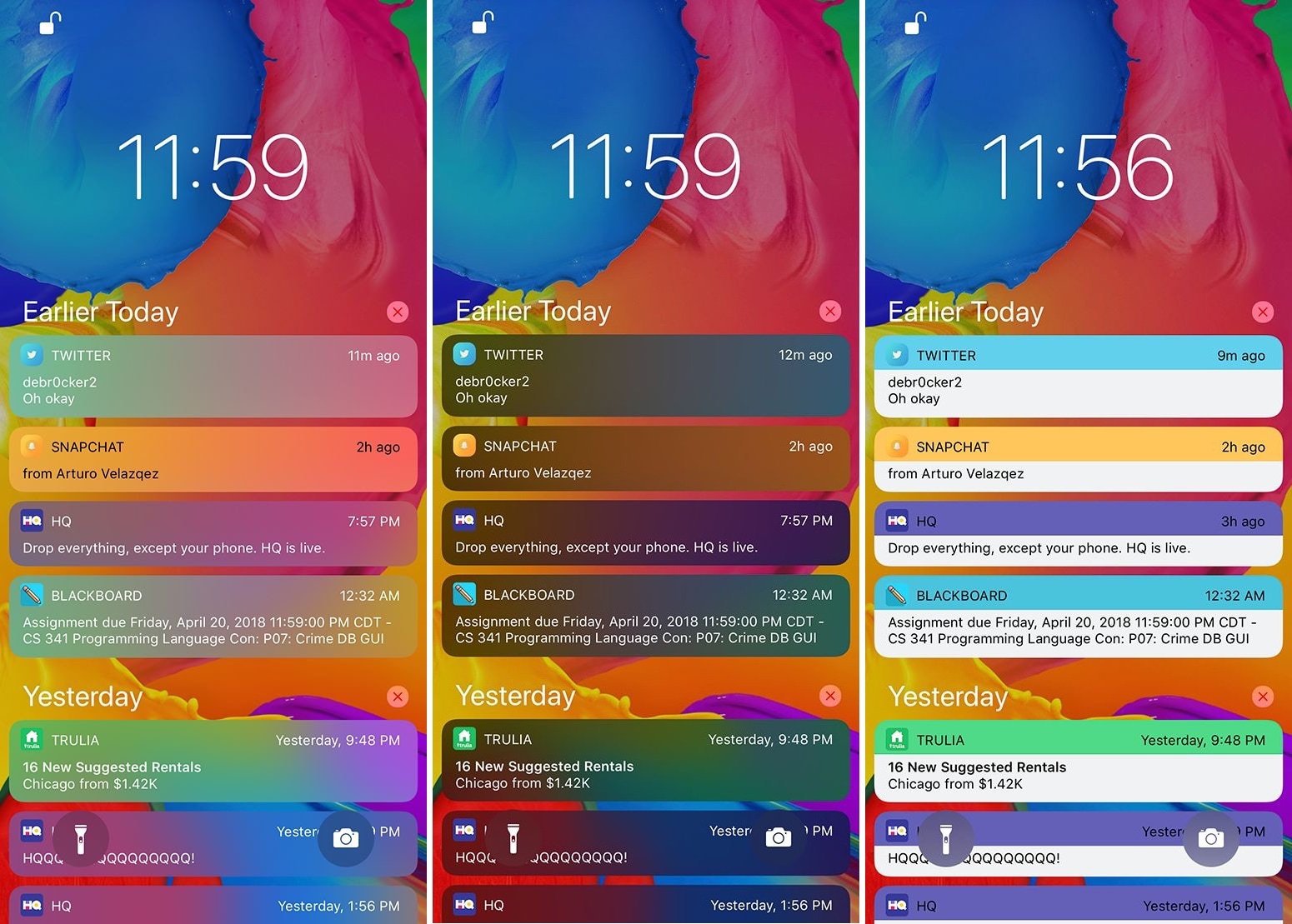
Palette lets you colorize your notifications and widgets

If you’re a jailbreaker, then chances are you enjoy standing out from the rest of the crowd. One way you can accomplish this is by changing the look and feel of your iOS device, and a new free jailbreak tweak called Palette by iOS developer Maxwell Dausch can help you do just that.

As the name implies, Palette produces a handful of colorization options for your jailbroken handset. More specifically, it focuses on incoming notifications and widgets, which most people interact with every day.

LightsOn enables Portrait Lighting mode on the iPhone 7 Plus

If you have an iPhone X or 8 Plus, then you might be familiar with the Portrait Lighting feature that Apple conveniently bundled into your handset’s stock Camera app. It applies professional lighting effects to your photo subject with the help of your device’s dual camera setup and powerful processor.

The iPhone 7 Plus also sports a dual camera setup and a powerful processor, but Apple uses software to limit Portrait Lightning to the iPhone X and 8 Plus. Fortunately, a new free jailbreak tweak dubbed LightsOn by iOS developer Voltized can fix that.

Protect your Camera Roll privacy with DontSwipe

While there are times that I enjoy showing photo(s) from my iPhone’s Camera Roll to the people around me, I always worry that someone might start swiping through the rest of my pictures if given a chance.

If you feel the same way, then you may want to take a look at a new free jailbreak tweak called DontSwipe by iOS developer SecondEight1, as it can lay your worries to rest.

Customize the iPhone X’s unlocking glyph with LatchKey

When you use Face ID to unlock your iPhone X, your handset presents an animated lock glyph that indicates the locked or unlocked status of your device. But until now, there haven’t been very many ways of customizing this glyph.

Enter LatchKey, a new free jailbreak tweak by iOS developer Maxwell Dausch that lets you transform the look of your iPhone X’s Face ID unlocking animation.

VolbrateXI brings haptic feedback to your volume buttons

If you enjoy experiencing haptic feedback as you perform specific actions on your iPhone, then you might appreciate a new free jailbreak tweak called VolbrateXI by iOS developer Lacertosus.

VolbrateXI provides you with a small amount of haptic feedback any time you use your handset’s volume buttons. Furthermore, it incorporates several settings so you can tailor the tweak to your personal needs.