Jailbreak

Latest unc0ver build seeded to internal testers fixes bug that delayed public release

Pwn20wnd issued a build of the updated unc0ver jailbreak tool with support for Brandon Azad’s oob_timestamp tfp0 exploit on A12(X)-A13 running iOS 13.0-13.3 to internal beta testers earlier this week. While many anticipated a public beta launch shortly after all the positive comments shared by internal beta testers, a bug was later discovered that delayed any sort of public release.

Fortunately for those waiting to use the new unc0ver on their compatible device(s), patience is almost certainly a virtue. In a Tweet shared Friday evening by Pwn20wnd, we learn how the pesky bug that delayed the initial public release of the renewed unc0ver jailbreak tool had been resolved:

Critical bug fix for Substrate Safe Mode released for checkra1n and unc0ver users

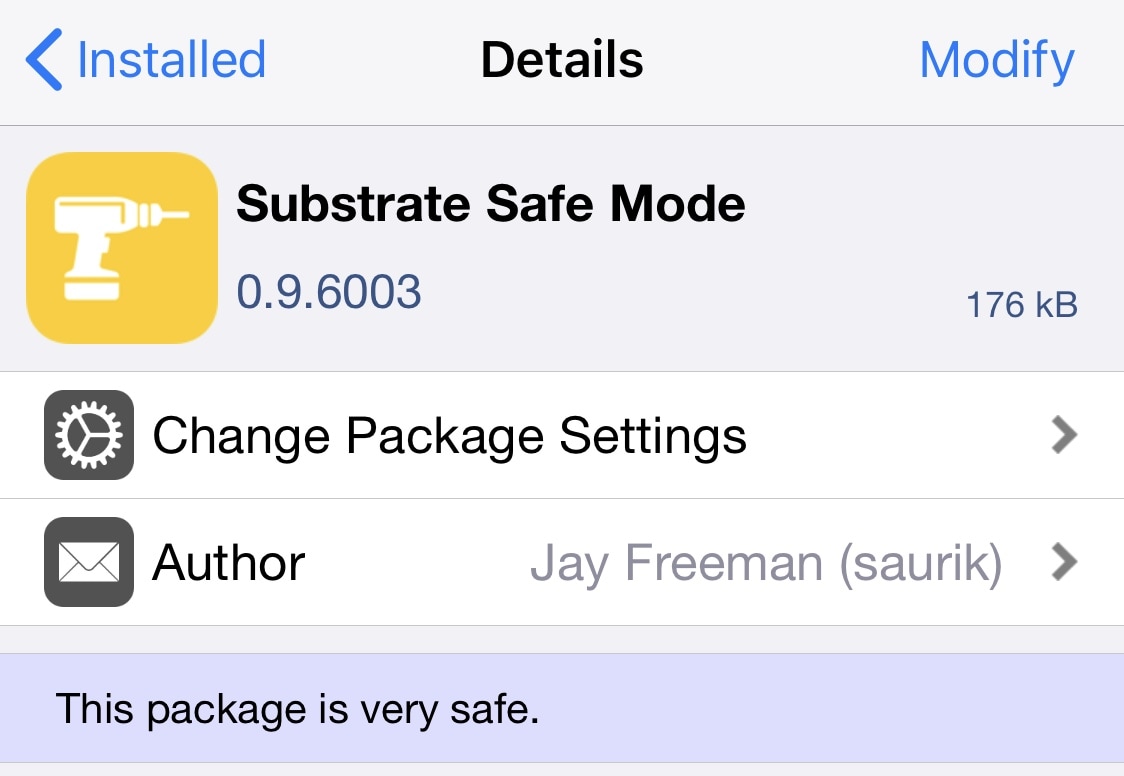
If you’re using a modern jailbreak that uses Cydia Substrate as its primary means of tweak injection, be it checkra1n or unc0ver, then today might be a good time to fire up your preferred package manager and refresh your sources.

Substrate Safe Mode appears to have been updated to version 0.9.6003 with a critical bug fix. The checkra1n team shared the announcement in a Tweet delivered early Friday morning:

Planning to use unc0ver to pwn your iOS 13.0-13.3 A12(X)-A13 device? Get AltStore now

The unc0ver jailbreak is so close to publicly supporting iOS 13.0-13.3 on A12(X)-A13 that we can almost taste it. Support for Brandon Azad’s new oob_timestamp exploit was pushed into internal beta testing yesterday afternoon, and according to Pwn20wnd, unc0ver could be publicly available in the next 24 hours or so if everything goes smoothly.

Assuming you managed to downgrade to iOS 13.3 from iOS 13.3.1 before Apple stopped signing it yesterday or already had some version of iOS 13 installed between 13.0-13.3, you’re probably wondering what you can do to prepare your jailbreakable handset. If that’s the case, then we’d advise setting up AltStore on your Mac or PC.

Apple stops signing iOS 13.3 as updated unc0ver jailbreak nears public release

Apple must’ve caught wind about Pwn20wnd’s fast-paced progress on updated the unc0ver jailbreak for iOS 13.0-13.3. Not even a few hours after internal beta testers hyped the project on Twitter with the #unc0ver hashtag, Apple officially closed the signing window for iOS 13.3 to prevent downgrades from iOS 13.3.1.

Apple’s swift blow to iOS downgrading on Wednesday was somewhat out of character for the company because it transpired much earlier in the day than usual. While Apple regularly unsigns older firmware, the abruptness of iOS 13.3’s unsigning after Pwn20wnd’s slurry of announcements regarding unc0ver suggests that Apple intended to contain the jailbreak situation before it could reach the masses.

Unc0ver enters internal testing with support for A12(X)-A13 running iOS 13.0-13.3

Hot off the heels of a plethora of teasers that have been shared over the course of the past couple of weeks, Pwn20wnd has officially commenced an internal beta testing phase for the unc0ver jailbreak with iOS 13.0-13.3 support on A12(X)-A13 as of Wednesday afternoon – a feat made possible with Brandon Azad’s oob_timestamp tfp0 exploit.

The news surfaced by way of Pwn20wnd’s official Twitter account, which earlier this morning noted that unc0ver would soon move into the internal testing phase. A few short hours later, internal testing officially began:

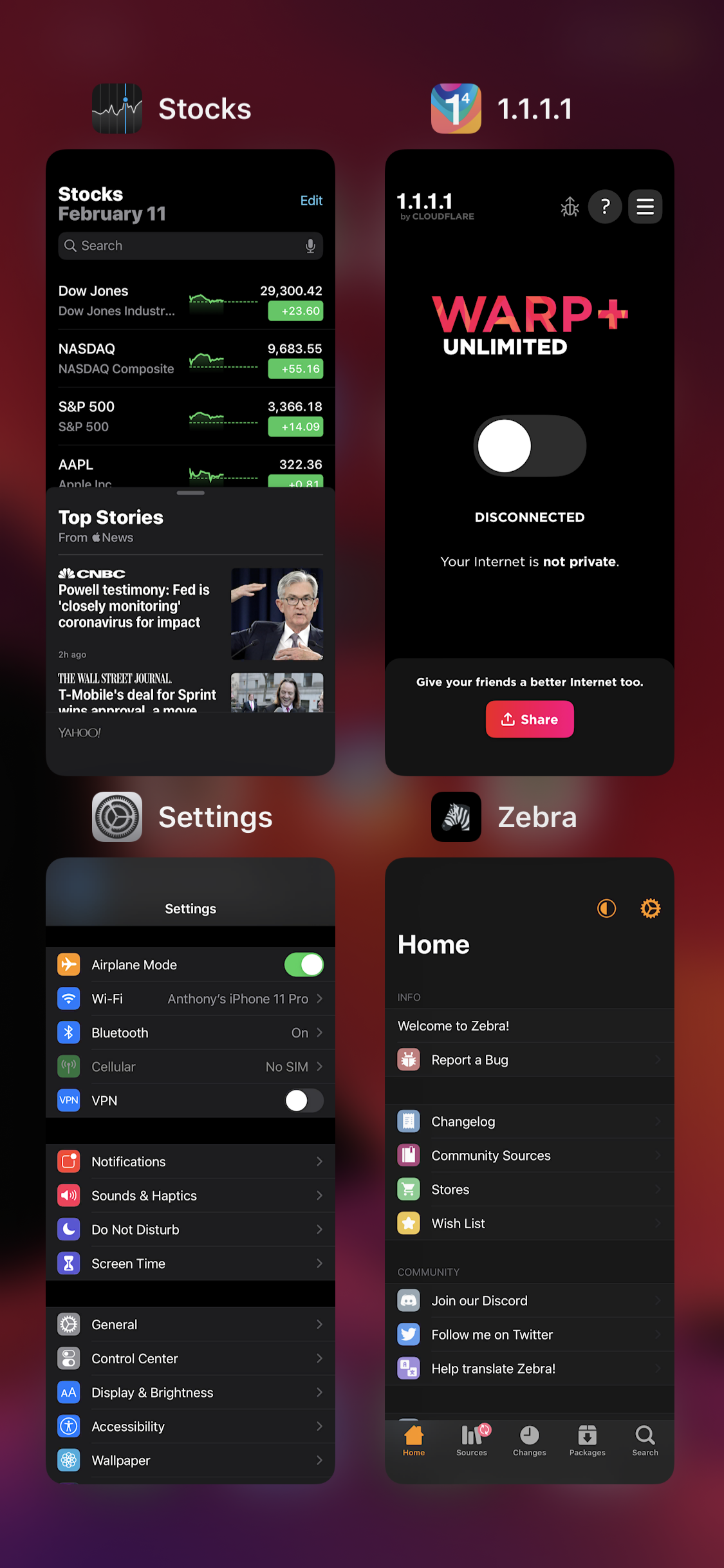
Castmary gives your iPhone an iPad-like grid App Switcher

The App Switcher experience on the iPhone leaves a lot to be desired, especially if you’ve ever used an iPad before. That said, it’s mind-blowing that Apple hasn’t done anything about this yet.

If you’re tired of waiting for Apple to implement an official solution, then you can now take advantage of a new free jailbreak tweak called Castmary by iOS developer Simulation to get an iPad-style grid-based App Switcher on your iPhone or iPod touch.

Pwn20wnd prepares for internal beta testing as unc0ver for iOS 13 takes shape

There’s been a ton of hype recently regarding Pwn20wnd updating the unc0ver jailbreak with official support for iOS 13.0-13.3 on A12(X)-A13 devices as of late, a feat only possible with Brandon Azad’s new oob_timestamp tfp0 exploit. But just how far along has the tool’s development come? A good question, and presumably one that has already been answered.

According to a series of Tweets shared by Pwn20wnd Tuesday afternoon, it would seem that tweak injection has been updated to work flawlessly on A13 devices (it was already working on A12[X]):

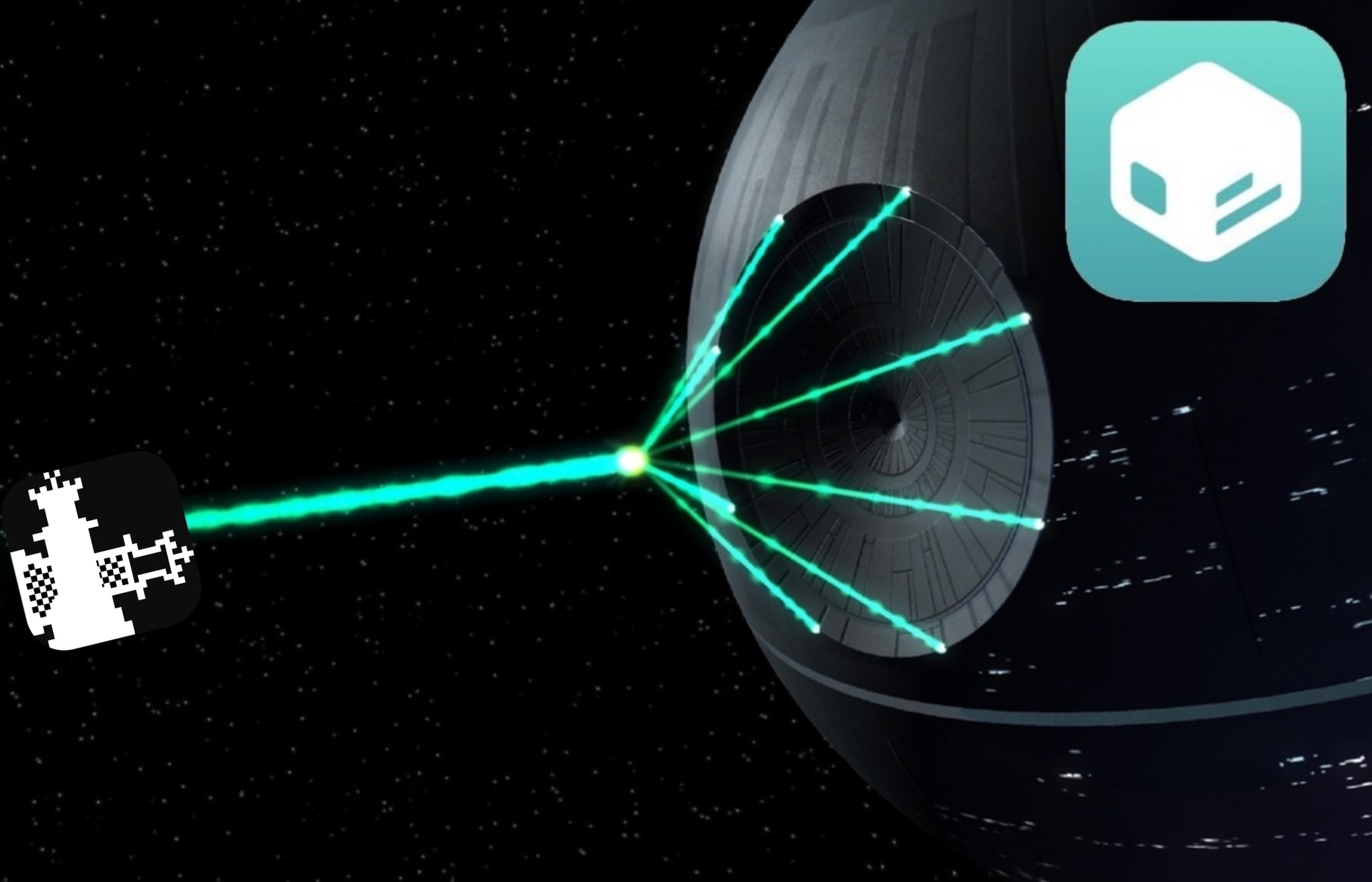
Sileo port for checkra1n discontinued, future update could Frankenstein the checkra1n bootstrap

At the end of 2019, the Sileo Team launched a botched tool that could be used to port the Sileo package manager onto the bootrom exploit-based checkra1n jailbreak. The launch wasn’t as seamless as some would have hoped, lacking synergy with the official checkra1n installer app. Moreover, it uninstalled Cydia and checkra1n resources in place of Sileo and its own dependencies with seemingly no obvious way of reverting.

Those who’ve been following the progress of Sileo for checkra1n closely may have noticed a peculiar Tweet by way of the Sileo Team’s official Twitter account early Thursday morning:

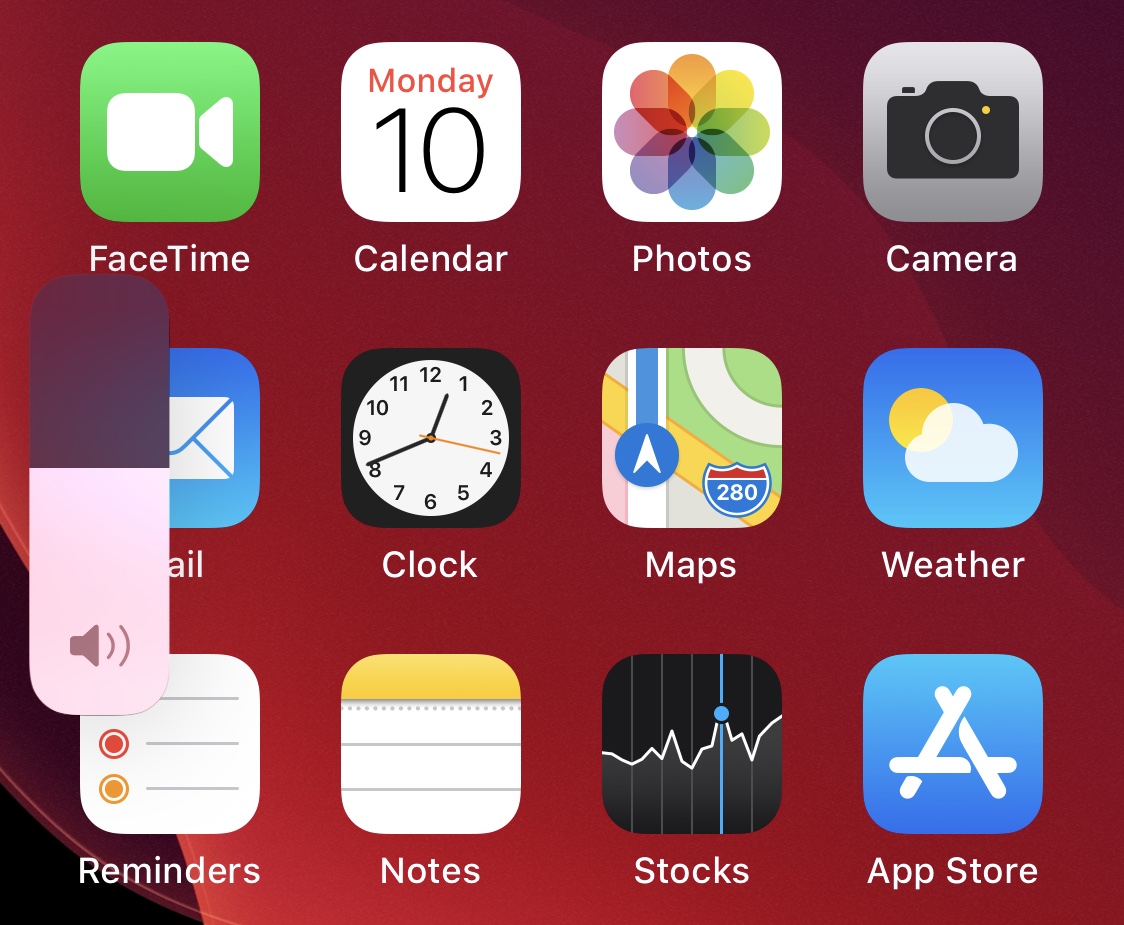
This tweak helps prevent embarrassing iPhone volume mishaps

Whether you have a preferred volume level for listening to music and videos or you merely wish to avoid the accidental changing of your iPhone’s volume level when you don’t mean to, a newly released and free jailbreak tweak dubbed VolumeLock by iOS developer LacertosusDeus just might come in handy in various niche situations.

Just as the tweak’s name implies, VolumeLock lets you lock your handset’s current volume level with a simple gesture. It can help prevent accidental volume button presses from changing the volume level, and it can also curb pranksters who think it’s funny to turn your volume all the way up when you aren’t looking.

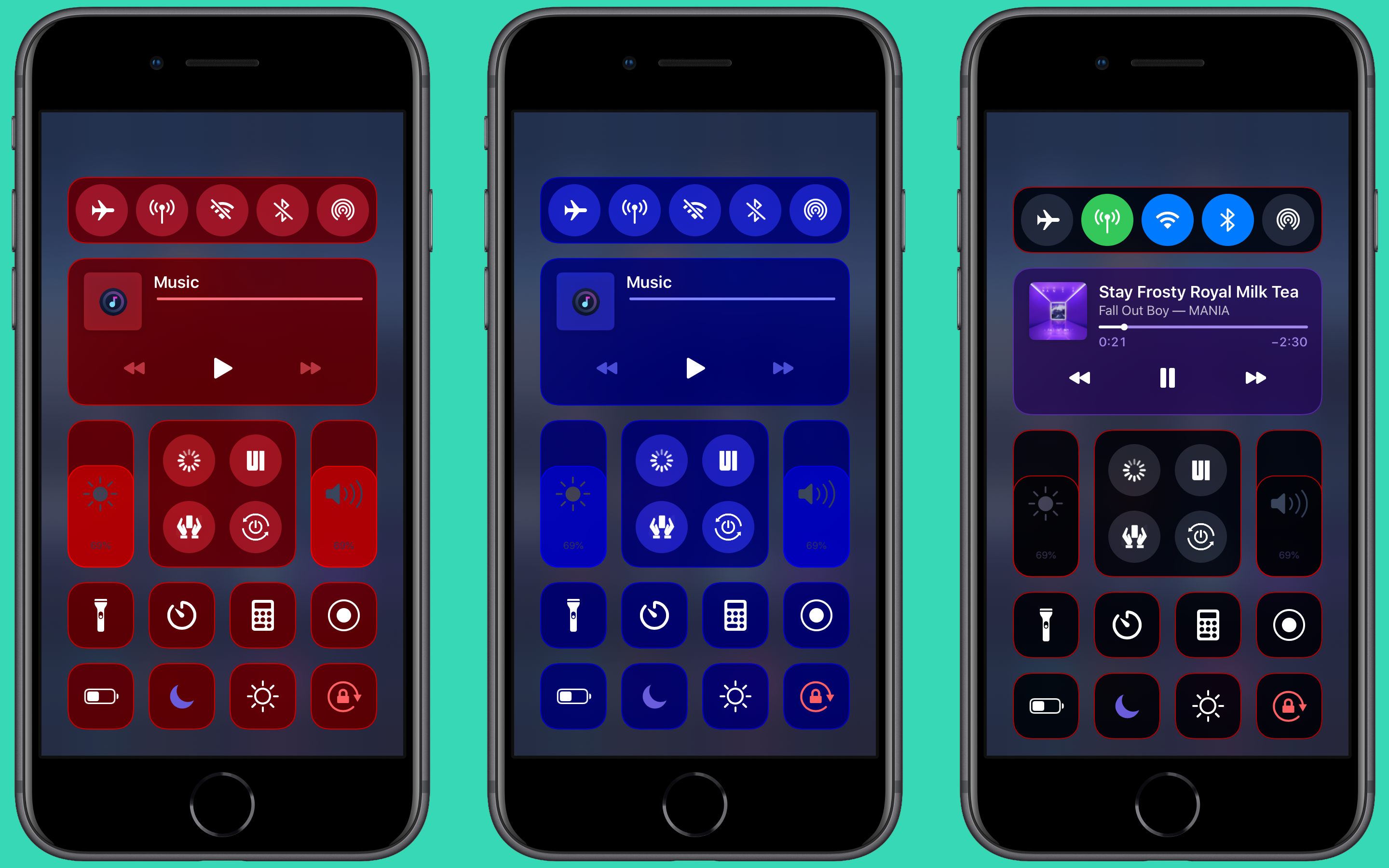
ColorMeCC lets you colorize iOS’ Control Center for free

Jailbreakers who enjoy theming and adding their own personal splash of color to the native iOS user interface to make it distinguishable from the crowd won’t want to pass up on a newly released and free jailbreak tweak called ColorMeCC by iOS developer MrGcGamer.

As you might’ve inferred from the tweak’s name and the aforementioned context, ColorMeCC lets you colorize the Control Center interface in ways that aren’t possible on a stock device. The tweak incorporates a plethora of options for personalizing the Control Center interface, as you’re about to see.

Colorize your iPhone’s Status Bar icons with Aerial 2

The Status Bar is something that iPhone and iPad users will interact with on a daily basis, and that’s why those looking to add a touch of personalization to their pwned handsets should consider checking out a newly released jailbreak tweak called Aerial 2 by iOS developer PolyTweaks.

As you might’ve ascertained already from the name, Aerial 2 is the reincarnation of a tweak that was initially released three years ago. Just like the original, the newer tweak lets users colorize their Status Bar’s icons however they want with individualized color pickers.

Customize your iPhone’s Dock with Dockify

If you’re in the market to change the look and feel of your iPhone’s application Dock on the Home screen, then you might feel right at home with that of a new jailbreak tweak release called Dockify by iOS developer burrit0z.

After you’ve installed Dockify, you’ll find a dedicated preference pane in the Settings app with a myriad of different customization techniques for your Dock: