Learn how to scan QR codes on images saved in your iPhone’s Photos app or sent via iMessage or WhatsApp without using another device or printing them out.
How to scan QR codes in images saved on your iPhone
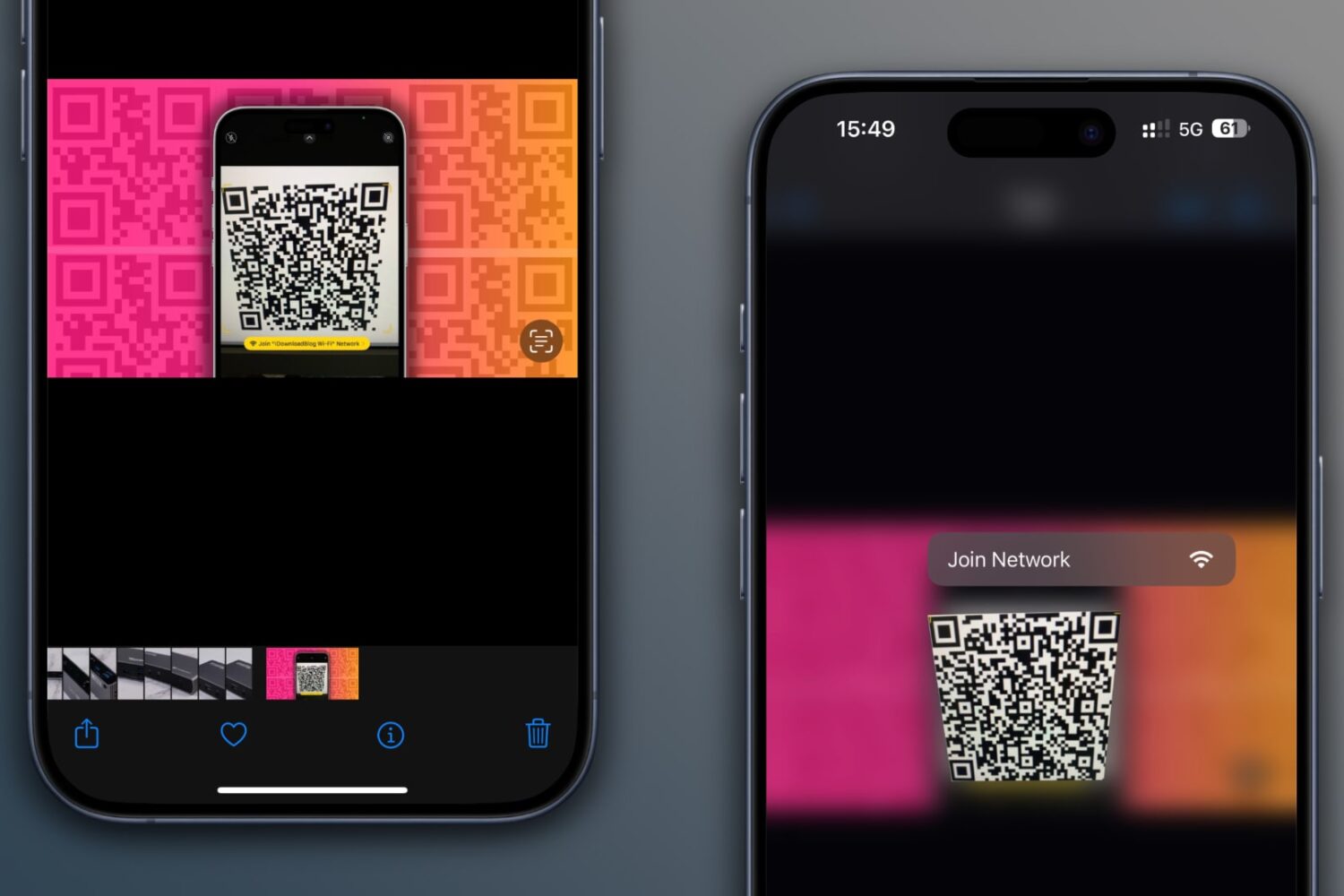
Learn how to scan QR codes on images saved in your iPhone’s Photos app or sent via iMessage or WhatsApp without using another device or printing them out.
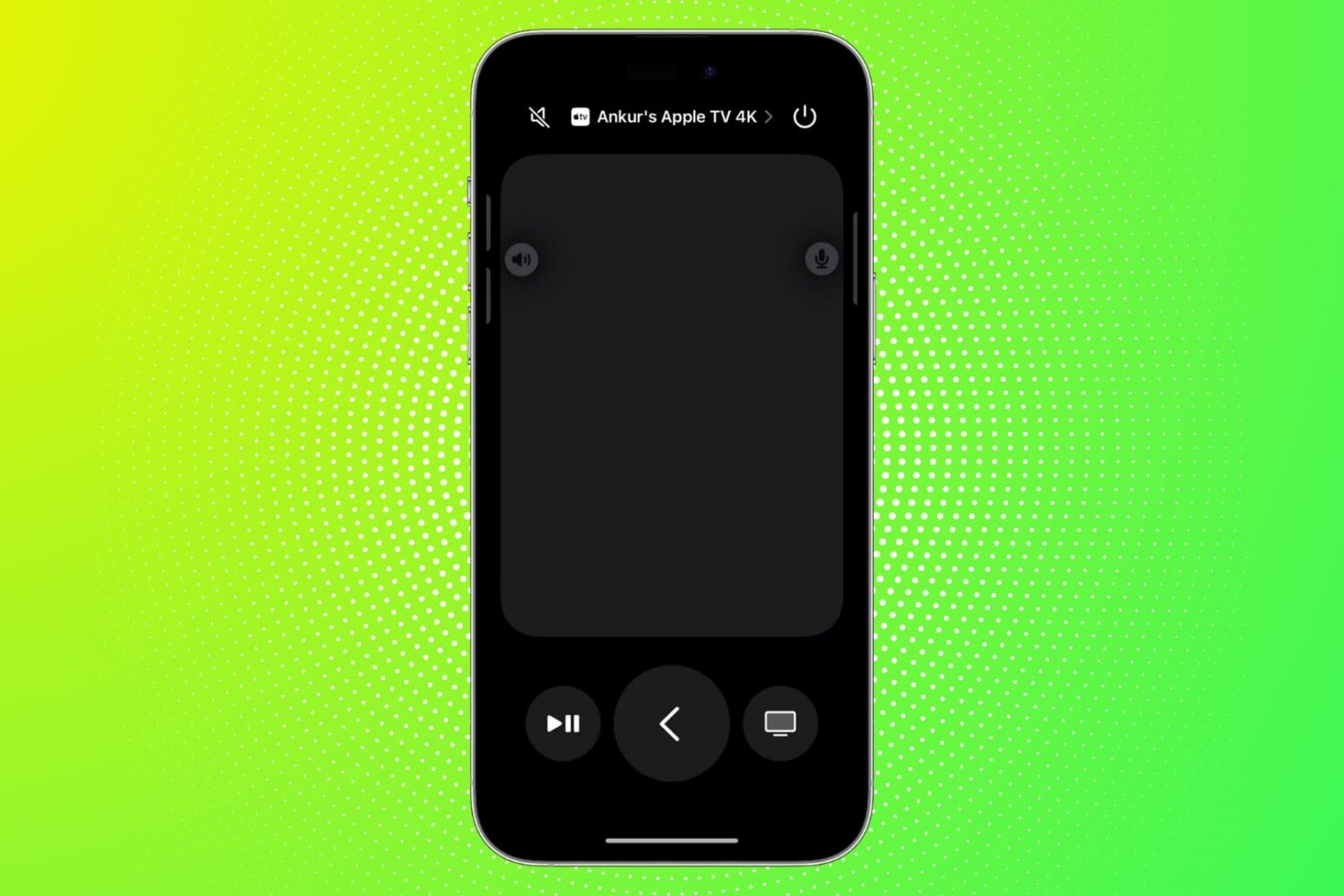
Find out what to do if the Remote feature on your iPhone or iPad isn’t working with your Apple TV.
Learn how to transfer your saved website login details, including email addresses, usernames, and passwords, from Google Chrome to Apple Safari on your iPhone, iPad, and Mac.
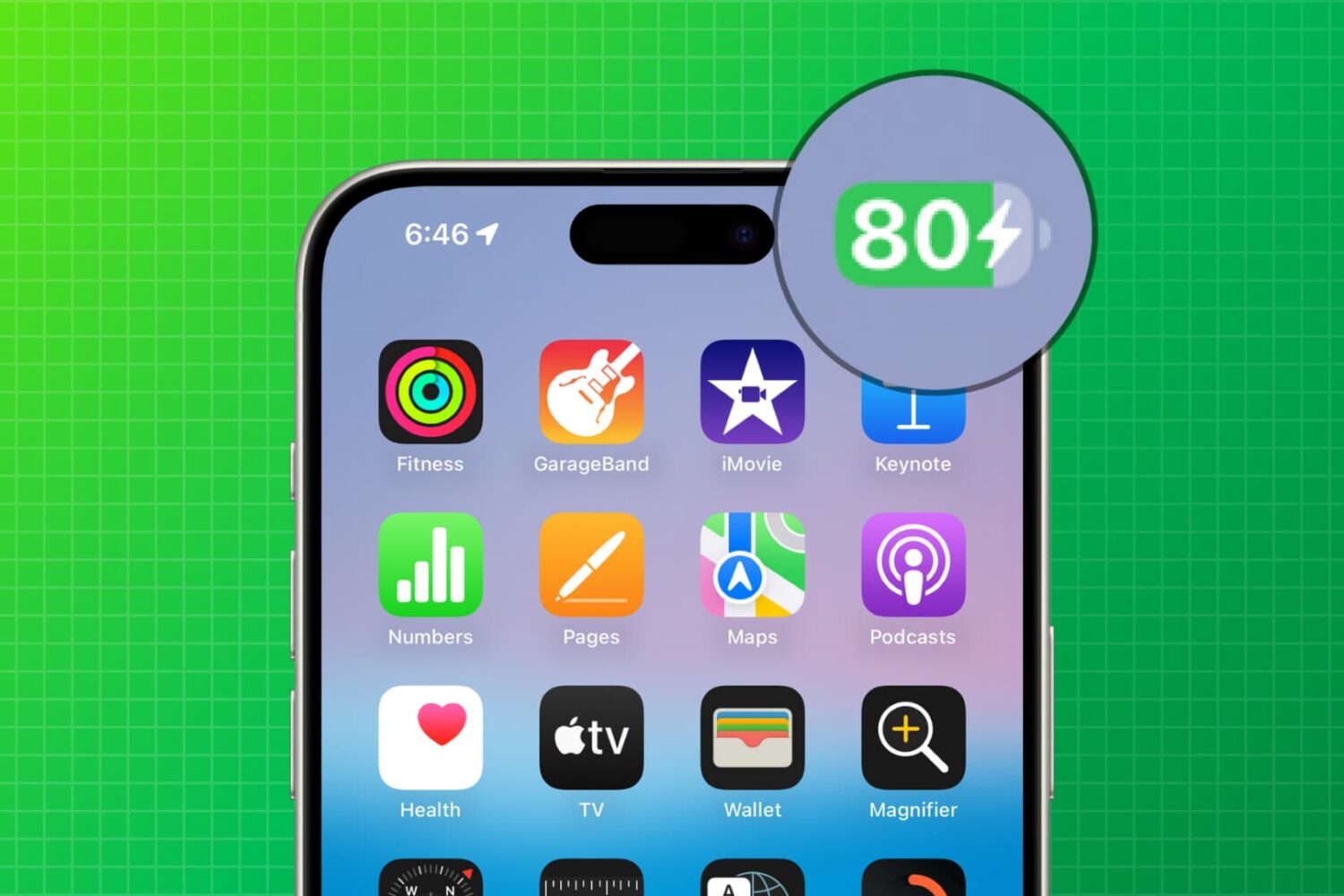
Follow these quick tips to ensure your iPhone or iPad battery charges to 100% instead of getting stuck at 80%.
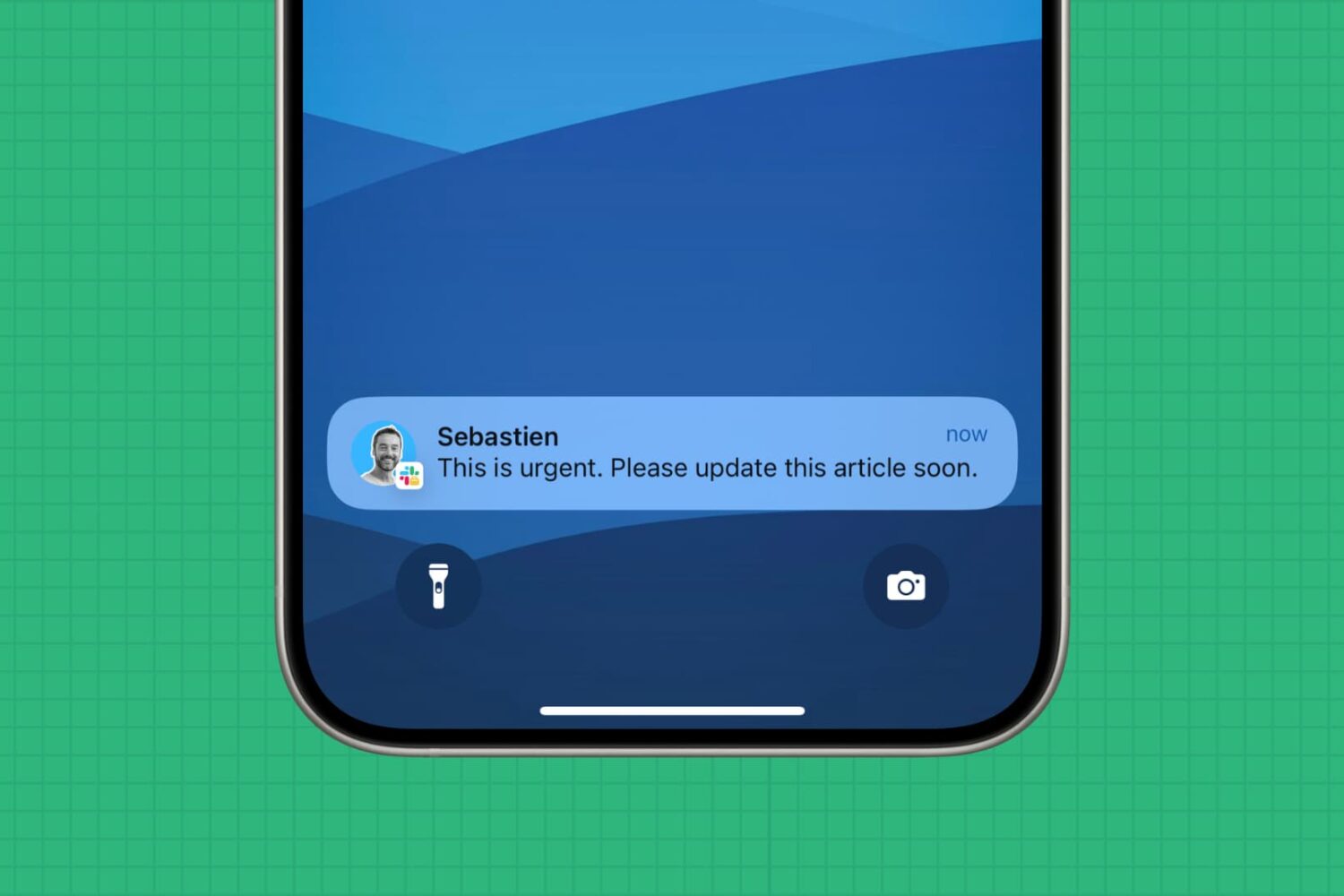
In this extensive troubleshooting guide, we go over all the possible steps to follow if you are not receiving Slack notifications for new DMs or channel messages.
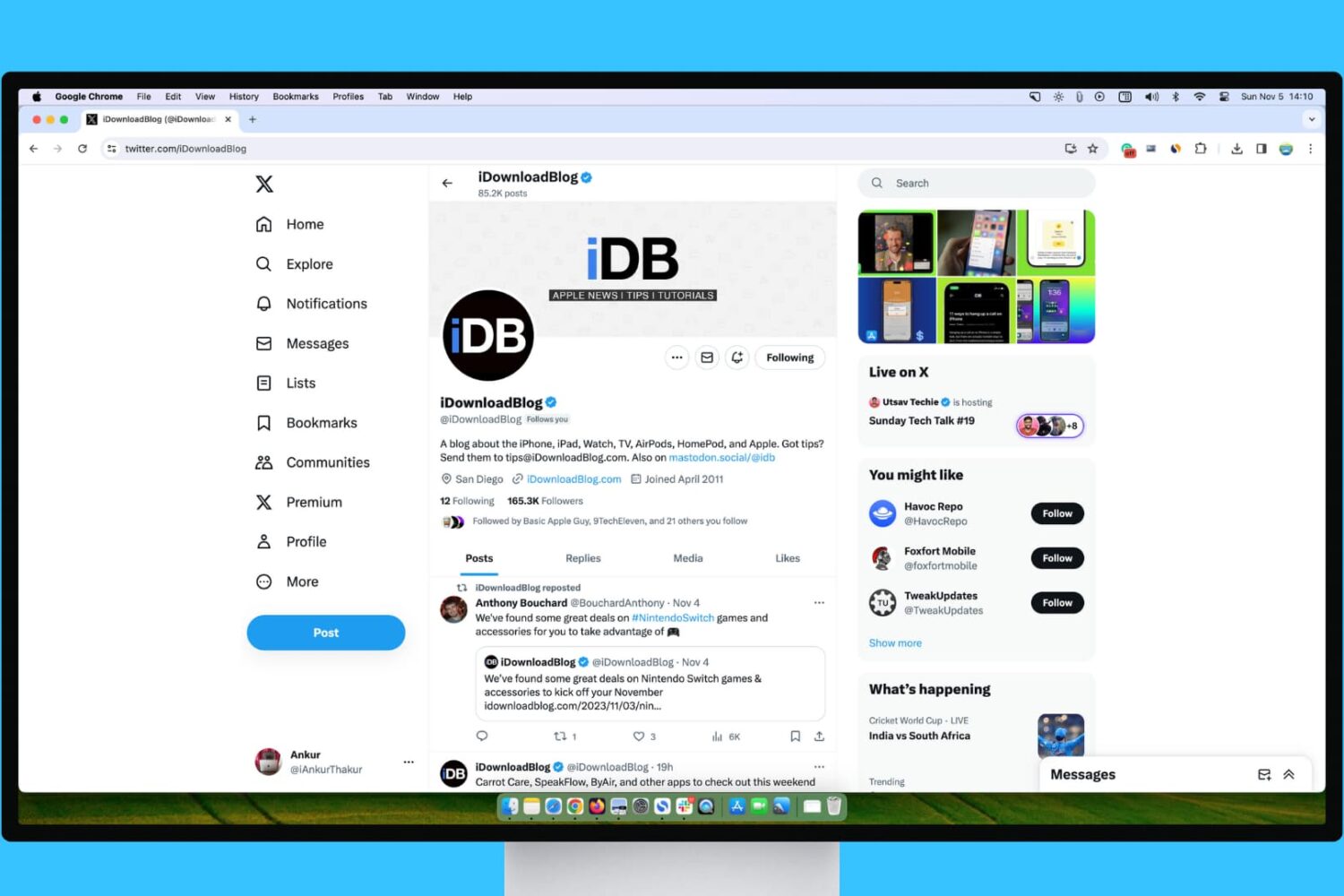
Learn what steps to take if your experience with X (Twitter) on your Mac or Windows PC isn’t up to par.

In this troubleshooting guide, we outline solutions to fix call issues on your iPhone and help you restore effective communication.
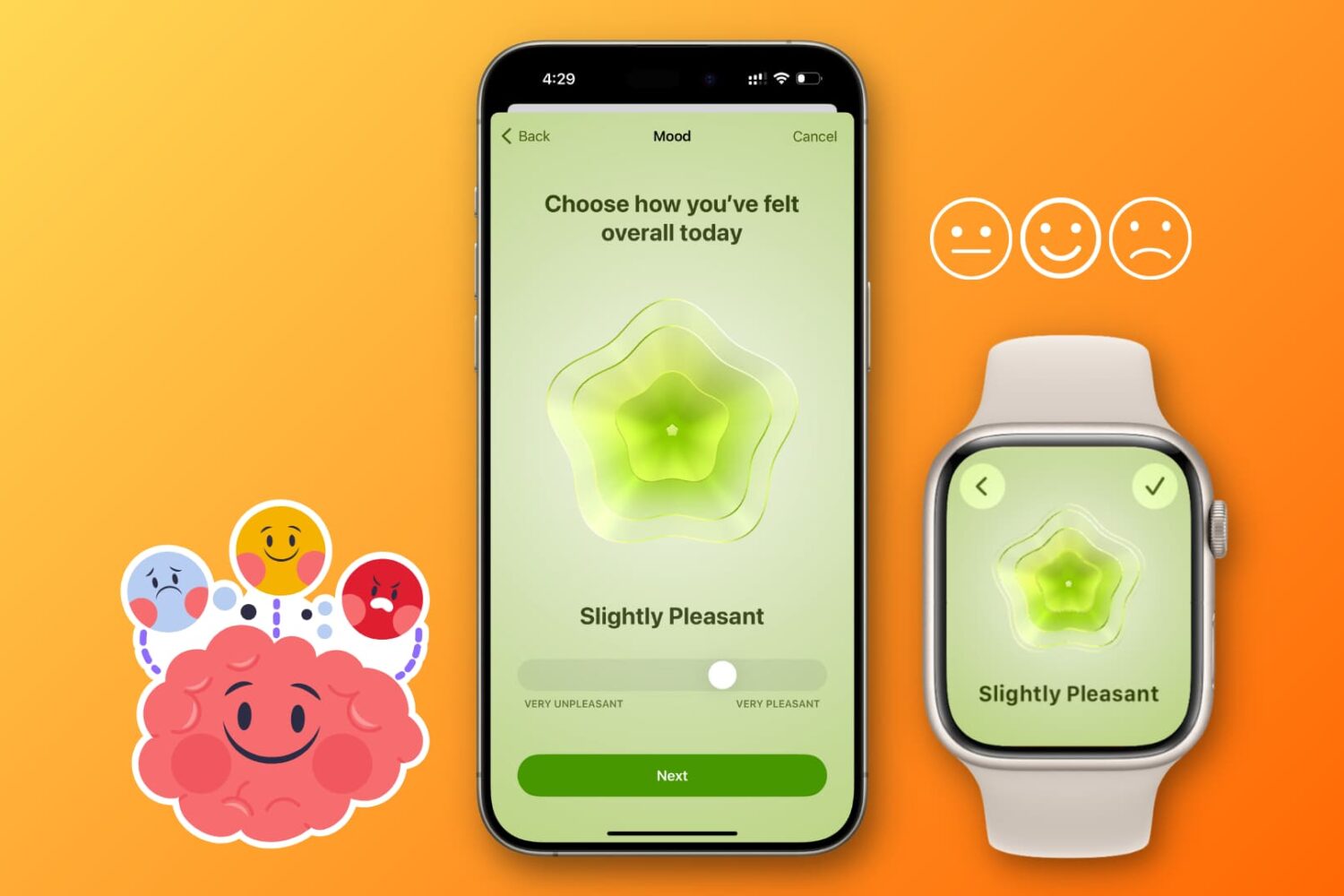
Learn how to log your daily mood using an iPhone or Apple Watch to track your mental health and emotional wellbeing and get insights into your susceptibility to depression or anxiety.
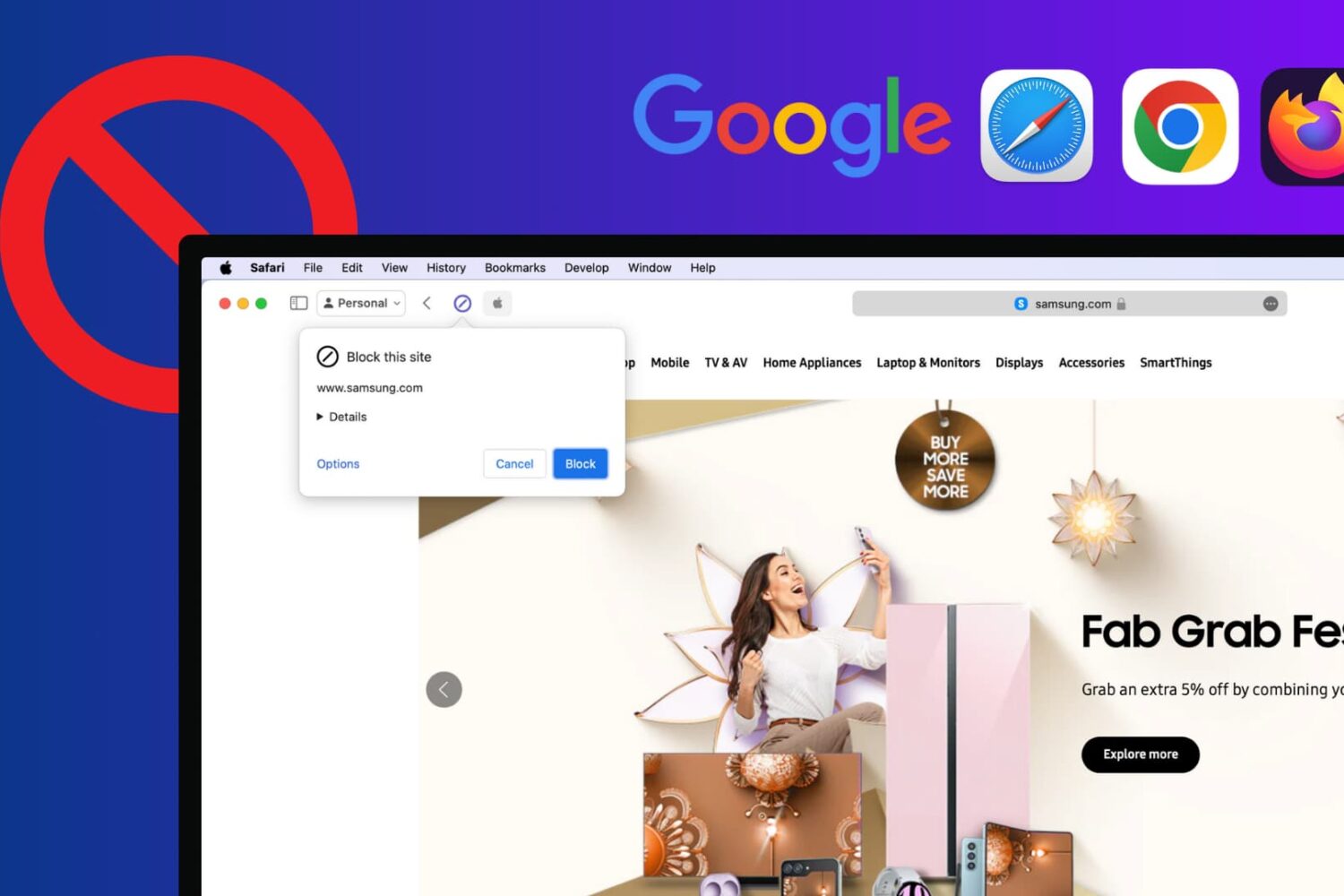
Learn how to block certain sites from showing up in Google results on Mac and Windows PC to refine your queries and improve your search experience.
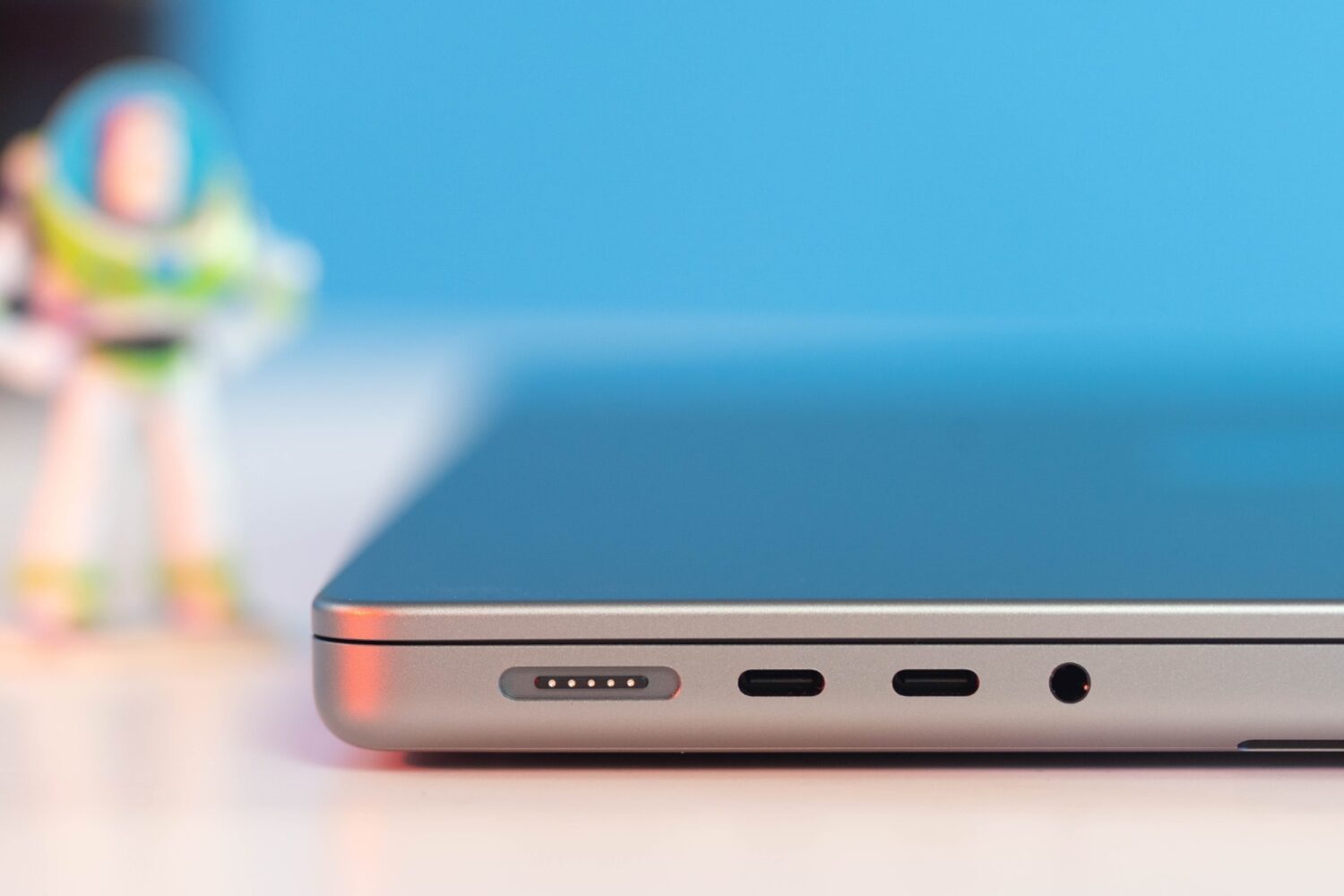
Learn what cables and power adapters you need to fast charge your MacBook Air or MacBook Pro's battery from zero to fifty percent battery in around thirty minutes.
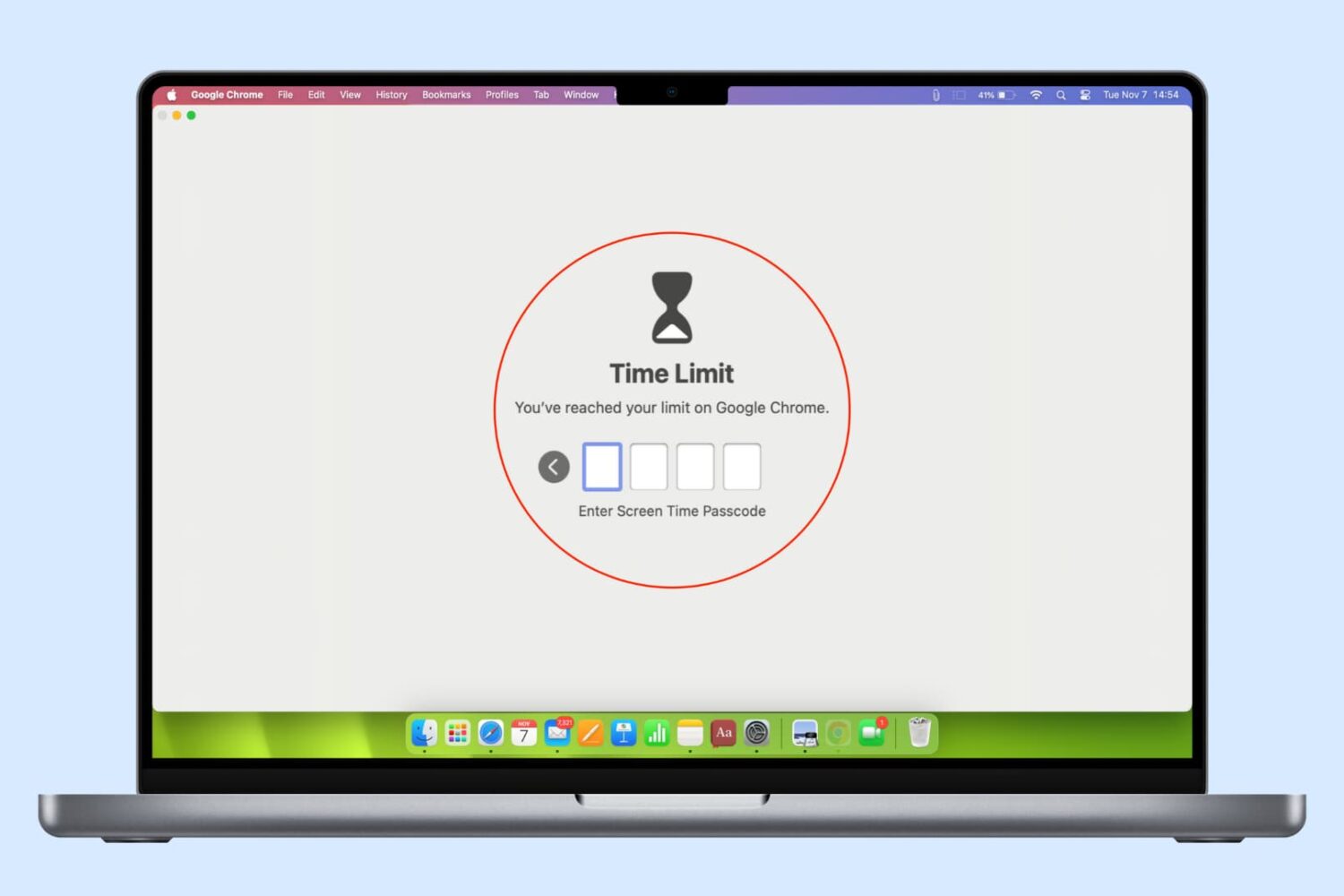
In this guide, we list several ways to keep your browser history, bookmarks, reading lists, passwords, and other sensitive data private by locking Google Chrome, Safari, or other web browsers on your computer.
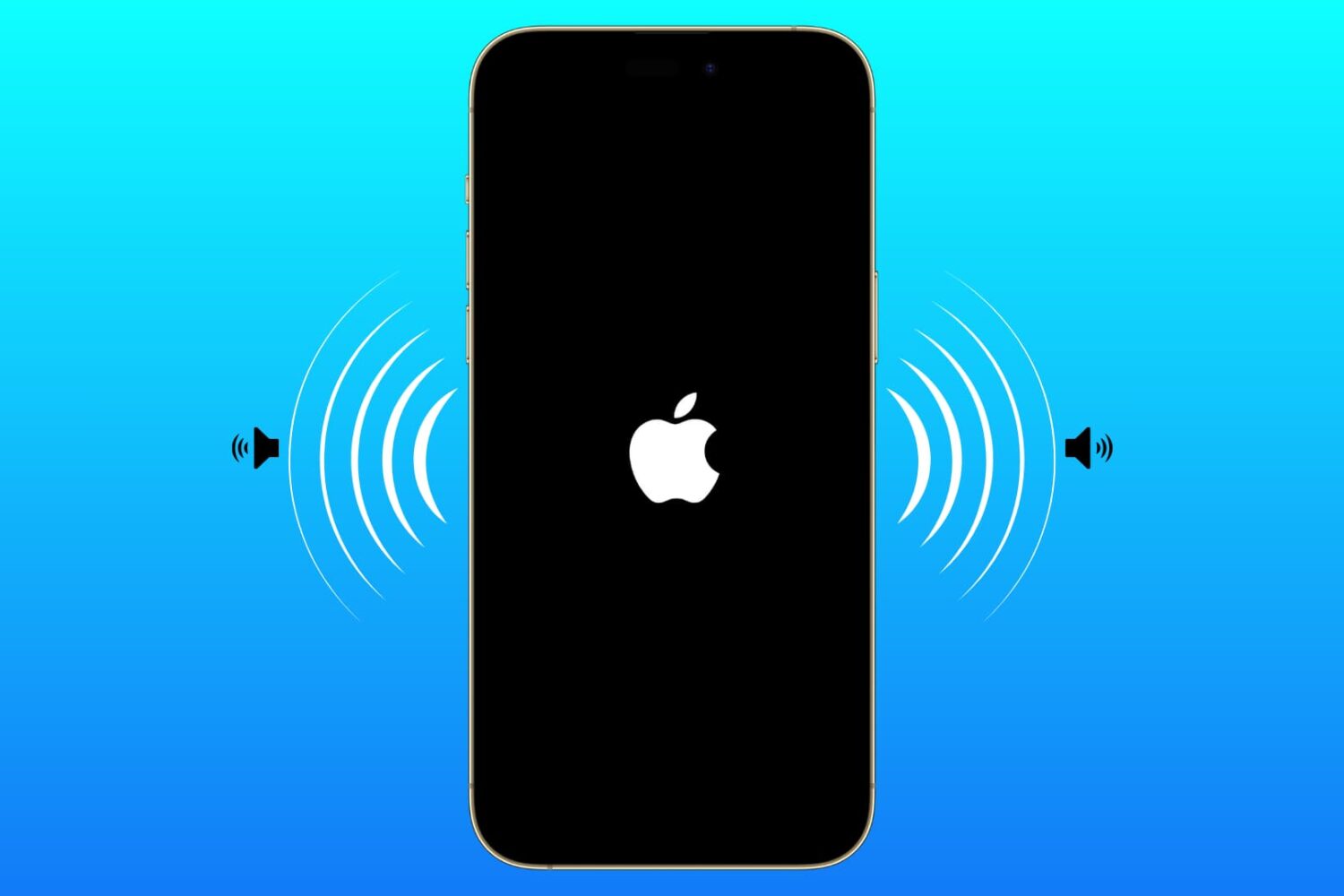
Learn how to enable an accessibility setting that makes your iPhone play a tone when turning on or off.