Learn how to remove books, PDFs, and audiobooks from the iPhone or iPad Books app to free local space and clean up your library.
How to remove unwanted books and PDF from iPhone or iPad to make space
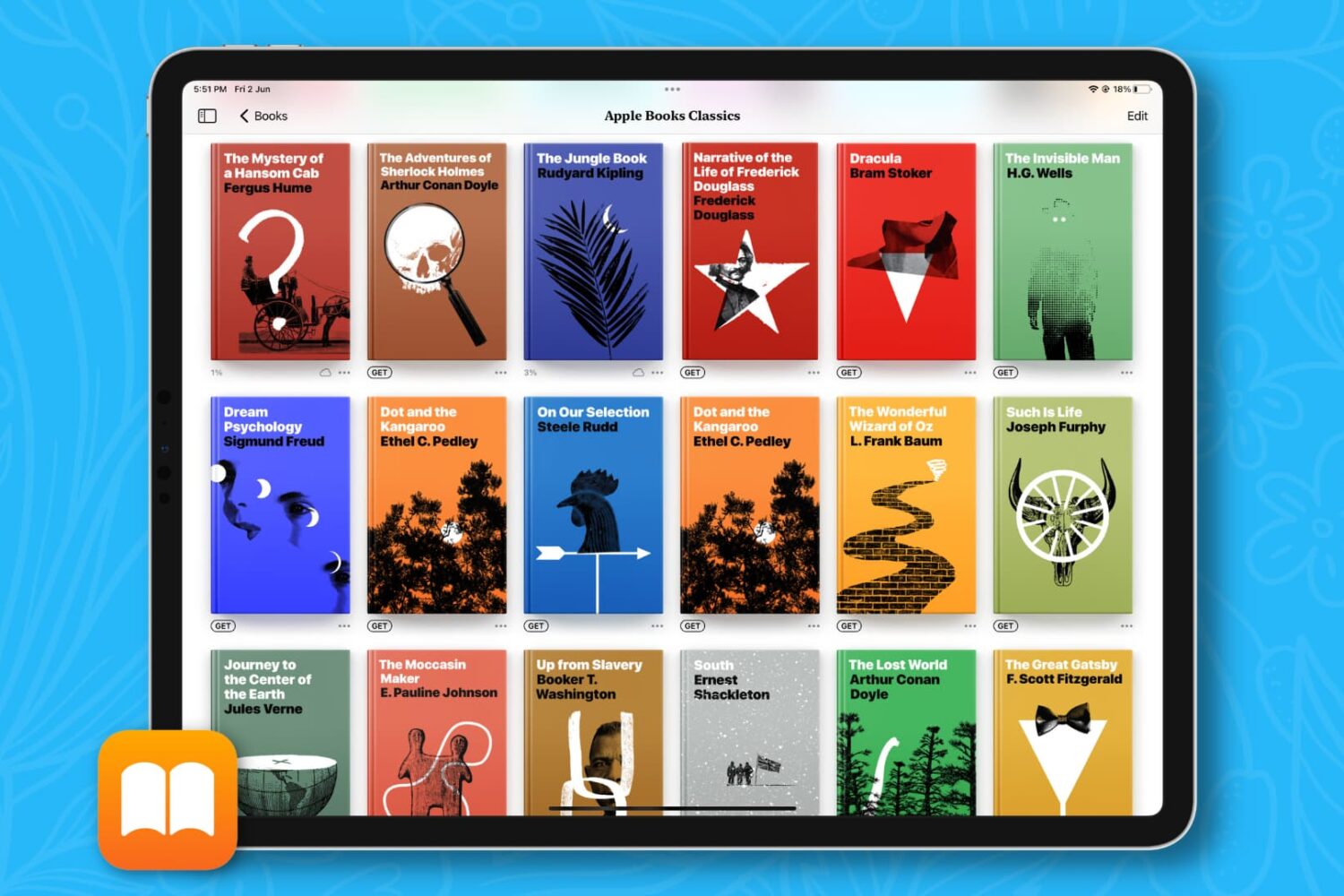
Learn how to remove books, PDFs, and audiobooks from the iPhone or iPad Books app to free local space and clean up your library.
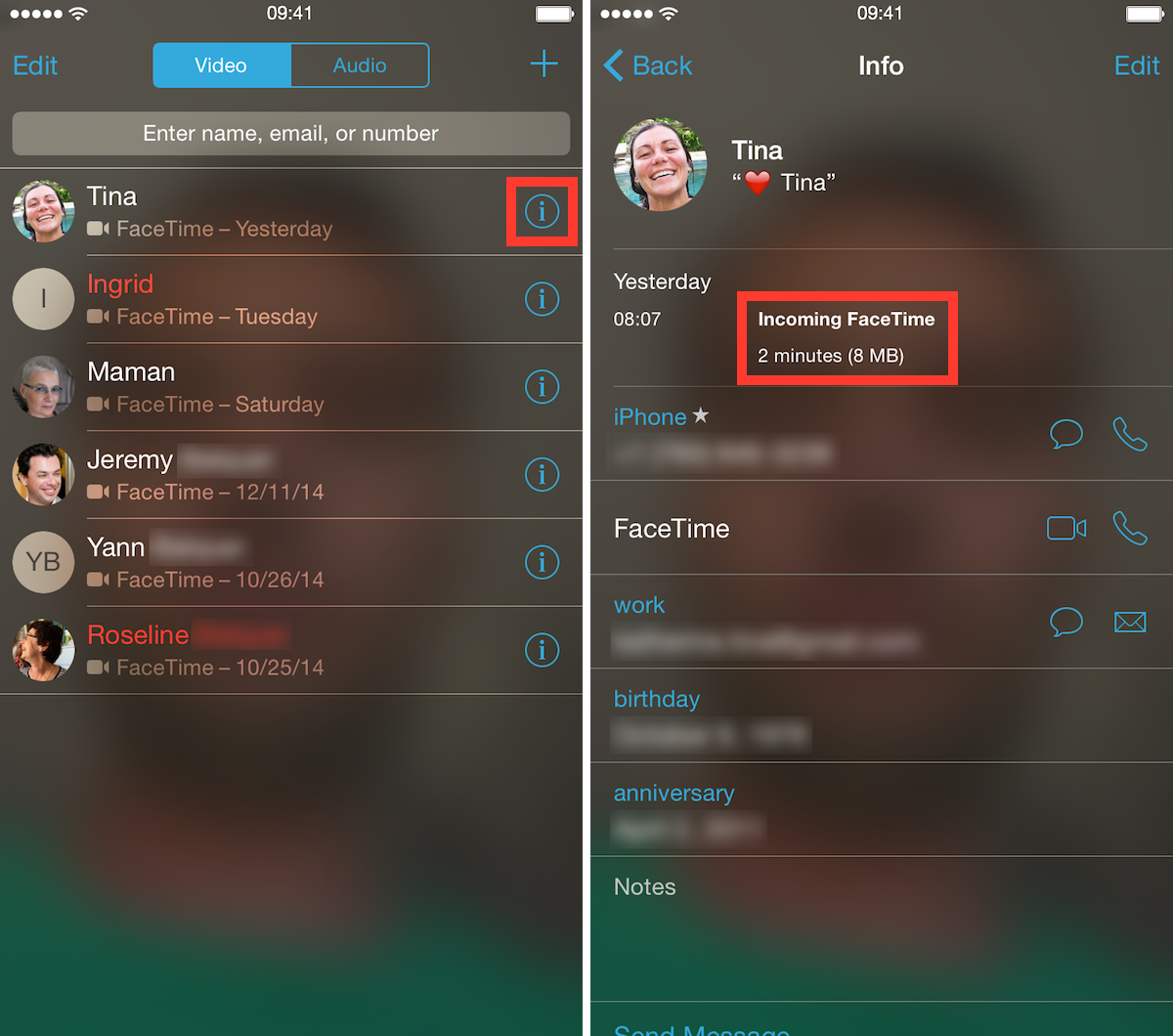
Unlimited data plans are a thing of the past, and while some users have been grandfathered into these plans, most of us now have capped data plans, forcing us to be a little more conservative with our data, or at least be more aware of our usage. For the data-conscious people out there, we have a simple tip that will show you a quick and easy way to see how much data specific FaceTime calls use.

If your iPhone or iPad is running out of space, manually removing unwanted photos, videos, songs, apps and stuff like Safari's Reading List is a good way of freeing up some store space. But more often than not, this isn't enough.
The devil, as they say, is in the detail — in this case, the mysterious ‘Other’ category that iTunes displays after connecting your iOS device to a computer.
‘Other’ storage is a section iOS uses to store temporary data, cache files inside apps and items retrieved through the iOS Background Refresh feature to make apps load faster. ‘Other’ storage balloons over time and can quickly add up to anywhere between a few hundred megabytes to a couple gigabytes of wasted on-device storage.
Aside from performing a clean install of iOS or restoring your device as new, there's no easy way of manually reclaiming your ‘Other’ storage. But thanks to a brilliant new Mac app in town, created by Nice Mohawk, anyone — even novice users — can free up storage space on their iPhone and iPad in minutes. Not only does the app let you reclaim your ‘Other’ storage, but also delete caches, back up your photos and videos, as well as remove large apps and music.

Whether you need to create a local backup file of your contacts for safekeeping or transfer them to another non-Apple platform, here’s how to easily export your iCloud contacts using a web browser.
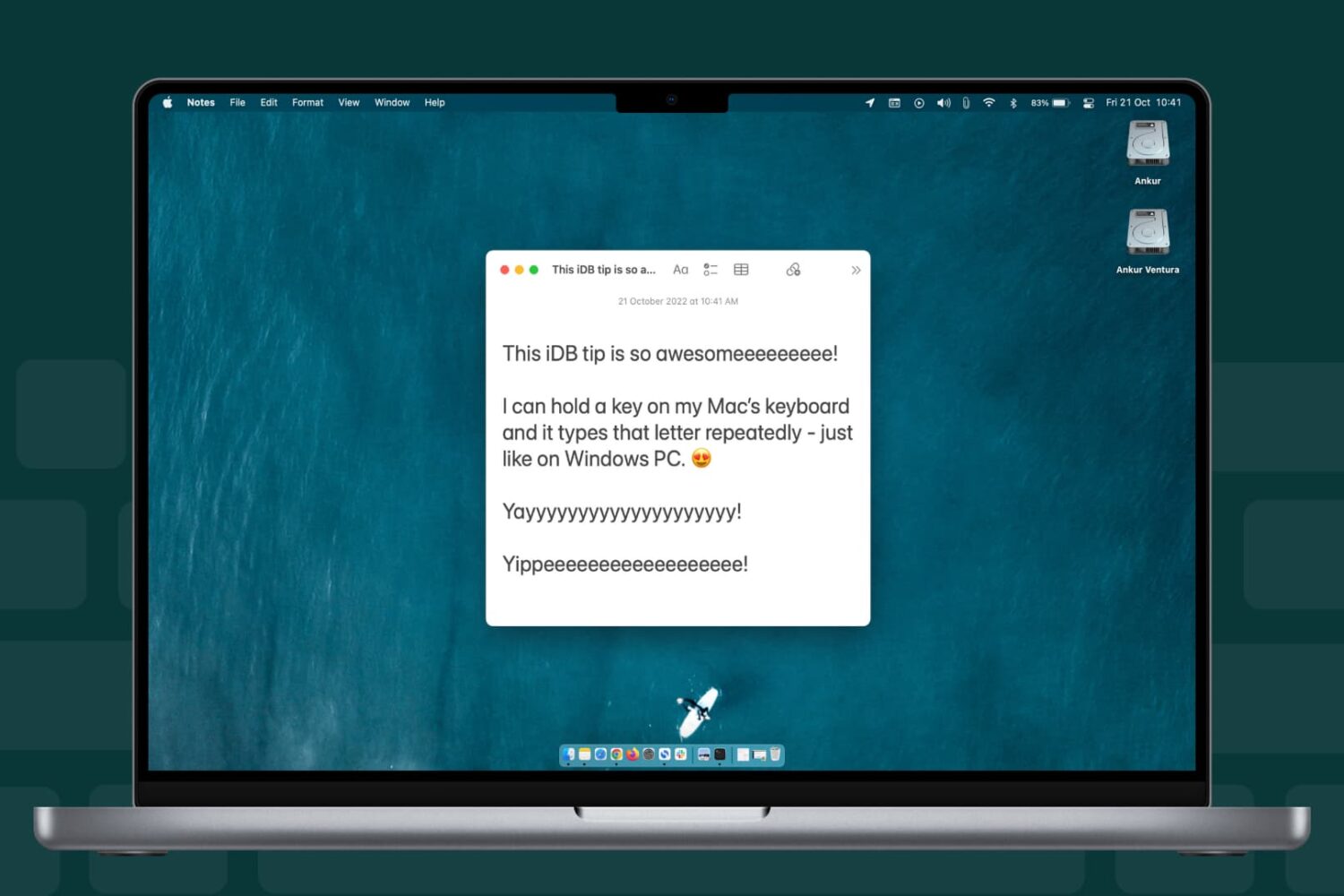
Learn how to change whether the character typed in a text area on your Mac repeats faster or slower when holding down a keyboard key.

Anyone who has used a Mac for more than a minuscule amount of time has more than likely come across Quick Look, the pop-up window that is invoked with a press of the space bar when a file or folder is highlighted on the desktop or in Finder. Quick Look's usefulness becomes evident when file names aren't descriptive enough by allowing users to view the contents of many different types of files without having to open them in a full-fledged application like Pages for documents or Preview for images.
By default Quick Look can only display a static view of a file that only grants users a peek at the contents without any real function. Imagine, however, being able to copy a document's text without having to open it in TextEdit or Pages. This is incredibly useful in a variety of situations, from dealing with templates to Word documents to code snippets, where having multiple applications and documents opened shouldn't be necessary for copying from one location and pasting to another. The good news is that this functionality is completely possible and perfectly easy to enable.
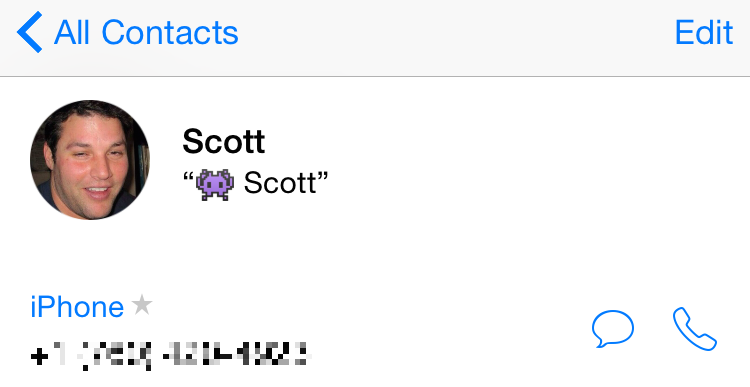
I have dozens of contacts in my iPhone that don’t have a picture attached to them. Sometimes, I’ll get a band’s information at a show and will even forget who they were months later. Pictures always help in situations like these. I’m better with faces than I am with names.
For a while now, Apple has included the ability to merge your friends’ Facebook information, including updated profile pictures, to your contacts in iOS. It only takes a few seconds and we’ve got a short tutorial for you below.

Learn how to delete individual pages from your Safari history on iPhone, iPad, and Mac for increased privacy.

By default, access to Notification Center and Control Center is available system-wide on iOS, meaning that you can access both features from the Lock screen, from the Home screen, and from any app. These two features are very convenient, but can also represent a security or privacy concern. With that in mind, iDB reader Eric asked us this morning on Twitter how to disable both grabbers for Notification and Control Center on the Lock screen. In this post we will show you how to do just that.

Learn how to stop your Mac from requesting the login password or authenticating with Touch ID when you wake it from sleep or the screen saver begins.
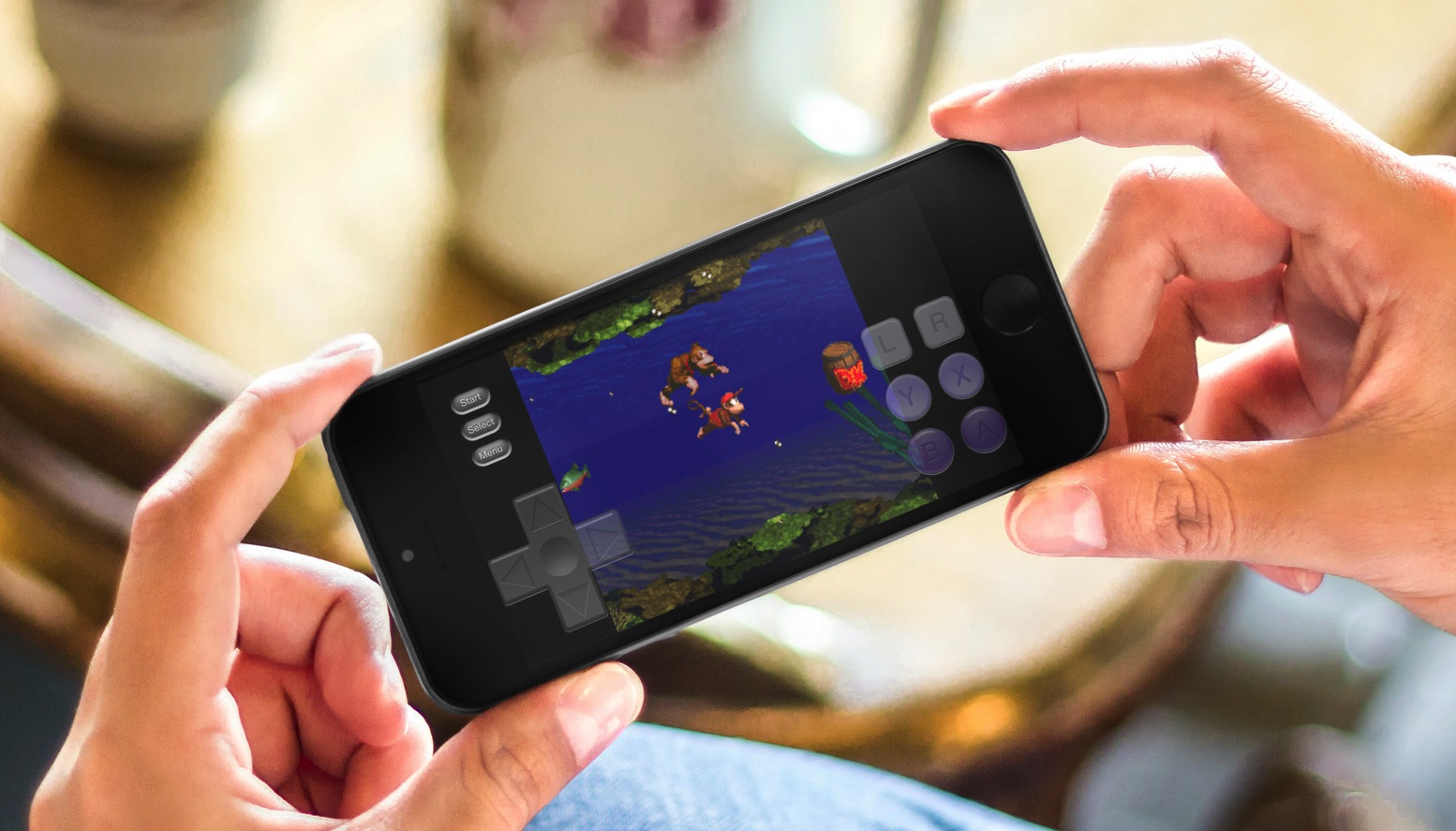
Although there is no iOS 8 jailbreak, there is still a way to add a Super Nintendo Entertainment System (SNES) emulator. Because Nintendo is missing the opportunity to make millions of dollars by releasing their games to the Apple App Store, people have turned to emulators for years. Since the iPhone was jailbreakable, it seems there was some way to play the old classics.
Thanks to a tip from @flawlessfox, whom you may recognize as one of the JailbreakCon organizers, we tested the SNES emulator "SiOS" and can confirm it works quite well, especially on the iPhone 6 Plus. Step inside for quick step-by-step instructions and you will be enjoying your favorite SNES games in about 5 minutes time. Yes, you read it correctly, there is no jailbreak required.
