Tutorials

How to quickly dismiss an autocorrect suggestion on Mac

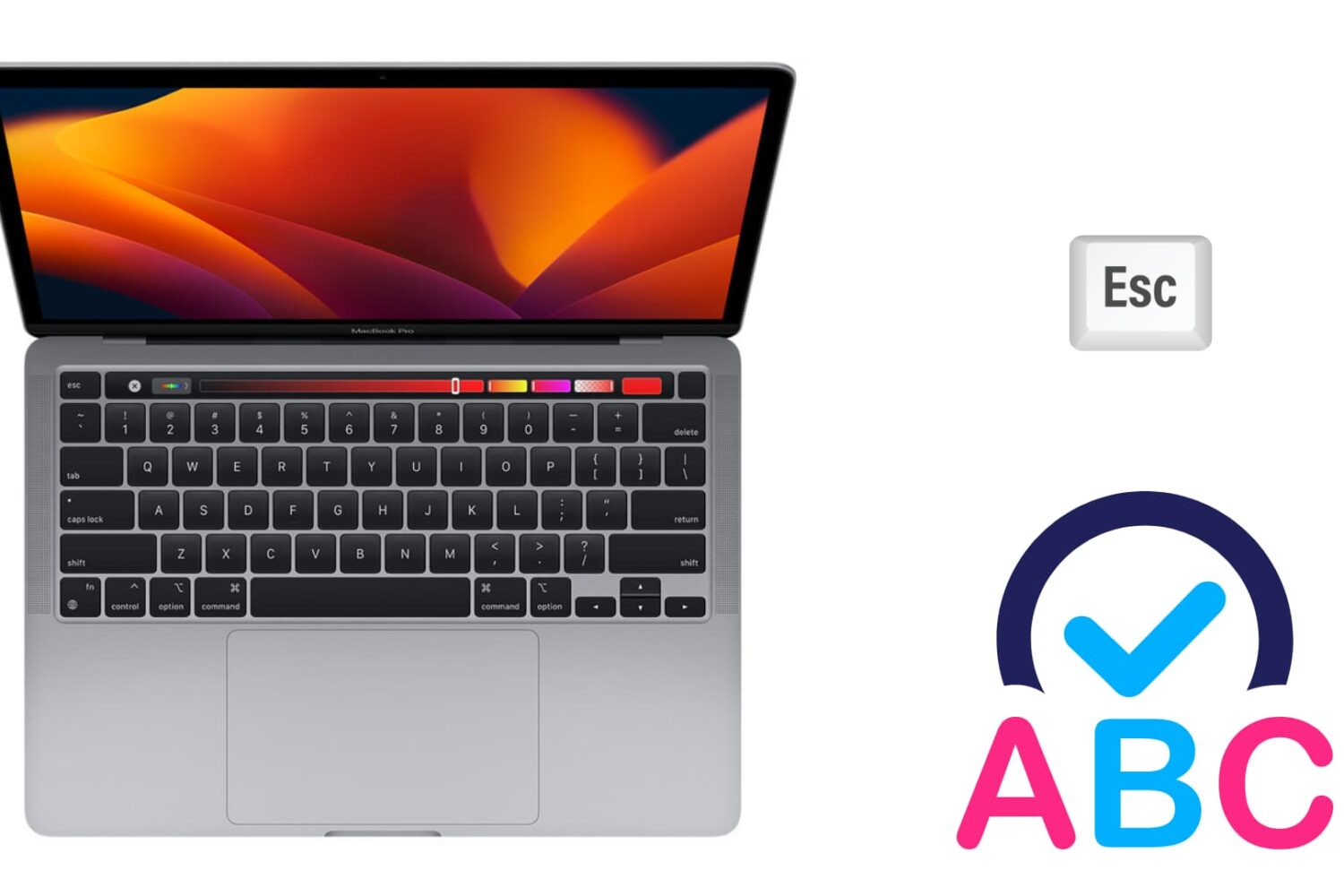
Image to illustrate autocorrect on Mac

There are two ways to dismiss an autocorrect suggestion. There is the obvious one, which lets you use your mouse pointer to reject the autocorrection, and there is a keyboard shortcut that's actually much quicker to use, especially when you're currently typing.

In this brief post, we will show you how to swiftly ignore the autocorrect suggestion on your Mac using an easily accessible keyboard action.

2 ways to rearrange apps on Apple Watch Home Screen

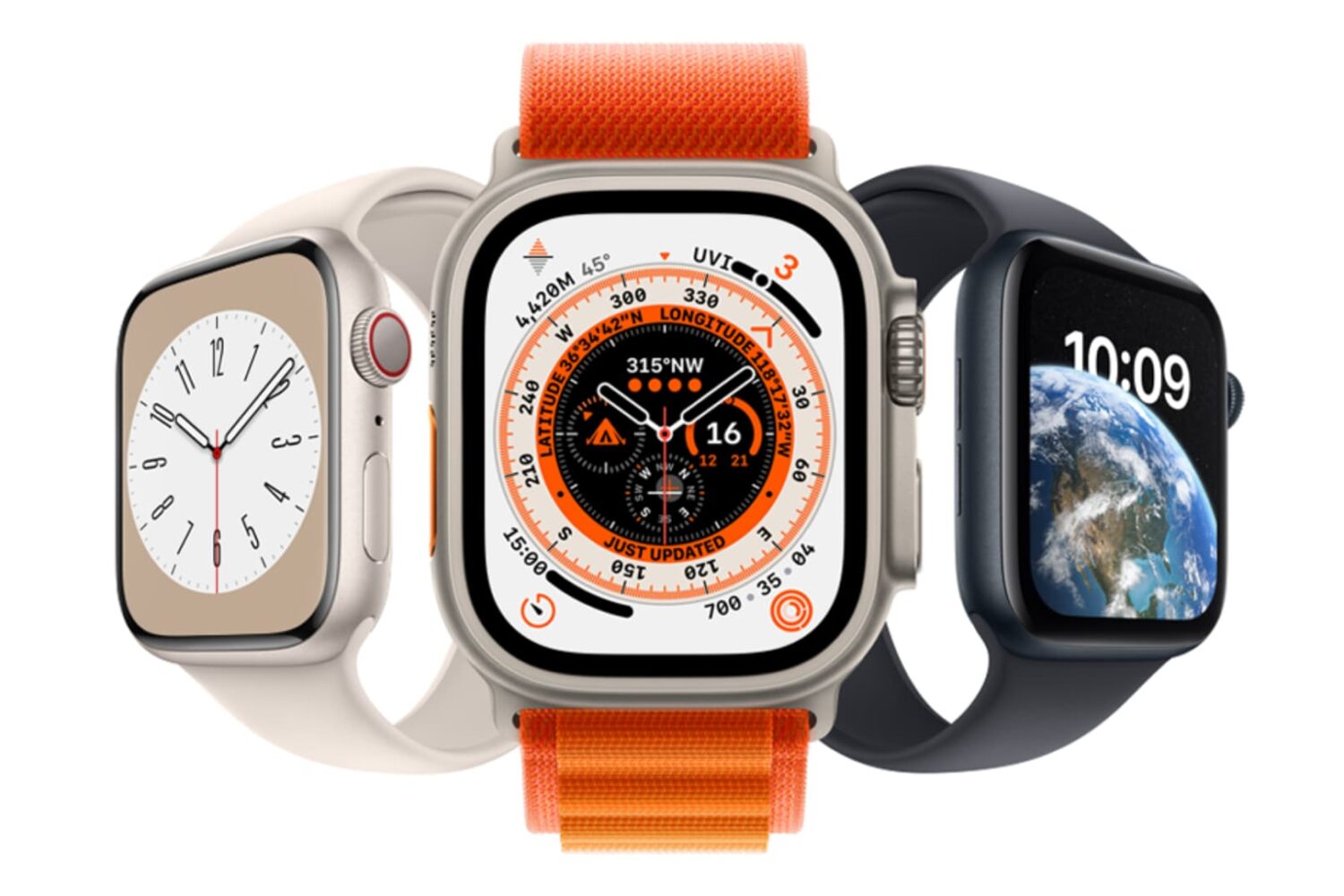
Apps screen on Apple Watch Ultra

The Apple Watch features a Home Screen that significantly differs from the Home Screen on your iPhone or iPad. The icon layout is a big departure from what you’re used to on your iPhone, and while some may like it, others may think it looks a bit messy. Thankfully, apps can be rearranged per your liking, and we’ll show you how.