Tutorials

Use these 3 cool Spark email features to save time

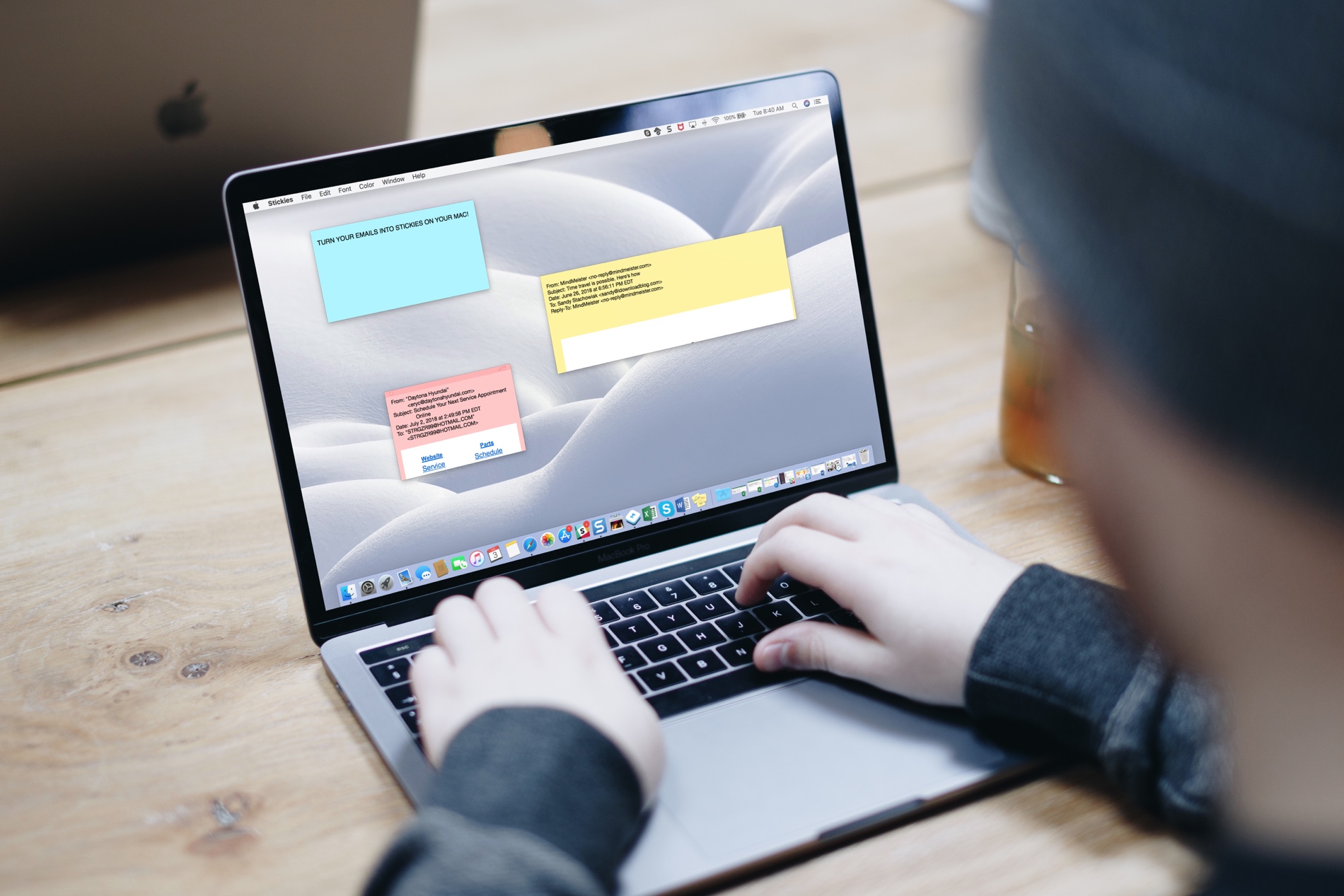
Spark on iPhone

If you are considering switching to a third-party app for email, a terrific app to try is Spark. The application is available for iOS and macOS with Apple Watch support, so you can use it on all your devices. Along with that, Spark offers features such as labels and folder management, custom swipes for notifications, and Touch ID inbox protection.

Three additional features of Spark that are real time savers include Quick Replies, Email Scheduling, and Snoozes. Here are how these features work.

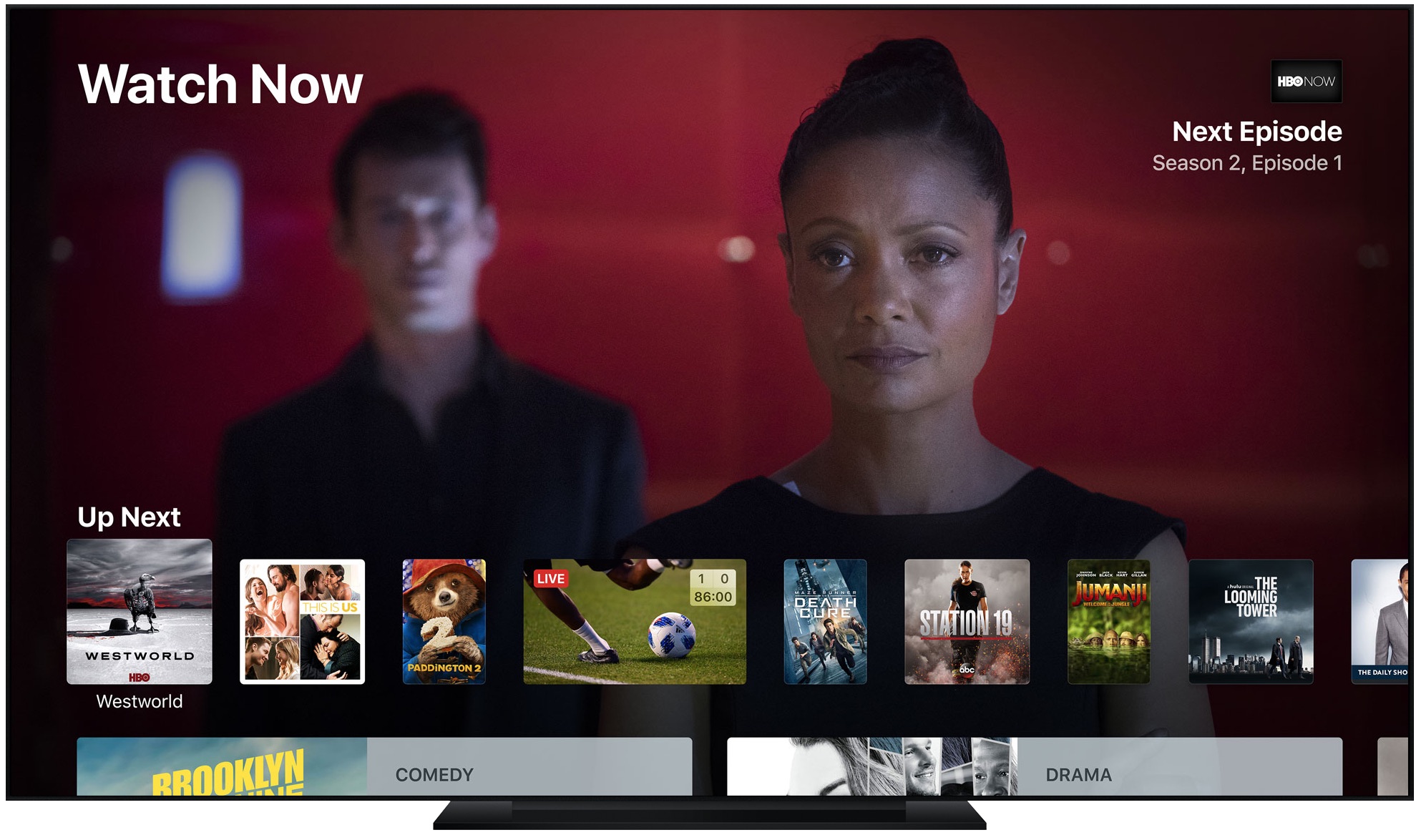
How to use Apple’s TV app to find great content

TV app

Since it first arrived, the TV app has slowly gained features, making it one of Apple’s most useful and under-appreciated native apps on the two platforms. In this article, you’ll learn how to use the TV app so it can benefit and enhance your television viewing experience.

How to set up and use your iPhone or iPad as an Apple TV remote

Using iPad as Apple TV Remote

Apple TV owners know the frustration of losing or misplacing their remote. The good news is that with a few simple steps, you can set up your iOS device as an Apple TV remote replacement.

In this article, we will show you how to set up and use your iPhone or iPad as an Apple TV remote, so you can easily navigate and control your Apple TV without the Siri remote.

How to have YouTube nudge you when it’s time to take a break from watching

Do you lack self-control? Then you're not surprised that YouTube is a major time-suck.

It's perfectly fine to go down YouTube's rabbit hole every now and then. The world's most-trafficked video site, once a clearinghouse for kitten videos, has become both a cultural phenomenon and a go-to platform for the next-generation of truly innovative video creators.

And with its ever-improving recommendation engine, it’s all too easy to waste precious time on related videos that you didn’t really mean to watch but deemed too interesting to pass on. YouTube's app features custom reminders for when you'd like to take a break from watching.

How to avoid the Amazon Prime price hike this week

As most of you are probably aware of by now, Amazon Prime is going up in price this week. On Friday, Amazon is raising the subscription price of its popular Prime service from $99/year to $119/year. That's not a huge bump, but for those wondering how to avoid the hike, iDB has you covered.