Find out how to add a bookmark to Google Chrome right from Safari on your iPhone or iPad if you use both browsers and want to save links efficiently.
How to add a bookmark to Chrome directly from Safari on iOS

Find out how to add a bookmark to Google Chrome right from Safari on your iPhone or iPad if you use both browsers and want to save links efficiently.

Learn how to receive fake calls on your iPhone so you can excuse yourself from boring meetings and awkward social situations.

Learn how to use the Magic Move transition effect in the Apple Keynote app on your Mac to animate objects when moving from one slide to the next.
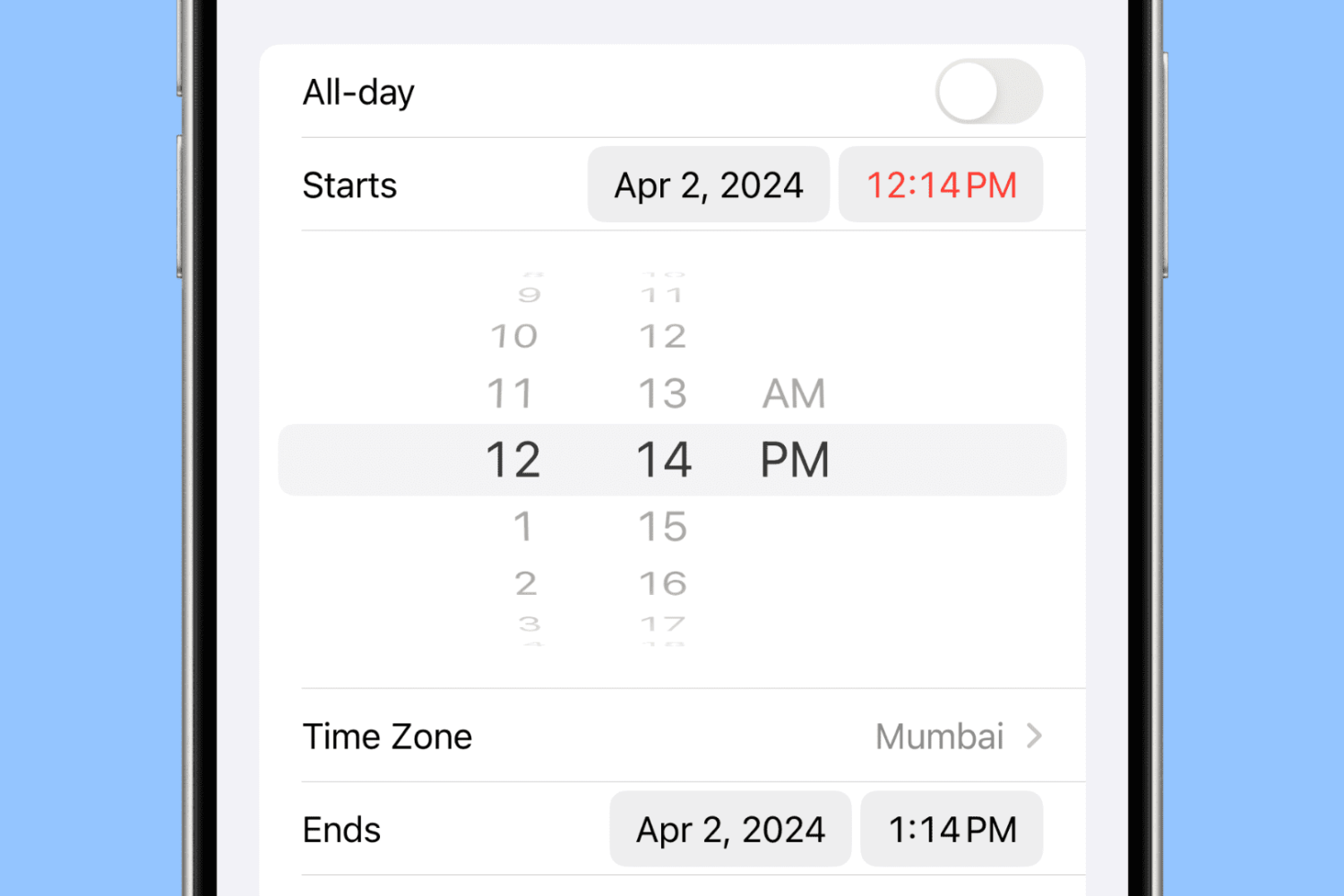
Learn to set precise times in 1-minute increments in the iPhone Calendar app to ensure accurate scheduling for your events.

Learn how to turn the map of your location or a desired city into an image and set it as your iPhone Lock Screen and Home Screen wallpaper.
With iOS 12's Shortcuts app, power users can easily automate repetitive tasks by chaining multiple actions together. Your shortcuts are managed and organized in the Shortcuts app, but displaying them to the user as a list via another shortcut is quite challenging. This is where Easy Folder comes into play. This awesome shortcut, create by Reddit user “e10withadot,” acts as a virtual folder to which you can add any number of shortcuts, then easily pick one to execute via a popup menu at run time.
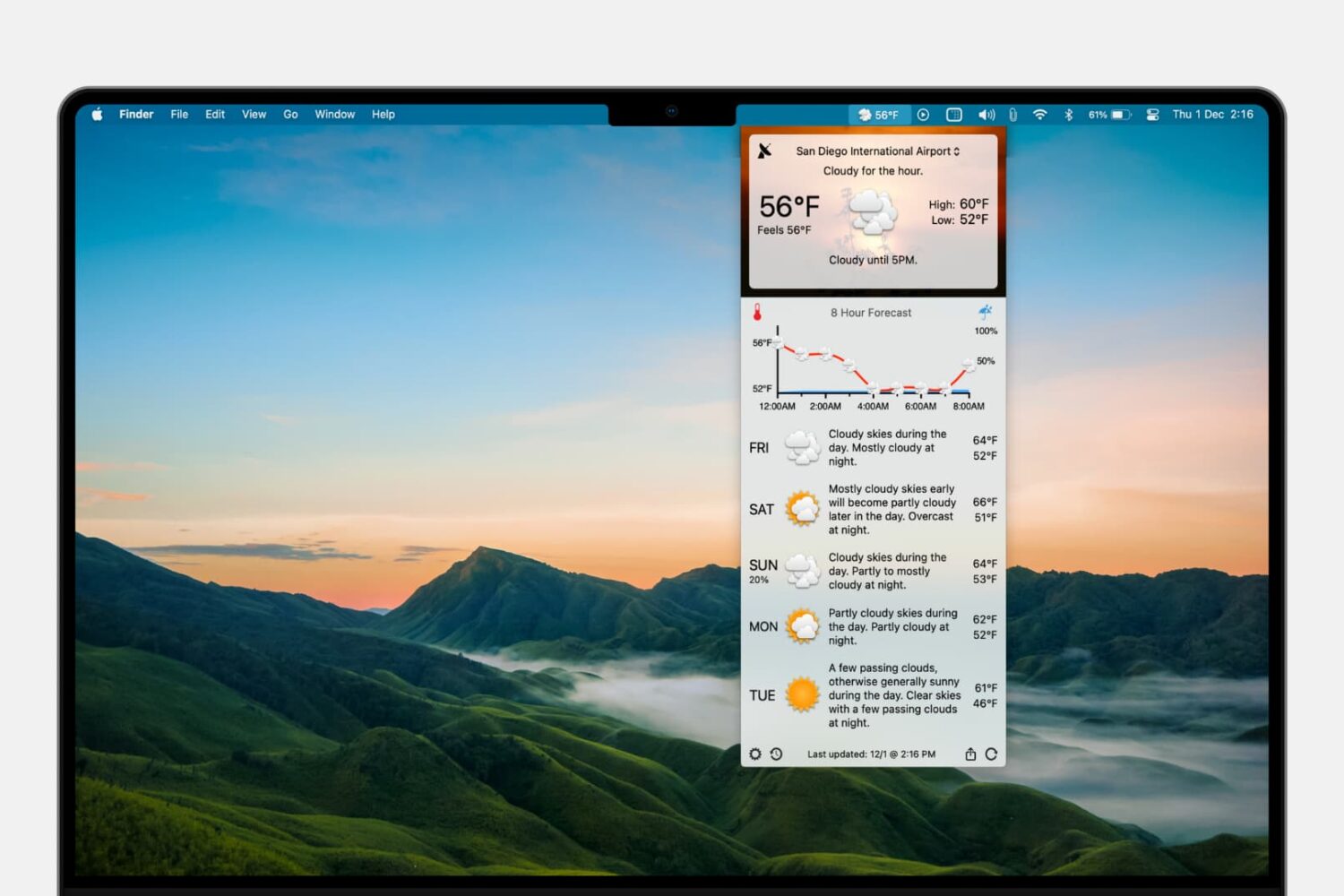
Learn how to add the forecast and current conditions to your Mac menu bar so you can view them at a glance and save yourself from opening a separate app each time you want to check the weather.
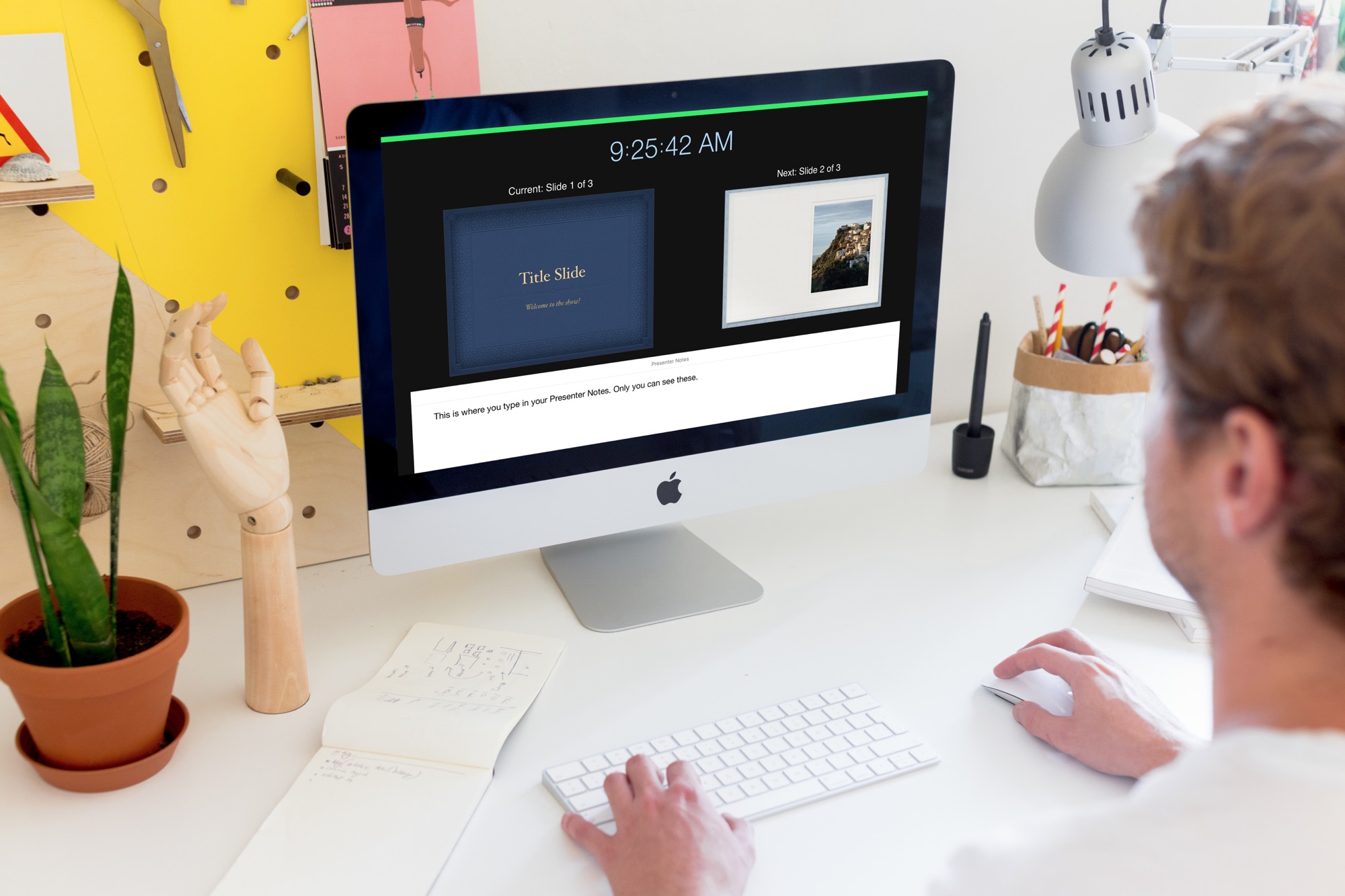
Learn how to create and use Presenter Notes in the Apple Keynote app on Mac, iPad, and iPhone to help you remember what you need to say or emphasize important points during your presentation.

In this tutorial, we’ll go over three easy ways to record your iPhone or iPad screen, with either just the internal audio or both internal and external sounds captured by the microphone.
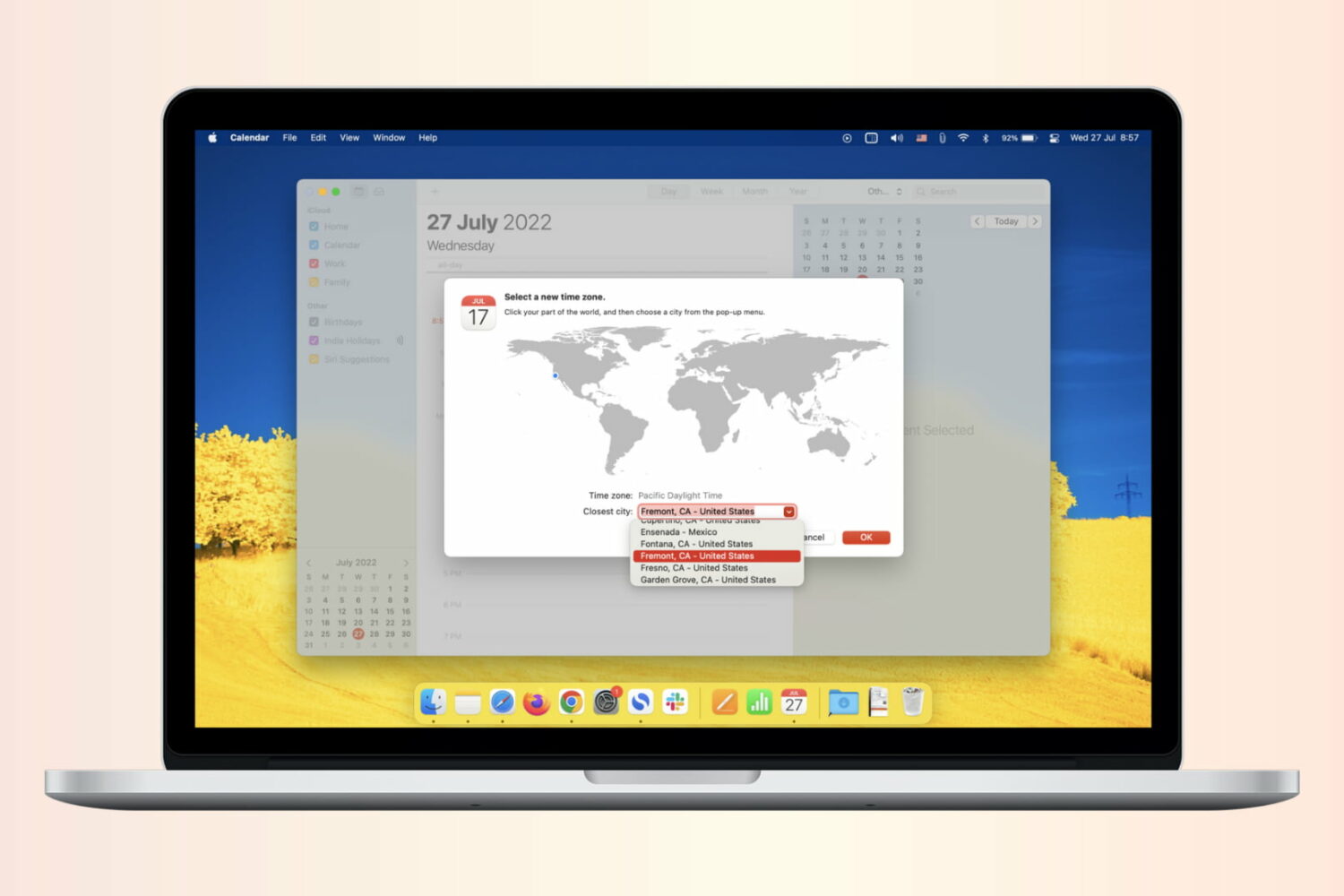
If you work with people in different time zones, scheduling remote meetings can get difficult. You may be in the eastern time zone, with others in the Pacific, European, or Asian time zones. To make this a bit easier, the Calendar app gives you a way to plan for various locations. Here’s how to add and use time zone support for Calendar events.
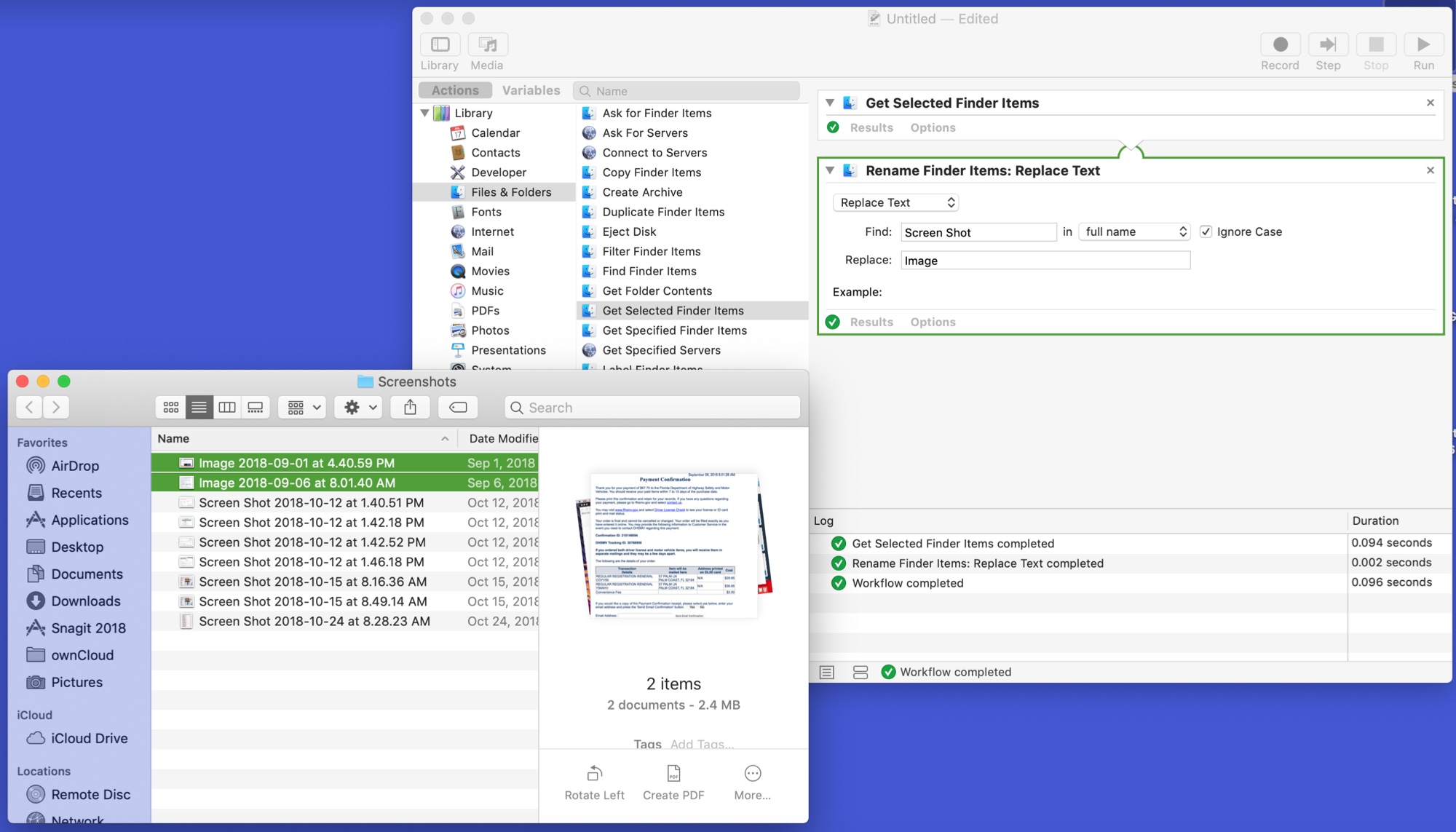
The Automator tool on Mac might be intimidating to some users, but it can be a very handy app. You can create automated workflows, actions, or applications that help you perform tedious tasks. Along with that, there are some tasks you can do with it that are just plain neat.
Here are 10 cool things you can do with Mac Automator.

Some Mac models include the second-generation Apple T2 Security Chip, and in this tutorial, we'll show you how to check if your Mac has this or not.