Learn how to control your Mac cursor with head movements, toggle it with a custom keystroke, and adjust the available head-tracking options to your liking.
How to control Mac cursor with head movement using camera

Learn how to control your Mac cursor with head movements, toggle it with a custom keystroke, and adjust the available head-tracking options to your liking.

Learn how to name people that Photos for Mac has recognized in your images to quickly identify your favorite people and organize your media library.
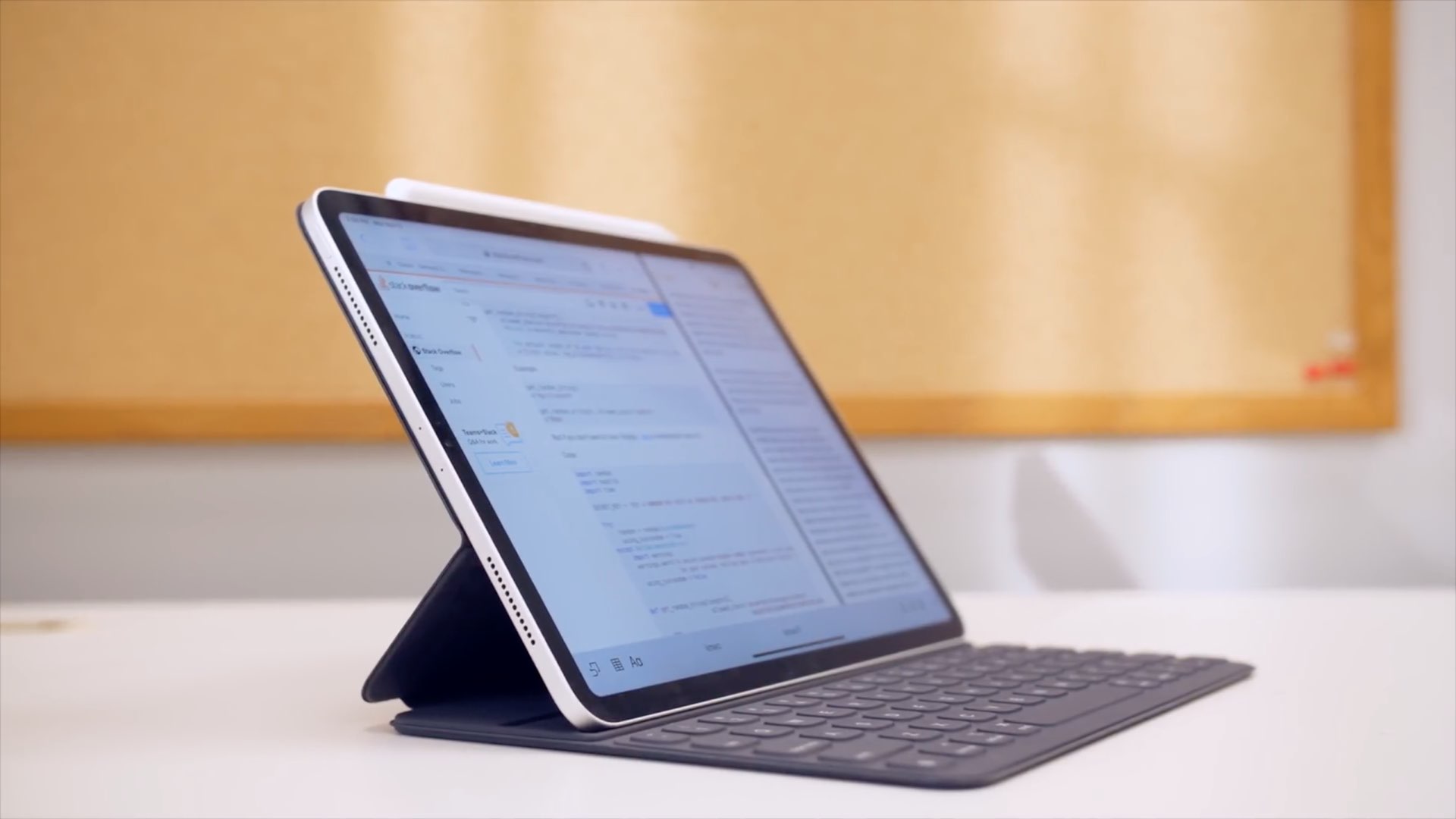
In this step-by-step tutorial, we'll show you how to remap the Command, Option, Control, and other modifier keys on the external hardware keyboard connected to your iPad.
Depending on the type of slideshow you create in Keynote, you may want to print copies. Maybe it’s a new product presentation, step-by-step tutorial, or business proposal where a physical copy is necessary.
You have four different options for how to print your Keynote slideshows on Mac so that they turn out perfectly, and we’ll walk you through them.

Learn how to keep your pictures and videos organized in the iPhone and iPad Photos app by sorting them into photo albums.
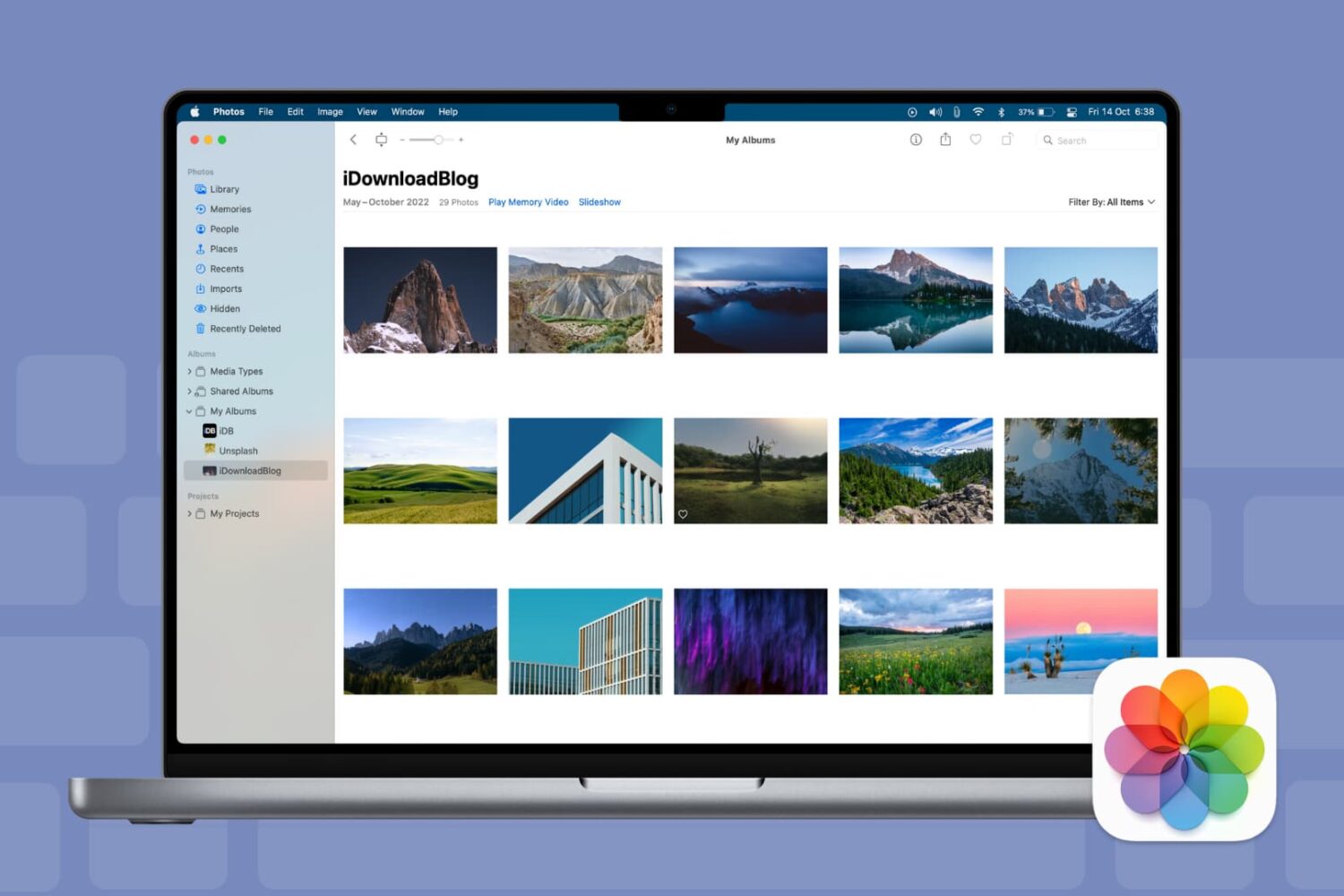
Keyboard shortcuts give you quick and easy ways to navigate your Mac and apps. And for those who use the Photos app on Mac, there are plenty of shortcuts that help you accomplish many tasks. From viewing photos and albums to cropping and rotating pictures, here are some helpful keyboard shortcuts for Photos on Mac.

Learn how to link Apple Podcasts to Alexa so you can play your favorite shows and episodes on an Amazon Echo speaker using your voice.
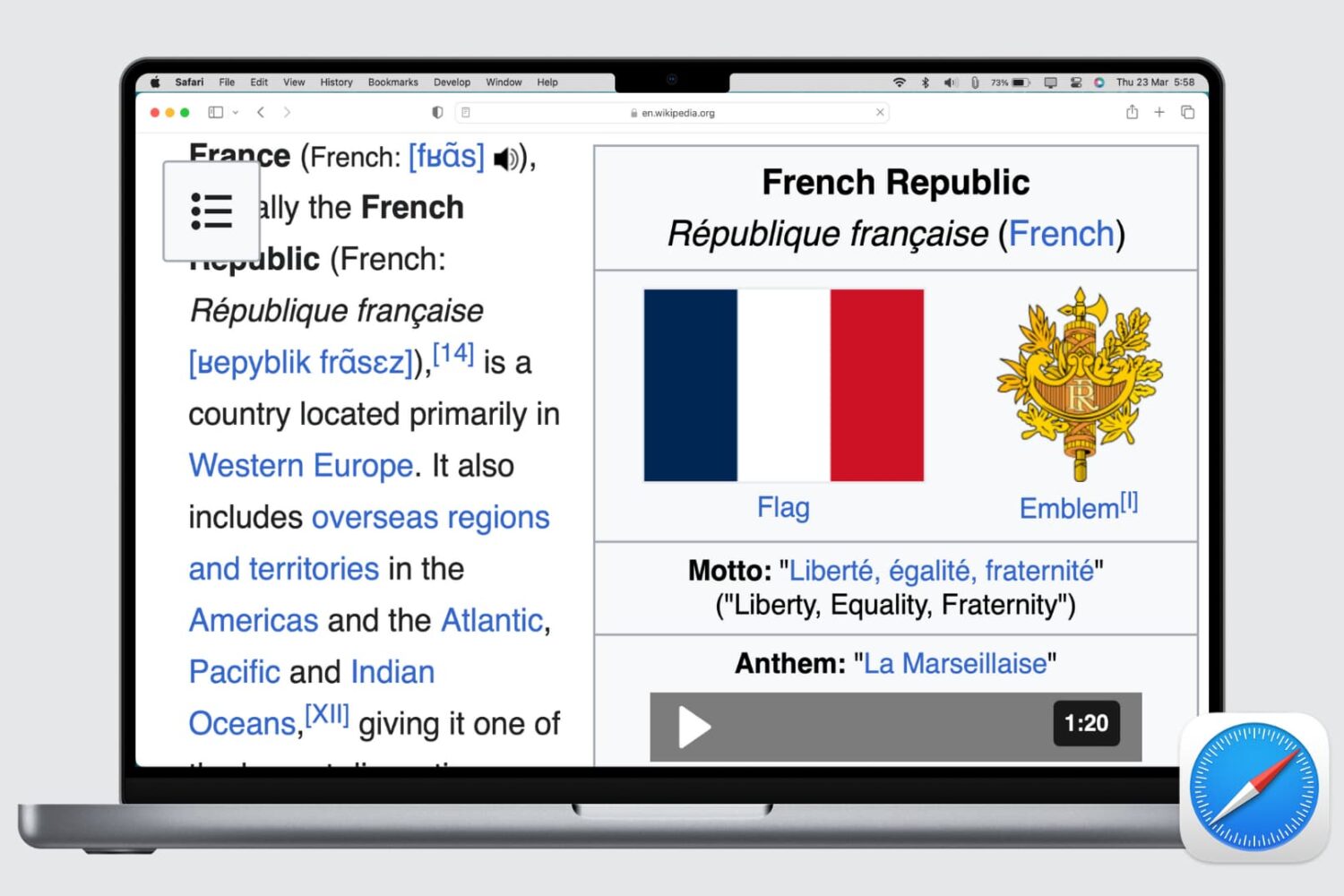
Learn how to set up automatic page zoom in Safari on your iPhone, iPad, and Mac to make reading small text easier and more comfortable.
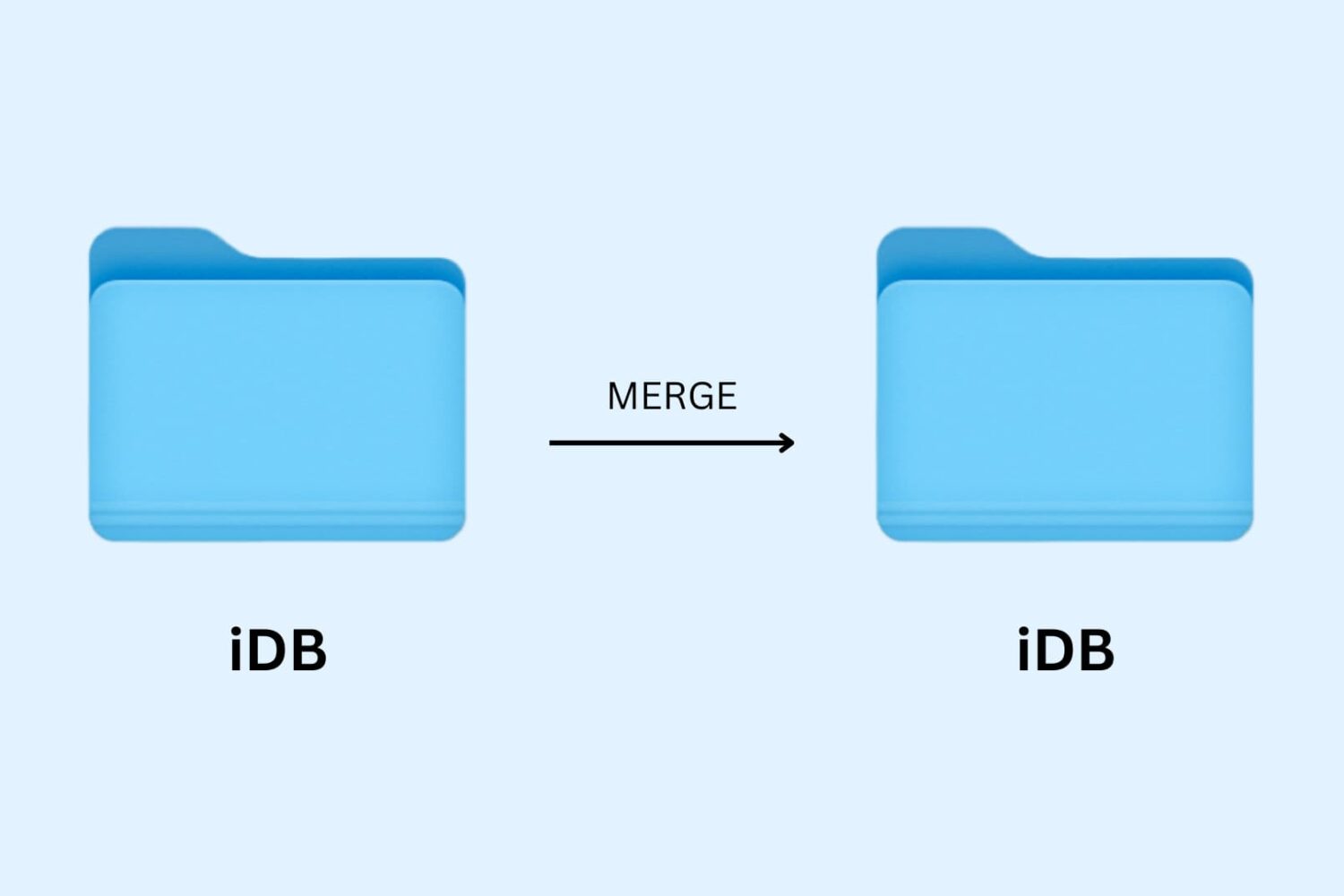
Learn how to merge macOS folders to clean up duplicate folders on your Mac that may or may not have the same names.

Learn how to browse the movies and TV shows your family members have purchased from the iTunes Store and stream or download them in the Apple TV app on your iPhone, iPad, or Mac.
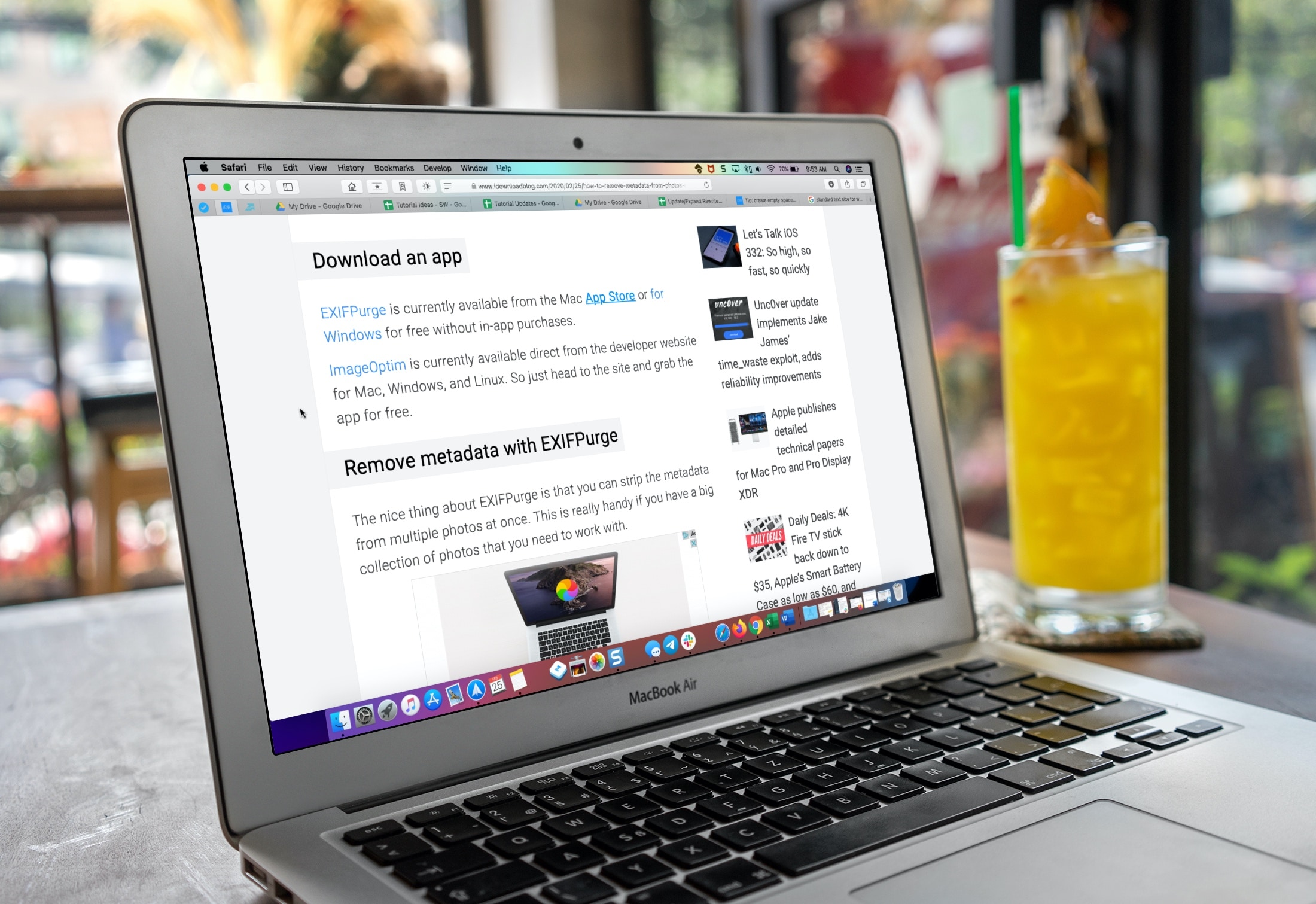
Learn how to make the text bigger in Safari for every website to see things more clearly when browsing the web on your iPhone, iPad, and Mac.