Need to change your home address in Apple Maps? This tutorial shows you how to do it on iPhone, iPad, and Mac.
How to change your home address in Apple Maps
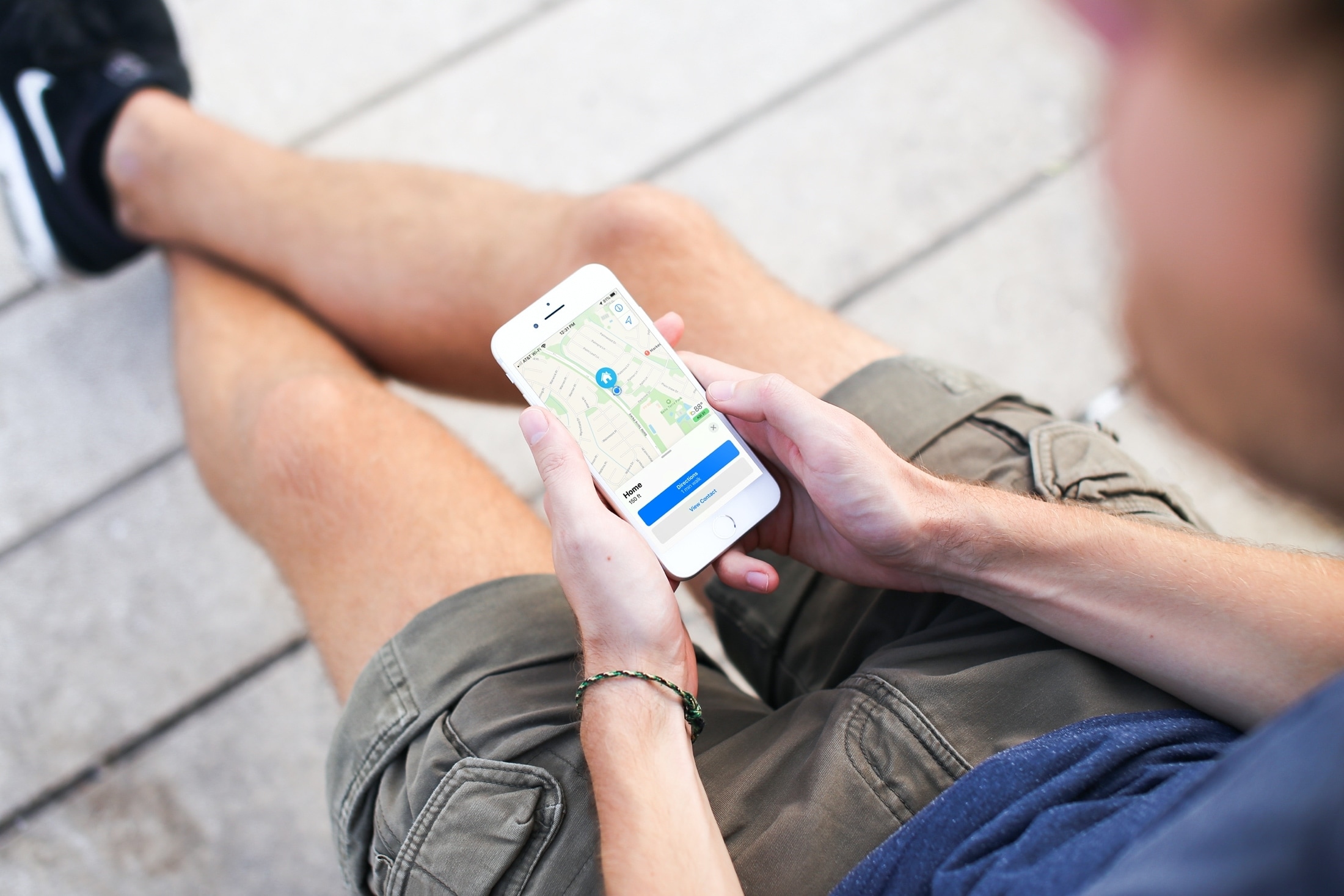
Need to change your home address in Apple Maps? This tutorial shows you how to do it on iPhone, iPad, and Mac.
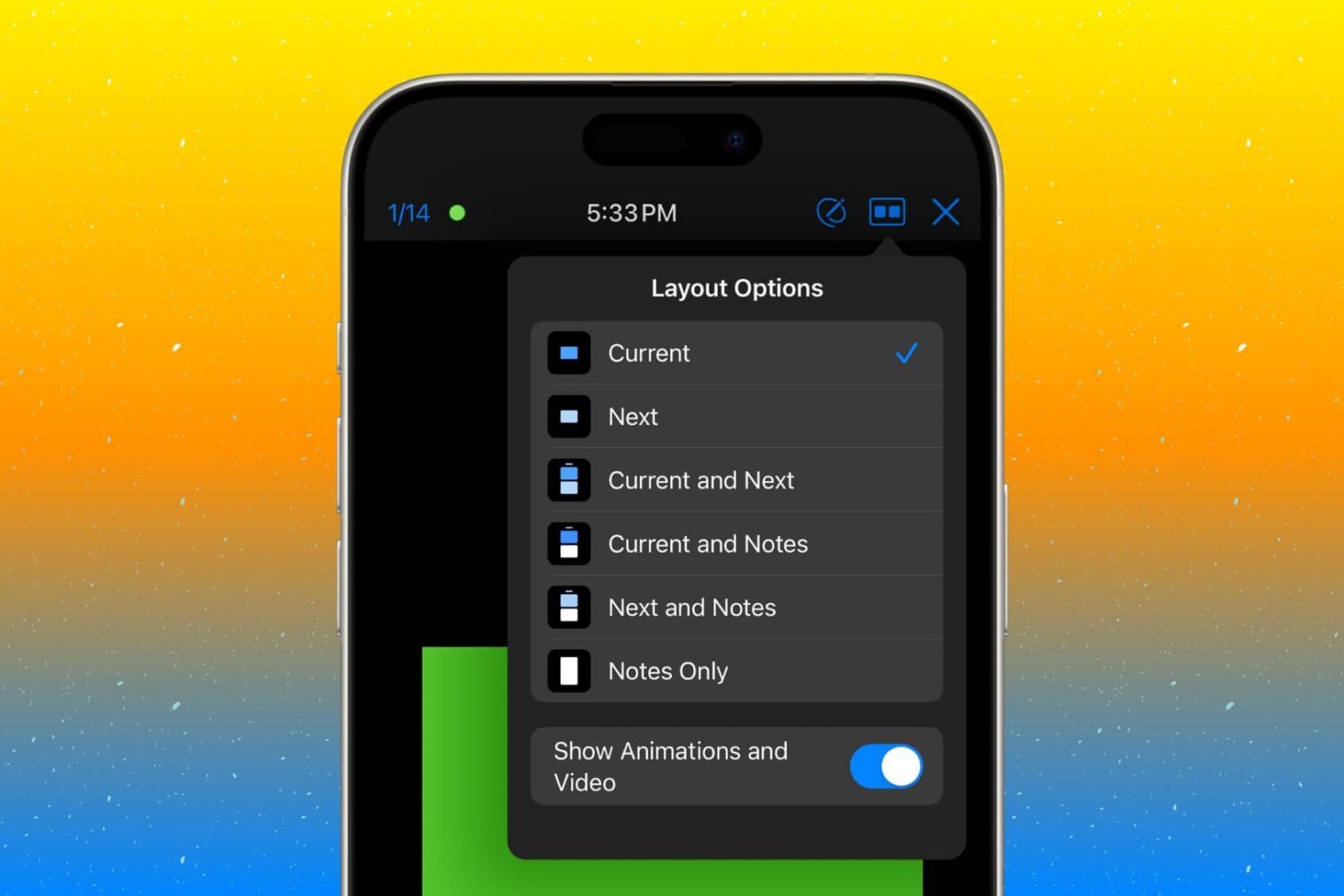
Customize the presenter display feature in the Keynote app on your Mac, iPad, and iPhone so you’re ready for your next presentation.

If your iPhone or iPad is jailbroken, then it can be easy to go overboard with installing jailbreak tweaks. While the primary purpose of most jailbreak tweaks is to make your handset better, it’s always possible for a buggy or poorly coded tweak to go rogue and cause more harm than good; sometimes rendering your entire handset momentarily inoperable.
While some panic at the aforementioned thought, especially when it happens to their own jailbroken device, it’s not always necessary to restore your device and lose your jailbreak. In fact, the unc0ver jailbreak supports a function that lets you boot into a no-tweak state tantamount to the likes of no-substrate mode so that you can safely launch Cydia and uninstall the offending tweak(s). We’ll show you how that’s done in this tutorial.

Jailbreaking can be both a fun pastime and a way of making your iPhones and iPads capable of functionality that Apple doesn’t empower them with out of the box. Unfortunately, not all jailbreak tweaks work as expected, and in some cases, buggy or poorly coded tweaks may render your device temporarily unusable.
But fear not, as you probably won’t need to restore your device and lose your jailbreak data. The checkra1n jailbreak tool incorporates a Safe Mode mechanism that can be used to boot your jailbroken iPhone or iPad into a no-substrate-like mode in which jailbreak tweaks don’t load. You will, however, be able to launch Cydia and uninstall the offending tweak(s). We’ll show you how to do that in this tutorial.
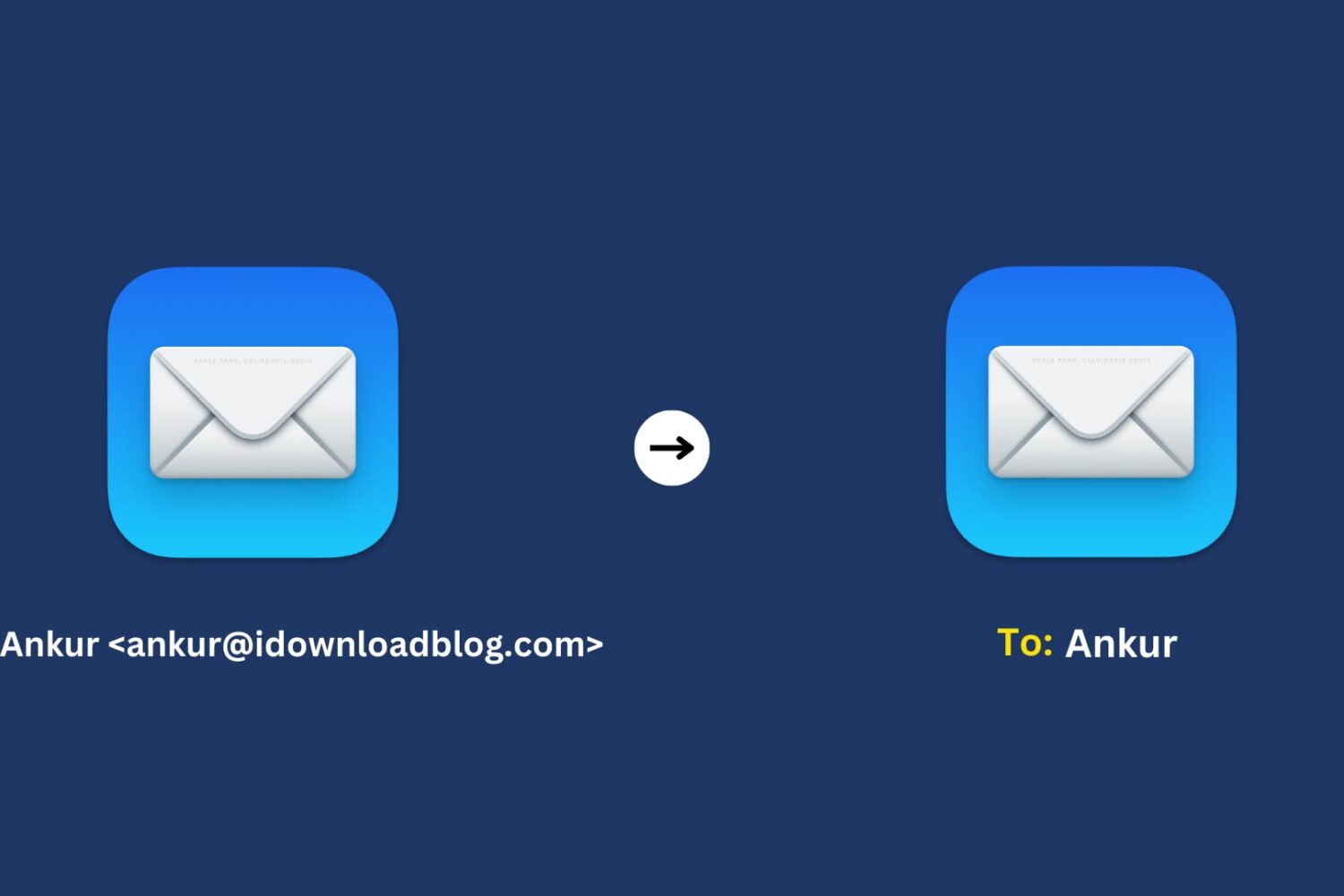
Learn how to use the Smart Address feature in the Mac Mail app to display only the recipient’s name instead of their full name and email address.
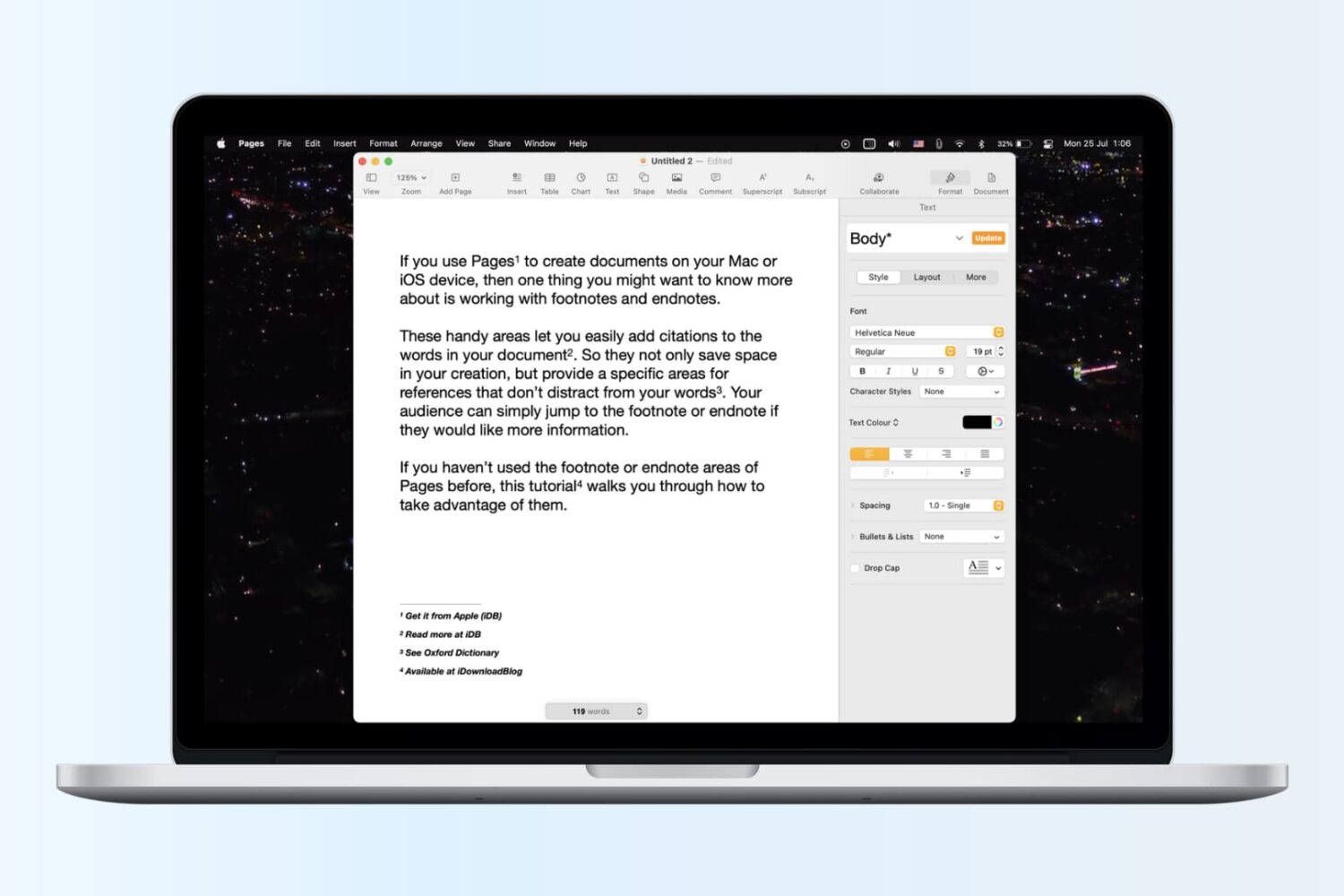
Learn how to insert footnotes and endnotes in Apple Pages documents on your Mac, iPad, or iPhone to reference or cite sources in a professional manner.

Learn how to create and use folders and subfolders in the Apple Mail app on your iPhone, iPad, and Mac to keep your emails better organized.
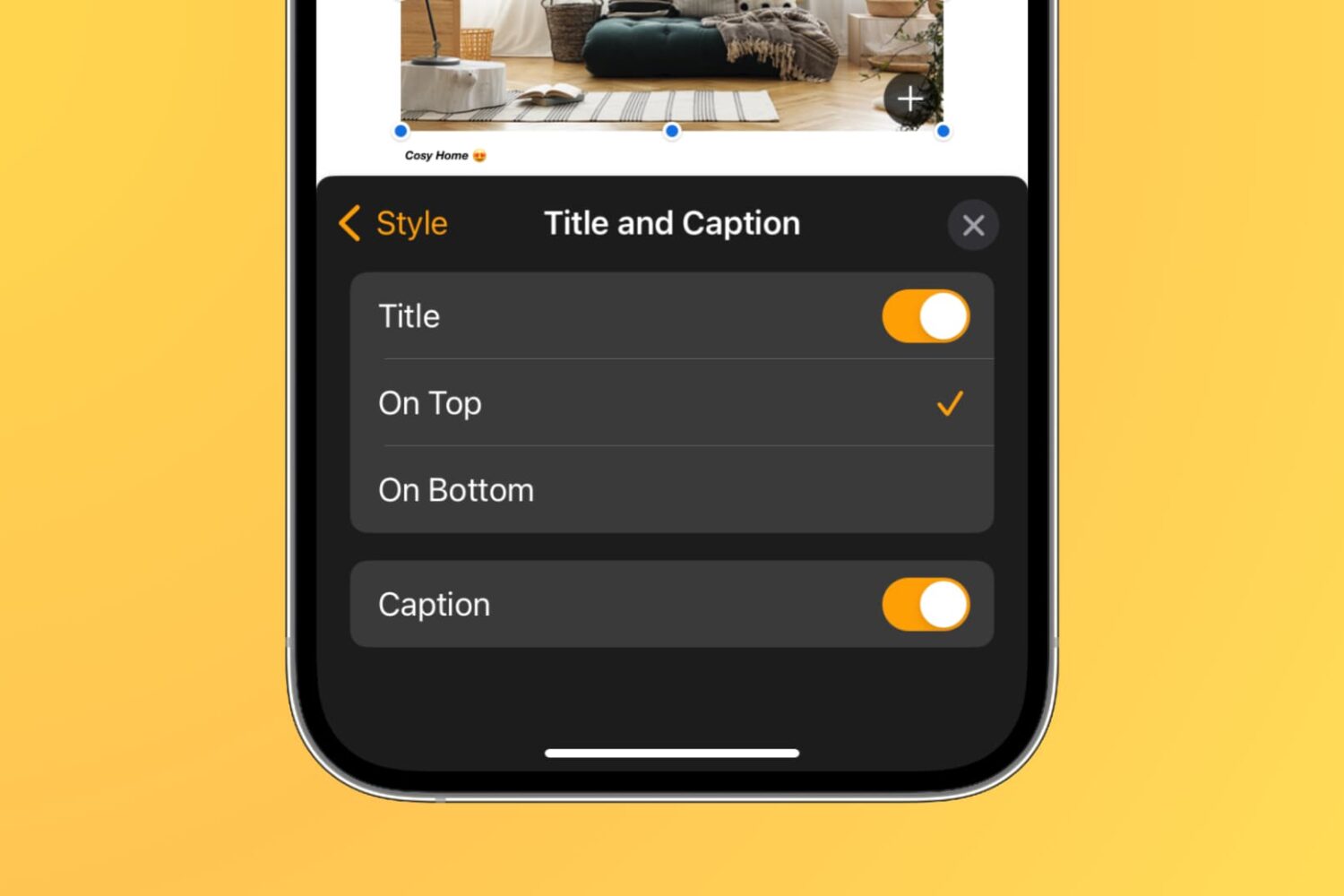
Learn how to add captions and titles to photos, videos, shapes, and other objects in your documents, spreadsheets, and presentations to provide descriptions, citations, or references.
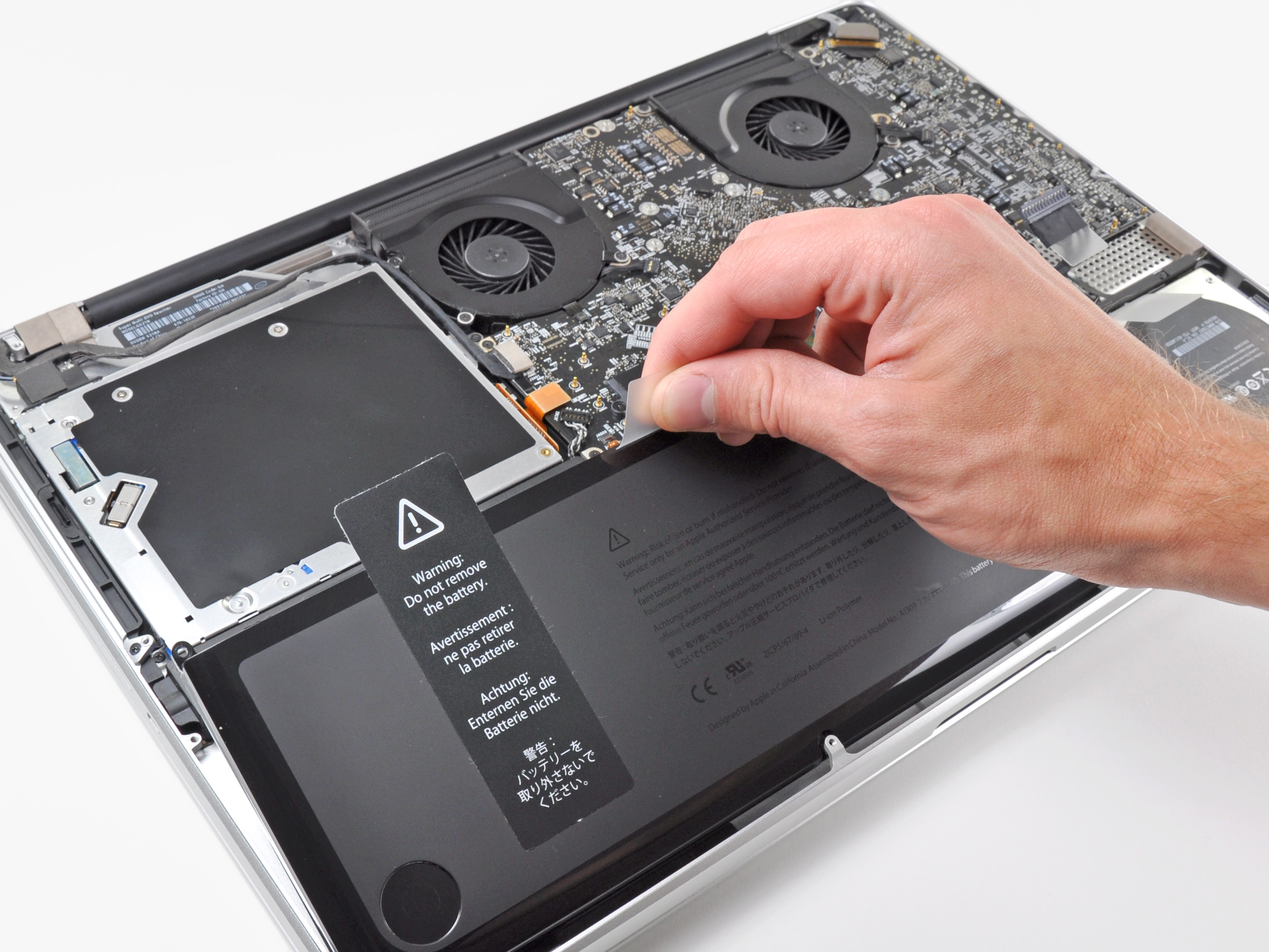
Learn more about the built-in battery health management feature made to improve the lifespan of your MacBook’s battery.
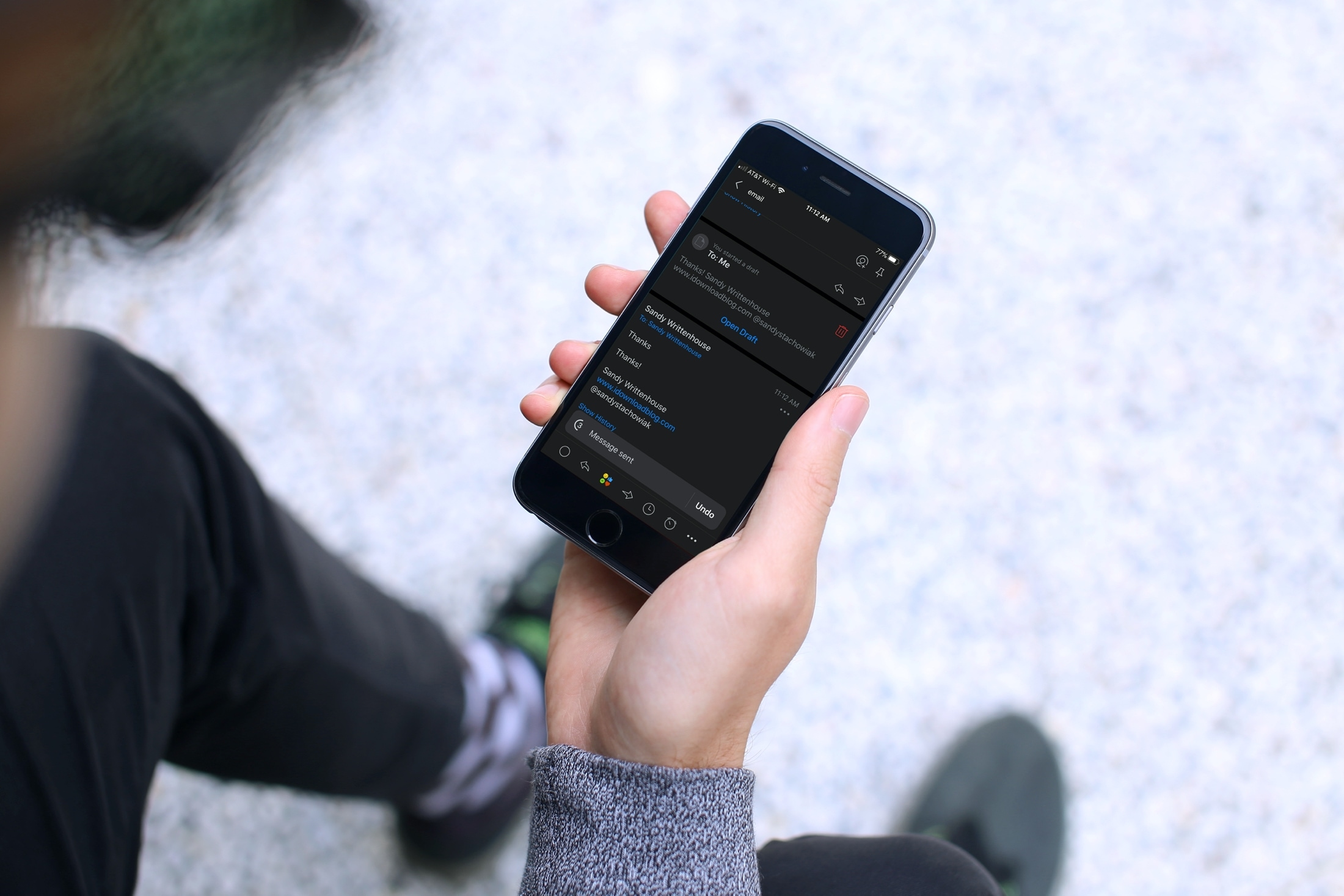
Have you ever sent an email that you wish you hadn’t? Maybe you forgot something like an attachment or perhaps you wrote something you shouldn’t have? Apple’s Mail app on iOS and Mac doesn’t currently give you the option to unsend an email you sent. But, the Spark email app does.
If you’re new to the app or simply haven’t had the need to recall an email, this tutorial shows you how to unsend an email in Spark on iPhone, iPad, and Mac.
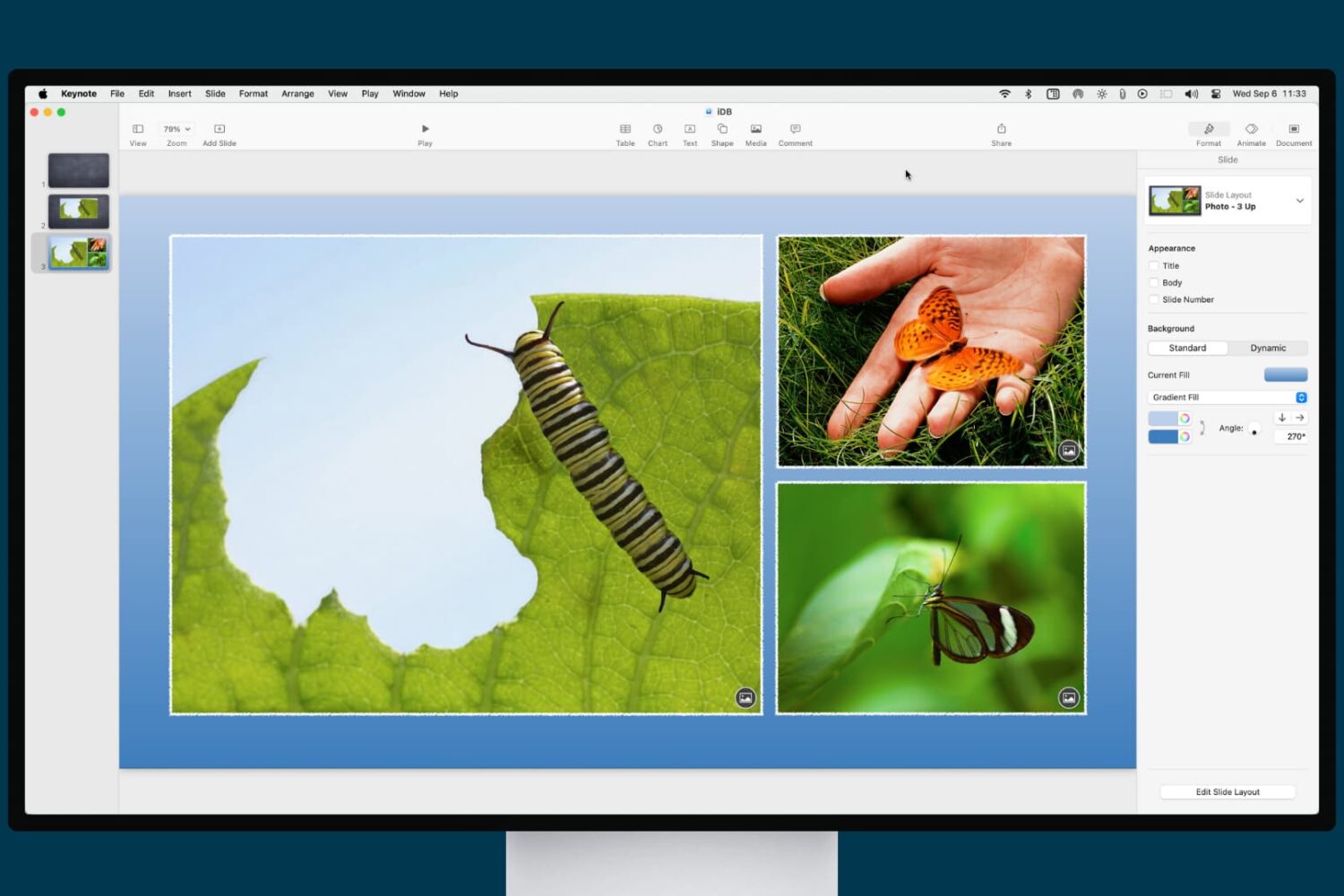
Learn how to enhance your presentation with a slide background or border in the Apple Keynote app on iPhone, iPad, and Mac.

Learn how to clear Apple Maps location history on your iPhone, iPad, and Mac to safeguard your privacy and enhance your security.