If after trying the palera1n jailbreak you’ve decided that it isn’t right for you, then you might be wondering what you can do to remove it from your device.
How to remove the palera1n jailbreak

If after trying the palera1n jailbreak you’ve decided that it isn’t right for you, then you might be wondering what you can do to remove it from your device.
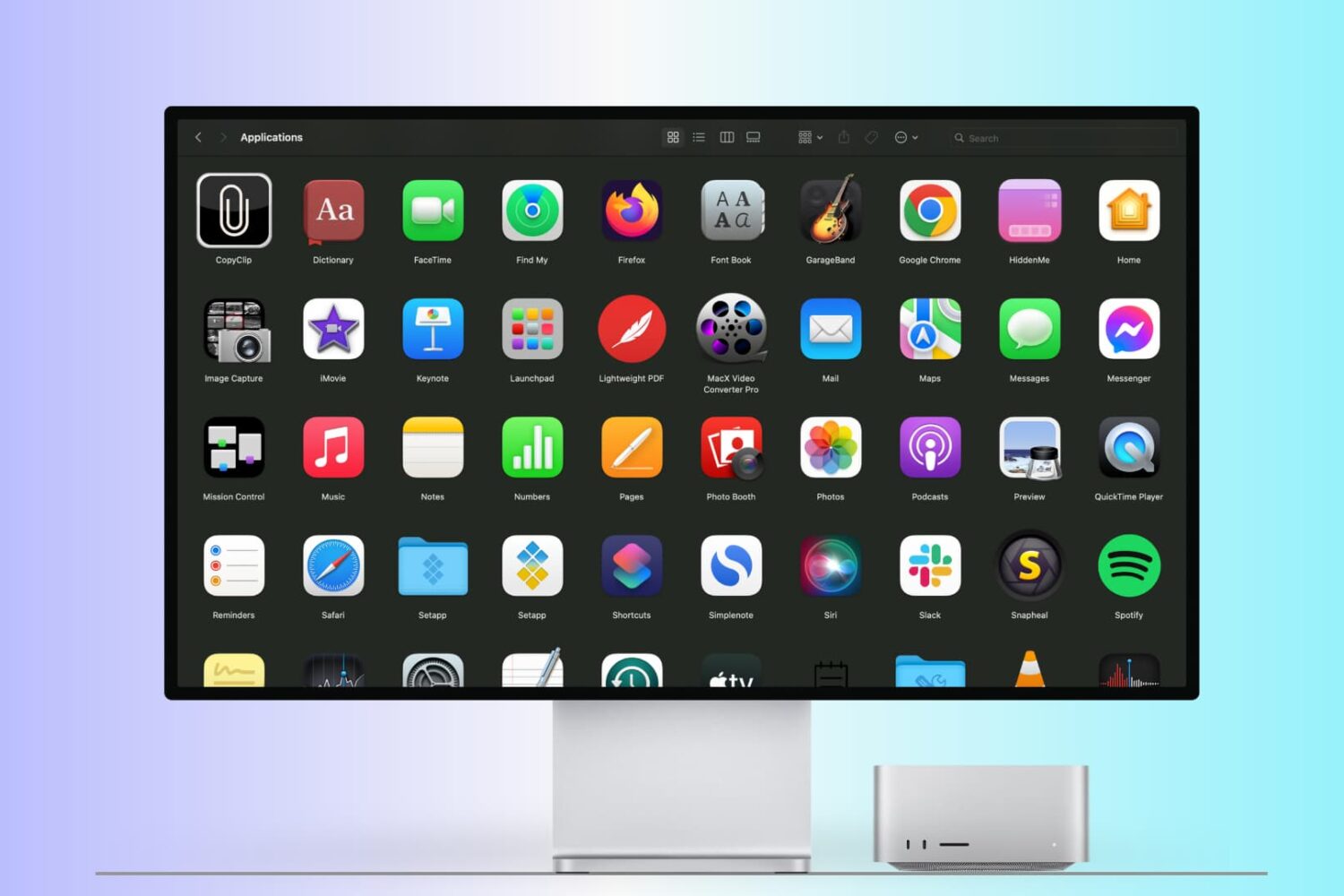
There are many ways to open an app on your Mac, and in this tutorial, we’ll cover 14 easy methods, including some you probably don’t know.
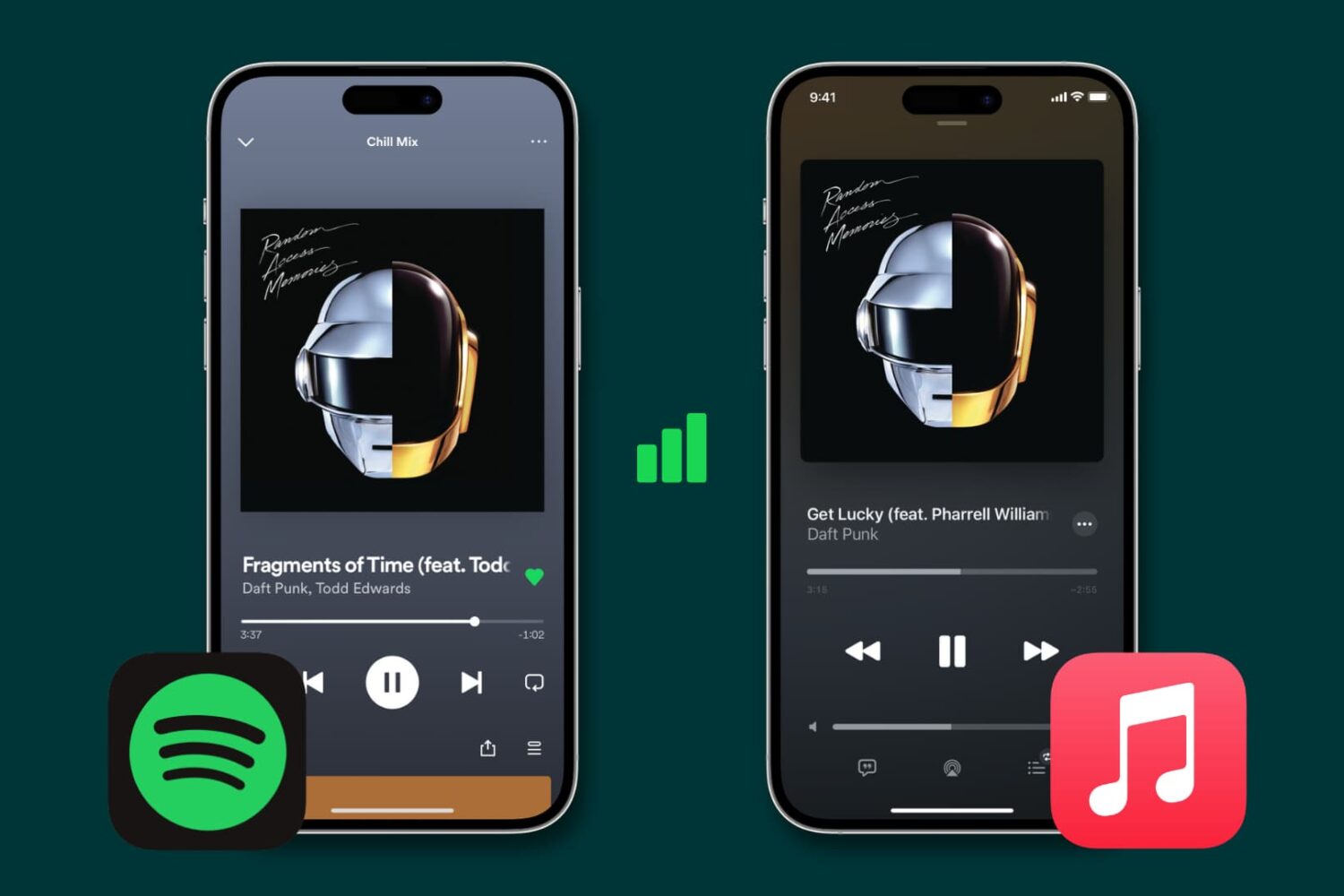
Learn how to stop Spotify, Apple Music, and other similar data-hungry apps from gobbling up cellular data on your iPhone and instead restrict them to Wi-Fi connectivity.
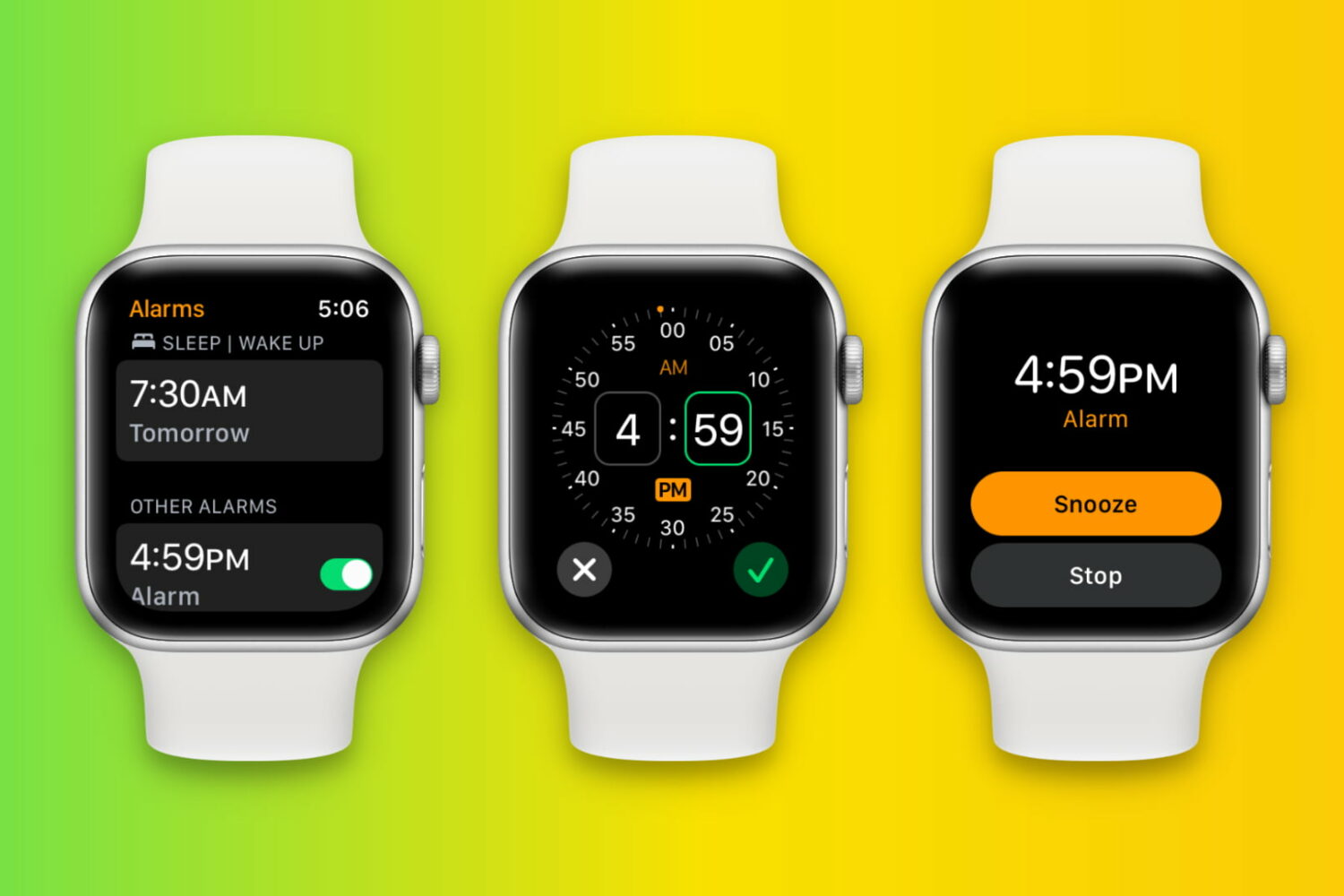
Learn how to set up, edit, delete, and manage alarms on your Apple Watch in this full walkthrough guide.
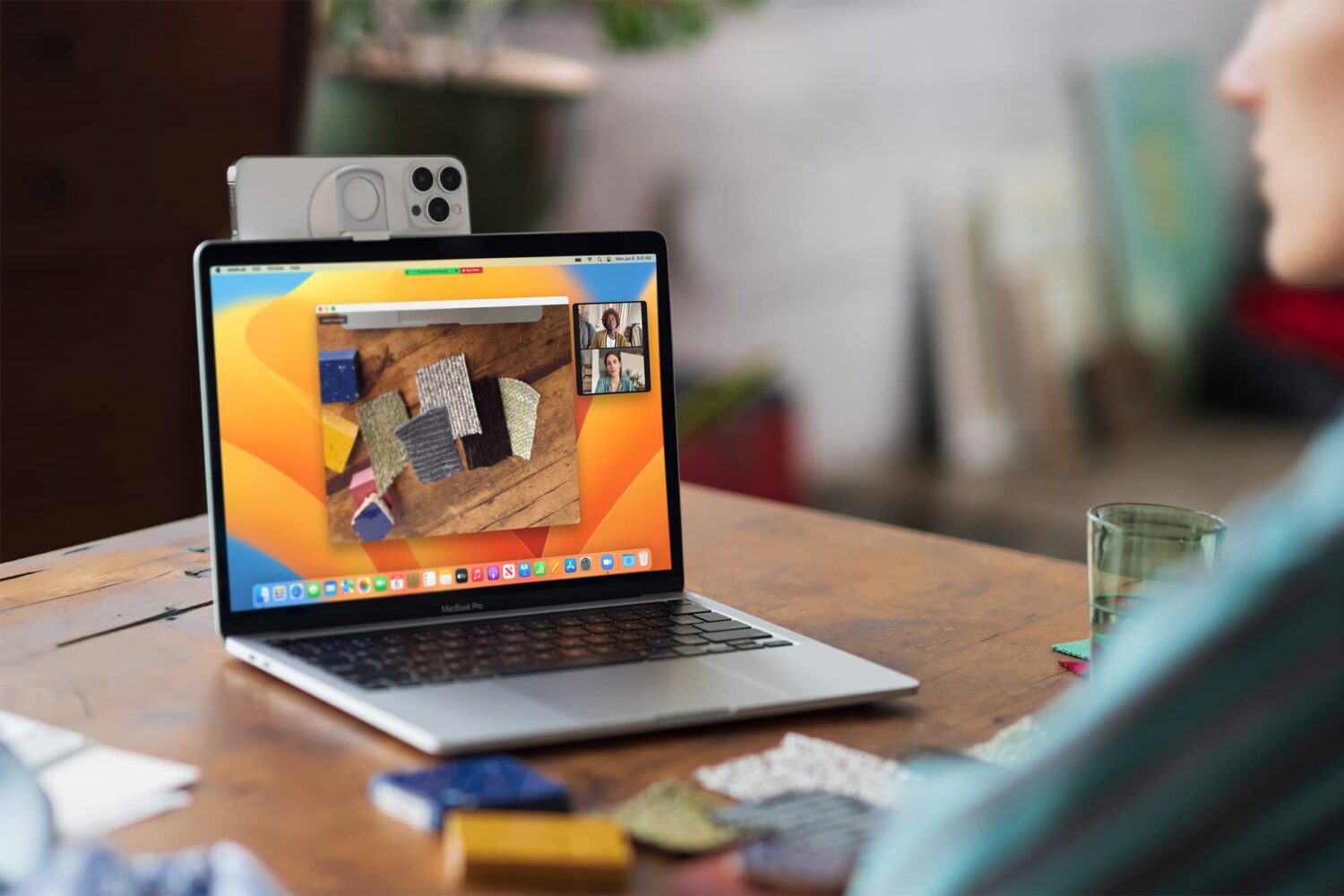
Learn how to use your iPhone as a high-quality webcam and microphone for your Mac for making FaceTime, Zoom, Slack, and other video calls.
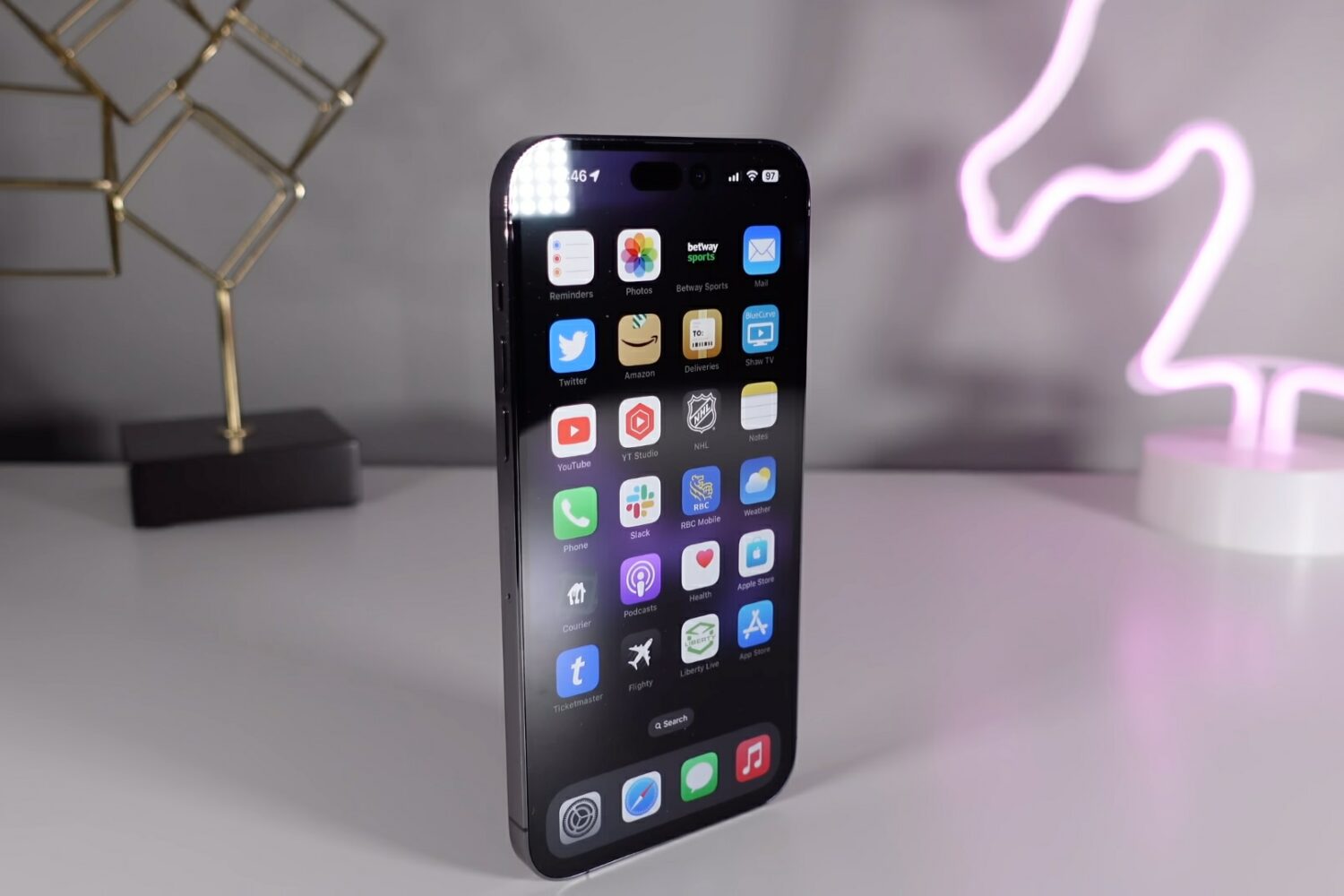
In this guide, we cover 10 hidden iPhone features that you may not know about but should definitely try out as soon as possible!
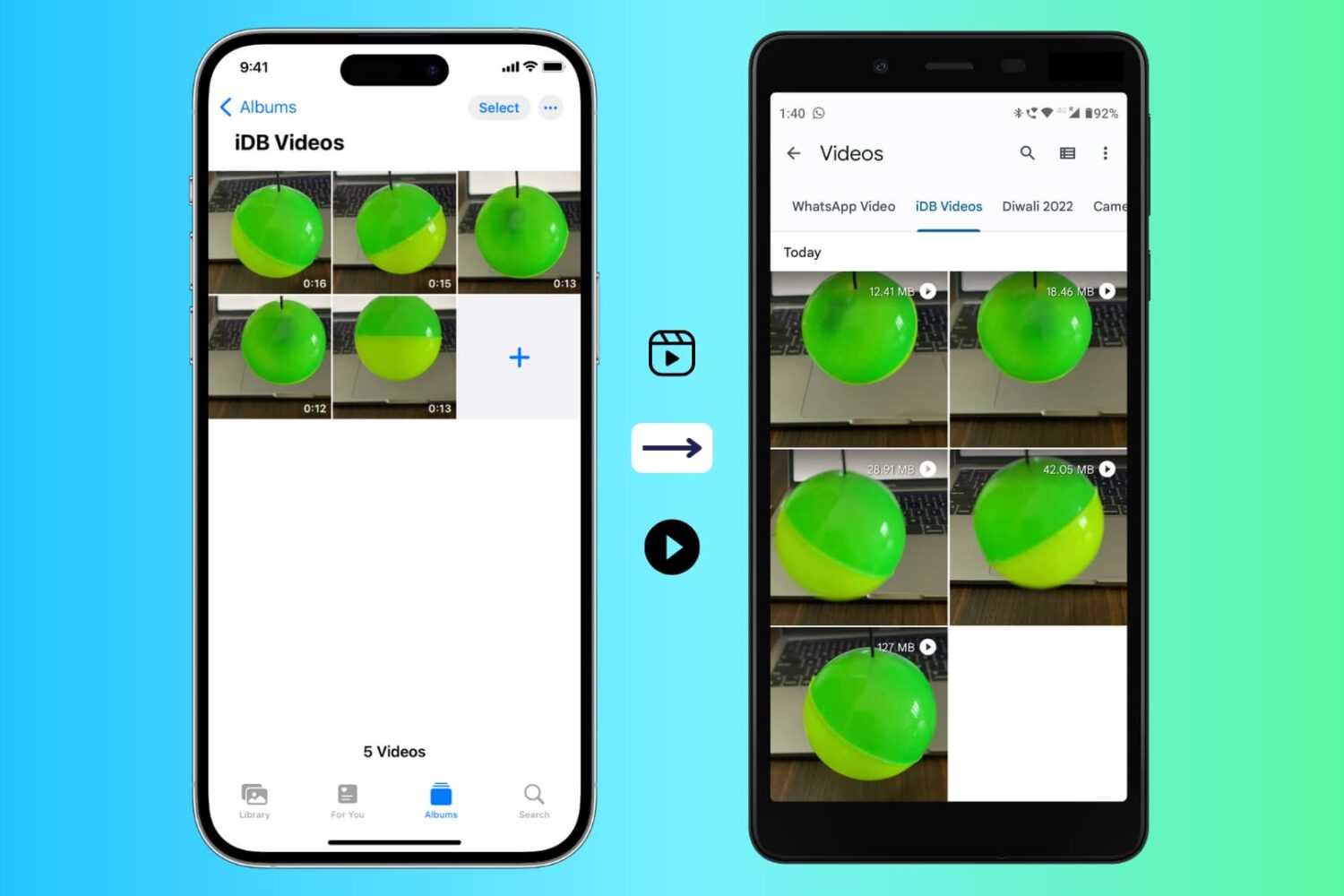
Follow these handy tips to make videos recorded with your iPhone camera watchable on an Android phone.
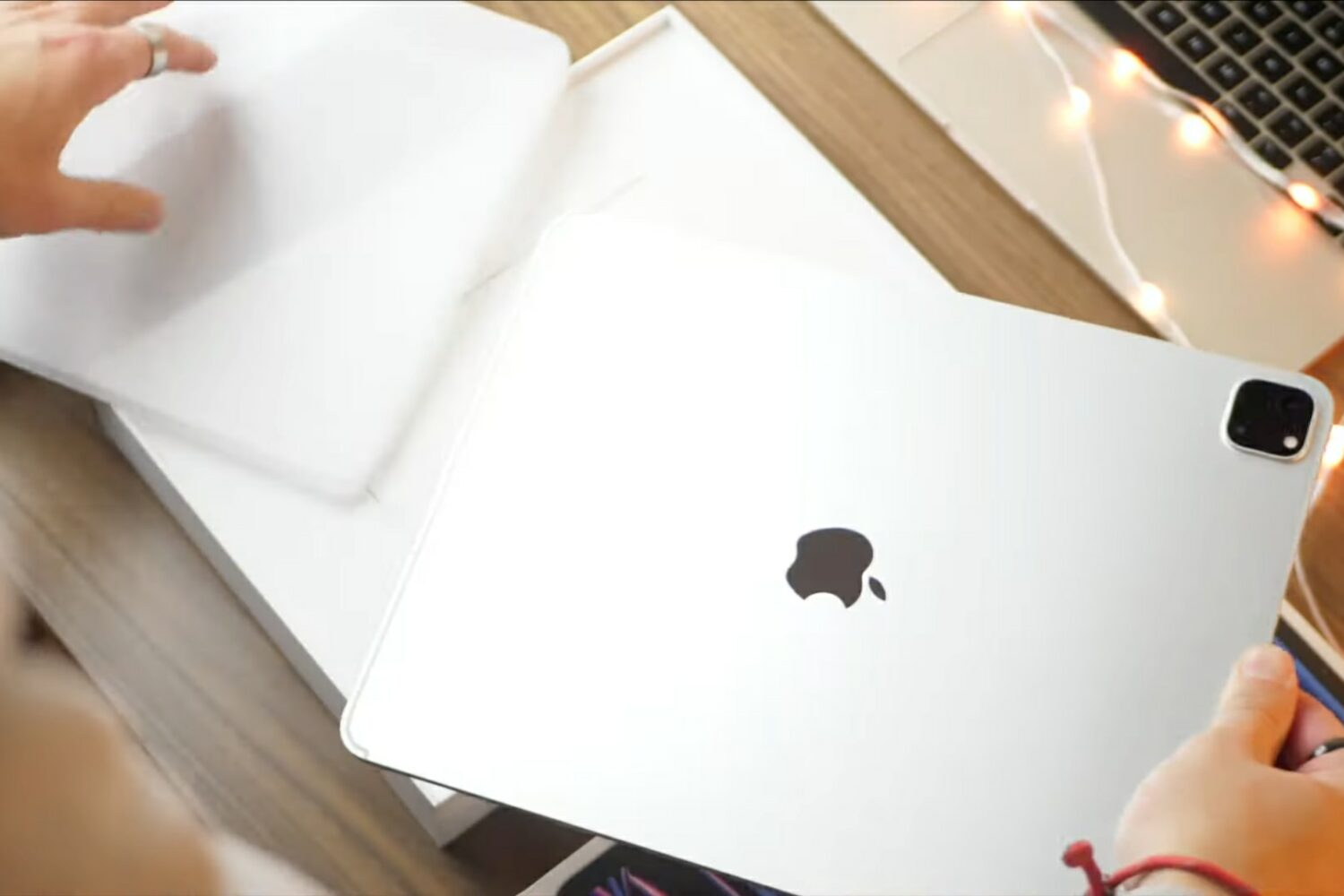
The latest installment of our video tips series covers the basics of the 12.9-inch iPad Pro with M2 such as setup, standard settings, multitasking gestures and more.
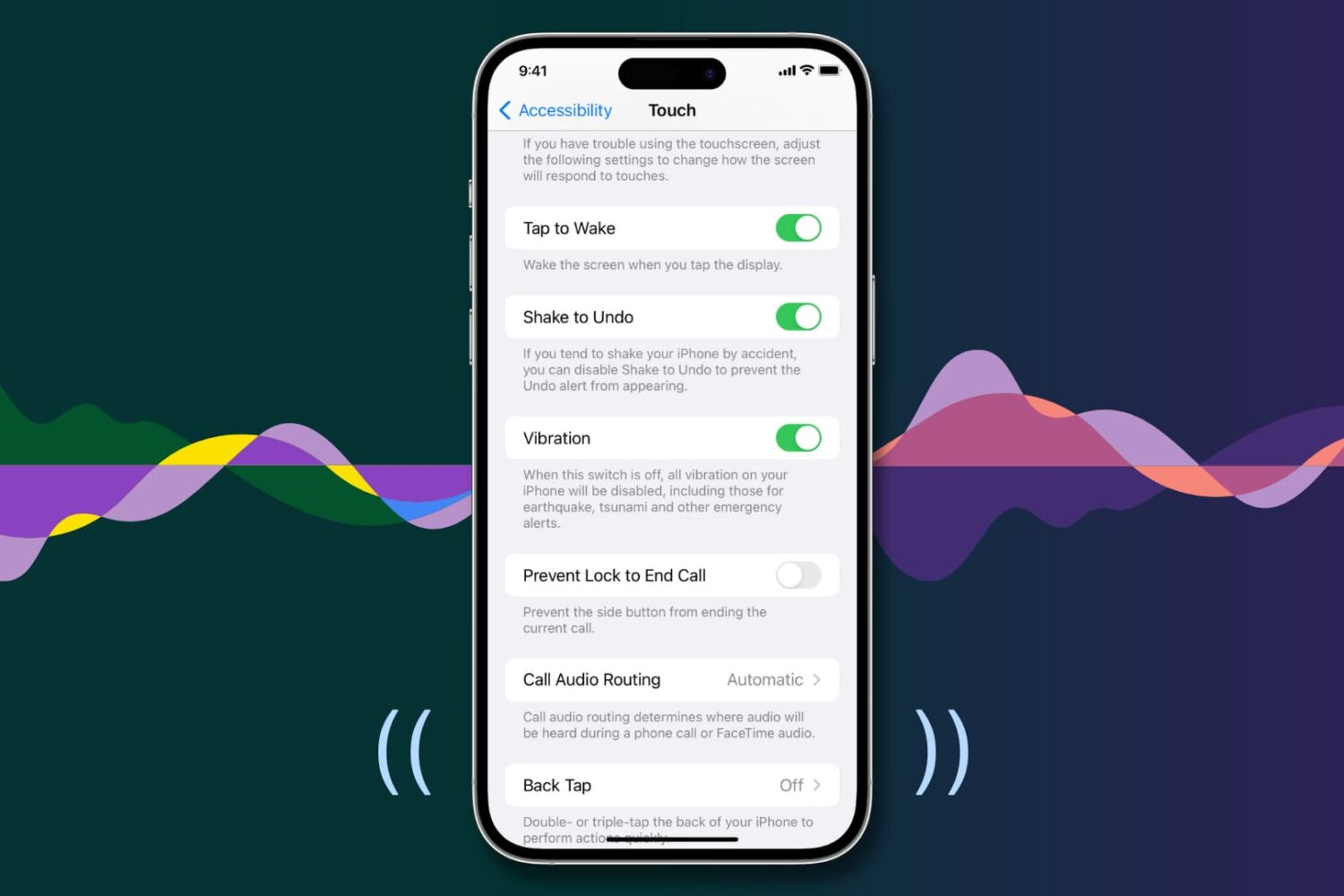
Your iPhone vibrates to alert you about incoming calls, texts, and app notifications, making it easier to react when the device is deep in your pocket or set to silent mode.
Similarly, iOS offers haptic feedback throughout the operating system to complement touch input and elevate interactions.
If you aren’t getting any vibrations or haptic feedback from your iPhone, the troubleshooting tips below should help fix that.
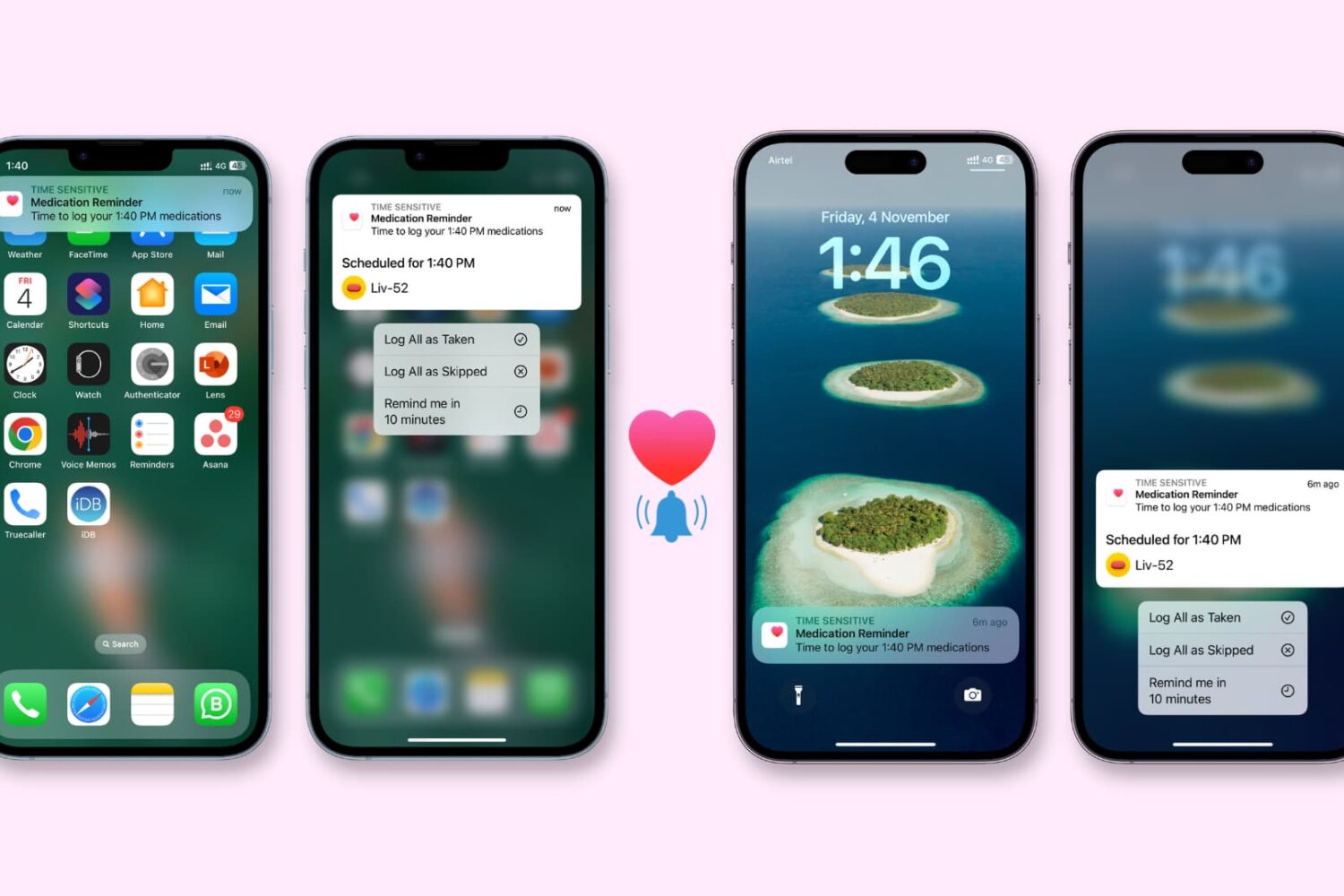
Check out these 8 solutions to fix the Health app on your iPhone or Apple Watch not reminding you to take medication on time.
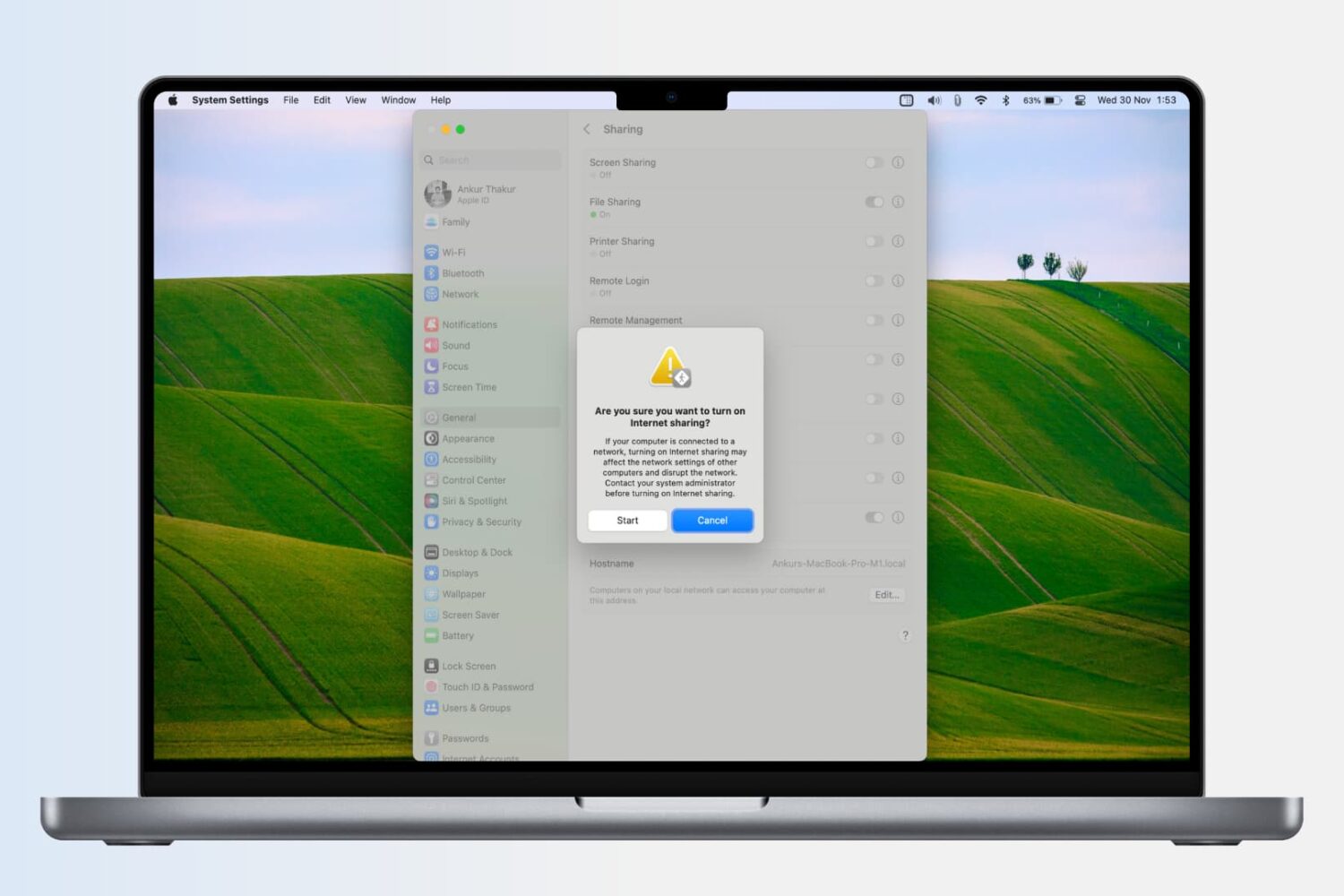
Learn how to turn your Mac into a wireless Wi-Fi router and share its Internet connection with other devices, or to share your Mac’s Wi-Fi with an iPhone or iPad via a USB cable or Bluetooth.
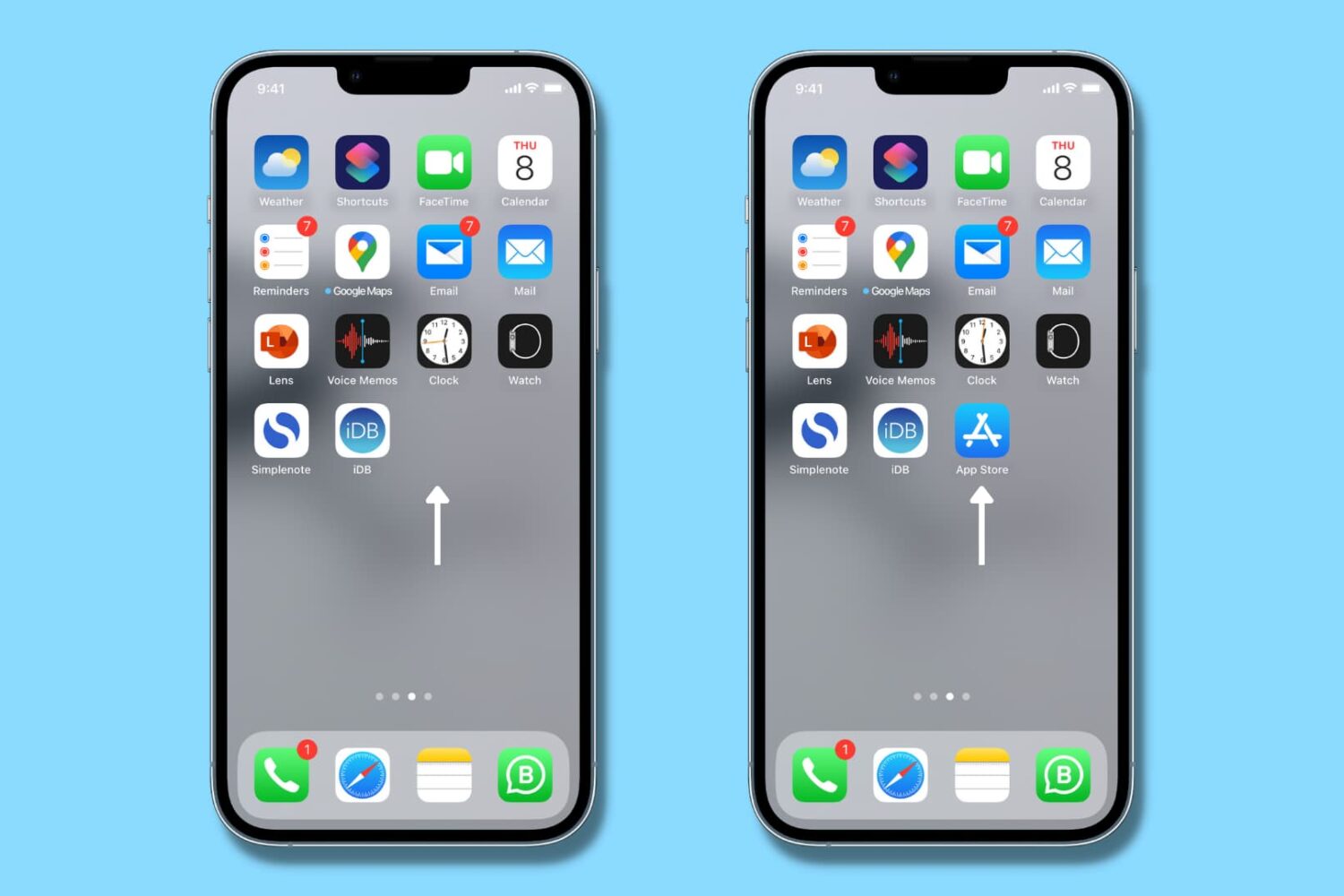
Is App Store missing from your iPhone, and you can't figure out where it went? In this tutorial, we quickly show you how to get App Store back on iPhone or iPad so that you can download new apps and update existing ones.