Apps

How to create and use Spark email templates on Mac and iPhone

Spark Email Create New Customer Template on Mac

The Spark email app by Readdle has a lot of great features that users find helpful on both iOS and Mac. And, the company recently added one more to the list; email templates. This terrific addition to the app makes composing emails that you create on regular basis much simpler.

This tutorial shows you what’s available and how to use Spark email templates.

Enter to win a free 12.9-inch iPad Pro: Winner announced!

2018 iPad Pro giveaway

Apple recently unveiled their new flagship iPad Pro models, and our friends over at iMobie immediately offered to join forces with us in order to give one away to a lucky iDB reader, or rather a lucky iDB listener.

At stake here is a 12.9-inch iPad Pro Wi‑Fi 64GB. Valued at over $1,000, this device could be yours, in the finish of your choice, if of course you have what it takes to win.

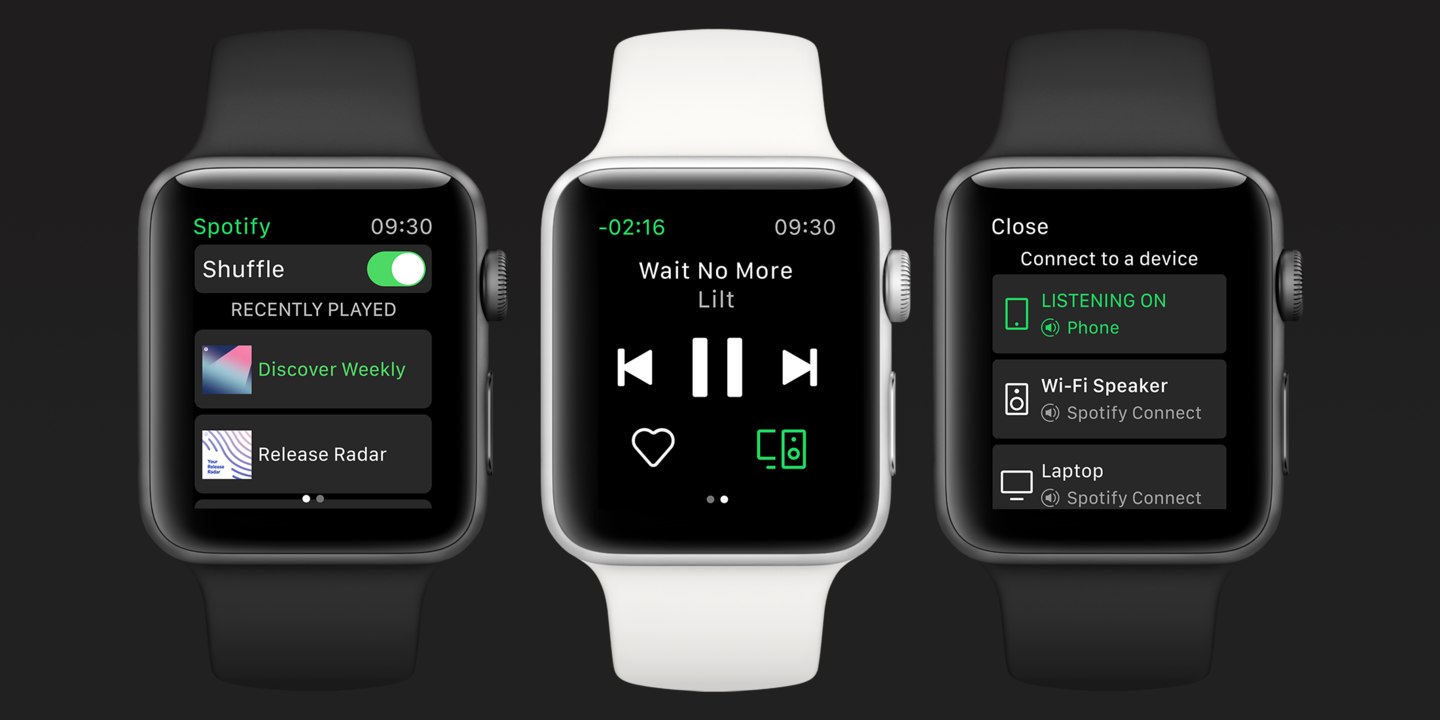
Spotify for iOS updated with Apple Watch app

Spotify on Tuesday released an update to its iOS client, bringing the software to version 8.4.79. On the surface it looks like your typical maintenance release, but according to the change log, it also includes "the first version" of Spotify's Apple Watch app.

iCab Mobile review: a different web browser for your iOS device

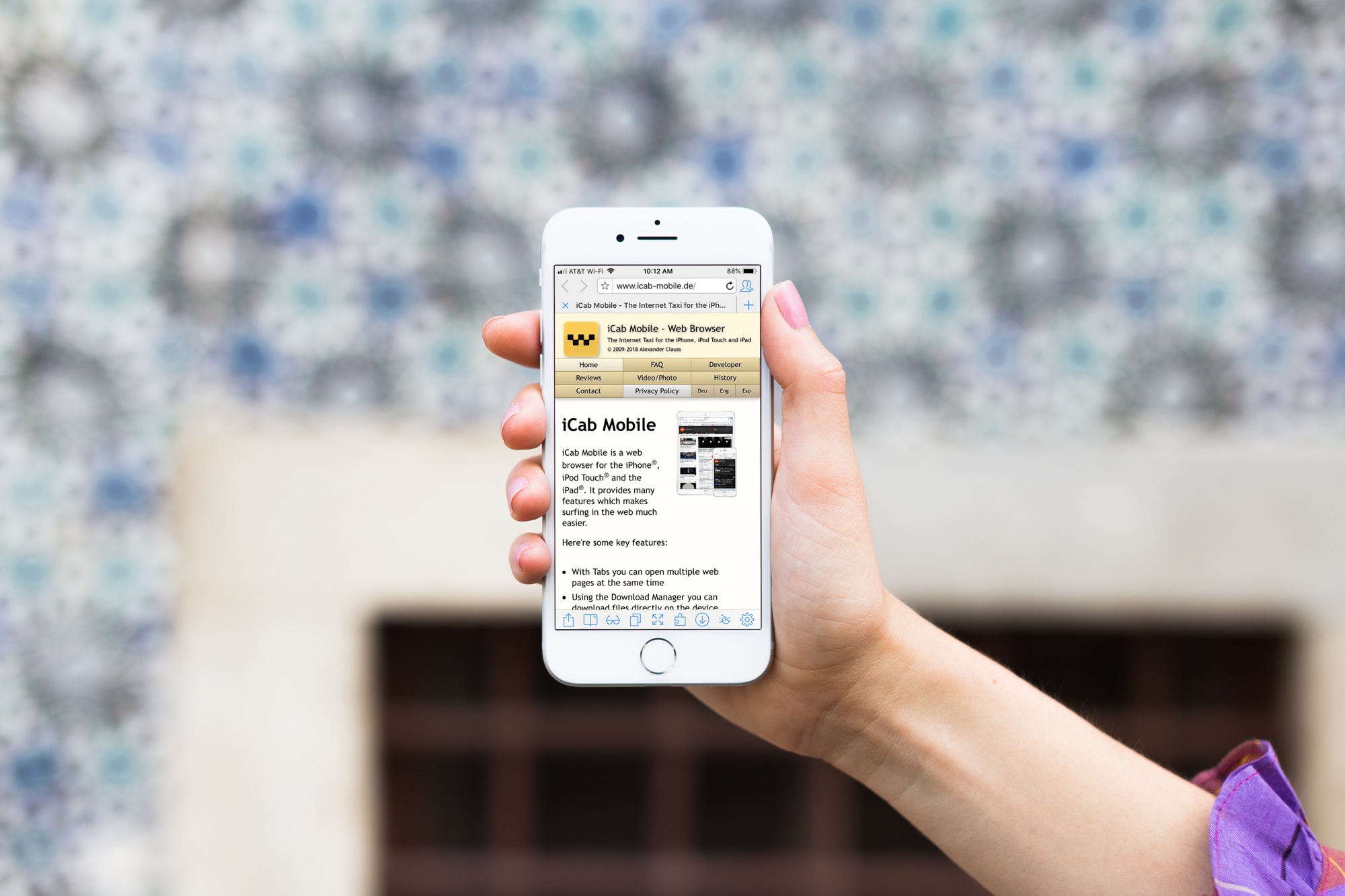
iCab Mobile App on iPhone

If you’re tired of the same old web browsers on your device; Safari, Firefox, Chrome, maybe it’s time for something new.

You may want more flexibility with your browser interface, more options with your settings, or just something you can completely customize. If so, the iCab Mobile web browser is one option you might want to check out. The app isn’t new on the scene, but after a reader suggested it, we had to give it a try. Here’s what we found.

How to quickly hide the App Drawer in the Messages app

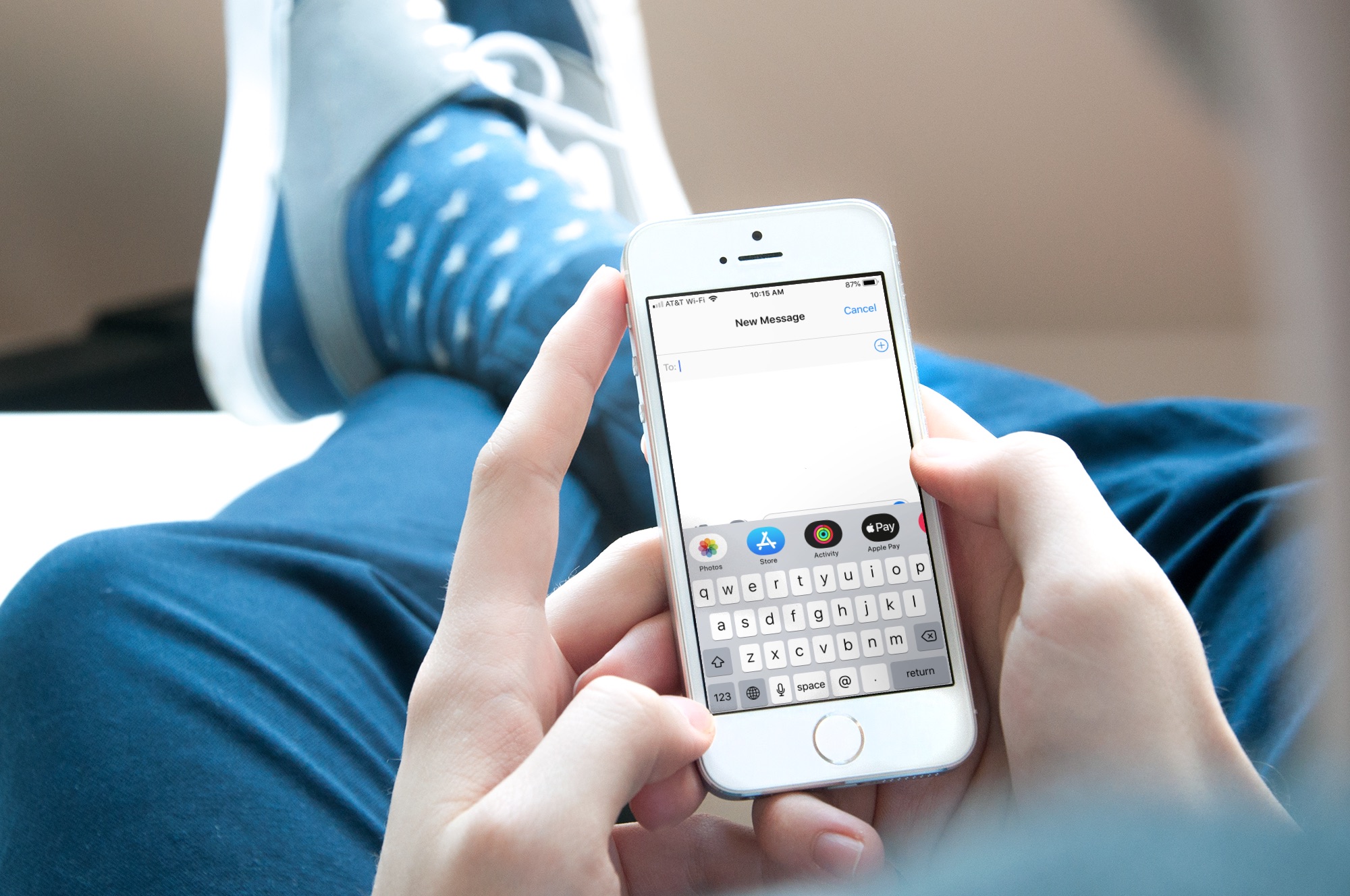
Messages App Drawer iPhone

The App Drawer at the bottom of your conversations in the Messages app can be quite convenient. You can share stickers from your favorite apps, send money with Apple Pay, send Digital Touch messages, and so much more.

But, if you would rather have the full view of the conversation screen and keyboard without the App Drawer, you can simply put it away.

Here’s how to hide the App Drawer for your conversations in the Messages app.

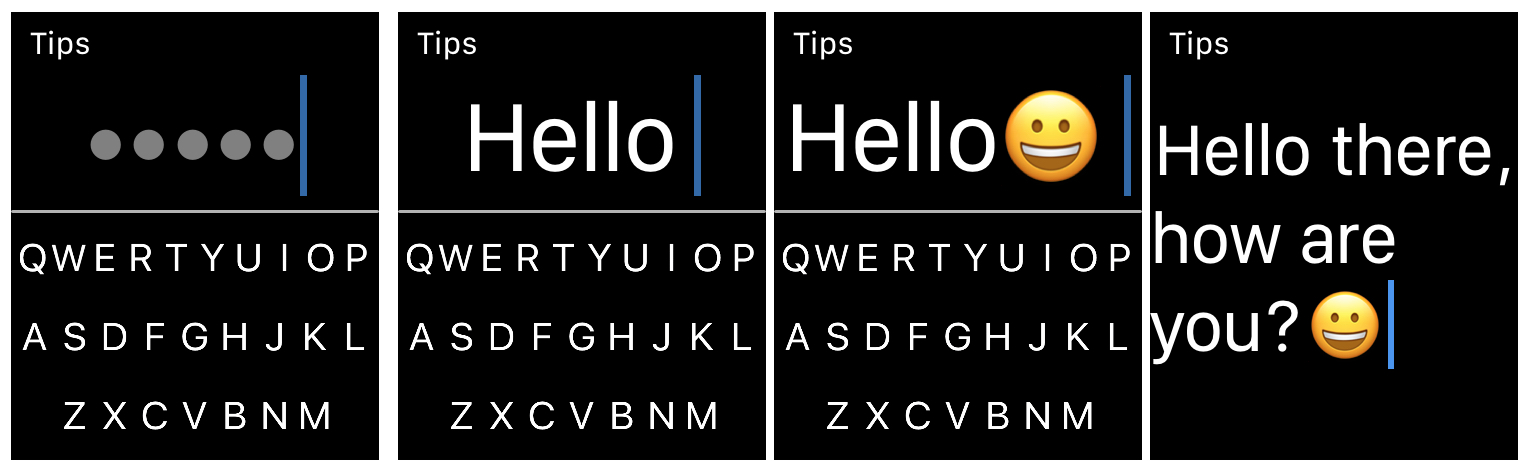
FlickType Keyboard: An easy way to type messages on your Apple Watch

FlickType Keyboard on Apple Watch

When it comes to typing on your Apple Watch, you likely use the quick replies in Messages and Mail, simply because they’re the easiest. But there is now a new way to type right from your wrist.

FlickType Keyboard is handy app that makes typing on your device as simple as a flick. And, it’s now available on Apple Watch in addition to iPhone and iPad. Here’s how you can use FlickType Keyboard on your wrist.