Learn how to use the Find My app on your iPhone, iPad, and Mac to find your devices, share your location, and see other people's location -- all in one convenient spot.
How to use the Find My app on iPhone, iPad, and Mac
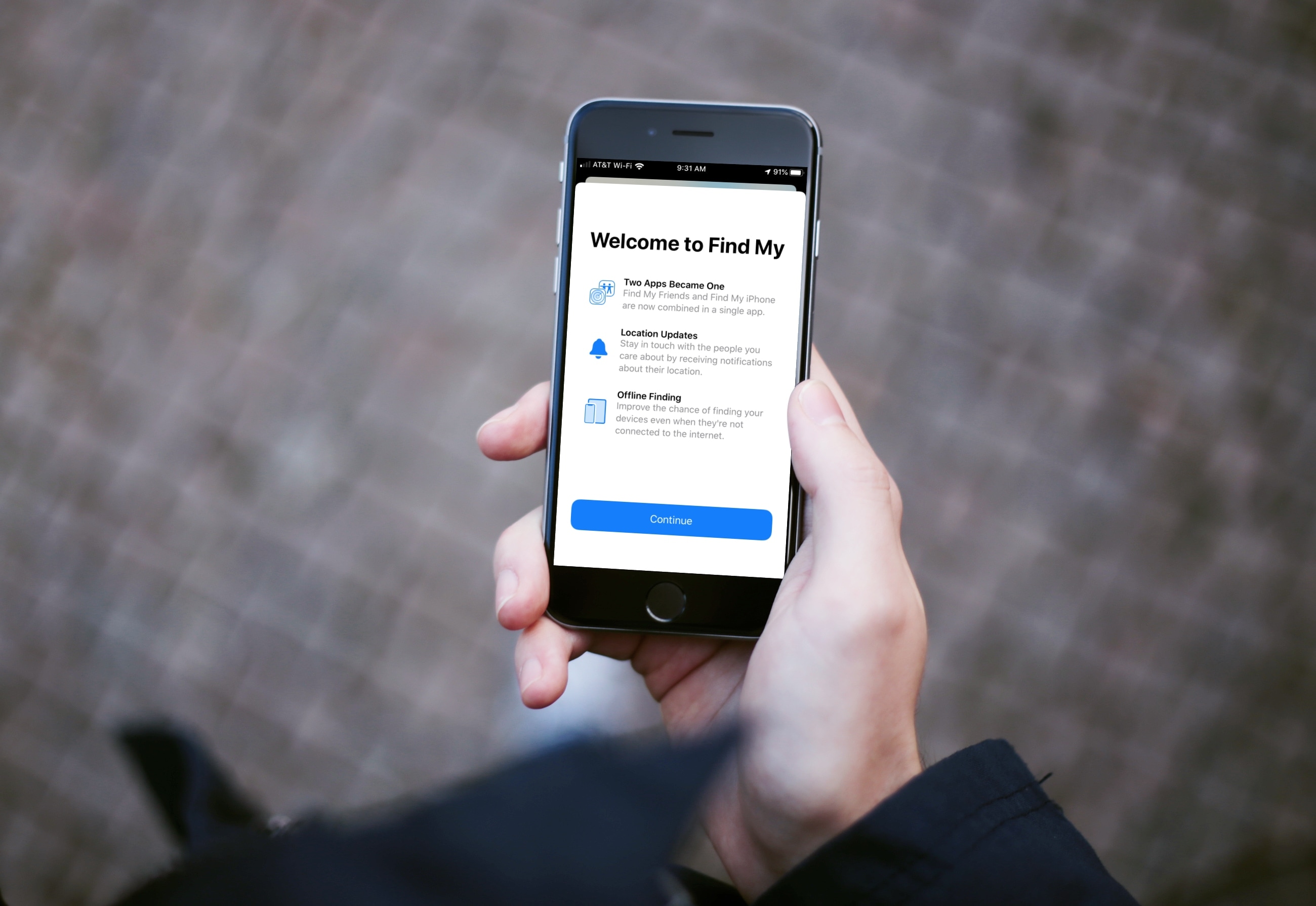
Learn how to use the Find My app on your iPhone, iPad, and Mac to find your devices, share your location, and see other people's location -- all in one convenient spot.

Learn how to scan physical documents, such as receipts, flyers, or business cards, directly from the Apple Files app on your iPhone or iPad, and save them in digital form or share them via Mail, Messages, WhatsApp, or Slack.

If sipping on a magnificent Merlot or spectacular Chardonnay is the perfect end to your day or beginning of your evening, then this app list is for you.
Discover new flavors, read about a wine’s history, or find the closest place to buy a bottle; these are the best iPhone apps for wine lovers.

Two things are happening: first, subscription services are becoming more popular. Second, people are playing more on their phones than on consoles and PC. So it was a matter of time before someone would put 2 and 2 together. Well, the time is now, my fellow gamers. Google and Apple are both getting ready to launch their respective game subscription services, Google Play Pass and Apple Arcade.
At its core, both services are similar. However, they do have some differences, other than the platform they're on. If you're like me, and you have both Android and iOS devices, you're probably wondering which one is more advantageous. Well, wonder no more, as we dive into Apple Arcade versus Google Play Pass. We'll cover each subscription service and determine which one is better suited for you.

Just because you want to share photos doesn’t mean you want to show the location where they were taken. In this post, we show you two easy ways to send a photo without its geolocation data from your iPhone or iPad.

Learn how to save your home, work, and other favorite places in Apple Maps on iPhone so you can easily navigate and access your preferred destinations with a single tap.

Learn how to block specific email senders in the Apple Mail app on iPhone, iPad, and Mac to make sure you never see an email from that person or company again.
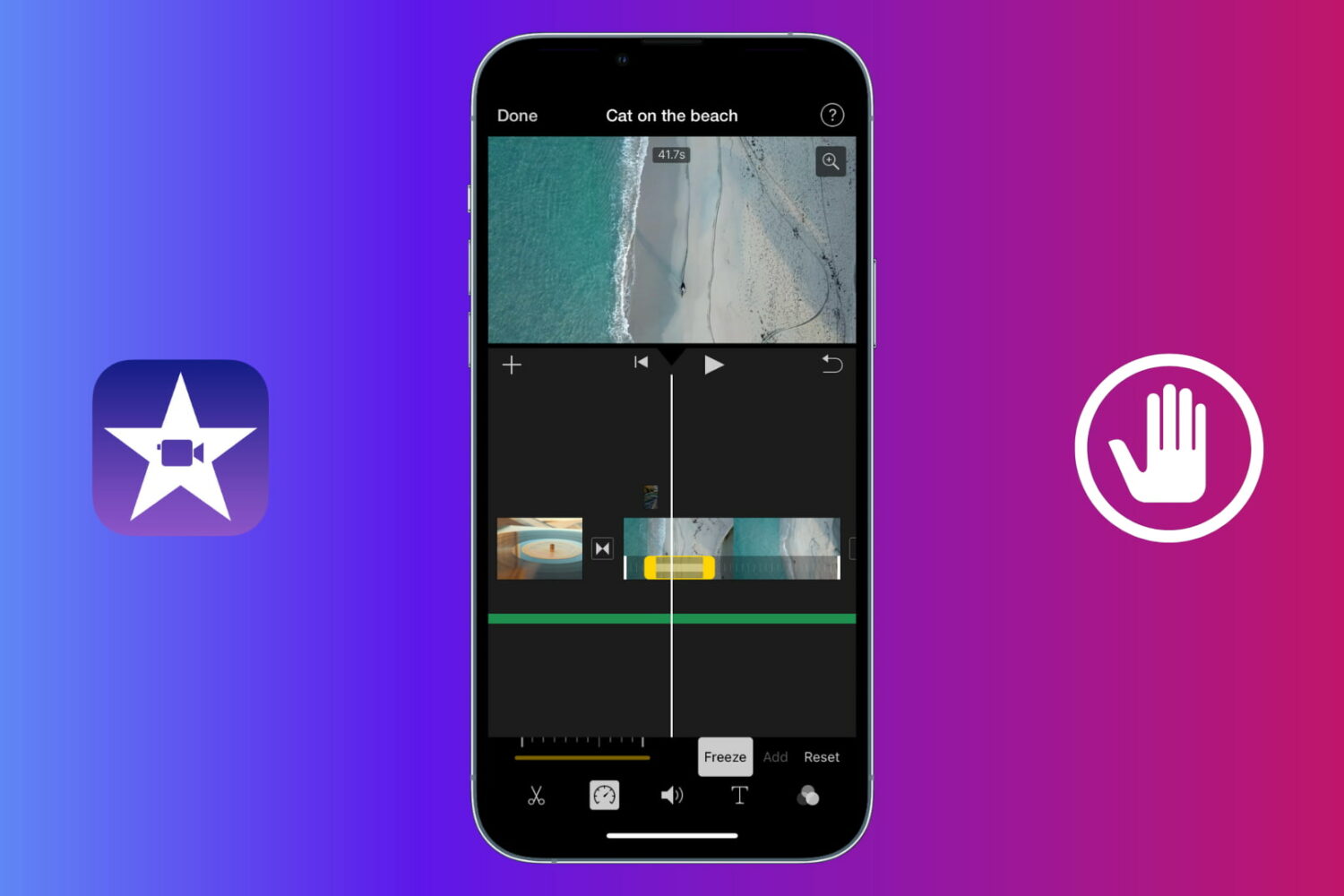
Learn how to use a freeze frame effect in iMovie to pause a scene briefly and direct the viewer's attention to something.
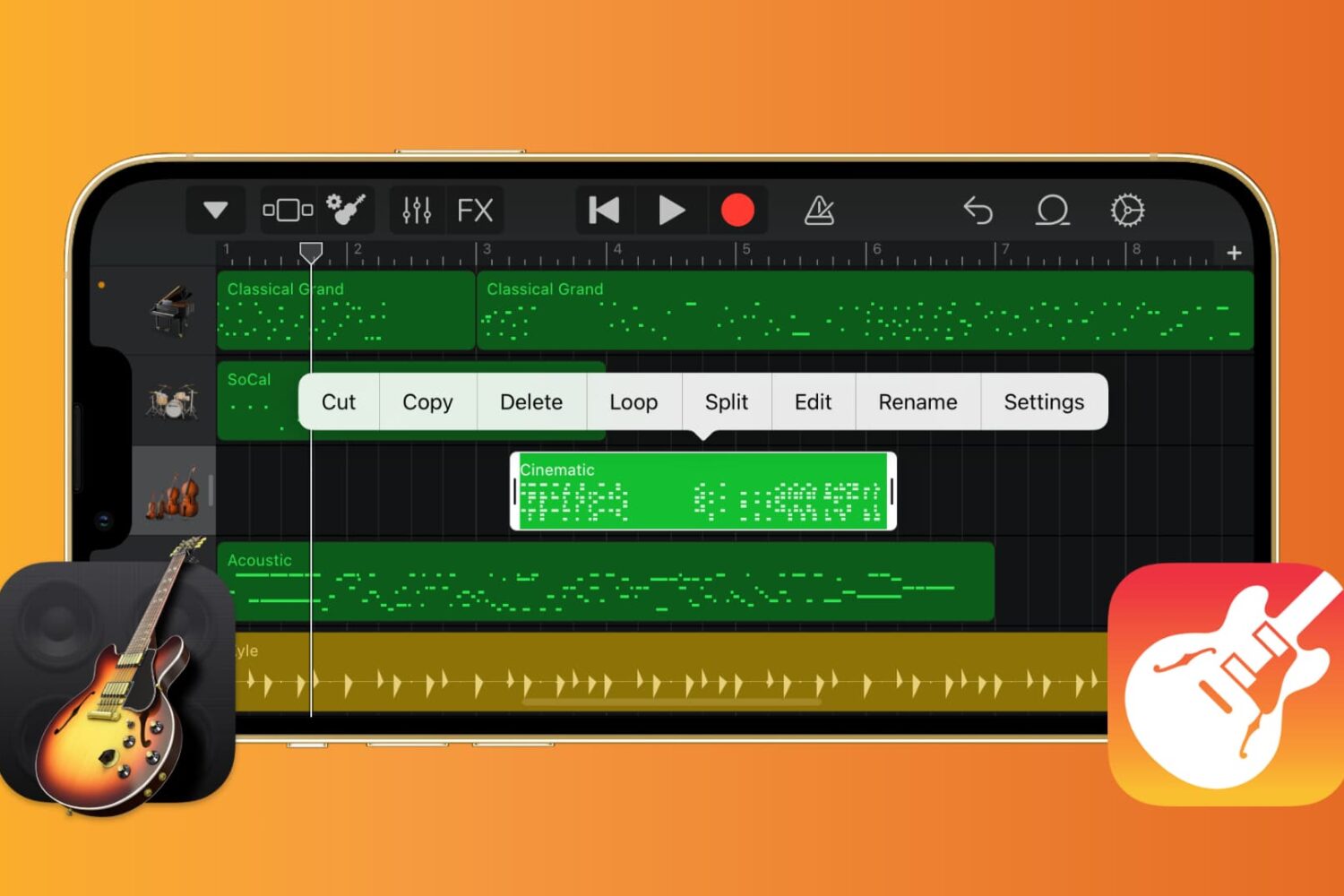
If you want to work with the musical notes in GarageBand for your song, you can show, add, and edit notes. In GarageBand on Mac, you can work with notes for MIDI regions, and on iOS, you can work with them for green touch instrument regions.
Here’s how to show, add, and edit musical notes in GarageBand on Mac, iPad, and iPhone.

Audio mixing makes all the difference between flat, muffled sound and immersive, dynamic audio. Although some multi-thousand dollar set-ups can improve audio quality, regular users find this is too costly and complicated of an option. However, special software can emulate the rich sound of an expensive surround sound stereo for a fraction of the cost.

Here is the latest edition of our Apps of the Week roundup, and it features a chirpy news app, a video editor that will have you seeing double, and an app that turns your iPhone into a clock display. And as always, we've selected two great new games for you to check out.
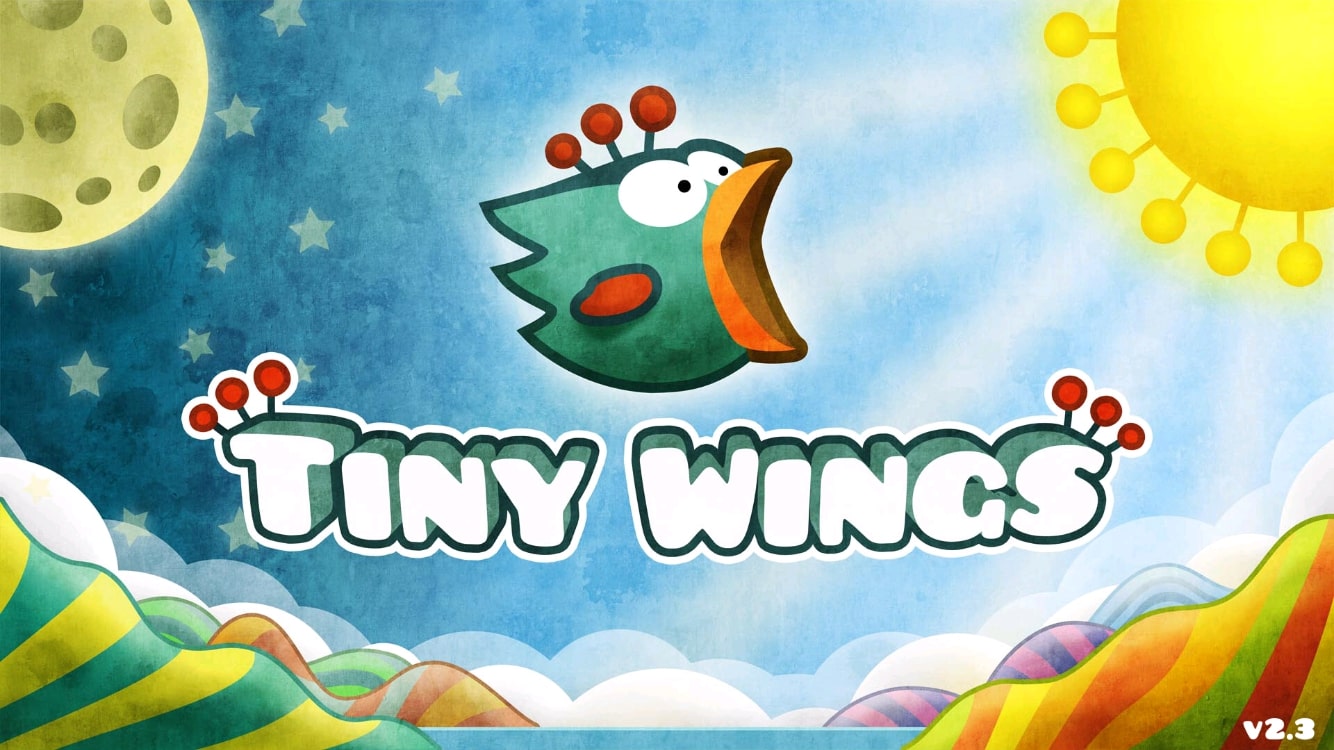
Who would've thought a tiny bird who couldn't fly would end up being such a popular mobile game. Keep in mind this was before Flappy Bird. I'm talking about Tiny Wings, a game that released back in 2011 on the App Store. This game was really successful, becoming the highest-grossing game for a couple of weeks after its release.
It has sold over 12 million copies for the iPhone and iPad. What's more impressive is that this game was developed by a single person, Andreas Illiger. Nowadays, Tiny Wings is not getting many updates, and it seems like there won't be more content in the future.
Apparently, the game has been forgotten by its developer, but does that mean we should forget about it too? That's what we'll discuss in today's retro review of Tiny Wings.