Sébastien Page

Sebastien is the Founder and Editor in Chief of iDB. Once a BlackBerry user, Sebastien instantly fell in love with the iPhone when it was first announced in 2007. Shortly after, he decided to start sharing his knowledge of the iPhone and its nascent ecosystem, which led to the creation of this blog. Sebastien currently owns 14 iPhones, 4 iPads, a MacBook Pro with Touch Bar, a MacBook Air, 2 Apple Watches, 3 Apple TVs, countless HomePods and AirTags as well as a few pairs of AirPods.

Let’s Talk Jailbreak 128: Anything can happen Tuesday

Episode 128: Because Jeff abandoned Cody and Sebastien for a well-deserved break, the two are left on their own. This episode includes discussions about various pet peeves, waterproofing the iPhone 6s, the new YiSpecter malware, privacy, and the jailbreak drought which is currently affecting everyone.

Subscribe via RSS

Support Let’s Talk Jailbreak

Go to WIX.com and create your own stunning website. It’s easy and free! Visit RedHat.com to find out how Red had is redefining enterprise technology.
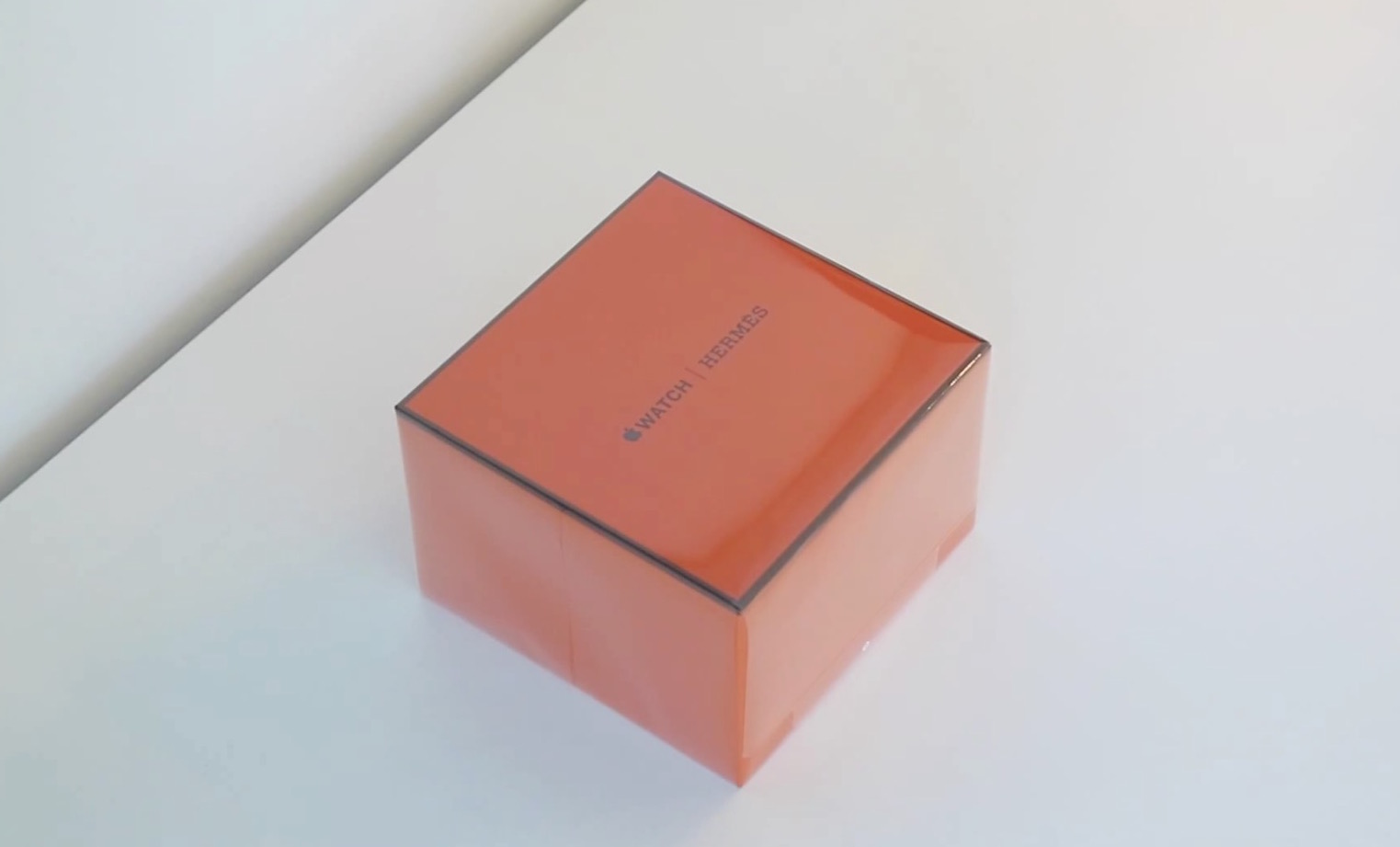

Watch: Apple Watch Hermès unboxing video

The special Apple Watch Hermès became available for sale in select locations across the globe yesterday, and we now have a first look at it in this unboxing video.

The watch comes in a bright orange packaging very similar to that of the Stainless Steel Apple Watch, with some extra Hermès branding added to justify the price tag.

YouTube app gets a major redesign

After several months of testing with iOS users randomly selected, the YouTube app received a major redesign today, including a new logo, bringing the overall look in line with its Android counterpart. The app is now divided into three main content areas which can be accessed via a swipe gesture: Home, Subscription, and Account.

How to check what apps are draining your iPhone battery

See battery usage on iPhone

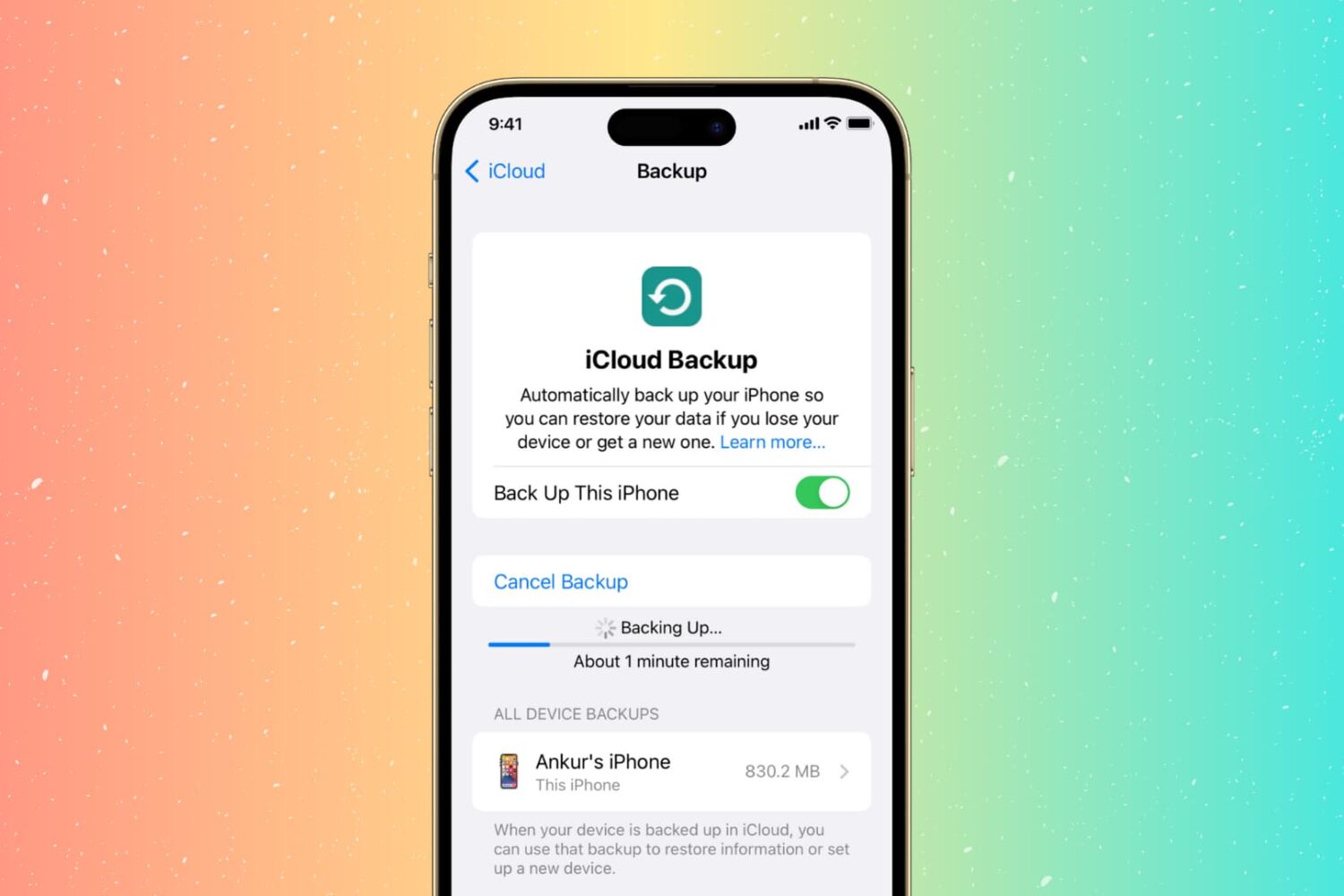
Battery usage is always a hot topic among smartphone owners, and although I try not to overthink it, there are times when I'm just curious to find out what apps have been draining my battery the most. iOS and iPadOS make it pretty easy to find out the battery percentage an app uses. Here's how to see details about how individual apps have been impacting your iPhone battery.

How to view Live Photos on older devices

Even though older iPhone models cannot shoot Live Photos, any iOS device running iOS 9 or later can actually see these Live Photos, assuming they were sent in one of the only three ways to share them while preserving the live aspect. In this post, we'll show you how to see these Live Photos on your device.

How to share Live Photos

Apple won't describe them as such, but Live Photos are just short video files, and like any files, they can quickly be shared with friends and family. But unlike video files, Live Photos need to be shared in very specific ways in order to preserve the live aspect of the photo.

For instance, if you email a Live Photo to someone, the file will be stripped of the video component and will be attached and sent as a jpeg. So how do you send a Live Photo while making sure the "live" part of the photo remains?

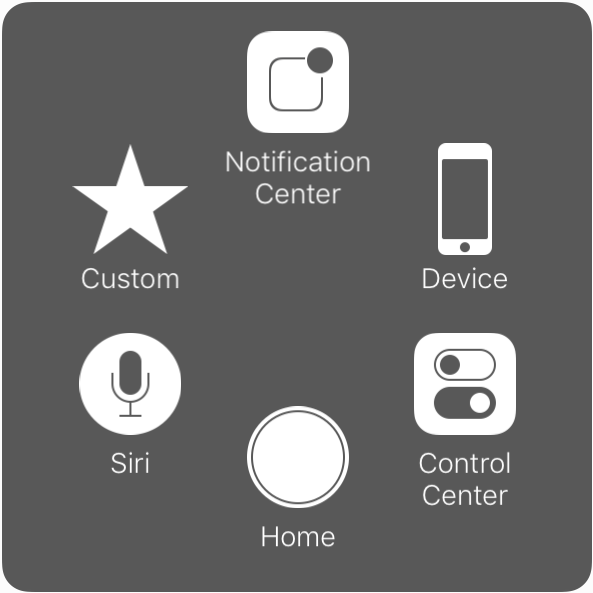
AssistiveTouch gets new customization options in iOS 9

Introduced with iOS 5, AssistiveTouch is an accessibility feature that allows people with physical disabilities to perform various tasks using alternative on-screen buttons and gestures to simplify usage of the device.

Building up on an already robust set of accessibility features for its products, Apple has introduced new customization options for AssistiveTouch in iOS 9.

Google Maps finds its way to your Apple Watch

The Google Maps app received an update today that includes a handful of new features, the most noteworthy of them being support for Apple Watch.

Upon launching the app on your Apple Watch, you will be presented two buttons: one for directions to your home, another for directions to your work, two locations that can easily be set up from within Google Maps on iPhone. A list of recent routes is also displayed on the screen to quickly browse and access your latest requested directions.

How to turn a Live Photo into a still photo

Live Photos was one of the main features introduced with iOS 9 and iPhone 6s. Some might see it as a gimmicky feature, others like me might see it as a great way to inject a little more life into photos.

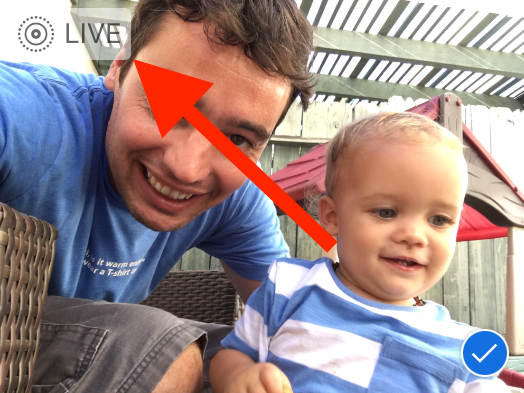
The process of taking a Live Photo is pretty simple. It's on by default, and you have nothing to do. Simply shoot a photo like you would normally do, and you're done. Your device will capture an extra 1.5 second of video before and after the photo was taken, stitching it together and turning a frozen moment into a lively one.

But what if you want to turn a Live Photo into a still one? As with most things iOS, it's actually pretty simple.