Sébastien Page

Sebastien is the Founder and Editor in Chief of iDB. Once a BlackBerry user, Sebastien instantly fell in love with the iPhone when it was first announced in 2007. Shortly after, he decided to start sharing his knowledge of the iPhone and its nascent ecosystem, which led to the creation of this blog. Sebastien currently owns 14 iPhones, 4 iPads, a MacBook Pro with Touch Bar, a MacBook Air, 2 Apple Watches, 3 Apple TVs, countless HomePods and AirTags as well as a few pairs of AirPods.

Pangu Team releases Apple TV jailbreak

Following up on their promise, the Pangu Team has now released a jailbreak for the fourth-generation Apple TV. The tool can be downloaded from our Downloads page and instructions on how to use it will soon be available on iDB.

It must be noted that this jailbreak tool comes with strings attached. As the Pangu Team had warned, this jailbreak is more geared towards security researchers and developers. End users will see no real value in this jailbreak, at least for the time being.

AT&T carrier update for iOS 9.3 allows for Wi-Fi Calling outside the US

In a text message sent today to its eligible customers, AT&T announced that those who have activated the Wi-Fi Calling feature on their iPhone can now make and receive phone calls from and to the US at no charge when traveling internationally, assuming they have first updated to iOS 9.3 and installed the newly available carrier update.

This marks a small yet important change to how users can benefit from Wi-Fi Calling. Up until now, Wi-Fi calling for AT&T customers restricted them to using the service only from the U.S., Puerto Rico, or U.S. Virgin Islands. But now, it is opened to any country (except for a few exceptions), meaning an AT&T Wi-Fi Calling user can make calls to the US, or receive calls from the US anywhere in the world as long as there is a Wi-Fi connection.

Let’s Talk iOS 127: Thoughts on iPhone SE and new iPad Pro event

Cody and Sebastien sit down to record there first reactions after Apple unveiled the new iPhone SE and a 9.7 inch iPad Pro, including talks about CareKit, Apple Watch, iPhone SE, the new 9.7-inch iPad Pro, and more.

Subscribe on iTunes

Support Let’s Talk iOS: Stop overpaying for a great shave. Go to harrys.com and enter promo code iOS to get $5 off your first order.

The top stories of the week on iDB

Like every Sunday, we get to take a look at some of the most popular posts that were published on iDB during the week that just ended. Whether it is a news item, a new jailbreak tweak, a tutorial, or an app review, we sum it all up in one convenient place for you.

As always, if you like what you're reading, please feel free to spread the love by sharing our posts on your favorite social network.

We're usually hanging out a lot on Twitter and Facebook, more rarely on Google+.

Don't forget to listen to the latest episode of our new podcast, Let's Talk iOS:

Subscribe on iTunes

Want to support iDB? Visit our Deals Store and buy something from us.

Pangu makes iOS 9.1 jailbreak more stable

The Pangu Team released earlier today an update to their jailbreak tool for iOS 9.1, bringing much-needed stability to the process. Available to new users as part of an updated version of their jailbreak tool, the team notes that users that are already jailbroken on iOS 9.1 should also update via Cydia.

Let’s Talk iOS 126: It’s a bold move

Cody and Sebastien discuss the newly released iDB app and how it came to life after years and years of putting it off. Then the discussion naturally drifts to Apple's upcoming big event where it is likely to unveil a new iPhone, a new iPad, new Apple Watch bands, and probably more. The guys talk about what we can expect to see, and make bold predictions about various aspects of the event.

Subscribe on iTunes

Support Let’s Talk iOS: Stop overpaying for a great shave. Go to harrys.com and enter promo code iOS to get $5 off your first order.

Introducing the iDB app for iPhone

It took us several years to get here, but today we're pleased to announce that we have released an iDB app for iPhone, available now in the App Store. Before I go into the details behind the app's development, head over to the App Store to download it for free right now.

For the past several years, I’ve put off developing an app because, quite frankly, I didn’t feel there was a real need for one. Sure, a few loyal readers were asking for an iDB app, but in my mind, there was nothing substantial an App Store app could offer over the web-based version of the website that you can just visit in Safari.

Late last year, I began thinking about an app that would take a different approach from what every other blog has launched on the App Store. The core idea was that I definitely wanted to stay away from the vertically scrollable format used by most news apps or web apps. I also wanted a format that would give all content inside the app a chance to be seen, instead of accidentally skipped by a quick swipe up gesture. As a result, you’ll see the iDB app offers a different experience.
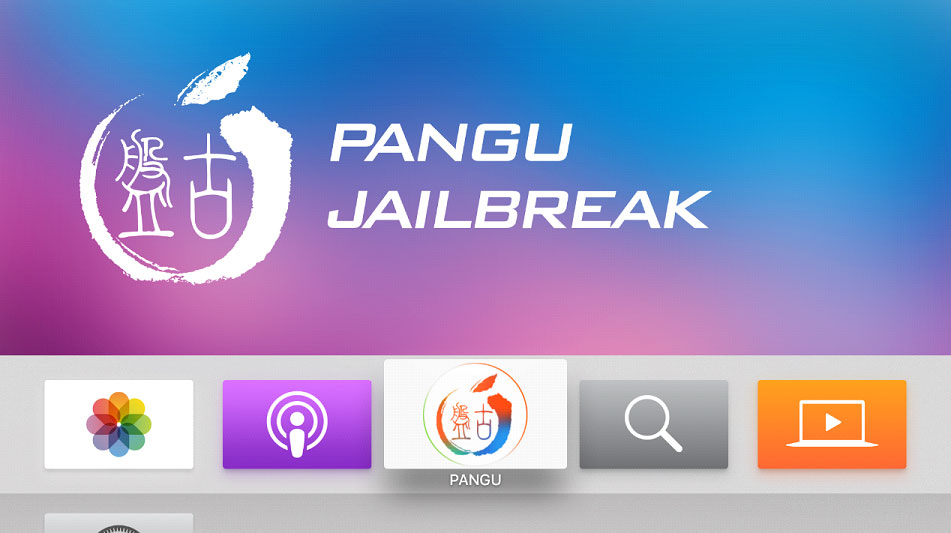
Pangu to release the first jailbreak for the new Apple TV next week

Hot on the heels of their surprising iOS 9.1 jailbreak announcement Friday morning, the Pangu Team has now announced on Twitter that they will be releasing a jailbreak for Apple TV 4 running tvOS 9.0 or 9.0.1 next week.

Although the team notes that this jailbreak will only provide SSH access (no UI) and be geared towards security researchers and jailbreak developers, this is still an incredible piece of news.

Pangu Team releases Pangu jailbreak for iOS 9.1

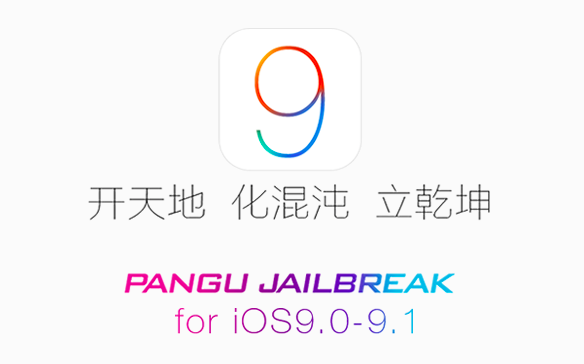
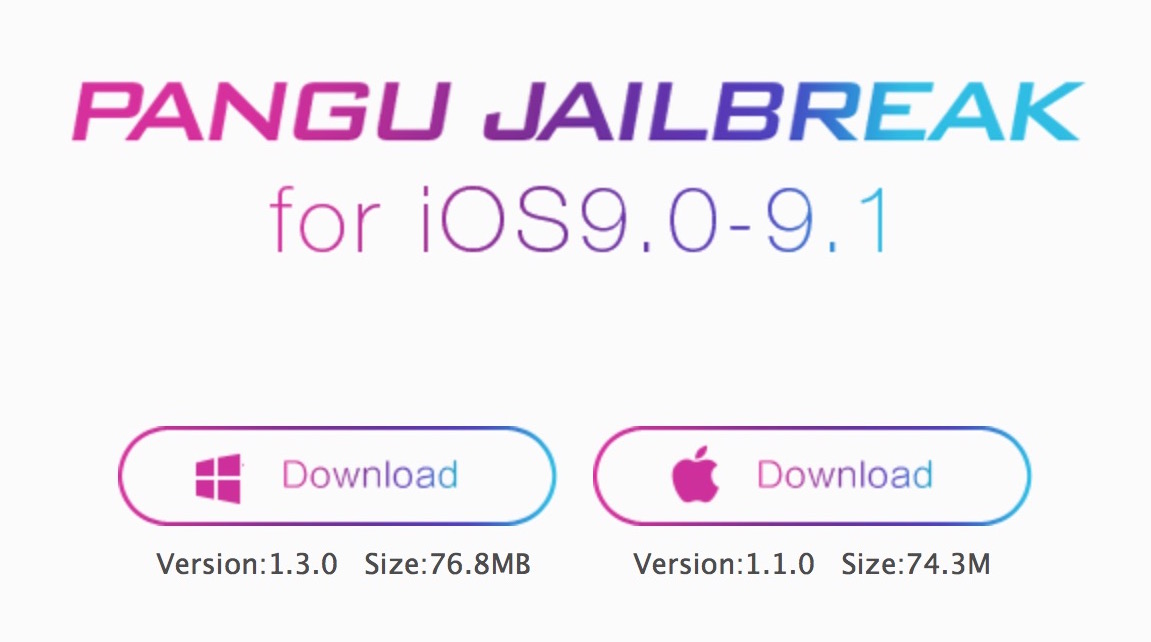
Seemingly out of nowhere, the Pangu Team released a Pangu jailbreak for iOS 9.1 today. Bringing the tool to version 1.3.0, the jailbreak is only compatible with 64 bit devices, including iPhone 5s and up, as well as iPad mini 2 and up.

The team notes on Twitter that the jailbreak was made possible thanks to a kernel bug from Lokihardt to exploit iOS 9.1, but unfortunately, that bug is patched in iOS 9.2, which probably explains the timing of the release of this specific tool today.

How to clear an incorrect unread email count badge on the iPhone Mail app

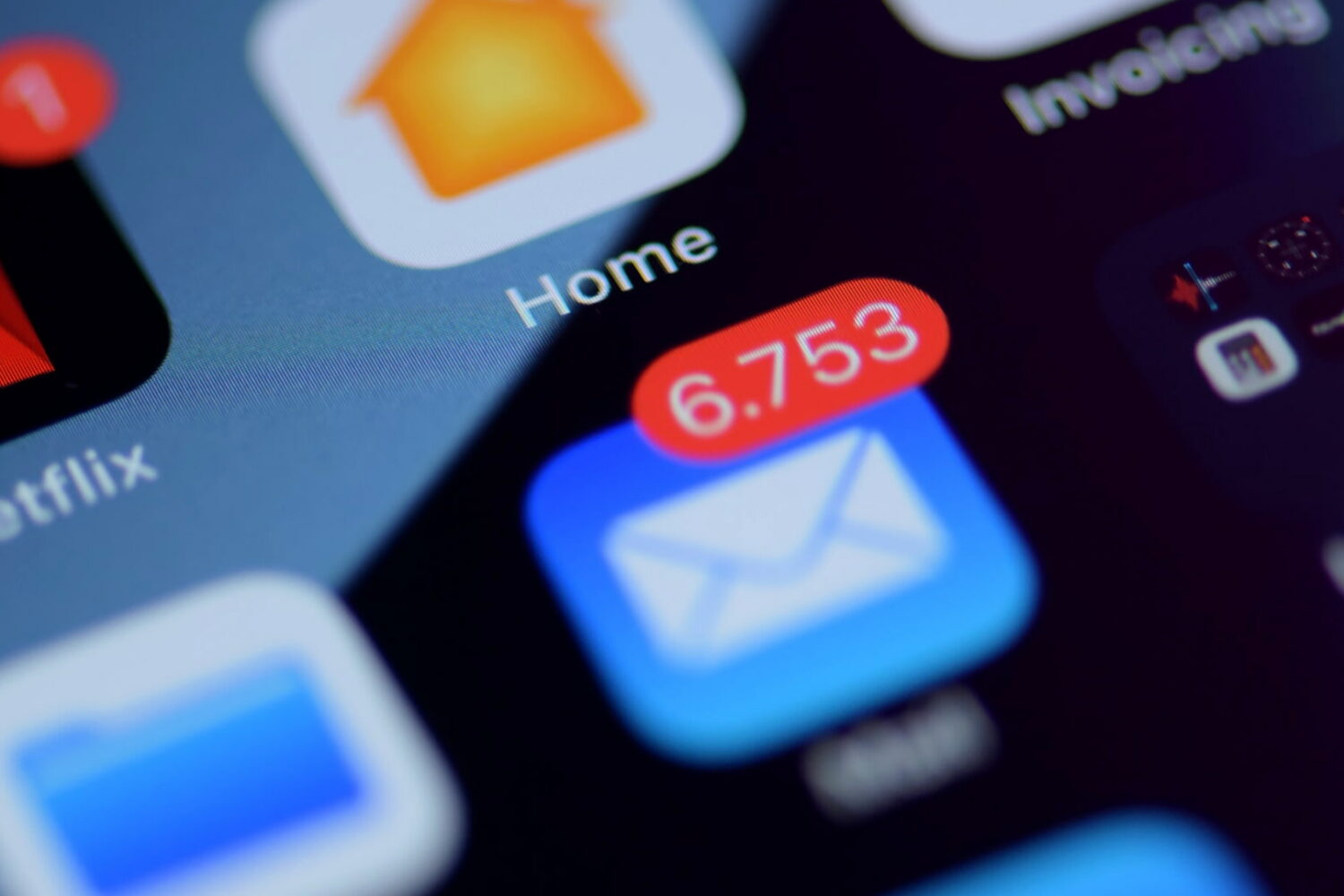
Huge unread email count on iPhone

If you use the stock Mail application on your iPhone or iPad, you may have experienced a mysterious occurrence where the Mail app icon will display a red badge telling you there are unread emails when there actually aren't any. No matter what you do, it seems that you can't clear that inaccurate number of unread emails.

The Mail app is no stranger to weird bugs, so let me reassure you here, phantom unread emails aren't taking over your iPhone or iPad. In this post, I will share with you a few options to fix an incorrect unread count and hopefully put an end to it all.

Let’s Talk iOS 125: super productive power user

After giving a brief update about mail apps including Airmail and Polymail, Cody and Sebastien discuss a simple workaround to get a taste of Siri on Mac, Apple's new Twitter account for support, and of course, the ongoing battle with the FBI. Things return to a lighter tone when the guys discuss to-do and notes apps they use.

Subscribe on iTunes

Support Let’s Talk iOS: Get $50 toward any mattress purchase by going to casper.com/ios.