Learn how to crop one or multiple photos at once on your iPhone or iPad to enhance your composition and achieve the desired visual impact.
3 ways to crop one or multiple photos on iPhone and iPad

Learn how to crop one or multiple photos at once on your iPhone or iPad to enhance your composition and achieve the desired visual impact.

Learn how to hide photos and videos on your iPhone, iPad, and Mac if you’d like to keep them private or simply want to declutter your camera roll.

Learn how to quickly add the loop, bounce, or long exposure effect to your Live Photos on iPhone, iPad, or Mac to make these moving images even more fun!
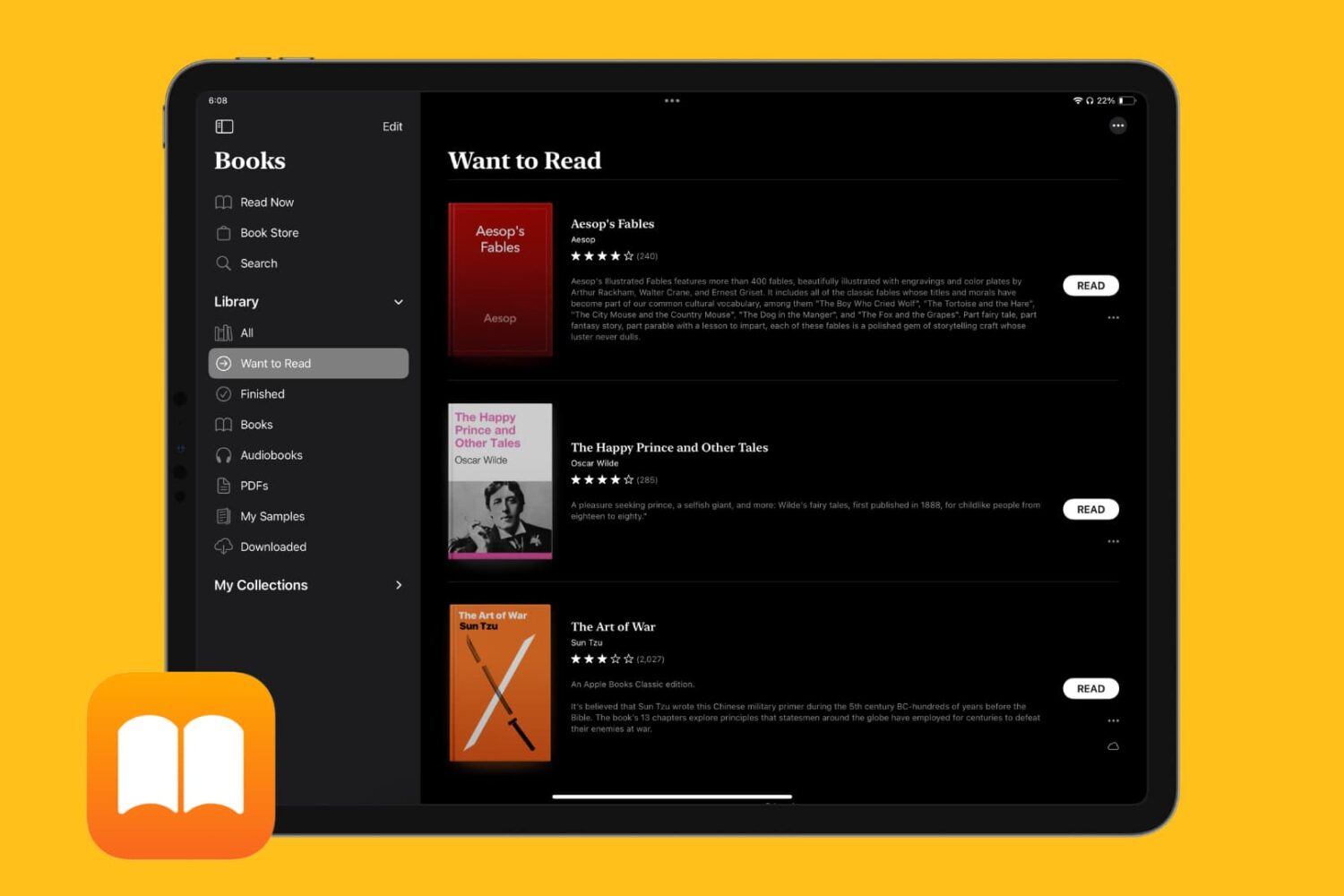
Learn how to keep track of all the books you want to read in the Apple Books app on your iPhone, iPad, and Mac so you can quickly find and start reading them whenever you like.
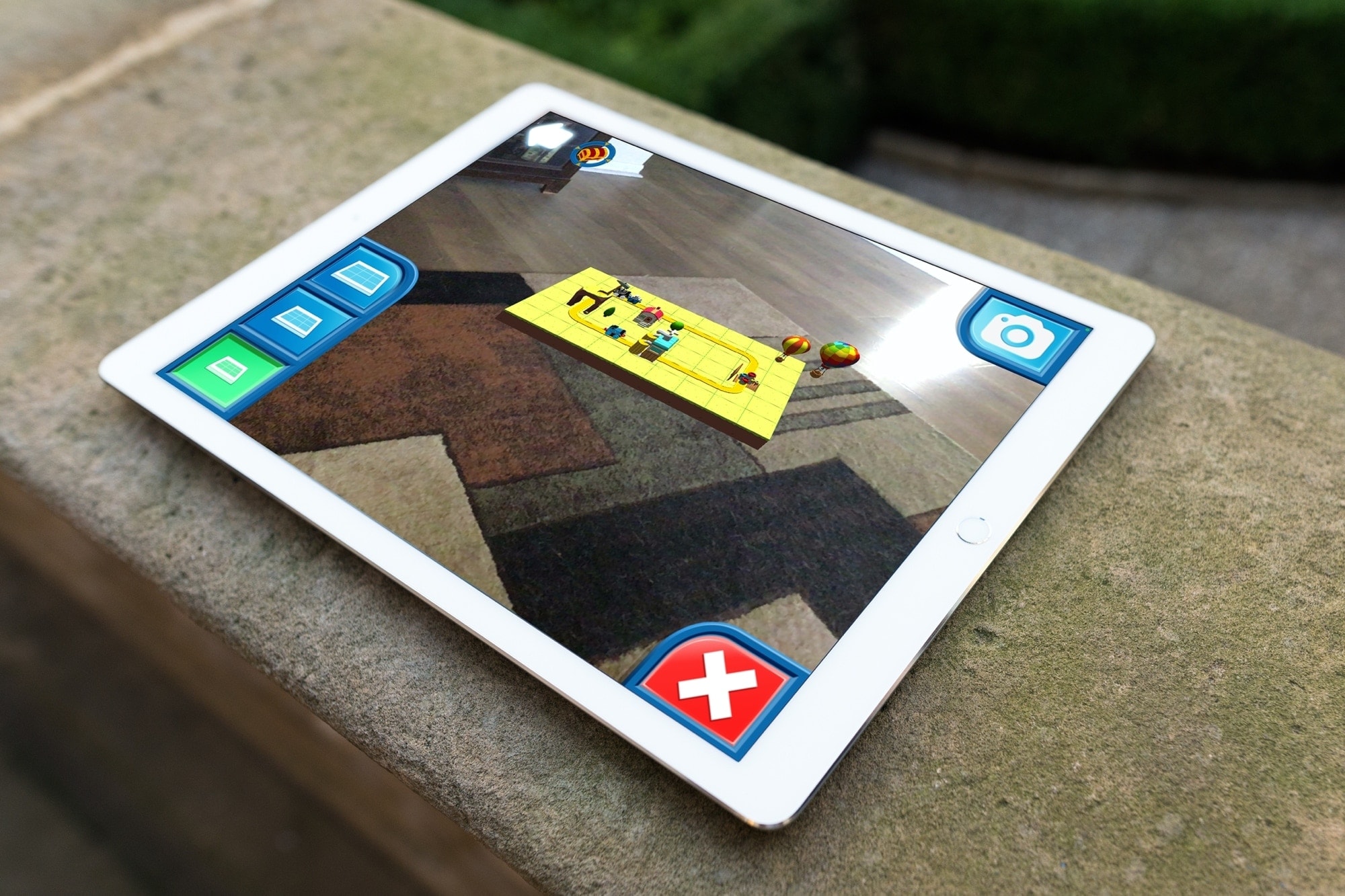
Augmented reality apps are just cool. And we’ve shown you some educational AR apps along with those to help you spruce up your living space. So why not let the kiddos in on the fun?
Here are some terrific iPhone and iPad AR apps for kids. They let your little one experience technology in a unique way with objects and characters they feel like they can reach out and touch. Heck, you might have as much fun with these apps as they do!

Whether it’s the results of a command, the command itself, or everything between the prompt marks, you can select what you need and print it easily from Terminal on your Mac.

Learn how to print web pages without ads in Safari, Firefox, and Chrome on Mac to have fewer, clutter-free pages.
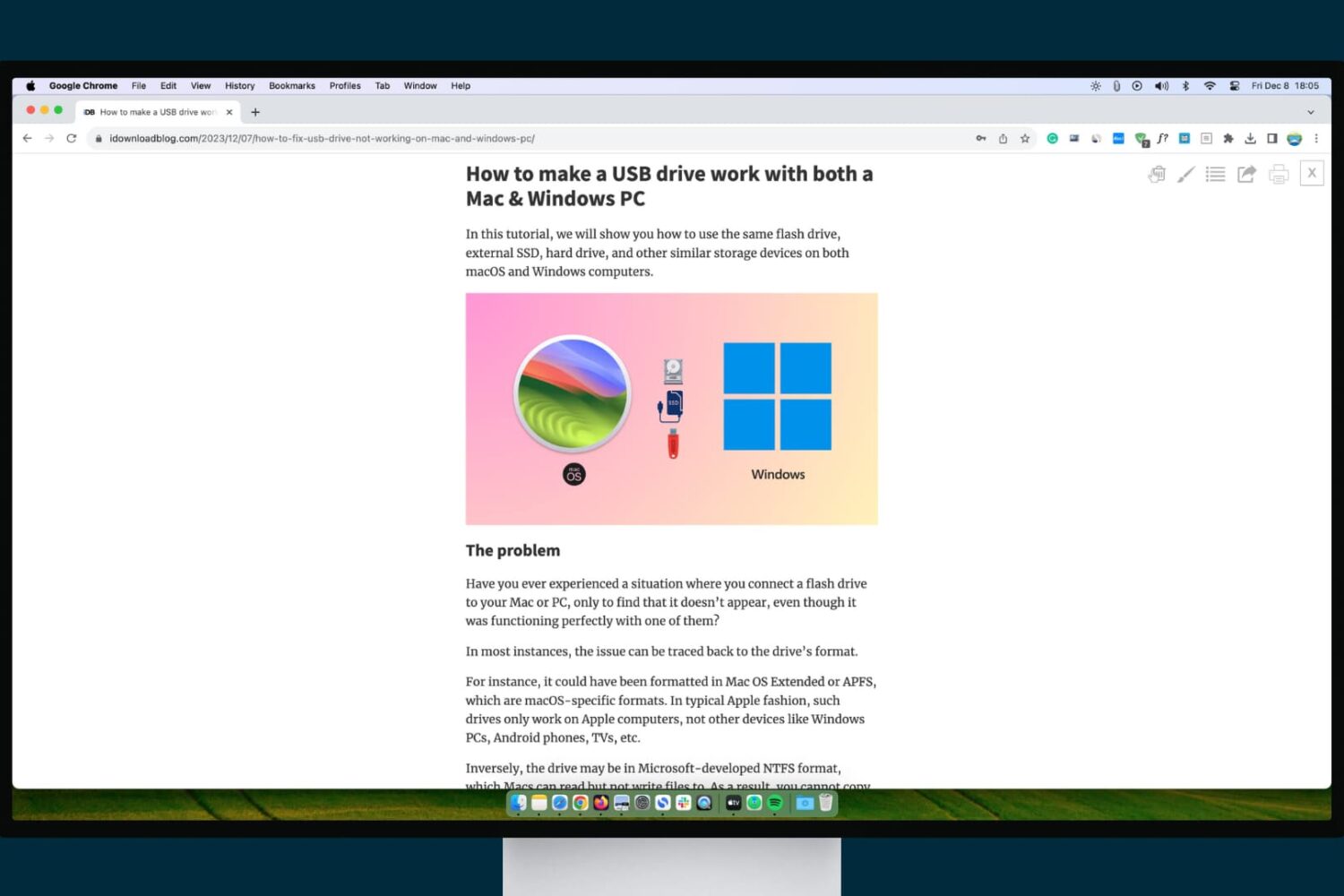
Check out these three ways to turn on and use reading mode in Google Chrome on Mac and Windows PC, which makes it comfortable to read articles without ads, pop-ups, and other distractions.

Is your Apple Watch running low on local storage space? In this tutorial, we’ll share five easy ways to make space on your watch for newer apps, media, and more.
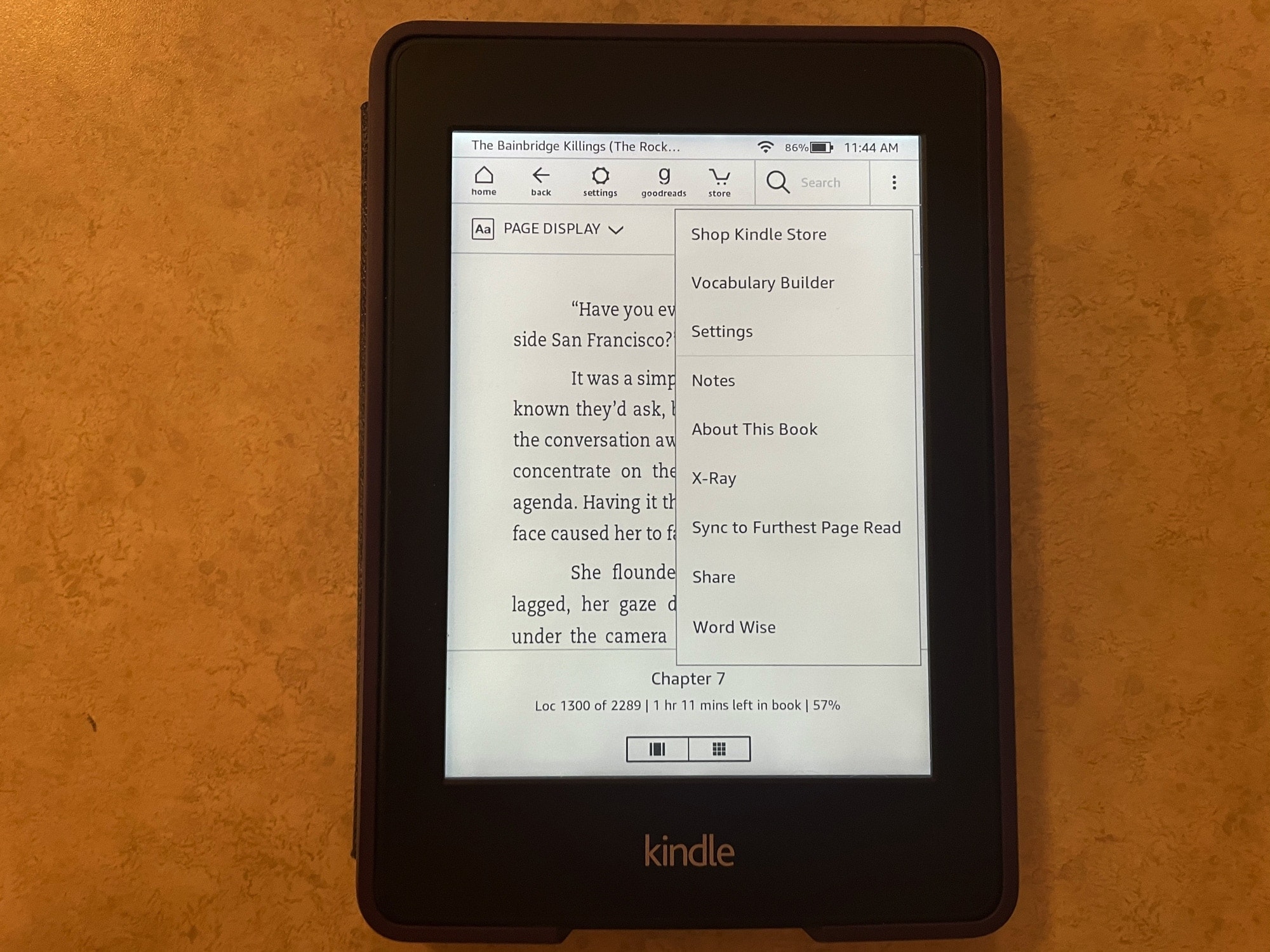
If you’re brand new to the world of Kindle, then you might be wondering what this X-Ray feature you see is and how to use it.
With X-Ray enabled books, you can get more information on what you’re reading. It’s an overall reference that you can use to keep up with characters, terms, and even images. Here, we’ll show you how to use X-Ray for books on your Kindle Paperwhite.
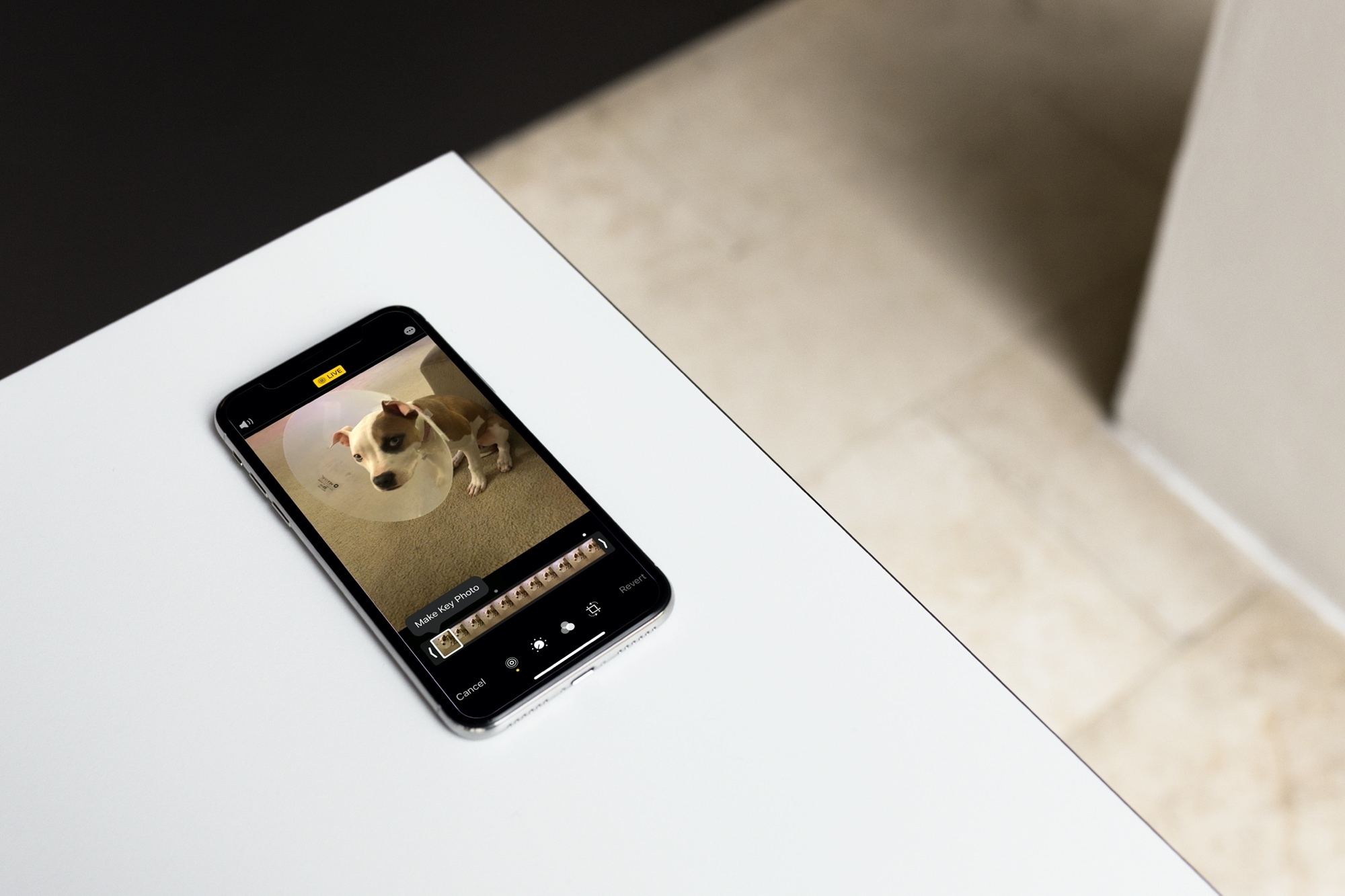
Learn how to change the key photo for a Live Photo on iPhone, iPad, and Mac by selecting the most compelling and visually appealing moment of the photo.

Learn how to enable Wi-Fi Calling on your iPhone and other devices so you never miss a call, even if you’re in a spot with little or no cellular service.