Get rid of the garbage that clutters your inbox by enabling and customizing the Junk Mail filter settings in the Apple Mail app on Mac.
How to customize the Junk Mail filter in the Mail app for Mac
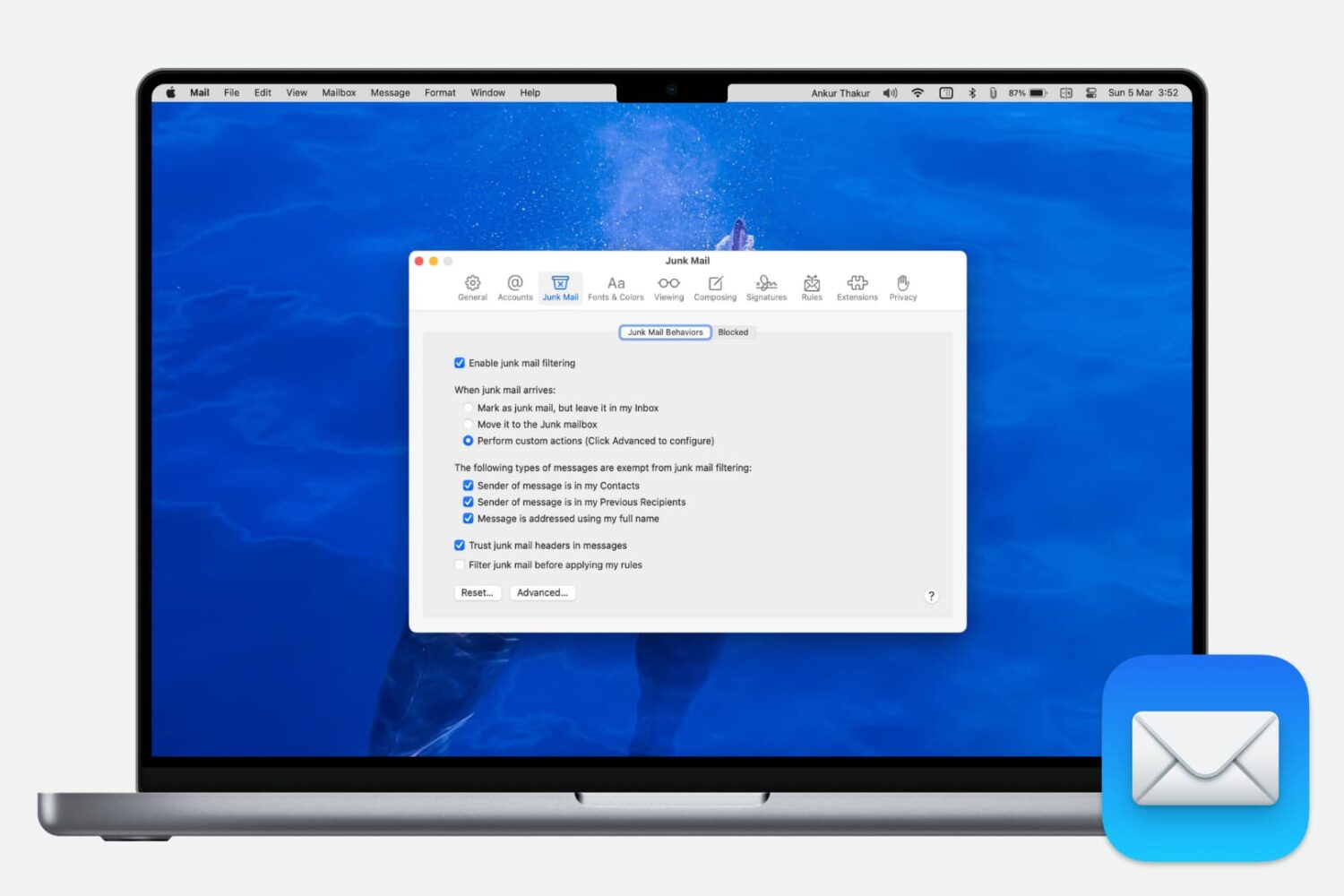
Get rid of the garbage that clutters your inbox by enabling and customizing the Junk Mail filter settings in the Apple Mail app on Mac.

Learn how to use additional search engines in Firefox on your Mac or Windows PC without the need to change the default search engine.
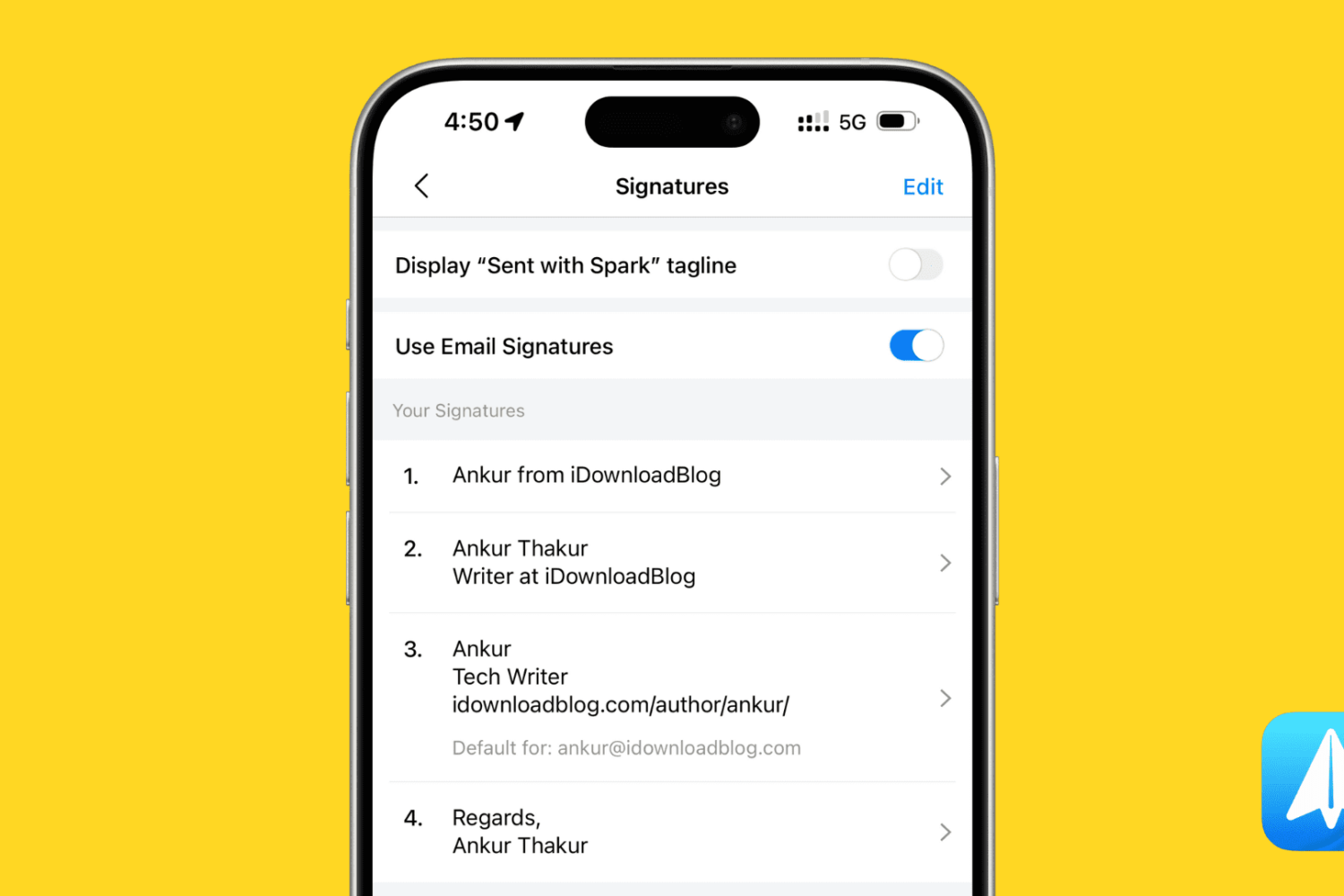
Learn how to set up multiple email signatures in the Spark email app on your iPhone or Mac and use them based on the email you are composing.
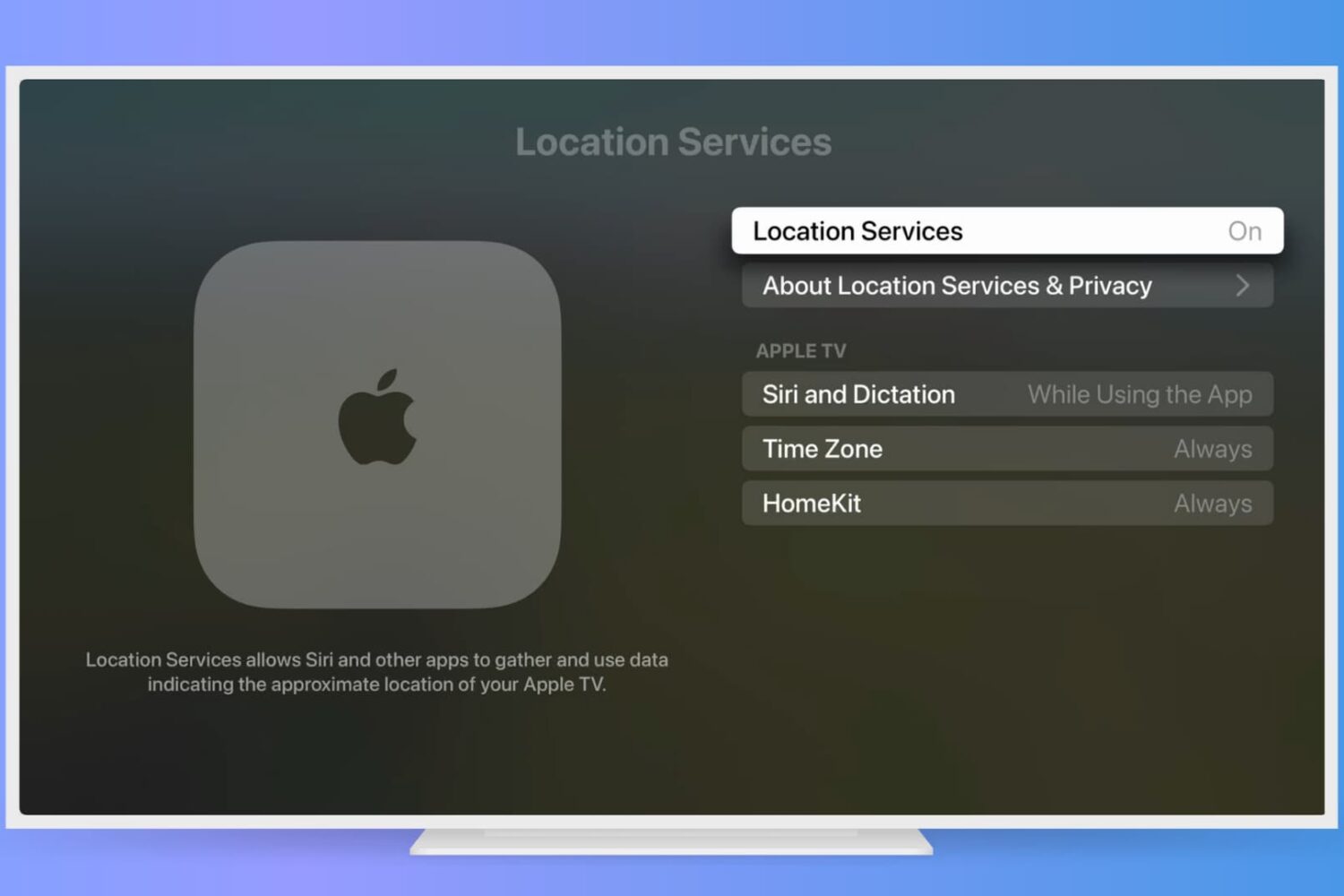
If you find the Location Services feature on your iPhone or iPad useful, you can use this on your Apple TV too. See movie times at your local theater, order pizza delivery, or get your current temperate with apps and other services using your location.
Here’s how to enable and adjust your Apple TV Location Services settings.

There are a lot of ways to use your Apple TV. From watching movies to playing games to learning a new skill, apps are plentiful per your interest. But, when your Apple TV is sitting idle, a clock is both a useful and attractive display.
If you’re in the market, here are some of the best clock apps for Apple TV.
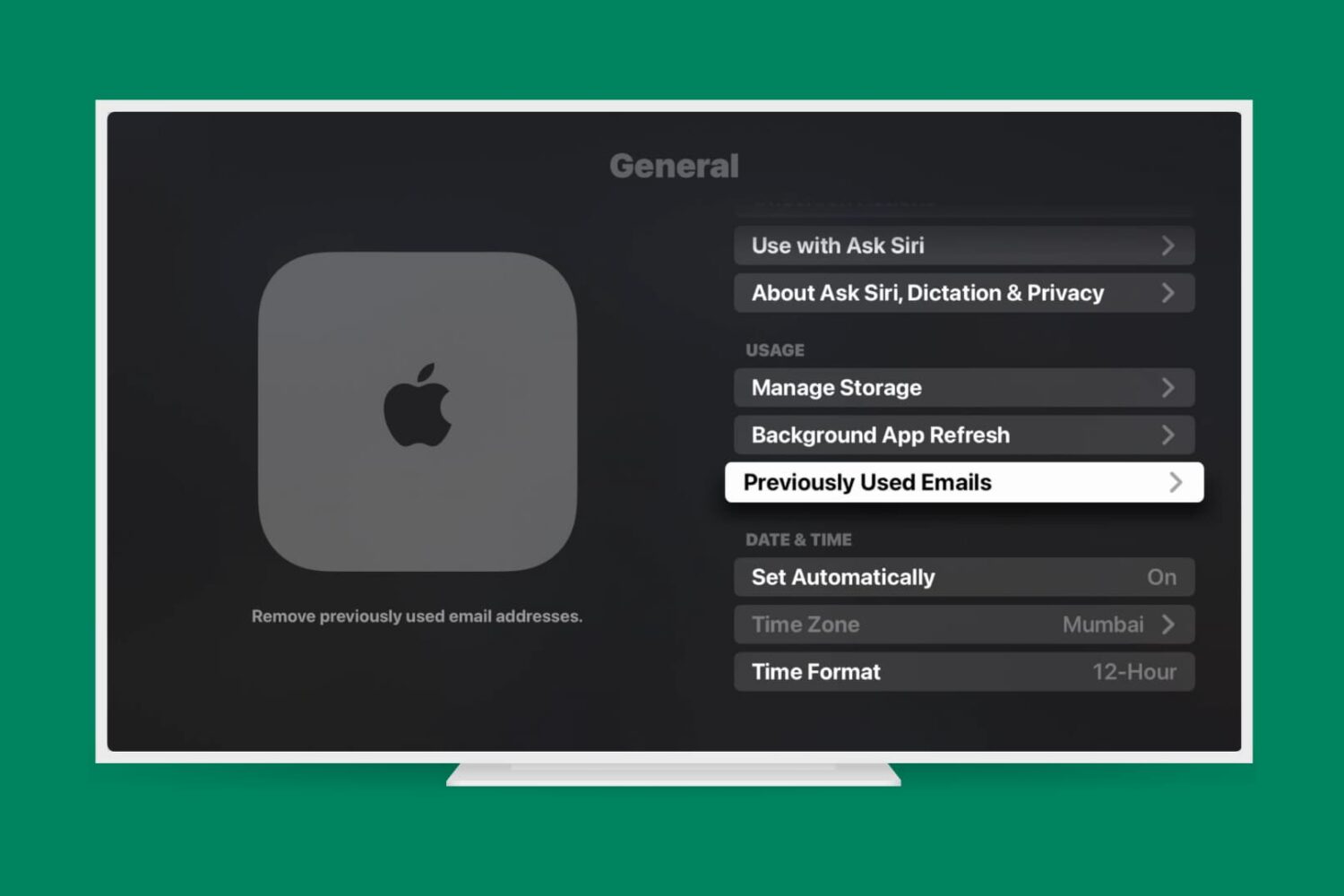
Learn how to remove previous Apple accounts and email addresses from your Apple TV to ensure privacy, security, and a personalized entertainment setup.
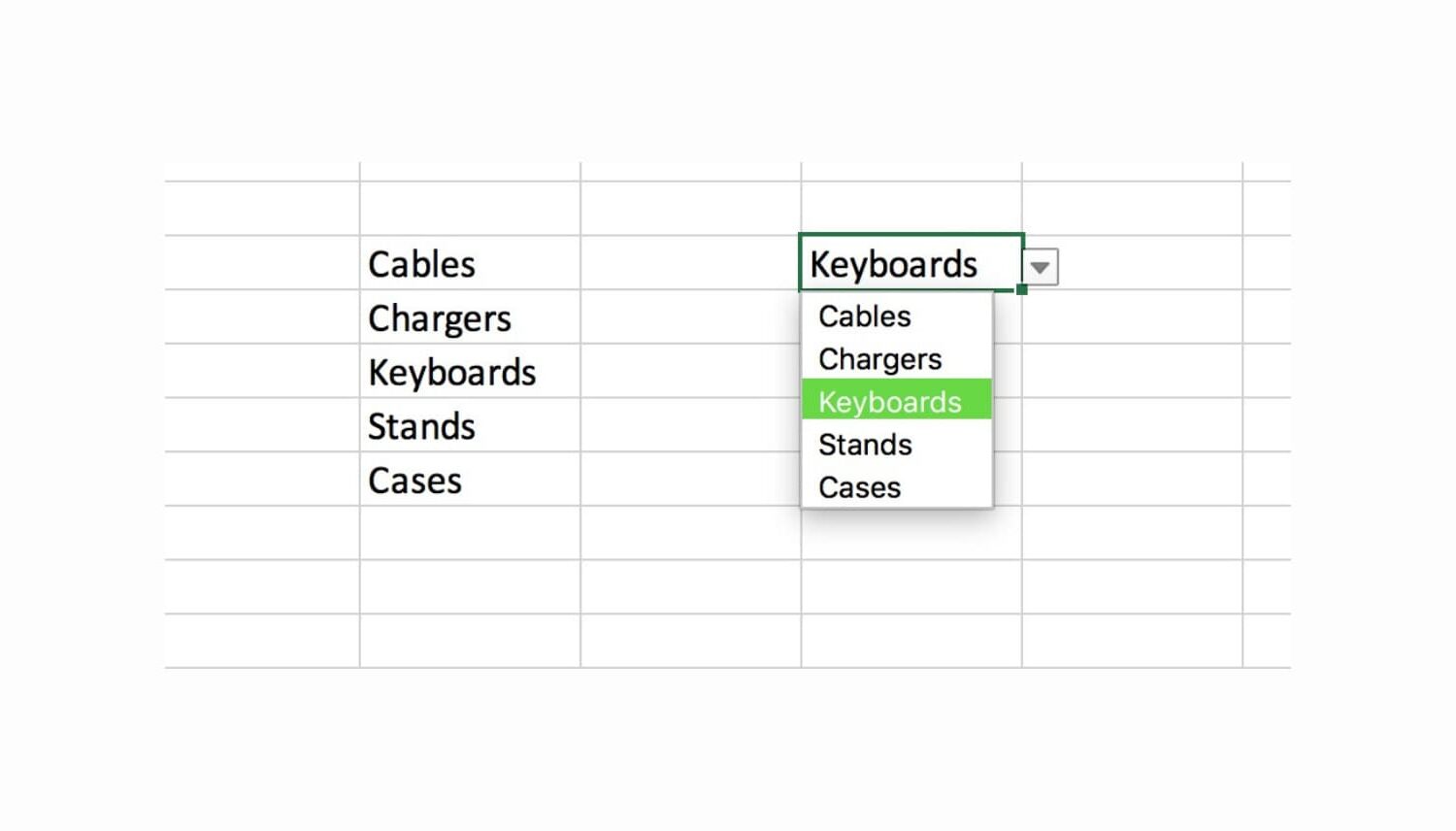
Using custom lists in Microsoft Excel on your Mac makes tedious data entry relatively quick and easy. Drop-down lists are no different; you can create one in just a few clicks.
Drop-down lists in Excel are ideal for limiting the options for cell entries. They come in handy for selecting items like colors, sizes, products, people, days, and so much more.
Here’s how to quickly create a drop-down list in Excel on Mac.

Your Apple TV screen saver can display beautiful customizable images and videos after a few minutes of inactivity. In this tutorial, we'll walk you through the steps to customize your Apple TV screen saver settings and make the most out of this feature.
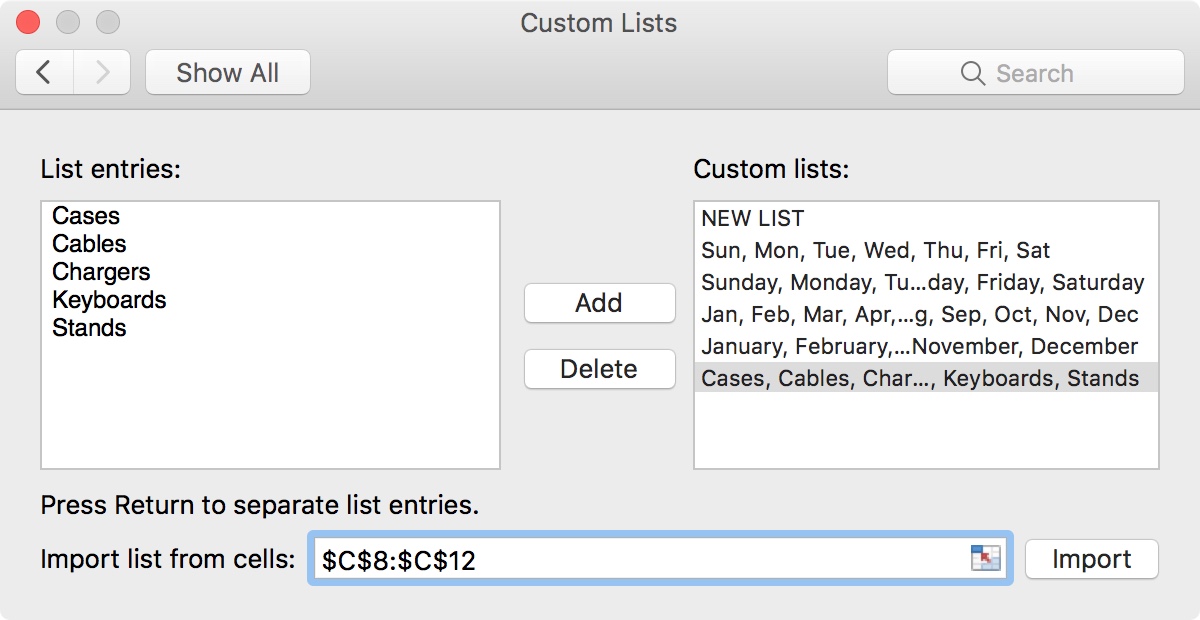
Along with its robust features like automatic calculations, conditional formatting, charts, and such, Microsoft Excel offers some simple features that can save you time.
One of these features is the ability to create custom lists. Custom lists can be used over and over on your spreadsheets. This is handy for things you use often like product, employee, or attribute lists.
Here’s how to easily create and use custom lists in Excel.

When an important event is coming, whether it's a birthday, anniversary, or vacation, we all wait with anticipation. To make that wait more bearable, you can get a cool countdown app for your iPhone or iPad, and these are some of the best.

Learn how to list specific people as important senders so their emails are always delivered to the VIP mailbox in Apple Mail on your iPhone, iPad, and Mac.

Being a student is tough at any age. You have a lot to keep track of and tons to do. This is when a student planner can come in super handy. Track classes, assignments, exams, schedules, and more, all in one spot.
These are some of the best student planners for iPhone to keep you organized on-the-go.