Jeff Benjamin

Jeff has been with iDownloadBlog since 2010, acting as resident video specialist, and tutorial expert. He earned his degree in Computer Network Systems back in 2001, but decided Cisco routers and the like just weren’t for him. Since then, he’s been heavily involved with online writing. He’s written for numerous tech and video game sites since the late 1990′s, and has a knack for explaining things in a simple, clear, and concise manner. Jeff works primarily from the east coast on his Retina Macbook Pro, and shoots video with a Canon DSLR. During downtime he likes to travel the world, visiting the various Apple Stores across the globe. You can email him at jeff [at] idownloadblog.com and follow him on Twitter @JeffBenjam or on Google+.

Let’s Talk Jailbreak 96: Controversy

Episode 96: We discuss the recent controversy over our jailbreak tweak coverage, why we don't often review themes, how to jailbreak iOS 8.2 beta, and discuss a whole host of new jailbreak tweaks like Profluence, StickerMe, and Stratos.

Subscribe via RSS

Sling TV’s latest update lets jailbreakers in on the fun

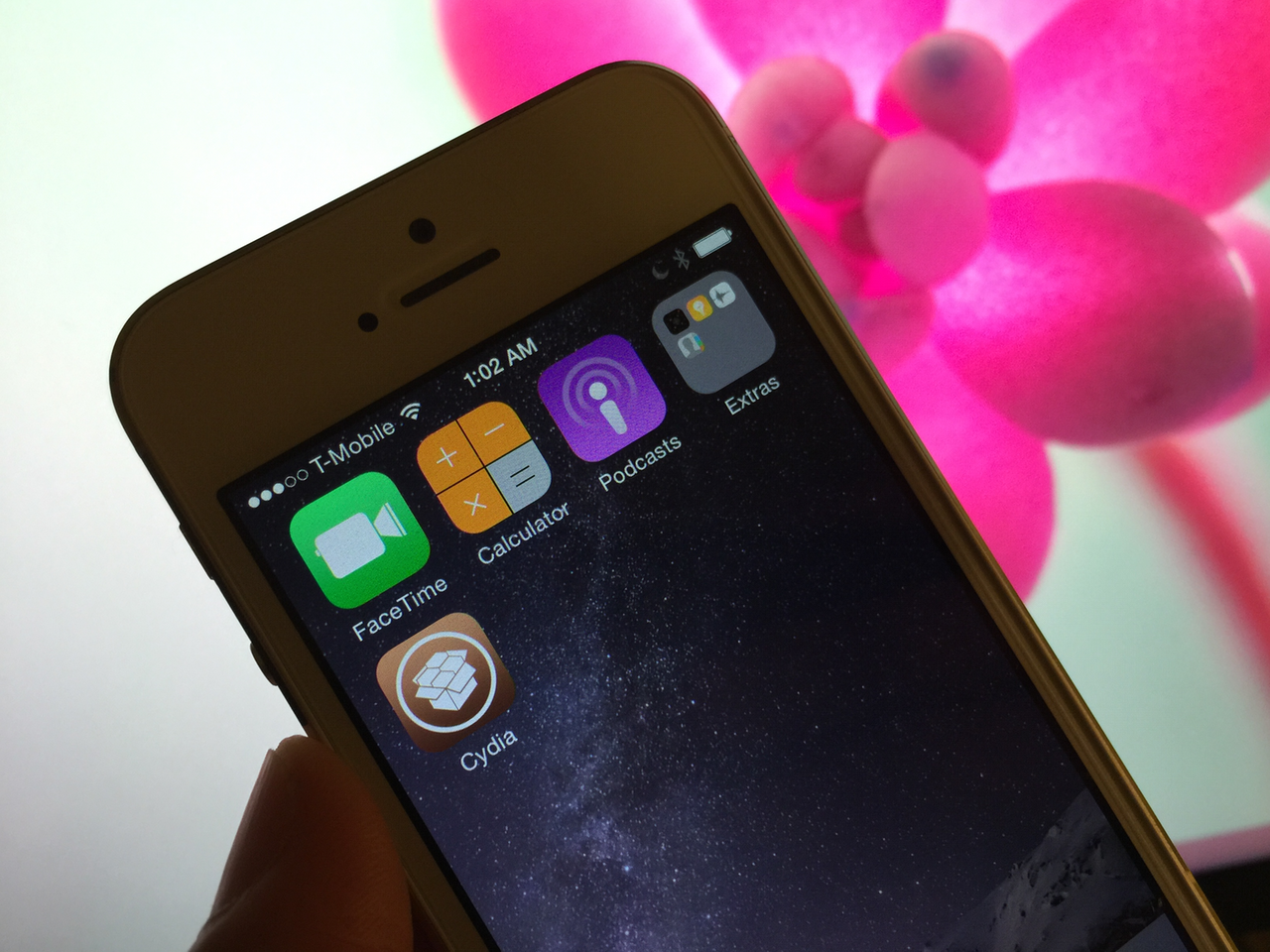
I can't say for sure whether or not it was intentional, but ever since Dish's Sling TV launched, I haven't been able to view video on my iPhone 6 Plus. That's because my iPhone 6 Plus was and still is jailbroken, and it appears that the app won't play video on jailbroken devices. Other jailbroken users have reported the same problem in the comments of our Sling TV review, and I've seen other complaints elsewhere online. In other words, this definitely wasn't just a problem with my device.

Yesterday, Sling TV pushed an update that appears to have fixed the issue. Nothing has changed on my iPhone 6 Plus, but I can now watch Sling TV video from my jailbroken device. Coincidence?

How to jailbreak iOS 8.2 beta 2 with TaiG for Windows

A few days ago, we posted our Mac jailbreak tutorial for iOS 8.2 beta 1 and 2. That tutorial used the PP Jailbreak tool for the Mac. For Windows users, things are slightly different. Windows users get to use the TaiG tool. At the end of the day, both tools are geared towards the same goal—allowing you to easily jailbreak iOS 8.2 beta 1 and 2.

How to fix the “Can’t find Apple driver” issue with TaiG for Windows

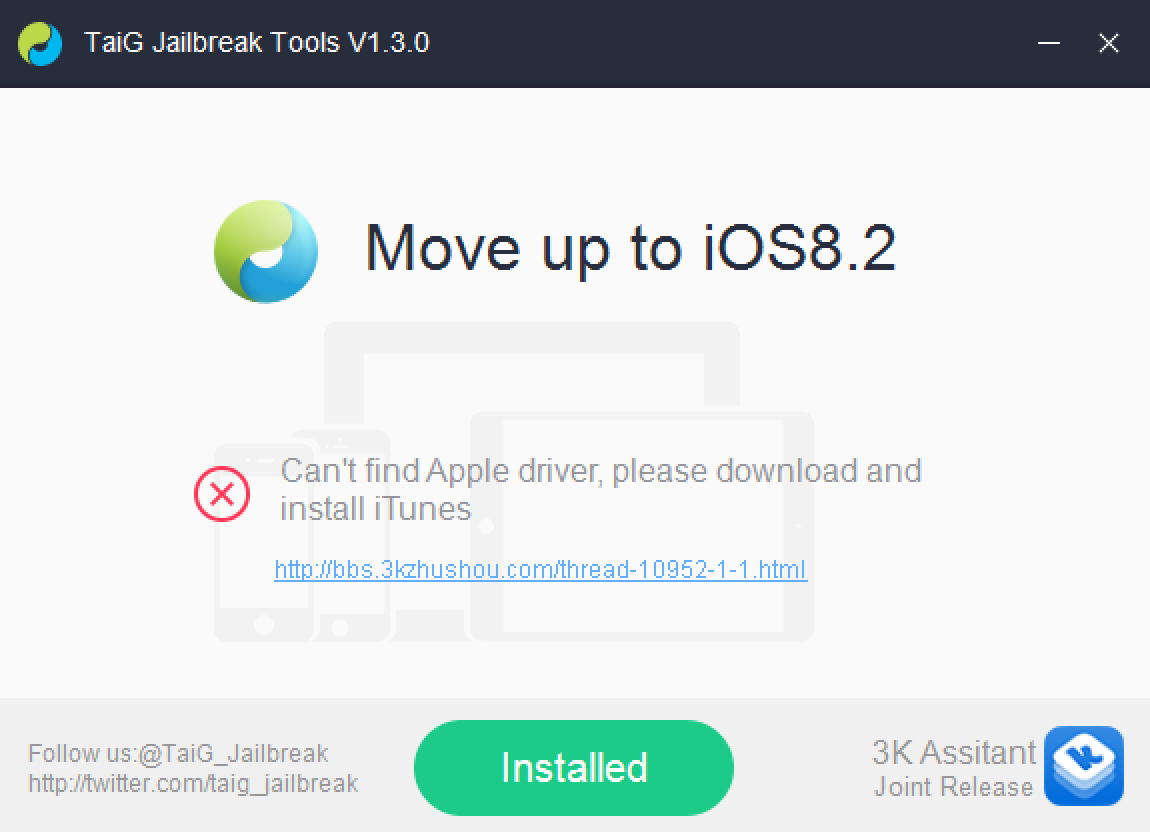
If you've been trying to jailbreak iOS 8.2 beta 1 or 2 with TaiG 1.3.0 over the last couple of days, you may have encountered an issue. An error that says: "Can't find Apple driver, please download and install iTunes" has been causing all sorts of problems for would be jailbreakers.

iTunes may indeed already be installed, but it's the latest version of iTunes for 64-bit Windows machines that's causing the error to begin with. Perhaps you've tried to downgrade your copy of iTunes unsuccessfully. Or maybe you've just given up on trying to jailbreak your iPhone on a Windows machine. Well, don't give up just yet, because we have a solution inside.

Workflow is an amazing app, and this WordPress image uploading workflow shows why

Although I've long admired the iPad-centric work ethic of individuals like MacStories' Federico Viticci, I could never fully commit to working from my iPad due to the perceived amount of steps needed to get things done. Yes, it's possible, but I've always thought it was easier to work from my MacBook Pro.

With that said, I certainly admire anyone who can successfully pull it off, as Viticci has obviously done. There's even a slight bit of jealousy there because he's figured out well in advance how not to be ball-and-chained to a traditional desktop.

With iOS 8, a lot of that has changed. iOS is now more open than ever and users can do some powerful things with said openness. Case and point: Workflow—the automation app that opens up the door to automation newbs like myself. Yes, much automation could be done prior to Workflow—apps like Pythonista and Editorial proved as much—but Workflow is venturing into brand new territory. Not only is it arguably the most powerful automation tool available for iOS, it makes implementing automation accessible to mere mortals.

In this post, I'd like to show off one of the workflows that I'm extremely proud of. To be honest, this post is sort of a stealth-brag, but that's okay. When you see this workflow in action, you'll understand why.


Six months with the Dell UP2414Q 4K display

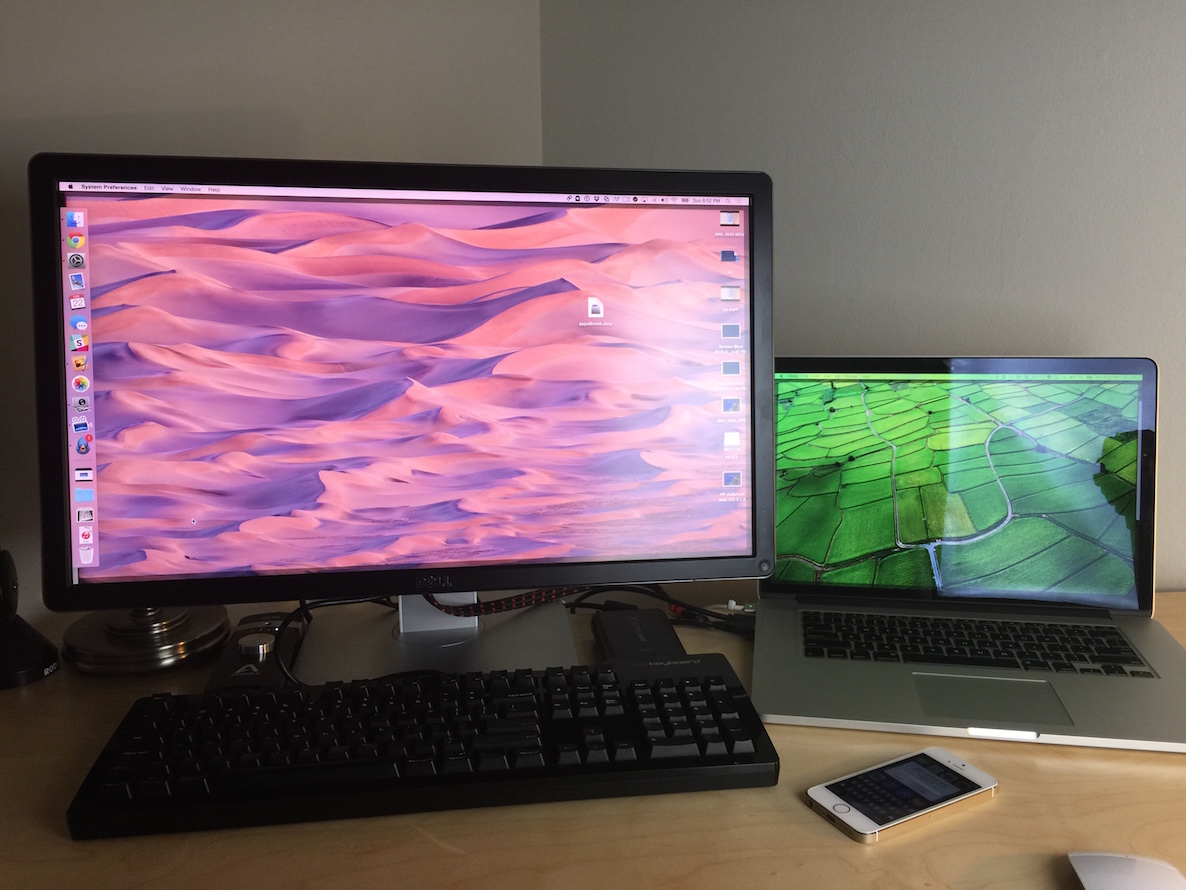
It's been over 6 months since I purchased a 4K Dell monitor to pair with my 15" Retina MacBook Pro. In my initial post, I talked above the setup, my hands-on experiences, problems I encountered, etc. Now that I've had some time to really use this monitor on a regular basis, I'm here to provide you with a little more commentary and insight on my purchase decision. If I could go back in time, would I do it all over again?

How to jailbreak iOS 8.2 beta 2 on Mac

Although Apple has closed the signing window for iOS 8.1.2, there's still an inkling of hope for those of you who are developers and wish to jailbreak your devices. How so? iOS 8.2 beta 2 is still being signed by Apple, and this firmware is still jailbreakable.

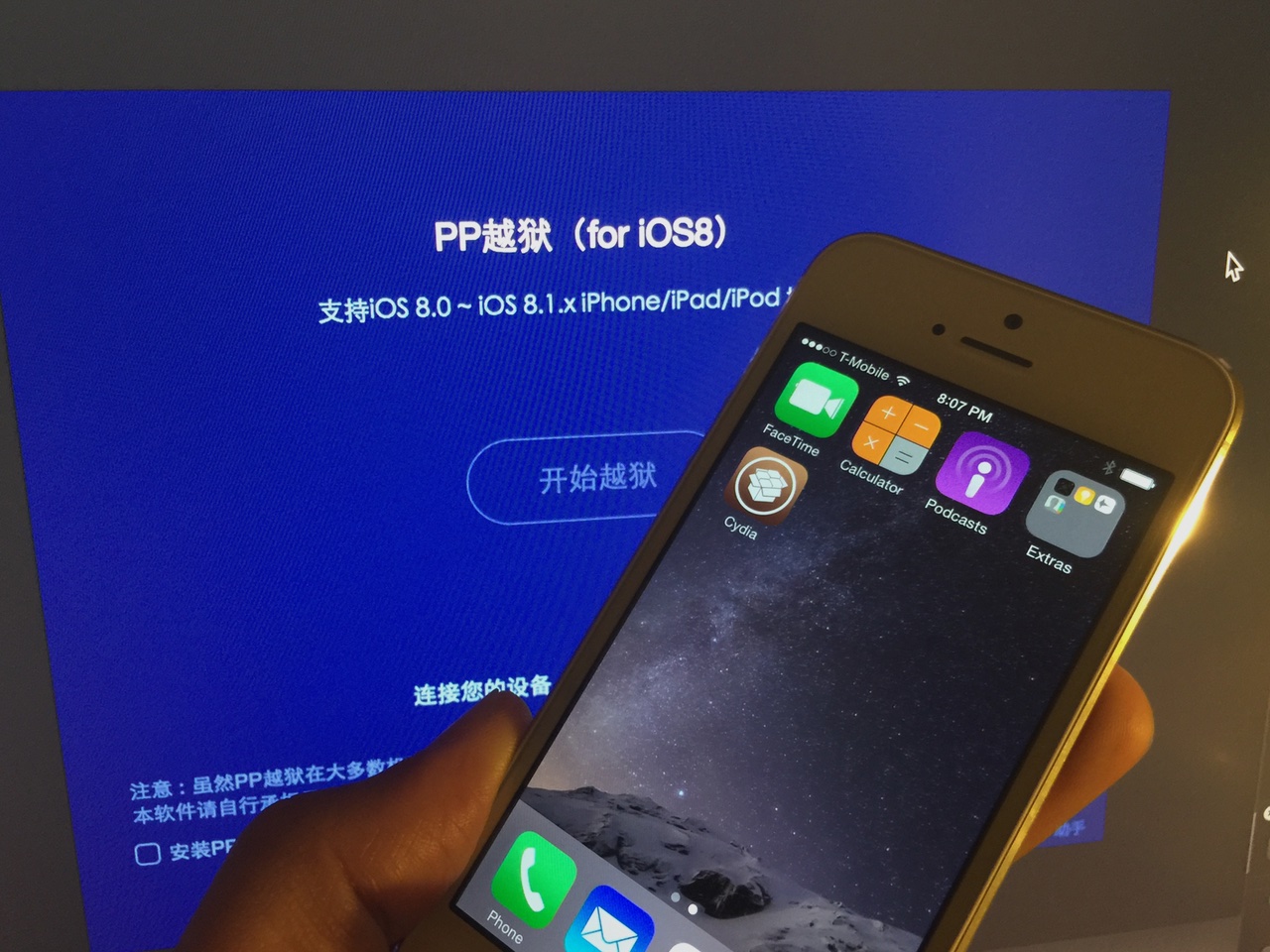
What does this mean? It means that even if you're currently on iOS 8.1.3 or any other firmware, you can downgrade or upgrade to iOS 8.2 beta 2 and then jailbreak your device using the PP Jailbreak tool for Mac.

Developer makes Android Wear compatible with the iPhone

I have to admit that I've always been somewhat intrigued by Android Wear devices. Some of them, like the Moto 360, look genuinely interesting to me. Unfortunately, none of these devices are compatible with the iPhone.

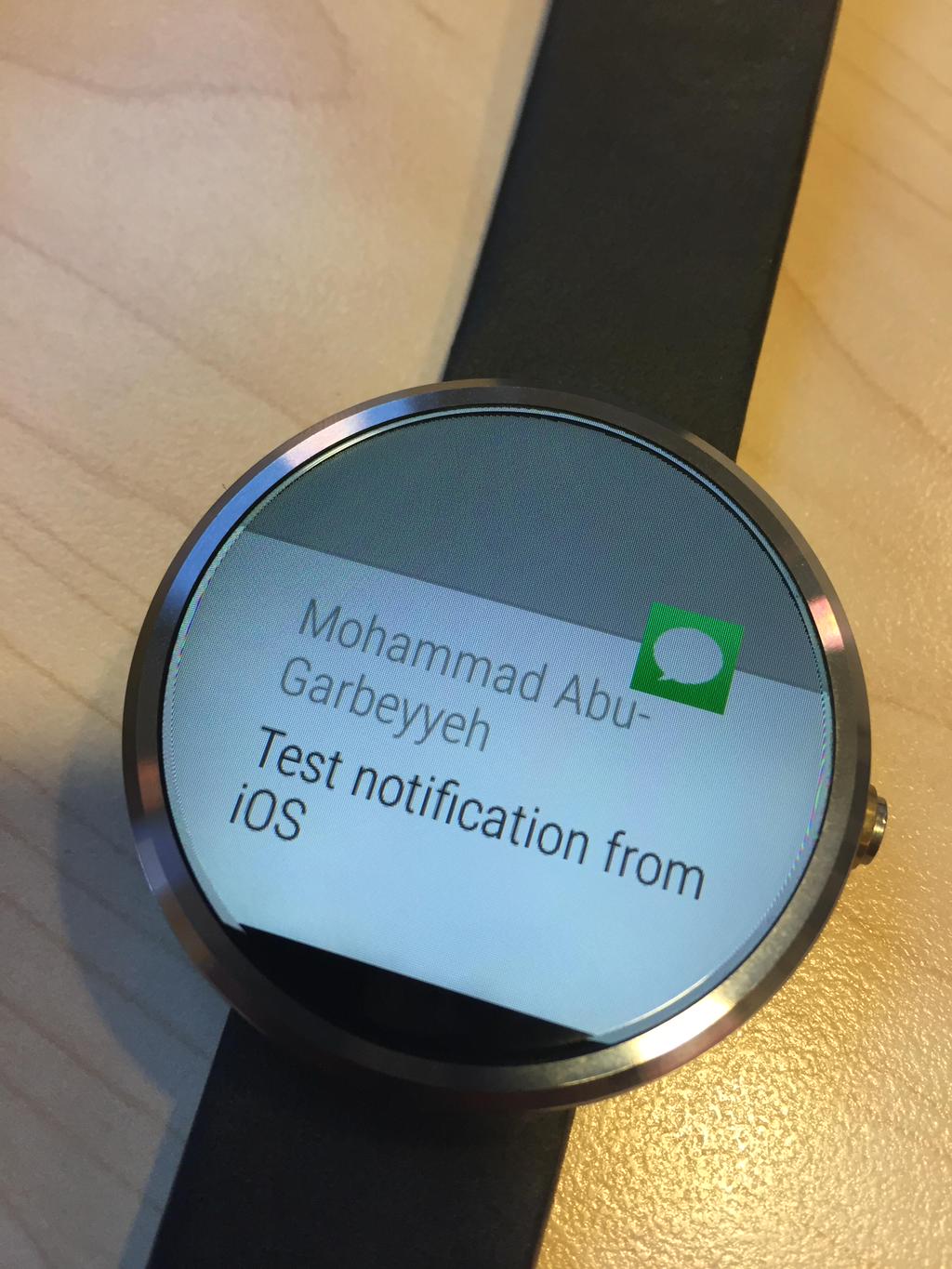
That looks like it might be changing soon, however, as Mohammad Abu-Garbeyyeh, a Cydia developer who's responsible for jailbreak tweaks like DoubleTapToSleep and SpotlightSiri, has come up with a standalone solution for iPhone owners who want to use Android Wear devices.