Jeff Benjamin

Jeff has been with iDownloadBlog since 2010, acting as resident video specialist, and tutorial expert. He earned his degree in Computer Network Systems back in 2001, but decided Cisco routers and the like just weren’t for him. Since then, he’s been heavily involved with online writing. He’s written for numerous tech and video game sites since the late 1990′s, and has a knack for explaining things in a simple, clear, and concise manner. Jeff works primarily from the east coast on his Retina Macbook Pro, and shoots video with a Canon DSLR. During downtime he likes to travel the world, visiting the various Apple Stores across the globe. You can email him at jeff [at] idownloadblog.com and follow him on Twitter @JeffBenjam or on Google+.

LockEmoji prevents the iOS keyboard from reverting to another input mode

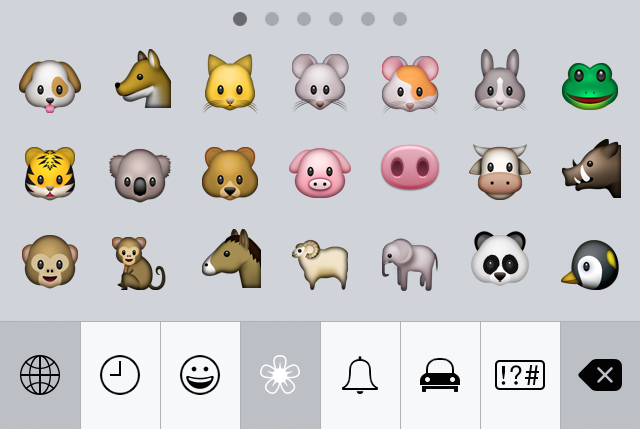
If you regularly use the emoji keyboard on iOS, then you've no doubt experienced the issue that causes your keyboard to revert to another input method.

This problem generally arrises when doing one of two things: after tapping send in a chat app like the Messages app, and on first keyboard activation when the current input mode is emoji.

If you're unfamiliar with the issue, it's a little difficult to describe without actually showing you. Check out our video demonstrations, which shows you how LockEmoji—a free new jailbreak tweak released on Cydia—tackles this issue.

First Steve Jobs movie teaser trailer goes live

The first official teaser trailer for Aaron Sorkin's upcoming Steve Jobs biopic is now live on YouTube. In it, we hear dialogue from lead actor Michael Fassbender, along with glimpses of actors Seth Rogan, Jeff Daniels, and Kate Winslet.

This movie, as you're likely aware of, has suffered through numerous changes and setbacks, but it finally looks as if it's shaping up for a definite release in October. Watch the full teaser trailer, and let us know what you think.

How to replace Siri sound effects with Jarvis sound effects

Ever since Siri's been out, I've seen people comment about how great it would be to replace Siri's voice with J.A.R.V.I.S. from Marvel's Iron Man series.

Apparently, that desire hasn't waned, as there's a fairly large thread on Reddit discussing a method for replacing Siri's stock sound effects with custom Jarvis effects pulled right from the movies.

I've tried this method out, and honestly, it sounds a little bit low budget. Nonetheless, I know some of you will enjoy this, and just the fact that you can learn where the Siri sound effects are, and how to replace them properly, makes this tutorial worth checking out.

How to filter iPhone and Apple Watch screenshots in the Photos app on Mac

As you might imagine, I take tons of screenshots on a weekly basis for work. Instead of connecting my iPhone to my Mac and importing screenshots manually, or instead of using AirDrop, I simply use Photo Stream to do the grunt work.

Photo Stream allows me to access any photo taken with my iPhone, including screenshots, directly from the Photos app on my Mac. Just a few seconds after taking a picture with my iPhone, the photo appears on my Mac. This is great for quickly grabbing iPhone screenshots, and it even allows you to easily access screenshots taken on the Apple Watch.

In this post, I'll show you how I set up a simple Smart Album to separate screenshots—Apple Watch screenshots included—from regular photos.

Watch OS 1.0 lacks the necessary security features to dissuade thieves

The Apple Watch contains security measures to prevent thieves from accessing your data, but it doesn't include the necessary features to dissuade thieves from trying to steal your device to begin with.

The problem stems from the lack of an Activation Lock-like feature on Watch OS 1.0.

Unlike the iPhone, if someone steals your Apple Watch, they can easily reset the device (bypass the passcode), and pair it with a new iPhone logged in to a different iCloud account. In other words, it's totally feasible to steal an Apple Watch and set it up on a different device as if you just purchased it from an Apple Store.

Let’s Talk Jailbreak 107: A jailbreak lull

Episode 107: Comex shows off an Apple Watch web browser, and a discussion of recently released tweaks like Andrios, QuartzSettings, AquaBoard for iOS 8, NotiAction, Muswitch, and more.

Subscribe via RSS

Support Let's Talk Jailbreak

Red Hat. Different for the sake of better technology

Why you should be using a passcode on your Apple Watch

Passcode screen on Apple Watch

There seems to be a bit of misunderstanding when it comes to using a passcode on the Apple Watch. I've seen more than a few comments about how inconvenient it would be to have to "enter a passcode on that tiny screen every time I want to use the watch." Indeed, it would be inconvenient if that were a true statement; thankfully, it's not.

How to see friends on your Apple Watch

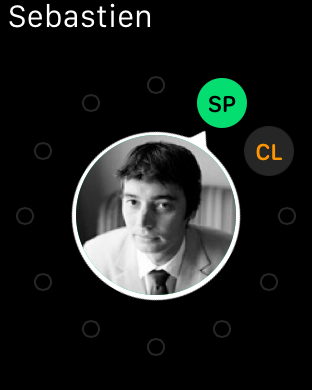
The Apple Watch allows you to quickly access up to 12 different contacts designated as friends. Persons on your list of friends should be contacts that you wish to stay in touch with most frequently.

Only friends have the privilege of receiving Digital Touch inputs—taps, sketches and heartbeats. You can also text, send emoji, or call friends quicker than you can with other general contacts.

How to add friends to your Apple Watch

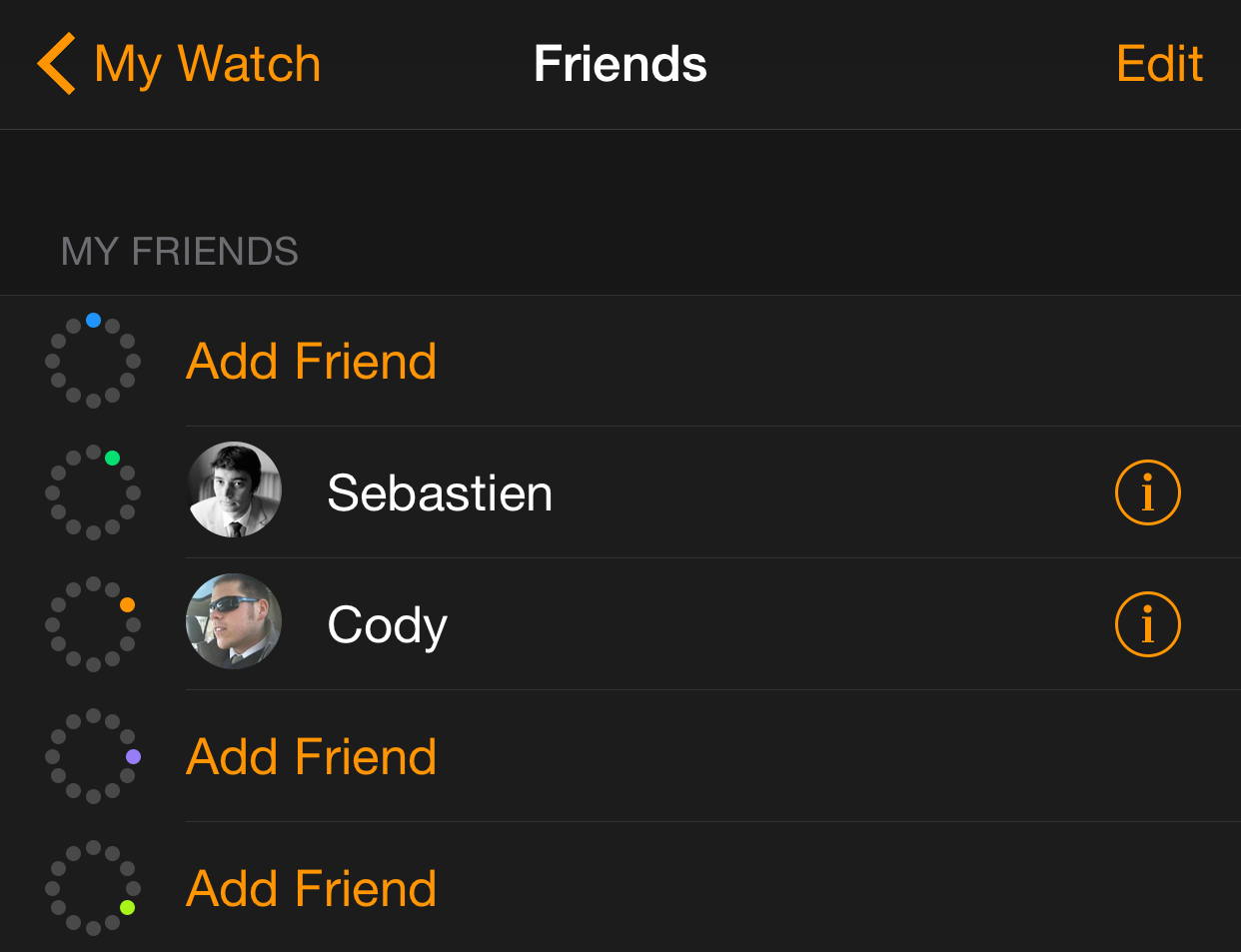
One of the primary features of the Apple Watch is the quick way in which it allows you to get in touch with friends. Only friends are allowed to use the Digital Touch feature on Apple Watch, and those added to your list of friends can also be quickly called or messaged using handy shortcuts.

On initial Apple Watch setup, up to 12 of your favorite contacts from your paired iPhone will automatically be added to your list of friends. If you don’t have any favorite contacts, or if you wish to change, remove or add contacts to your Friends list, then this Apple Watch tutorial is for you.

How to customize the color palette for Digital Touch on Apple Watch

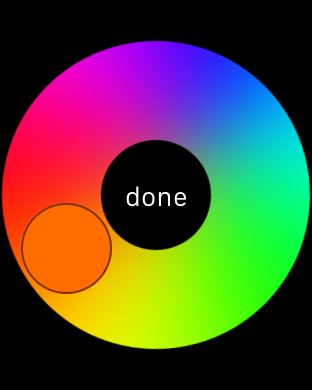
Are you finding the seven colors on the Digital Touch color palette a little restrictive? Wouldn't it be cool if you could customize the color palette?

Although you can only use one color at any given time for a sketch or a tap, it is possible to customize the color that you use outside of the six stock colors. Check out our tutorial to see how.

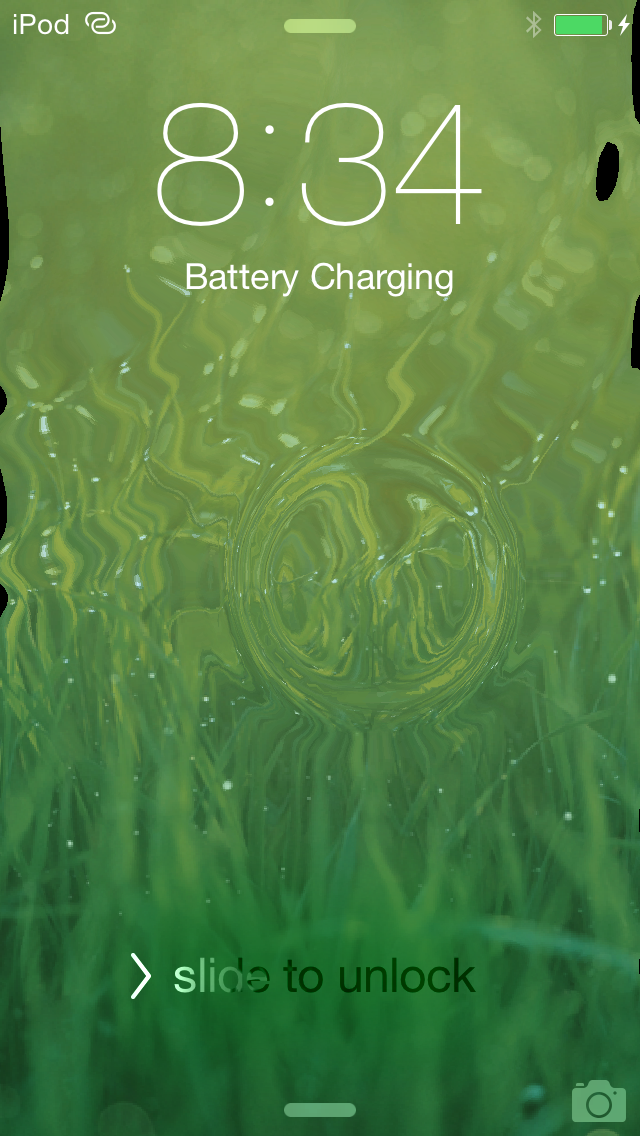
AquaBoard for iOS 8 brings OpenGL-based water effects to your SpringBoard

It seems like every few months, Elias Limneos steps up to the plate to bring us something awesome. Even during a "jailbreak drought", such as the one we're currently experiencing, Limneos doesn't hesitate to put out a great release.

AquaBoard for iOS 8 is the latest such release, and it is a follow up to previous versions of AquaBoard for iOS 5, iOS 6 and iOS 7. Needless to say, AquaBoard has been around for quite some time, and now, even first time jailbreakers get to taste (or is that drink?) the goodness that is AquaBoard.