Episode 91: A detailed discussion about the just-released iPod touch, including its place in Apple's lineup. New iPhone 6S rumors surface along with new Apple Watch rumors.
Subscribe on iTunes

Episode 91: A detailed discussion about the just-released iPod touch, including its place in Apple's lineup. New iPhone 6S rumors surface along with new Apple Watch rumors.
Subscribe on iTunes
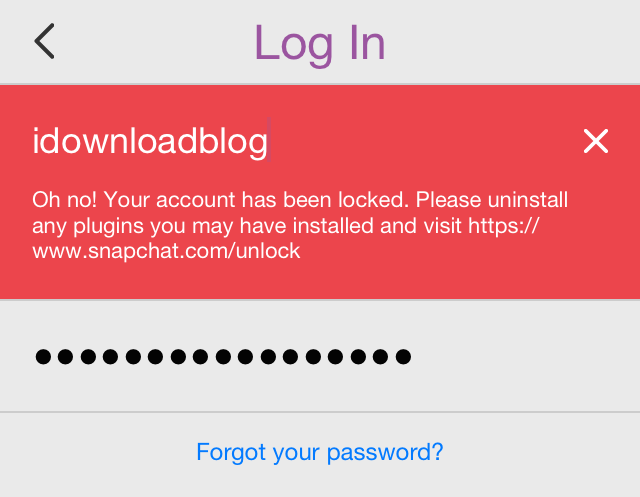
If you're a fan of Snapchat and you like to use Snapchat-oriented jailbreak tweaks like Phantom, then take note. It appears that Snapchat is beginning to crack down on users who use jailbreak tweaks with its app.
Phantom—one of the most popular jailbreak tweaks for Snapchat—allows you to do things like spoof locations, save media, set custom notifications sounds, and much more. But apparently, Snapchat isn't too keen on jailbreak users having such perks, and have begun locking out users of these tweaks.

The TaiG team has officially released version 2.4.3 of its iOS 8.4 jailbreak tool for Windows. The update piggybacks off the beta version of the 2.4.3 release that was ushered in last week.
Version 2.4.3 brings jailbreak optimization to the fore, and should theoretically result in a more stable and straightforward jailbreak experienced for its users. If you've yet to jailbreak, then we recommend using TaiG 2.4.3. You can find the full download in this post.
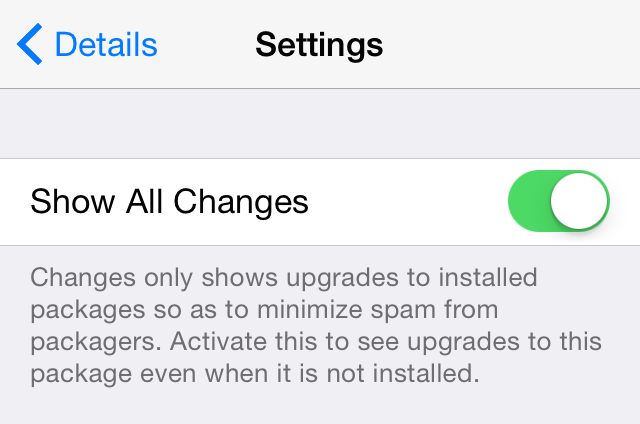
When new packages are released in Cydia, they automatically appear at the top of the Changes tab. This is handy, because it allows you to easily find new apps and tweaks for your iOS device.
This isn't the case when it comes to existing tweaks that have received updates. A lot of times the updates to existing tweaks are minor, but sometimes they are major. Unless you have that particular tweak installed on your device, you're pretty much left in the dark when it comes to Cydia alerting you of the new update by default.
There is a special provision that can be enabled on a per-tweak basis so that it will always show you when updates occur—it's under the Change Package Settings section. But a new jailbreak tweak called ShowAllCydiaUpdates forces all Cydia packages to show their updates by default.

Apple is continuing its "If it's not an iPhone" advertising campaign with a new follow up commercial solely focused on apps. The commercial touts the App Store's more than 1.5 million apps.
This is the third entry into Apple's "If it's not an iPhone" campaign. The two previous commercials were posted ten days ago, each focusing more on the hardware and customer satisfaction side of things.
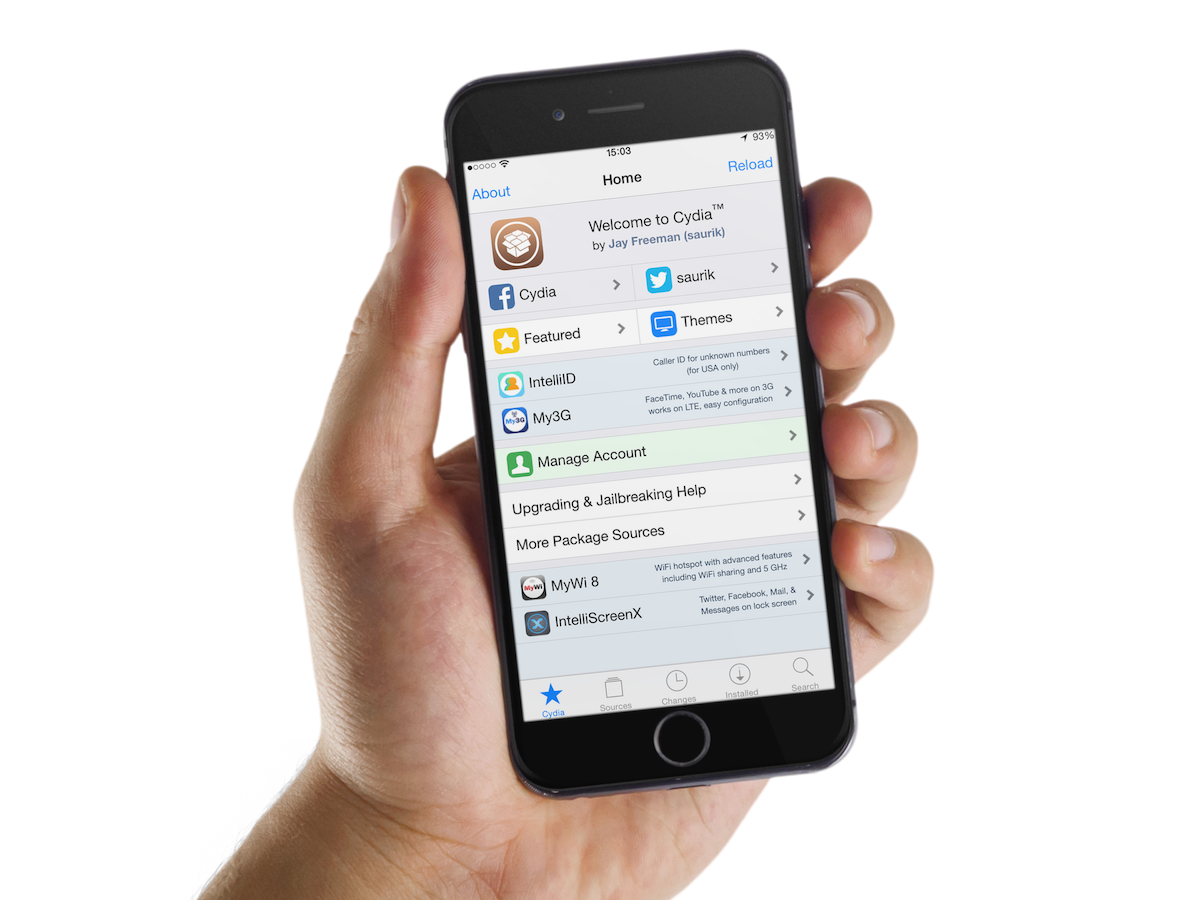
The tweak releases for the past week started off a little slow, but finished up very strong. This week's releases were capped off with the unveiling and subsequent release of Cydia Impactor.
Cydia Impactor, as you're probably well aware of by now, is a new tool from saurik that makes it possible to un-jailbreak your iPhone, but maintain your current firmware. Many will undoubtedly find this tool useful, especially when Apple stops signing iOS 8.4.
But of course, Cydia Impactor wasn't the only notable release to hit the airwaves this week. Check inside as we highlight nearly two dozen different jailbreak releases from the past week.
As you've no doubt noticed, a lot of the newer jailbreak tweaks are Cydia-centric tweaks designed around improving the experience while browsing Cydia. One such example of this is a tweak we talked about recently called TranslucentCydia.
The latest such tweak—nobar+—is a release that allows you to browse Cydia in full screen mode. It does this by automatically hiding the status bar when Cydia is launched.
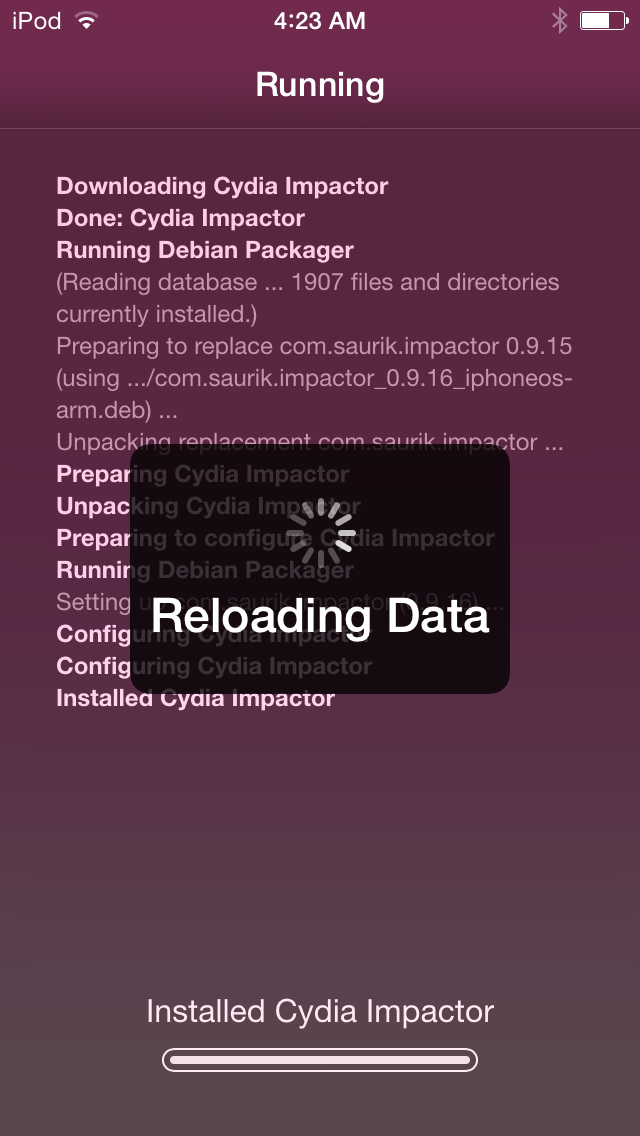
After Cydia was updated to version 1.1.19, the floodgates were opened to all sorts of tweaks to modify the Cydia experience. Some tweaks added new functionality to Cydia, such as SwipeForMore, one of my favorite new releases to touch down in some time. Other tweaks, like TranslucentCydia, take a different approach and simply aim to change the look of Cydia.
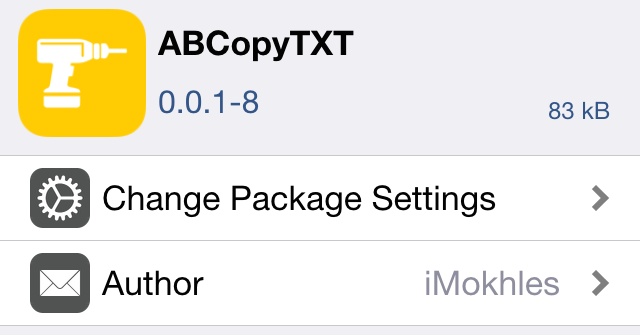
Alien Blue is the official and most popular Reddit client on iOS, but it lacks one feature that I've always found annoying—the ability to easily copy and paste the text of posts.
A new jailbreak tweak called ABCopyTXT just recently appeared on Cydia, and it allows you to easily copy text in Alien Blue using the stock iOS share sheet. Have a look at our walkthrough to see how it works.
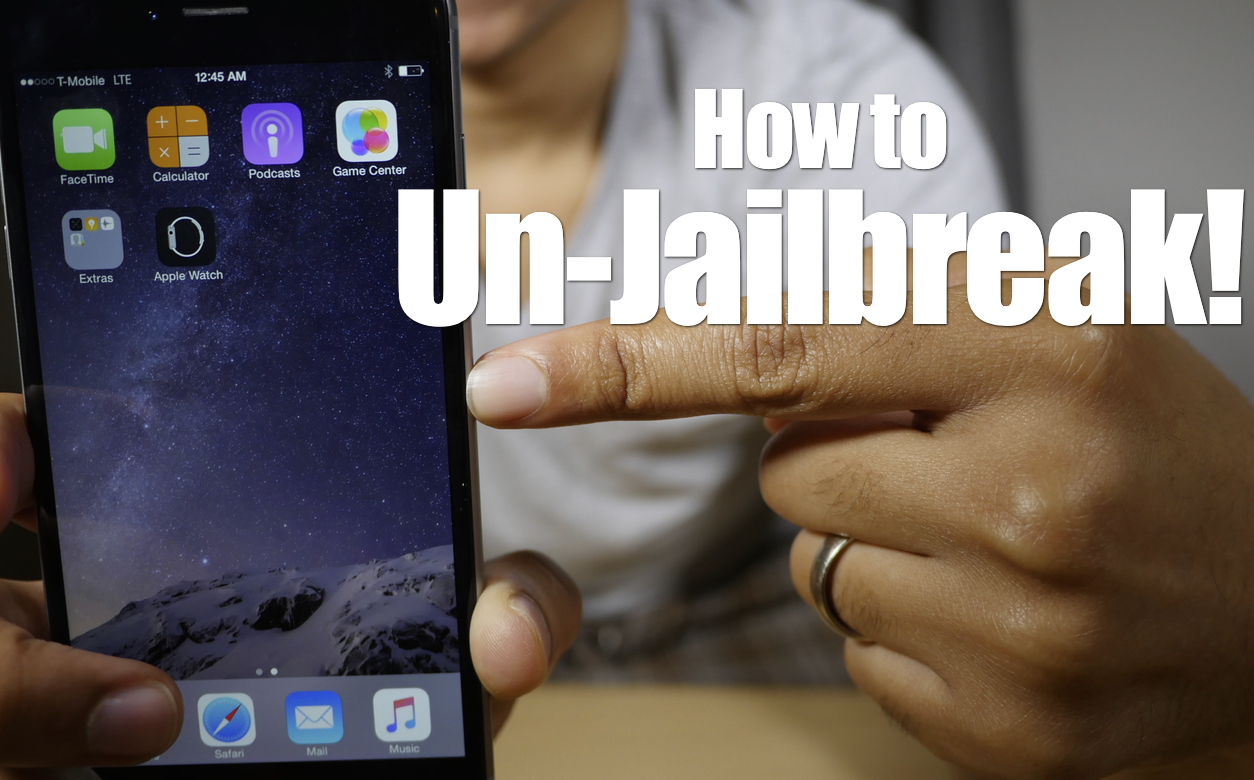
Want to remove your jailbreak without updating iOS? The just released Cydia Impactor can help you unjailbreak your iPhone with little effort. In this video tutorial, I'll show you how to revert back to stock iOS and remove your jailbreak without updating your iOS version.
A powerful new tool has just been released for jailbreakers to "unjailbreak". It's called Cydia Impactor, and it's an on-device tool that lets you remove and revert all changes made to a device to return it to its stock configuration.
The most notable thing about this tool is that it allows you to return to stock without needing to upgrade your device. Say, for example, you wanted to sell your iPhone, but wanted to retain its jailbreak-ability to increase resale value. Normally, if you wanted to perform a full system restore, you'd be forced to upgrade to the latest firmware, and thus lose your jailbreak. With Cydia Impacter, you can restore your device to stock without upgrading.
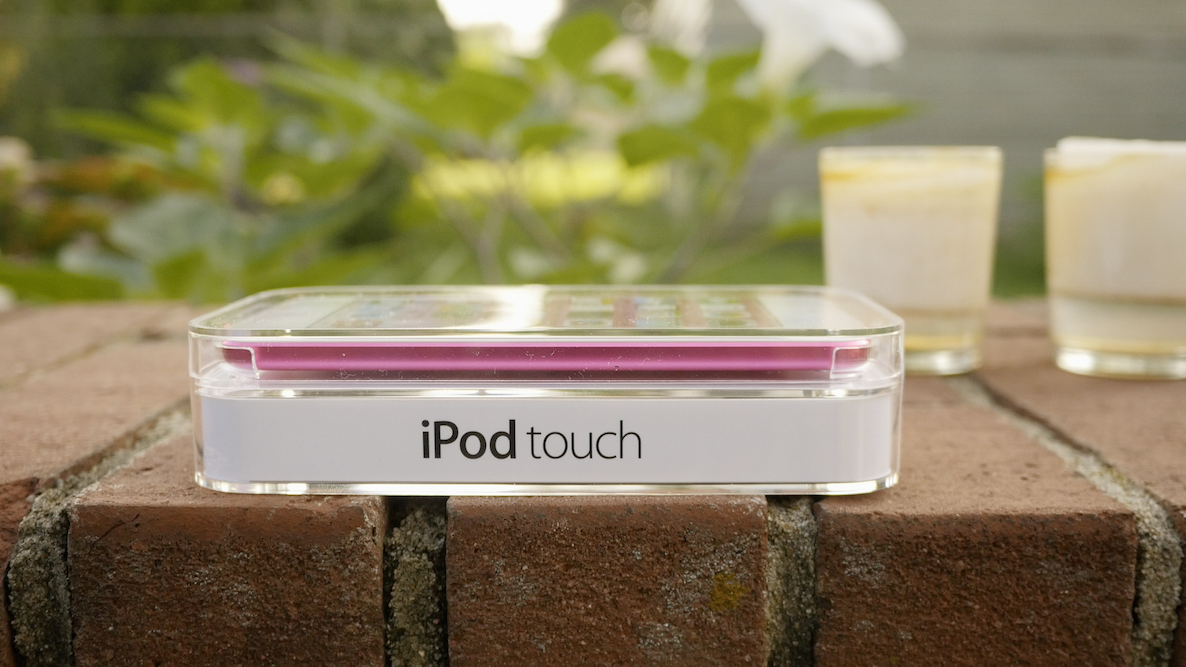
The new iPod touch has arrived, and although its buzz is far below that of iPhone or even iPad levels, the excitement can still be felt throughout the community. As you know by now, this is the first new iPod touch since 2012, and it brings with it a much-needed and hefty specs update.
With this in mind, will you be purchasing a 6th generation iPod touch? Please participate in our poll and let us know.