Jeff Benjamin

Jeff has been with iDownloadBlog since 2010, acting as resident video specialist, and tutorial expert. He earned his degree in Computer Network Systems back in 2001, but decided Cisco routers and the like just weren’t for him. Since then, he’s been heavily involved with online writing. He’s written for numerous tech and video game sites since the late 1990′s, and has a knack for explaining things in a simple, clear, and concise manner. Jeff works primarily from the east coast on his Retina Macbook Pro, and shoots video with a Canon DSLR. During downtime he likes to travel the world, visiting the various Apple Stores across the globe. You can email him at jeff [at] idownloadblog.com and follow him on Twitter @JeffBenjam or on Google+.

iOS 5 Jailbreaking Just Got a Whole Lot Better

Hot off the heels of the illegitimate method for accessing the tweak settings on iOS 5, comes the legit release of PreferenceLoader, Activator, and many more pertinent tweaks for iOS 5.

For those of you who aren't aware, PreferenceLoader was the biggie, because it is the means by which settings for your favorite jailbreak tweaks are configured. Without it, many tweaks would simply not function, or at least not function as intended.

Developer, Dustin Howett, the creator of PreferenceLoader, had been waiting until iOS 5 got closer to final, prior to releasing his much-needed Mobile Substrate utility...

How to Get Settings for iOS 5 Jailbreak Tweaks [Updated]

Update: Video and download pulled. Apparently this file is not officially approved by the developer, and it was stolen/illegal/unlicensed. I apologize for the inconvenience, but we don't want to wrong the hard working members of the community. I hope you understand.

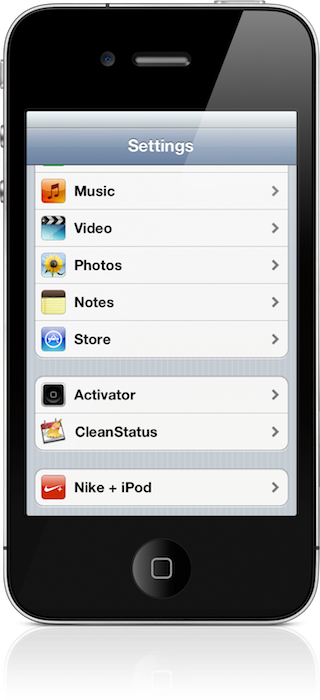
One of the main reasons that people have shied away from the iOS 5 jailbreak, besides the obvious tethered nature, is the lack of settings for their favorite tweaks. This makes their favorite tweaks severely maimed, or utterly useless.

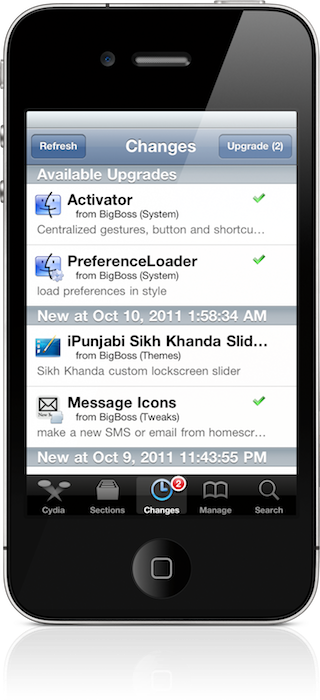
The following tutorial shows how to update your PreferenceLoader which will in turn enable settings for tweaks on iOS 5. Keep in mind that an update PreferenceLoader should be coming anyway, with the release of iOS 5 on October 12th. For those who just can't bare to wait any longer, this tutorial is for you...

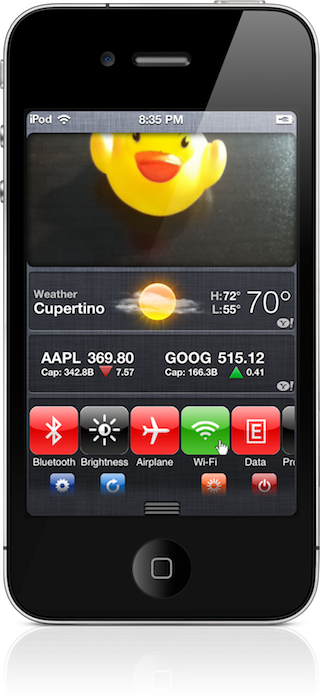
SBSettings Beta for iOS 5 Exposed On Video – New Features In Tow [Video Walkthrough]

Without a doubt, SBSettings is the de facto must have tweak among all jailbreak tweaks for the iPhone. I think if you took a poll of 100 people, 90 of them would claim that SBSettings is the one tweak that they could not live without.

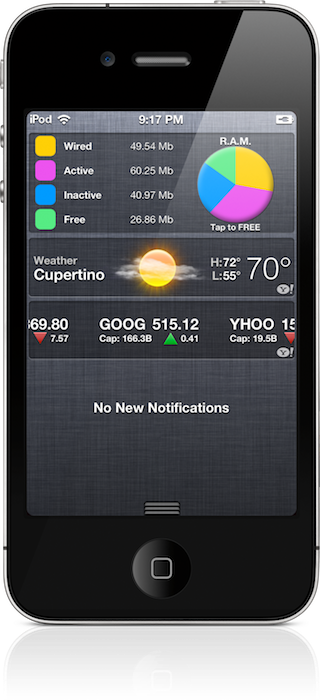
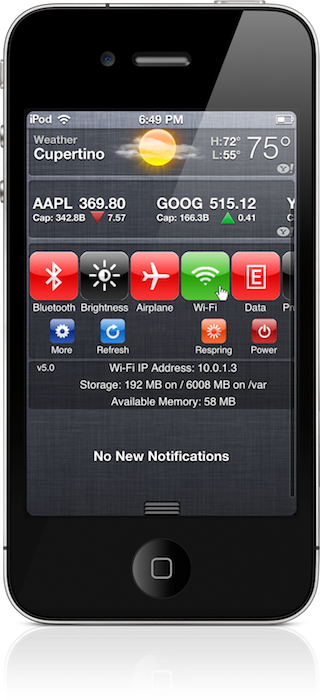
With that being said, imagine my excitement when I heard that the iOS 5 beta version of SBSettings was ready for testing! I'm happy to report that it comes with tons of new settings, and beautifully integrates into iOS 5's Notification Center.

Check inside for a full video walkthrough of the new and improved SBSettings...

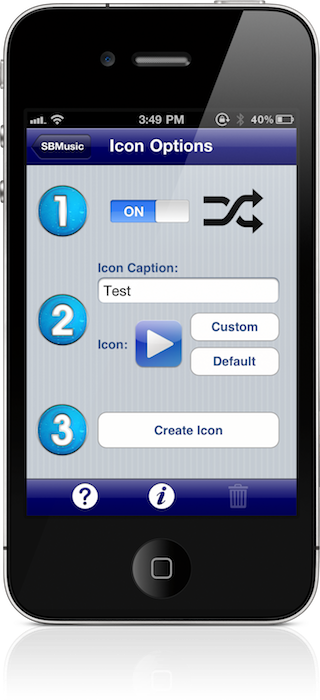
SBMusic: Add iPod Playlists to Your Home Screen

Want a quick way to play your favorite playlists without venturing into your iPod app? Then check out SBMusic, it allows you to create bookmarks to your favorite playlists, and save them on your Home screen.

SBMusic is a jailbreak tweak that not only allows you to create custom bookmarks, but custom app icons as well. It's a great tool for those of you who want a quick and easy way to play your favorite tunes...

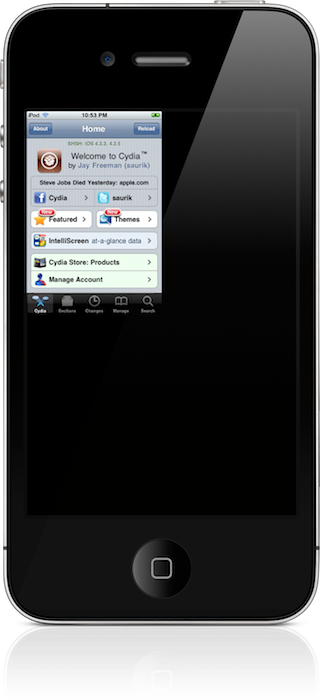
How to Fix the Quarter Screen Issue on a Jailbroken iOS 5 Install

Have you ever noticed this issue on your jailbroken installation of iOS 5? Chances are, if you've installed Activator, you have.

The issue — one that causes your apps to be reduced in size to take up only one fourth of the screen — impacts the Settings app, Cydia, and various other apps.

Thankfully, we've found a method to circumvent the issue. Take a look inside for the full video tutorial...

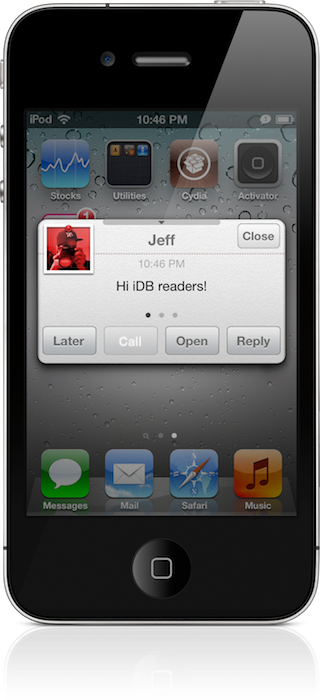
How to Install the biteSMS Beta on iOS 5

It's no secret that I consider biteSMS to be an absolute iPhone staple; it's among the first apps that I install after jailbreaking my iPhone.

For those of you who, like me, decide to jailbreak your iOS 5 installation, you'll find that the public version of biteSMS crashes upon launch.

Fortunately, the biteSMS team has produced a beta version of their popular SMS app that works great on iOS 5. Check inside for the full details on how to score it for yourself...

Steve Jobs 1955-2011

Today, the world lost one of the greatest visionaries it has ever seen, or ever will, for that matter.

Steven Paul "Steve" Jobs has passed away at the age of 56; just one day after the launch of a product that he helped mastermind and create.

iDB sends our deepest condolences to his family, friends, co-workers, and anyone who has a passion for technology. You were one of a kind Steve, you will be deeply missed...

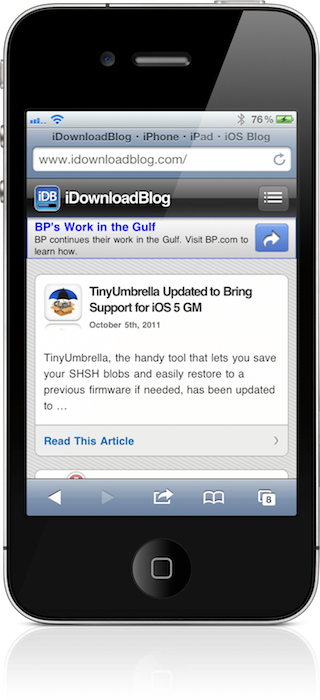
Safari UniBar: Add Google Chrome’s OmniBar to Mobile Safari

Anyone who knows me knows that I'm a staunch Google Chrome advocate for basically two reasons: a) It's incredibly easy it is to restore all of your bookmarks, history, and extensions. And b). The OmniBar.

The OmniBar is the feature that I always end up missing the most when I'm forced to use another browser. The OmniBar is great, because it does something incredibly simple: It lets you perform searches and web queries from within the same box.

Safari UniBar is a jailbreak tweak that brings this same functionality to the iPhone's Mobile Safari...

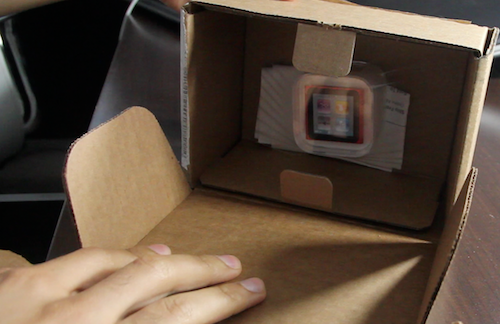
New iPod Nano 6th Gen Unboxing

So, you're digging those 17 new watch faces included with the iPod nano's new firmware update?

If you've just ordered a nano, or you already have the latest hardware refresh, that means you'll need to upgrade the firmware to receive all of the new features Apple touted at yesterday's media event.

In this video, we unbox a brand new iPod nano, upgrade the firmware, show off all 18 watch faces, and touch on various other new features like the enhanced Nike+ app, and new Home screen layout...

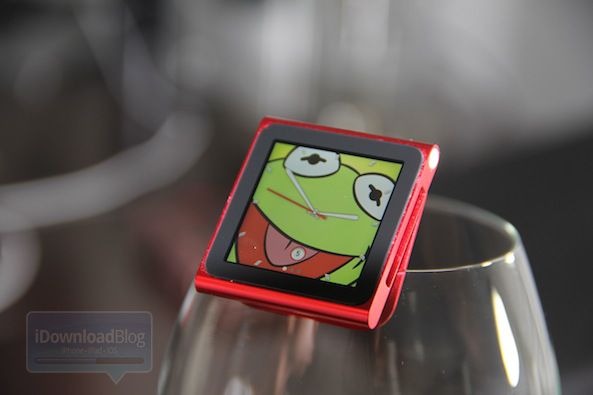
All 17 New iPod Nano Watch Faces Exposed

The release of updated iPod nano firmware 1.2, along with a cheaper price for the hardware itself, quickly got overlooked due to all of the hype for the iPhone 4S, Siri, etc.

For those of you who love to rock their iPod nano as a watch, though, the announcement of a ton of new watch faces was probably your highlight of the keynote.

If you've yet to download the latest iPod nano firmware on your device, or you haven't checked out the expose on Apple's website, here's a visual roundup of all 18 watch faces included with the new software...