Jeff Benjamin

Jeff has been with iDownloadBlog since 2010, acting as resident video specialist, and tutorial expert. He earned his degree in Computer Network Systems back in 2001, but decided Cisco routers and the like just weren’t for him. Since then, he’s been heavily involved with online writing. He’s written for numerous tech and video game sites since the late 1990′s, and has a knack for explaining things in a simple, clear, and concise manner. Jeff works primarily from the east coast on his Retina Macbook Pro, and shoots video with a Canon DSLR. During downtime he likes to travel the world, visiting the various Apple Stores across the globe. You can email him at jeff [at] idownloadblog.com and follow him on Twitter @JeffBenjam or on Google+.

AppsCenter: Launch Apps Directly From iOS 5’s Notification Center

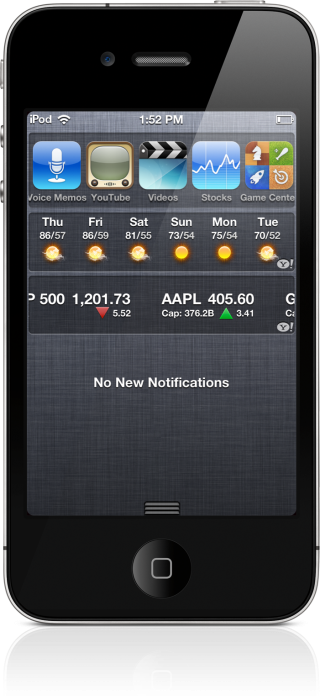
It's been a little over 24 hours since iOS 5 was released, and already, the jailbreak devs are putting in work. Case in point: AppsCenter, from jailbreak developer, Filippo Bigarella.

AppsCenter is a jailbreak widget that allows you to launch apps directly from Notification Center. In fact, this can ultimately become your de facto method for launching apps.

Take a look past the break for a video preview of AppsCenter in action...

How to Preserve Your Baseband For Unlock When Upgrading to iOS 5

Want to update your iPhone 4 or iPhone 3GS to iOS 5, but need to preserve your unlockable baseband for a future UltraSn0w unlock?

Early this morning, the Dev Team released an update to RedSn0w, which as we told you, incorporates some of the baseband preservation features normally found in PwnageTool.

Inside, you'll find an easy to follow video walkthrough that shows you how to preserve your baseband for a soon to be released UltraSn0w unlock...

How to Enable Jailbreak Widgets in iOS 5

So, you went ahead and took the plunge and jailbroke your iDevice running iOS 5. Now what?

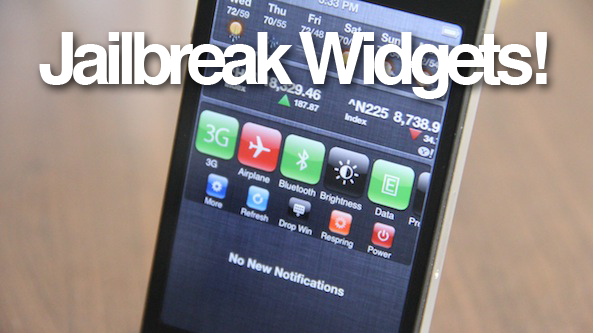
It's time to install some awesome Notification Center jailbreak widgets, that's what! But before you begin your download frenzy, check out this video tutorial that shows you how to enable jailbreak widgets on iOS 5...

How to Jailbreak iOS 5 Final With RedSn0w [Video]

iOS 5 is finally available to the public, and fortunately, it can be jailbroken with only a few simple steps.

As of now, this is a tethered jailbreak, which means you must perform a tethered boot when rebooting your iPhone, iPod touch, or iPad 1.

Inside, we'll show you step-by-step how to jailbreak iOS 5 with RedSn0w 0.9.9b3...

OS X Updated to 10.7.2, Now Supports iCloud

Apple is very busy this week, as is evident by their release of iOS 5, iCloud.com, iWork updates, new apps like Find My Friends, AirPort Utility, and more.

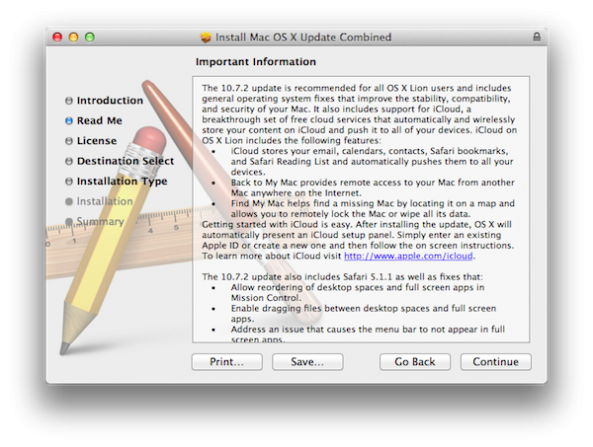
Just moments ago, Apple pushed out OS X Lion 10.7.2, which implements iCloud directly into OS X.

iCloud is Apple's flagship cloud service, which will allow you to push contacts, bookmarks, email, and more directly to all of your iOS devices wirelessly..

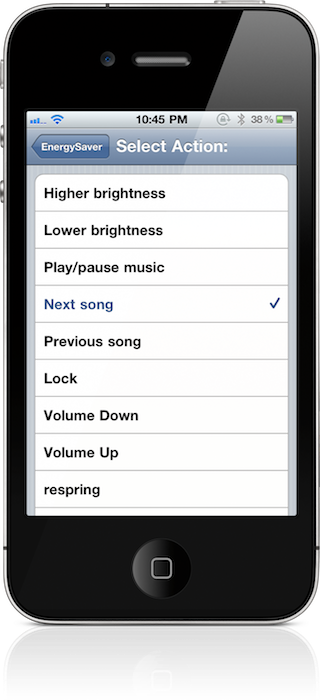
‘Activator’ Update For iOS 5 Brings Native Twitter And Notification Center Actions

No less than a few minutes after I posted about TwitterTask, iDB viewers and readers were on it like white on rice.

I hereby stand corrected; TwitterTask isn't the only way to send out native tweets from anywhere on a jailbroken iOS device.

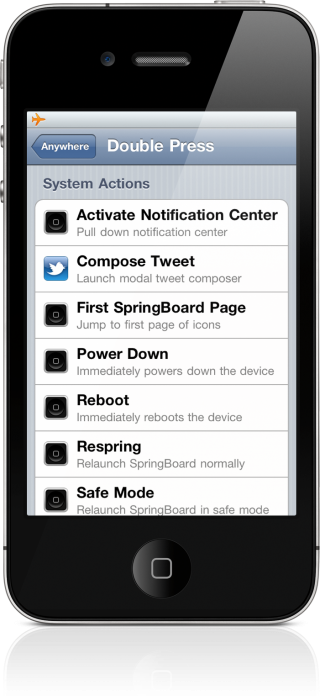
That's because Ryan Petrich's iOS 5 compatibility update to Activator wasn't just some minor change to make sure it worked on the new firmware; no, it includes quite a few new features; Twitter and Notification Center actions being among them...

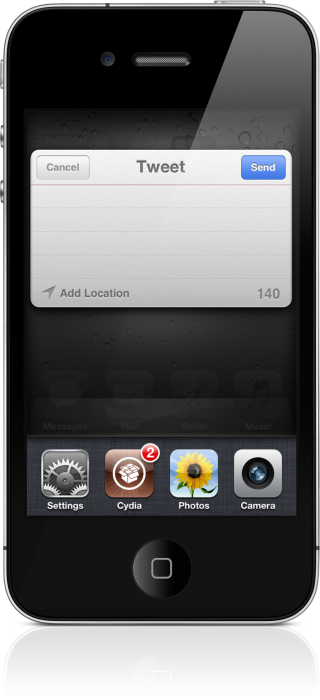
TwitterTask: Send Tweets From Anywhere In iOS 5

iOS 5's Twitter integration is nice and everything, but it's not without its shortcomings.

The biggest shortcoming for Twitter integration in iOS, is the inability to send a tweet from anywhere; without an attachment.

As it stands now, you have to perform an action such as sending a picture, in order to send out a tweet in iOS. No longer...

How to Accurately Track Your iPhone 4S When Apple’s Order Page Says “Preparing for Shipment”

Needless to say, the last few days have been both frustrating and exciting. Exciting because I was among the first to order my iPhone 4S on Friday morning; frustrating because Apple's order status page still reads "Preparing for Shipment".

This wouldn't be so annoying if it weren't for the fact that most of the iDB staff received shipment notifications a while ago.

I know, first world problems indeed, but a problem it was. Thankfully, there's a quick and easy way to gather accurate results about the whereabouts of your new iPhone 4S. I show you how in this video tutorial...

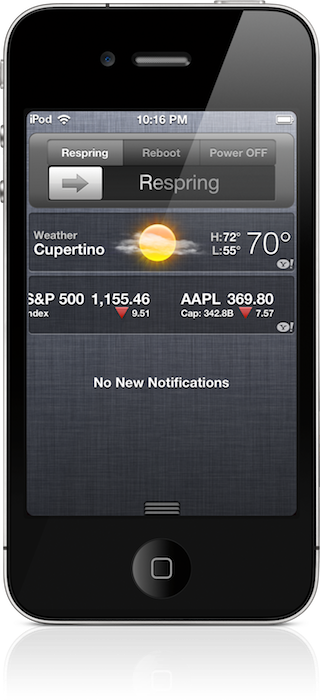
PowerCenter: A Beautiful Notification Center Widget for iOS 5

Since iOS 5 hits tomorrow, jailbreak developers are starting to update more of their widgets, tweaks and apps to be compatible with Apple's latest and greatest iOS firmware.

Along with that, we here at iDB have begun to take a keen notice of what's available for jailbreakers. Many of the current jailbreak tweaks for iOS 5 are Notification Center widgets, and few are prettier than PowerCenter.

PowerCenter is a tweak that allows you to quickly respring, reboot, or power down your iPhone with a slide of your finger, and it's a beauty. Catch the full video walkthrough after the break...

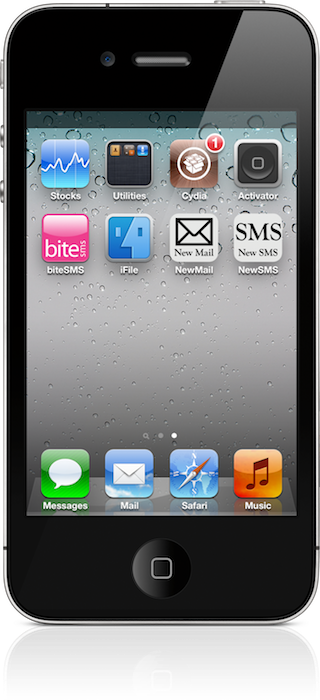
Message Icons: Compose New Mail And SMS Directly From Your Home Screen

Wouldn't it be nice if you could compose a new mail or SMS message with the touch of a button? Well now you can.

Introducing: Message Icons, a jailbreak tweak that recently graced Cydia. It allows you to bypass all of the fluff, and get right to writing an email or SMS message.

It's not the prettiest tweak in the world, but it's most certainly functional. Take a gander inside for a visual rundown...