Jeff Benjamin

Jeff has been with iDownloadBlog since 2010, acting as resident video specialist, and tutorial expert. He earned his degree in Computer Network Systems back in 2001, but decided Cisco routers and the like just weren’t for him. Since then, he’s been heavily involved with online writing. He’s written for numerous tech and video game sites since the late 1990′s, and has a knack for explaining things in a simple, clear, and concise manner. Jeff works primarily from the east coast on his Retina Macbook Pro, and shoots video with a Canon DSLR. During downtime he likes to travel the world, visiting the various Apple Stores across the globe. You can email him at jeff [at] idownloadblog.com and follow him on Twitter @JeffBenjam or on Google+.

RedSn0w 0.9.10b8 released to add unlock activation ticket backup support

It didn't take long for the iPhone Dev Team to release an updated version of RedSn0w to support backing up the precious activation tickets resulting from the SAM unlock.

Instead of having to manually go in and backup your activation tickets, you can use a new option found in RedSn0w instead.

The full download for RedSn0w 0.9.10b8 can be found inside, along with the tool's release notes...

My iPhone 4 was finally unlocked by AT&T

So it took a while, but I can confirm that my iPhone 4 has been officially unlocked by the fine folks at AT&T. It looks like my online chat with the AT&T representative paid off after all.

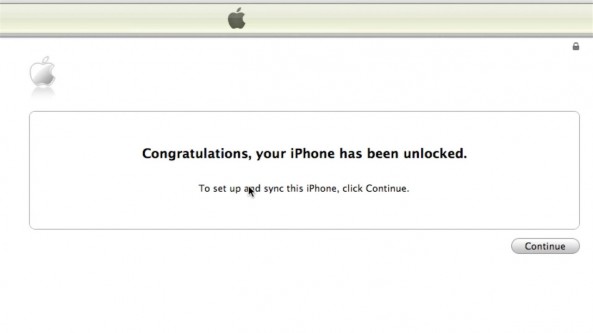
All I had to do was pop in my T-Mobile SIM and load up iTunes. I was then presented with a beautiful message that stated: Congratulations, your iPhone has been unlocked.

Oddly enough, this unlock has nothing to do with the SAM unlock method that was revealed earlier this morning. This is a follow up to AT&T's promise to unlock out of contract iPhones...

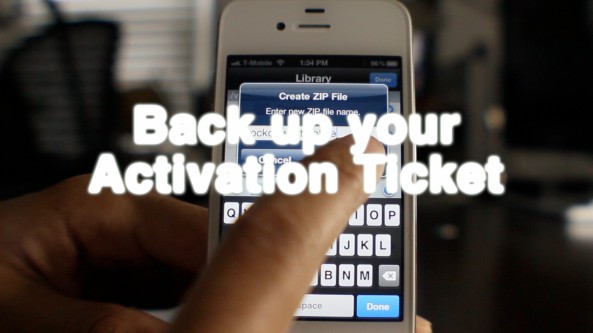
How to backup your unlocked iPhone’s activation ticket

Earlier this morning iPhone Dev Team member MuscleNerd recommended that all who unlock their iPhone using the SAM method backup their activation ticket for future use.

To do so, he suggested that we backup everything contained in this folder: /var/root/Library/Lockdown/ for each SIM card that we use. If you have iFile installed on your jailbroken iPhone, then you can securely backup your activation ticket in less than 5 minutes.

Check out our video how to inside...

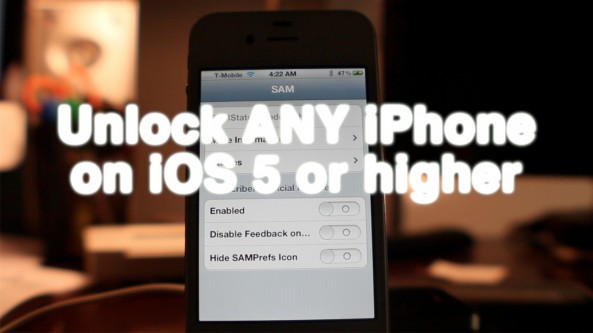
How to unlock any jailbroken iPhone on iOS 5.0 or later on any baseband [Video]

Unlocking the iPhone 4S, and the iPhone 4 just got a whole lot easier thanks to the SAM package unlock revealed earlier this morning.

After alerting you guys to the news, we went into out labs and started testing this for ourselves. After a few failures, we were finally able to come up with a reliable method for making this work every time.

The good news is that this will likely become even easier as time goes on, and needless steps are eliminated. We're already to the point where we can switch back and forth between our AT&T SIM card and our T-Mobile SIM card without having to reconfigure anything. It's pretty awesome.

Check inside for our full tutorial that shows how to unlock any iPhone on iOS 5 or higher (running any baseband) using the SAM jailbreak package...

How to unlock your jailbroken iPhone right now using SAM – confirmed working

Chinese iPhone hacker Loktar_Sun has released a method for unlocking a jailbroken iPhone by yourself using Sam Bingner's SAM (Subscriber Artificial Module) package.

The unlock technique has been verified by iPhone Dev Team member MuscleNerd. He was able to unlock his iPhone 4S and get it running on T-Mobile's network.

This is very big news for iPhone owners everywhere, and means we don't have to wait for AT&T to unlock our phones if we want to use it on another GSM network.

Check inside for more details...

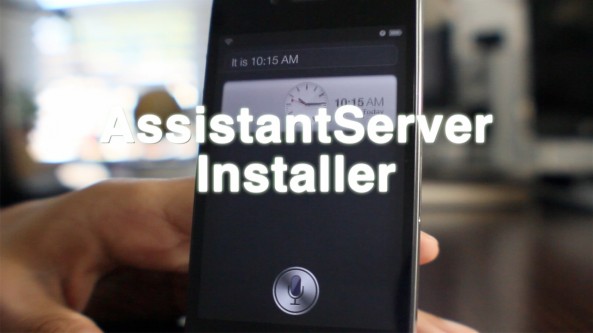
‘AssistantServer Installer’ brings half baked Siri experience to older iOS devices

If you don't have an iPhone 4S, but still want to experience Siri, chances are you've already done so through one of a variety of existing methods.

Since the iPhone 4S was released, numerous methods for providing Siri, or at least some form of her, have appeared for older devices.

AssistantServer Installer is yet the latest way to do so, and the cool thing about it is that it requires minimal configuration to get it up and running at a very basic level...

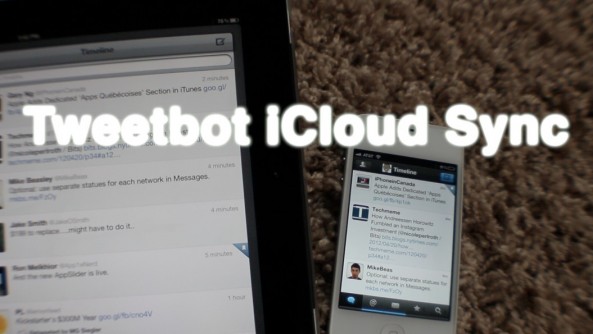
Tweetbot’s iCloud sync is brilliant

A couple of weeks ago version 2.2 of Tweetbot — my favorite Twitter client for iOS — was released to the public.

While that update included a number of interesting new features and obligatory bug fixes, the new iCloud sync capabilities stand head and shoulders above everything else.

One of the things that has always annoyed me about Twitter clients, and by extension Tweetbot, is that there was no reliable method for picking up where you left off across multiple devices. I know Tweet Marker support was there before, but I've never had very much success with it, and it only works with timelines.

I have Tweetbot installed on two iPhones, two iPads, and an iPod touch. As you can probably imagine, it doesn't take long for things to get really messy when tweeting from all of those different devices at various points in time.

That's where the beauty of iCloud comes in. The new iCloud sync makes Tweetbot a seamless Twitter experience, able to sync timelines, mute filters, and even DM read statuses across multiple iOS devices...

‘Forecast’ tweak places a weather widget on your iPhone’s Lock screen

LockInfo was one of the first jailbreak solutions for getting more out of your iPhone's bland and boring Lock screen.

Now the same developer behind LockInfo is borrowing one of that tweak's best features and developing it into a standalone release.

The result is called Forecast, and it provides a cheap and simple method for accessing weather on your Lock screen without needing the full version of LockInfo...

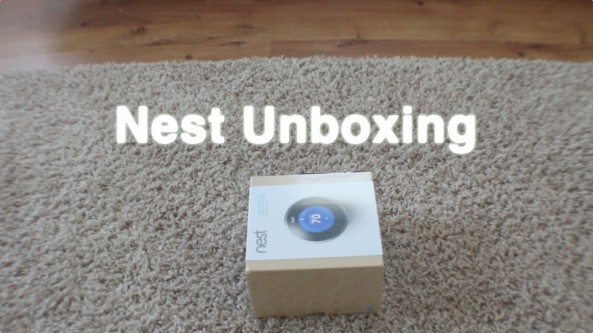
Nest thermostat unboxing and first impressions

The Nest Learning Thermostat is one of those products that makes it finally feel like we’re living in the future that we envisioned as children. One step below Jetsons level tech, the Nest harbors contemporary tech in a pseudo-retro styled metal and plastic body that’s a bit unassuming, if not altogether ironic.

When you sit and contemplate about what the Nest is doing, it doesn’t seem all that groundbreaking, especially considering some of the advancements in technology that we’ve witnessed over the last decade. The wow factor comes from the fact that the creators of Nest found an industry that didn’t dare veer far from the status quo, and essentially turned it upside down...

RedSn0w 0.9.10b7 released for Mac and Windows

A new version of the RedSn0w jailbreak tool was released today, bringing us a nice assortment of new features, and hinting at an even greater things to come...

Beta 7 of RedSn0w 0.9.10 contains a nice assortment of new useful features, including the iPhone 4S and iPad 2 Corona A5 untethered jailbreak for iOS 5.0.1.

Check inside for a full rundown of what's new, and what's new to come...

The iPad isn’t a true desktop alternative for me until it has this feature

Make no mistake about it, the iPad is a wonderful desktop alternative for some. I know plenty of people who use it as their main computing device, which makes it live up to Apple's Post-PC billing.

But there's still one gripe in my mind that is holding the iPad back from true greatness. It's a missing feature that's inherently obvious when you're blogging, or doing anything else that calls for true multitasking.

The iPad needs a way to view two or more apps simultaneously.

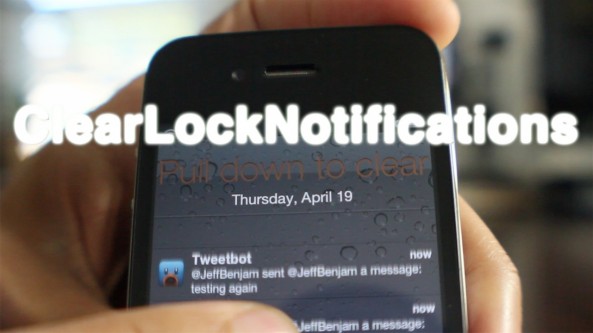
‘ClearLockNotifications’ updated with pull to clear functionality

About 5 months ago we reviewed ClearLockNotifications, and it was pretty good. Now the developer has updated the tweak to make it even better, more intuitive if you will.

ClearLockNotifications now features 'pull to clear' functionality right from the Lock screen. This means that you can clear all of your Lock screen notifications by simply pulling down on the list of notifications.

For a sneak preview of how it works, take a look at our video walkthrough...