Jeff Benjamin

Jeff has been with iDownloadBlog since 2010, acting as resident video specialist, and tutorial expert. He earned his degree in Computer Network Systems back in 2001, but decided Cisco routers and the like just weren’t for him. Since then, he’s been heavily involved with online writing. He’s written for numerous tech and video game sites since the late 1990′s, and has a knack for explaining things in a simple, clear, and concise manner. Jeff works primarily from the east coast on his Retina Macbook Pro, and shoots video with a Canon DSLR. During downtime he likes to travel the world, visiting the various Apple Stores across the globe. You can email him at jeff [at] idownloadblog.com and follow him on Twitter @JeffBenjam or on Google+.

‘Sparrow Plus’ now available on Cydia

[tube]http://www.youtube.com/watch?v=8AfGbZv7gQM[/tube]

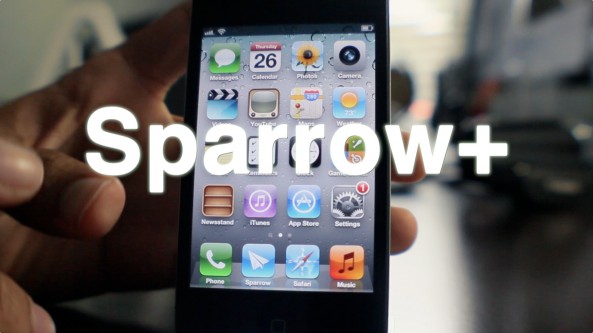
Sparrow+ — the jailbreak tweak that allows you to set Sparrow as the iPhone's default mail client, along with enabling push notifications — is now available on Cydia.

Sparrow is the 3rd party email client that has proved to be a popular alternative to the stock iOS Mail app, despite some glaring shortcomings.

You can download Sparrow+ for free from Cydia's BigBoss repo starting today. You can also download the Sparrow iOS app for $2.99.

Once you give it a try, be sure to share your thoughts on the combo in the comments section.

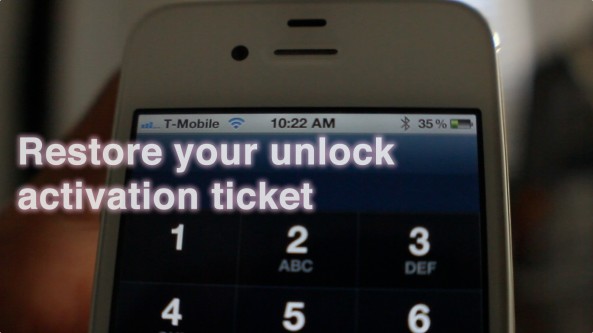
How to restore your SAM unlock activation ticket to unlock your iPhone

Since it appears that Apple has fixed the issue with their activation servers, latecomers to the SAM iPhone unlock party are left in the lurch. Fortunately, not all users have lost the potential to unlock their iPhones.

Those who were proactive enough to unlock their iPhone using SAM, and backed up their activation tickets can still easily restore those tickets and unlock their iPhones if they have to restore their device for whatever reason.

If you're currently unlocked on an unofficial SIM by means of the SAM unlock, backup your activation ticket now before you lose it. We can't stress this enough.

Keep in mind that you will still need a jailbroken iPhone to accomplish this, and you will need your backed up Lockdown folder that you saved-off after successfully unlocking your device the first go-round...

If you meet the criteria, step right inside and take a look at our easy to follow guide for restoring your iPhone unlock...

It looks like the SAM iPhone unlock no longer works

Many readers are reporting that — as suggested last night — Apple has fixed its issue with its activation server that the SAM unlock method relied on.

I've tested the tried and true unlock method that I posted yesterday, and indeed, it's not working for me either.

For those that did successfully use the SAM tool to unlock your iPhone before today, congratulations. Now we just hope that you are proactive enough to backup your activation ticket either manually, or via RedSn0w...

If you haven’t unlocked your iPhone with the SAM unlock, you better act fast before it’s too late

iPhone Dev Team member, MuscleNerd, just tweeted that Apple is currently working on fixing their activation servers.

This means that sooner or later the SAM unlock will no longer work for your jailbroken iPhone.

The good news is that if you backed up your activation ticket like we instructed in our tutorial, your current unlock should be safe for good.

Make Sparrow your iPhone’s default mail client with ‘SparrowPlus’ [Updated]

If you remember my Sparrow review, I said it was a great app that was marred by a few missing features — namely: push notification capability, and the ability to make Sparrow the default Mail app.

In due time the folks at Sparrow will undoubtedly solve the push notification issue, and a few enterprising iOS jailbreak devs have already taken the liberty on that issue as well.

One feature that's not so easy to implement is making Sparrow iOS' default mail client. In fact, unless Apple does a virtual 180 on its current stance, this will never be a feature of Sparrow, or any other 3rd party Email app for that matter.

The only hope to implement such functionality rests with the jailbreak community. In fact, I reached out to iOS developer Majd Alfhaily yesterday, and he graciously accepted my request for such a feature in his upcoming jailbreak tweak coined: Sparrow+.

Want to see it in action? Have a look...

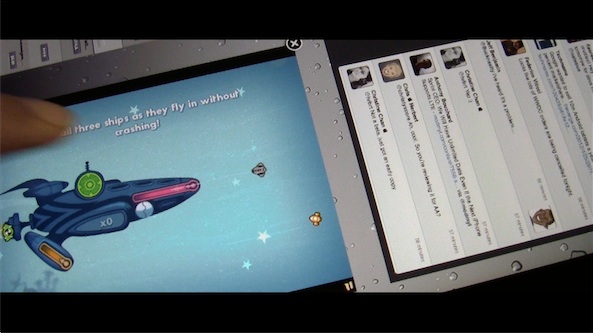
New concept video shows multiple iPad apps running on screen at once

This isn't exactly what I envisioned when I created a concept for MultiLayer iPad app functionality a few weeks ago, but it's certainly a start.

After speaking at length with iOS developer Kyle Howells — the brains behind the awesome jailbreak tweak CardSwitcher — he graciously agreed to compile a specialized version of said tweak, which allows users to interface with multiple iPad apps on the same screen.

This means that it's entirely feasible to play games while watching your Twitter timeline, or check your stock prices while browsing the web via Safari — all from the same iPad.

Running multiple apps on-screen simultaneously has been a dream of many iPad owners. We've seen similar concepts from Kyle in the past, so I'm confident that if anyone could pull this off, it would be him. Check inside for a demonstration video of the concept tweak in action...

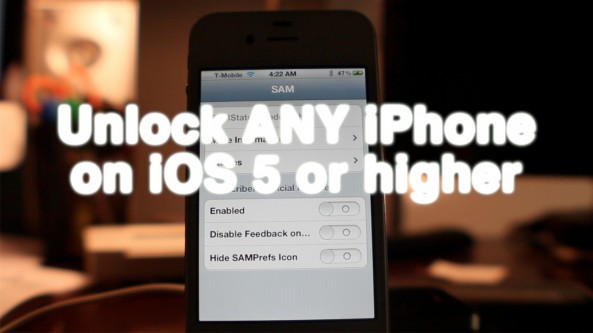
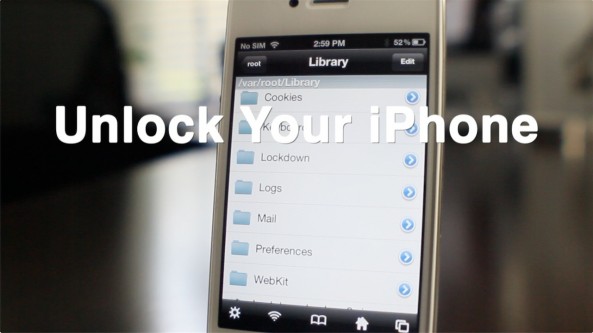
How to reliably unlock your iPhone with the updated SAM tool

If you haven't had much success unlocking your iPhone with the SAM tool, then perhaps this will be of interest to you.

The developer of the SAM tool has updated it to make unlocking much easier than before. In fact, it only takes a few steps in most cases.

You don't need iTunes, you don't need the original SIM that you device is locked to, SIM ID's, or anything like that.

Check out our full how to inside...

Swipebright: adjust brightness by swiping your status bar

This is probably one of the more intuitive ways to adjust your iPhone's brightness from anywhere. Swipebright allows you to adjust your device's brightness by means of a simple swipe of the status bar.

It may not sound all that exciting, but it's a fairly convenient tweak to have, and it only costs $0.99 to add it to your jailbroken iPhone.

Take a gander inside for a full video demo of Swipebright in action...

Top jailbreak videos of the week

What a wonderful week for iOS goodness. Not only did we get an iPhone unlock that works across a variety of devices, we also received awesome updates to Mobile Substrate along with a few new Cydia tweaks.

Be warned, there's a lot of content in this week's top videos post. The Nest Learning Thermostat makes an appearance, along with a new iPad multitasking concept video. All of that coupled with a detailed overview of one of the best iPad remote desktop solutions available makes this week's post a can't miss.

Please be sure to share our iPhone, iPad, and iOS video guides by spreading our posts on Twitter and Facebook.

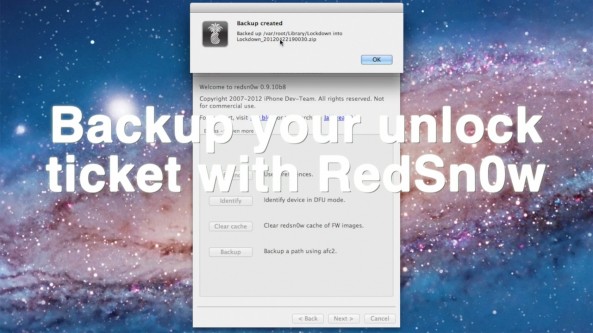
How to backup your iPhone’s unlock activation ticket with RedSn0w

Backing up your iPhone's activation ticket was a step suggested by iPhone Dev Team member MuscleNerd. Fortunately for us, his team has made it even easier to perform such a backup using the latest version of RedSn0w.

This step is suggested for those who take part in the recently uncovered SAM iPhone unlock method. If you followed our tutorial to unlock your phone, we suggest you follow through on preserving your activation ticket as well.

Check inside for a full video tutorial that shows how easy it is to successfully backup your iPhone's unlock activation ticket, and any other file that you want to save locally from your iPhone...