Jeff Benjamin

Jeff has been with iDownloadBlog since 2010, acting as resident video specialist, and tutorial expert. He earned his degree in Computer Network Systems back in 2001, but decided Cisco routers and the like just weren’t for him. Since then, he’s been heavily involved with online writing. He’s written for numerous tech and video game sites since the late 1990′s, and has a knack for explaining things in a simple, clear, and concise manner. Jeff works primarily from the east coast on his Retina Macbook Pro, and shoots video with a Canon DSLR. During downtime he likes to travel the world, visiting the various Apple Stores across the globe. You can email him at jeff [at] idownloadblog.com and follow him on Twitter @JeffBenjam or on Google+.

How to hide the status bar on the Lock screen

I rarely take the time to customize my iPhone with beautiful looking wallpaper, therefore, I don't really mind the fact that many of the Lock screen elements hide much of the wallpaper from view. If you're someone who's really finicky about seeing more of your Lock screen wallpaper, then this new tweak has your name written on it.

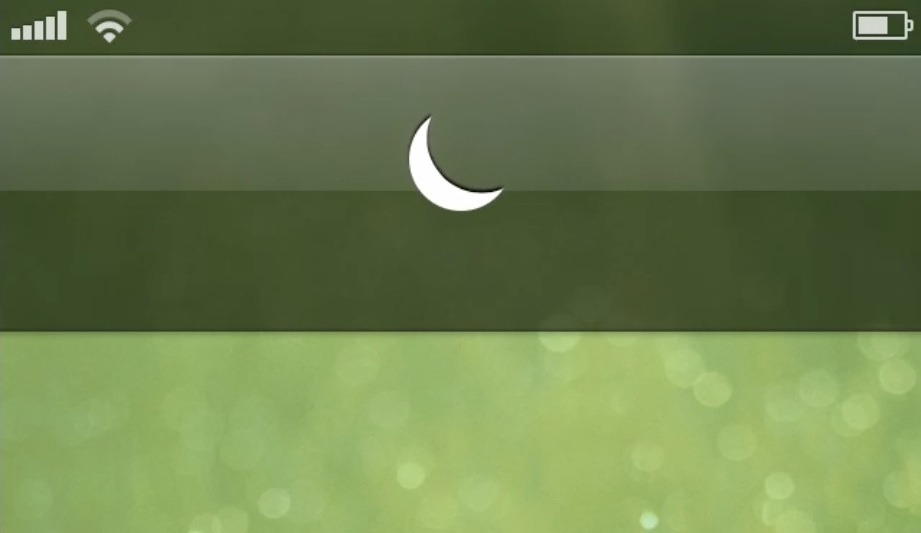
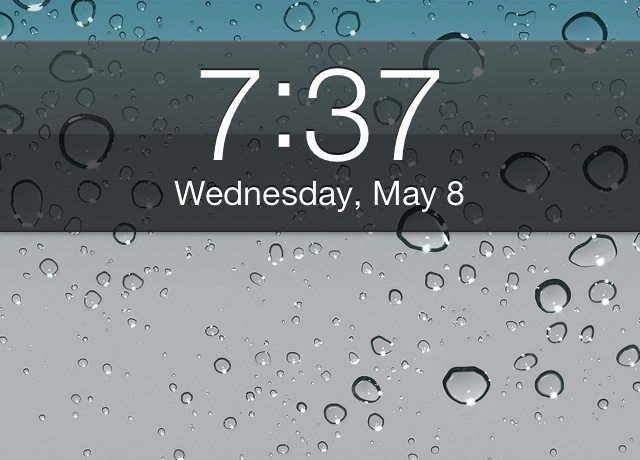
LockStatusHide is a new jailbreak tweak that allows you to hide the presence of the status bar while on the iPhone's Lock screen. In my opinion, it's not a tweak that works well by itself, but when combined with a tweak like Lockscreen Clock Hide, it can do wonders for your wallpaper.


How to search Google using Velox

As we discussed on yesterday's episode of Let's Talk Jailbreak, Velox is great, not so much because of what it does right now, but because of the many possibilities it opens up for future add-ons. Now the add-ons have begun to flow into Cydia, and one in particular allows you to search Google without necessitating the launch of the Google app.

Check out our overview of Google Search for Velox inside.

Let’s Talk Jailbreak 09: Debating over prices

Sebastien and Jeff discuss the debate over the prices of apps and tweaks in Cydia. They also chit-chat in depth about Velox, one of the year's most highly anticipated jailbreak tweaks. Also, don't miss our coverage of this week's tweaks, which include Luna, FullScroll, and more. Oh, and have you ever wanted to know what could happen when you play your Piano Passcode out in public? We've got the answer.

This new Velox add-on lends a stopwatch to your Home screen

As we predicted in our Velox walkthrough, the add-ons for the tweak are proving to be popular, even at the outset of its release. For example, Stopwatch for Velox is a brand new jailbreak add-on for Velox that places a handy stopwatch on your Home screen.

In pure Velox fashion, this add-on allows you to perform a swipe gesture on the stock iOS clock to reveal a usable stopwatch. Take a look inside to see it in action..

I’m Listening: Share your now playing track from anywhere

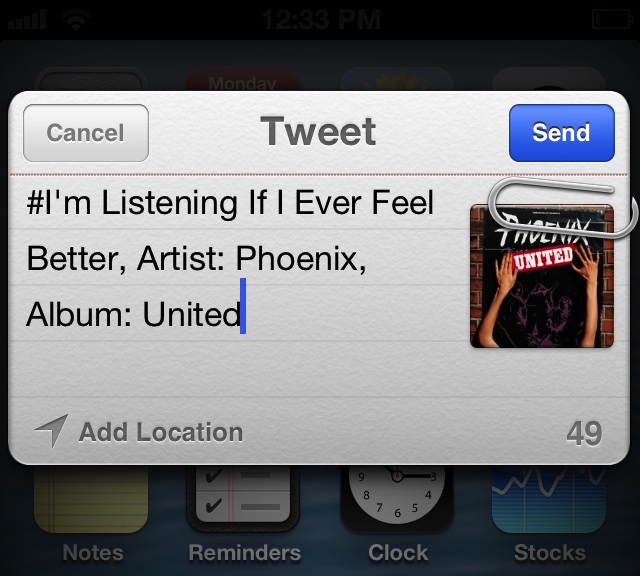
Are you finding that iOS' options are a bit limited when it comes sharing information about the music you're currently listening to? If so, then I'm Listening might be the jailbreak tweak for you.

I'm Listening is a recently released tweak on Cydia, and it allows you to customize the various sharing activities available for your currently playing song. The tweak works with the stock Music app, and also plays nice with 3rd party music apps like Spotify. I'm Listening utilizes a variety of methods: gestures in the app switcher, gestures on the Lock screen, and Activator gestures, in order to share your now playing track. Take a look inside for our hands-on video detail...

How to get an iTunes inspired MiniPlayer on your iPhone

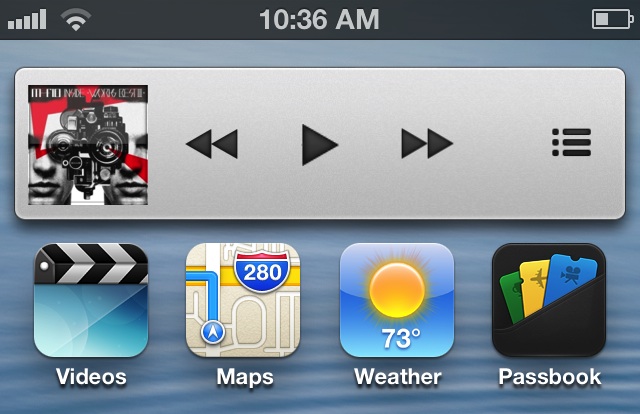
MiniPlayer is a new jailbreak tweak that allows you to add an iTunes inspired mini player to the iPhone. The player can be easily docked on the right-side of the iPhone's screen, and revealed with a simple tap gesture on the album artwork.

MiniPlayer features superb animations, and is based on a concept by Sentry, the designer behind Auxo. If you're looking for a way to spice up the music playing experience on your iPhone, then this is a tweak that you want to check into.

Piano Passcode lets you unlock your iPhone by playing a familiar tune

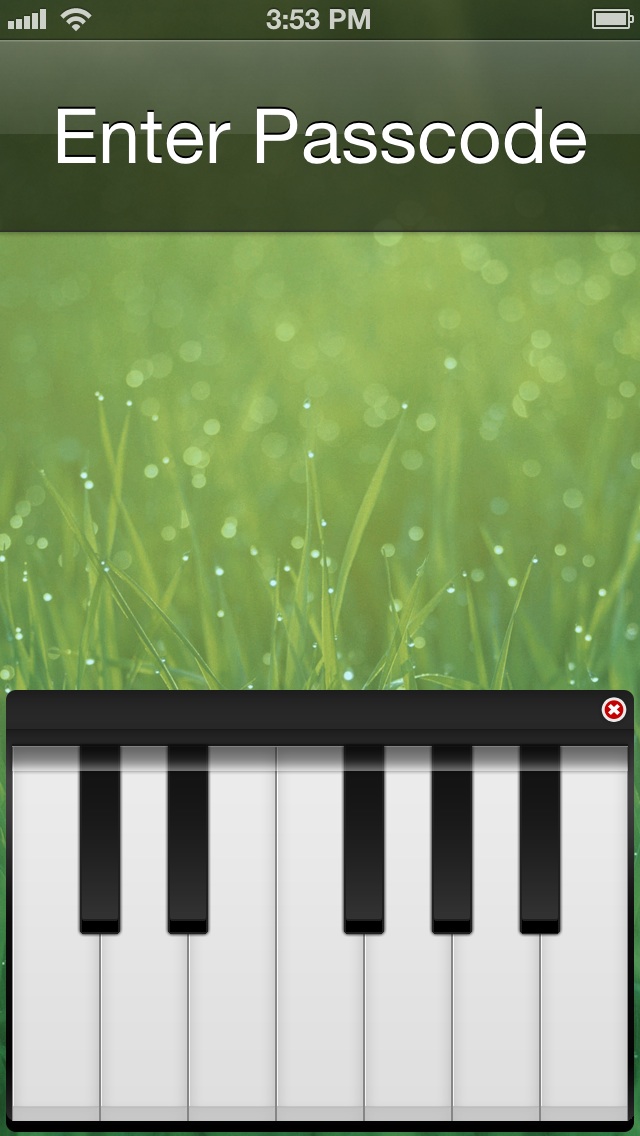
After some teasing, Piano Passcode has finally touched down on the Cydia Store, and I can confirm that it's pretty sweet. The jailbreak tweak, which I've been testing for the last few days, allows you to replace, or augment the iPhone's Lock screen passcode security system with 7 piano keys.

Each of the keys makes a distinctive sound, just as you would expect from a piano. It's not perfect, but when used correctly, it can do a good job of spicing up the iOS Lock screen. Take a look inside as I break down the ins and out of Piano Passcode, and show you how to go about configuring it to work for you.

Luna is an upcoming tweak that lends greater control over Do Not Disturb

Looking for a way to maximize the iPhone's built-in Do Not Disturb functionality? You may choose to look in Cydia for some of the already existing tweaks, or you may decide to hold out for this upcoming collaboration between Ryan Petrich and Sentry.

Yes, Petrich needs no introduction, he's a prolific developer that's created some amazing things for jailbroken devices. Sentry, too, is very well-known for his design concepts and meticulous attention to detail. Luna is based off of Sentry's concepts, which can be seen after the break.

So what does a collaboration between these two look like? Better yet, will you find it to be useful? Look inside for a quick preview of their upcoming tweak called Luna.

LockscreenToggles updated with new dropdown toggles, icons, and more

LockscreenToggles is a very interesting tweak that we reviewed earlier in the week. An update to the tweak was just published on Cydia, which brings a variety of new options to the fore.

The biggest update to LockscreenToggles is the new dropdown toggle functionality. This new type of toggle, aimed at improving compatibility with other tweaks such as Forecast, Pluck, and others, provides you with a row of toggles under the stock Lock screen clock.

Let’s Talk Jailbreak 08: Therapy session

On Let's Talk Jailbreak episode number eight, Sebastien and Jeff discuss some of their favorite jailbreak tweaks to run on the iPad. The pair discusses hot topics like Facebook Chat Heads on iOS, and biteSMS' upcoming new feature. As always, we talk about some of the top tweaks from the past week, and take some of your questions.

biteSMS’ new Quick Compose widget is here

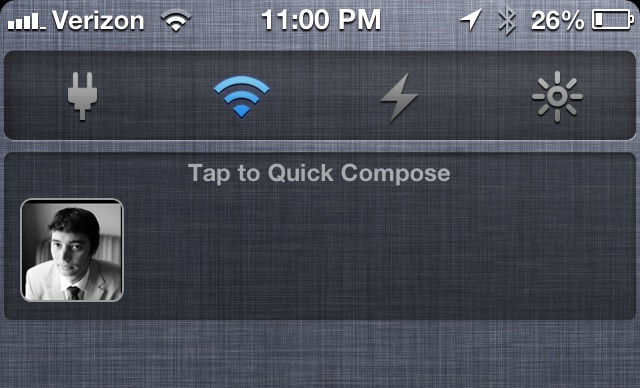
Well, it's not exactly what we were expecting, but it's still pretty intriguing. biteSMS version 7.6.1 is here, and it brings with it a new Quick Compose widget, that, for a time, was referred to as Text Heads.

It's a far cry from the Facebook Home inspired Chat Heads tweak brought to us recently by Adam Bell, but it'll no doubt still be a welcomed feature for hardcore bite fans.