Jeff Benjamin

Jeff has been with iDownloadBlog since 2010, acting as resident video specialist, and tutorial expert. He earned his degree in Computer Network Systems back in 2001, but decided Cisco routers and the like just weren’t for him. Since then, he’s been heavily involved with online writing. He’s written for numerous tech and video game sites since the late 1990′s, and has a knack for explaining things in a simple, clear, and concise manner. Jeff works primarily from the east coast on his Retina Macbook Pro, and shoots video with a Canon DSLR. During downtime he likes to travel the world, visiting the various Apple Stores across the globe. You can email him at jeff [at] idownloadblog.com and follow him on Twitter @JeffBenjam or on Google+.

How to add a circular battery indicator to the iPhone’s status bar

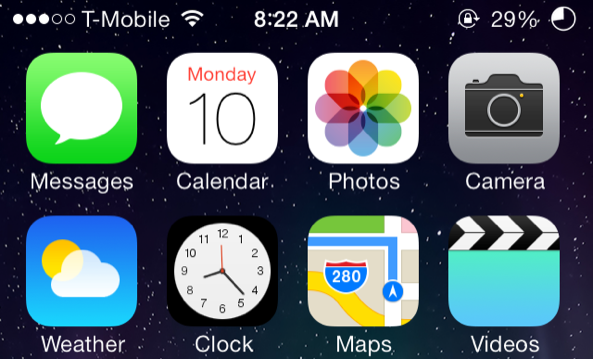
I've been a big fan of Alkaline—the jailbreak tweak that allows you to theme the battery indicator—since it was first released. Not only does it comes bundled with a couple of great looking battery themes, but it has also lead to the contribution of various other themes from members of the jailbreak community.

The latest Alkaline theme to hit Cydia is called Circular Battery, and as its name suggests, it provides users with a circular battery indicator. If you're looking for an easy and subtle way to change up the look of your iPhone's status bar, then this is it. Check out our video for Circular Battery after the break.


Let’s Talk Jailbreak 43: Walking LED

Episode 43: We talk about iH8sn0w's newly discovered iBoot exploit, Saurik's jailbreak tweaks of choice, Sébastien's favorite new passcode related releases, MultitaskingGestures, Eclipse, JellyLock7, UnlockID, and Flex 2. Plus, we answer some of your questions.

Let’s Talk iOS 014: The Flappy Bird blues

Episode 14: We talk about Apple's record breaking fiscal quarter, the health & fitness tracking features rumored to headline iOS 8, the possible use of solar and motion charging to extend battery life for the long-rumored iWatch, and tons more. We also discuss some of our favorite app downloads from the past week, including Facebook's new Paper app, and, of course, Flappy Bird.

Subscribe on iTunes

Thanks to our sponsor:

lynda.com: Learn iOS, Apple software, programming, web design, and more from easy-to-follow video tutorials at lynda.com/letstalkios.

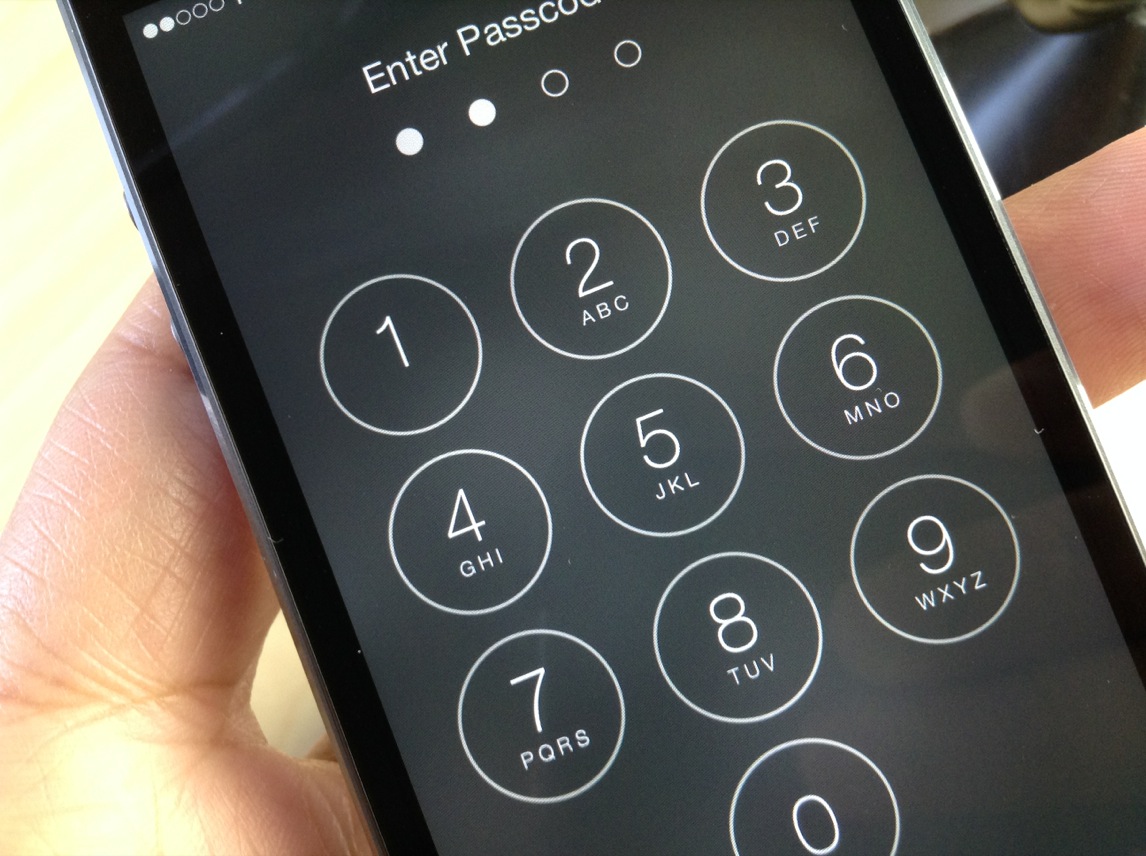
How to set your iOS passcode to your device’s current time

TimePasscode is a new jailbreak tweak that lets you use your device's current time as a passcode to unlock your device. Spurred on by a Reddit request, developer Steve Hetelekides has created a tweak that allows you to have a different passcode with every passing minute.

If you're looking for a way to spice things up on the Lock screen from a security standpoint, then this might be the tweak for you. Have a look inside as we demonstrate how TimePasscode works on video.

How to control the Music app using gestures

Gesture Music Controls is a recently released jailbreak tweak from developer Pat Sluth. Its purpose is to allow you to control the stock Music app, and other music playing apps using gestures. These gestures can be used within the stock Music app, Lock screen, and from within the Control Center overlay.

Users can play and pause music, skip to the next song, go back to the previous song, and even share the now-playing track via social media. Have a look inside as we step through each of the features offered with Gesture Music Controls.

Mesalation: set a passcode grace period with Touch ID enabled

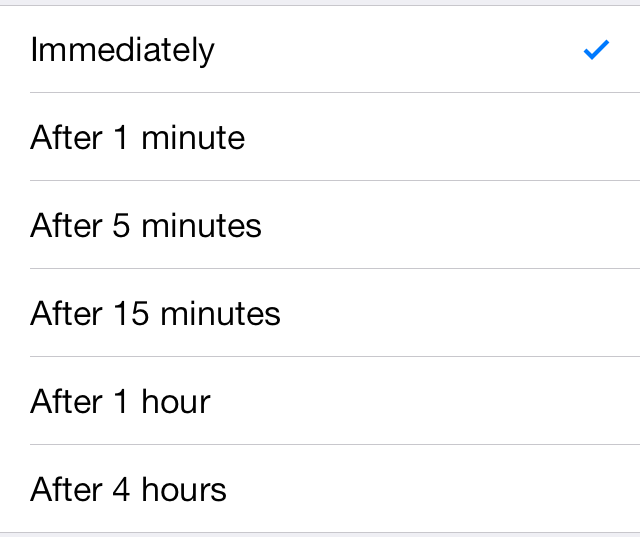
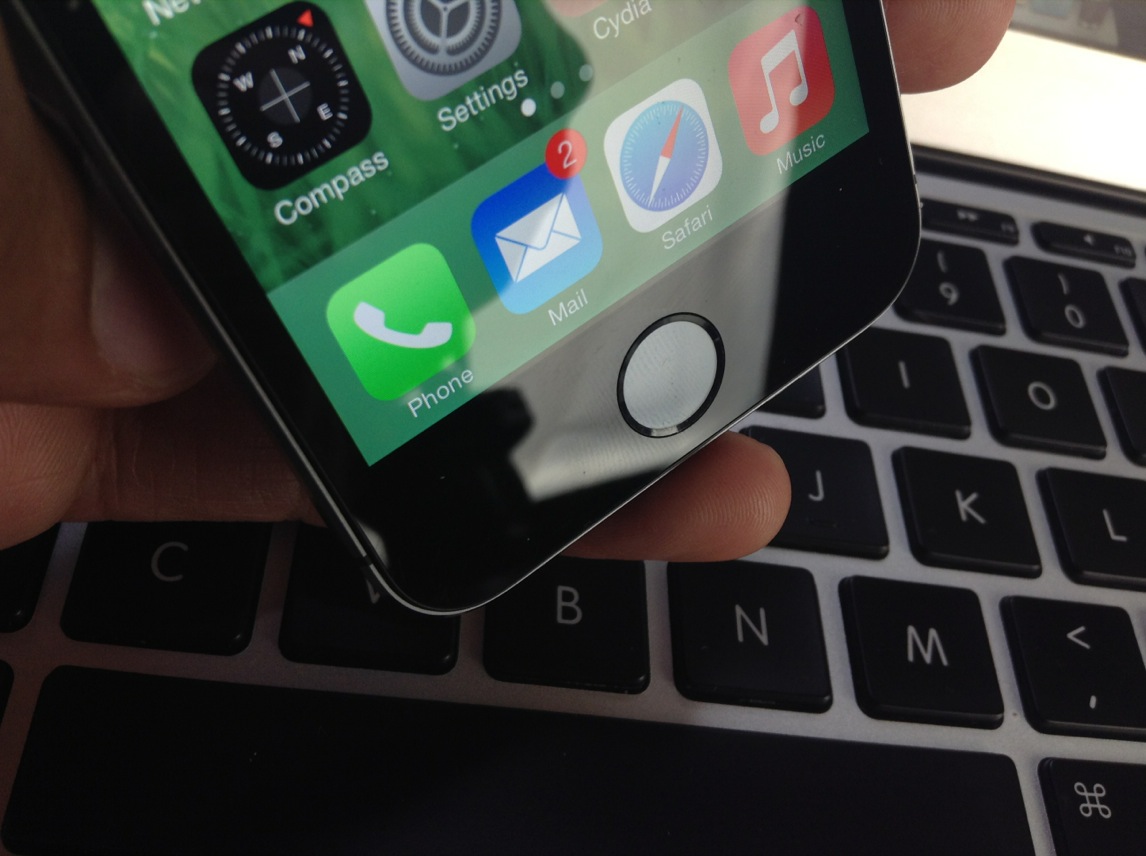
Mesalation is brand new jailbreak tweak from developer r_plus that allows you to get back the passcode grace period list when using Touch ID. Enabling Touch ID on the iPhone 5s forces iOS to require a passcode immediately and there are no options otherwise.

If you're someone who likes to use Touch ID, but don't necessarily like the idea of having to verify every time your device is locked, Mesalation is the jailbreak tweak for you. Have a look at our walkthrough inside for more details on how the tweak works.

‘Controllers for All’ updated with improved game detection and fixes for disconnect issues

Good news for those of you who wish to use PS3 or PS4 controllers with games that include iOS 7 controller support: the Controllers for All tweak has been updated with lots of improvements and fixes.

As we told you via our two walkthroughs, Controllers for All is a jailbreak tweak that lets you use Sony's popular controllers with any game that features iOS 7 support. It's a great tweak, because most iOS 7 controllers are both too expensive and poorly designed. Most of the iOS 7 controllers that we've seen have received mediocre to bad reviews, so it's a breath of fresh air when using Sony's much-heralded hardware.

Just released today, Controllers for All version 1.1.2 features quite a few new fixes and improvements. Have a look inside for the full change-log.

How to add the Now Playing icon back to the status bar in iOS 7

When Apple dropped iOS 7, some of you may have noticed that the now-playing indicator that resided in the status bar was no longer a thing. It appears to have been removed per Apple's sweeping design changes for iOS 7.

NowPlayingStatusBar is a jailbreak tweak that adds the now-playing indicator back to iOS' status bar. Along with the triangular now-playing indicator comes additional option—each of which can be configured by means of the tweak's settings. Have a look at our video inside for a deeper look.

Review: JellyLock7

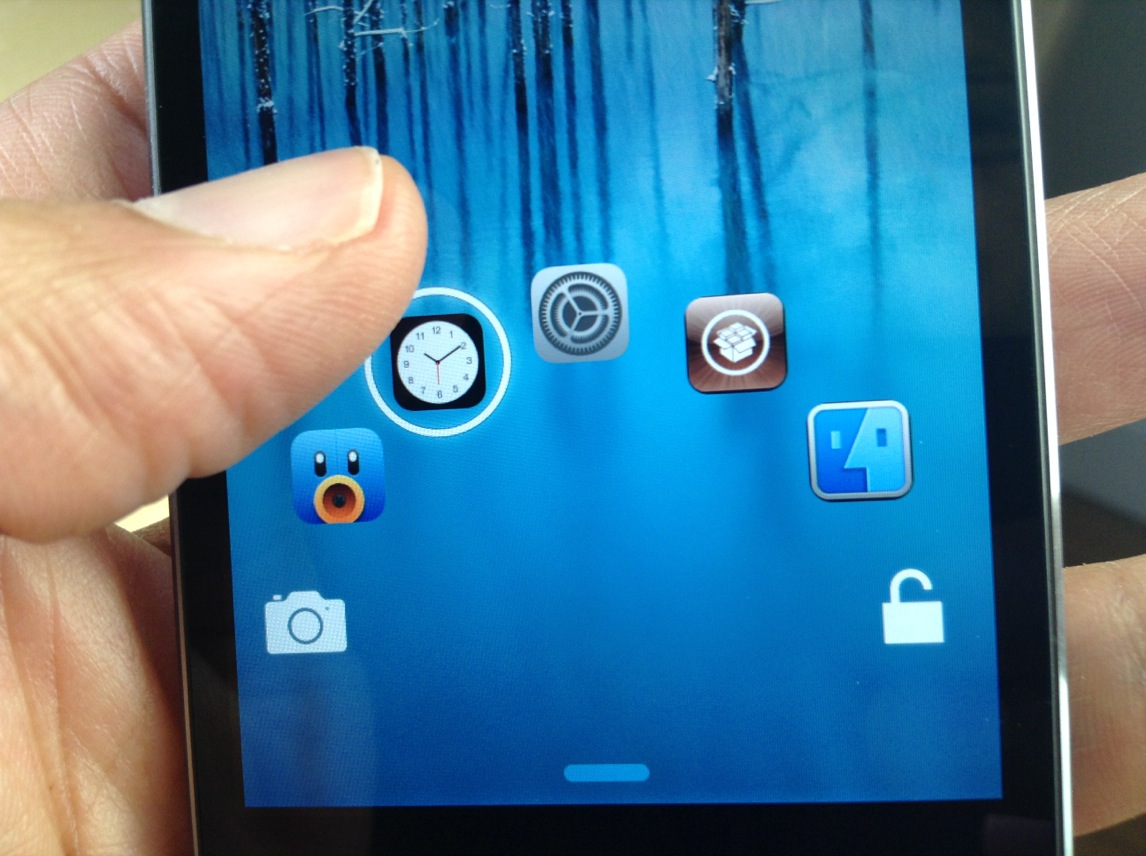
The original JellyLock was an extremely popular jailbreak tweak, because it brought the Android Jelly Bean styled Lock screen to iOS. Now, a new version of JellyLock has just been released, and it sports compatibility with iOS 7.

The appropriately name JellyLock7 is available right now for download. Like its predecessor, it adds some of the conveniences brought to the fore by the popular Android OS. Have a look at our full video walkthrough inside to see the iOS 7 version of JellyLock in action.

UnlockID is a jailbreak tweak that can unlock your Mac with Touch ID

UnlockID is a super-cool new jailbreak tweak that does exactly what the headline says—it allows you to unlock your Mac using the Touch ID sensor found on the iPhone 5s. Using Bluetooth Low Energy, the tweak features a Mac component that allows your iPhone 5s to communicate with your OS X installation.

Although the tweak's practicality may be up for debate, there's no debating the fact that this is one of the most innovate and coolest looking Touch ID tweaks we've seen thus far. We've taken UnlockID for a thorough walkthrough. Check out our hands-on video after the break.

How to add an Apple retail-like demo video to your iOS device

Three weeks ago, reader Sean Webber sent us a tip about enabling the kiosk mode on the iPhone using an extremely simple method. If you've ever been inside an Apple retail store and looked at the iPhones or iPads that have been sitting idle for a while, you know what I'm talking about.

Although we don't have access to the videos that Apple uses, we can still enable the kiosk mode using our own properly named and stored video. Check inside as I show you how to enable iOS' kiosk mode on your device.

Let’s Talk Jailbreak 42: The blue screen of death show

Episode 42: Sebastien talks about using his Pebble Smartwatch with several different jailbreak tweaks. Jeff raves about controlling his Philips Hue lighting system via Control Center, and Cody talks about his experience with the new quick reply tweak, Couria. The crew collectively discusses Filippo Bigarella's latest Springtomize installment, and Jeff gushes about using his PS4 controller with jailbroken iOS devices.