Jeff Benjamin

Jeff has been with iDownloadBlog since 2010, acting as resident video specialist, and tutorial expert. He earned his degree in Computer Network Systems back in 2001, but decided Cisco routers and the like just weren’t for him. Since then, he’s been heavily involved with online writing. He’s written for numerous tech and video game sites since the late 1990′s, and has a knack for explaining things in a simple, clear, and concise manner. Jeff works primarily from the east coast on his Retina Macbook Pro, and shoots video with a Canon DSLR. During downtime he likes to travel the world, visiting the various Apple Stores across the globe. You can email him at jeff [at] idownloadblog.com and follow him on Twitter @JeffBenjam or on Google+.

Flex 2: create your own jailbreak tweaks for iOS 7

When a jailbreak app inspires the creation of its very own subreddit, you know it's something special. Flex 2 is the follow up to one of the most popular apps of last year, and like its predecessor, it allows you to change the way your favorite apps look and feel without having to know the intricacies of iOS development.

To be sure, it doesn't hurt to have some knowledge of development in general, and the logic behind the way things work, but it's not a requirement. Flex features a well-designed and intuitive interface to help you easily modify the way your favorite apps work.

Flex 2 is a much-improved version of its predecessor, and has been re-built from the ground up for iOS 7. But even if you don't run iOS 7, Flex has maintained its compatibility with both iOS 5, and iOS 6, a remarkable feat for a jailbreak app of this nature.

For those of you new to Flex, you should watch our video walkthrough inside for a demonstration of how it works. If you're already a Flex user, then check inside for some of the vital upgrade details that make Flex 2 a worthy successor.

SwitcherBlur: blur the apps in the app switcher

SwitcherBlur is a recently released tweak that does one very simple thing: it adds blur to the app cards in the iOS 7 app switcher. SwitcherBlur uses a simple low-level gaussian blur on all of the app cards, except for the app that you just came from. The tweak is similar to BioLockdown, in that you can protect the contents of your app switcher cards from prying eyes.

But that's about where the comparisons to the feature-rich BioLockdown end. SwitcherBlur prides itself on simplicity, as you'll see in our brief video walkthrough inside.

exKey: add an extra row of keys to the iOS keyboard

exKey is a jailbreak tweak that adds an additional fifth row of keys to the stock keyboard in iOS. The tweak, which works on iOS 5 through iOS 7, allows users to type more efficiently, because they should spend less time switching between the numeric and alpha keys.

When installed and in normal alpha mode, you'll see a set of numeric keys, digits 0-9, grace the top of the keyboard as the new fifth row. When you switch to the numeric keypad, the numbers are replaced with special character symbols.

We've taken exKey for spin in our video walkthrough. Take a look inside for more details on how this productivity jailbreak tweak works.

WinterBoard receives an update to fix status bar issues

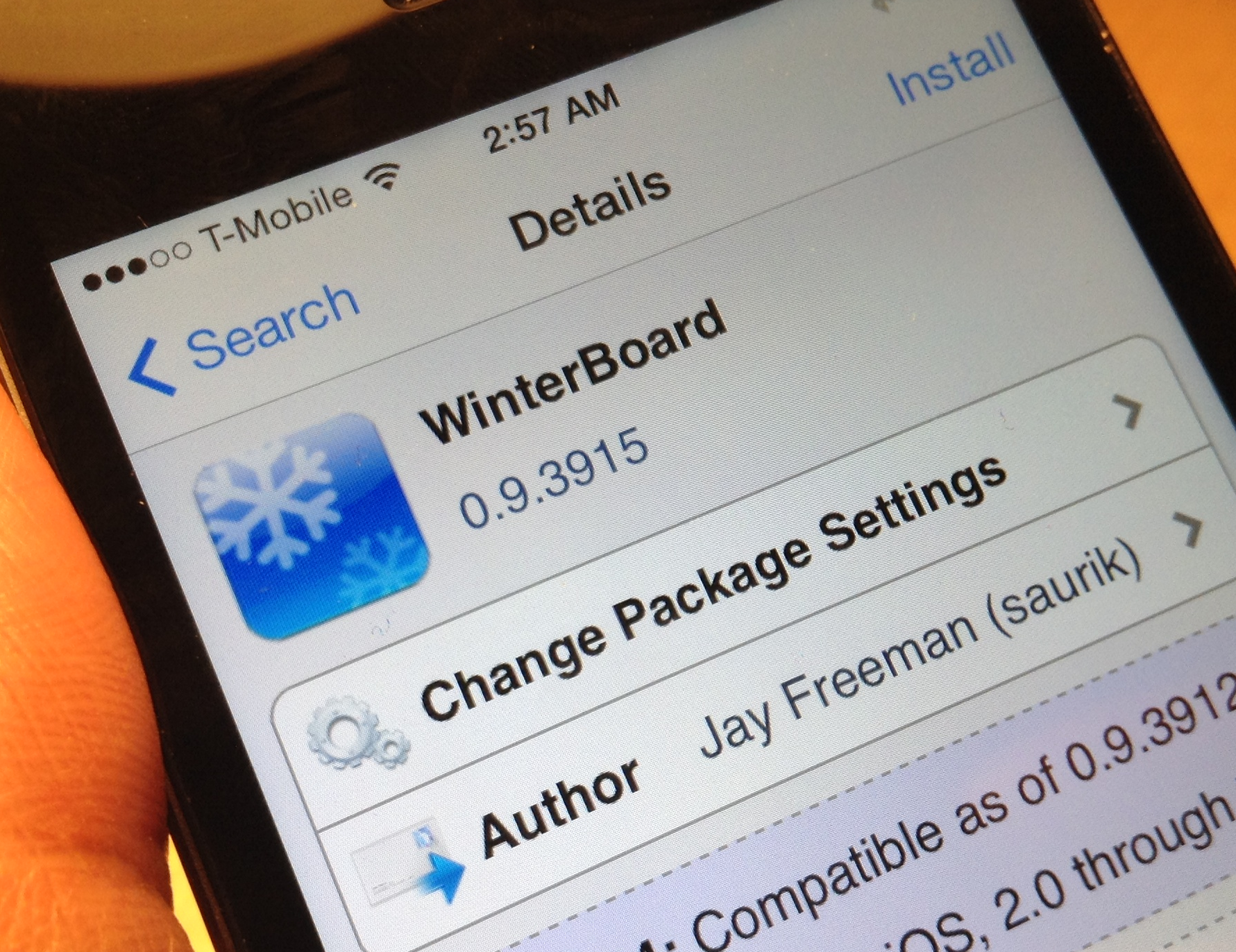
If you've tried any WinterBoard themes lately, then you've probably encountered the annoying status bar caching issue that causes themed status bars not to show up properly. Well, you'll be happy to know that Saurik has released an update to WinterBoard that fixes the status bar issue.

Dubbed version 0.9.3915, this WinterBoard update fixes the status bar issues, solves a problem with WebKit transforms, and has a couple of other fixes up its sleeve. If you're running any WinterBoard themes, then you'll want to be sure to update as soon as you can. Check inside for the full change log.

Couria: add quick reply and quick compose to the stock Messages app in iOS 7

Couria is a jailbreak tweak that allows you to have true quick reply and quick compose functionality for the Messages app in iOS 7. Currently in beta testing, it's a tweak that offers a lightweight alternative to the likes of biteSMS.

We've taken some time to put Couria through its paces in our hands-on video walkthrough. Check inside for more details on how this promising tweak works.

How to bring back the open tab count in mobile Safari

SafariTabCount is a just released jailbreak tweak that displays the current number of open tabs on the new tab button in Safari. This tweak is extremely useful, because without it, you have no idea how many tabs you have open in Safari without opening the list of tabs and counting by hand.

Not too long ago, we had iOS 6, and Safari for iOS 6 included the open tab count right on the new tab button. For some reason, Apple deemed this tab count disposable, and got rid of it in iOS 7.

SafariTabCount is one of those tweaks that I imagine many people will enjoy for its practicality. Check out of video walkthrough past the break for more details.

Eclipse: add a system-wide dark mode to iOS 7

Eclipse is a new jailbreak tweak that brings a system-wide dark mode to iOS 7. The tweak, which should be available shortly on Cydia's BigBoss repo, will cost $0.99.

Dark mode, or nighttime mode as it is often called, is beneficial when using the iPhone at night. It reduces eye strain caused by using a light (and bright) screen while in a dark environment.

Lots of standalone apps incorporate some sort of dark mode; Tweetbot is the one that instantly comes to mind, but iOS itself has never featured a true dark mode at the system level. Eclipse is seeking to change that. It's not perfect, but the developer is on the right track. Full video walkthrough after the jump.

How to get Zephyr-like gestures on iOS 7

MultitaskingGestures is a just released jailbreak tweak that brings Zephyr-like functionality to iPhones running iOS 7. Since it doesn't look like we will see an iOS 7 updated version of Zephyr, developer Hamza Sood has taken the initiative to bring us something similar.

To be clear, MultitaskingGestures is not a 1:1 copy of Zephyr; it brings its own ideas and features to the table, but it's a flattering impersonation of Chpwn's groundbreaking tweak of old. Have a look at our video walkthrough inside to see MultitaskingGestures in action.

How to add an OS X inspired battery indicator to the iPhone’s status bar

MacBattery is a brand new jailbreak theme that allows you to add an OS X inspired battery indicator to the status bar in iOS 7. The theme uses the Alkaline jailbreak tweak in order to modify the battery indicator without having to rely on WinterBoard. We already reviewed Alkaline in an earlier post last week.

If you're looking to switch up the look of your iOS 7 device's status bar, then Alkaline coupled with MacBattery is a good place to start. Have a glance at our full video walkthrough inside.

ScreenshotShareSheet: share screenshots with “open in” support

ScreenshotShareSheet is a brand new jailbreak tweak that allows you to share screenshots using iOS' standard sharing sheet. The tweak also features "Open in" support for opening screenshots within 3rd party applications.

If you're someone like me who takes tons of screenshots on a daily basis, then ScreenshotShareSheet might be a good tweak for you. Have a look at our full video walkthrough inside for all of the details.

SMS Stats 2: monitor SMS statistics on a global and individual contact basis

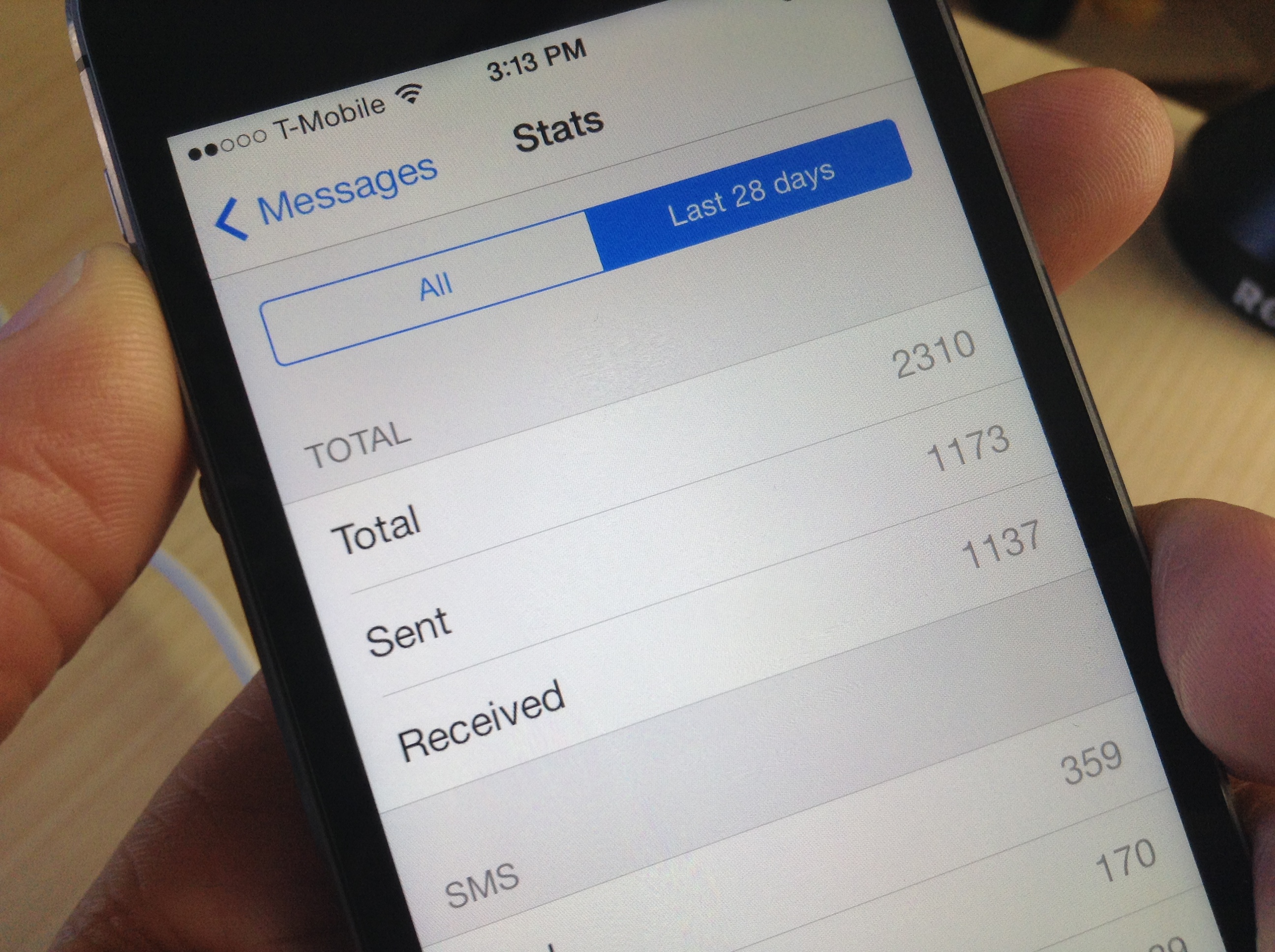
I've never thought of myself as a big text messenger, but I was quite surprised to see how many text messages that I've sent and received over the life of my iPhone. As it turns out, I've sent and received a combined 17,000+ text messages—way more than I expected.

Chances are you'll too be surprised when you see your text message statistics, and there's a brand new jailbreak tweak called SMS Stats 2 that makes it super easy to view them.