Jeff Benjamin

Jeff has been with iDownloadBlog since 2010, acting as resident video specialist, and tutorial expert. He earned his degree in Computer Network Systems back in 2001, but decided Cisco routers and the like just weren’t for him. Since then, he’s been heavily involved with online writing. He’s written for numerous tech and video game sites since the late 1990′s, and has a knack for explaining things in a simple, clear, and concise manner. Jeff works primarily from the east coast on his Retina Macbook Pro, and shoots video with a Canon DSLR. During downtime he likes to travel the world, visiting the various Apple Stores across the globe. You can email him at jeff [at] idownloadblog.com and follow him on Twitter @JeffBenjam or on Google+.

How to enable Tweetbot 3 streaming over 3G/LTE

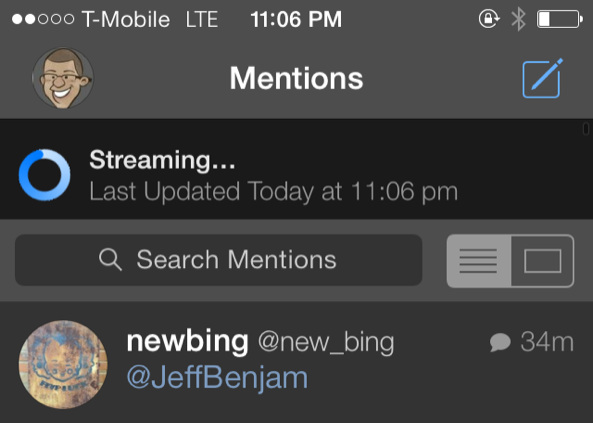
One of the main reasons why I could never see myself switching from Tweetbot 3 to the official Twitter app has to do with streaming. More specifically, Tweetbot allows you to have real-time streaming timeline updates, while the official Twitter app does not.

But even Tweetbot's streaming has limitations. For example, you can't stream your timeline while on LTE/3G, as it only works with Wi-Fi.

Tweetbot 3 Stream 3G/LTE is a brand new jailbreak tweak that allows you to use Tweetbot's streaming timeline while on a cellular connection. Have a look inside for a few more details about this handy tweak.
Review: Springtomize 3

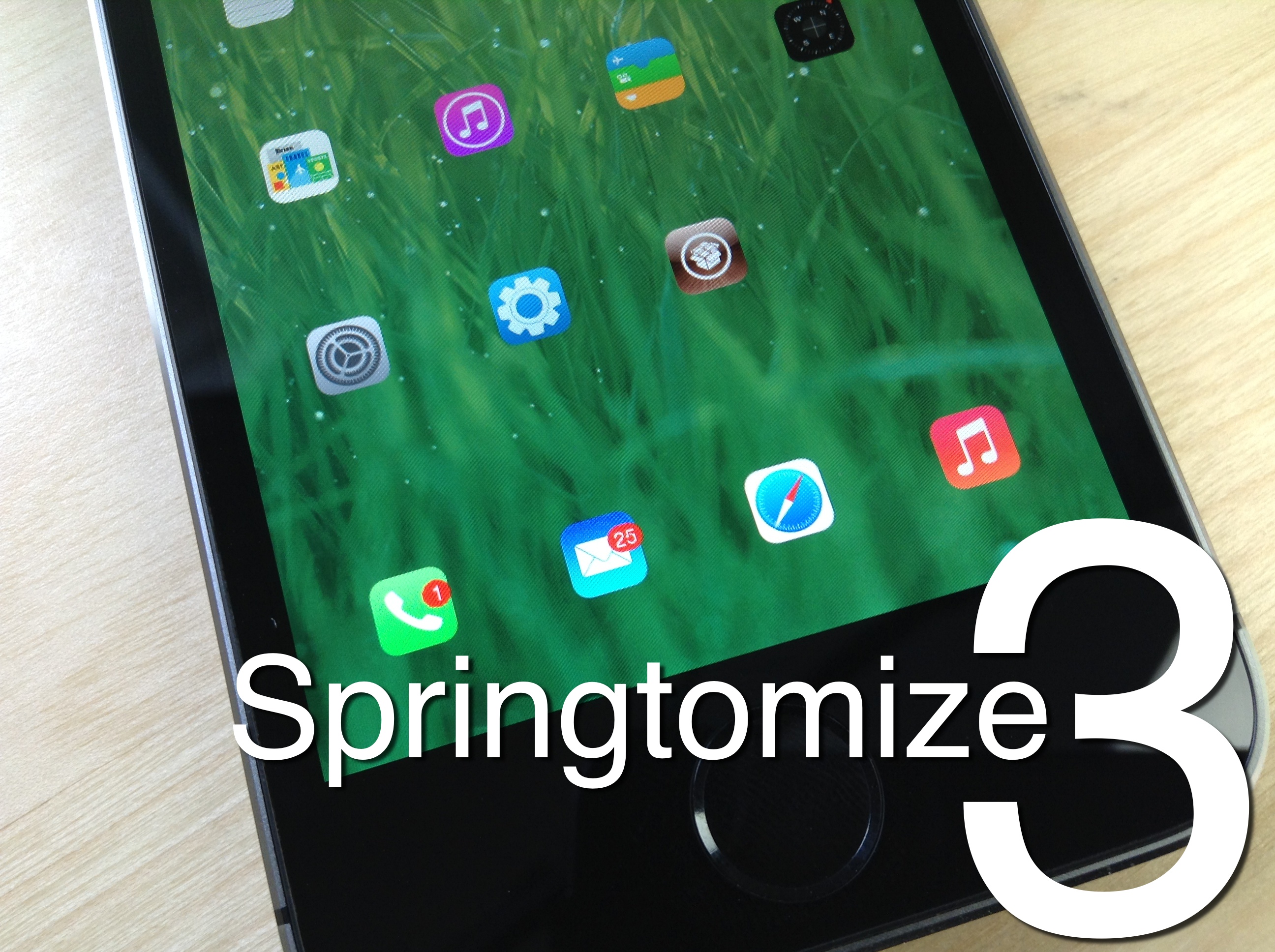
Springtomize 3 is now available for download on Cydia's BigBoss repo, and I'll just get it out of the way and state that I highly recommend it. For those of you unfamiliar with this legendary tweak, Springtomize is basically a way to customize multiple facets of iOS using a single tweak. It's like dozens of tweaks combined into one, and for that reason, many people love Springtomize.

The third iteration of Springtomize is definitely a more evolutionary chapter in the tweak's existence. It's not the game changing tweak that was Springtomize 2, but it still brings more than enough to the table to warrant a purchase without even thinking about it. This is the type of tweak that belongs in the repertoire of every single jailbreaker out there.

Springtomize 3 was built for iOS 7, and it allows you to customize the Home screen, app switcher, Lock screen, folders, and many more areas of iOS 7. Have a look at our full length in-depth video, which covers every section to be found in Springtomize 3.

How to use the PS4 Dual Shock 4 controller to play iOS games on the iPhone, iPad, or iPod touch

Last week I was super excited to bring you a video walkthrough of Controllers for All, a new jailbreak tweak from Ori Kadosh, that brought true PS 3 Dual Shock 3 controller support to games with iOS 7 controller support. The tweak was pretty groundbreaking, in the sense that it meant that you no longer had to pay $100 for an officially sanctioned, and utterly subpar, MFi controller.

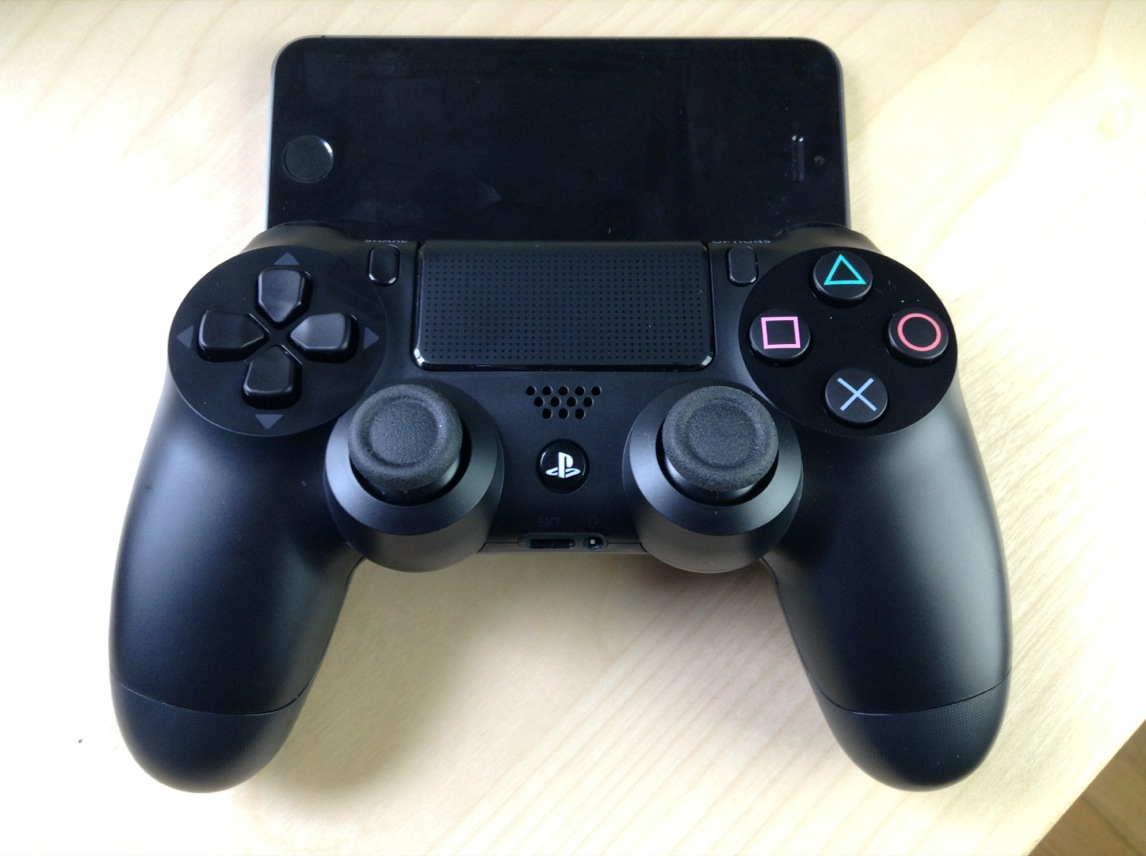
Now Kadosh is back at it again, with his first big update to Controllers for All. This time around, he's added support for Sony's latest offering—the much-hyped Dual Shock 4 controller for the PlayStation 4. The awesome thing about using the Dual Shock 4 controller is that you no longer need to use any outside apps, like sixpair, to pair the device with your iPhone or iPad. All of the pairing is done solely between the controller and your iOS device!

To make a long story short, Controllers for All is the ultimate jailbreak tweak for gamers wishing to have have a better gaming experience on iOS. Have a look at our newest video walkthrough for the tweak after the break

FolderEnhancer: the legendary folder tweak comes to iOS 7

FolderEnhancer used to be one of the first jailbreak tweaks that I installed on my newly jailbroken iPhone. Before iOS 7, you could only have one page of app icons in a folder, and I used FolderEnhancer to get around Apple's arbitrary limits.

With iOS 7's release, Apple has relented, and incorporated some of the features, like paging within folders, that made FolderEnhancer such a great release. For that reason, the new FolderEnhancer for iOS 7 may seem a bit underwhelming for those of you whose jailbreaking experience goes back some time.

That said, FolderEnhancer is still worth checking for. In fact, FolderEnhancer (iOS 7) is a free download for those of you who purchased the original version, and it's only $0.99 for newcomers. Have a look at our video walkthrough inside to see what the latest version of FolderEnhancer is all about.

How to make the Lock screen Status Bar match the size of the Home screen Status Bar

SameStatus is a new jailbreak tweak that does something incredibly simple: it allows you to make the size of the Lock screen status bar match the size of the Home screen status bar.

I'm not sure if you've noticed, but the information contained on the status bar on iOS 7's Lock screen is a bit larger than the same info shown on the Home screen status bar. SameStatus is tweak that allows you to "fix" this issue.

Slo-mo Mod: enable slow motion video capture on unsupported devices

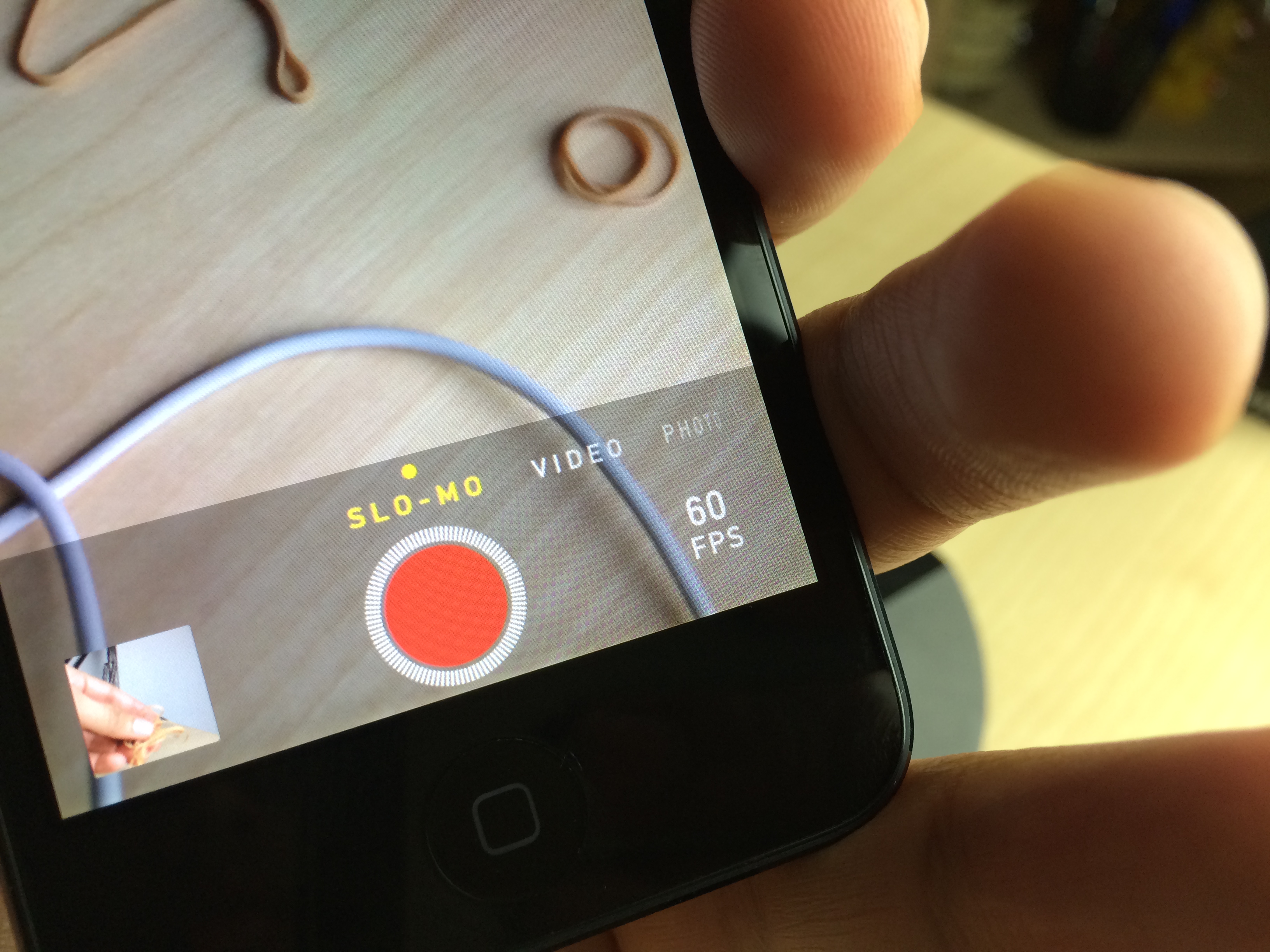
One of the iPhone 5s' flagship features, the Camera app's baked-in slow motion mode, is now available to owners of older devices like the iPhone 5, and the iPod touch 5th generation. Slo-mo Mod is the jailbreak tweak that makes it so that slow motion mode is no longer an iPhone 5s exclusive.

I have to admit, I was a bit skeptical when I first heard of this tweak, but after giving it a shot, I came away thoroughly impressed. No, it doesn't allow you to have 120 fps video capture, but it will do 60 fps on the iPod touch 5th-gen hardware, and that's more than enough frames to come away with some excellent looking slow motion video.

Alkaline: theme the status bar battery indicator without WinterBoard

Sometimes you just want to alter one simple piece of iOS without going full blown and installing WinterBoard. For times like these, a release like Alkaline is just what the doctor ordered.

Alkaline is a brand new jailbreak tweak that makes it super easy to theme the status bar battery indicator. The best part about Alkaline is that you don't need WinterBoard installed to use it.

We've put Alkaline to the test and we've created a video walkthrough for you to see as well. Have a look inside to see how Alkaline works in action.

HideMe7: a tweak designed to hide UI elements in iOS 7

HideMe7 is a new jailbreak tweak that's aimed at folks looking to remove specific UI elements from iOS. The tweak, which is presented as a long list of toggles broken up into various UI related sections, works in some areas, but fails in others.

HideMe7 is a decent way to simplify the look of your iOS installation, but you'd probably be better off holding off for the upcoming release of Springtomize 3, and save your $0.99 to go towards it instead. Have a look at our video walkthrough inside to see what I mean.

How to simplify the look of the Lock screen on iOS 7

One of the better looking Lock screen tweaks for iOS 6 now has an iOS 7 counterpart. SubtleLock (iOS 7) is a brand new jailbreak tweak that allows you to make subtle changes to the Lock screen in iOS.

The idea behind the tweak is to make the Lock screen appear simpler, less cluttered and easy to read. SubtleLock was one of my favorite lock screen tweaks available for previous iOS firmware, and I'm happy to report that this new tweak works just as well as past iterations. Full video walkthrough inside.

How to remove the numbers and letters from the passcode buttons on the Lock screen

Interested in removing the letters and numbers from the passcode buttons on the Lock screen? If so, then SimplePasscodeButtons is a tweak that was created just for you.

SimplePasscodeButtons is an extremely simple tweak (hence the name) that allows you to hide the letters on the passcode screen, or both the letters and numbers. The end result is a a bunch of circles on the passcode screen with nothing inside them. Have a look inside for our video walkthrough and more details.

How to slim down banner notifications in iOS 7

TinyBar is a brand new jailbreak tweak that allows you to slim down the look of incoming banner notifications in iOS 7. The tweak, which is configurable from the stock Settings app, also features the ability to implement scrolling for messages that eclipse the width of the iPhone's screen.

TinyBar is an interesting way to go about customizing the look and feel of banner notifications. Take a look at our video walkthrough inside for a demonstration of how it works.

Let’s Talk Jailbreak 41: Pink is the new blue

Episode 41: We got a new podcast cover so as to better differentiate Let's Talk Jailbreak from Let's Talk iOS. In this episode we talk about Surenix's update to Ayecon for iOS 7, the new Controllers for All tweak that allows you to turn your iOS device into a full-fledged gaming console, and clarify some more key details on Cydia purchases.