Jeff Benjamin

Jeff has been with iDownloadBlog since 2010, acting as resident video specialist, and tutorial expert. He earned his degree in Computer Network Systems back in 2001, but decided Cisco routers and the like just weren’t for him. Since then, he’s been heavily involved with online writing. He’s written for numerous tech and video game sites since the late 1990′s, and has a knack for explaining things in a simple, clear, and concise manner. Jeff works primarily from the east coast on his Retina Macbook Pro, and shoots video with a Canon DSLR. During downtime he likes to travel the world, visiting the various Apple Stores across the globe. You can email him at jeff [at] idownloadblog.com and follow him on Twitter @JeffBenjam or on Google+.

Fleeting: an awesome jailbreak tool for speed reading

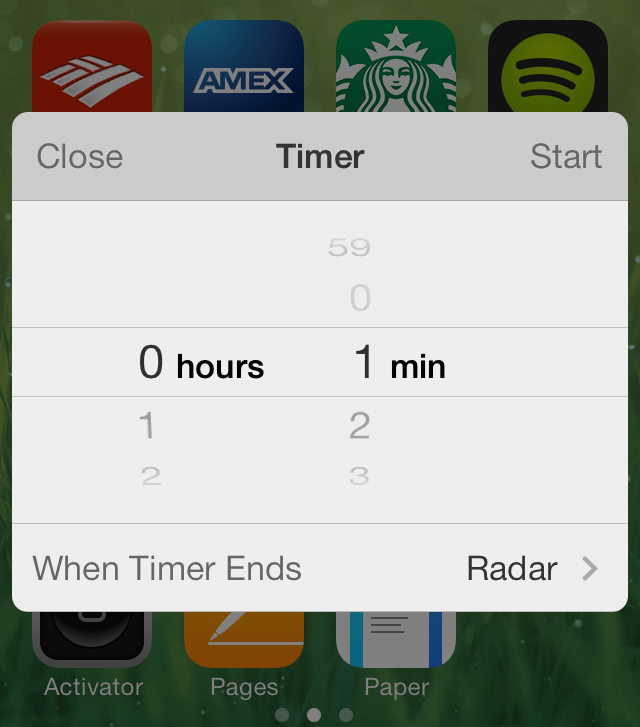
Fleeting is an Action Menu add-on that allows you to select a block of text for speed reading. It contains its own interface that displays one word from the block of text at a time in quick succession. It's done in a way that makes the text entirely legible, even when moving at hundreds of words per minute.

If you've ever been intrigued by the idea of speed reading, then you should check out Fleeting. Have a glance inside at our full video walkthrough for more details.

Let’s Talk iOS 022: Silence is golden

Episode 22: We talk about Microsoft's launch of the Office suite for iPad, our favorite tricks from the ultimate Mail app guide, how to quickly delete apps from the iPhone, and our take on Amazon's major moves in technology. Plus, Sebastien mulls the launching of a new joke section for the podcast.

Subscribe on iTunes

Thanks to our sponsor:

Squarespace: the all-in-one platform that makes it fast and easy to create your own professional website, portfolio, and online store. Use promo code LETSTALKIOS for a free trial and 10% off your first purchase.

Auxo 2 review: one of the best jailbreak tweaks ever gets better

Auxo is dead.

Perhaps that's what some of you thought last June, when you first saw Apple unveil iOS 7 at its 2013 Worldwide Developers Conference. You weren't alone. Even Sentry, the tweak's prolific designer, sat with a temporary moment of dejection as he watched Apple unveil its newest stride in mobile computing.

Less than a year later, Sentry is back, and he's brought along QusicS, a skilled developer who's helped him express a brand new take on a legendary tweak. Whereas the original version of Auxo gained popularity from its full app previews, Auxo 2 is much more of an evolutionary take on iOS 7's App Switcher as a whole.

Ultimately, this has proved to be a wise decision, because Apple's version of the App Switcher is nowhere near the limited mess that it was on firmwares below iOS 7. Auxo 2 is a serious refinement and feature-filled update, and I believe you'll find that it significantly improves the process of switching apps.

We've been testing Auxo 2 since Saturday. Does it live up to the hype? Check out our full review and video walkthrough for the answer.

Let’s Talk Jailbreak 51: The Auxo 2 interview

Episode 51: On this week's episode, we conduct our first live interview with Sentry, the creator of the highly anticipated Auxo 2 jailbreak release, which is due to touch down tomorrow on Cydia. Listen in to hear about Auxo 2's development process, pricing details, compatibility info, and more. It's an enlightening peek into how much work goes into creating one of the biggest jailbreak releases of the year.

How to enable five additional dynamic wallpapers in iOS 7

Do you enjoy using iOS 7's dynamic wallpaper feature? Would you like to get your hands on five additional wallpapers? If the answer to those questions was yes, then you definitely need to check out this jailbreak tweak.

HiddenWallpapers is a jailbreak tweak that's available free on Cydia, and it unlocks five additional dynamic wallpapers for your iOS 7 device. Three of the wallpapers are admittedly a bit pedestrian, but there are two that I think are quite special. Have a look at our video after the break to see the new wallpapers in action.

MathPass: use simple math problems to unlock your iPhone

MathPass is an interesting new jailbreak tweak that's perfect for those who are just beginning to learn multiplication, or for those who just want to stay alert and have a little fun doing it. MathPass asks you to answer simple multiplication problems from the Lock screen, with the product being the Passcode that will unlock your device.

For example, MathPass might ask: ten times one is? Your answer would then be 0010. It's 0010 and not just 10, because you're required to enter a four digit passcode in order to unlock your device. That's pretty much the whole gist of MathPass in a nutshell; check out more detail inside.

How to enable Facebook Chat Heads anywhere in iOS 7

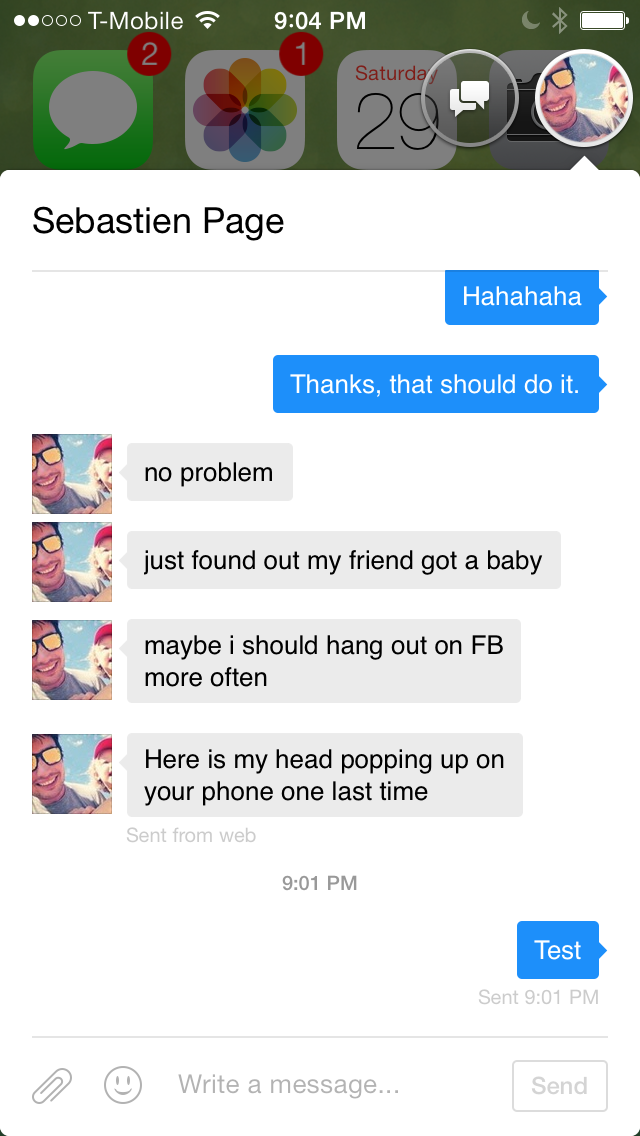
Facebook's Chat Head feature is now available to use anywhere in iOS 7 thanks to a timely update to the well-received MessageBox tweak. If you can remember, MessageBox was the jailbreak release that allowed users to enjoy Chat Heads anywhere in iOS, not just in the default Facebook app.

Developer Adam Bell has updated MessageBox to play nice with iOS 7, freeing the Chat Heads feature from the confines of Facebook's Paper app. Want to see how Chat Heads look in iOS 7? Step inside for our full video walkthrough.

Cylinder: the Barrel-inspired jailbreak tweak now available on Cydia

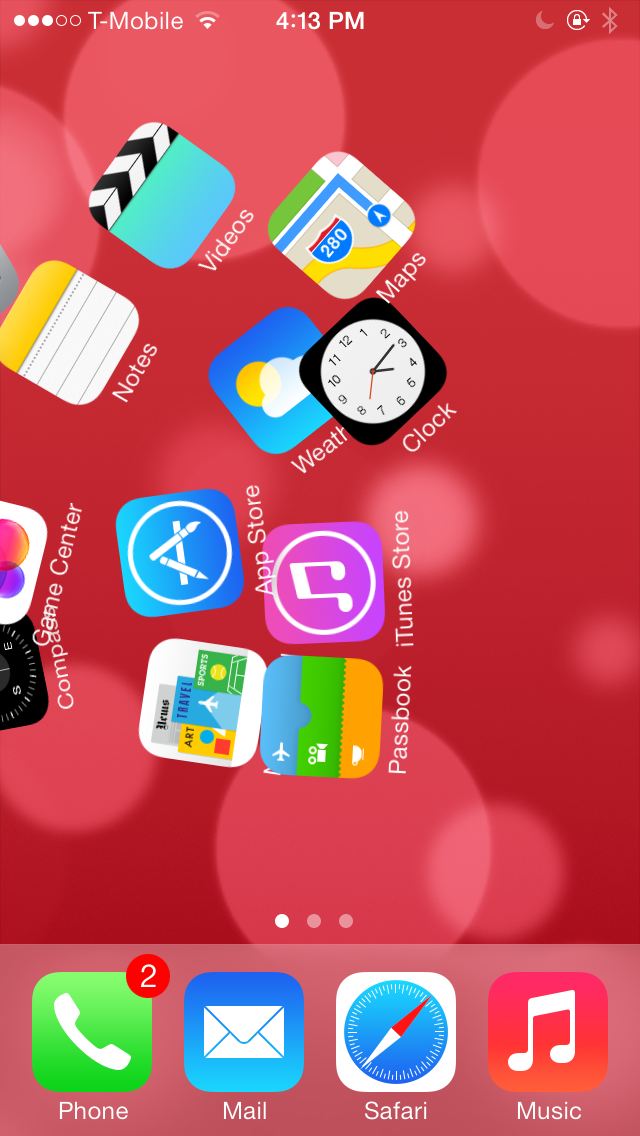
Cylinder—the jailbreak tweak inspired by Barrel—has been updated and listed on Cydia's BigBoss repo. The tweak, which we previewed back in February, allows you to add various animation effects to the icons on your iPhone's Home screen.

The awesome thing about Cylinder is that it allows users to create their own animations via special Lua scripts, and combine multiple animations by layering them on top of one another. Cylinder is a tweak that's much deeper than it might seem on the surface. Check out our updated video walkthrough inside to learn more.

How to remove the slide to unlock arrow on the Lock screen

Have you ever wanted to remove the little arrow icon that resides to the left of the text on the Lock screen? Well, you can now do so by means a new jailbreak tweak entitled NoSTUArrow. As you may have already put together, the "STU" stands for slide to unlock.

Admittedly, this is one of the simplest jailbreak tweaks that you'll find on the Cydia store, but that's what's wonderful about jailbreaking; there's truly something there for everyone. Interested to see how NoSTUArrow works? Have a look at our video walkthrough inside.

Recent ‘ProWidgets’ update adds a simple Grey theme

A few weeks ago, we reviewed ProWidgets—a tweak that I believe is amongst the best of jailbreak releases. The tweak by itself is very well done, but my sentiments were also based on ProWidgets' potential with regard to expandability.

The version of ProWidgets that I reviewed didn't include the simple grey theme that's now available with the latest ProWidgets update. Although it's not technically a third-party theme, this is one of the first big changes that we've seen to ProWidgets since our initial review. Have a look inside as we showcase the tweak's simple grey theme on video.

How to add a respring widget to ProWidgets

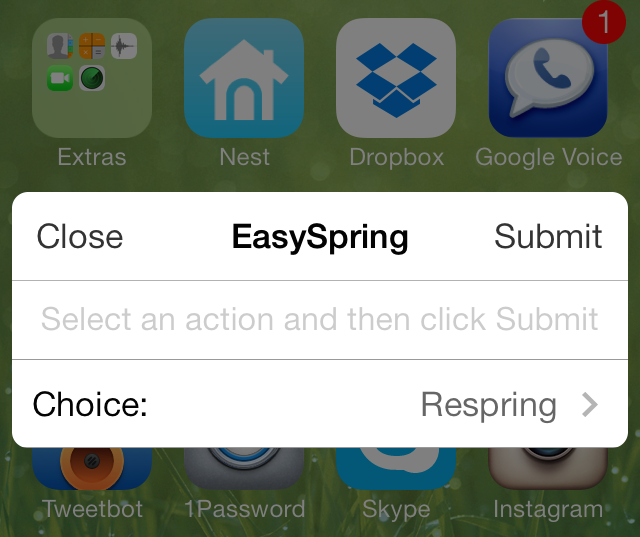
EasySpring for ProWidgets is one of the first, if not the first, add-ons for the ProWidgets jailbreak tweak. As you might have heard, I'm a pretty big fan of ProWidgets, not only due to its great design and functionality, but also due to the potential it has for third-party developers.

Although this initial add-on isn't very exciting, it does show off how easy it is for developers to create good looking widgets. Have a glance past the break as we showcase to you EasySpring—the add-on that allows you to have your own custom respring widget.

How to disable “Cover Flow” in the iOS 7 Music app

The traditional Cover Flow feature that's been a staple of the Music app for many years was finally retired in iOS 7. It was replaced with a cool new album art view that appears when placing your device into landscape orientation.

While the new-fangled Cover Flow view (I'll just call it Cover Flow for lack of an official name) is pleasing to the eyes, some may find it to be an annoyance at best and a hinderance at worst. Needless to say, its usability is questionable, and it arguably places style over substance and convenience.

With that being said, there is a way outright prevent the Cover Flow view from being displayed when placing your device in landscape mode. The solution to the problem is a new jailbreak tweak entitled NoCoverFlow7.