BioProtect by veteran iOS developer Limneos is perhaps one of the most popular jailbreak tweaks ever created for using biometrics to secure your individual iPhone and iPad apps.
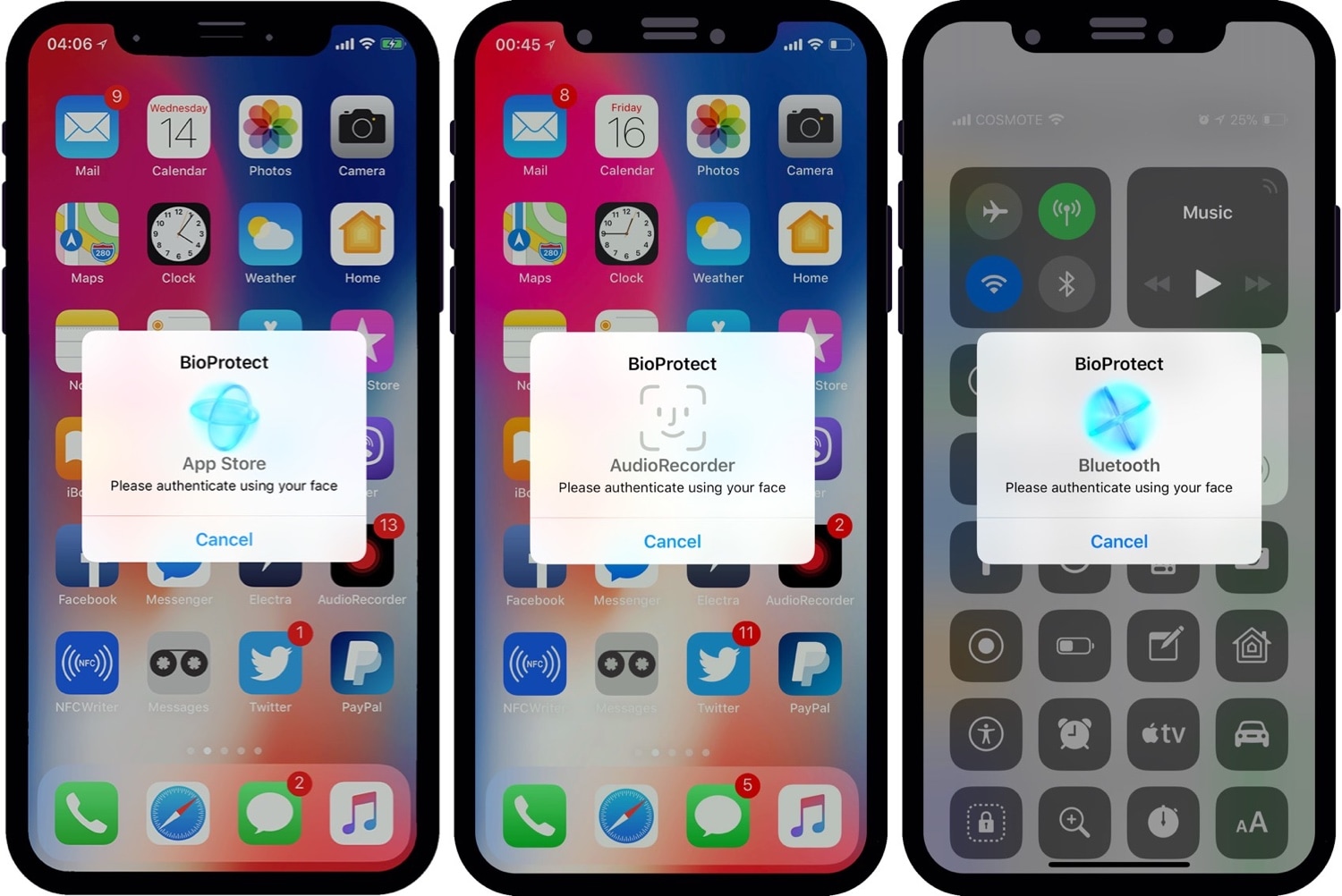
BioProtect by veteran iOS developer Limneos is perhaps one of the most popular jailbreak tweaks ever created for using biometrics to secure your individual iPhone and iPad apps.
We previously showed you two ways to install TrollStore 2 on arm64e devices (A12 and newer) running iOS & iPadOS 16.0-16.5 & 16.6 beta 1 via the kernel file descriptor (kfd) exploit. Those methods encompassed using the Misaka and PureKFD package manager apps, but it’s worth mentioning that you can also use the Picasso kfd-based toolbox app to accomplish the same task, if you so prefer.
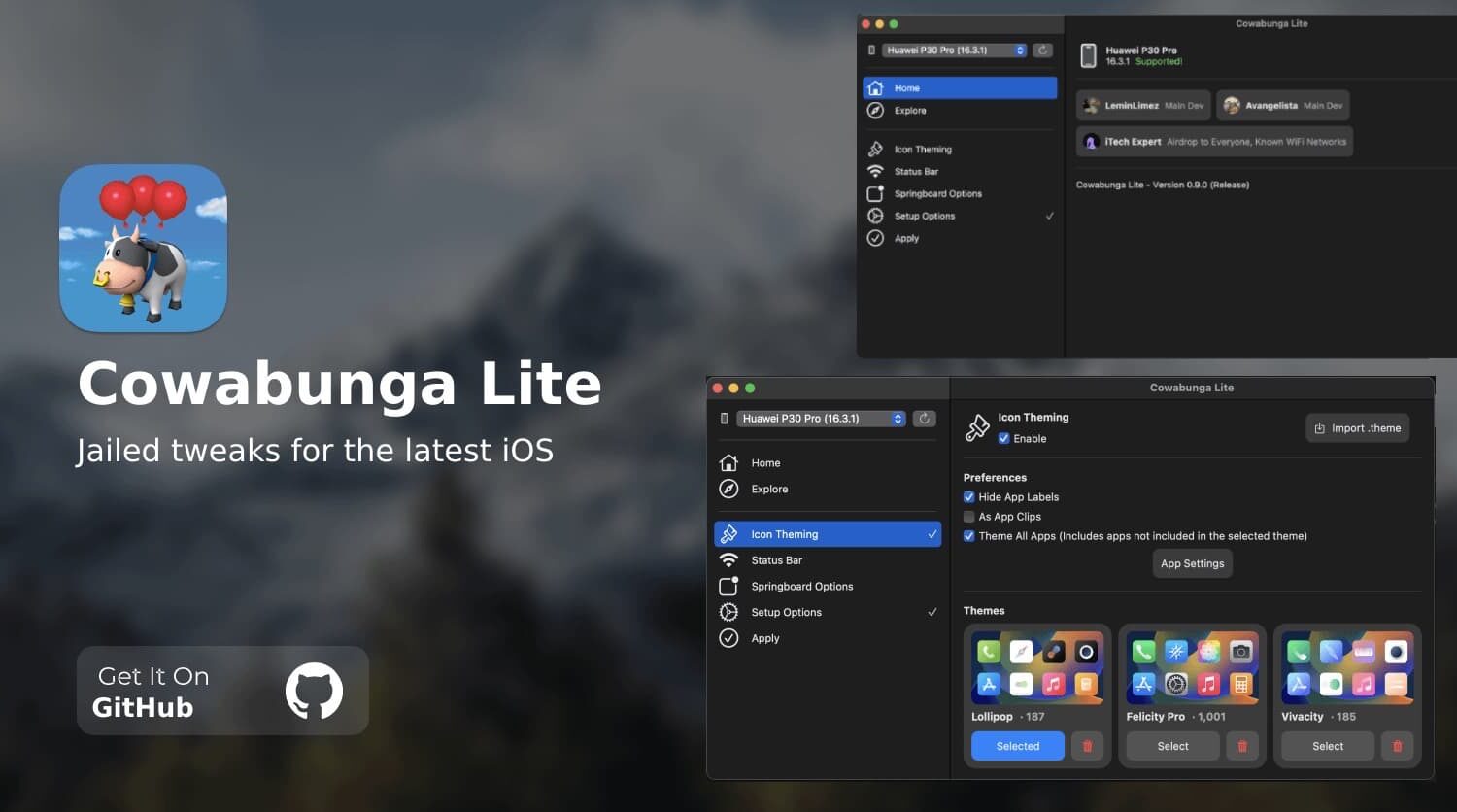
In October of last year, we shared news about Cowabunga Lite for macOS being updated to version 2.0 with a slew of new features and improvements. The project hasn’t received any updates since that announcement; until today, that is.
Anyone looking to elevate their music listening experience on the iPhone would do good to consider using a new jailbreak tweak called Gestune by iOS developer uzra.
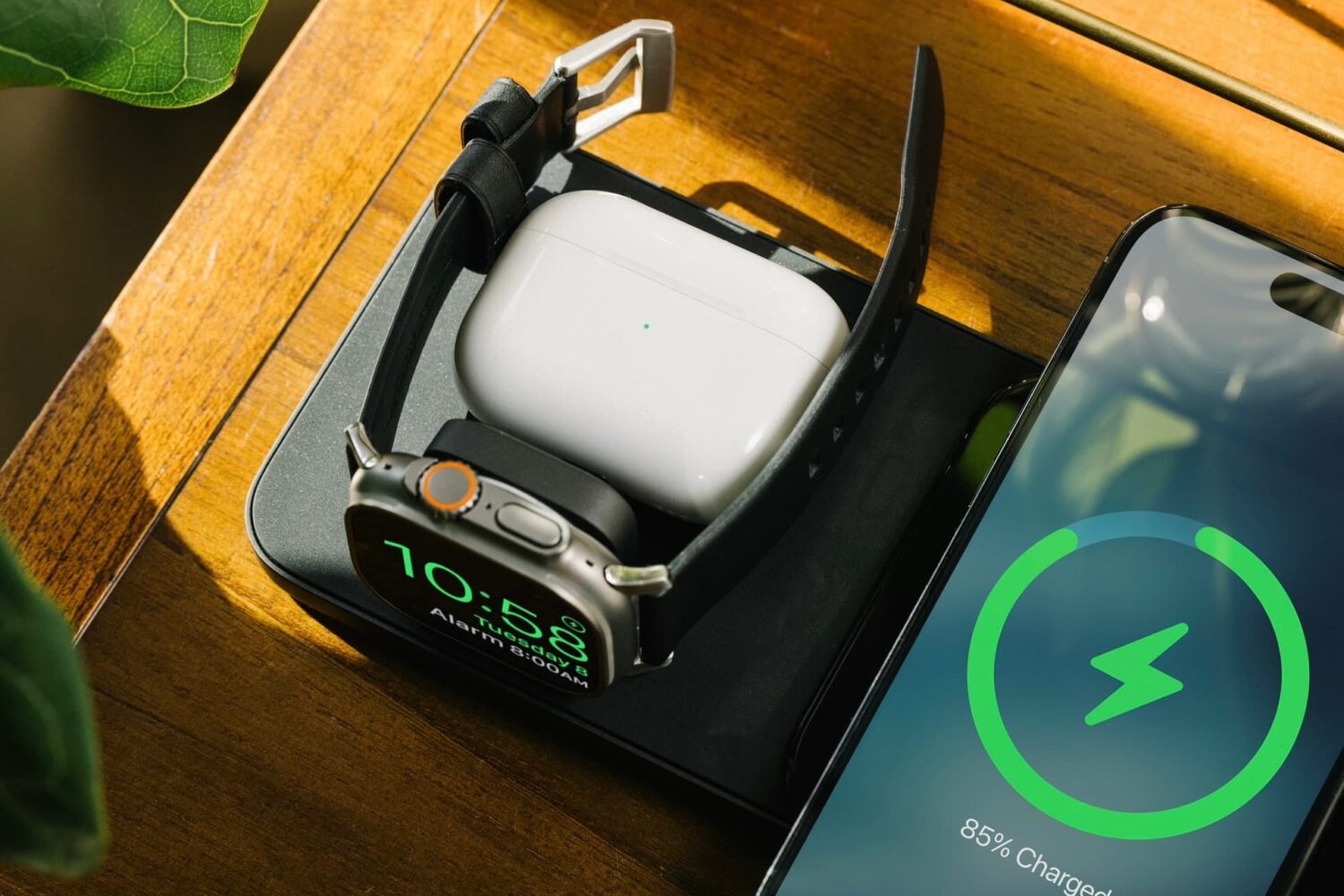
Heads up folks. The insanely popular Base One Max 3-in-1 charger from our friends over at Nomad is currently on sale on the brand’s website for a price you won’t believe.
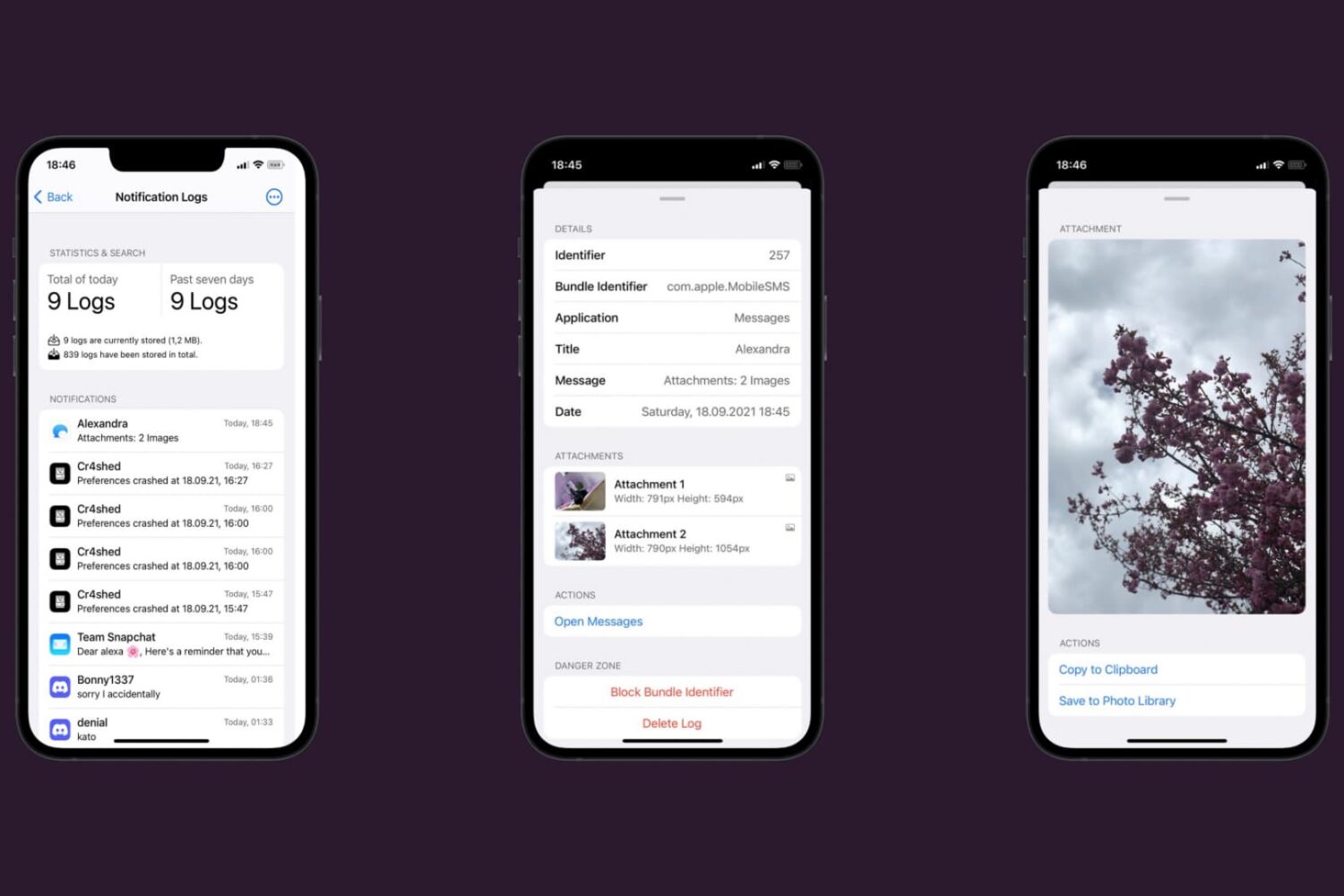
Over the weekend, we showed you a remarkable jailbreak tweak called Senri that logged and archived all of your handset’s incoming notifications so that you could browse through them at a future date.
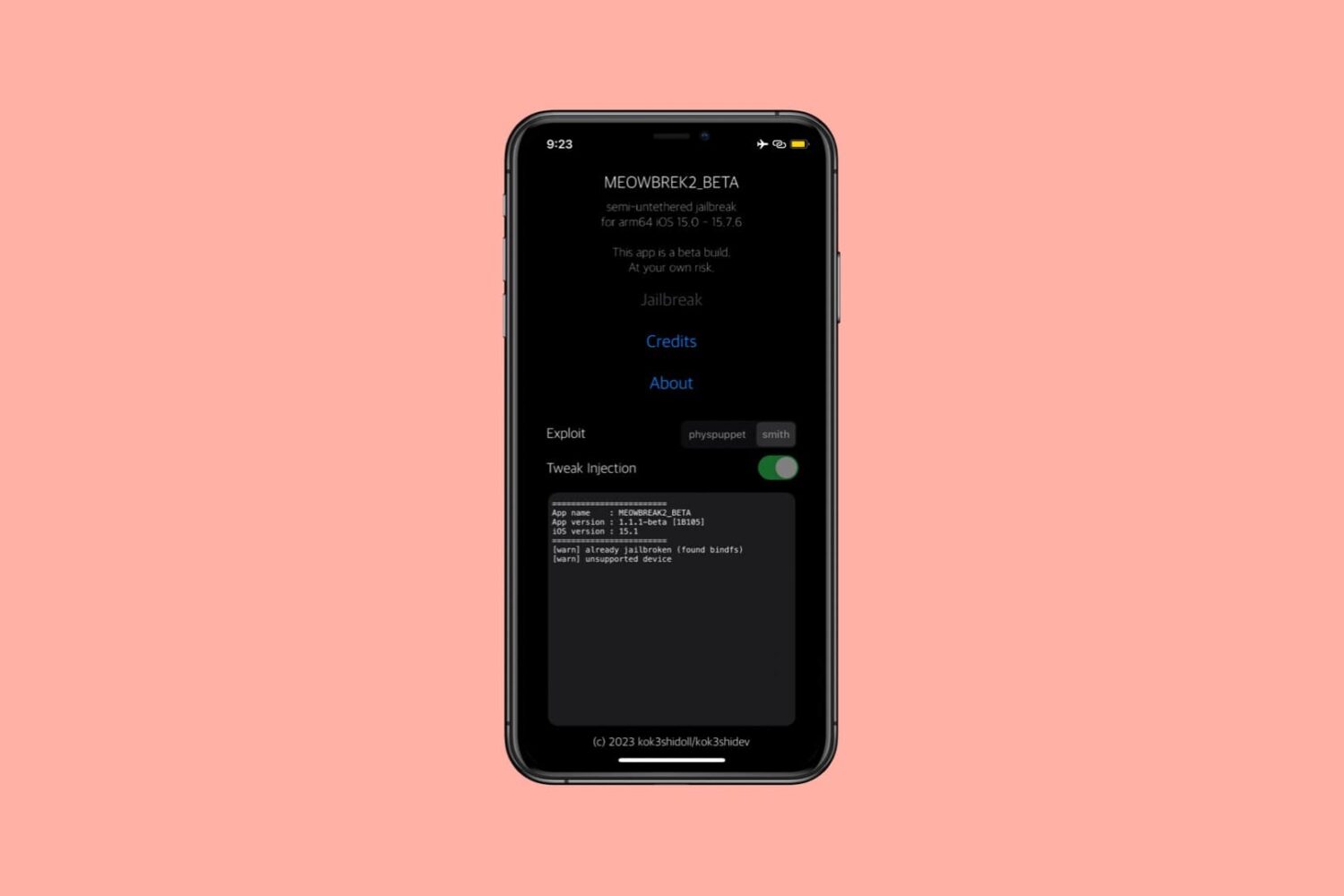
Users of the meowbrek2 re-jailbreaking utility for the palera1n semi-tethered jailbreak tool for checkm8 devices may be excited to learn that an updated version of the tool, coined version 1.1.6 beta, was released this Sunday evening.
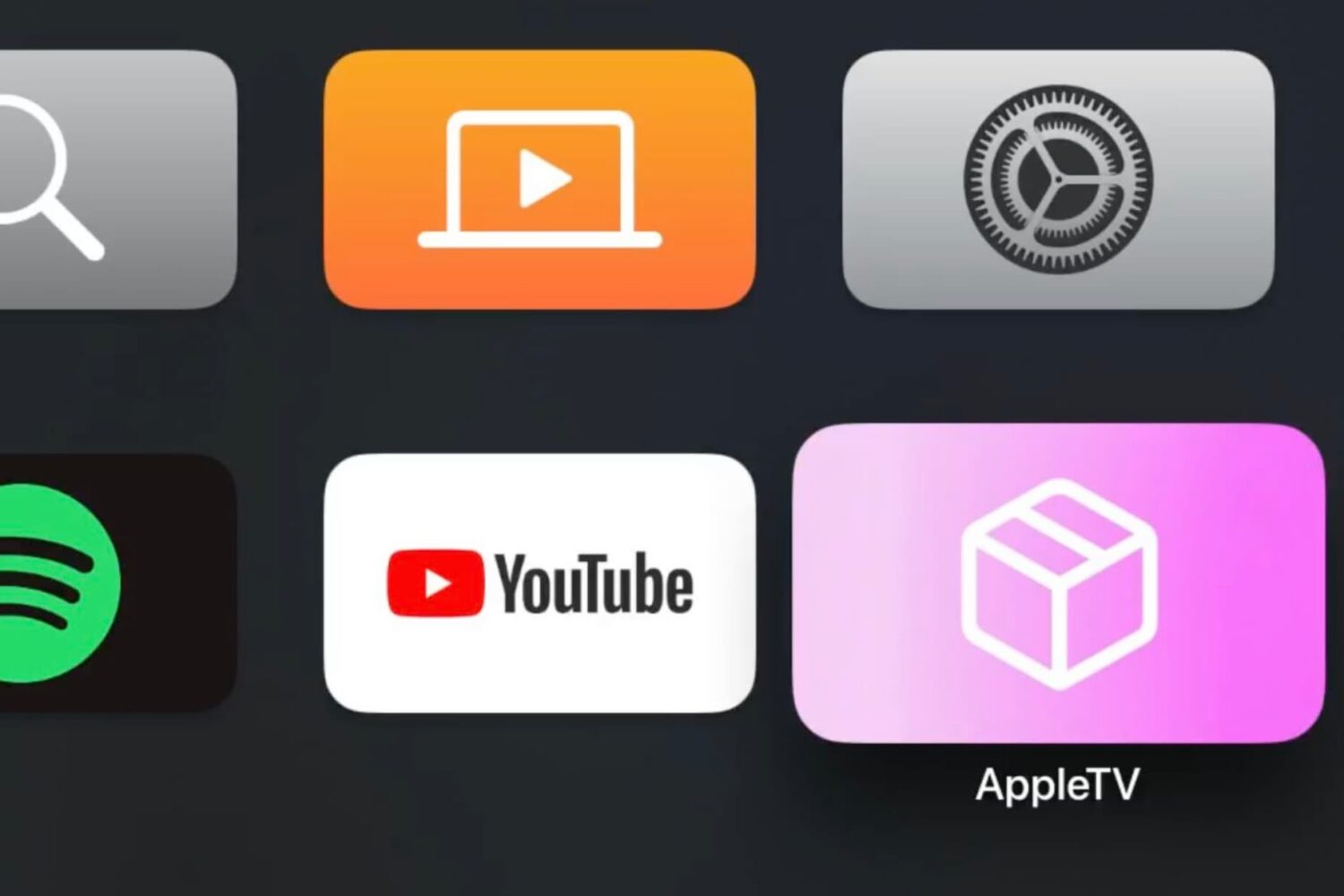
There’s a new update available for the tvOS version of the Misaka package manager app as of this Sunday evening.
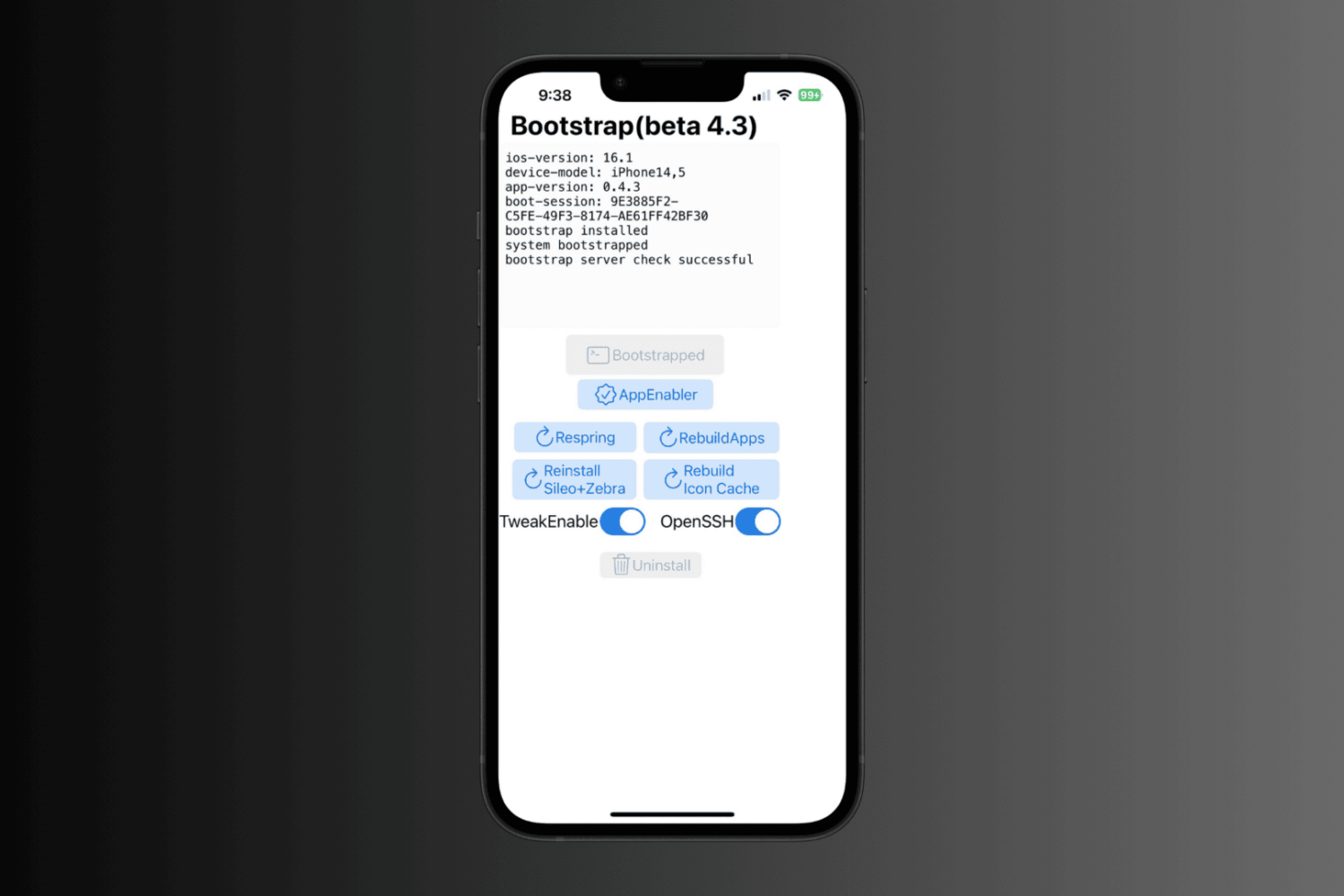
The RootHide development team announced an updated version of the Procursus-based bootstrap on Sunday that introduces a slew of bug fixes and optimizations that will benefit end users and their experience.
The iDownloadBlog team tracks and reports on the latest news in the iPhone hacking and jailbreaking communities as it happens in real time to keep the community apprised. It’s part of what drives us around here, and you can bet we’ll always be your hub for up-to-date information.
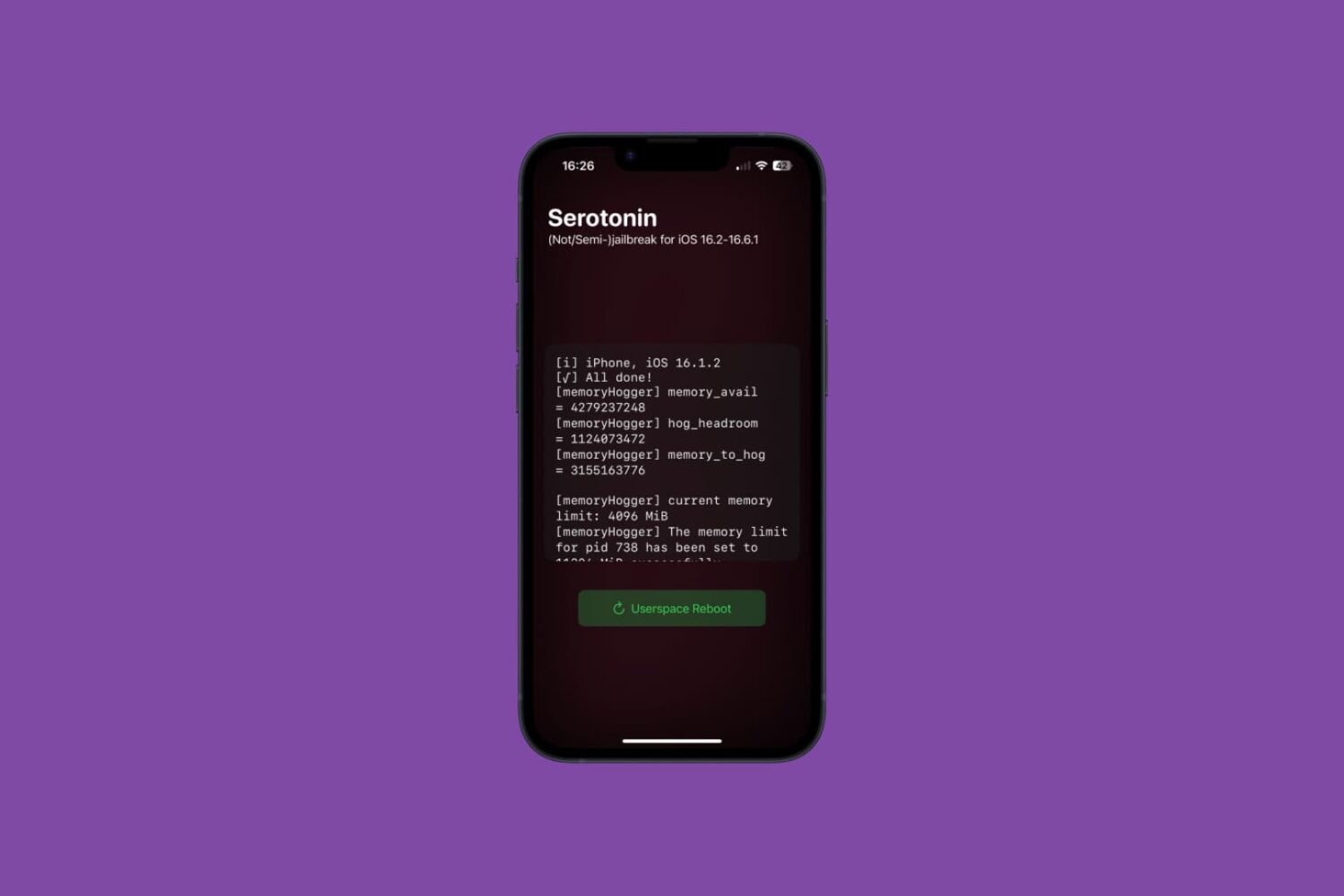
The Serotonin “semi-jailbreak” system tweak injection method for the RootHide development team’s Procursus-based bootstrap received an important update on Saturday, bringing the project up to version 1.2.0.
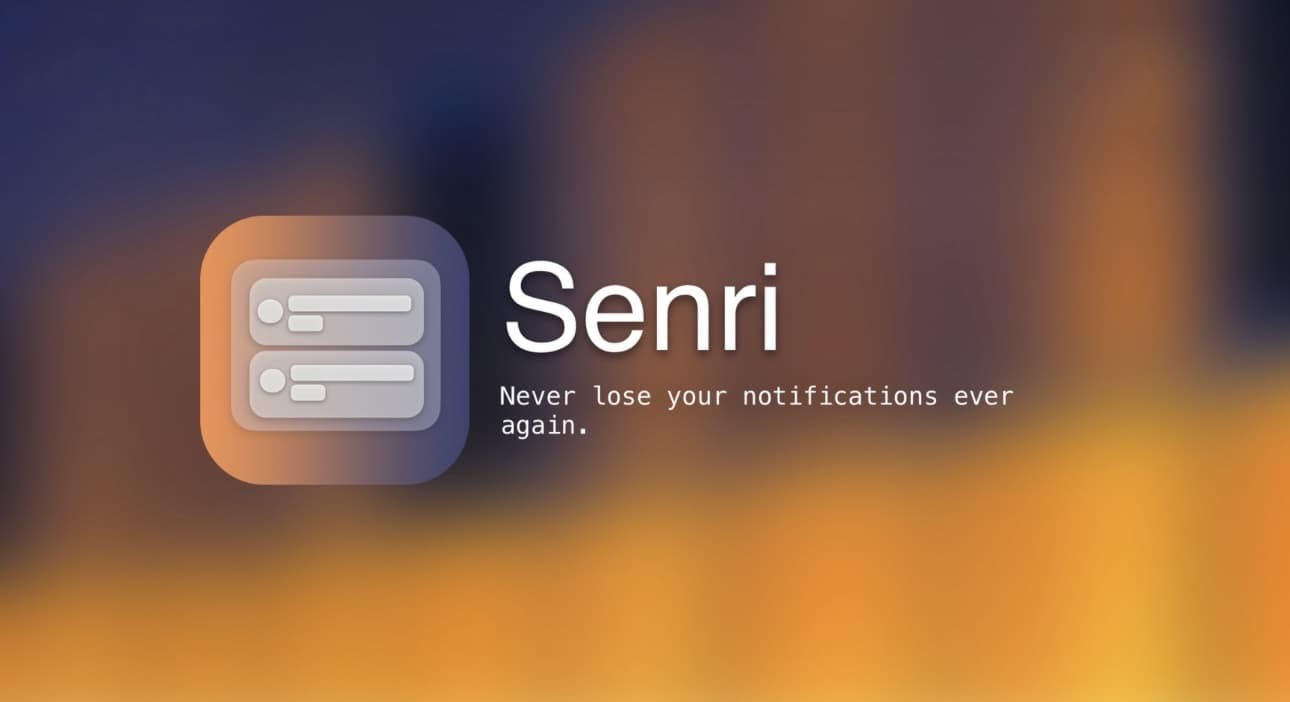
One of the things I’ve always sort of disliked about the iOS & iPadOS notification experience is that once you open a notification, it disappears for good. It runs contrary to how it feels to archive an email you’ve already read and then still be able to search for that email thread again in the future. In some ways, I wish I could do the same with my smartphone notifications.