Anthony Bouchard joined the iDownloadBlog.com team in 2016 after originally covering Apple and iPhone jailbreak news at ModMyi.com. As an experienced editor, he brings more than 15 years’ worth of jailbreaking knowledge to our in-depth guides, opinion pieces, and news articles. His passion for device customization and user choice sparks his strong push to empower readers with the tools they need to explore and enjoy the freedom that comes with jailbreaking. Anthony blogs about not only jailbreaking, but also Apple software & accessories, drones & photography, and Nintendo gaming systems. Anthony honed his advanced technical knowledge over the years with hands-on projects ranging from gaming PC builds to engine repair mechanics. His never-ending hunger for knowledge is why you’ll always find him tinkering – tearing things apart and putting them back together to understand what makes them tick.
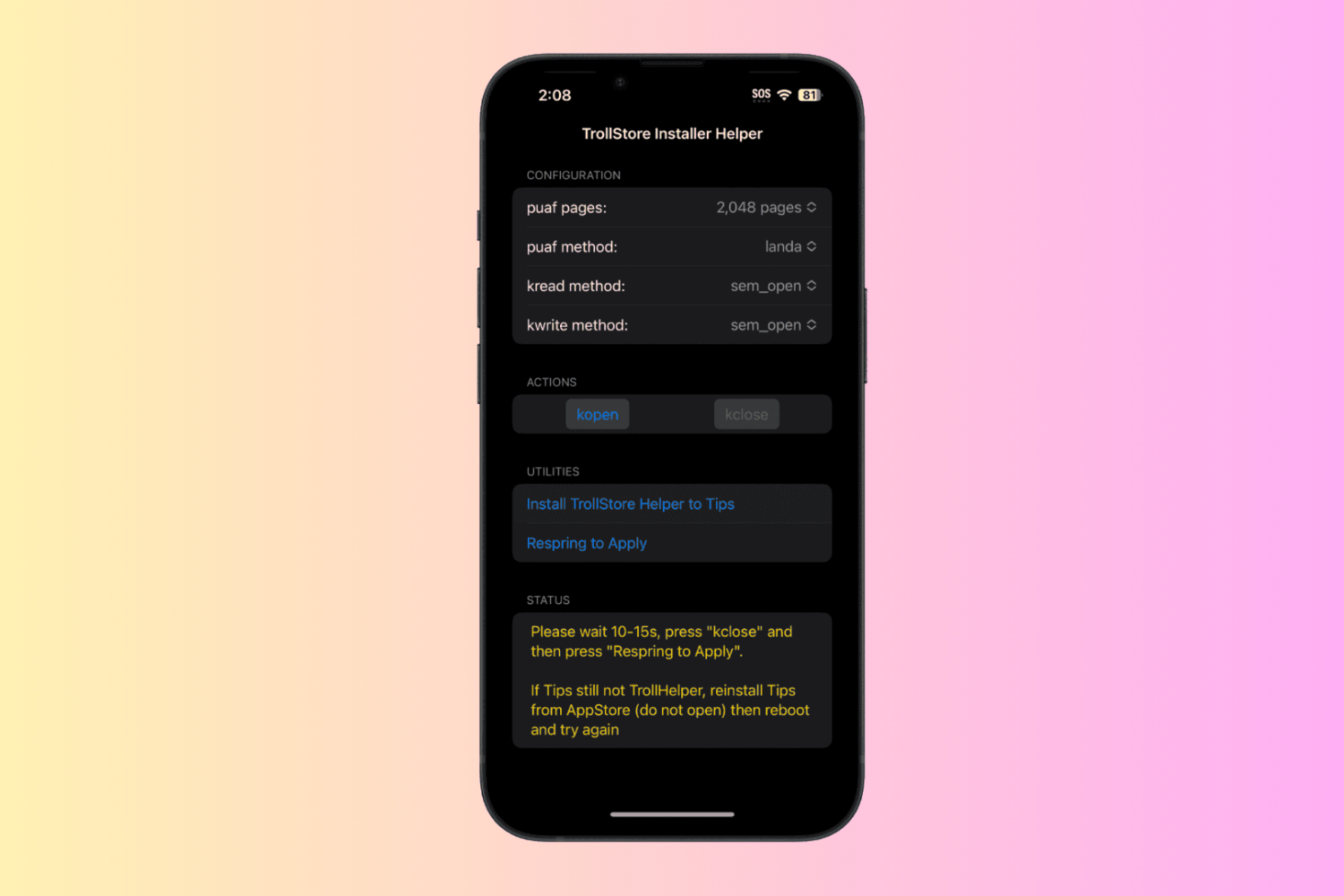
If you’ve been searching for the best way to install TrollStore on your iPhone or iPad running iOS or iPadOS 16.0-16.6.1 thus far, then you’ve likely been met by a lot of options. Those include using Misaka, Picasso, and PureKFD, among others.
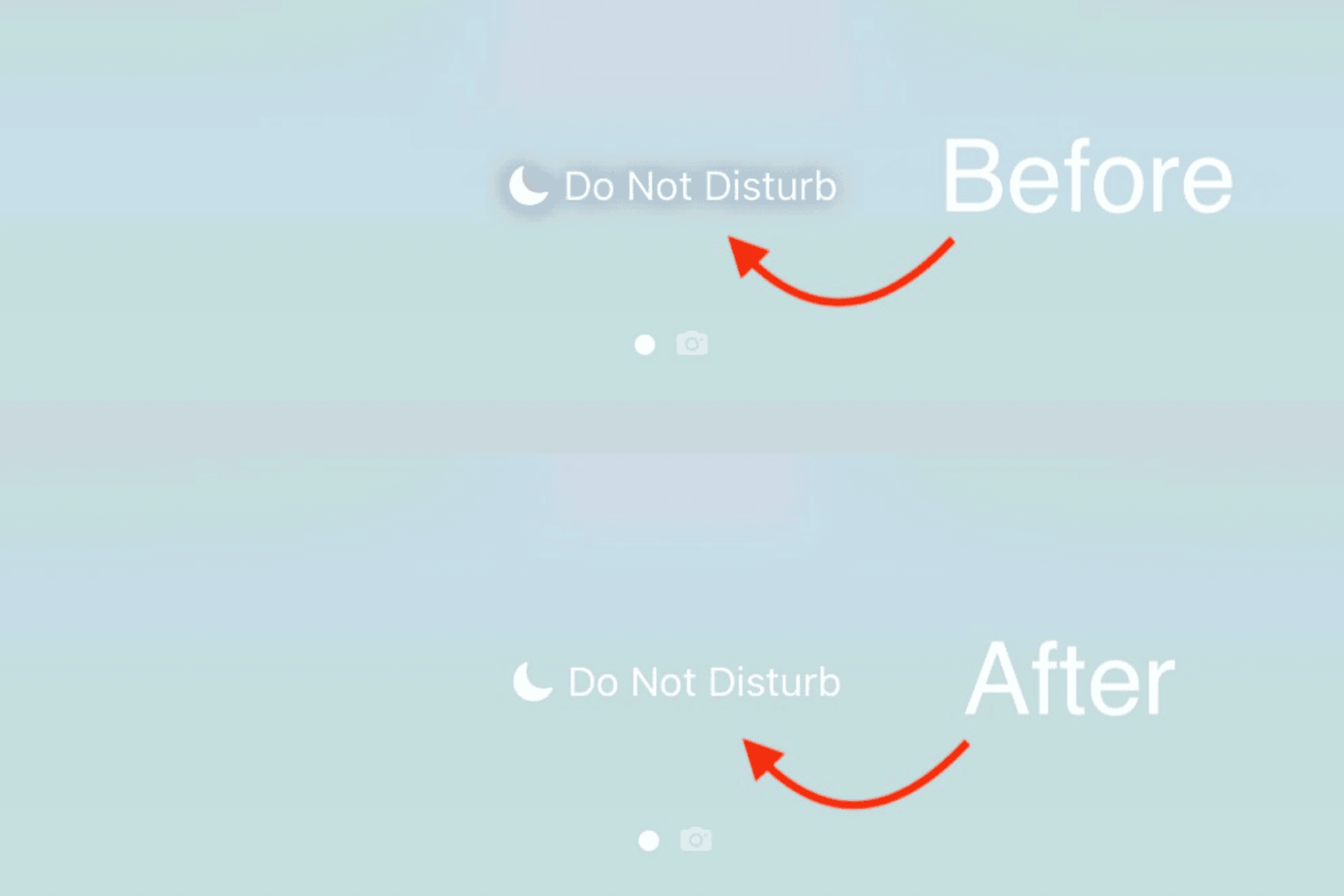
When you use too bright of a wallpaper, iOS & iPadOS sometimes try to make labels and text that sit against it easier to read by introducing a shadow effect underneath that text.
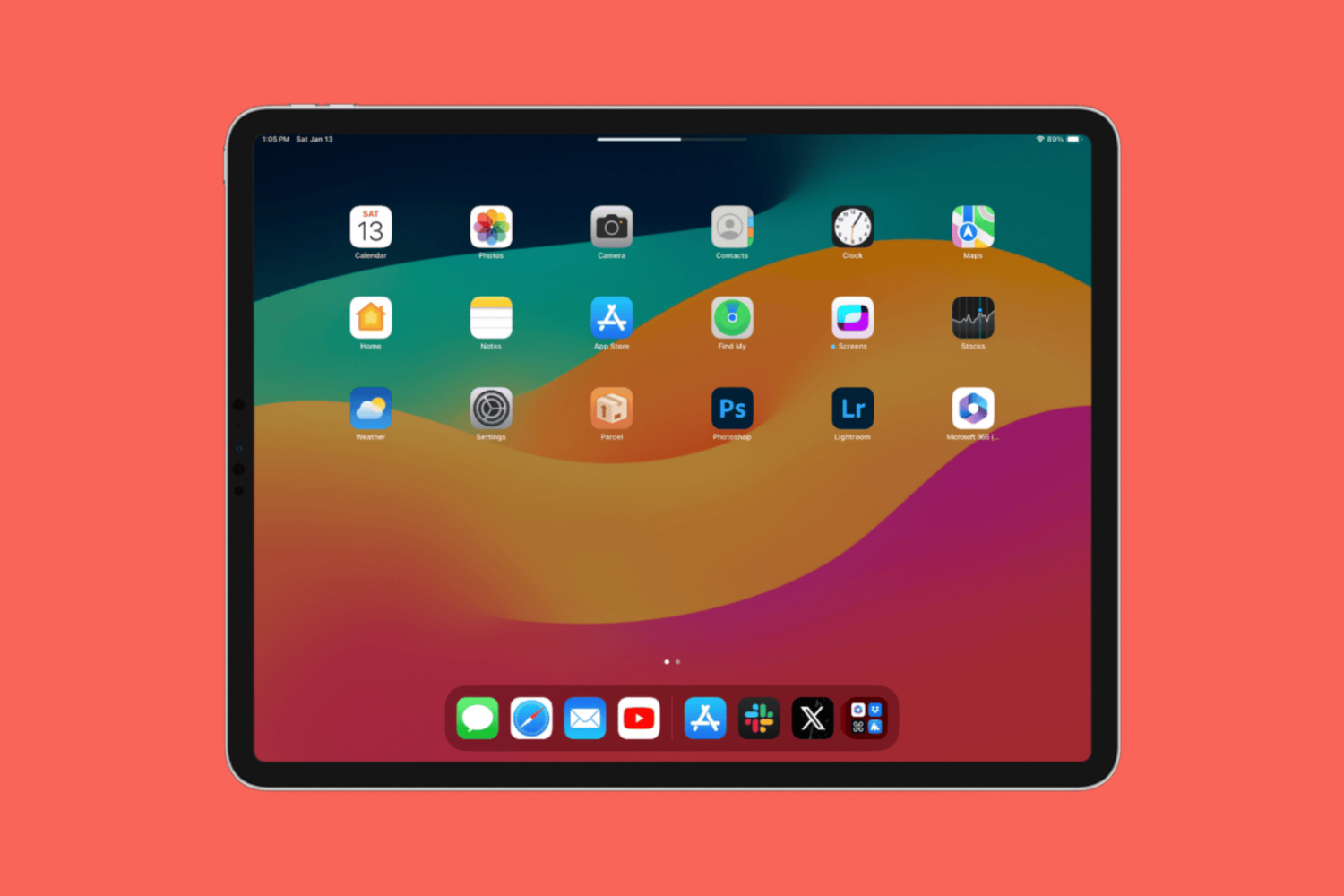
One of the things that iPad owners must cope with on a regular basis is the fact that Apple’s tablet can go into landscape orientation one of two ways – left to right, or right to left. Still, the volume buttons remain in their same positions, with the one closer of the top of the screen boosting volume and the one further from the top of the screen lowering volume.
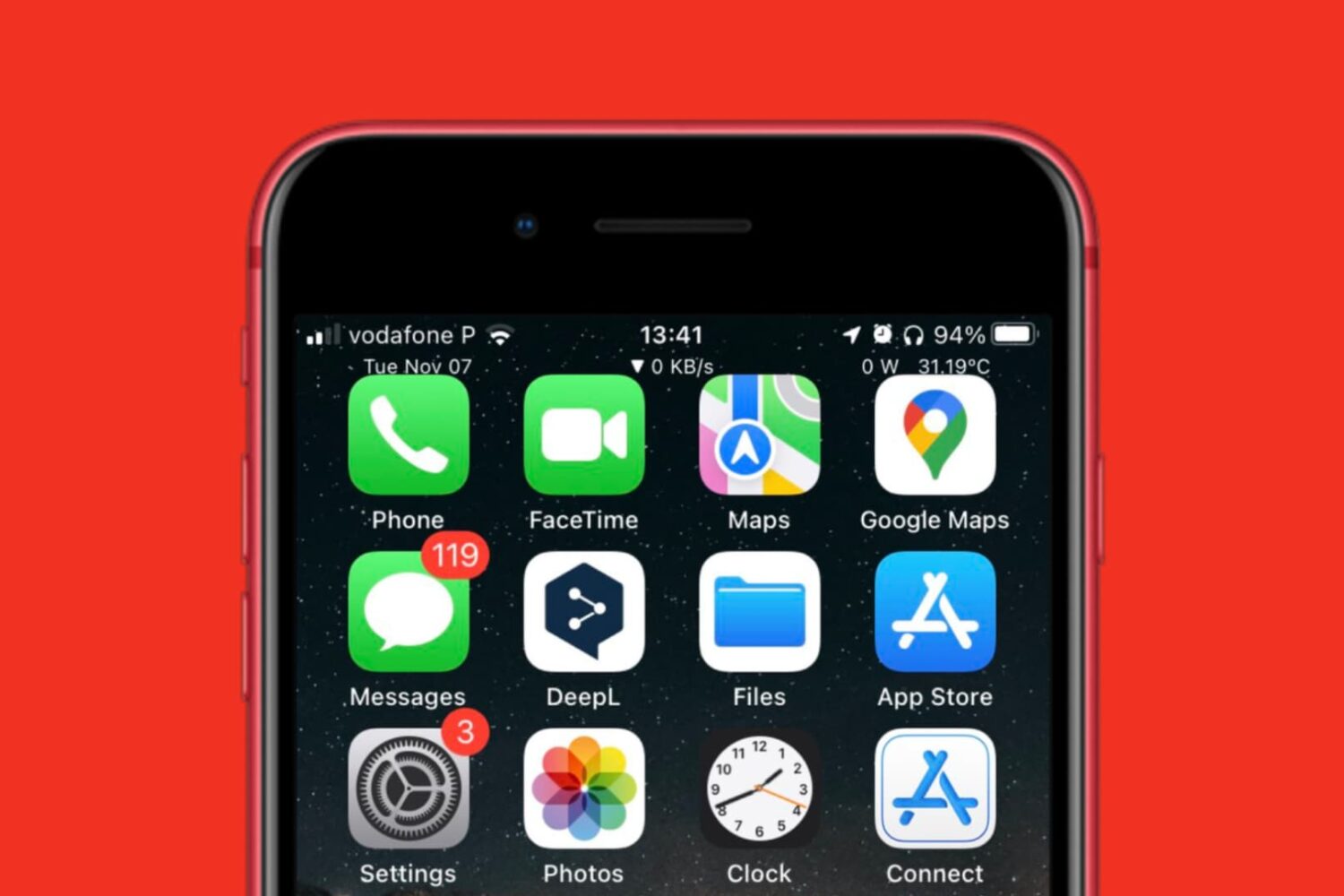
You may remember back in November when we shared the news about a novel Status Bar widget system called Helium by iOS developer LeminLimez, which effectively gave users more control over the look and feel of their iPhone’s Status Bar whether they were jailbroken or not.
The TrollStore perma-signing utility app, after already receiving two updates this week, was updated for a third time Friday afternoon, this time bringing it up to version 2.0.11.
It was only earlier in the day that we reported on the Misaka v8.2.0 update that added official support for arm64 devices in addition to every unsupported firmware combination for arm64e devices. But it seems that project lead developer @straight_tamago wasn’t finished yet.
TrollStore received its first update yesterday in several weeks, adding the ability to enable Developer Mode right from the app on iOS 16 and later. But on Friday, project lead developer Lars Fröder (@opa334dev) released another update, this time to version 2.0.10.
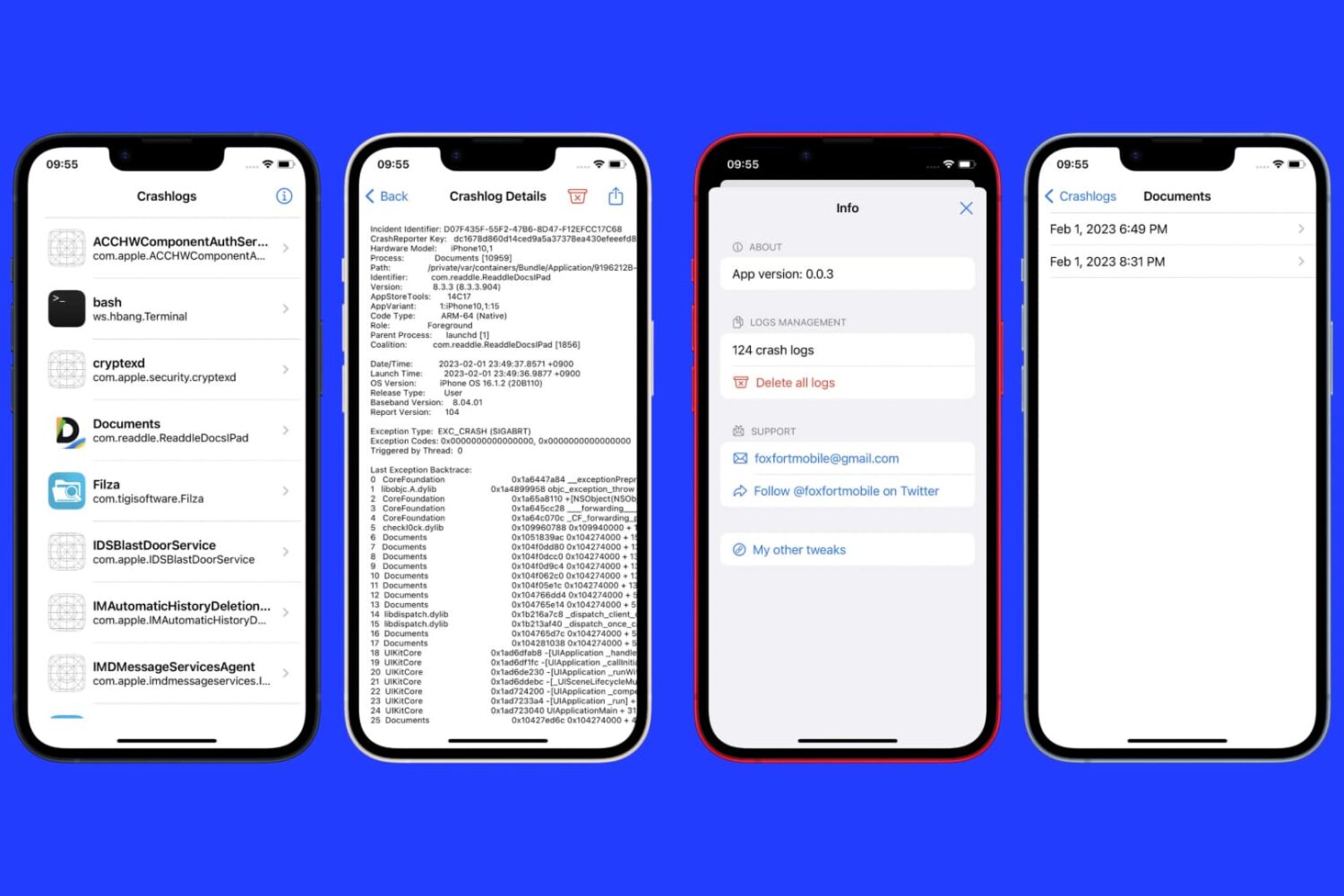
Almost one year ago, we showed you an app for jailbroken devices called KrashKop by iOS developer FoxFortMobile, which offered a modern crash reporting experience for end users wishing to share their crash logs and other useful information with developers for debugging purposes.
The Misaka package manager app was updated to version 8.2.0 late last night with a substantial change: support for all arm64 and arm64e devices via kernel patch finder (kpf).
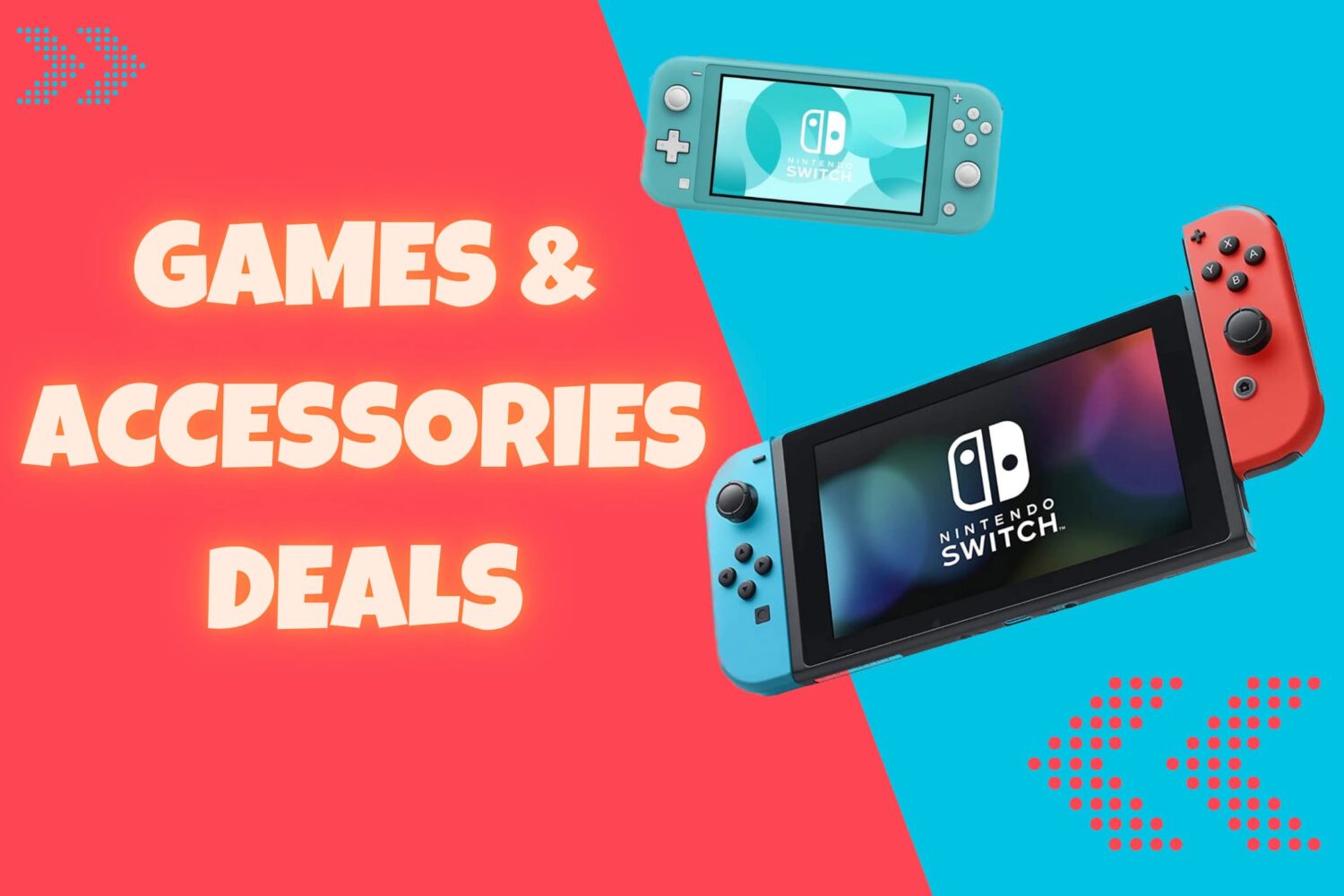
2024 is officially in full force as of last week, but if you’re looking for ways to keep your new year on the right track, then allow us to share with you some of the best Nintendo Switch deals that you can take advantage of right now.
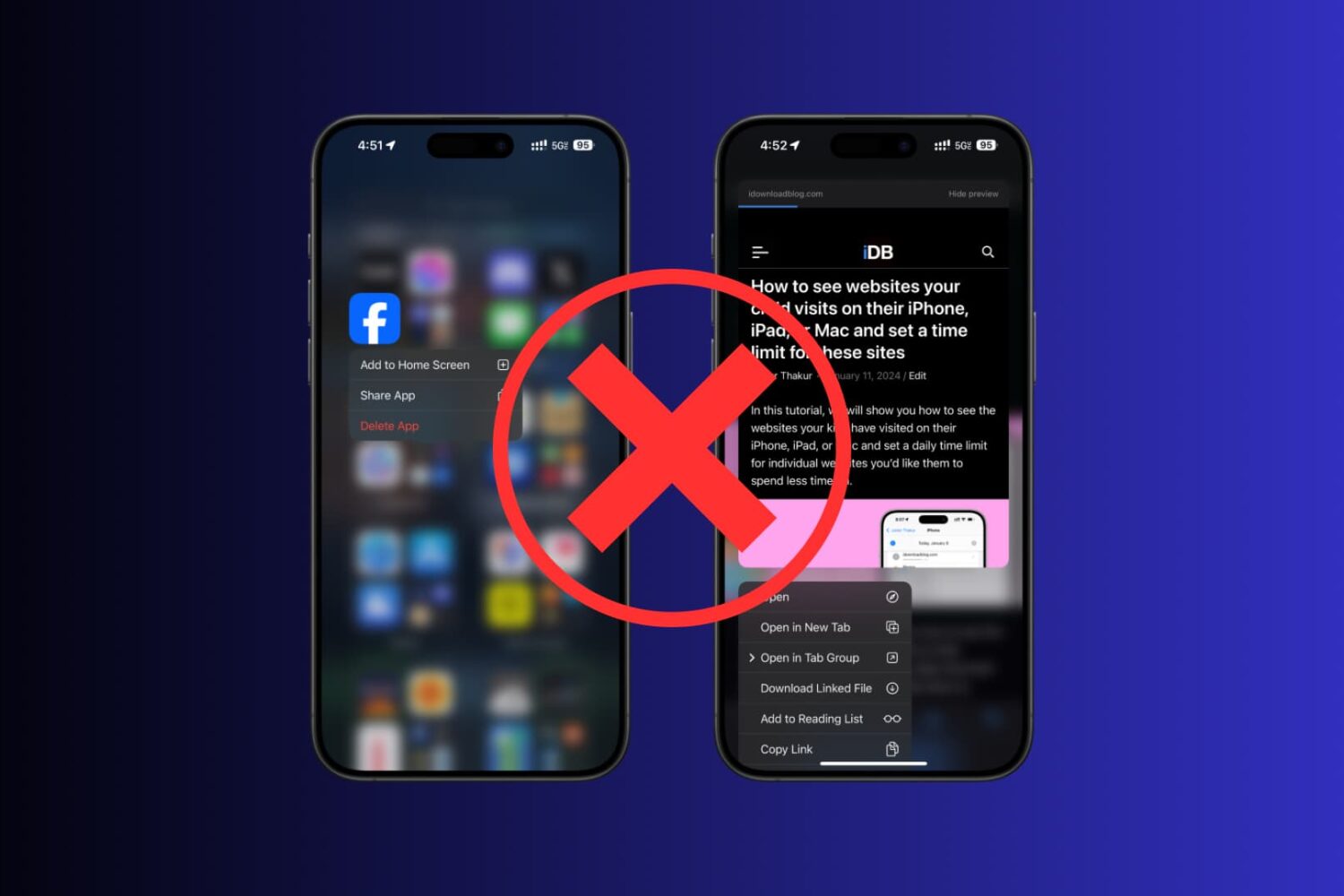
Haptic Touch — some people love it, and others hate it. It’s a feature that lets iPhone users tap and hold on certain items on their screen to perform actions using otherwise hidden menus.
TrollStore, the perma-signing utility by iOS developer Lars Fröder (@opa334dev) that harnesses the power of a CoreTrust bug to let users permanently install sideloaded apps without re-signing them every seven days, added an important update on Thursday.