Find out what to do if music and video Home Sharing isn’t working between your Mac, iPhone, iPad, Apple TV, and Windows PC.
How to fix Home Sharing not working on Mac, iPhone, and other devices
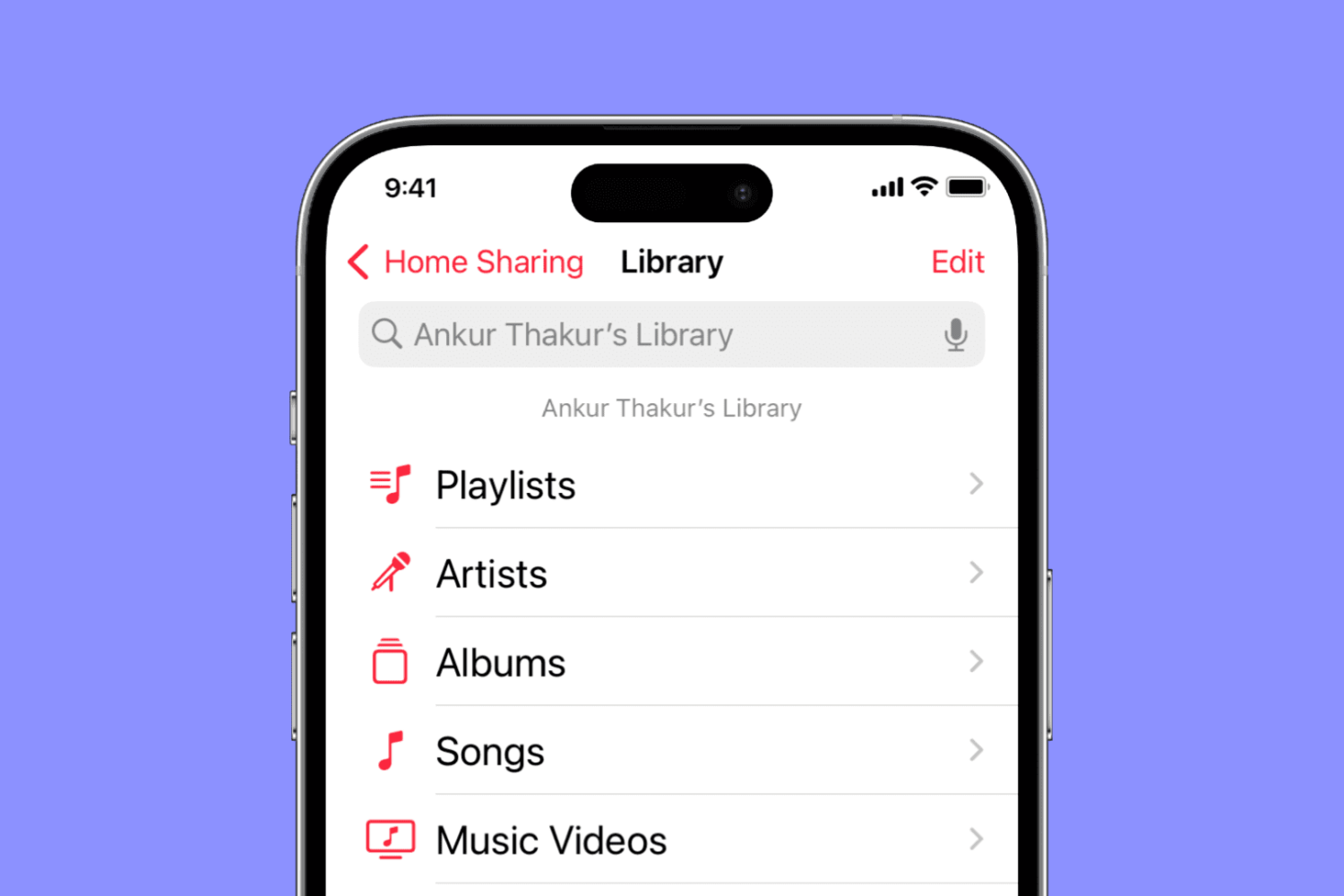
Find out what to do if music and video Home Sharing isn’t working between your Mac, iPhone, iPad, Apple TV, and Windows PC.

Filter out junk notifications and get alerted only about the stuff you care about by turning on the quality filter option in the X app or website.

As we continue to go on without a public jailbreak for iOS 10, the Cydia store is in the middle of a drought. These trends are typical when we don't see a new jailbreak for a long period of time, but Apple isn't making things any easier with their rapid software updates.
Regardless, jailbreak developers haven't given up just yet. In this roundup, we'll talk about what's new in Cydia as of this week.
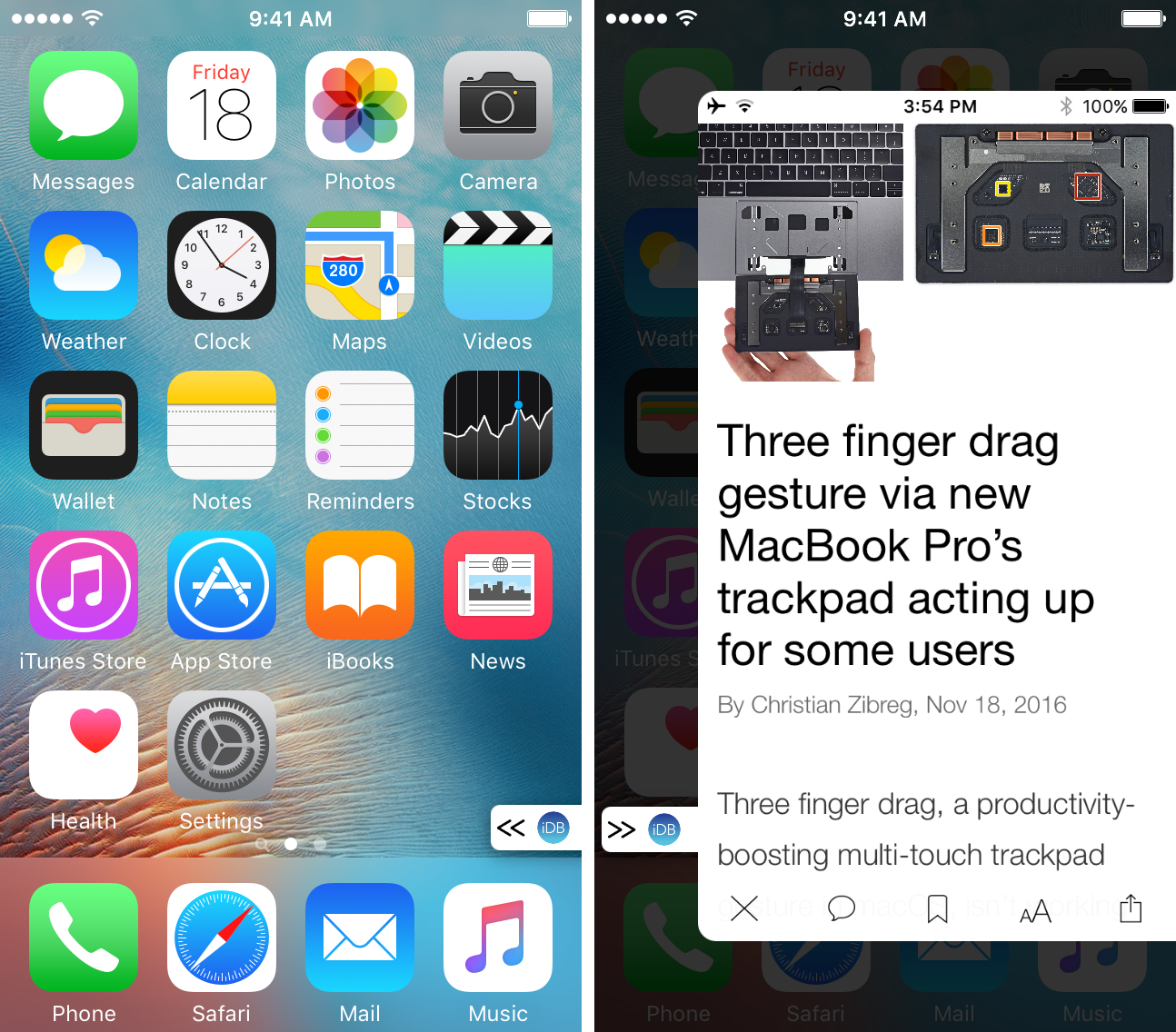
PullOver is a new free jailbreak tweak that lets you pin an app to your screen for easy access from anywhere in iOS.
With a minimal UI and animations that look and feel appealing, and flexible configuration to get to any app you need to, PullOver is an elegant new multitasking shortcut any jailbreaker could benefit from.
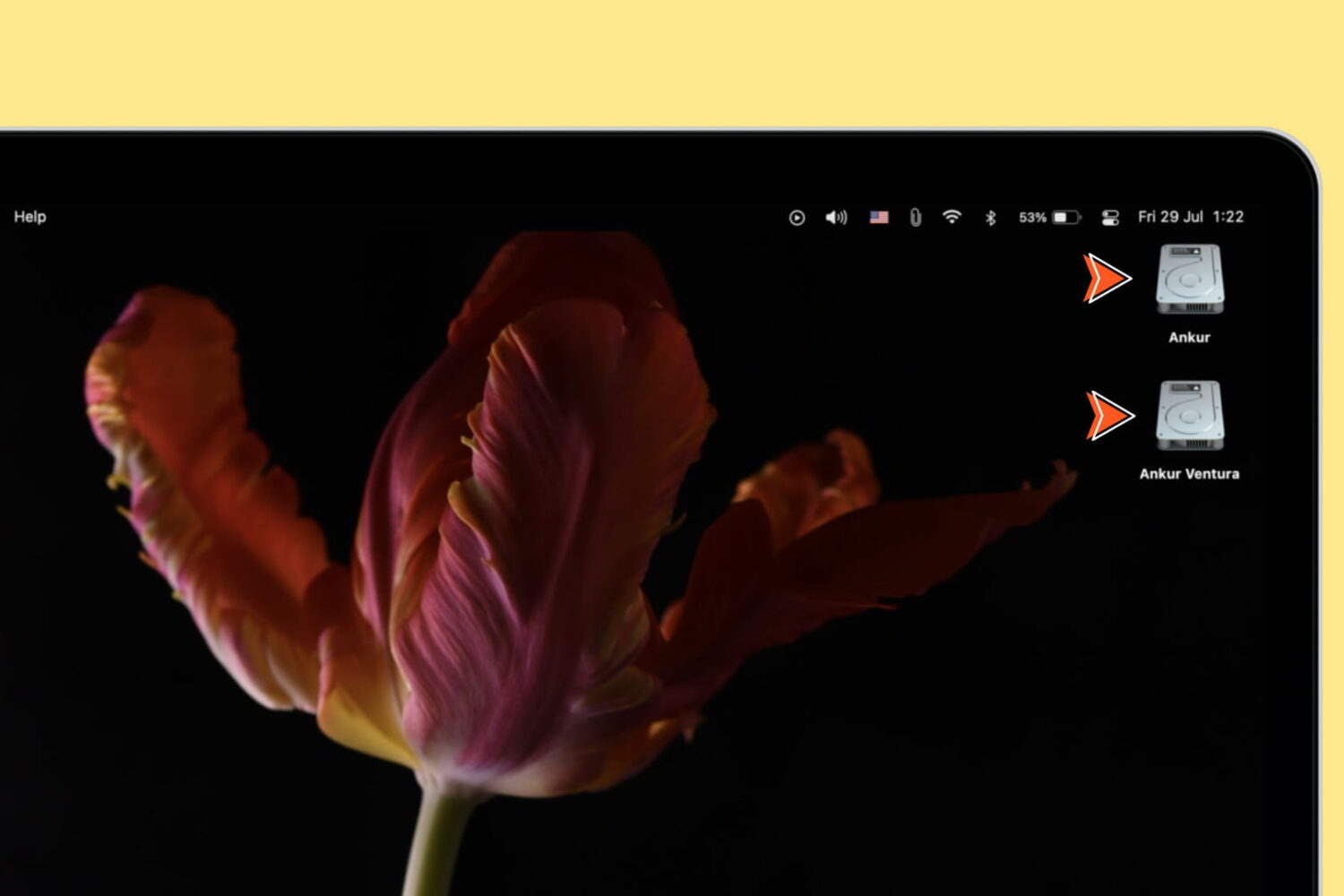
Learn how to show icons for the internal startup drive, external storage devices, volumes, and partitions on your Mac’s desktop for quick access to the files within.

If you’re an Instagram user and post often, then you probably enjoy the Story feature. You can use photos in your Instagram stories as well as capture short videos. So if you want to make another user a part of your story, you can “mention” them.
Here we’ll show you two easy ways to mention someone in your next Instagram story.
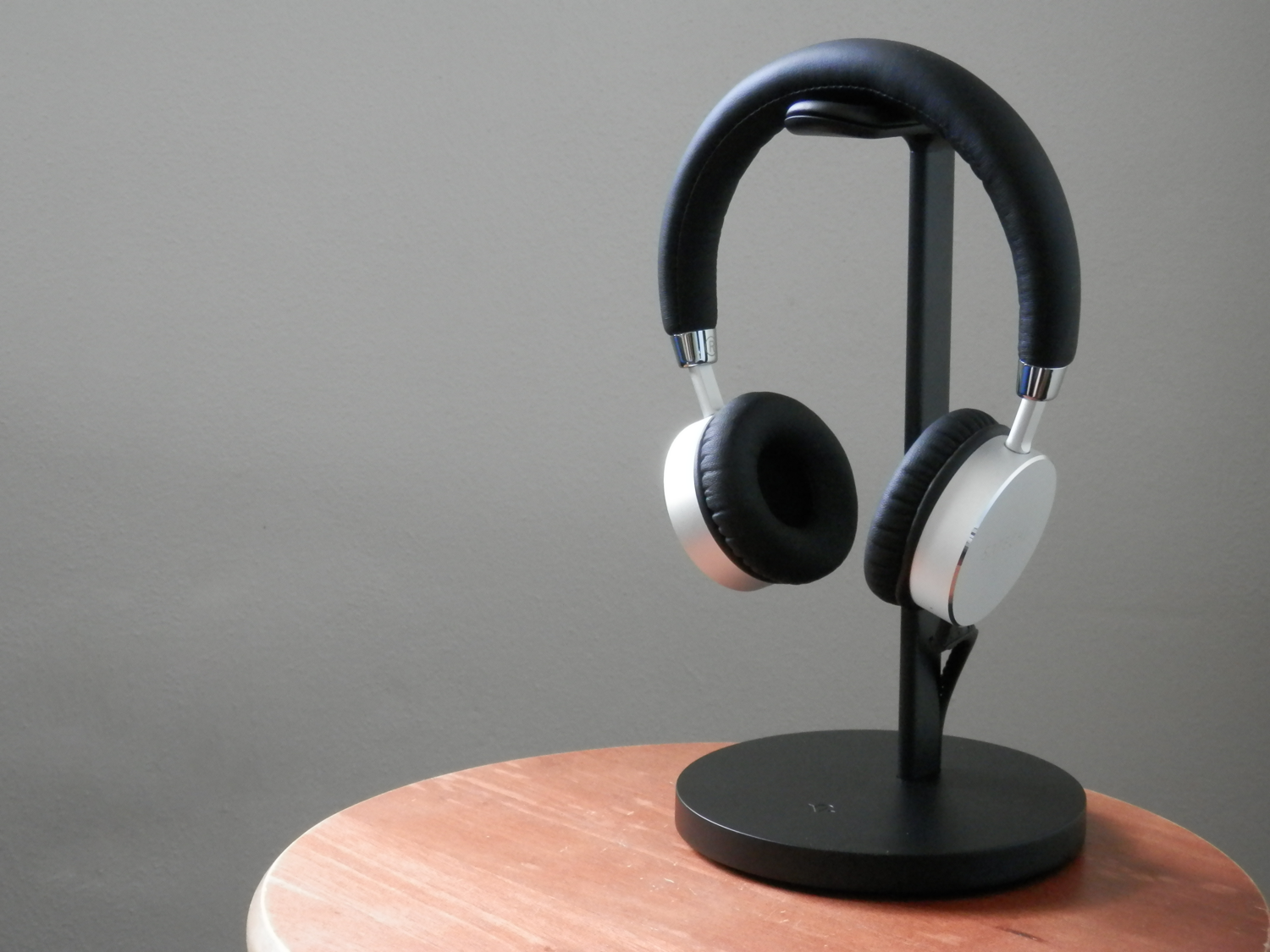
With the removal of the 3.5mm headphone jack on the iPhone 7 & 7 Plus, it doesn’t take a rocket scientist to predict that many people will be moving to wireless Bluetooth headphones instead of wired ones.
Twelve South’s new Fermata charging stand for wireless headphones is a great accessory to have if you’re one of those people. It’ll keep your headphones out of your way on your desk while they charge, and it looks great too!
Are you on a capped data or internet plan? Discover how to adjust settings to minimize the Skype app's cellular or internet data usage on your iPhone or iPad.
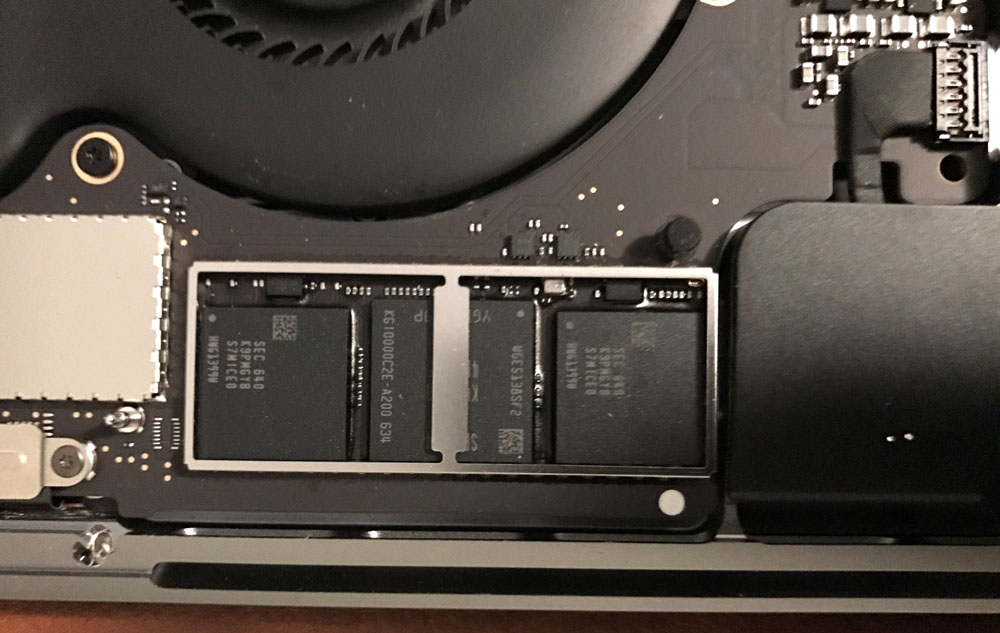
After seeing in iFixit's teardown that the base model of the new 2016 MacBook Pro without the Touch Bar had a removable PCIe SSD storage unit, many were excited at the possibility of aftermarket upgrade parts across the new MacBook Pro lineup.
But new images surfacing on the web this week after the first MacBook Pro with Touch Bar units began reaching the hands of buyers are showing that the Touch Bar models don't follow suit and have SSD storage chips soldered into their logic boards instead.
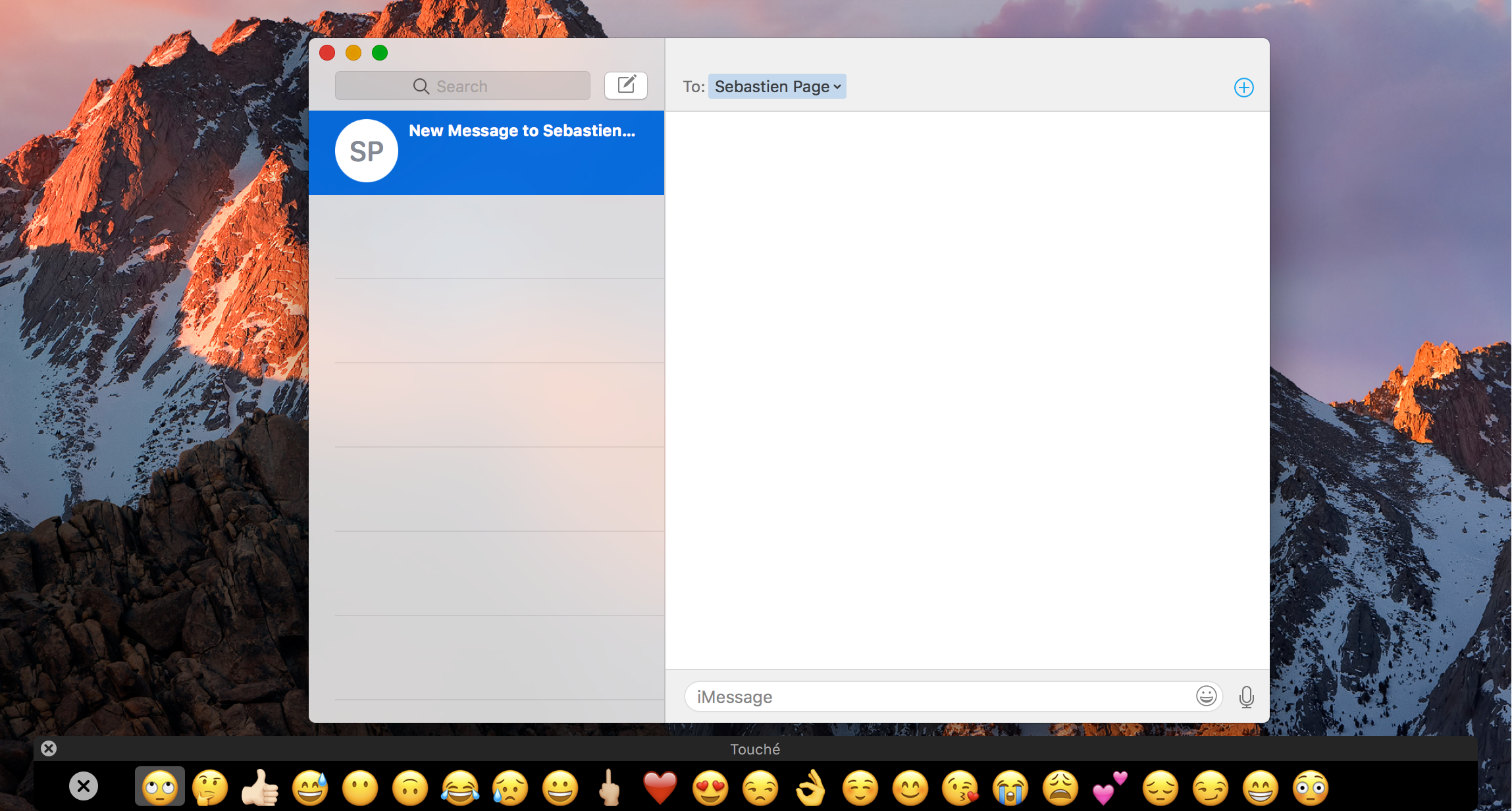
The Touch Bar is an exciting new feature that comes with the higher end MacBook Pro Apple unveiled last month, but you don't have to buy a new MacBook Pro to experiment with the Touch Bar resources that come baked into macOS on every Mac.
Last week we showed you a way to simulate the Touch Bar experience with a third-party app that utilizes the resources already in macOS, and now, another app called Touché is bringing a cleaner implementation of the Touch Bar simulator to all Macs.
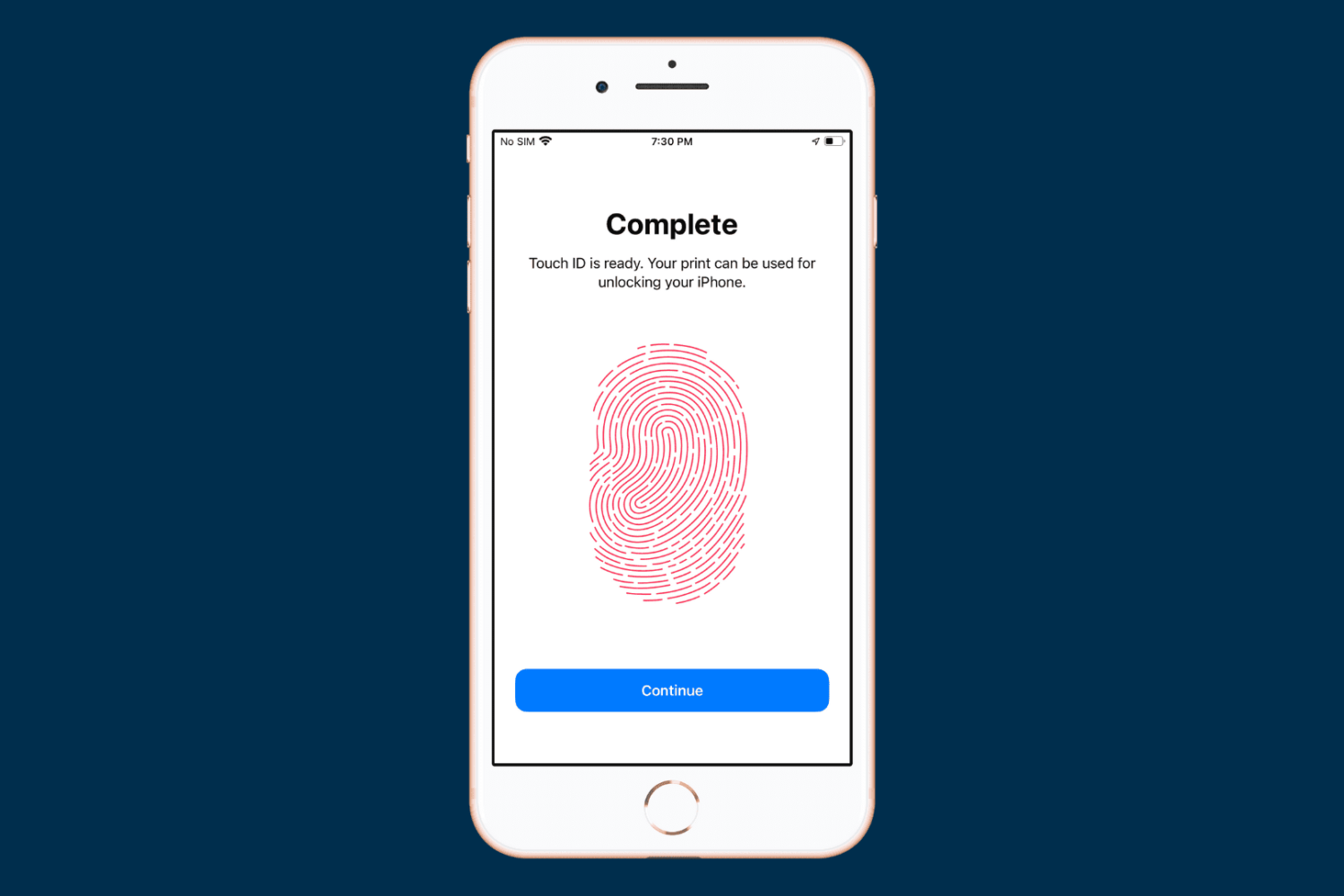
When you set up your device for the first time, you’re asked to register one fingerprint with Touch ID. But you can add more at any time, and in this tutorial, we will show you how to do that.

From time to time, you might come across an audio file format known as .caf (Core Audio Format), which was originally created by Apple to put an end to file size barriers set by other audio file types.
Unfortunately, not every audio player or device works with .caf files, so it might do you good to know how to convert them to another audio file type using the software that comes with your Mac. In this tutorial, we'll show you how to convert .caf files to more commonly-used audio files such as AAC or MP3 with Garageband.