Anthony Bouchard joined the iDownloadBlog.com team in 2016 after originally covering Apple and iPhone jailbreak news at ModMyi.com. As an experienced editor, he brings more than 15 years’ worth of jailbreaking knowledge to our in-depth guides, opinion pieces, and news articles. His passion for device customization and user choice sparks his strong push to empower readers with the tools they need to explore and enjoy the freedom that comes with jailbreaking. Anthony blogs about not only jailbreaking, but also Apple software & accessories, drones & photography, and Nintendo gaming systems. Anthony honed his advanced technical knowledge over the years with hands-on projects ranging from gaming PC builds to engine repair mechanics. His never-ending hunger for knowledge is why you’ll always find him tinkering – tearing things apart and putting them back together to understand what makes them tick.
You can effortlessly change your iPhone’s ringtone from the Settings app, but unless you’ve downloaded a third-party ringtone from the iTunes Store or previously synced your own ringtones from your computer, you won’t find an easy way to import your own ringtone files on a non-jailbroken device.
One of the neat things you can do with the MacDirtyCow exploit for iOS 15.0-16.1.2 or the kfd exploit for iOS 16.2-16.5 is change the aesthetics of the passcode buttons on your Lock Screen.
Your friends at iDB have once again scoured the depths of the internet to find the lowest prices on new Nintendo Switch games and accessories so that you can have one hell of a game night this weekend.
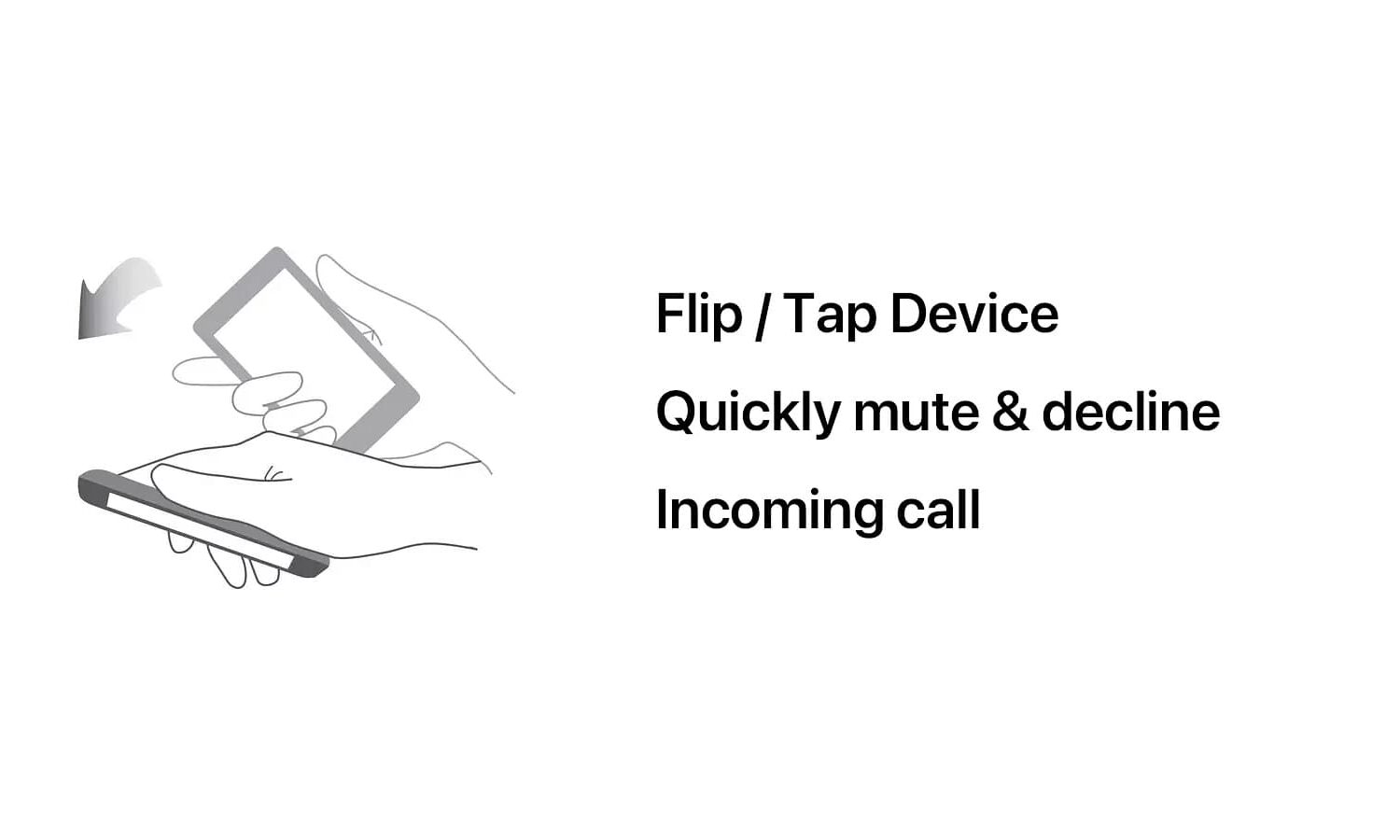
Are you interested in a new way to decline incoming phone calls on your jailbroken iPhone? If you answered yes, then you might take an interest in a newly released jailbreak tweak dubbed CallSilent by iOS developer Snail.
Anyone with a MacDirtyCow-vulnerable device on iOS 15.0-16.1.2 is likely familiar with the Cowabunga system enhancement application that lets users customize their device’s user interface outside of stock parameters. But now that the kernel file descriptor (kfd) exploit enables similar functionality on iOS 16.2-16.5, developers are starting to make similar apps for newer versions of iOS.
One of the problems that plagues iPhone and iPad jailbreaks is that App Store apps can implement what’s known as jailbreak detection and then refuse to open or work properly until you unjailbreak your device. For this reason, jailbreak detection bypasses are a hot commodity among jailbreakers, but they tend to be hit or miss, depending on who you ask.
Every year, there are handful of meets around the world where experienced hackers can speak and share their knowledge with others to forward the essential skill that is security research.
The Misaka package manager app for the MacDirtyCow exploit for iOS & iPadOS 15.0-16.1.2 and the kfd exploit for iOS & iPadOS 16.6 beta 1 and lower received another update on Wednesday, officially bringing the app up to version 2.0.2.
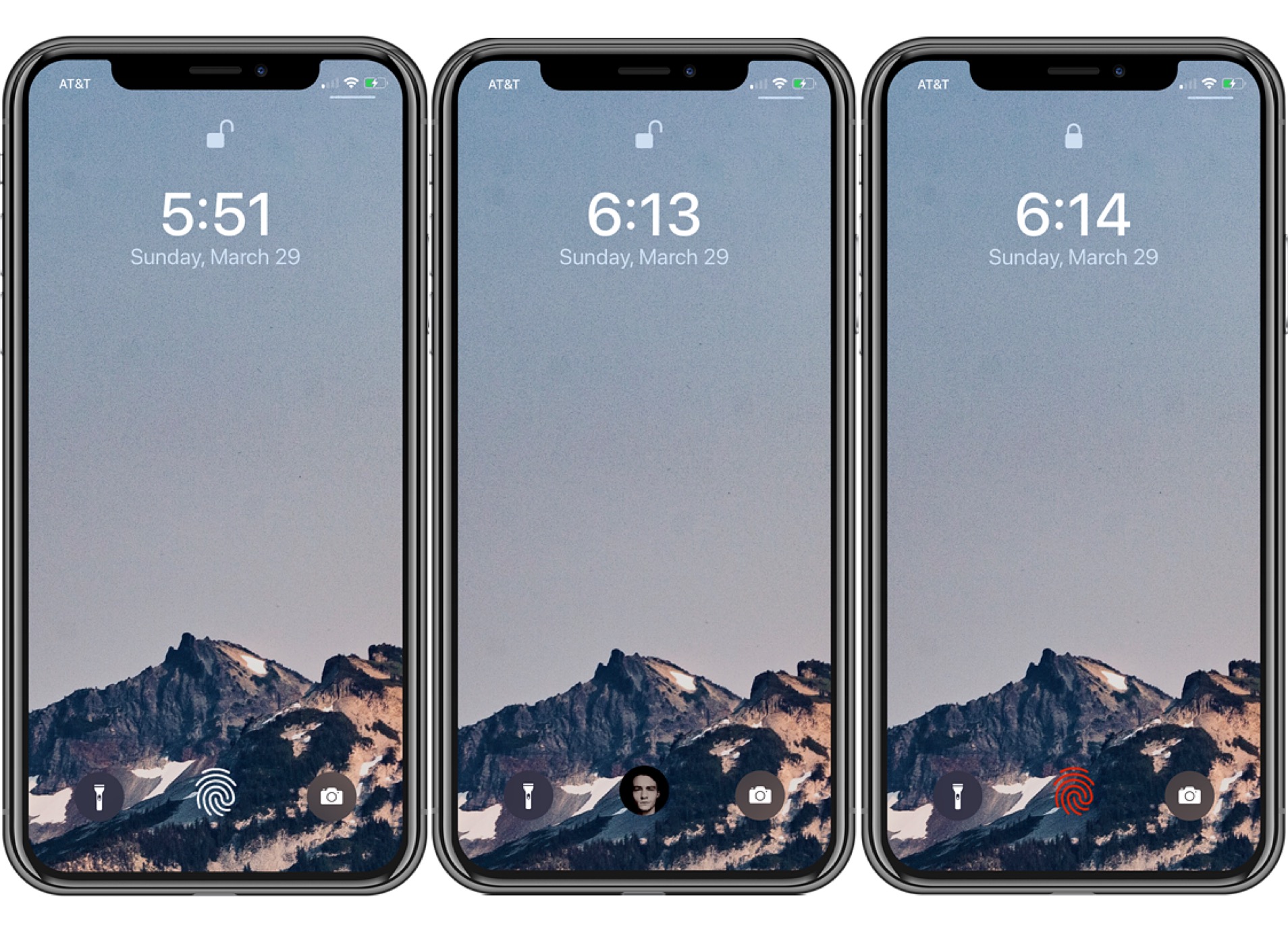
FingerLock, a popular jailbreak tweak by iOS developer MTAC, has been updated this week to version 3.0.2 with support for the latest rootless iOS 15 & 16 jailbreaks including Dopamine and palera1n.
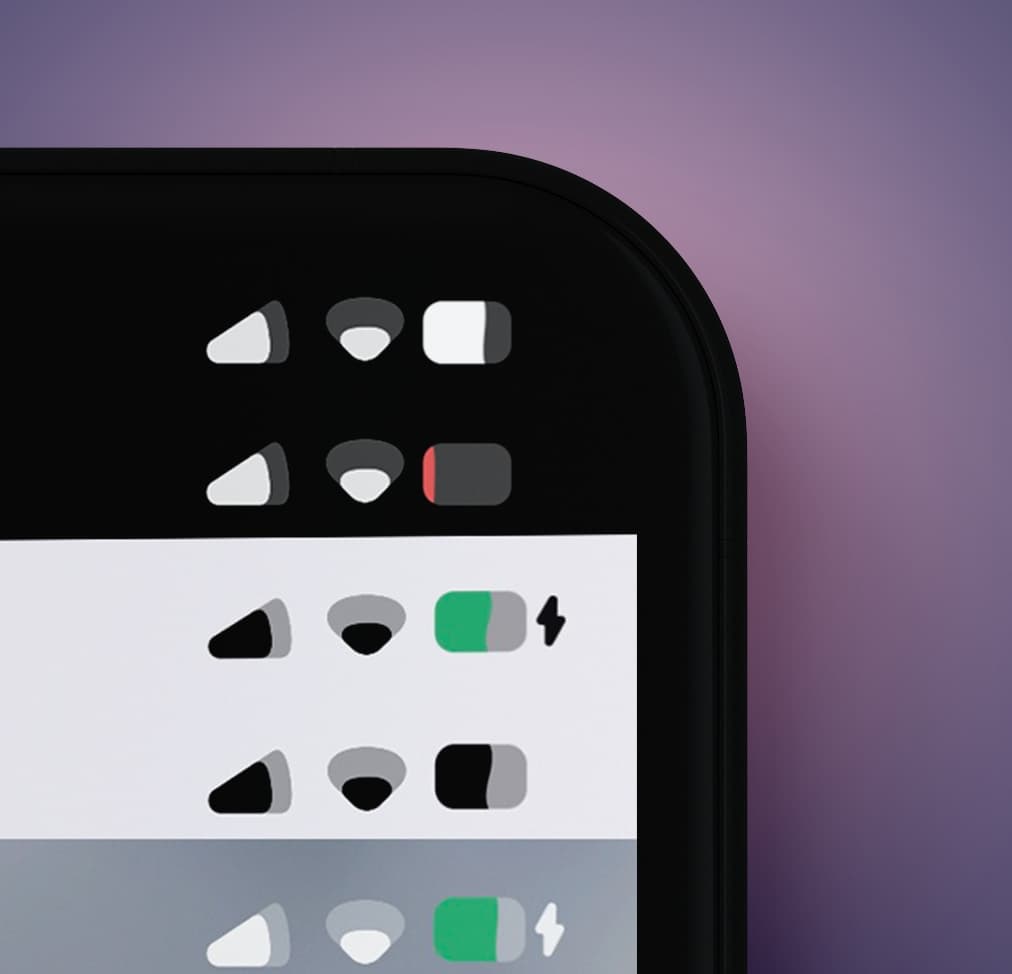
Lots of people use their iPhone and iPad jailbreaks as a means of changing the appearance of their operating system’s user interface, so we wouldn’t judge if you had a soft spot for tweaks and add-ons that boost the aesthetics of the Status Bar.
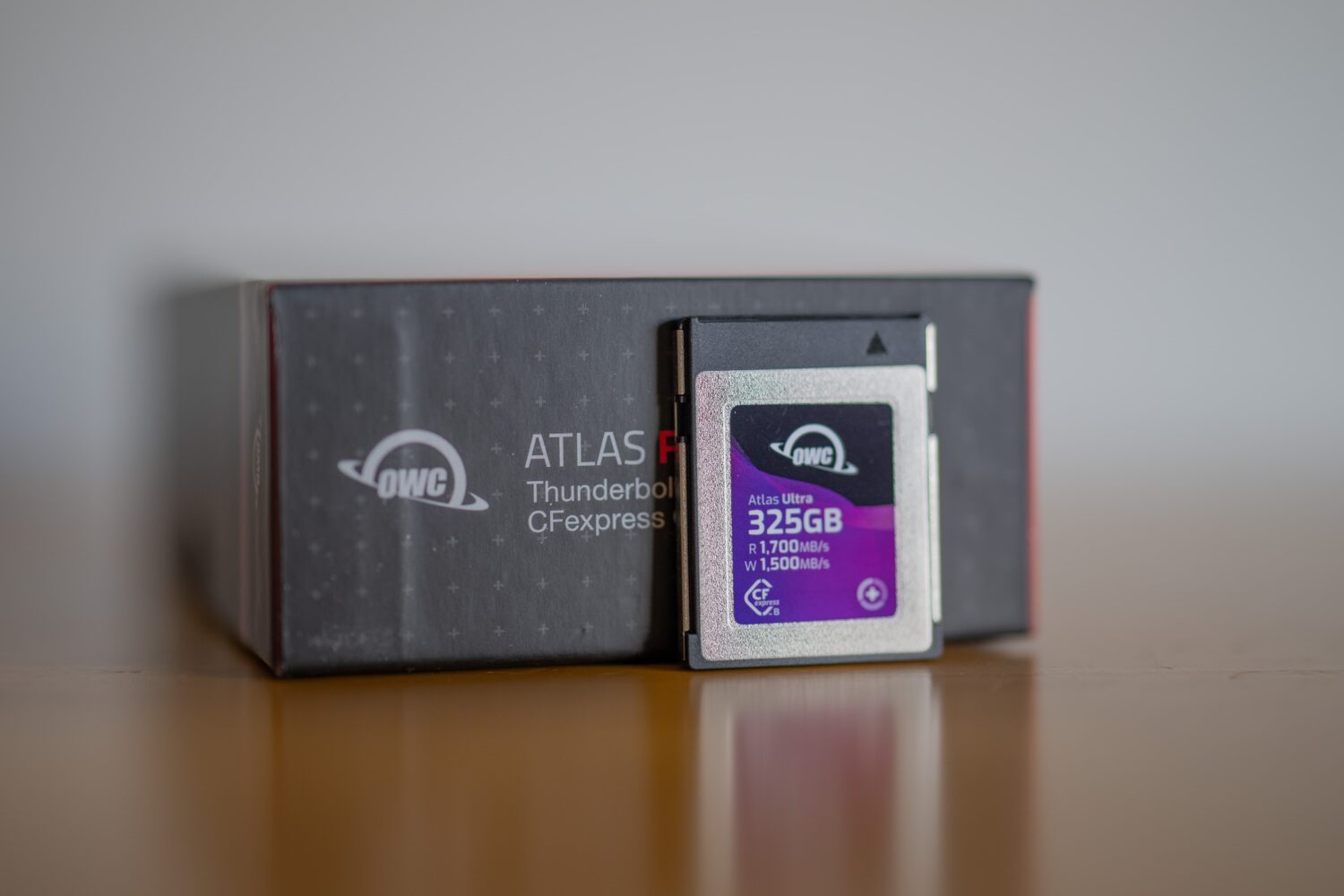
Dedicated camera body photographers can relate to wanting more storage for their photos and videos, especially with today’s cameras writing 8K resolution video and ultra-high-megapixel photograph files to limited capacity memory cards.