Ankur Thakur joined iDownloadBlog.com as an Editor and Technical Consultant in 2021. He specializes in creating detailed tutorials and how-to guides for Apple products, simplifying complex tech for everyday users. With his clear instructions and extensive knowledge, Ankur makes it easy for readers to master their Apple devices and stay updated with the latest features and updates. Besides writing about Apple, Ankur likes to watch tech videos, romantic and comedy movies & TV shows, as well as listen to very old songs.
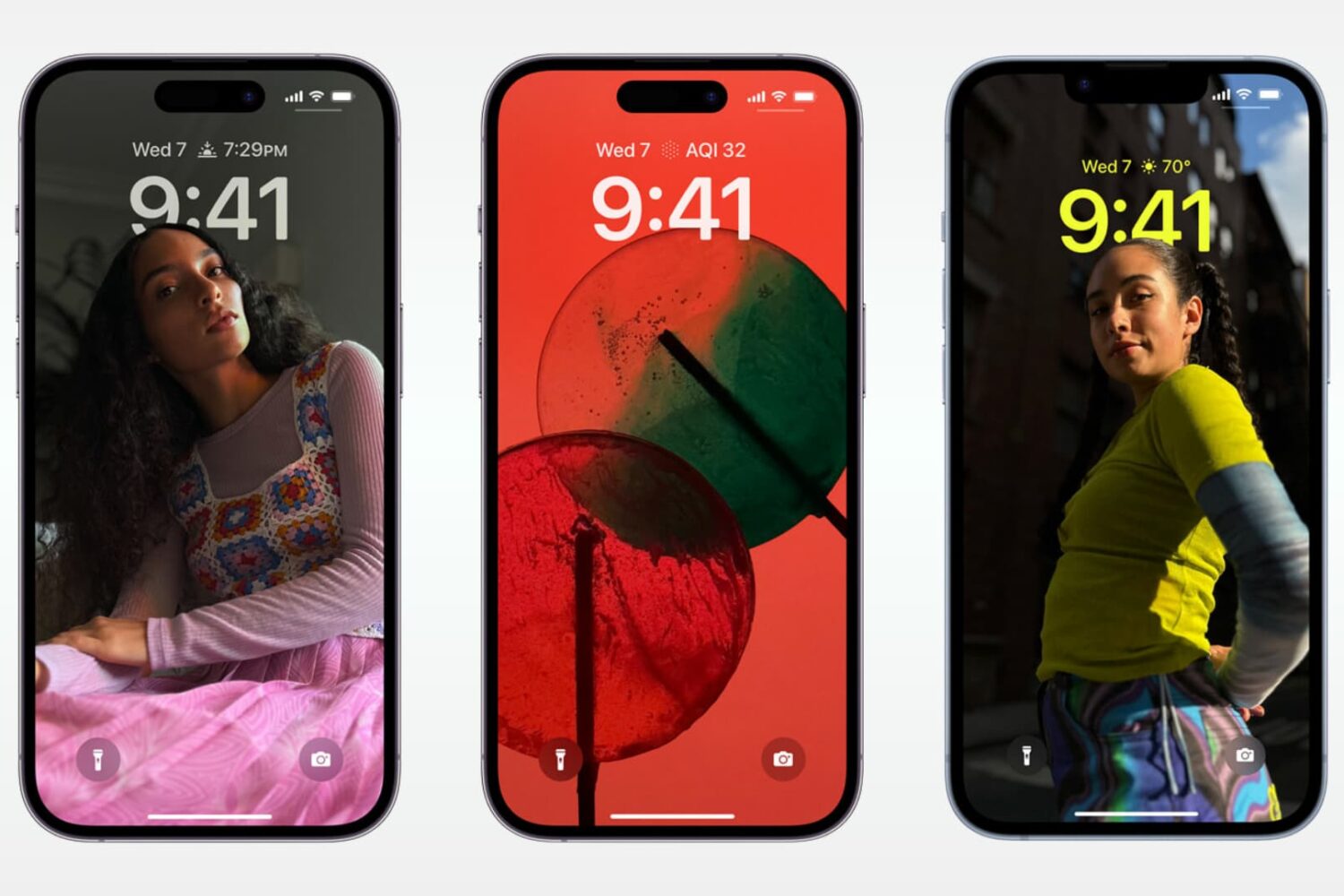
Hesitating between the regular iPhone 15 or the more expensive iPhone 15 Pro? Here are eleven reasons why you may consider spending extra to get the 15 Pro or Pro Max version.
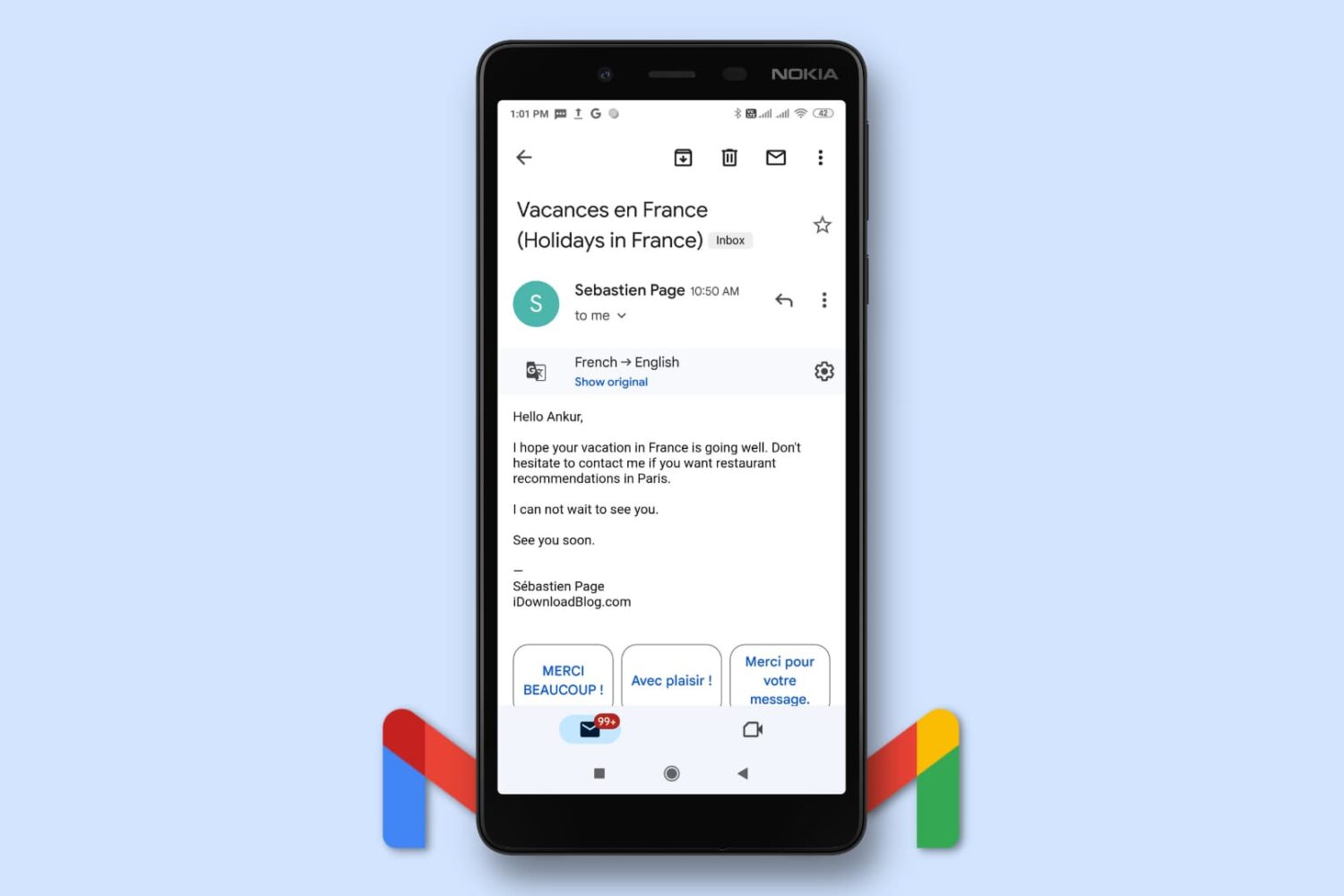
Learn how to use the built-in translation feature in Gmail on your phone and computer to read emails written in foreign languages without needing external translation services.
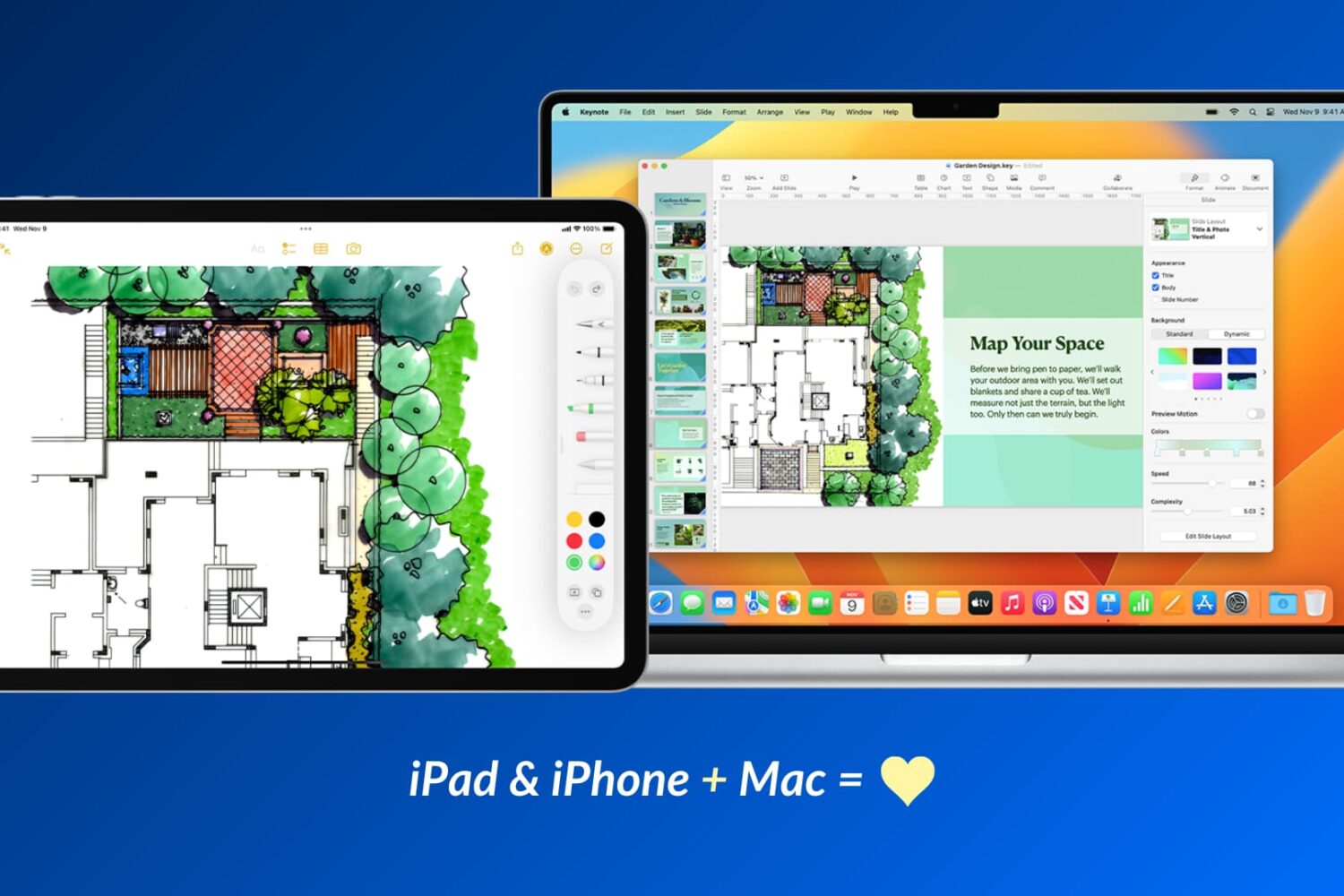
Apple devices work particularly well with one another, and in this guide, we’ll share 17 ways to use your iOS device and your Mac together for a more productive and efficient experience.
Learn how to share your iPhone’s screen over a WhatsApp video call with another iPhone or Android phone user, along with some important facts and troubleshooting tips.