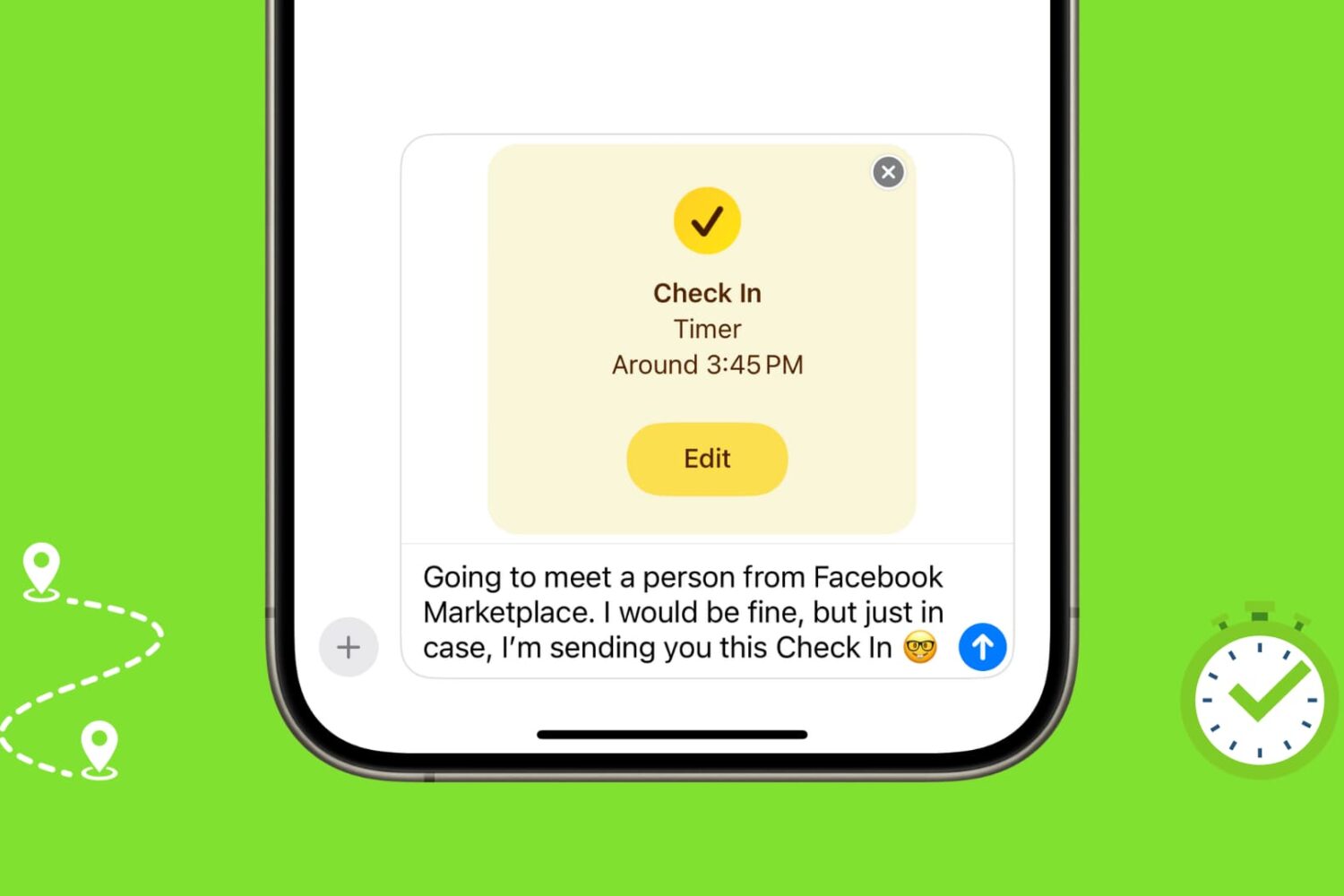
Learn how to use the Check In feature on your iPhone or Apple Watch to automatically let your friends and family know you've safely arrived at your location or completed a workout.
How to use the Check In feature on iPhone and Apple Watch

Learn how to use the Presenter Overlay feature to show your face during screen sharing to participants on Mac video calls like FaceTime, Zoom, and others.
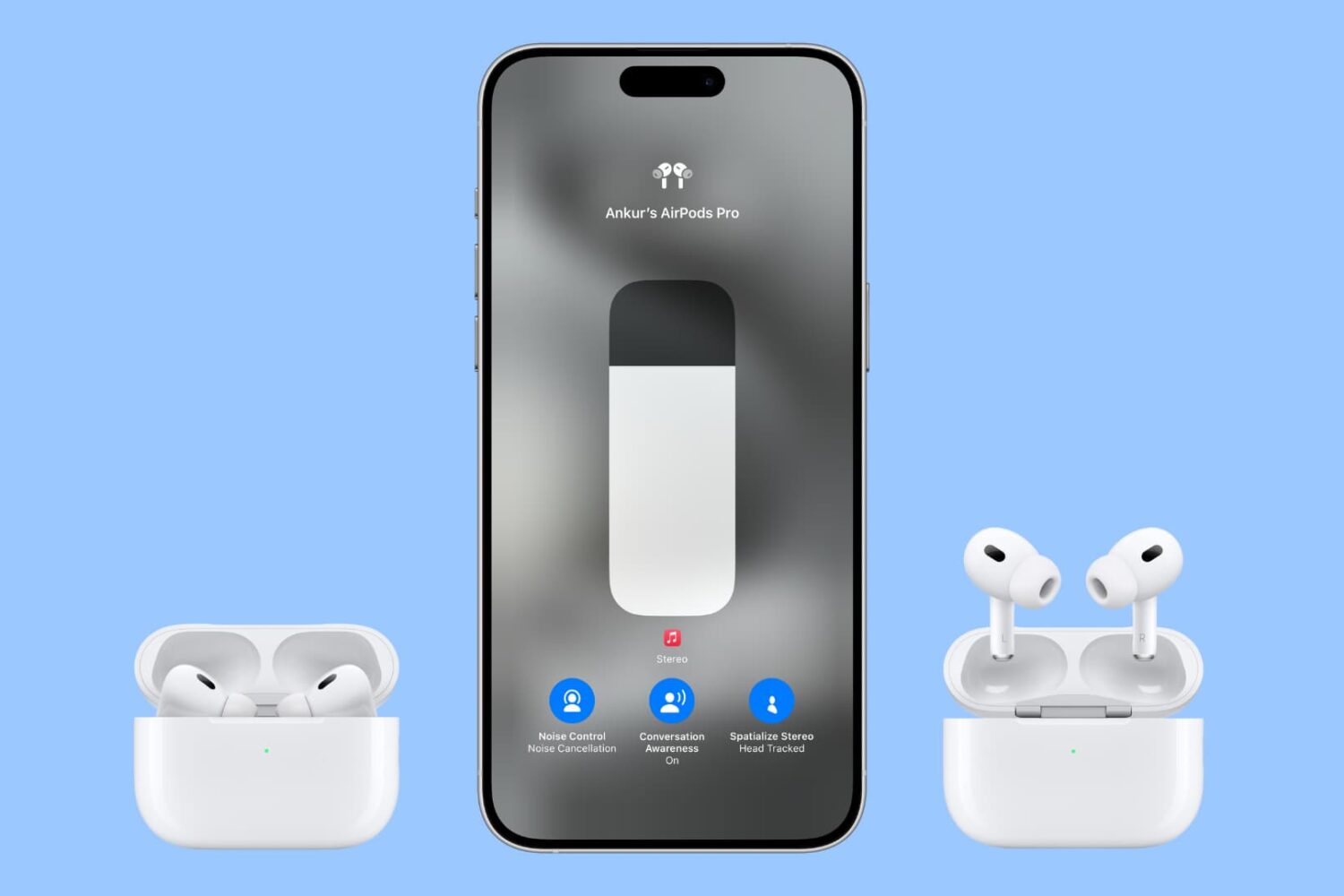
Follow these AirPods Pro tips and tricks to ensure good seal and adjust essential settings like noise control, spatial audio, location tracking, hands-free Siri and more.

macOS 14 Sonoma has added several new useful features to the Mac, and in this guide, we will tell you about the most important ones.
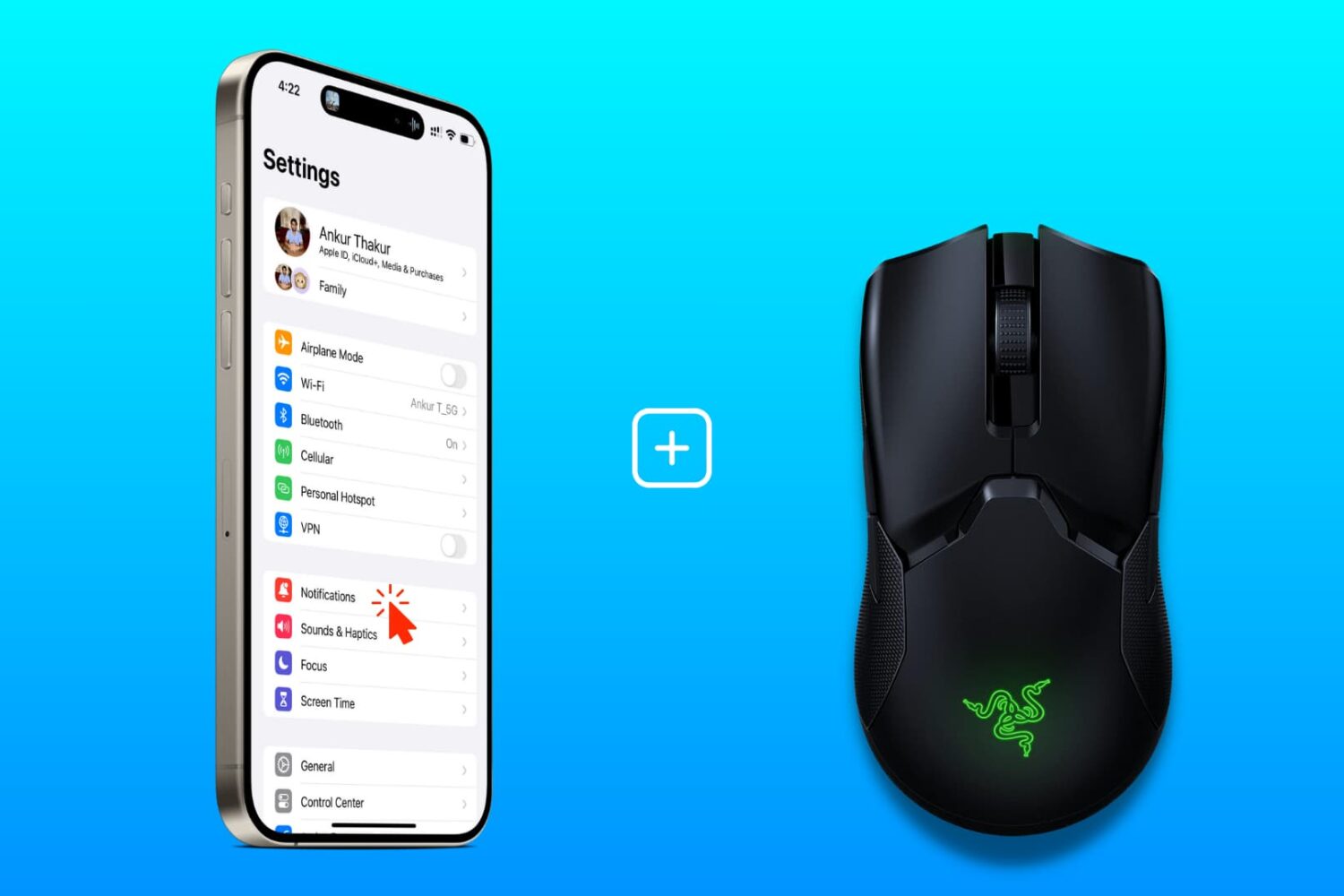
Learn how to connect a wired or wireless mouse to your iPhone, customize the mouse buttons, and use it alongside touch input.

Learn how to download, set up, and use a VPN on your Apple TV to bypass geo restrictions and watch movies, TV shows, and live content not available in your country.

iOS 17 brings several new features and improvements for your iPhone, and in this guide, we've listed the most important ones you should know about.
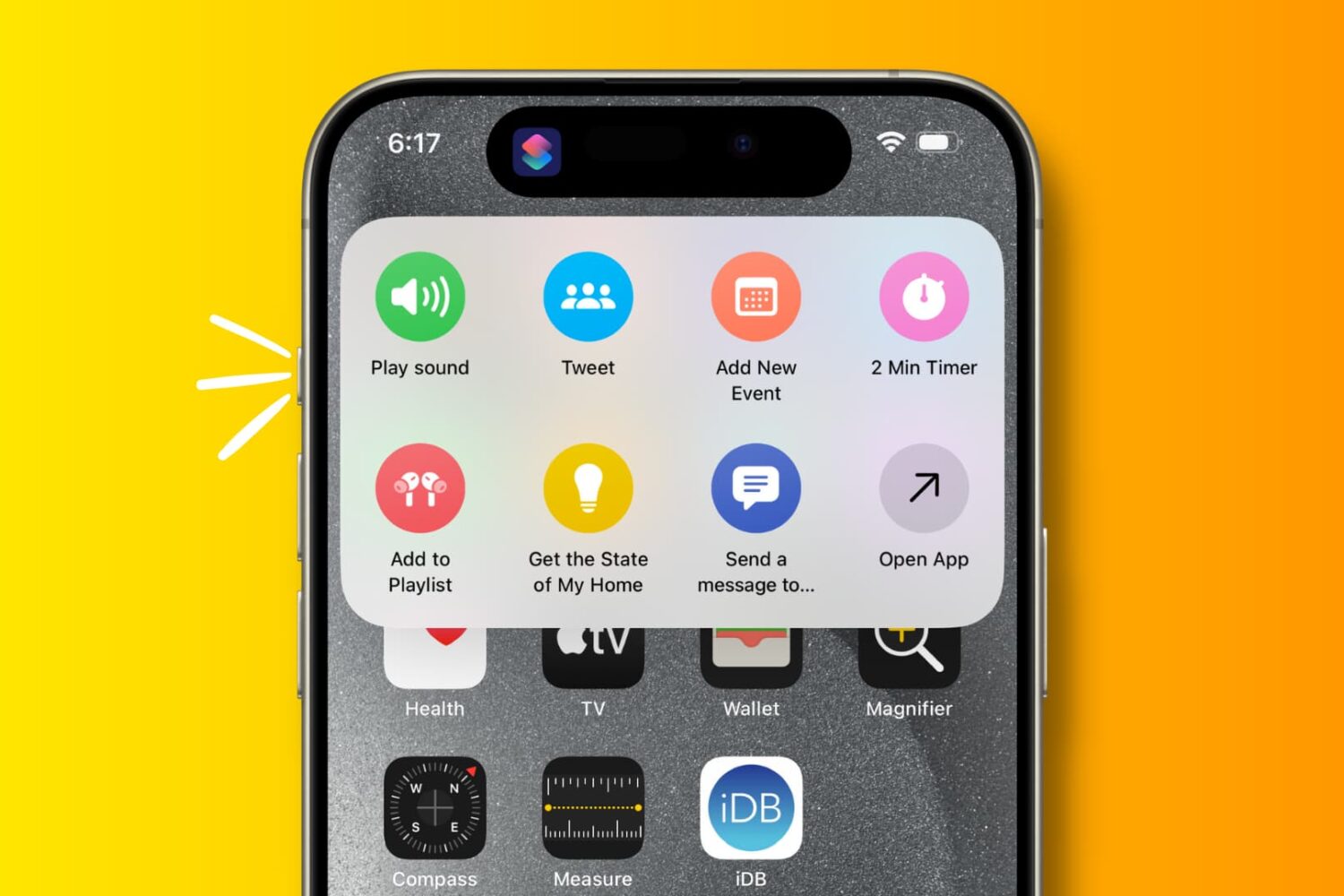
Explore these 29 useful things you can do with the Action button on your iPhone 15 Pro and iPhone 15 Pro Max.

Learn about all of the productive things you can do with the built-in USB-C port on the iPhone 15, 16, and 17 models.