Learn about three ways to unpair your Apple Watch from its paired iPhone. Unpairing the Apple Watch is equivalent to erasing it. And after you do this, you’ll have to set up your Apple Watch again.
3 ways to unpair and erase your Apple Watch
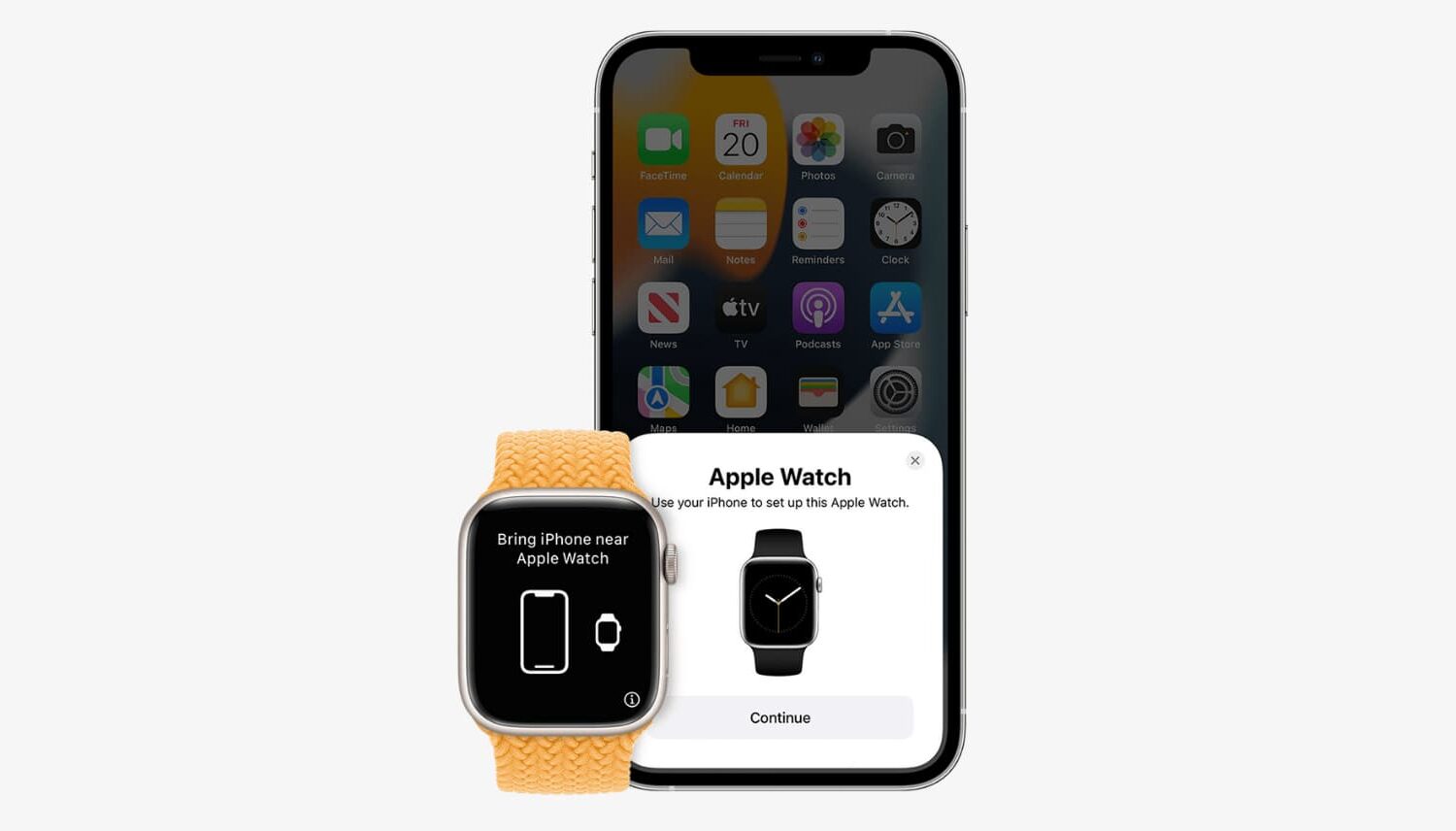
Learn about three ways to unpair your Apple Watch from its paired iPhone. Unpairing the Apple Watch is equivalent to erasing it. And after you do this, you’ll have to set up your Apple Watch again.
Unable to use apps on your Apple Watch? Check out how to fix apps not opening, crashing, or freezing on your watch.
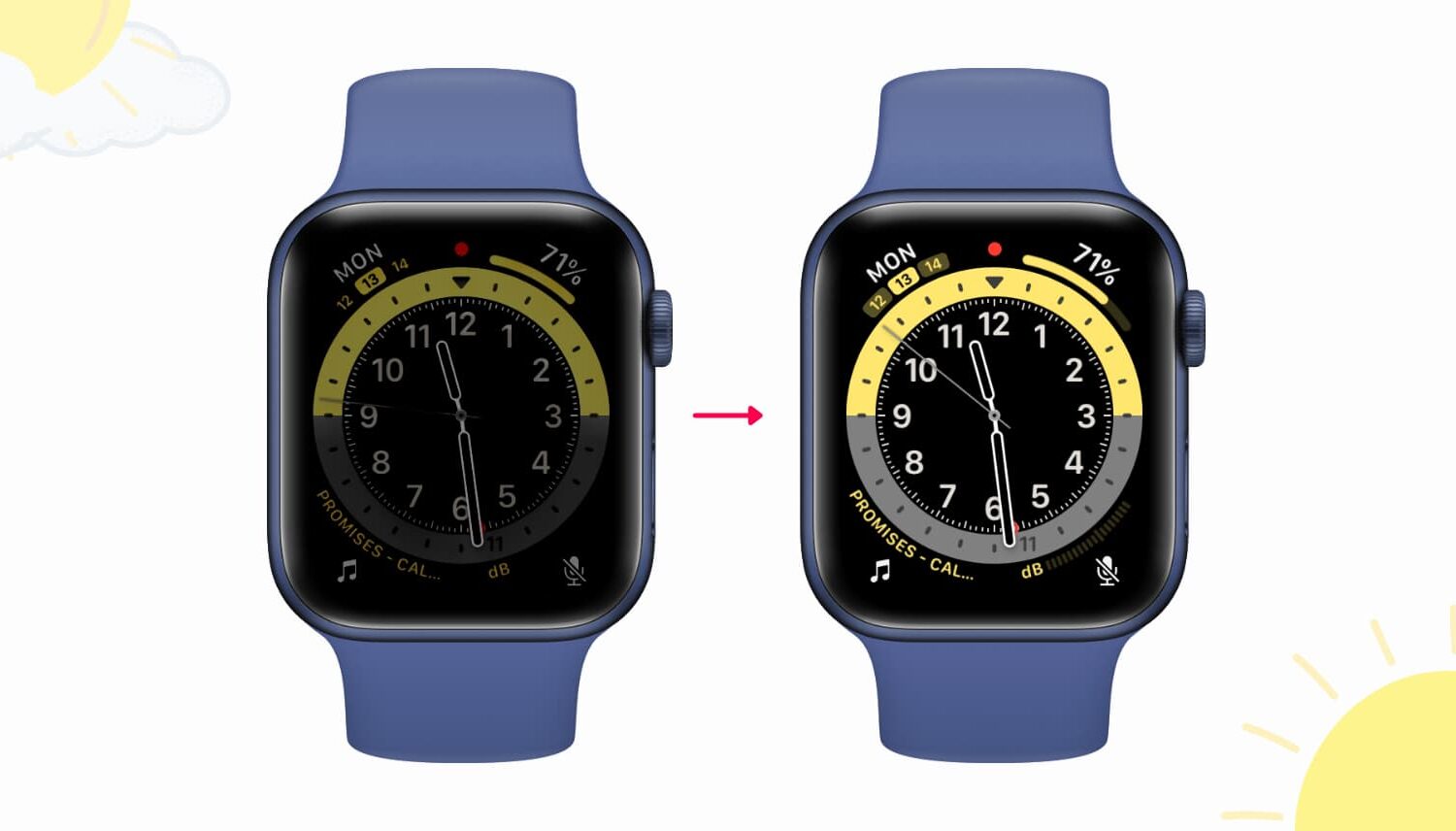
Find out why your Apple Watch screen is too dim and learn about some quick ways to make the display brighter again.
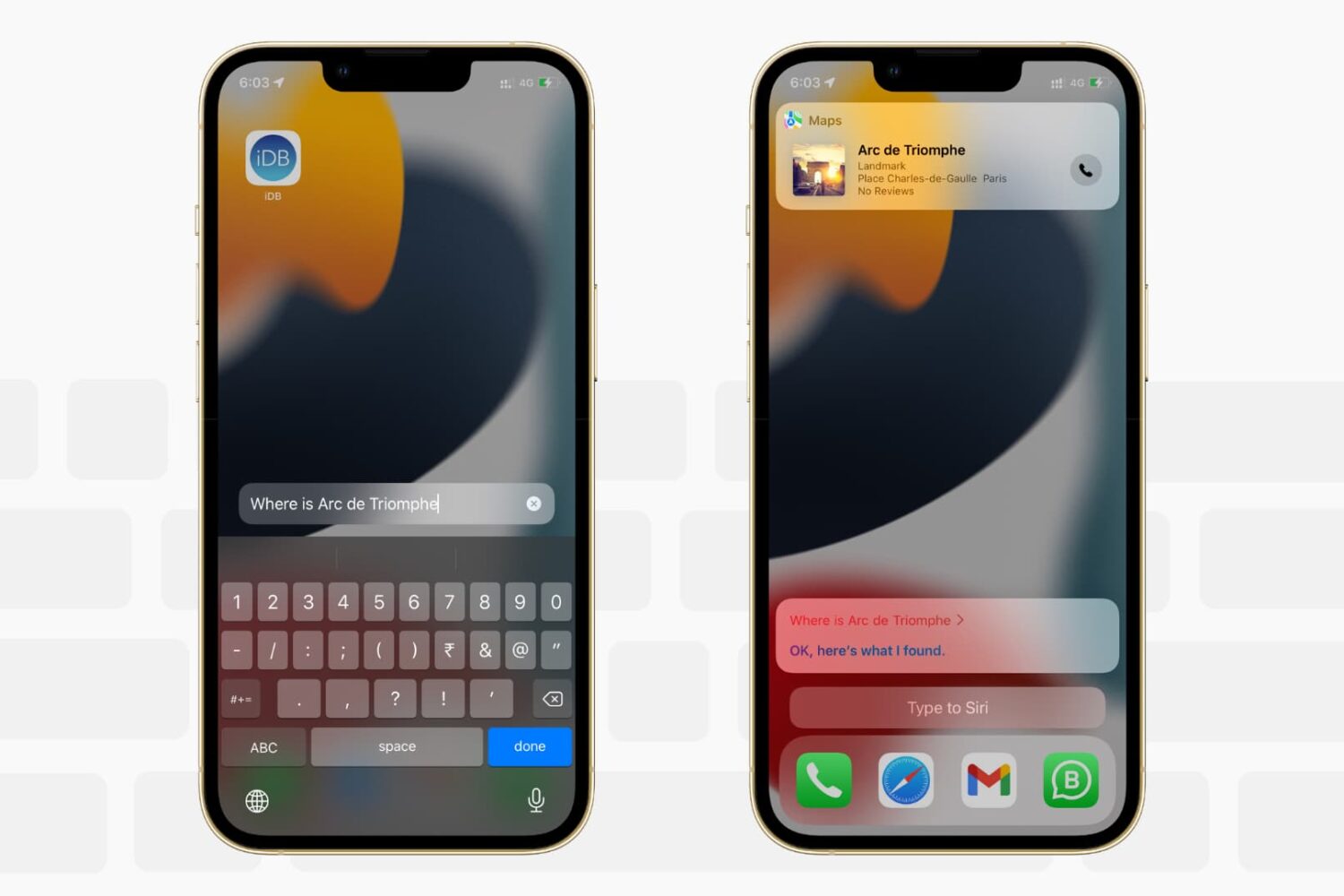
Want to write to Siri instead of speaking to it? In this tutorial, we’ll show you how to type to Siri instead of speaking, making it easier to communicate discreetly with Apple’s virtual assistant on iPhone, iPad, Mac, Apple Watch, and Apple TV.
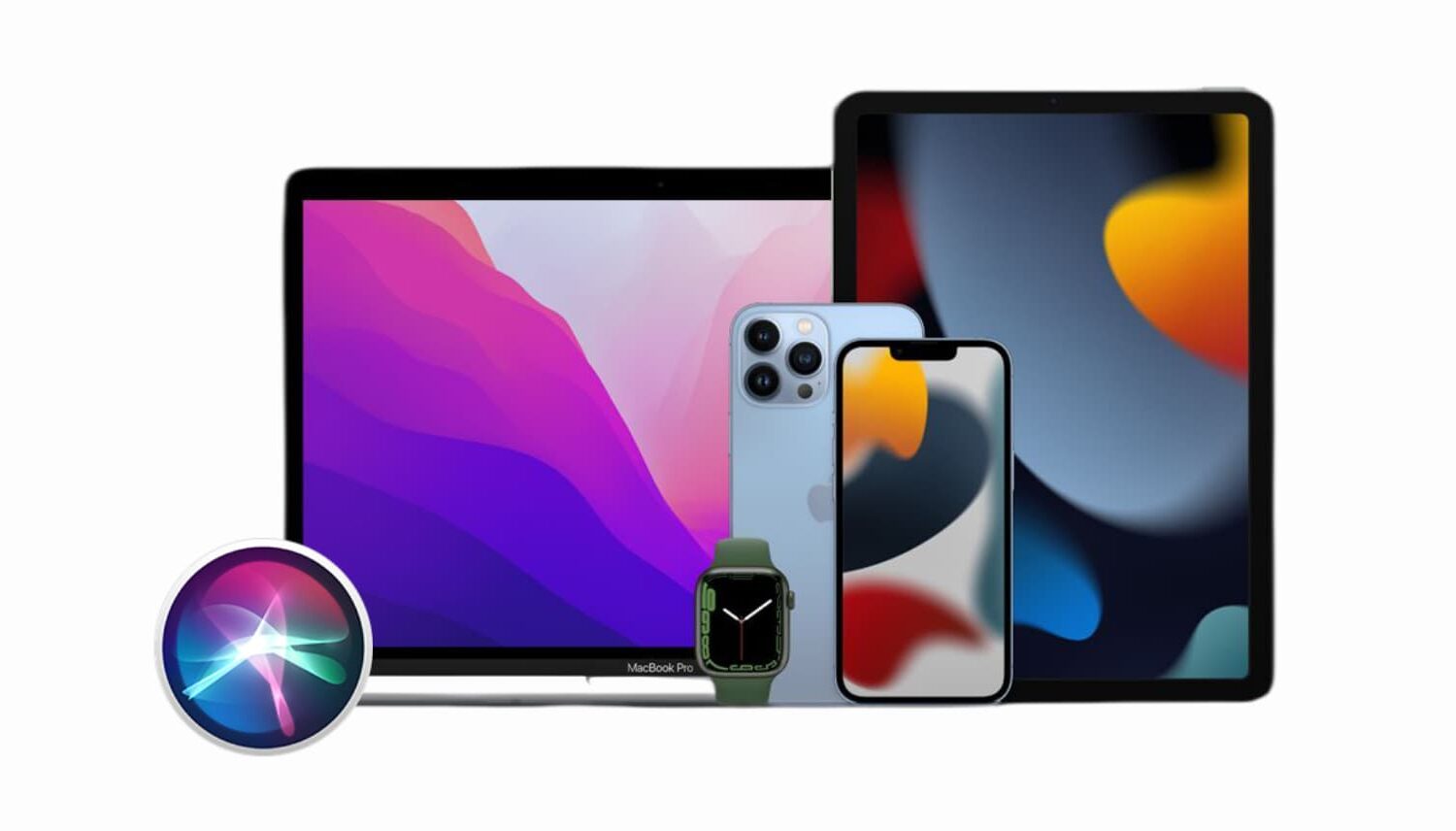
Siri is the default built-in voice assistant on Apple devices. It lets you set alarms, answer questions, and do almost everything voice assistants do. This quick tutorial shows you how to call Siri on iPhone, iPod touch, iPad, Apple Watch, AirPods, Mac, HomePod, Apple TV, and supported cars.

Learn how to set up and use Do Not Disturb (DND) on your iPhone, iPad, Mac, and Apple Watch to minimize distractions and stay focused while working, driving, or resting.

Don't like the current cover image of a photo album? Check out these quick steps to use any other picture or video as the cover photo or "Key Photo" for an album on your iPhone, iPad, or Mac.

In this tutorial, we'll show you how to open multiple websites at once in Chrome and Safari on Mac to save time every day.

There are many different models of iPhone and iPad that come in various colors, sizes, screen types, and more. If you don’t follow Apple news closely, it can be hard to tell the correct iPhone or iPad name and type. To help, here’s how you can easily know the model name and number for your iPhone or iPad, even if it doesn’t power on!
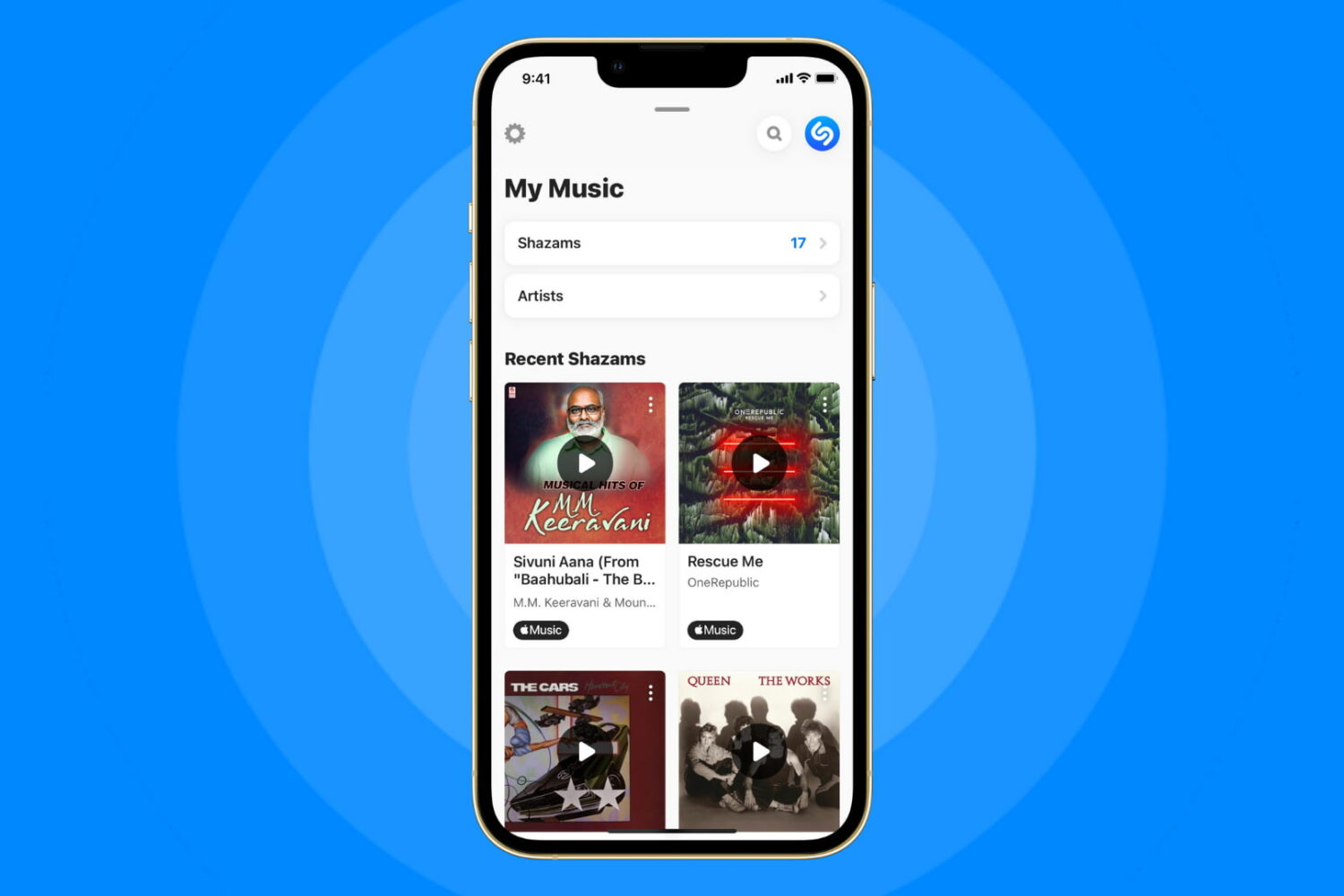
Shazamed a song earlier and now want to know what track it is? Check out how to see your Shazam or Siri Shazam history on iPhone, iPad, and Apple Watch.

Learn how to manually or automatically update apps on your iPhone, iPad, and Apple Watch to keep them running smoothly.
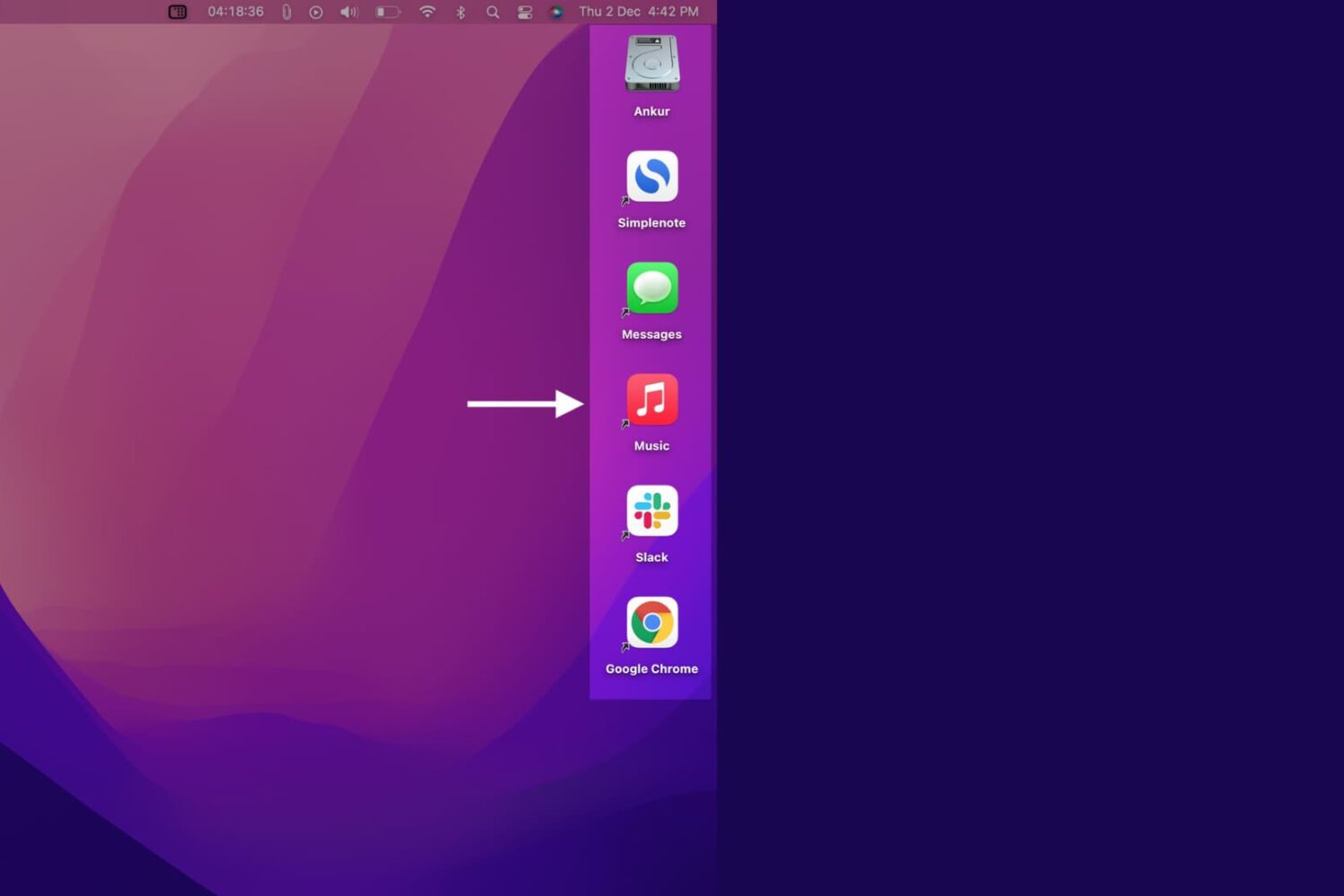
In this quick tutorial, we show you how to create application shortcuts on your Mac’s desktop or folders.