Go through these solutions to fix the Notes app not working, opening, freezing, crashing, or not displaying your notes on iPhone, iPad, and Mac.
Fix the Notes app crashing or not working on iOS and Mac
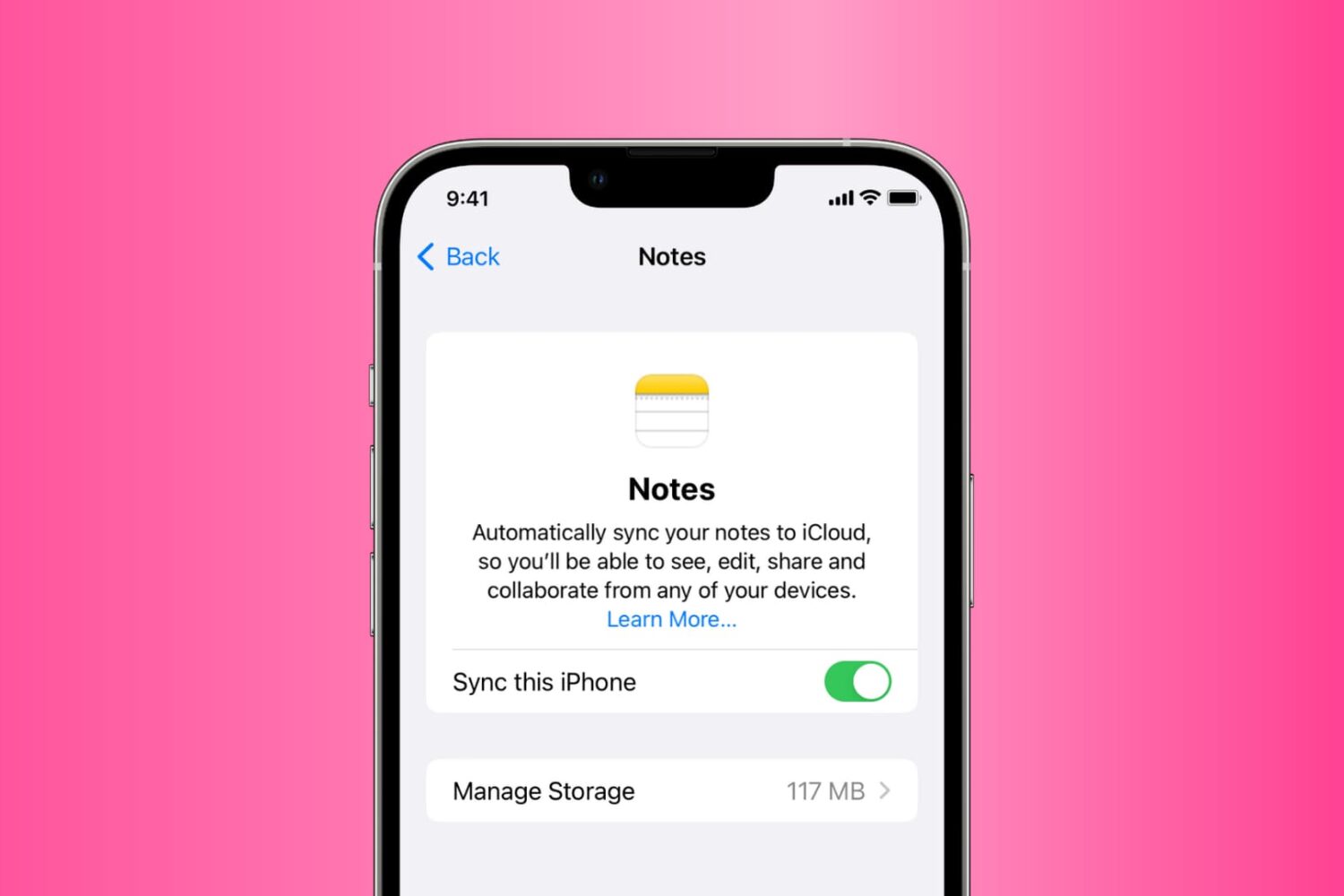
Go through these solutions to fix the Notes app not working, opening, freezing, crashing, or not displaying your notes on iPhone, iPad, and Mac.
Learn what steps to take if your AirPods, AirPods Pro, or their charging case get dropped in water or exposed to sweat, juice, beer, and other liquids.
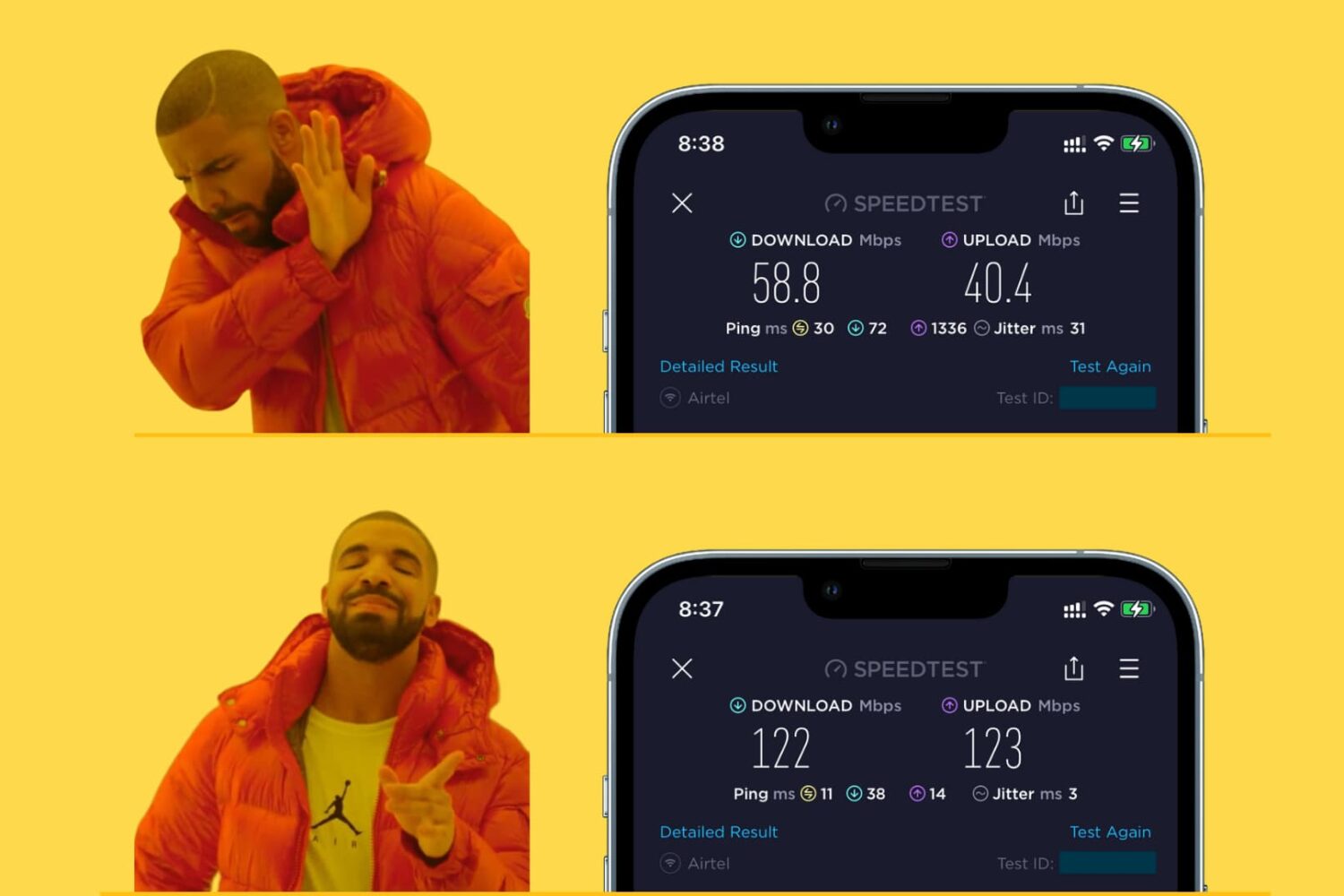
Learn how to make your iPhone, iPad, Mac, or Apple Watch join the faster Wi-Fi network and ignore the slower ones, so you get the best internet speeds.
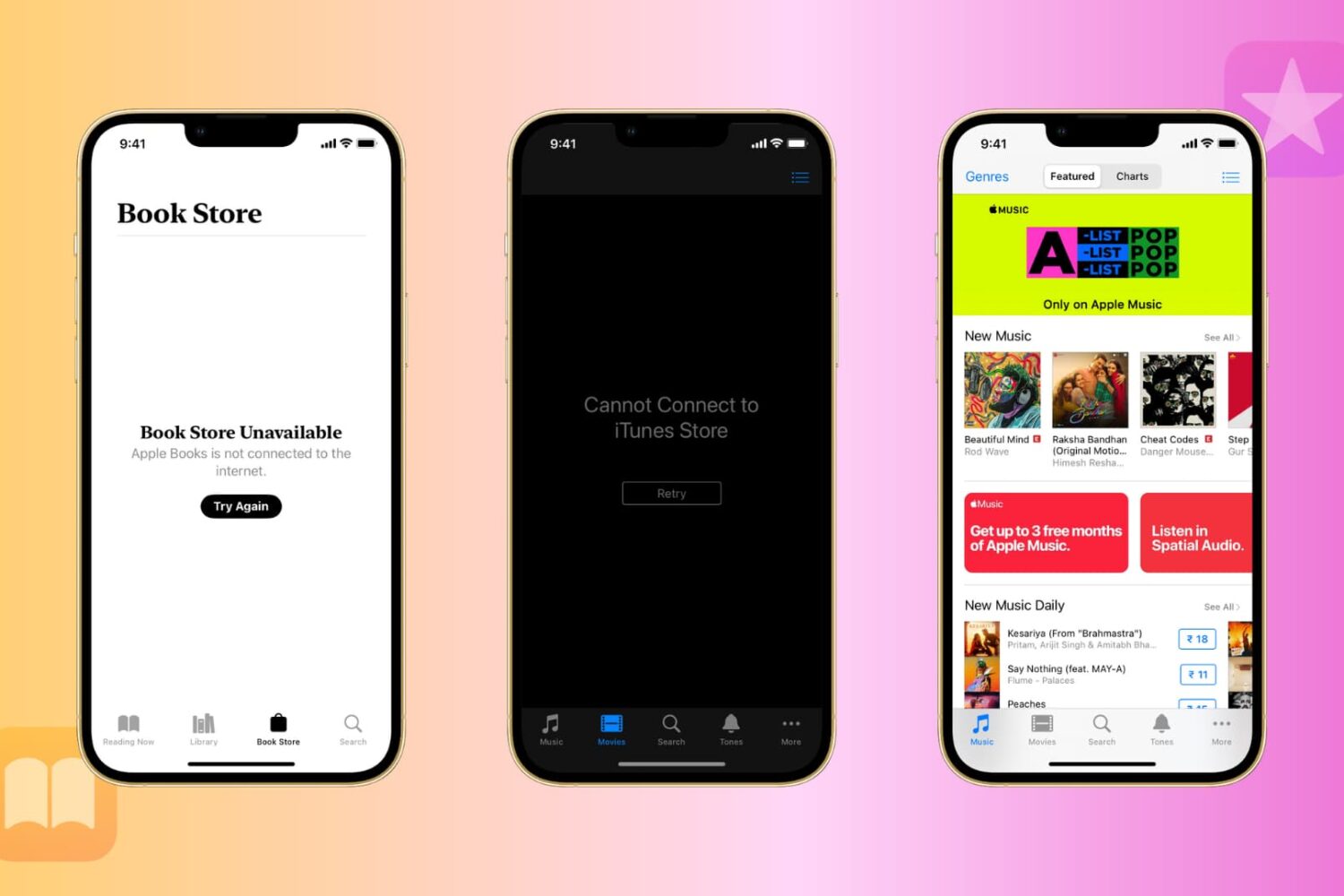
Learn what to do if you can’t use the iTunes Store or Book Store on your iPhone, iPad, Mac, or Windows PC and get errors like Cannot Connect to iTunes Store or Book Store Unavailable.
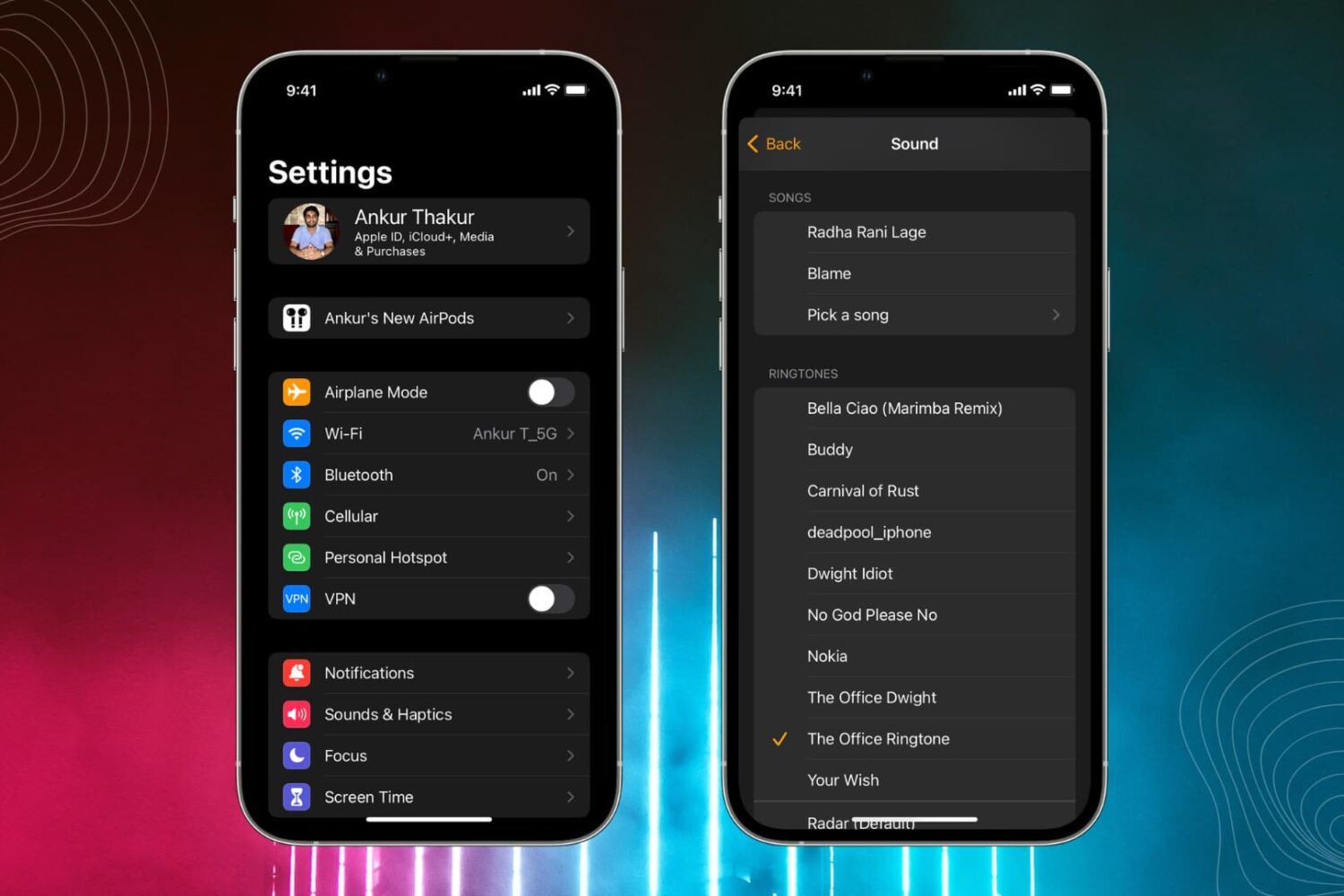
Learn how to personalize alert sounds like ringtone, text tone, and third-party notification tones on your iPhone and iPad.

Learn how to use the ‘take a break’ feature on Facebook so you see less of a friend, ex-girlfriend, separated spouse, or just about anyone you’re connected with on the world’s largest social platform.
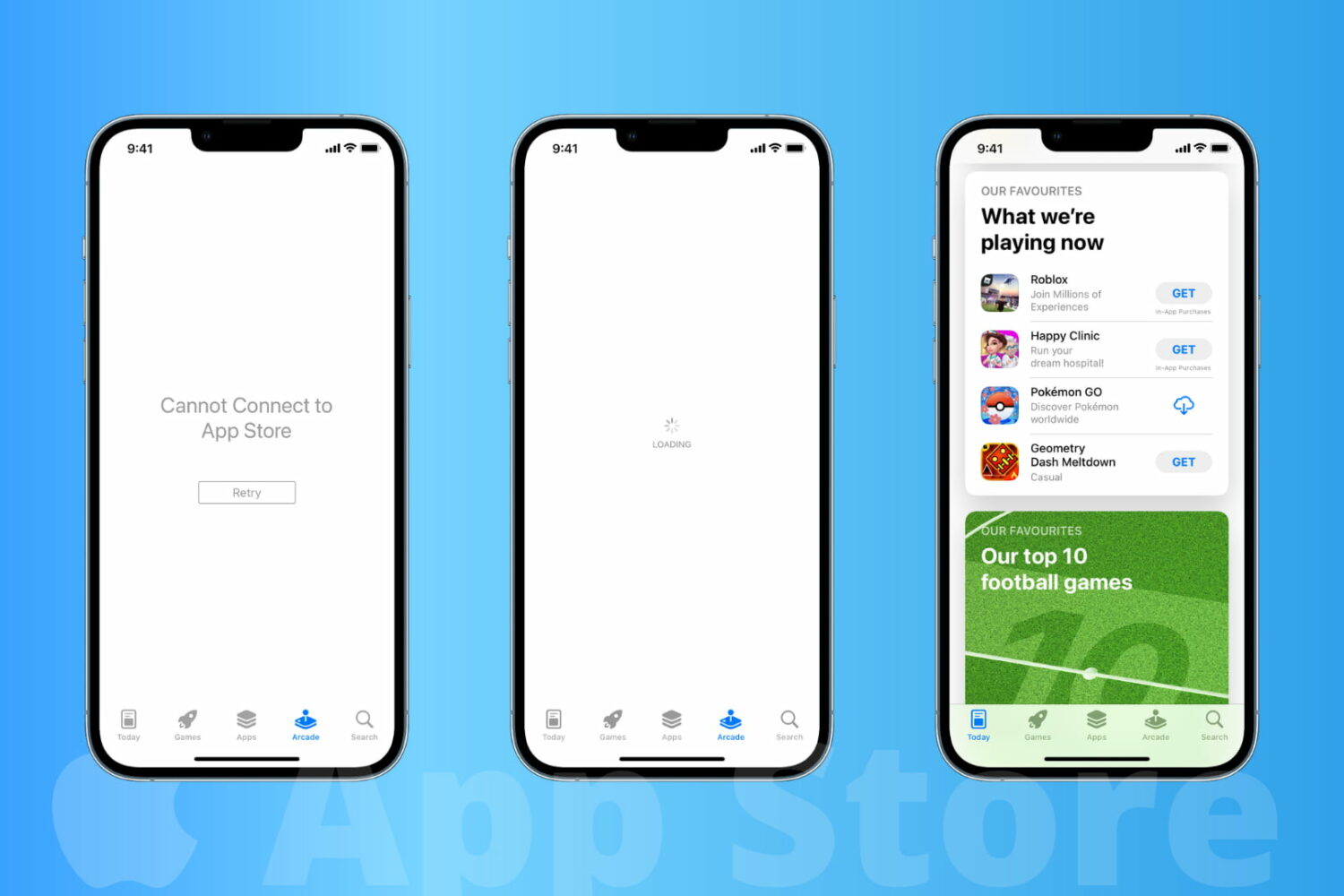
Learn how to fix the App Store not working on your iPhone or iPad, and solve the “Cannot Connect to App Store” error.
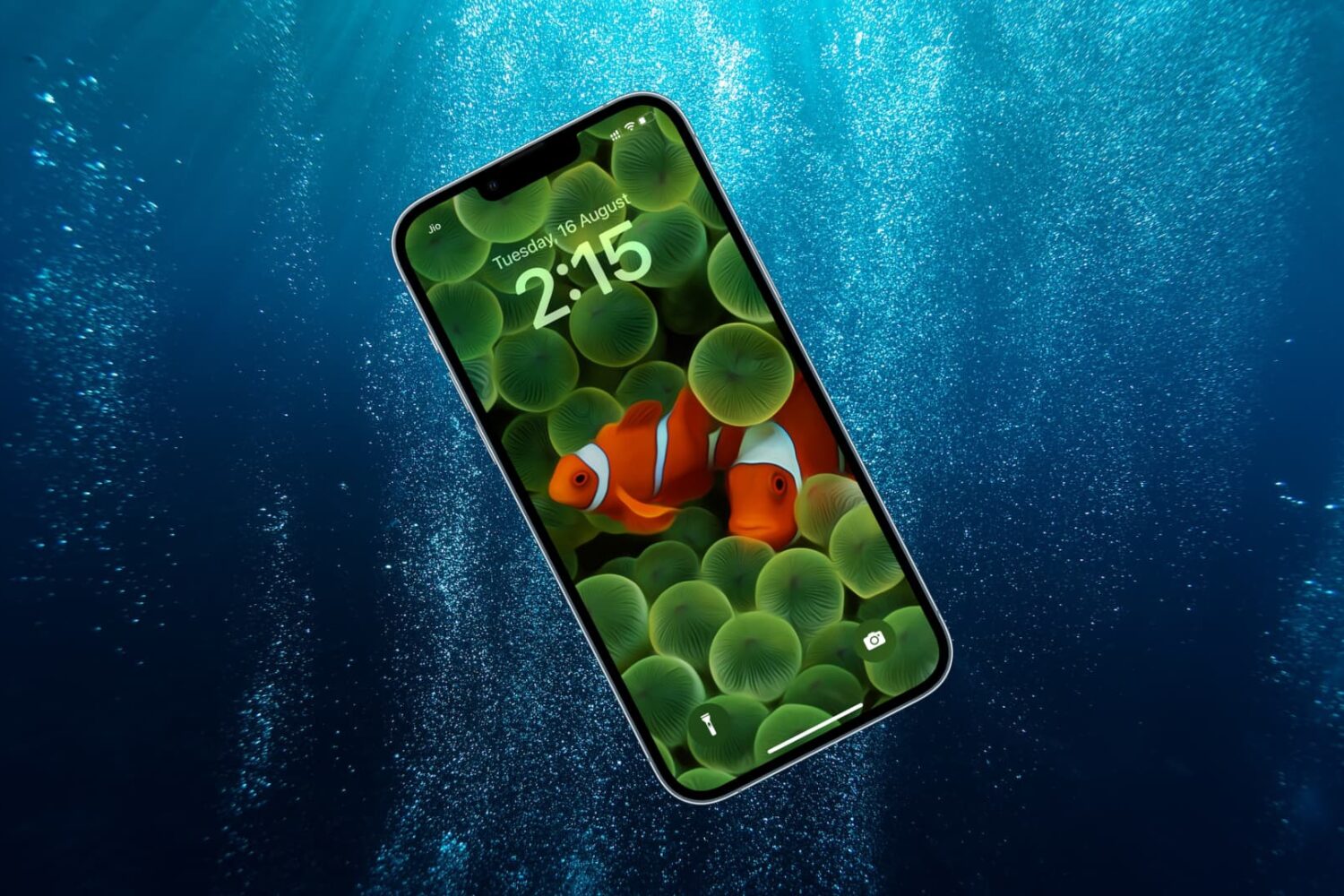
Here are some essential things you must do after dropping your iPhone in water or after it gets drenched in the rain, shower, or other liquid.
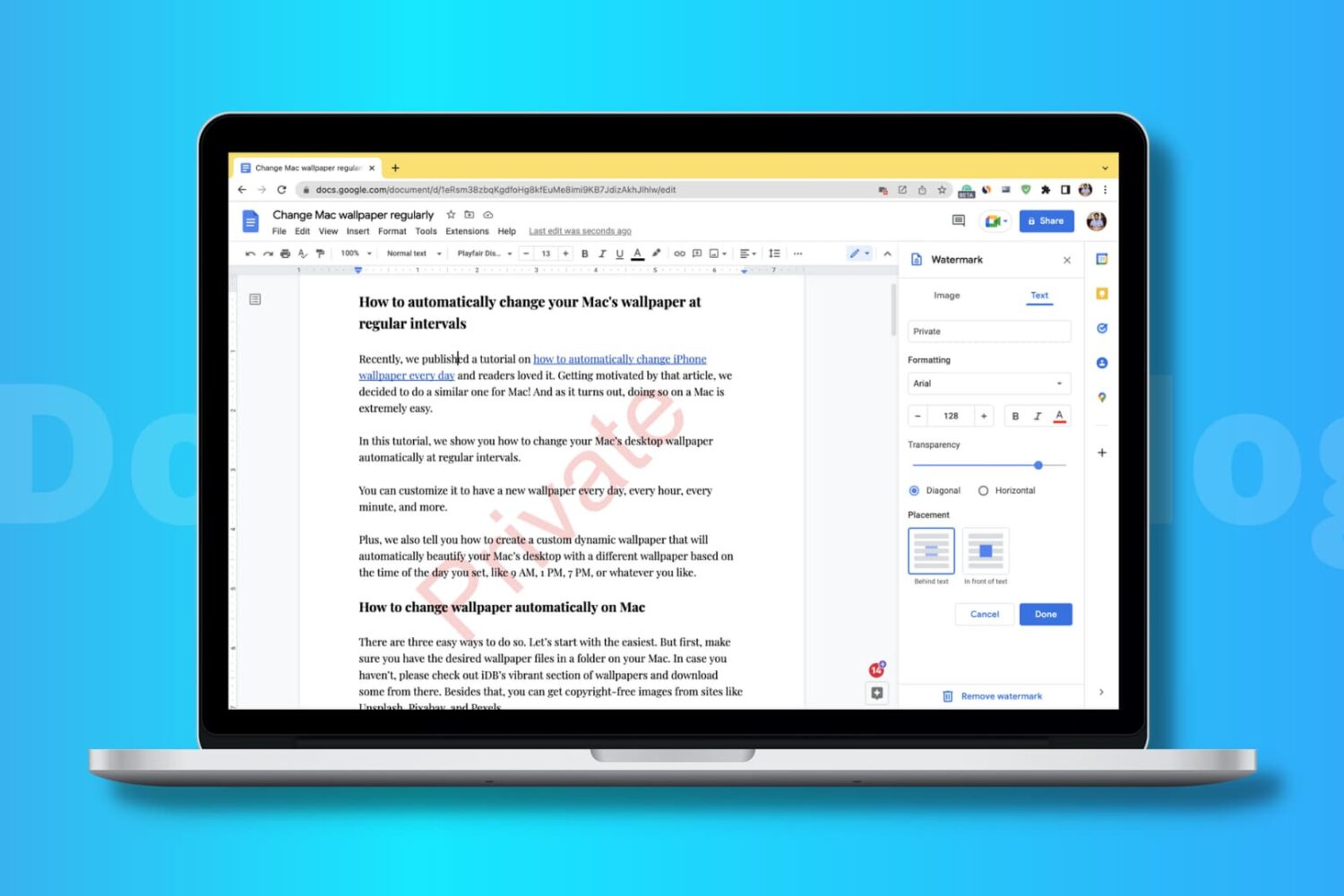
In this step-by-step guide, we’ll show you how to add an image, logo, or text as a watermark in your Google Docs documents.
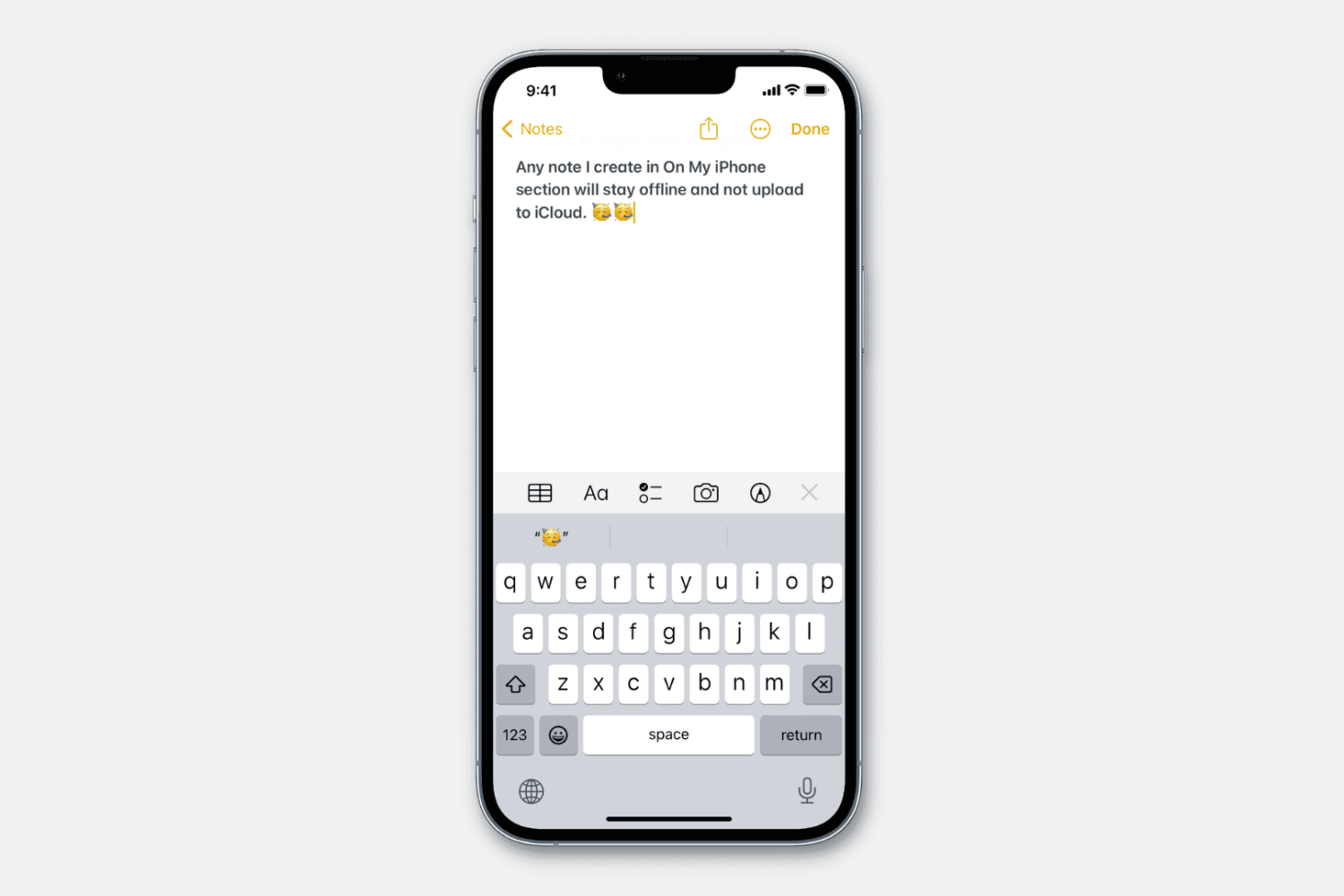
Learn how to stop specific notes from uploading to iCloud and prevent them from syncing to all your Apple devices.

Learn how to transfer video, audio, subtitles, and all other kinds of files from your computer to the VLC Media Player app on your iPhone or iPad.
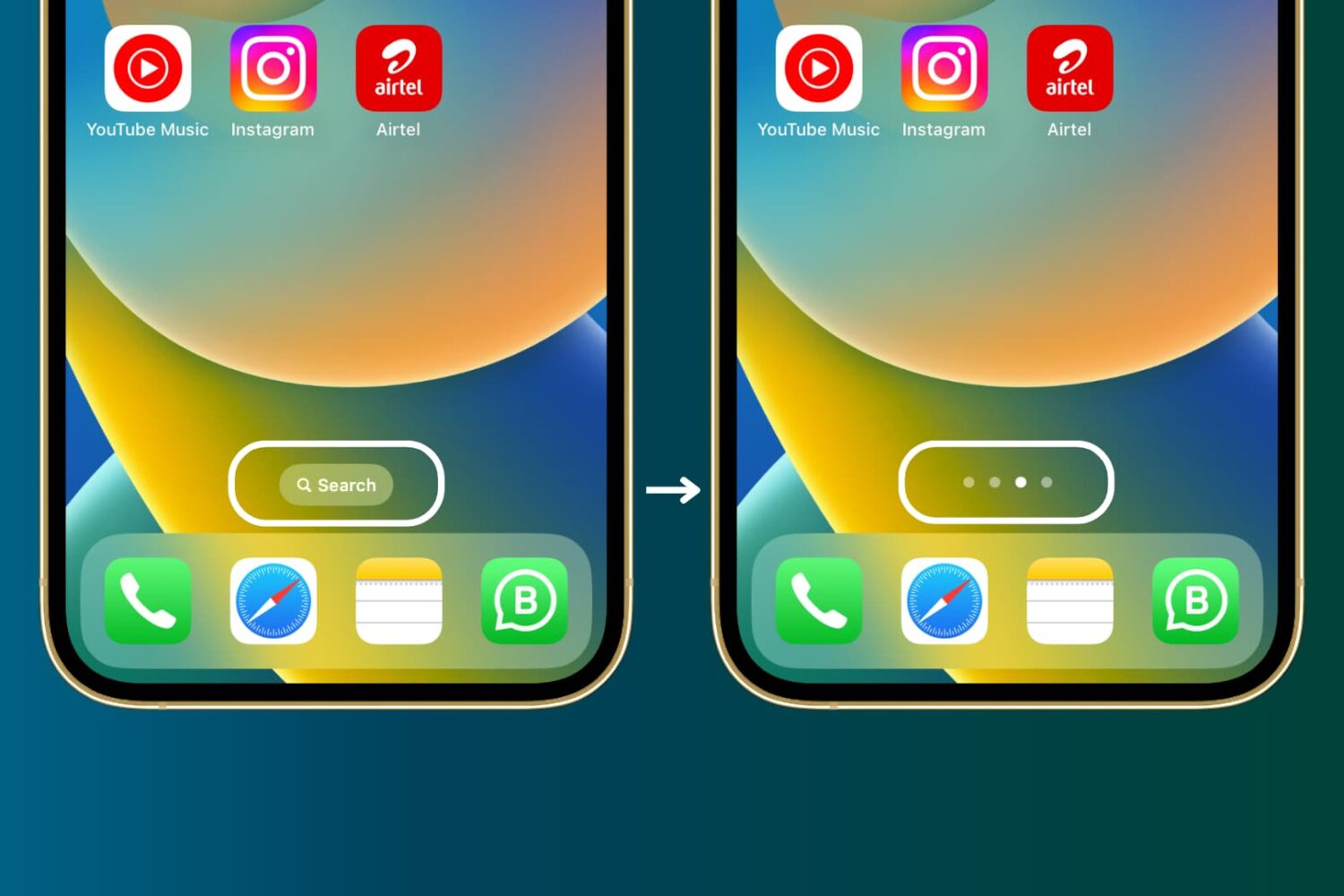
Find out how to hide the Search button from your iPhone Home Screen if you don’t use it and rely on the swipe-down gesture to open Spotlight Search.