Learn about a couple of simple Spotlight Search tips to open apps and websites in an instant on your iPhone or iPad.
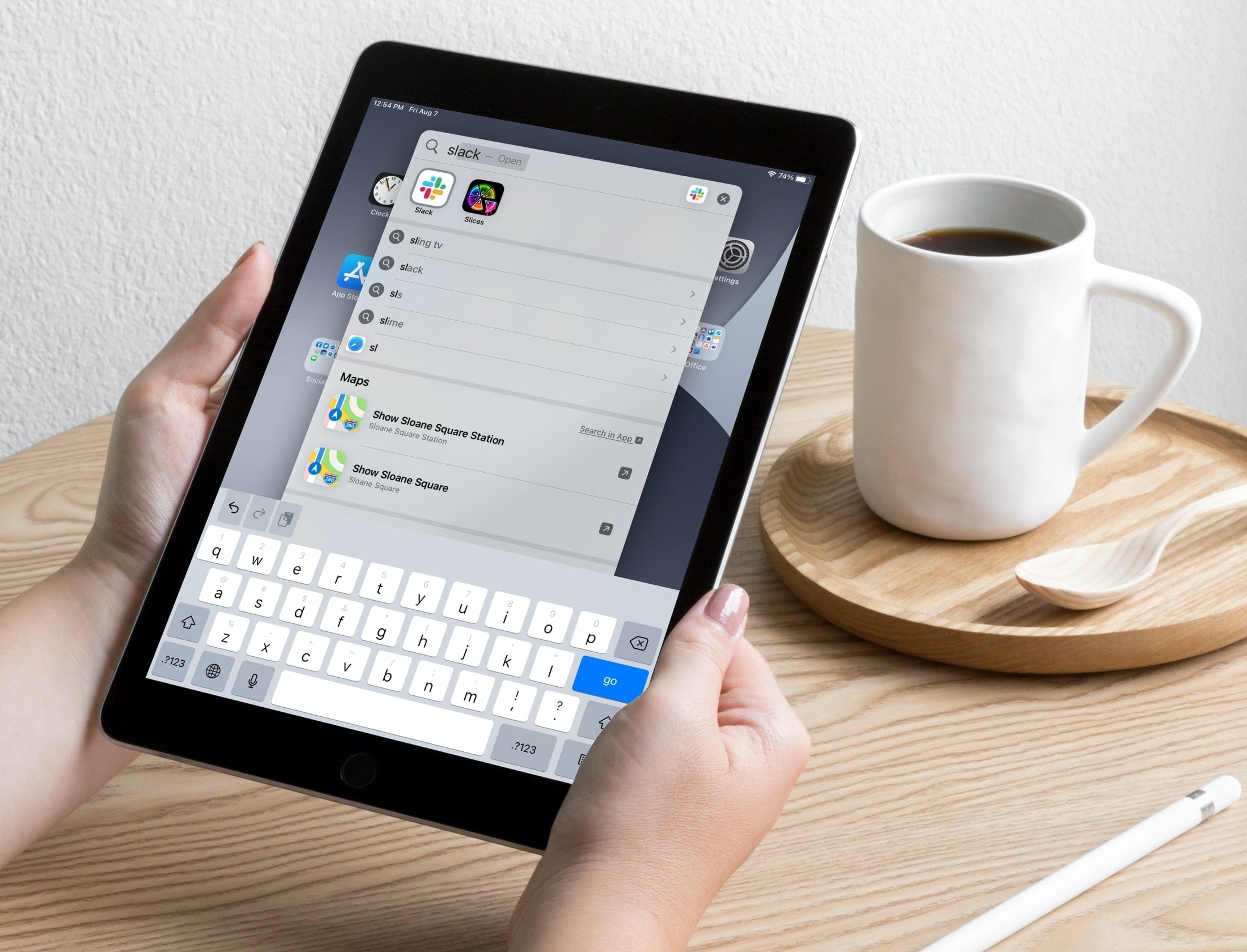
Starting with iOS 14 and iPadOS 14, Apple updated the built-in Search tool to let you find items within apps much faster and with better results.
Another great feature of iPhone Search is a quick launcher. By just typing in a few letters, you can open apps and websites with a tap.
Use the Search tool quick launcher on iPhone and iPad
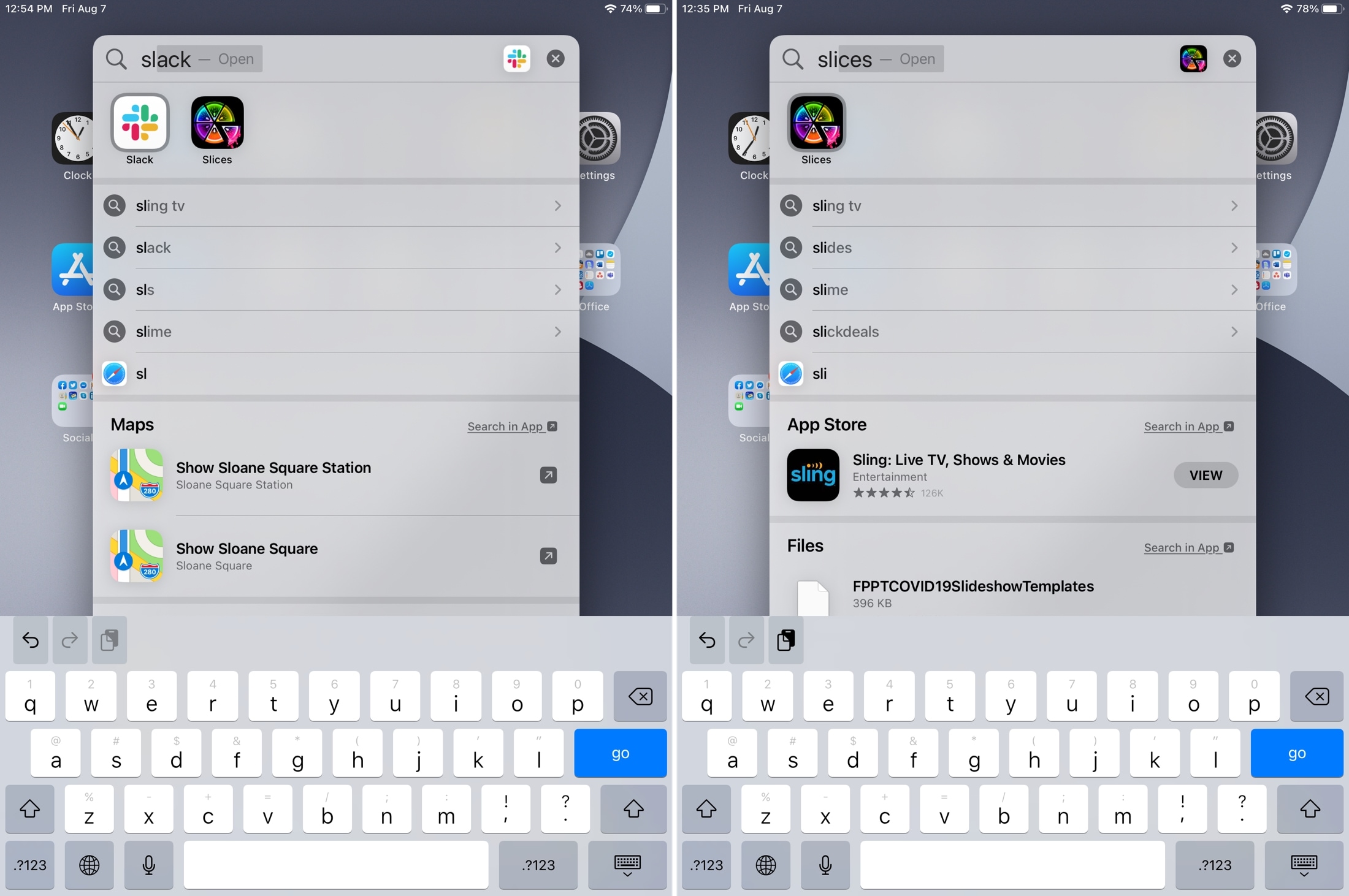
When you try to find apps using Spotlight Search, the apps that match the letters you’re entering pop right at the top of the search results list. This is handy if you use folders to organize apps because if you need one in a hurry or simply can’t find one, Search saves you from hunting around your device.
- Just start typing the name of the app.
- With each letter you add, you’ll see results immediately.
- The first app in the list will display with its name in the search field and the word “Open.” If this is the app you want, hit the arrow or go key on your keyboard, and the app will open.
- If the second app in the list happens to be the one you want, you can tap it in the results or enter the next letter in the name and tap the arrow key on the keyboard. This means you don’t have to move your fingers from the keyboard to open the app you want.
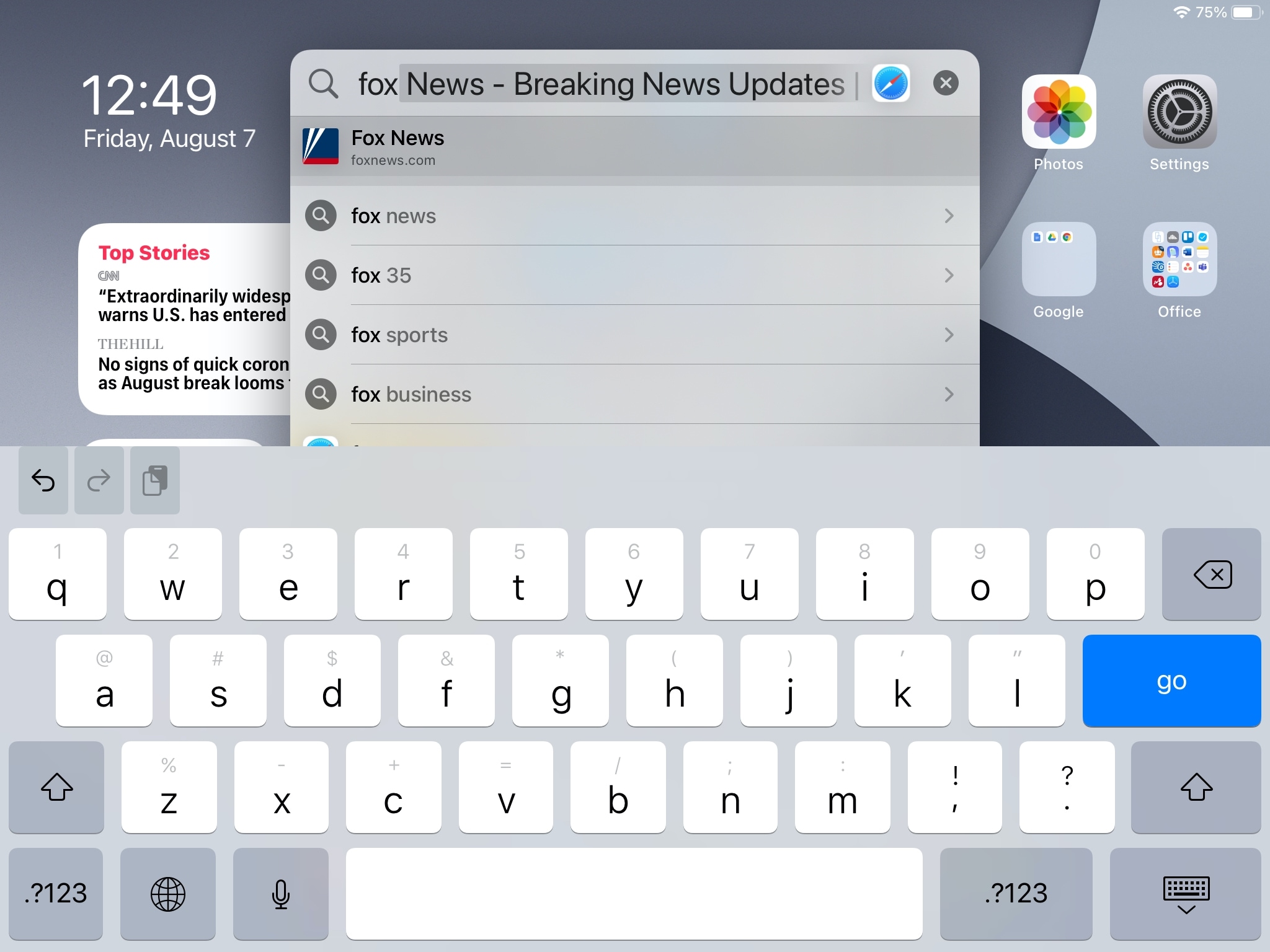
Searching for a website should also work pretty much the same way as searching for an app.
- Just start typing the letters of the site’s name.
- You’ll see a list of results that you can tap to open in Safari.
- But you’ll also see the complete name of the top site in the list within the search field.
- Again, tap the arrow key on your keyboard, and the site will open in Safari.
Important: For famous websites, you may see a dedicated page that has curated information about them. Other times, it’s also possible that the Top Hit section is for that website’s app, and hitting the arrow key will open the App Store. All in all, the experience with websites varies depending on what you’re searching for.
Having an enhanced Search tool on iPhone and iPad makes simple tasks, like searching for an app or site, a breeze. Be sure to take advantage of this on your device!
Other Search tips for you: