Learn how to save open tabs in Safari on Mac in several ways, which will enable you to revisit them later and pick up right where you left off without skipping a beat.
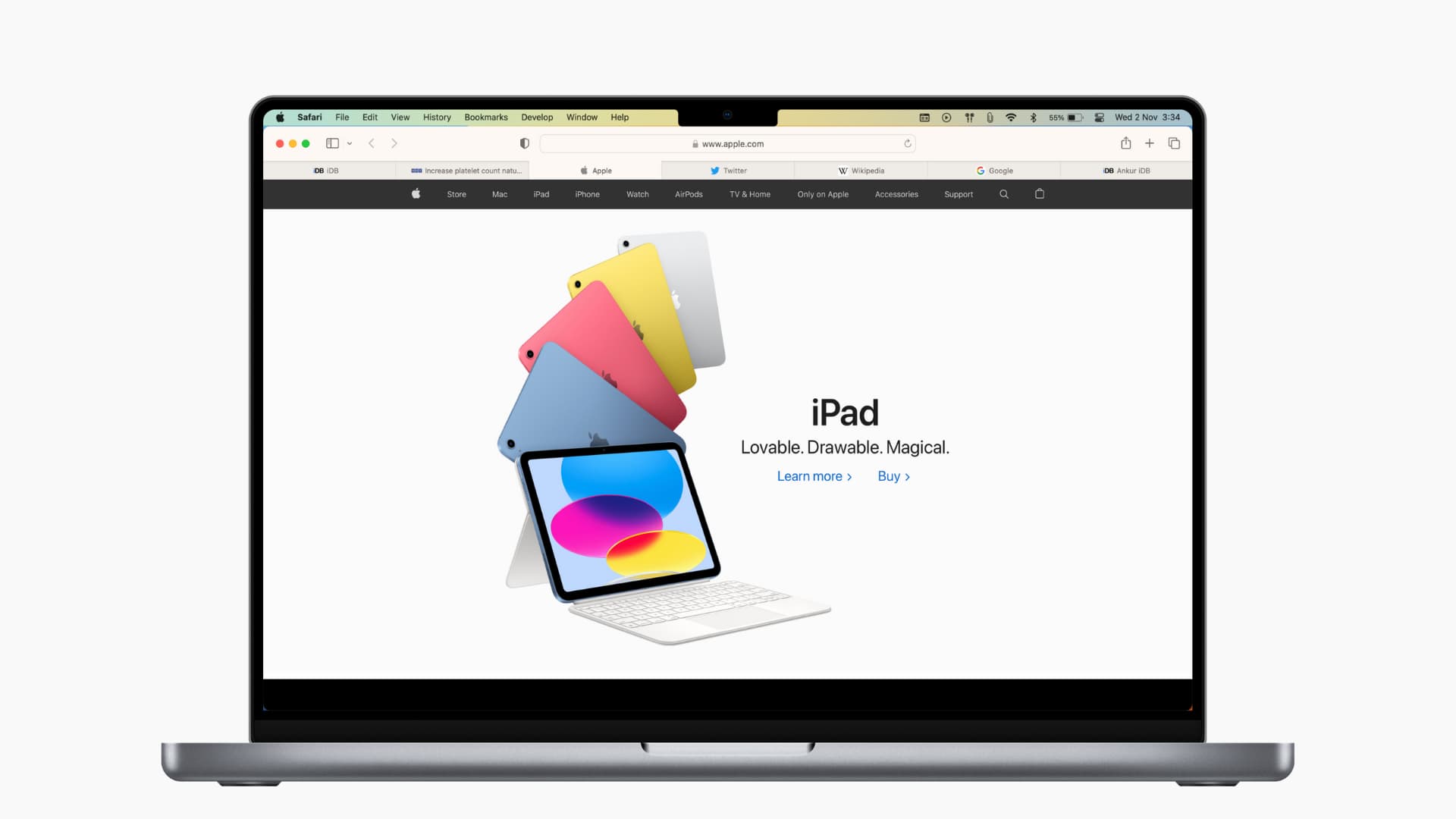
Method 1: Save open tabs in a bookmarks folder
- Click Bookmarks in the top menu bar in Safari.
- Choose Add Bookmarks for N Open Tabs.
- Pick a location for your bookmarks and click Add to save all open tabs inside.

Whenever you’d like to revisit these tabs, click the Bookmarks menu and select the location where you saved them.

Method 2: Add open tabs to Safari’s Reading List
Adding open tabs to your Reading List in Safari will let you read them offline. To do so, click the Bookmarks menu and select Add N Open Tabs to Reading List.

To access your Reading List, click the View > Show Reading List Sidebar menu to reveal a sidebar displaying your saved Reading List items.
Method 3: Safari extensions for saving tabs
If saving open tabs in your Reading List or a bookmarks folder doesn’t cut it for you, check out the following browser extensions available in the App Store.
Toast
1) Install the Toast app from the App Store.
2) Click Safari > Settings in the top menu bar.
3) Go to the Extensions tab and tick the box next to “Toast for Safari.”

4) Click the Toast icon in the Safari toolbar and give the extension permission to run. After that, sign up for a free account.

5) Once the extension is configured, click its icon in the Safari toolbar. Then click the Save button and choose a folder to save your open tabs to.

6) To revisit these websites, click the Toast icon in the Safari toolbar and click the arrow button next to the folder to open all bookmarked tabs in a new window.

Tab Saver for Safari
Tab Saver for Safari ($4.99) enables you to save open tabs and provides various other features. After installing the extension, click its button in the Safari toolbar to save all open tabs or just the current tab, access saved tabs, and more.
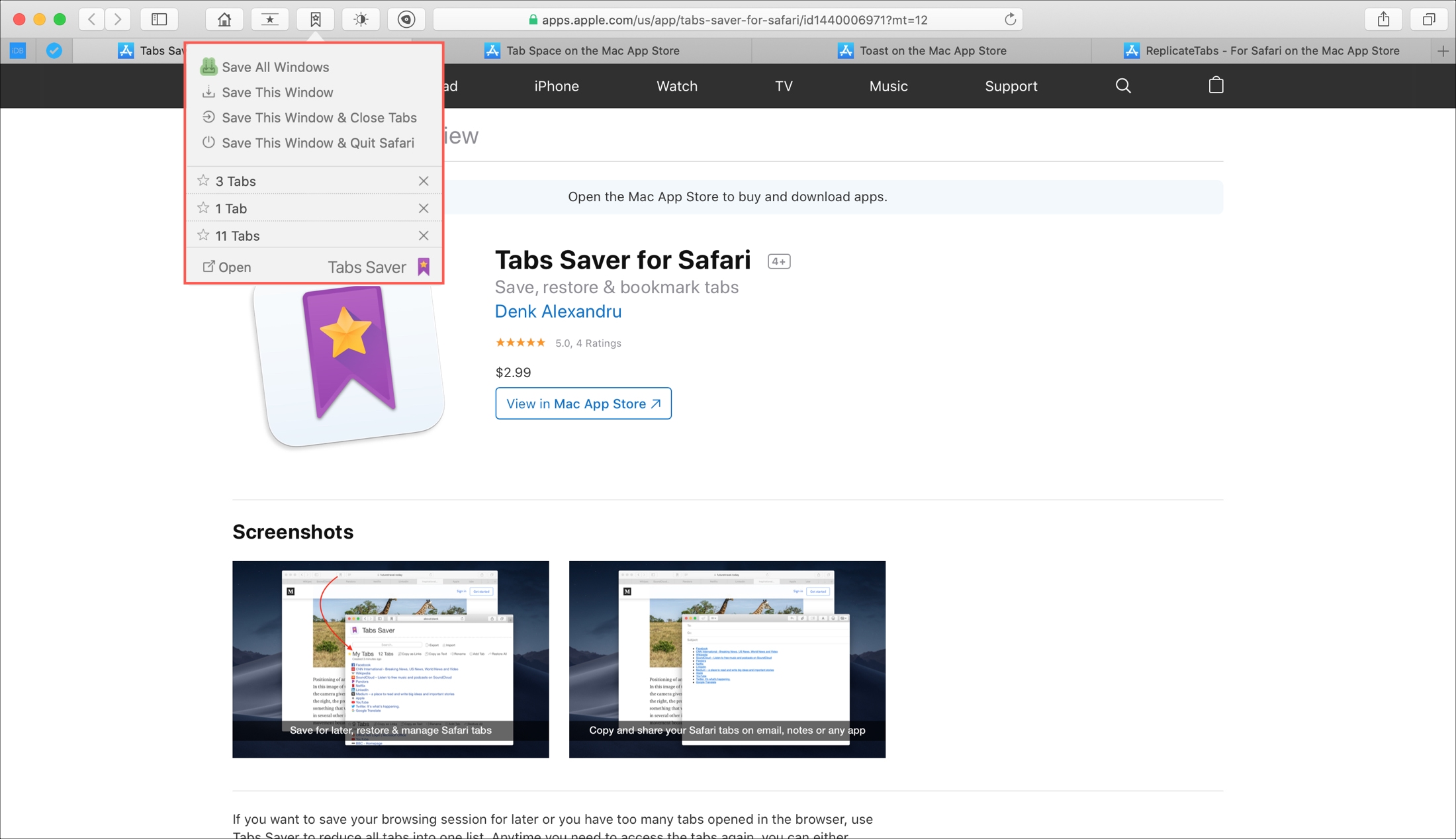
The extension provides other options. For example, you can add a tab to your session, delete a website from the session, or rename the session. You can also copy links of saved websites to paste into custom lists or even copy webpages as text. The extension provides options to import and export saved bookmarks.
More on Safari: